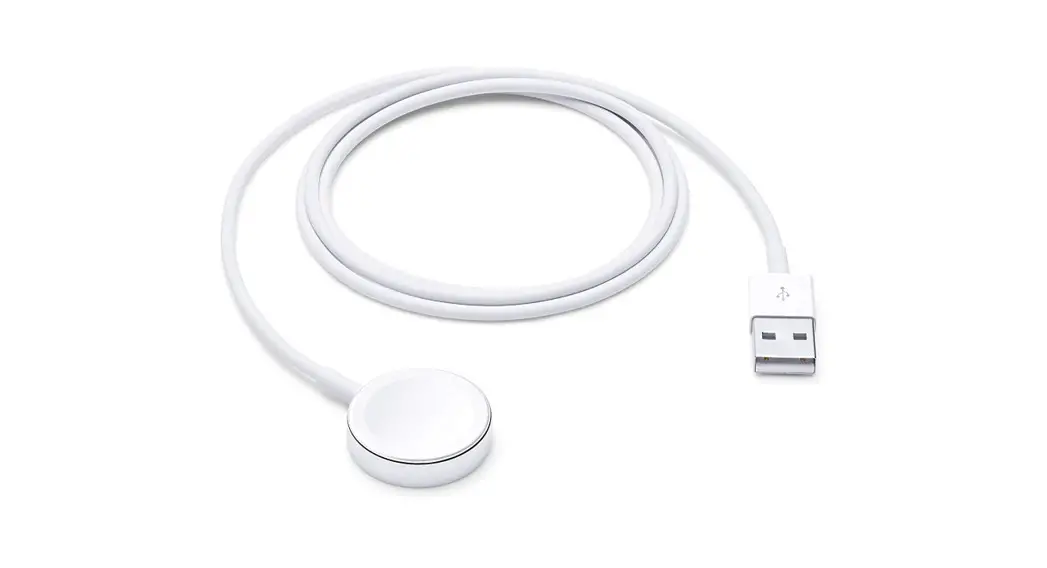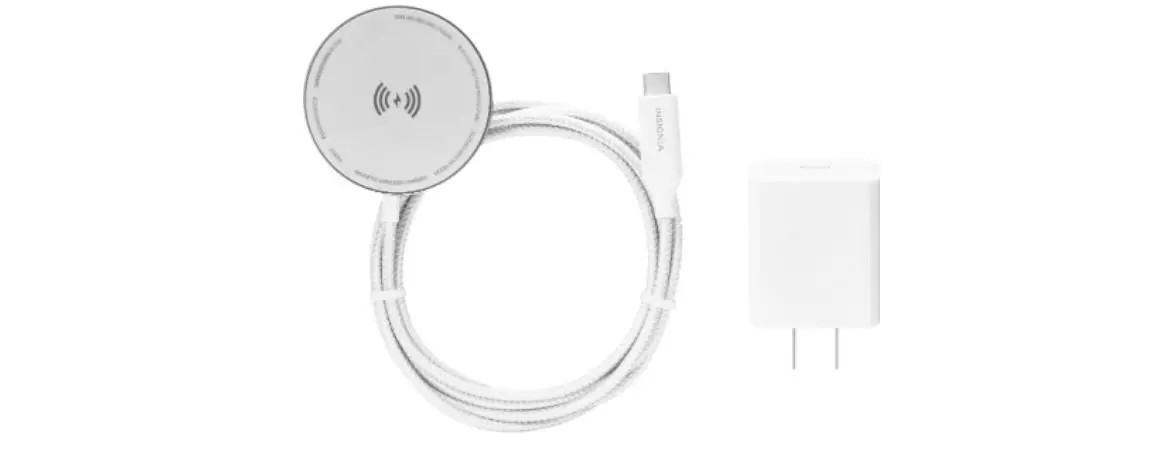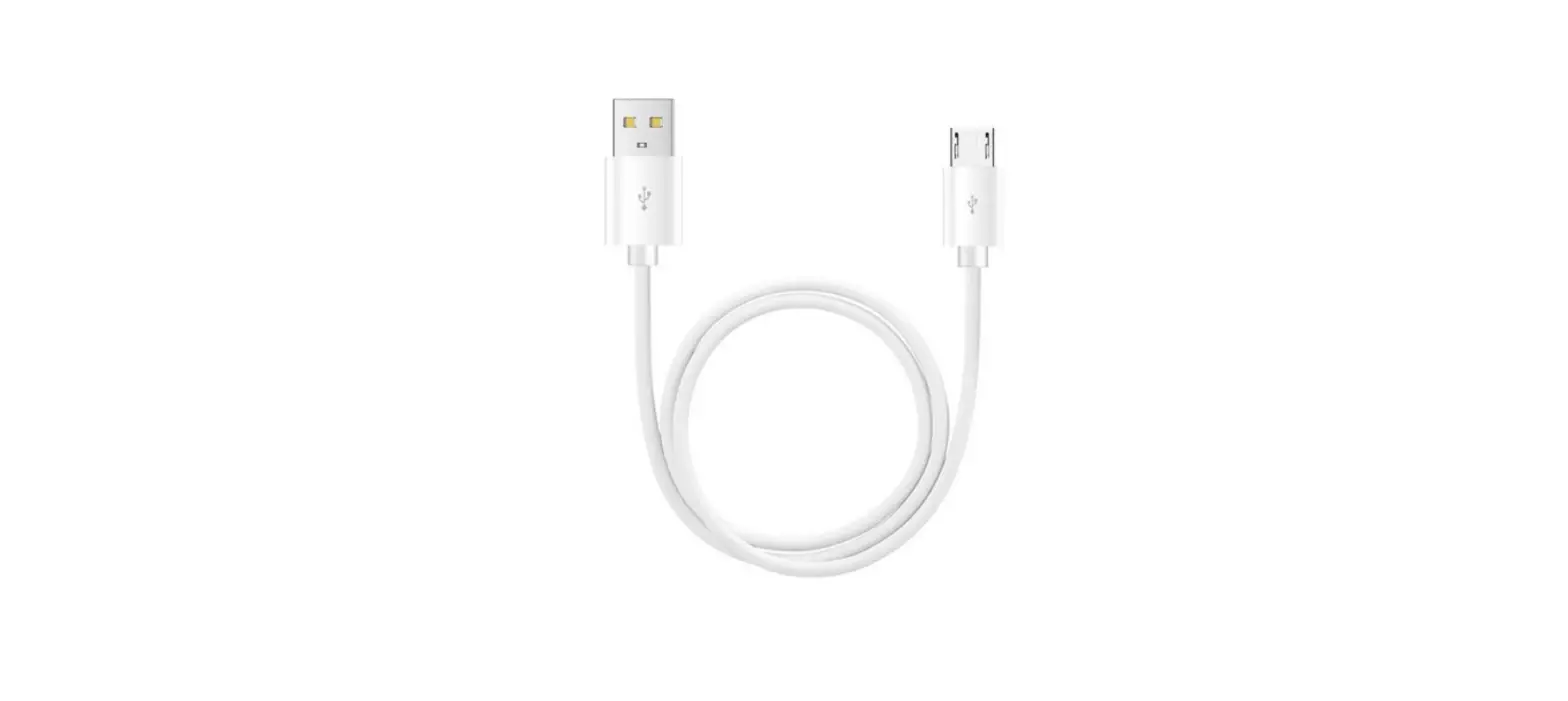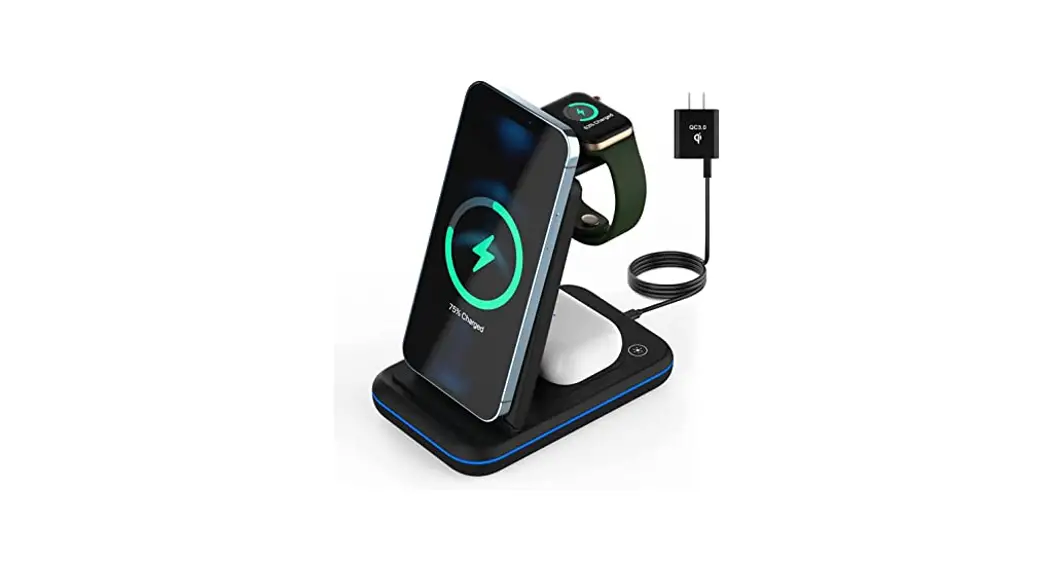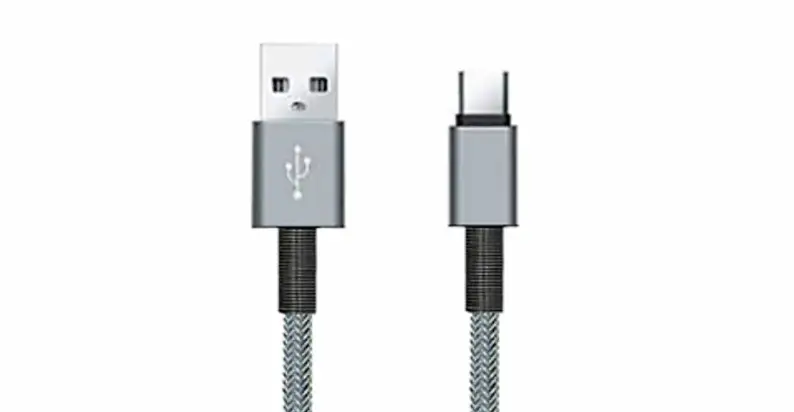

INSIGNIA NS-AWCB4CM-C Magnetic Charging Cable
FEATURES
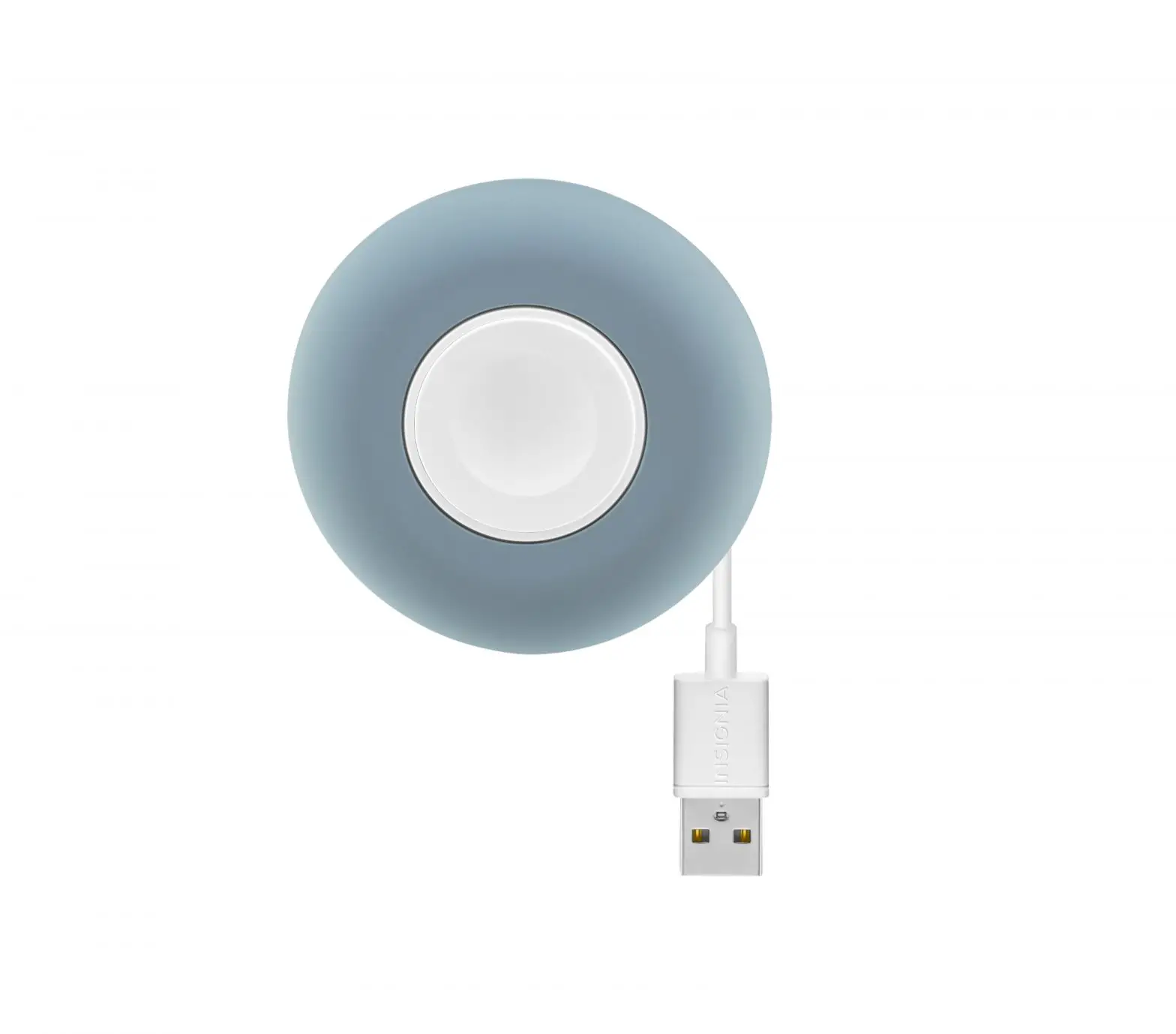
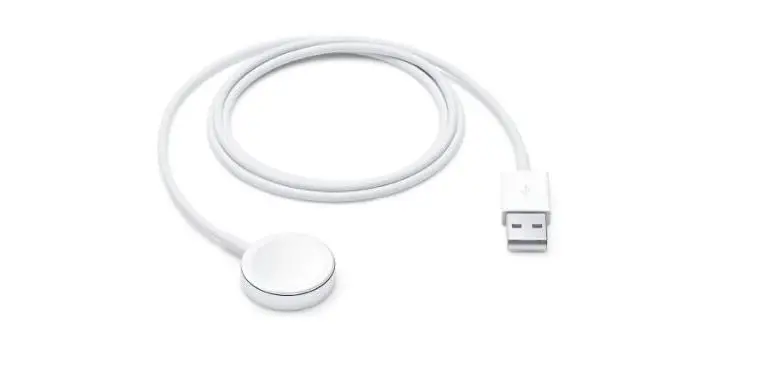
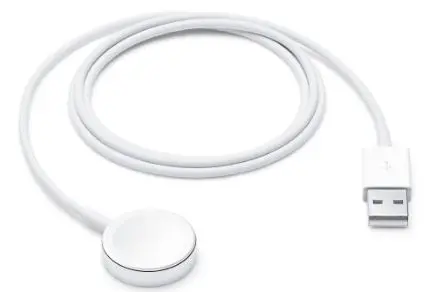
The silicone cable management bumper stays in place even if it is bumped. Note: Your magnetic charging cable is slightly larger than the original Apple® Charging Cable for an Apple® Watch magnetic charging cable.
WRAPPING THE CABLE
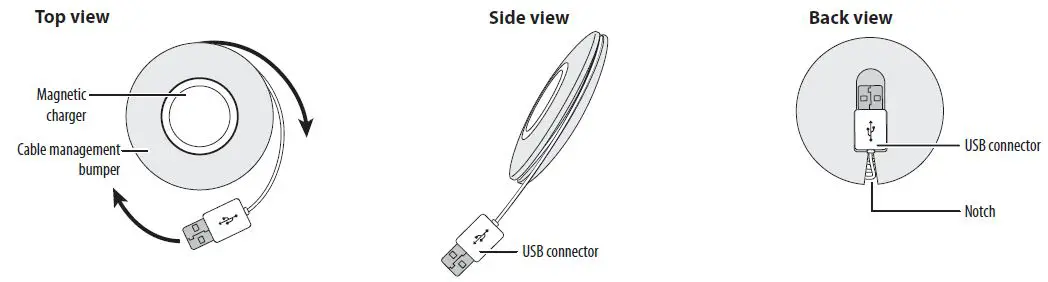
- Wind the cord around the cable management bumper until the end with the USB connector is sticking out about an inch.
Note: Make sure that you wrap it tightly. - Flip the cable management bumper over, then insert the USB connector into the notch in the back of the bumper.
USING YOUR MAGNETIC CHARGING CABLE
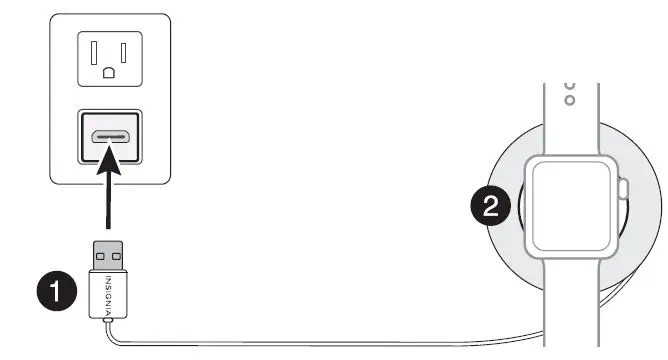
- Pull out the USB connector from the back of the cable management bumper and unwind the cord.
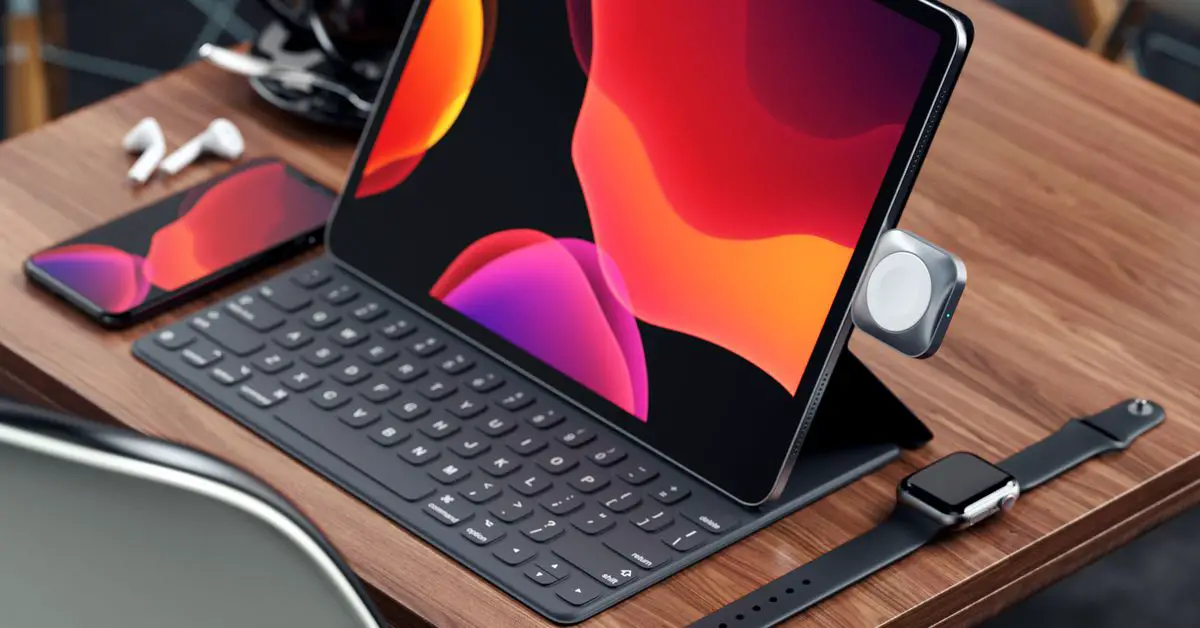
- Plug the USB connector into your charging source (not included), then set your Apple watch on top of the charger.
SPECIFICATIONS
- Dimensions (H × D): .7 in. × 2.7 in. (1.8 cm × 6.9 cm)
- Cable length: 4 ft. (121.9 cm)
LEGAL NOTICE
FCC Information: This device complies with Part 15 of the FCC Rules. Operation is subject to the following two conditions: (1) this device may not cause harmful interference, and (2) this device must accept any interference received, including interference that may cause undesired operation.
FCC Caution: compliance could void the user’s authority to operate the equipment.
FCC Statement: This equipment has been tested and found to comply with the limits for a Class B digital device, pursuant to part 15 of the FCC Rules. These limits are designed to provide reasonable protection against harmful interference in a residential installation. This equipment generates, uses and can radiate radio frequency energy and, if not installed and used in accordance with the instructions, may cause harmful interference to radio communications. However, there is no guarantee that interference will not occur in a particular installation. If this equipment does cause harmful interference to radio or and on, the user is encouraged to try to correct the interference by one or more of the following measures:
- Reorient or relocate the receiving antenna.
- Increase the separation between the equipment and receiver. which the receiver is connected.
- Consult the dealer or an experienced radio/TV technician for help. This equipment complies with FC
An uncontrolled environment This device contains license-exempt transmitter(s)/receiver(s) that comply with Innovation, Science, and Economic Development Canada’s license-exempt RSS(s). Operation is subject to the following two conditions:
- This device may not cause interference.
- This device must accept any interference, including interference that may cause undesired operation of the device.