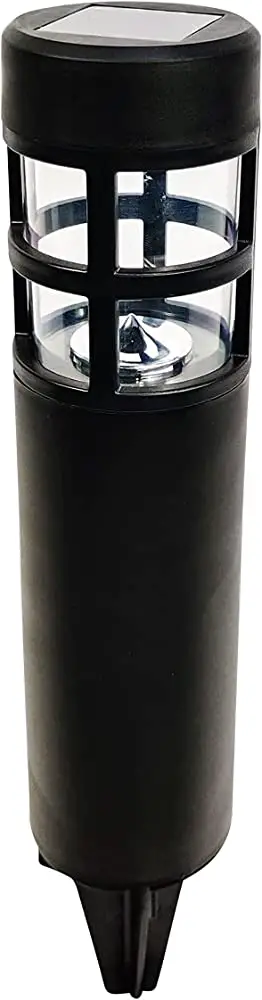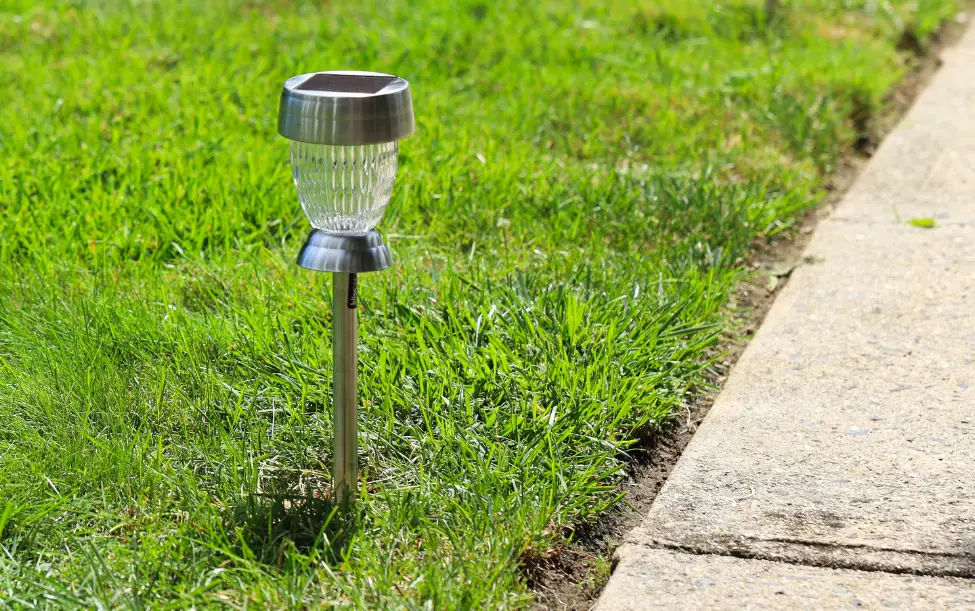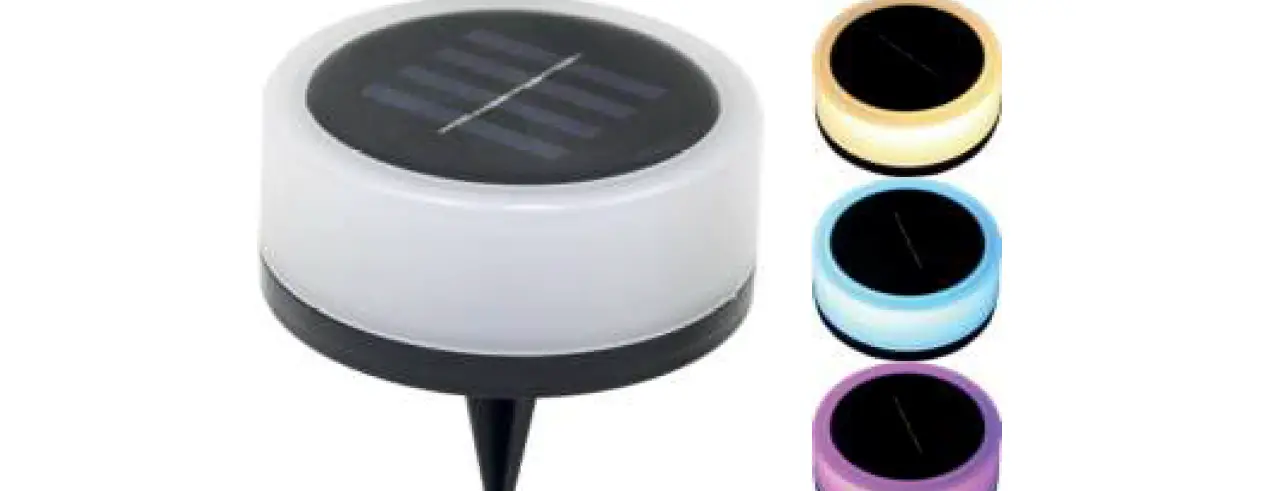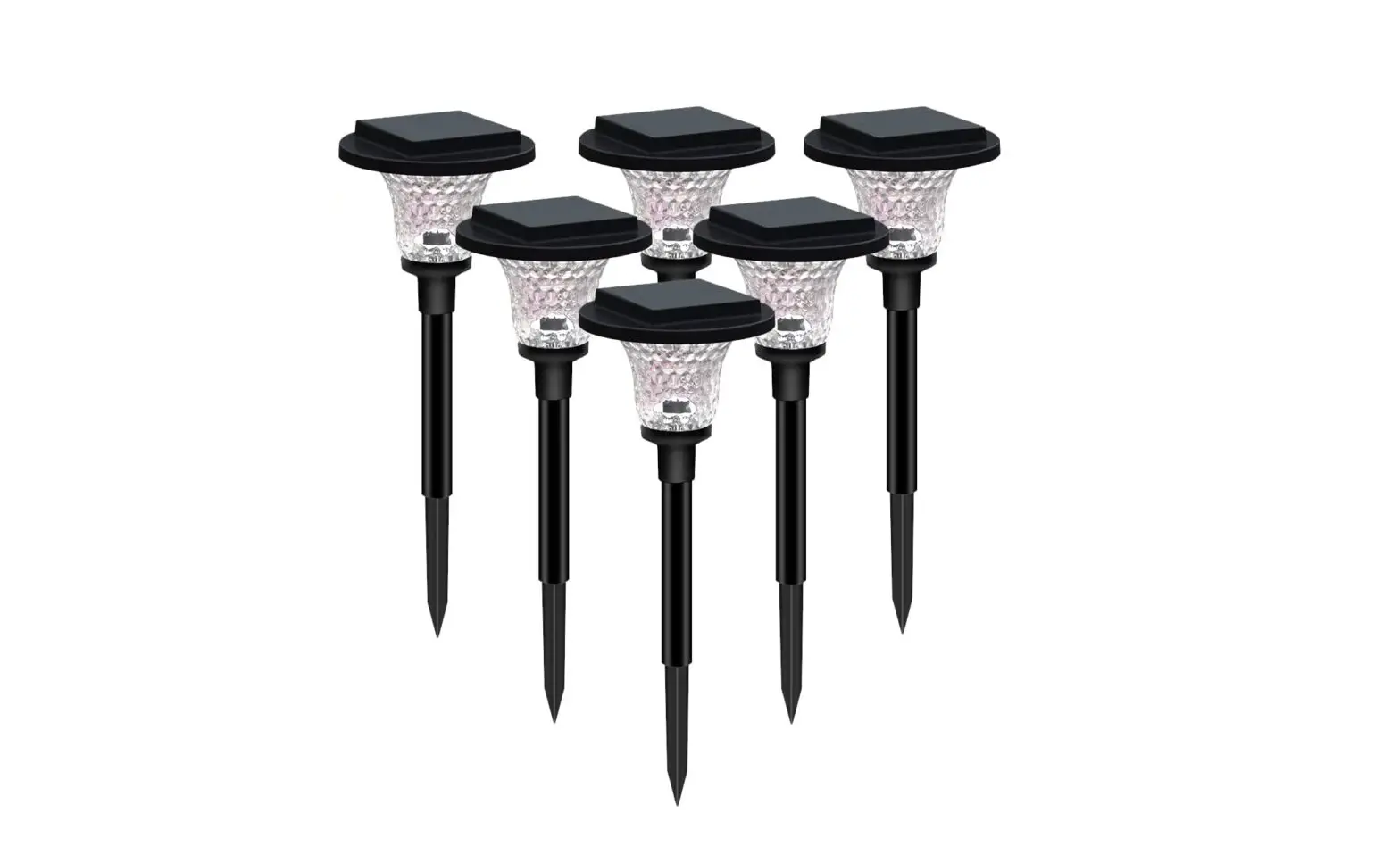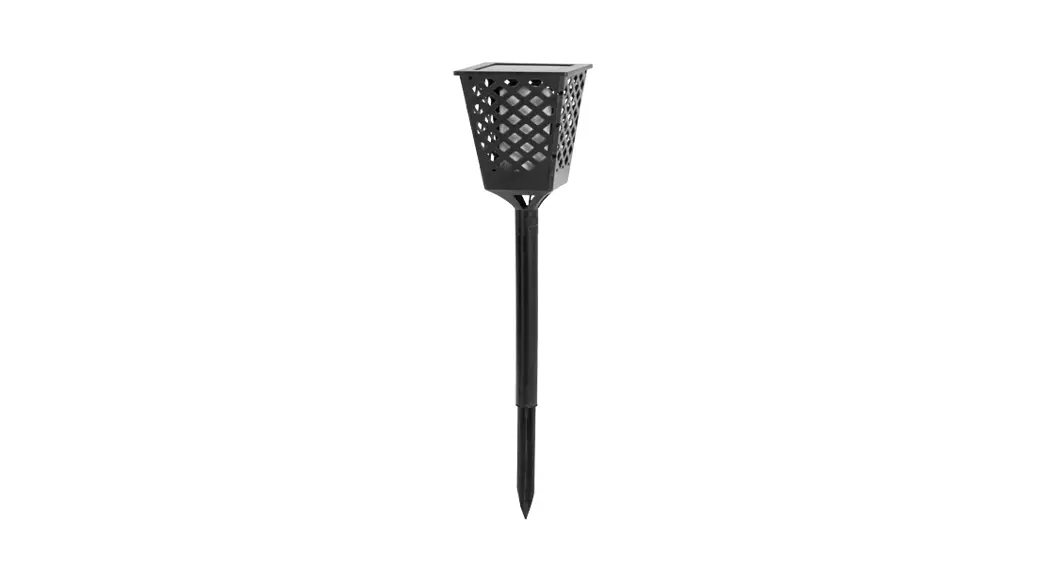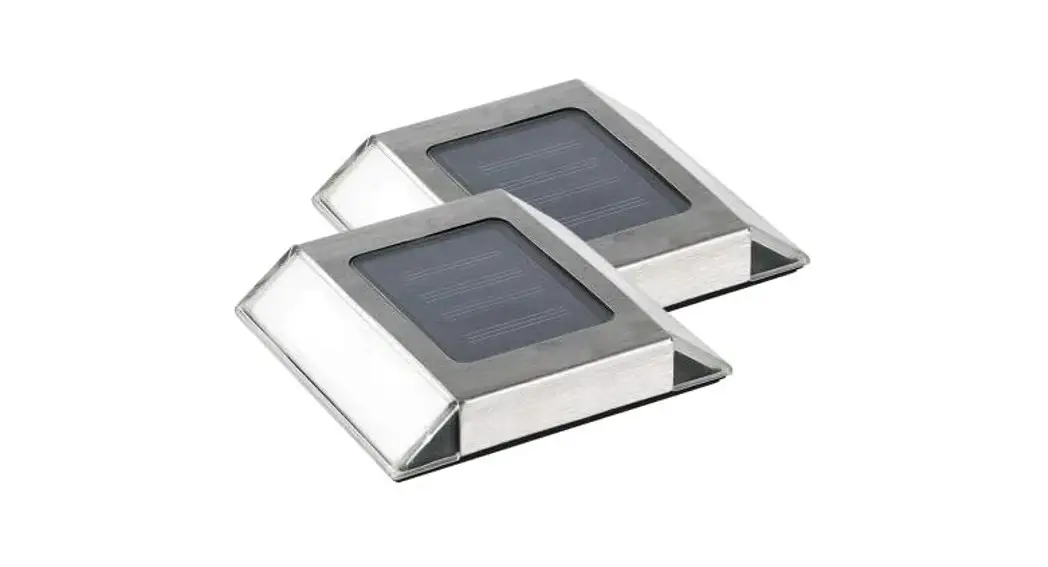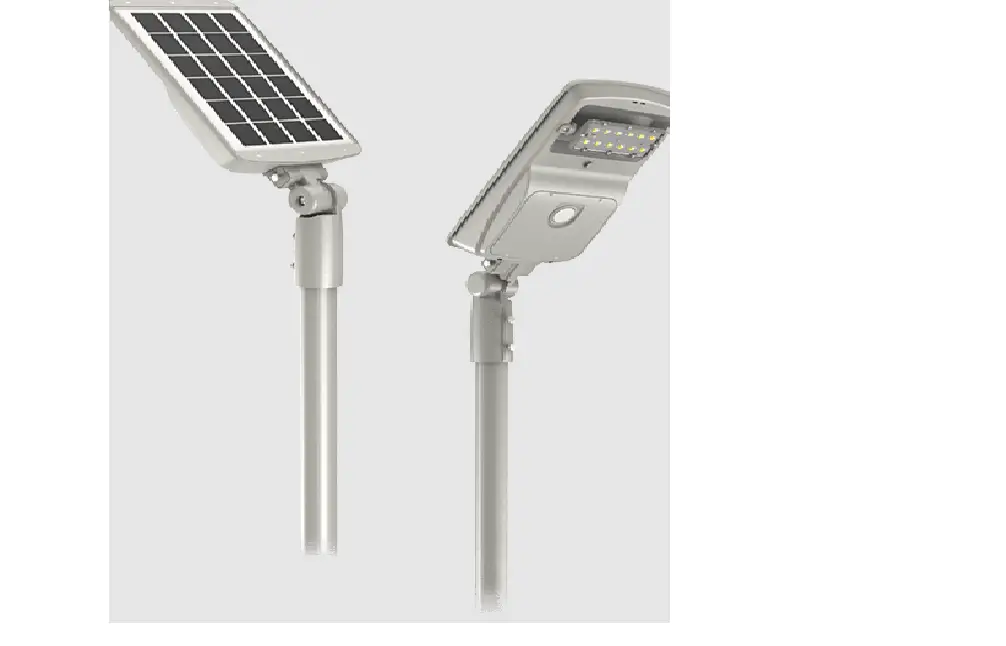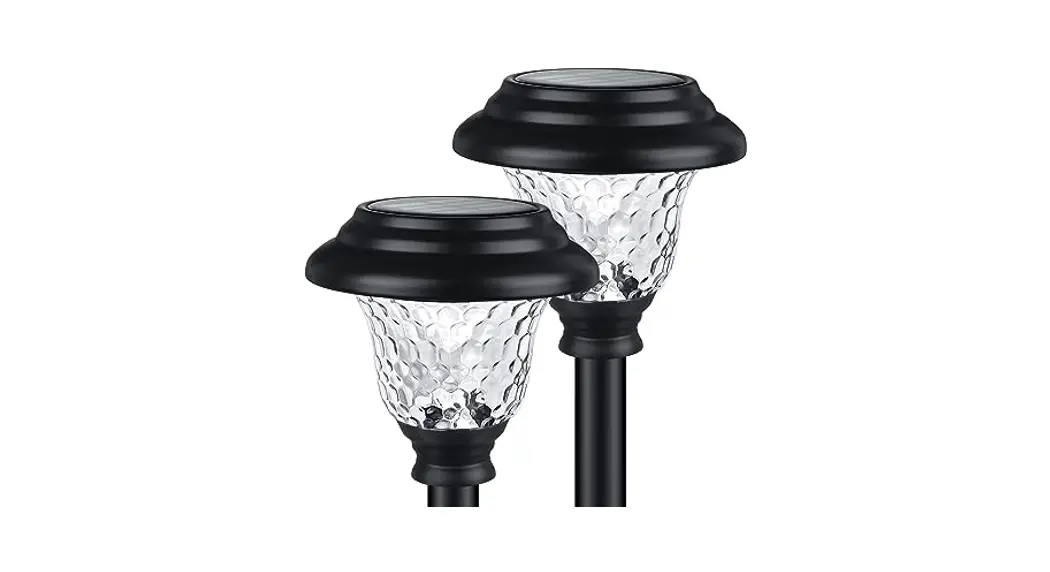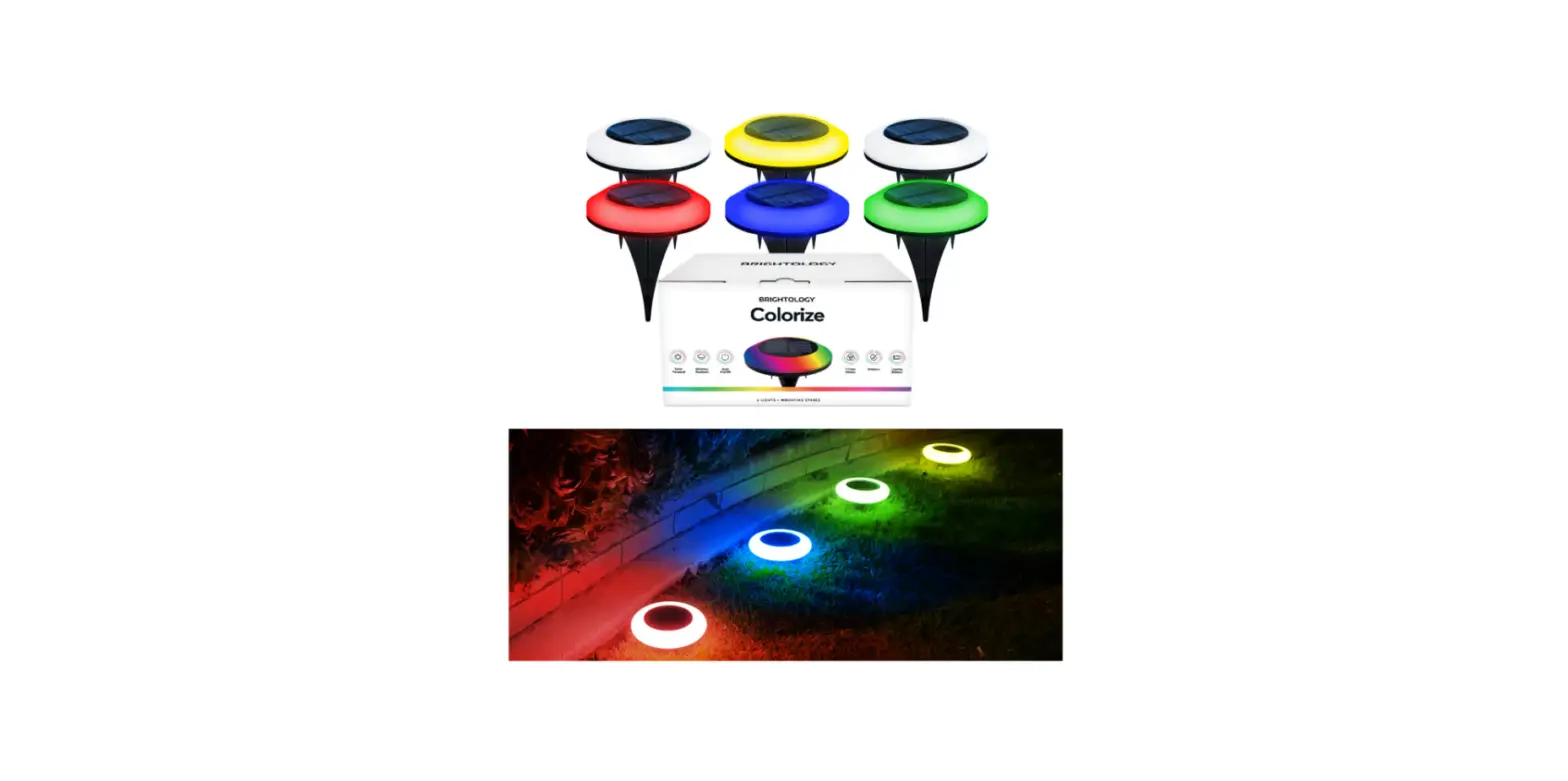

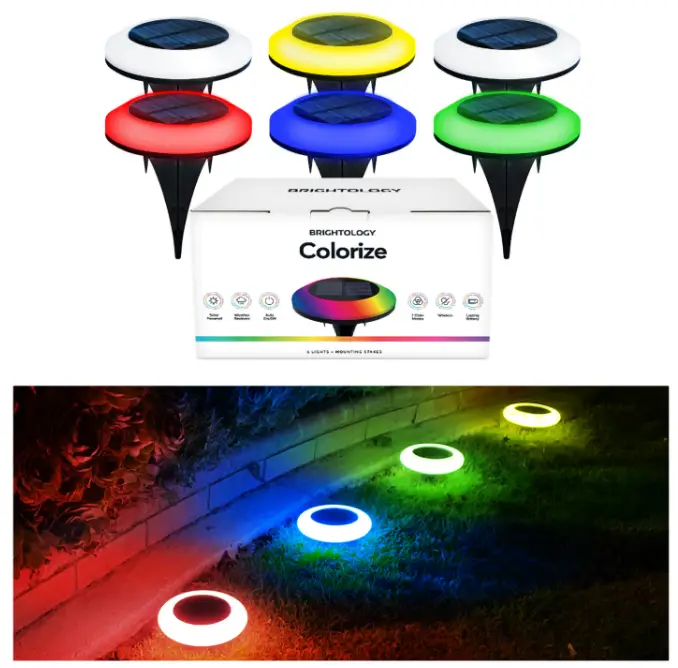
BRIGHTOLOGY Colorize Solar Pathway Outdoor Lights
REPLACING THE BATTERY
When replacing batteries, use only uses a 3.7V 14500 S00mah rechargeable lithium battery. Never mix batteries or change types. It is time to replace the batteries when the unit has a shorter operating time even when solar light receives a full charge of 8 hours in direct sunlight.
- Loosen the four screws and remove the cover to gain access to the battery compartment.
- Replace the battery.
GENERAL
Please read these instructions carefully before the installation of Colorize. Keep these instructions for future reference. If any changes are made, or unit is modified in any way, the unit may be unsafe. It may also cause damage or personal injury to modify unit. This product is intended for domestic use only.
HOW TO COLORIZE WORKS
During the day, the solar panel converts sunlight into electricity and recharges the internal batteries. At night, the light uses the energy stored in the batteries to turn on automatically. With a full charge of 8 hours of direct sunlight, the light can stay on for a maximum of 8 hours. Colorize has 9 different color modes, including red, green, blue, yellow, pink, turquoise, quick and slow rainbow shift, and gradient white light.
Lighting Body Material Plastic Battery 1pc 3.7V 14500 500mah rechargeable lithium battery
INSTALLATION INSTRUCTIONS
- Position Colorize in a location where it can be exposed to direct sunlight during the day.
- Do not try to position Colorize in a place where the sunlight is obstructed, such as under trees or shrubs. This will lead to a shorter lighting time as the battery is not fully charged.
- A dirty panel will reduce the amount of charge the unit will receive. Keep the solar panel clean by wiping it regularly with a damp cloth.
- Due to lower daylight temperatures and seasonal changes, lighting time may be shortened in colder/cloudier months.
- Your Colorize will automatically switch on at night via the built-in photosensor. This sensor may not work properly if there is any other light that would impede the unit, such as an outdoor lamp or LED.
- Frost can damage your In times of very cold weather (below 32 F), we recommend
- When storing your light, make sure the device is switched off and batteries are removed to avoid damage or corrosion of the unit.
USE OF COLORIZE
- Press the ON/OFF button located at the back of the device to the ON mode. No need to turn off the unit while in use.
- Continue pressing the MODE button to set the function of your choice, including white, red, green, blue, yellow, pink, turquoise, quick, and slow rainbow Set Color choice prior to letting the unit charge.
- Colorize should be left in direct sunlight for at least 8 hours after installation to allow batteries to reach full charge.
- Colorize turns on when it is dark, and turns off in daylight or when the battery has lost placing the solar light in a frost-free environment and reinstalling it when temperatures are higher.
COLORIZE SPECS
Lumen 15 Lumen
Solar Panel 5V 120ma Polycrystalline Panels
Switch On/Off and Mode Switch
Charging Time 8 Hours
Running Time Up to 8 Hours
Waterproof IP44
Auto turn On/Off at 40 to 80 lux range
Assembly Details Adult assembly required, tools not provided