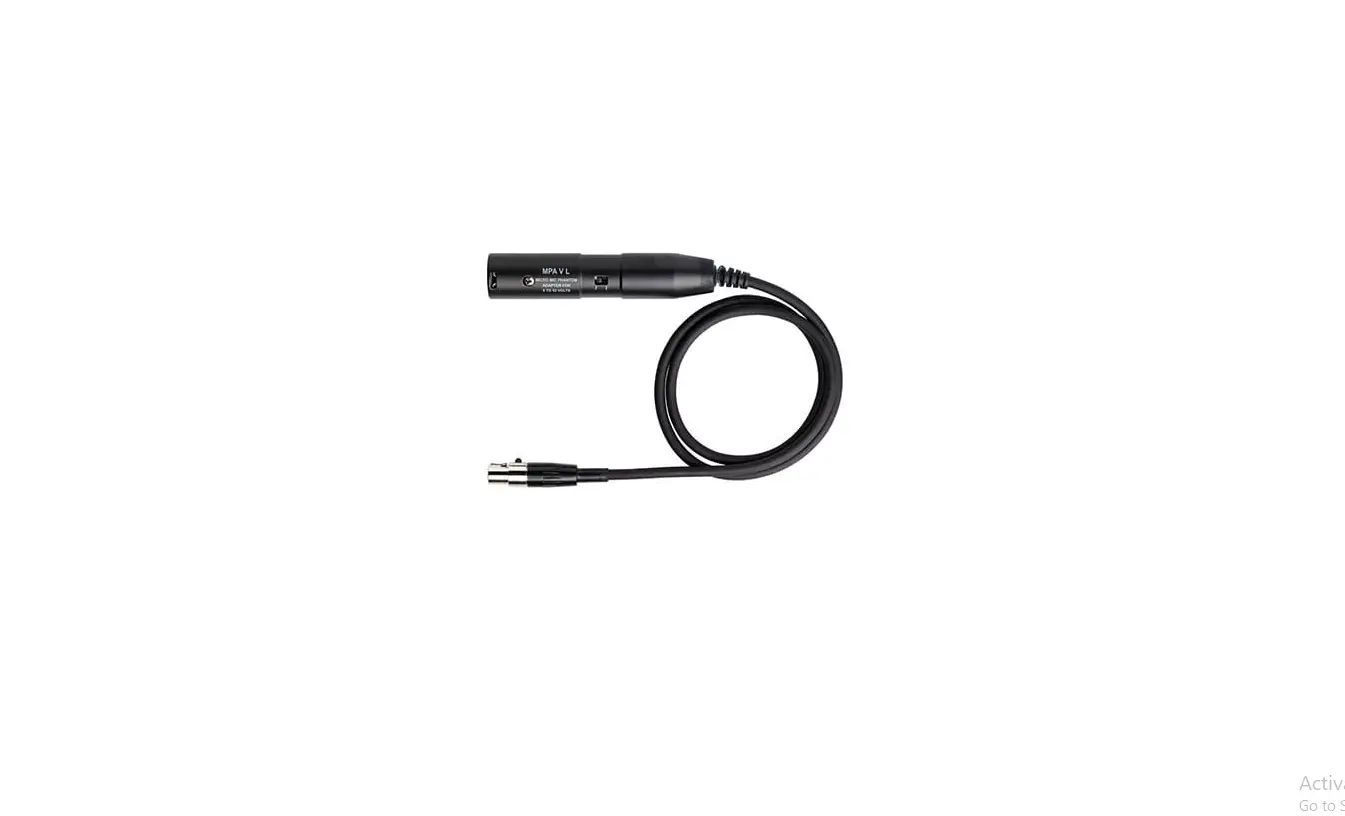

AKG MPAVL Micro Mic Phantom Adapter
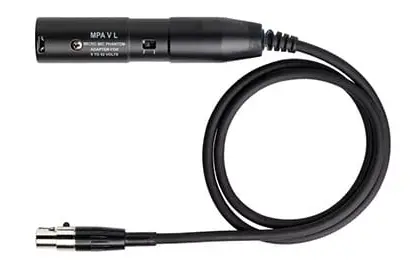
Using the MPA V L
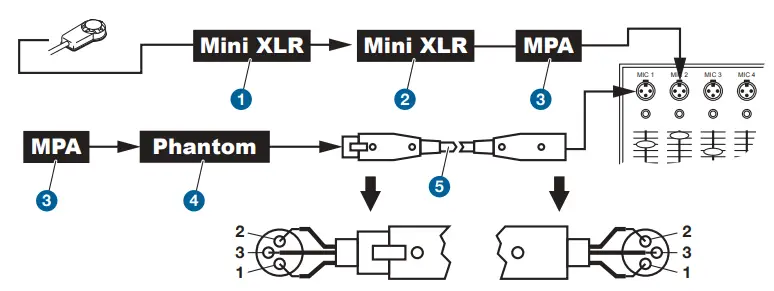
- Connecting the cable Push the mini XLR connector (1) on the pickup cable into the mini XLR socket (2) on the cable of the MPA V L (3) to the stop. The connector will lock automatically. Disconnecting the cable: refer to section 3.2.1.
- Connect the MPA V L (3) to a balanced XLR microphone input with phantom power.
- Switch the phantom power on. (Refer to the instruction manual of the unit to which you connected your pickup.)
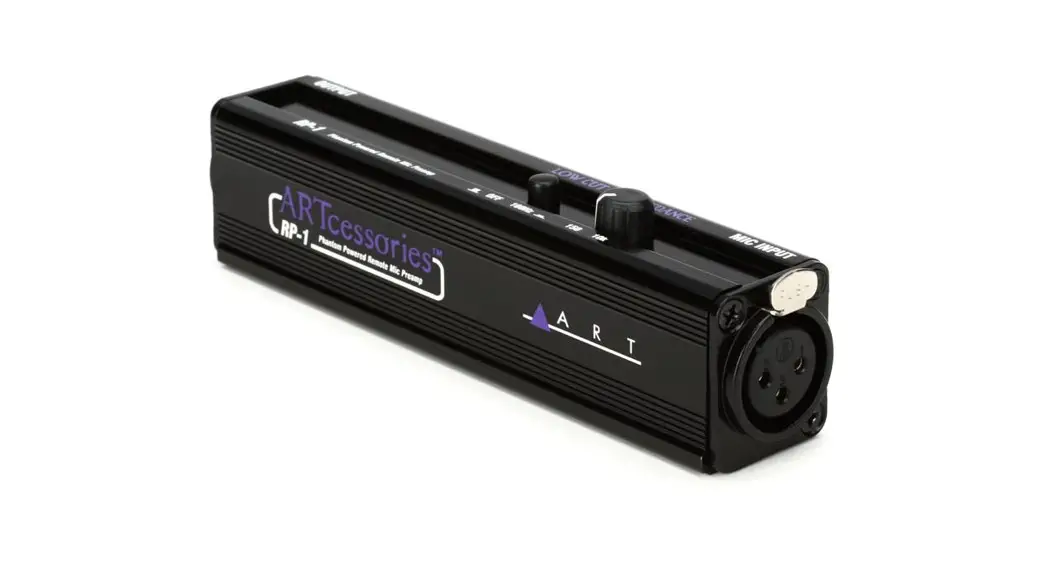
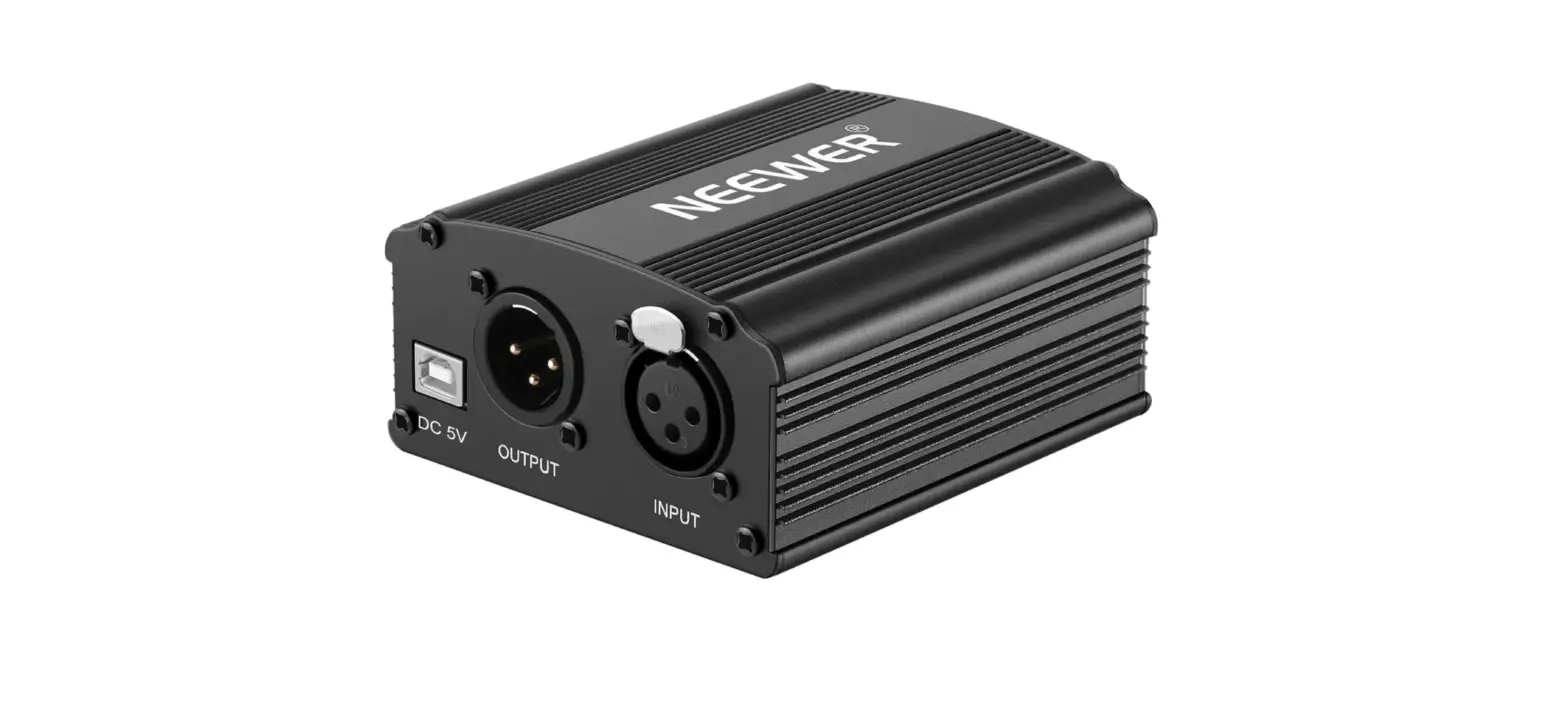
- If your mixer provides no phantom power: Connect the MPA V L (3) to an optional AKG phantom power supply (4) and use an XLR cable (5) to connect the phantom power supply (4) to the desired balanced input.
Connecting to a Bodypack Transmitter
Refer to the manual of your bodypack transmitter.