El Shaddai Steam.Ver Web manual
Notes
If the game does not start, incompatible characters might have been used for the installed folder name.
Your computer needs to restart in order to finish the Physx installation.
If the error message which says “The program can’t start because PhysXLoader.dll is missing from your computer” is shown, reinstalling PhysX may fix the problem.
If the error message says “d3dx9_41.dll was not found” is shown and cannot start the game, updating DirectX end-user runtime may fix the problem.
Depending on the application execution environment, the graphics distortion may occur due to being out of sync.
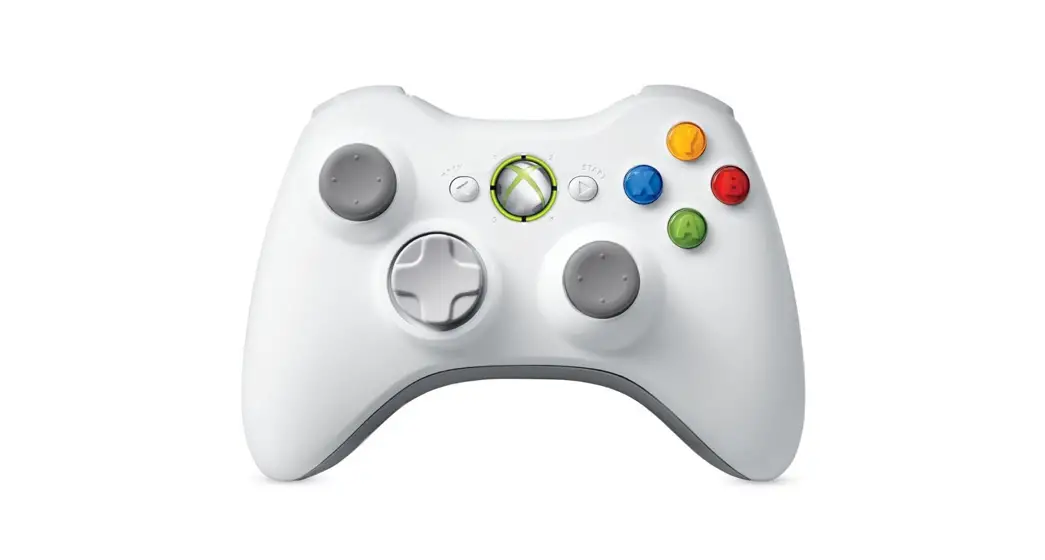
This game uses XBOX controller as the default controller. If another type of controller is used, the controller setting may be different. Please read the controller manual for the setting of the controller other than the XBOX controller.
El Shaddai is only compatible with XInput. If your controller is not working properly, switching to XInput may fix the problem. Please check the manual of your controller for how to switch the input into XInput.
In the case of screen distortion, please try: tick the “ScreenSetting” in the launcher, select “Advanced<<” then tick “Lock to sync” in “Renderer” which may fix the graphic in-game.
If the error message which says “Renderer creation error” is shown on your screen, unticking FullScreen from Screen Setting may fix the problem.
If you start the game by ticking “ScreenSetting” in the launcher, ScreenSetting may not be shown in front of the other windows.
Controls
Basic Controls
Xbox 360 Controller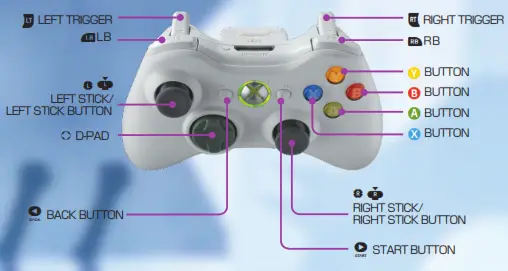
| Menu/Event | |
| D-PAD | MOVE CURSOR |
| LEFT STICK | MOVE CURSOR |
| B BUTTON | SELECT |
| A BUTTON | CANCEL |
| Y BUTTON | BACK TO MAIN MANU FROM RESULT |
| BASIC CONTROLS | |
| LEFT STICK | Move |
| A BUTTON | Jump |
| B BUTTON | Jump |
| X BUTTON | Attack |
| Y BUTTON | Attack |
| LB | Purification |
| RB | Block |
| START BUTTON | Pause /Resume |
| BACK BUTTON | Show Game menu |
SPECIAL ACTIONS
※Following inputs can be done with X BUTTON as Y BUTTON and A BUTTON as B BUTTON
| Special Attacks | RB + X BUTTON |
| Special Moves | RB + A BUTTON + LEFT STICK |
| Stealing Weapons | LB while the enemy is stunned |
| Guard Breaks | Press X BUTTON with delayed timing(※) |
| Counterattacks | Hold X BUTTON |
| Jump Attack | X BUTTON in midair |
| Double Jump | A BUTTON in midair |
| Descending Strike | Hold X BUTTON in the air |
| Parry | RB when an enemy attack is about to hit |
| Overboost | (When overboost is available)LB + RB |
| Boost Skills | (While using overboost)LB + RB |
※Delayed timing means to press the button a few frames after the previous attack move
ATTACK
 Guard Breaks Guard Breaks|Guard Breaks are effective if the enemy is blocking your attack. After pressing the X BUTTON, if you press the X BUTTON with a slight delay and then press the X BUTTON again, a guard breaking the attack will be performed. | 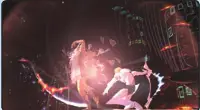 |
| Counter Attacks After pressing X BUTTON multiple times, if you release the button or press X BUTTON multiple times for some duration, Counterattacks will be performed. If you get attacked while pressing the button, you will take damage but the enemy attack will not make you stagger. | 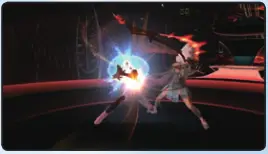 |
| Enoch’s bare fists In the beginning, Enoch will be fighting with his own bare fists. Enoch will perform basic punching and kicking attacks by pressing X BUTTON. | 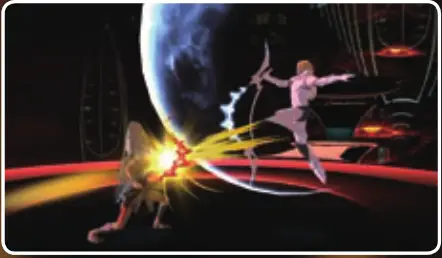 |
Unique attack moves when Enoch is unarmed
| Strikekick(Specialmove | RB +X BUTTON |
| Dodge(Special move) | RB+A BUTTON + LEFT STICK |
| Splash kick | Press X BUTTON repeatedly after counterattacks |
| Quick dive | Hold X BUTTON in the air |
Almighty gods’ weapons
Enoch can use 3 different holy weapons other than his knuckles. Each weapon has its own
characteristics and different ability. Please see P22 for more details of the holy weapons.
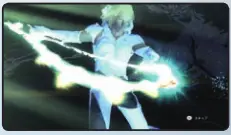 BLOCKBlocking
You can block incoming attacks by pressing RB. While blocking you will not take damage from the enemy.
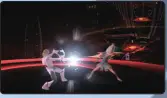 ParryYou can parry the incoming attack if you press RB at the right timing. Performing parry will make
a chance to hit the enemy.
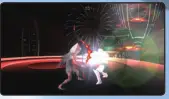
JUMP
Double Jump
If you press A BUTTON while jumping, you can jump again and you can reach more height.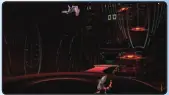
Descending Strike
If you hold X BUTTON in the air, you can attack from the air descending to the ground.
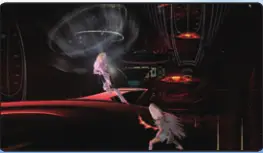
Aerial Special Attack
If you press RB + X BUTTON in the air, you can perform an aerial special attack. This attack move will change depending on the weapon that you have.
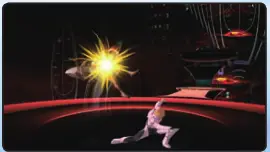
STEALING WEAPON
Stunning Enemy
If you deal a certain amount of damage to the enemy with a weapon, you can stun the enemy.
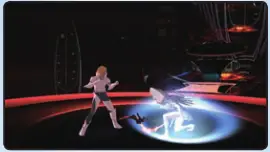
Get close and take the weapon away
If you get close to the stunned enemy and press LB, you can take away the weapon the enemy is holding. The taken weapon will get its true power back and will increase damage for a while.
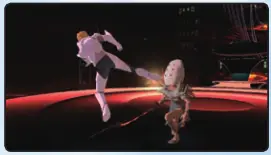
SPECIAL MOVES
Special moves by the weapon
RB+A BUTTON+ LEFT STICK desired direction input will perform a special maneuver.
Special moves will change depending on the weapon.
UNARMED: Rolling forward
ARCH: Jumping up
GALE: High-speed movement
VEIL: Shielding movement
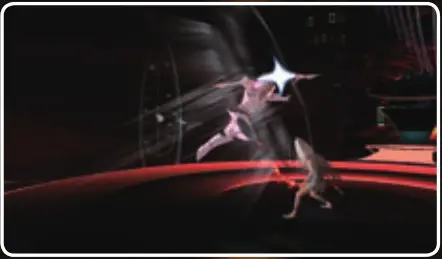
PURIFICATION
Purify your weapon
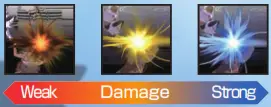
The holy weapons are the strongest right after when it is taken away from the enemy, the holy weapon will get degraded every time it is used and weakens its power. When the power gets weaker, the color of the hit effect will change. Purifying the weapon will regain the power back to normal.
OVERBOOST
※ “Overboost” can be used as the story goes on.
Ready to use the Overboost
After an extended battle, Enoch’s body becomes engulfed in flame, allowing you to enter the Overboost mode. Overboost enhances your powers in many ways for a limited time.
 Activating the Overboost
If you press LB+RB when the Overboost is available, you can activate the “Overboost”.
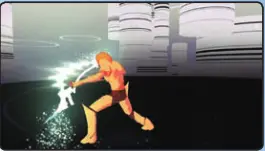
Activating the BOOST SKILLS
If you press LB+RB during Overboost, Enoch can unleash the special attack “Boost Skills”. If you use
Boost Skills, Overboost will be deactivated regardless of the time remaining.
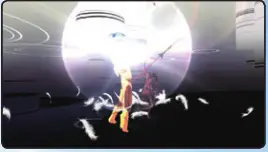
ABOUT BOOST LEVEL
The duration of Overboost will change depending on Boost Level. Boost Level can be increased by
collecting the boost items.
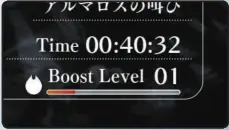
CHECKING BOOST LEVEL
You can check your current boost level by pressing the BACK BUTTON.
※The gauge will not be shown until you can use Overboost.
Battle
FIGHT WITH YOUR SKILL
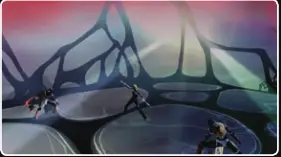
If you encounter the enemy during the path, the battle will begin. Utilize Enoch’s power and your skill to defeat the enemy.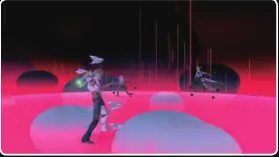
Triad of Balance
The Triad of Balance is the combat triangle for the holy weapons. Each weapon has its advantage and disadvantage against the other weapons.”Arch” is strong against “Veil”, “Veil” is strong against “Gale” and “Gale” is strong against “Arch”.
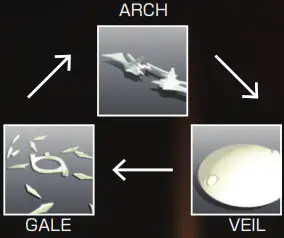
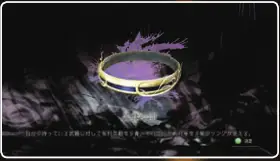
This correlation of the holy weapons can be visualized by using an item. Wearing the item “Eyes of Truth” allows you to see the weapon you are equipping is strong or weak against the enemy weapon. However this
item and ability will disappear after a certain period of time.
Use the advantage of the triad
Utilize the triad of balance to take advantage of the enemy. Take away the weapon the enemy is equipping if it gives you the advantage based on the triad of balance.
About the armor of the character’s
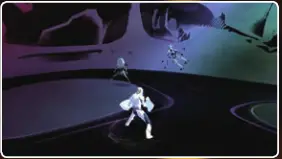
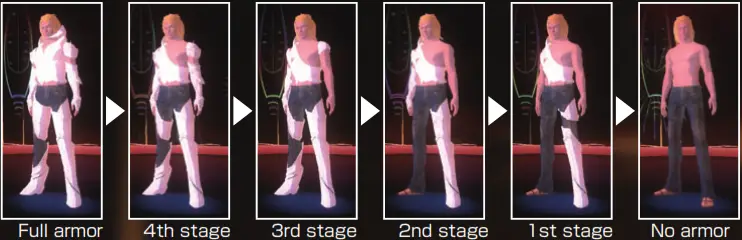
The character’s armor indicates the health of its character. There are 5 stages for the conditions of armor and each has different durability. The armor gets weaker as you take more damage and eventually when the durability gets to zero, all the armors will get torn apart. When all the armors are gone, you become in critical condition and if you get any damage during the condition you will become a near-death condition.
Condition of the armor
Restoring Armor
The armor which is damaged can be restored with the “Light of Blessing”. Also, using the Overboost will restore the armor too.
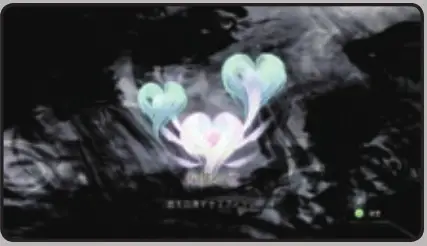
Rapid-Fire Recovery
If you are in the near-death condition, Enoch will collapse and the screen will fade out as if the eyes are closed. At this moment, if you press the button (except START BUTTON and BACK BUTTON) multiple times, Enoch will return from the abyss of death.
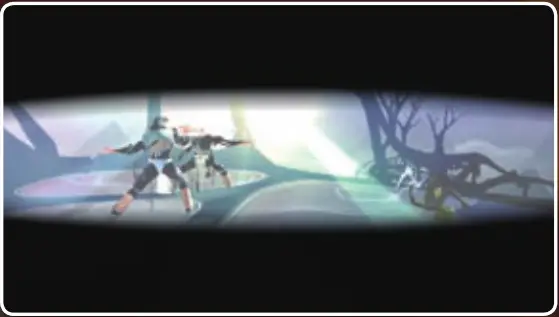
※If you successfully revive Enoch, some of his armor will get restored and if you failed to revive Enoch, the game will be over immediately.
※In some scenes, there will be no recovery and the game will be over immediately from the near-death condition.
3 TYPES OF WEAPONS
If you use “Stealing Weapons” while in the battle, Enoch can use 3 different types of weapons. Changing the weapons depending on the situation is important.
Arch
The “Arch” is able to cut apart all the existence has the insight which can never be reached by mankind. Sometimes it becomes rigid like a sword, sometimes it becomes flexible like a pleasing line of light in the sky. This orbit of light slices the enemy through and sends the soul into heaven.
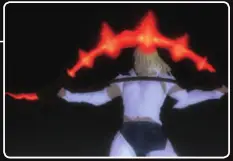
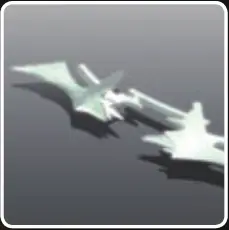 The first weapon that Enoch will grab, this weapon is balanced in both offense and defense. Has a lot of aerial
abilities and especially the unique move “Arch Glide” comes in handy when you need to leap through the complex platform.
Unique Movements

Gale
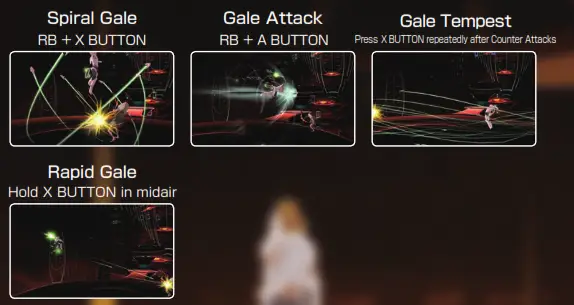
The “Gale” is a holy weapon specialized to strike long-range. The trio of “Slaves” is one set, three sets are deployed in each left and right. The “Slaves” are commanded by a torus-shaped controller system that conducts the thought of its operator. The “Slaves” will change their formation into the shield while blocking.
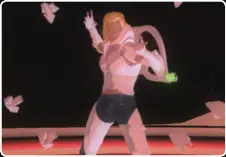
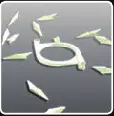 The “Slaves” which surround its operator’s body can be ejected to perform the long-ranged attacks. You can fight safer by taking distance from the enemy but this holy weapon is weak at blocking compare to other weapons.
Unique Movements
Veil
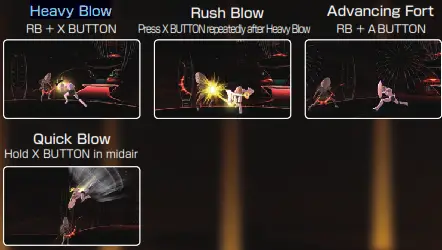
The “Veil” is known for its overwhelming force which simply does not allow any other gods’ weapons to compete. This holy weapon is also great at defending and can move while blocking. In the defensive mode, the “Veil” will form itself into a beautiful circle remind you that this holy weapon is not only about its brute force and is about its elegance.
 The shield-shaped “Veil” that is worn in both hands is the best at blocking among all three types of weapons. There is some obstacle that can be destroyed only by the “Veil”.
VARIOUS ITEMS
There are various different items that appear during the game. Obtaining these items will help you to proceed with the game.
Recovery Item 【Light of Blessing (S)】 Replenishes Enoch’s armor.
 【Light of Blessing (M)】 Replenishes Enoch’s armor drastically.
 【Light of Blessing (L)】 Replenishes Enoch’s armor completely.
Power-up Item
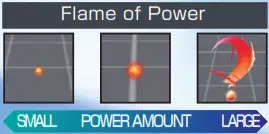
 【Flame of Power (S)】Gives a small amount of the experience to increase the Boost Level.
 Flame of Power (M)】Gives a medium amount of the experience to increase the Boost Level.
 【Flame of Power (L)】Gives a large amount of experience to increase the Boost Level.
Weapon Swapping Item
Using Stealing Weapons towards these items will swap the weapon. Fruit of Wisdom/Arch】Swaps Enoch’s weapon to Arch.
 【Fruit of Wisdom/Veil】Swaps Enoch’s weapon to Veil.
 【Fruit of Wisdom/Gale】Swaps Enoch’s weapon to Gale
Special Item
 Eyes of Truth】
 Visualize which weapon is strong or weak against the current weapon that is equipped.
 【Freemen’s Notes】
The information about the inside of the tower and fallen angels wrote by Freemen can be acquired.