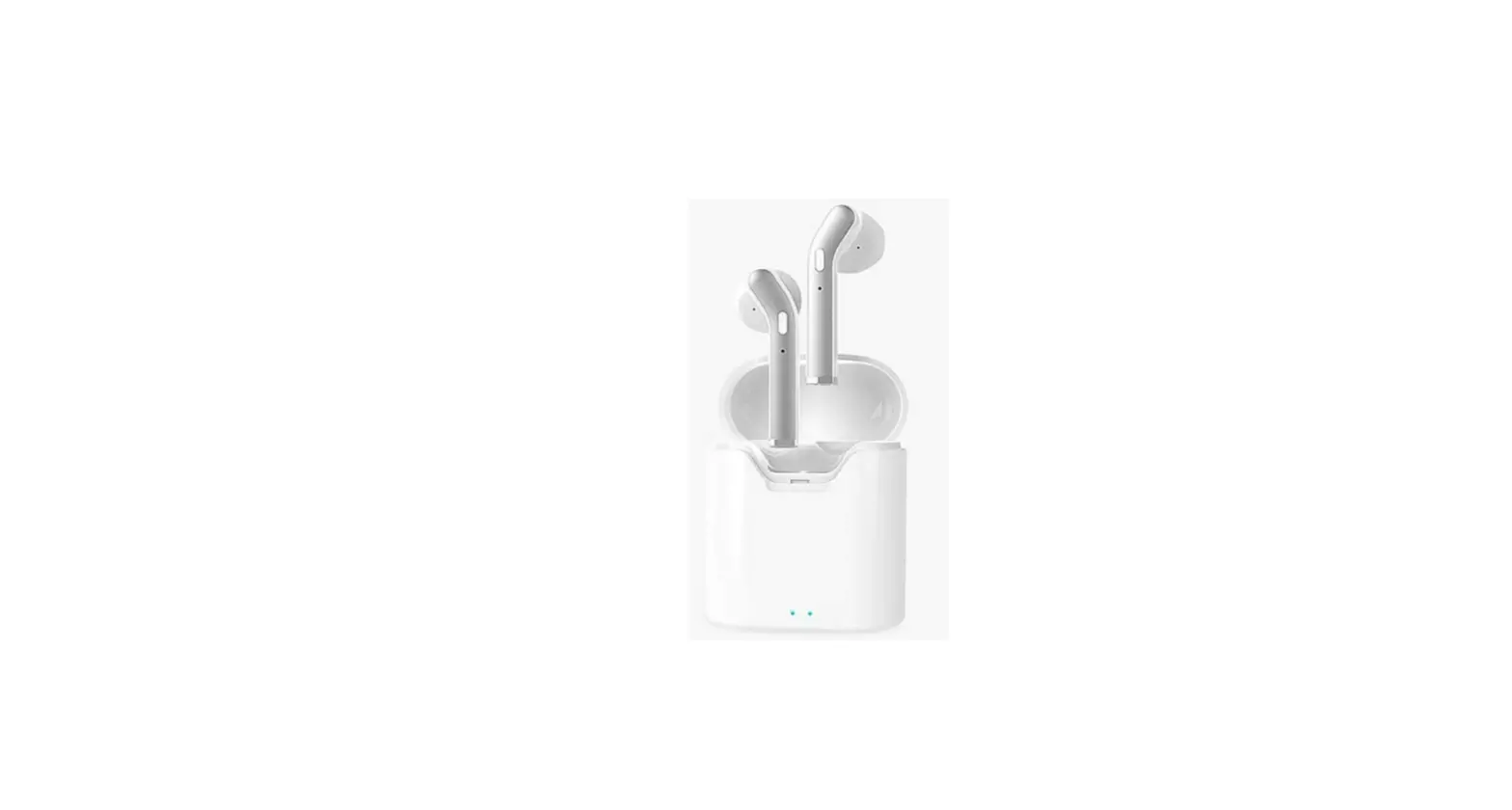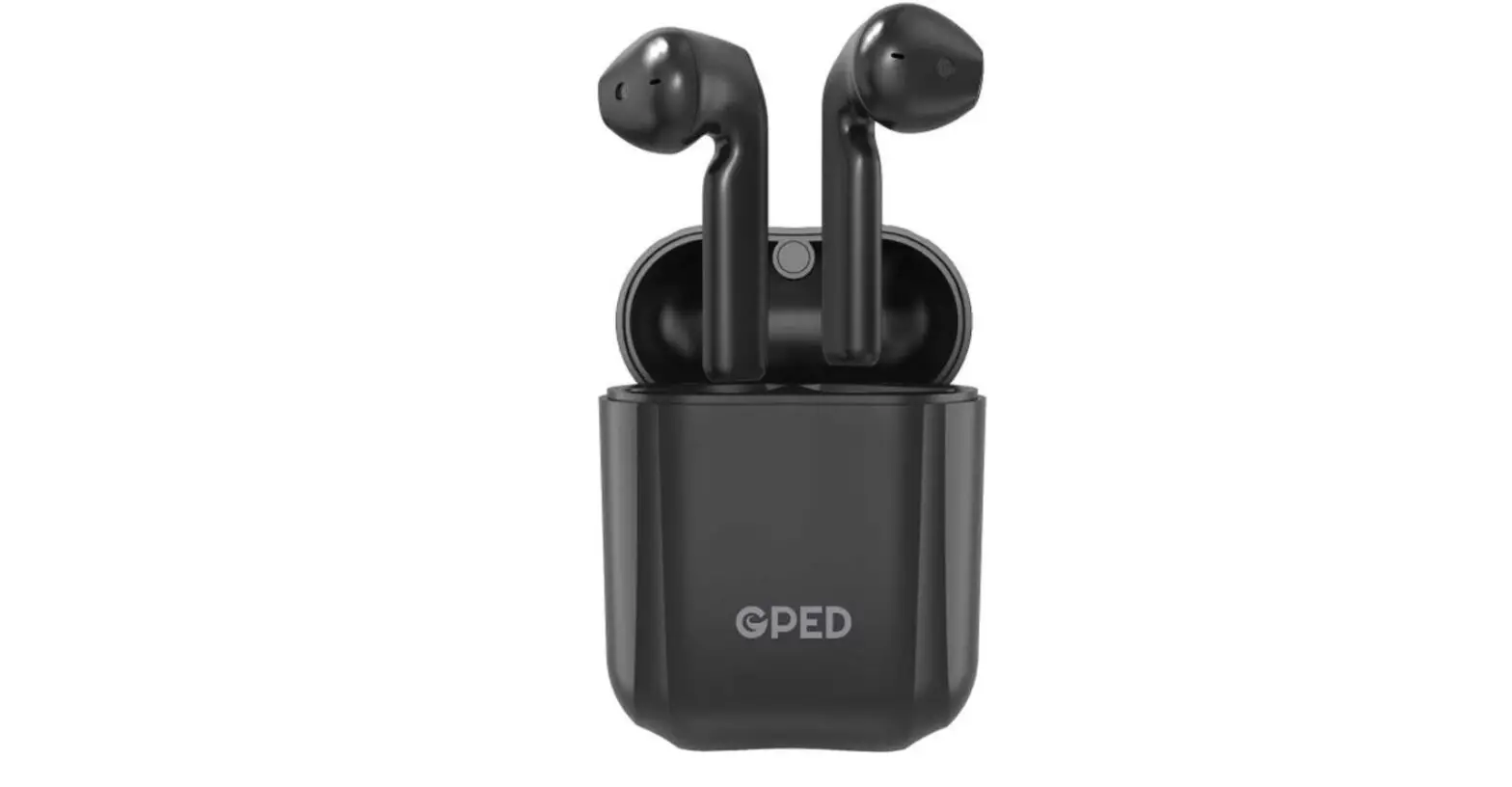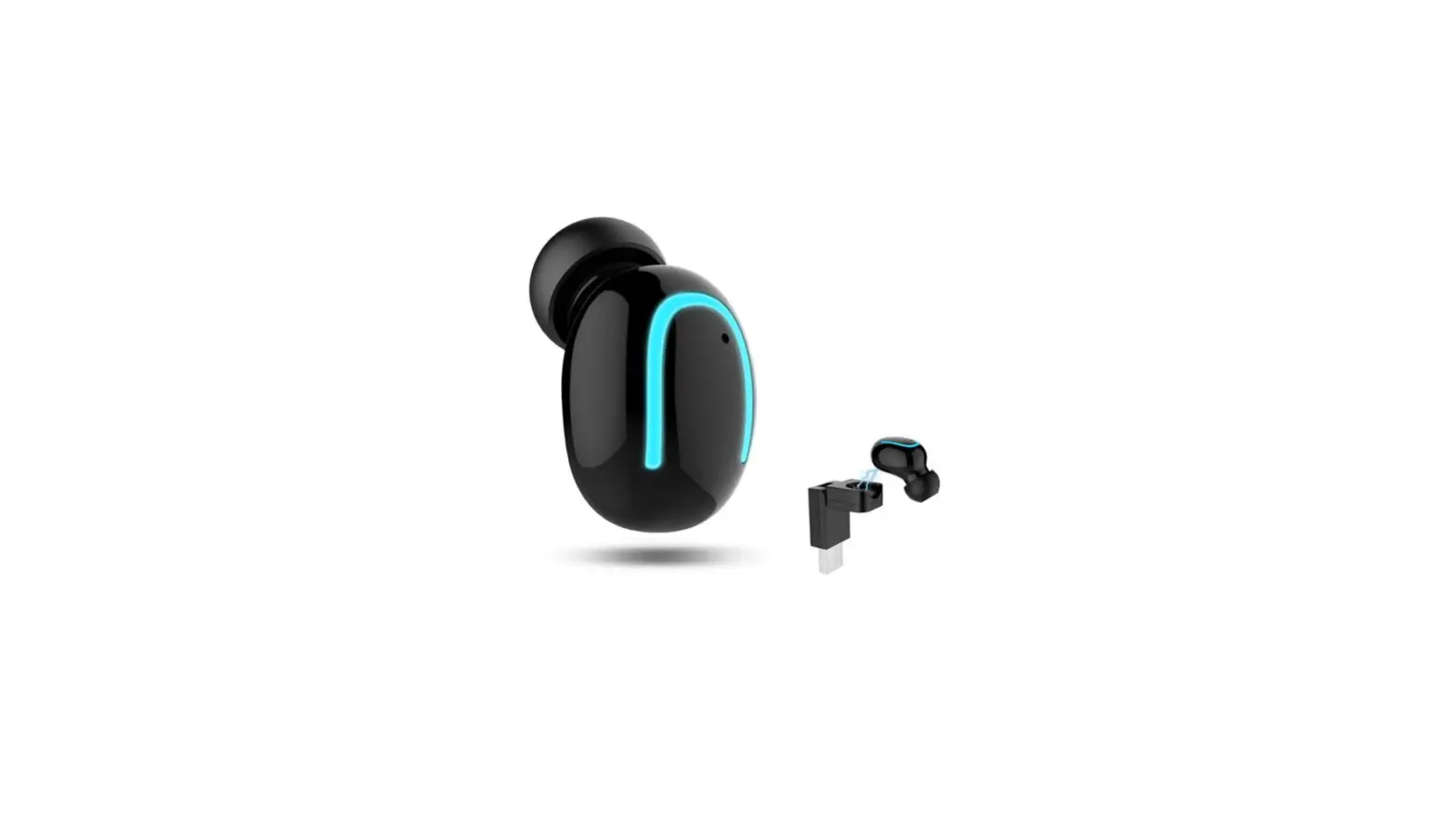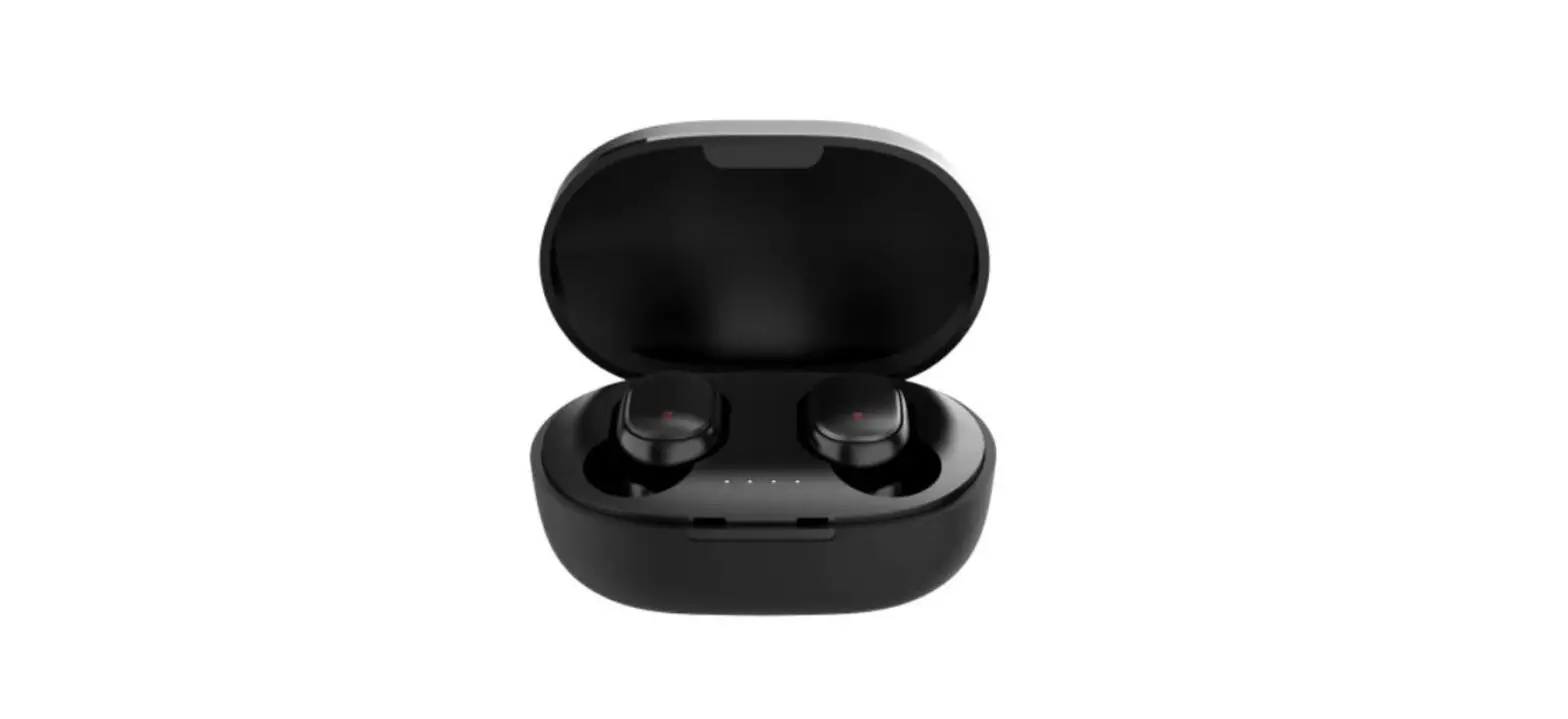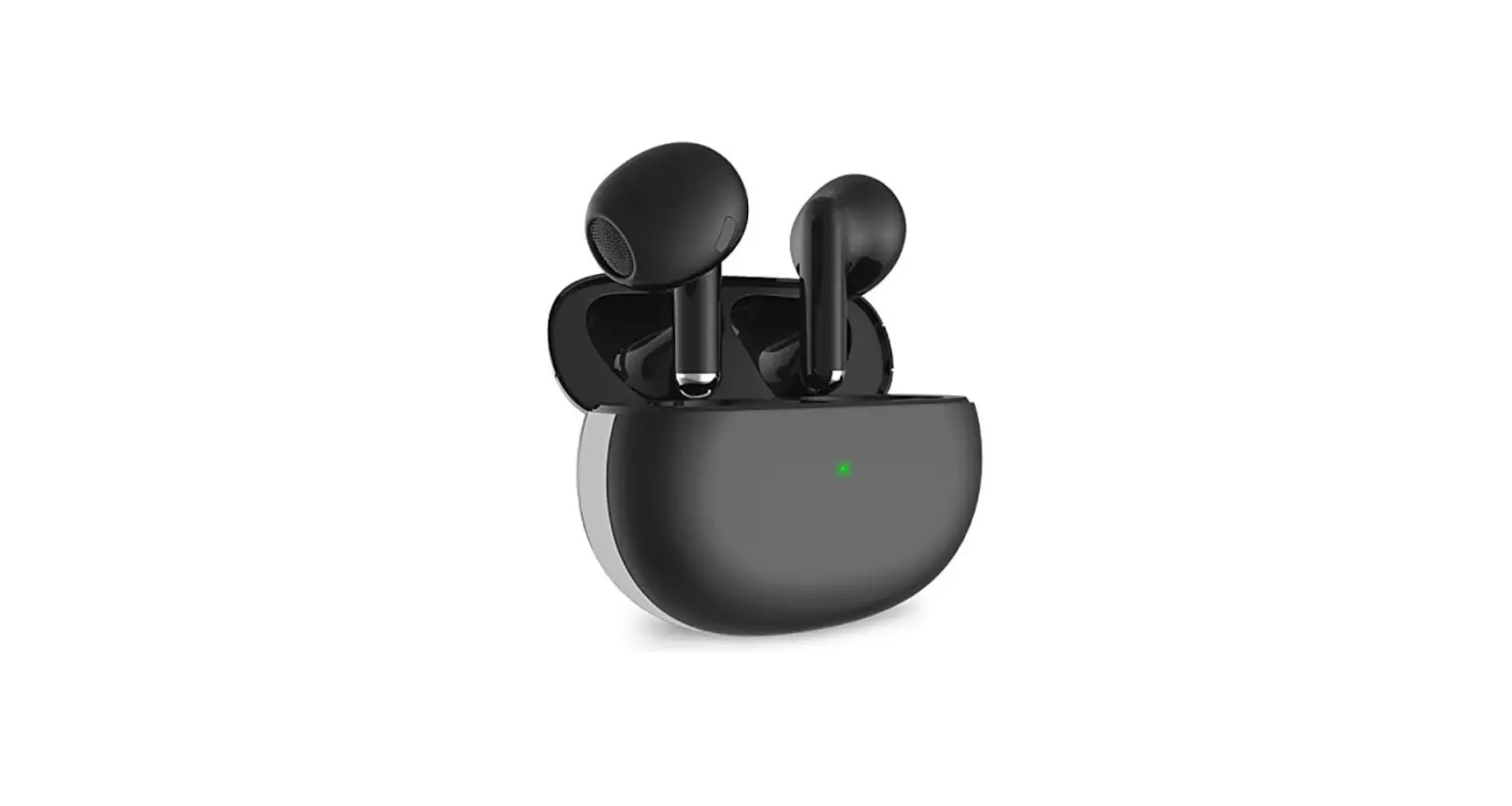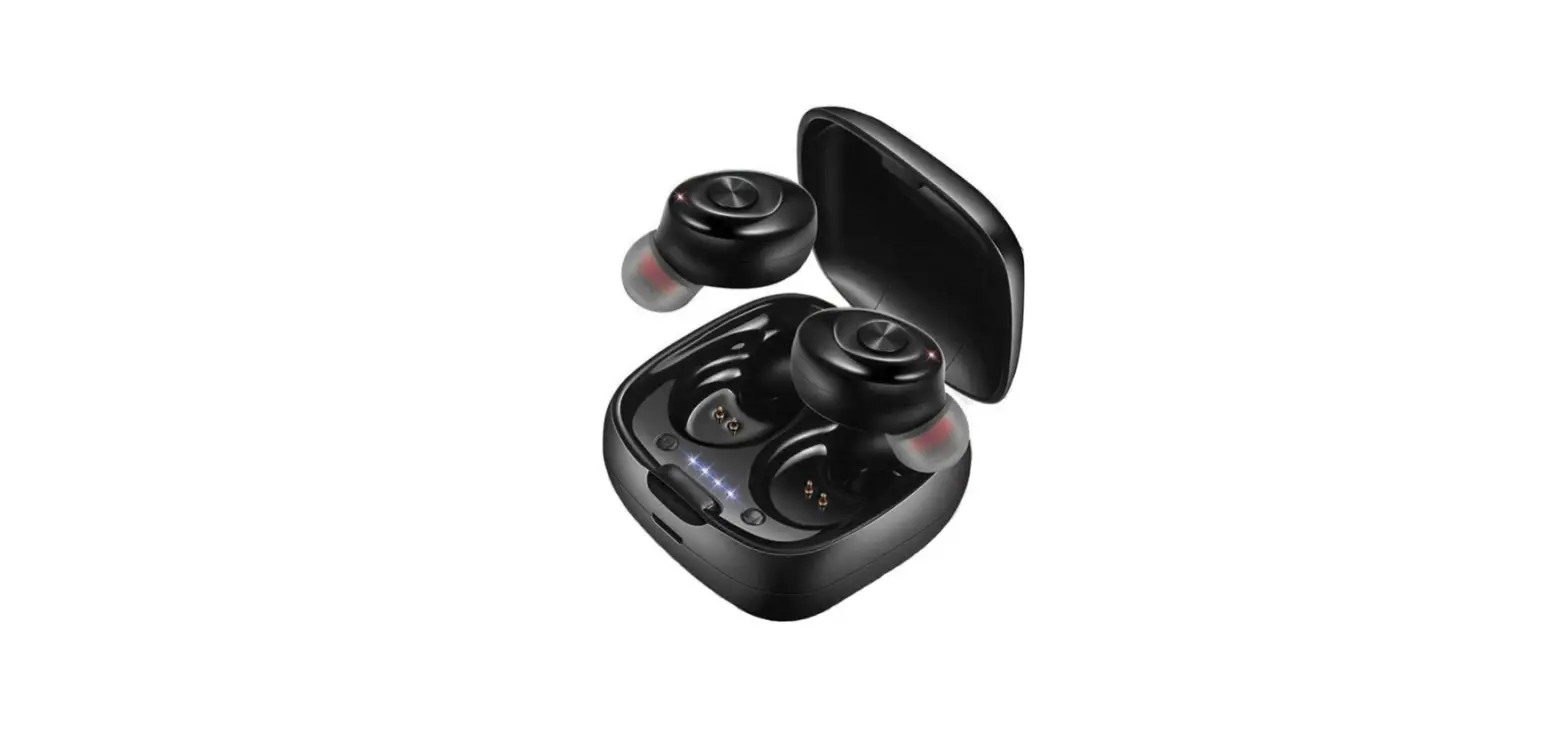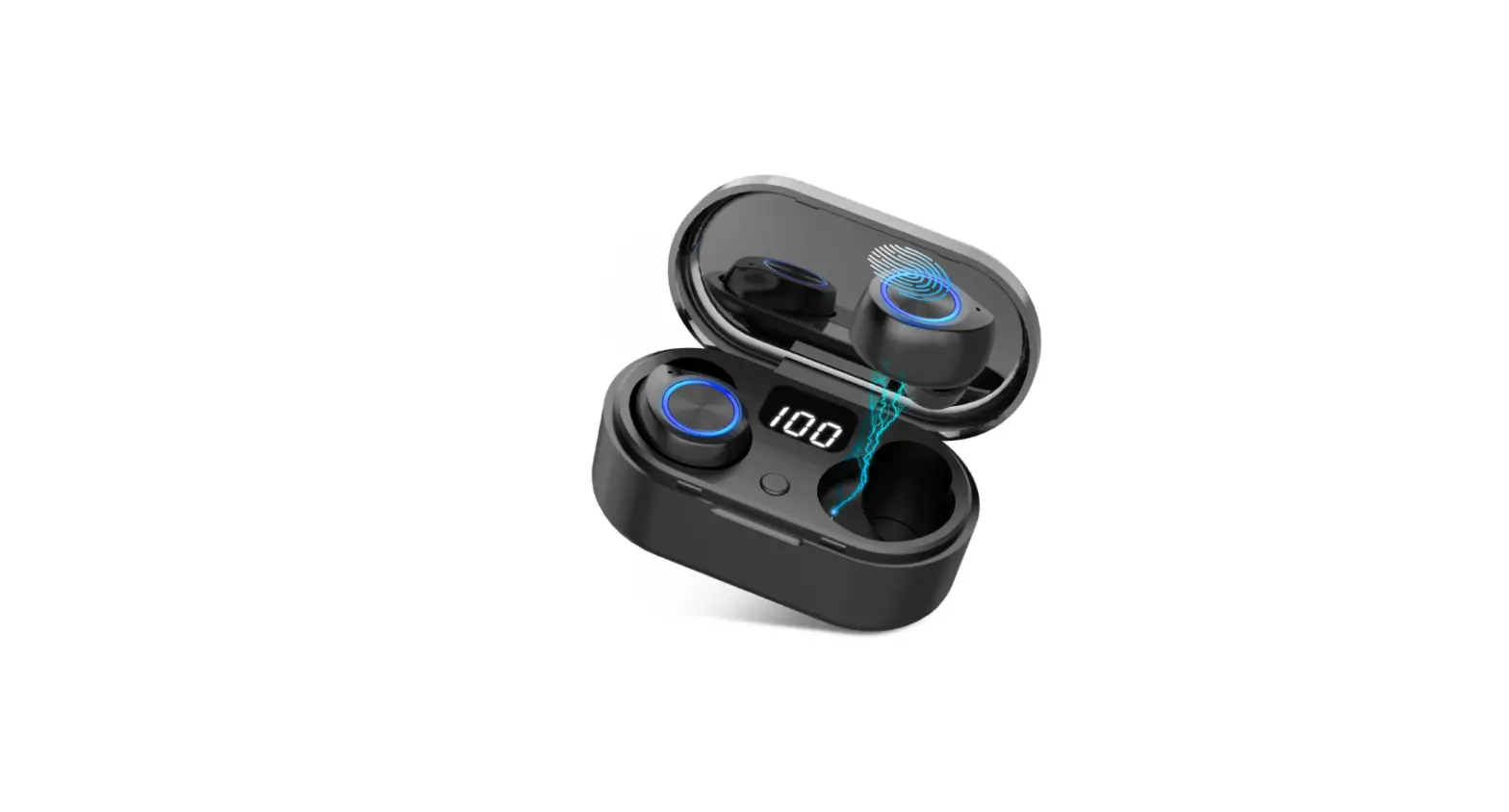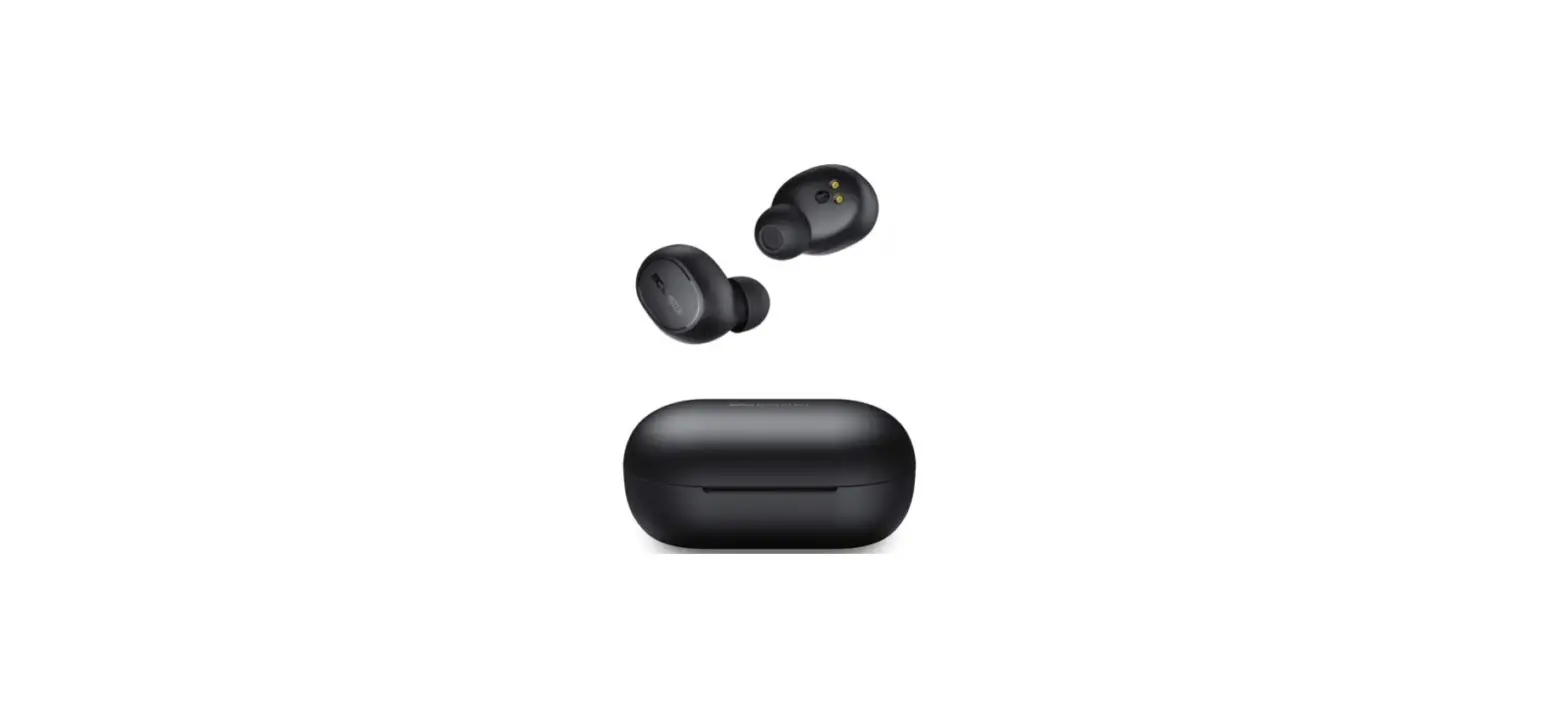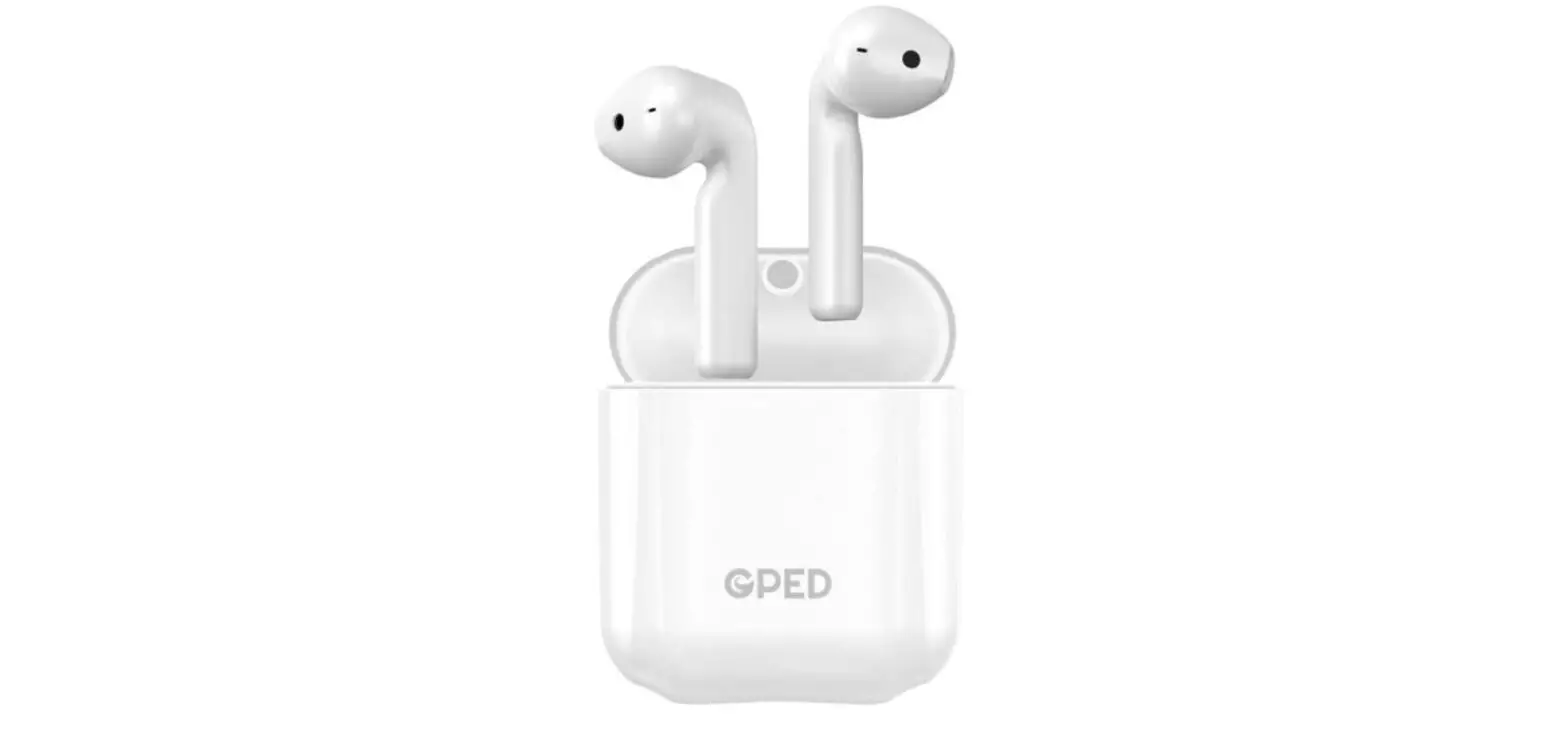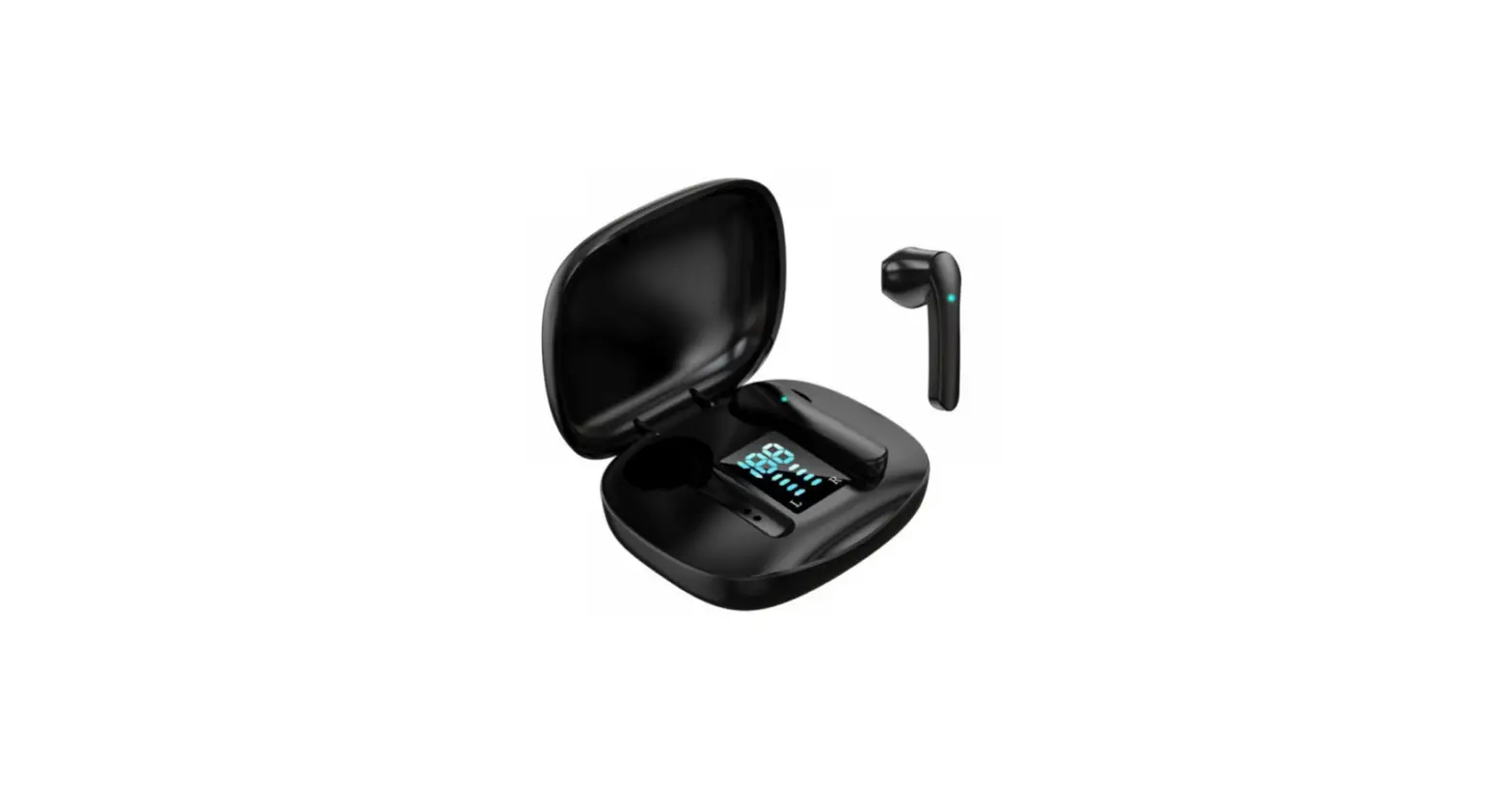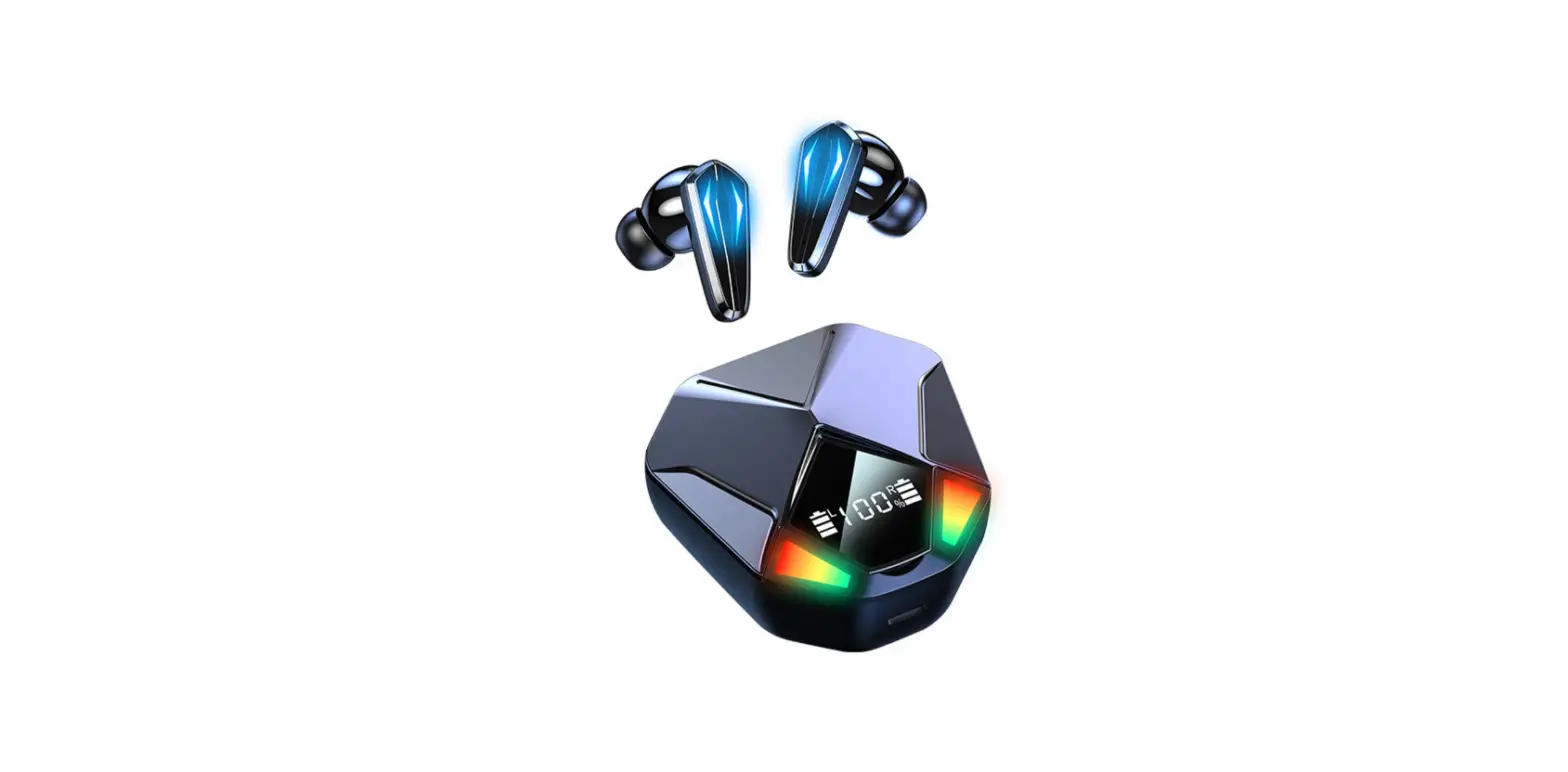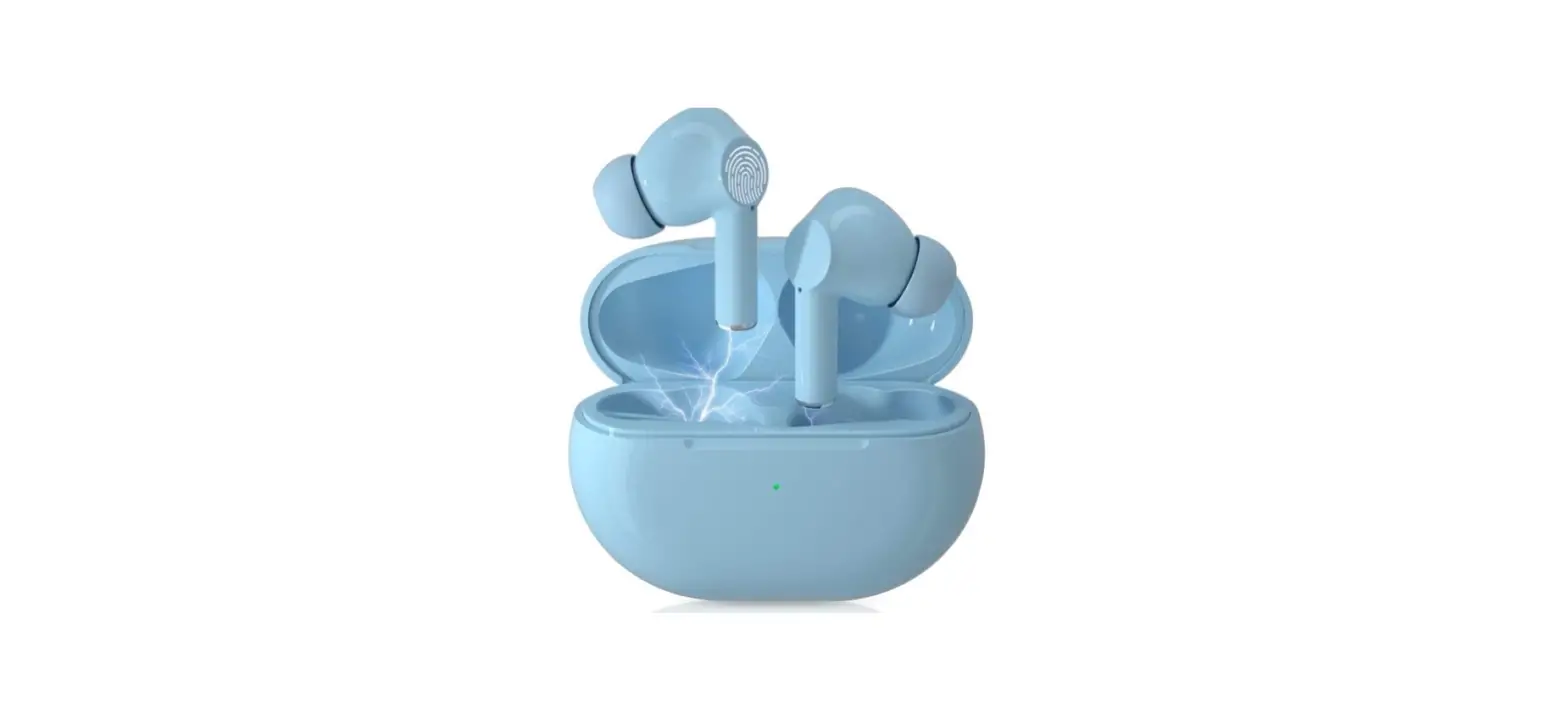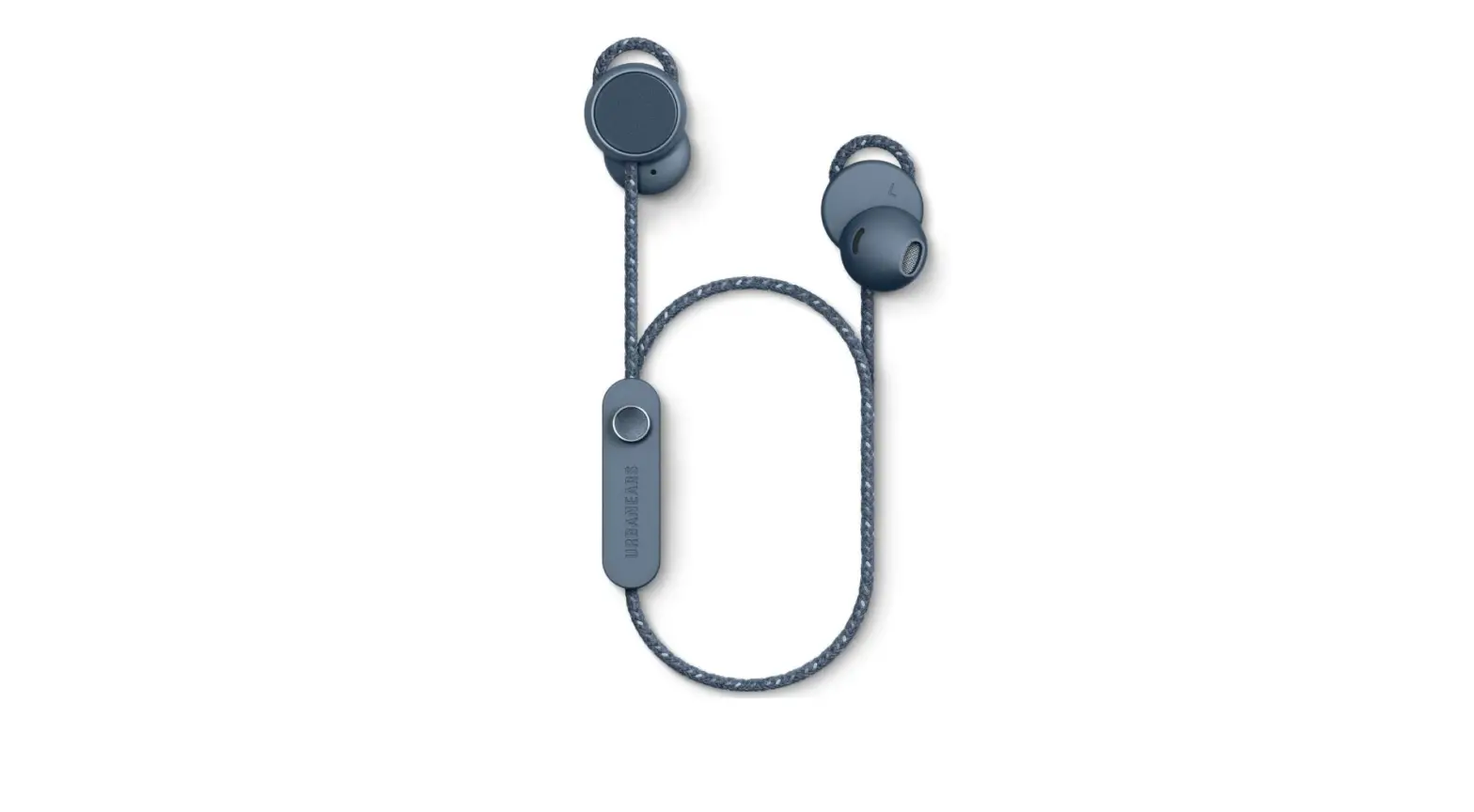

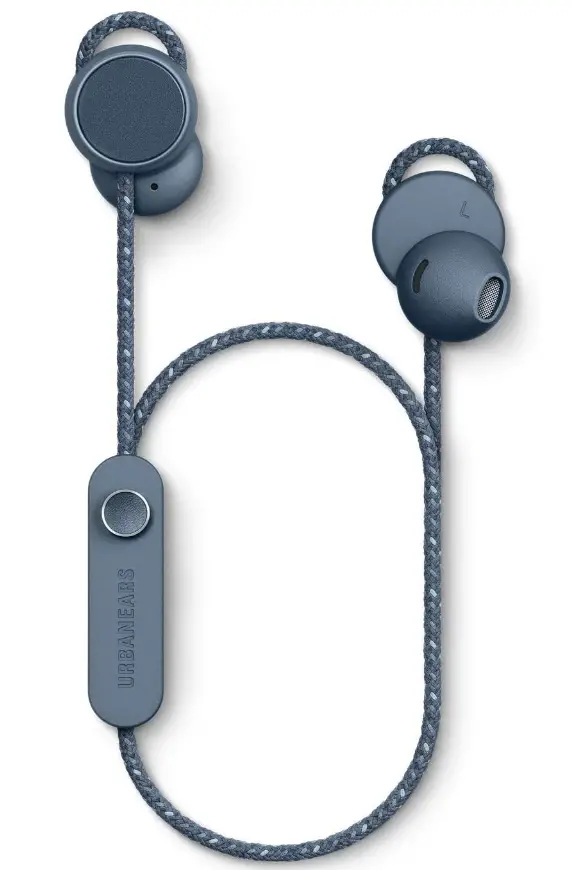
Urbanears Jakan Bluetooth Wireless in-Ear Earbud Headphones
Specifications
- Product Dimensions
5.7 x 2.6 x 1.8 inches - Item Weight
2.88 ounces - Batteries
2 Lithium Ion batteries - Connectivity Technology
Wireless - Wireless Communication Technology
Bluetooth - Brand
Urbanears
Introduction
Jakan combines the simplicity of a basic earphone fit with 12 hours of wireless playtime to provide a free and simple listening experience. Great for taking calls and listening to music while you’re moving. includes magnetic earphones for around-the-neck wear, an intuitive control knob, and an adjustable, ergonomic fit. Jakan is the ideal, tangle-free buddy whether you’re working on a masterpiece or taking the stairs to work. Add to that its clean and precise sound.
What’s In the Box?
- Headphones
- User Manual
How it all works
Work the Control Knob
- On/off
Press and hold for 3 seconds - Play/pause
Click once - Next song
Push to the right - Previous song
Push to the left - Fast forward
Push to the right and hold - Rewind
Push to the left and hold - Increase volume
Push upwards - Decrease volume
Push downwards - Handle calls
– Click once to answer or hang up
– Double-click to reject an incoming call - Activate/stop Siri*
Double-click
Charge the battery
When there is less than 1 hour of playtime left you will hear an alert tone and the LED will blink red. To charge, connect your headphones to a USB power source using the micro USB cable. 2,5 hours of charging gives approximately 12+ hours of cord-free playtime.
What the LED indicators mean
- Red Low battery
- Green Fully charged
- Blue Bluetooth ® pairing mode
- Off Switched off or in normal operation
Adjust the fit of your earbuds
Jakan’s adjustable EarClick technology ensures a secure and comfortable fit. Gently push or pull the cord through each earbud until the desired fit is achieved.
Pair with a Bluetooth ® sound source
- Begin with your headphones turned off
- Press and hold the control knob for 5 seconds until the LED blinks blue
- Open the Bluetooth ® menu on your sound source and select Jakan from the list of available devices
Play your first song
- Press and hold the control knob until the LED blinks blue
- Select Jakan in your device’s Bluetooth ® menu
- Play a song and enjoy!
Charge first, then play
Connect your headphones to a USB power source using the micro USB cable. When the LED turns green they’re ready to play.
Frequently Asked Questions
Press the On/Off, Plus, and Minus buttons simultaneously to reset the device. Please be aware that in order to reset, your headset must be turned on. They will turn off when the headset resets, letting you know it was successful.
I have worn these for the entirety of a workday since they fit me so nicely and are comfy. For the price, the sound is of good quality (except the bass). They don’t advertise it, but they surprise do a wonderful job of blocking out noise.
For 10 seconds, firmly press and hold the touch control surface on each earbud. The earbuds will begin to power on, begin the Bluetooth pairing process, and then shut off. 4. Your earphones will be reset to factory settings when you put them back in the charging case.
The Luma from Urbanears only supports the fundamental Bluetooth SBC audio codec. The higher-quality audio codecs used by iOS and Android smartphones, aptX and AAC, are not supported.
For 10 seconds, firmly press and hold the touch control surface on each earbud. The earbuds will begin to power on, begin the Bluetooth pairing process, and then shut off.
When it comes to sound quality and performance, the Urbanears Luma earbuds aren’t the best options available on the market, but they’re very good for the price. These earphones have a nice design, decent sound quality, and reliable hands-free calling mics.
Use the micro USB cable to connect your headphones to a USB power source to start charging them. Approximately 12+ hours of cord-free playing are available after 2.5 hours of charging.
Pressing both volume buttons simultaneously will turn on an LED that will show you how much battery life is remaining. To turn on the indicator, squeeze both volume buttons together. To turn off the indication, release.
There is only fair audibility from the mic. We could comprehend every word that was recorded using the Voice Memos app on an iPhone 6s, but it sounded like the microphone was far away and shrouded in gauze.
Simply remove the old ear cushions and then replace them with the new ones; you will hear the new ones click into place as you do this. Make sure the connection is secure.
Once the case is fully charged, you may recharge both earphones up to five times by placing them back inside. The battery level is displayed by an LED indicator on the case, which changes from green (full) to orange to red (low). Put the case on a wireless charger or use the provided USB-C cable to connect it to a USB power source.
Depending on the audio settings on your headset, it might only play in one ear. So make sure the mono option is off in your audio properties by checking your audio properties. Make sure the voice levels on both earbuds are balanced as well.