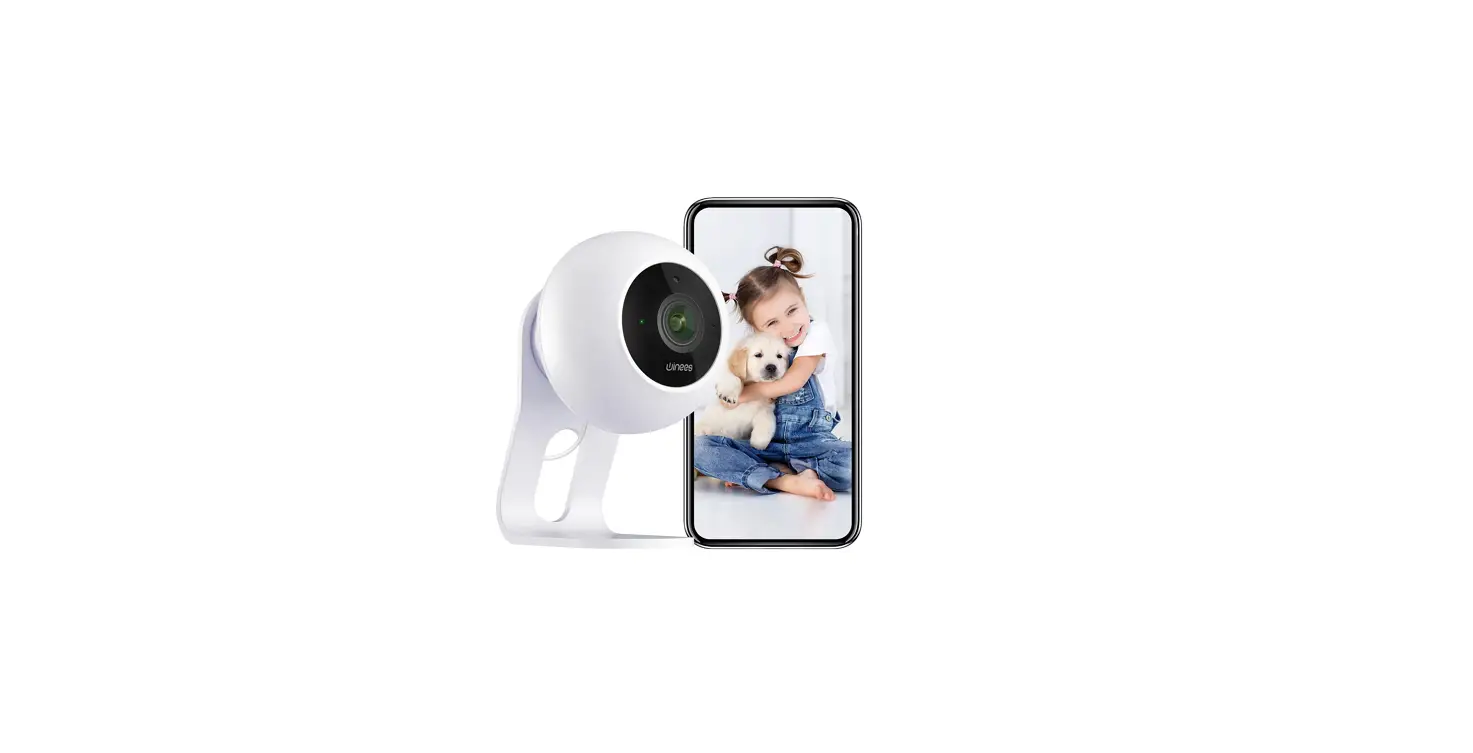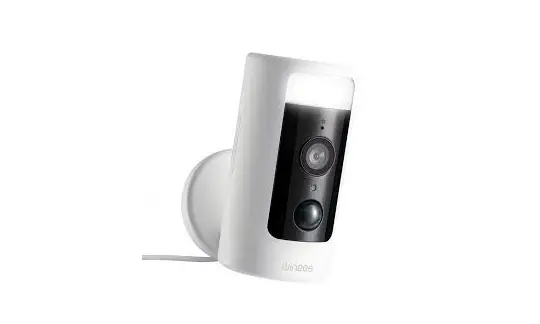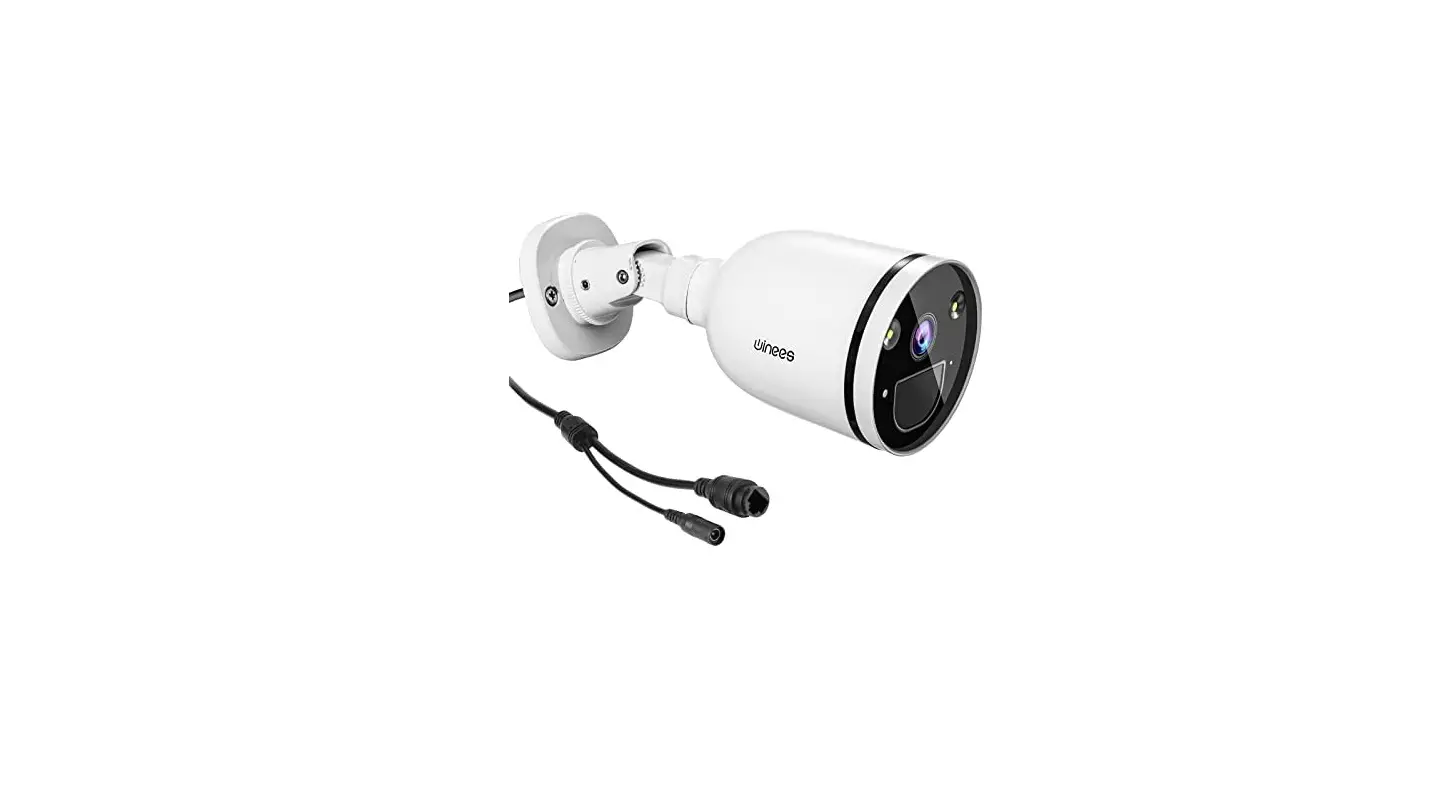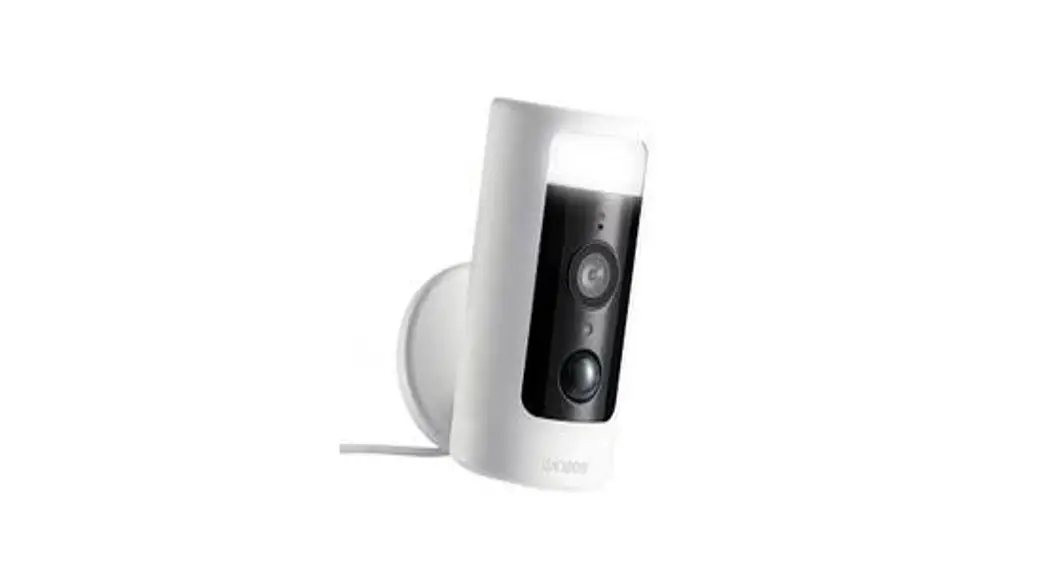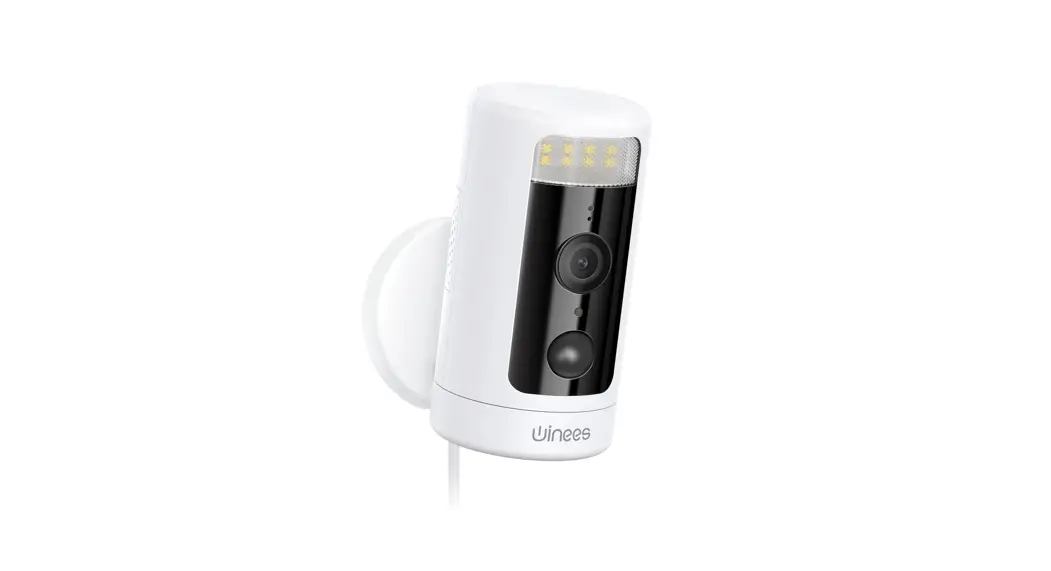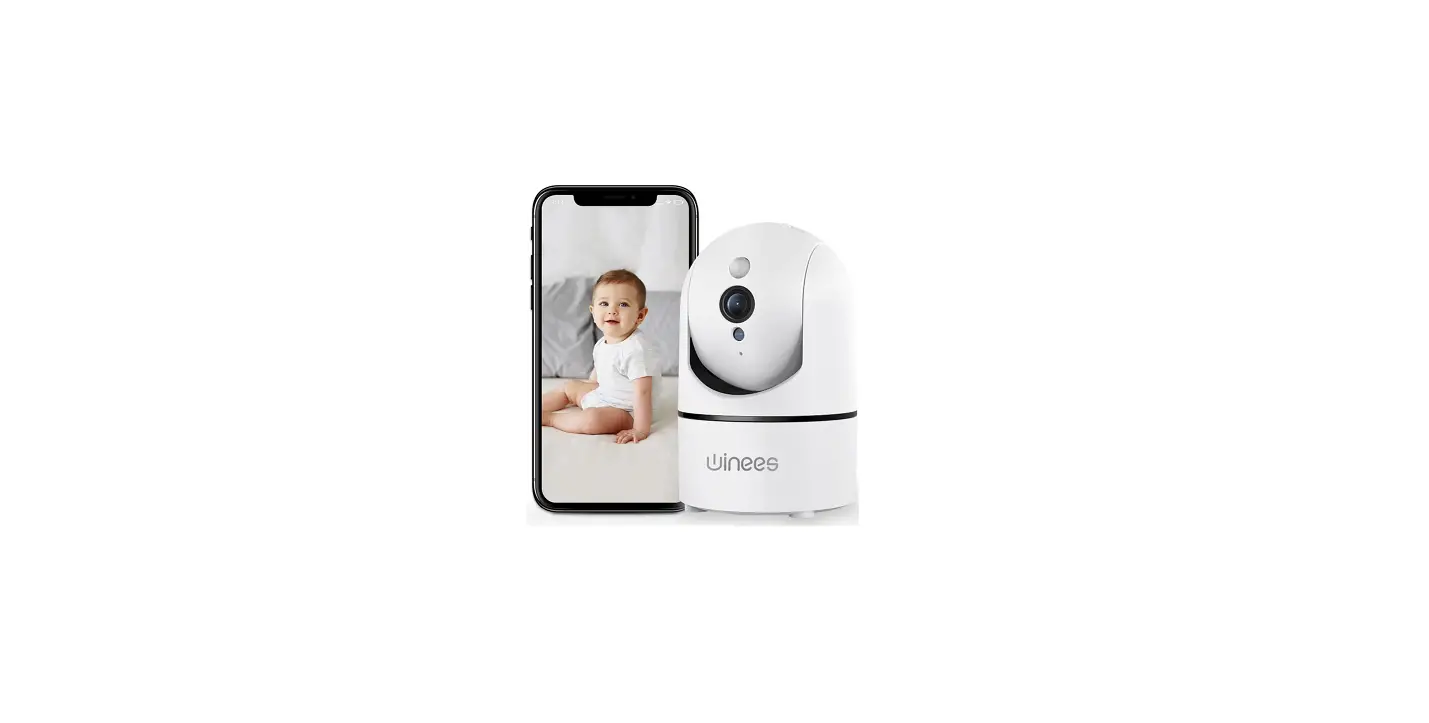

Winees 851 1080P Indoor Camera with Audio

Prompt: Our APP will be in continuously updated for a better user experience. The actual operation interface may not accordance with this manual, please operate according to APP.
SAFETY INSTRUCTION
These instructions are intended to ensure that users can use the product correctly to avoid danger or property loss.
Warnings
- Proper configuration of all passwords and other security settings is the responsibility of the installer and end-user.
- In the use of the product, you must be in strict compliance with the electrical safety regulations of the nation and region. Please refer to the technical specifications for detailed information.
- Input voltage should meet both the SELV (Safety Extra Low Voltage) and the Limited Power Source with 100 to 240 VAC or 5 VDC according to the IEC60950-1 standard. Please refer to the technical specifications for detailed information.
- Do not connect several devices to one power adapter as adapter overload may cause overheating or a fire hazard.
- Please make sure that the plug is firmly connected to the power socket.
- If smoke, odor, or noise rises from the device, turn off the power at once and unplug the power cable, and then please contact the service center.
Install the “MIPC” APP
- Method 1 Download the APP at: mipcm.com/download
- Method 2 Scan to download:

- Method 3 Download the “MIPC” APP from APP Store(iOS) or Play Store(Android).

REGISTER AN ACCOUNT
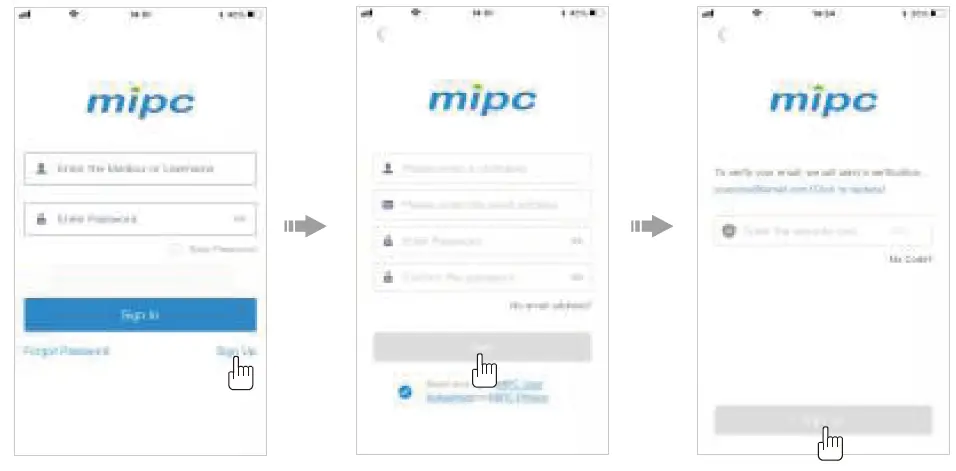
Open the “MIPC” APP, click the “sign up” button, register an account as required, bind an email then log in.
ADD CAMERA
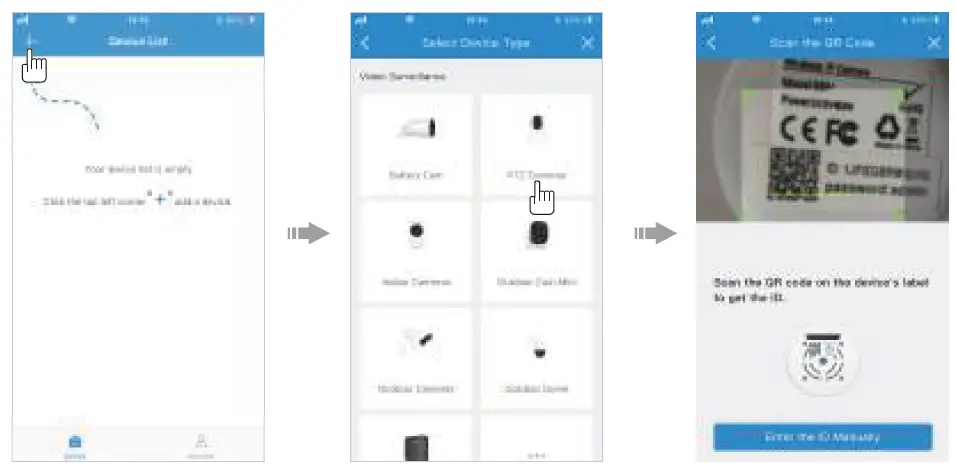
- Click the “+” in the upper left corner of the device list, select “PTZ Cameras”;
- Please connect the camera to the power supply (Until you hear the dripping sound; If no drip sound please press the RESET button for 1 second, you will hear the voice prompt saying “Waiting for receiving the wireless configuration”) and get closer to the router.
- Scan the QR code at the bottom of the camera, and then set up a network.

SELECT THE NETWORK CONNECTION
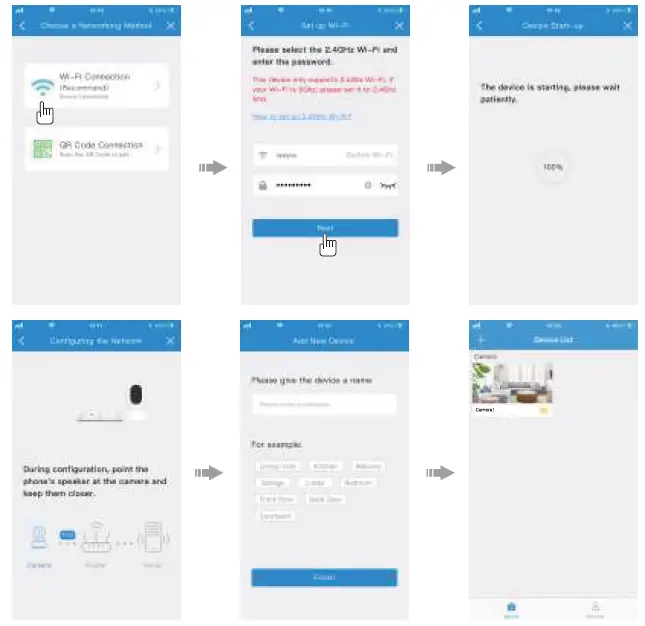
You could choose either “Wi-Fi connection” or “QR code connection” to connect the camera.
Wi-Fi Connection
- Click the “Wi-Fi Connection” icon(Only support 2.4GHz), and enter the Wi-Fi password;
- Wait for the device to complete setup, and finish the configuration;
- Name the camera and click “Finish”.

Note:
- Press the RESET button for 1 second to enter the Wi-Fi configuration mode; Long press for more than 10 seconds to restore the factory settings (Hearing the corresponding voice means the setting is successful);
- If the “WiFi Connection” configuration failed, you can try “QR Code Connection”.
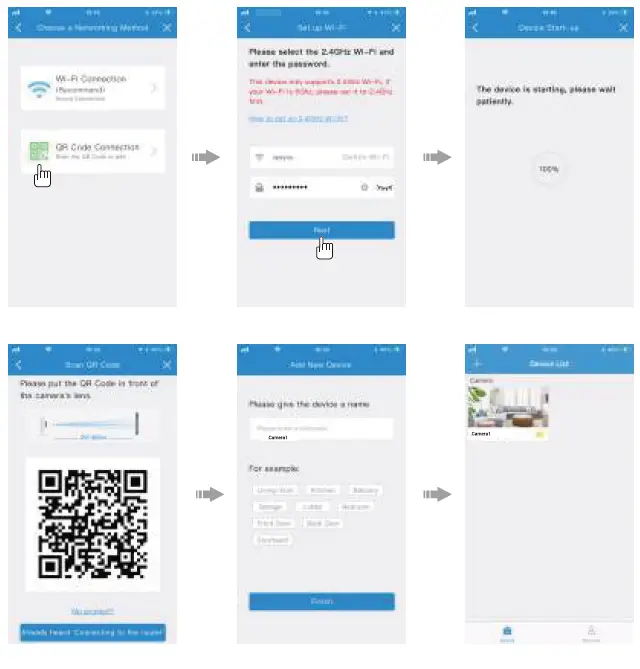
QR Code Connection
- Click the “QR Code Connection” icon and enter the Wi-Fi password
- Wait for the device to complete setup, and put the QR code in front of the camera lens;
- Wait until the configuration is successful; Name the camera and click “Finish”.

Works with Alexa
- Download and install the app of Amazon Alexa (or Amazon Echo);
- Register or login to your Alexa account, and then connect your Echo;

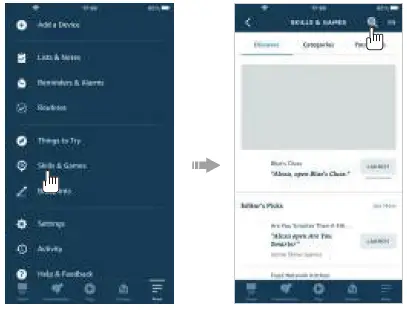
- Tap “More” at the lower right corner of the Alexa app;
- Select “Skills & Games”;

- Enter “MIPC” at the search bar;
- Please select the “MIPC” skill;
- Click “ENABLE TO USE” to activate the “MIPC” skill;
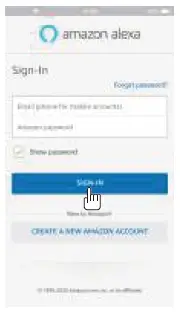
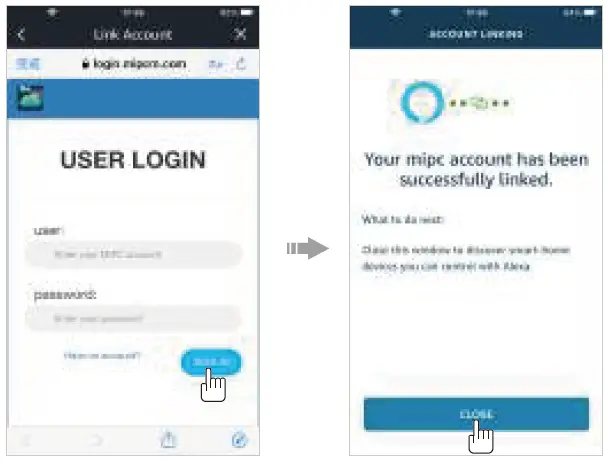
- Please enter your MIPC account and sign in so as to link your MIPC account with the Alexa app;
- Close the page after your MIPC account has been successfully linked;

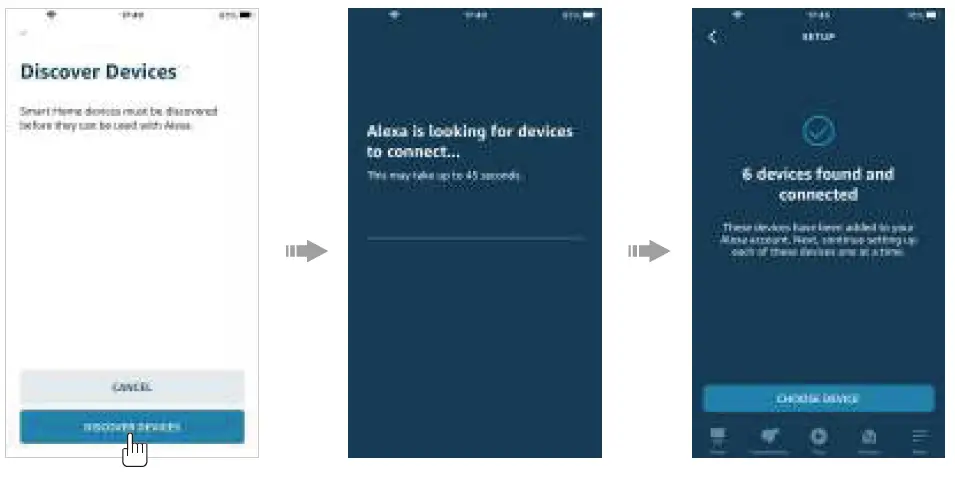
- Back to the skill detail page, there’s a prompt message about whether to search the device immediately. Tap “Discover Devices” to make Alexa starts to search devices;
- When the page shows devices were found and connected, the devices have been added to your Alexa account;

FAQs
Check to see whether your Wi-Fi password contains any special characters that the camera might not be able to see, such as spaces, commas, periods, etc.
The SD card must be put in after the camera has been turned off. Please try manually turning on the video recording feature after inserting the SD card into the camera.
The camera features a motion detection and alarm feature, but manual setup is required. Steps: Select Settings, Notifications, Motion Detection, Enable Alarm, and then feature before saving the settings.
Your account and password can be recovered using the bound email; if the email is not bound, neither can be.
The majority of home security cameras are motion-activated, which means that when they notice motion, they will start recording and informing you. Some people have the ability to continuously record video (CVR). A fantastic tool for ensuring home security and the peace of mind that comes with it is a security camera.
Although laws differ, it is generally accepted that both parties must be informed when you are recording. Even in your own house, in certain countries, it’s against the law to record someone without their consent.
Any network-connected gadget is vulnerable to hacking. Even the most expensive and sophisticated CCTV systems may be attacked remotely. Unsurprisingly, hackers are particularly attracted to low-cost DIY interior CCTV cameras.
You can still get video surveillance in off-grid locations like your distant farm, cabin, rural home, and other places without Internet or WiFi connection even if your IP CCTV cameras lack Internet access. Even though your security cameras don’t have Internet access, you can still receive the local recordings.
The majority of security camera footage is typically retained for 30 to 90 days (1 to 3 months at the most). Since every location and security configuration is unique, there isn’t really a conventional response to the question “how long does the average security camera store footage?”
The majority of contemporary Wi-Fi cameras, often known as IP cameras, have built-in microphones that they employ for three things: Record audio when you make a video of a motion detection event.
The camera has been paired with an account and is connected to your router when the blue light is solid. The camera is attempting to re-establish its Internet connection when a blinking blue light appears.
If a light on a security camera is blinking, the camera is recording. Typically, this is red, although it might also be green, orange, or another color. The lamp is referred to as a “status LED.”
Some individuals are interested to know whether the cameras will function even if there is no electricity, even though the majority of current CCTVs allow for remote viewing even when the network is shut down.
You can use your security cameras without an internet connection, yes. If your service is subpar or you don’t have high-speed connectivity, this is a good choice. Many cameras that don’t link to the internet do so over a closed network, such as a mobile or CCTV setup. Click here to read more about security cameras without an internet connection.
Yes. In order to monitor photos and capture movies in the dark, smart home security cameras make use of a range of technologies. These technologies comprise thermal and infrared imaging, as well as specialized optics and software.
Most true security cameras will have IR lights visible within the lens. These show up as tiny, dull red dots on the screen and indicate that the camera is using motion detection. If the lighting around the camera is dimmed, they are simpler to see. Rarely will IR lights be noticeable in false security cameras.