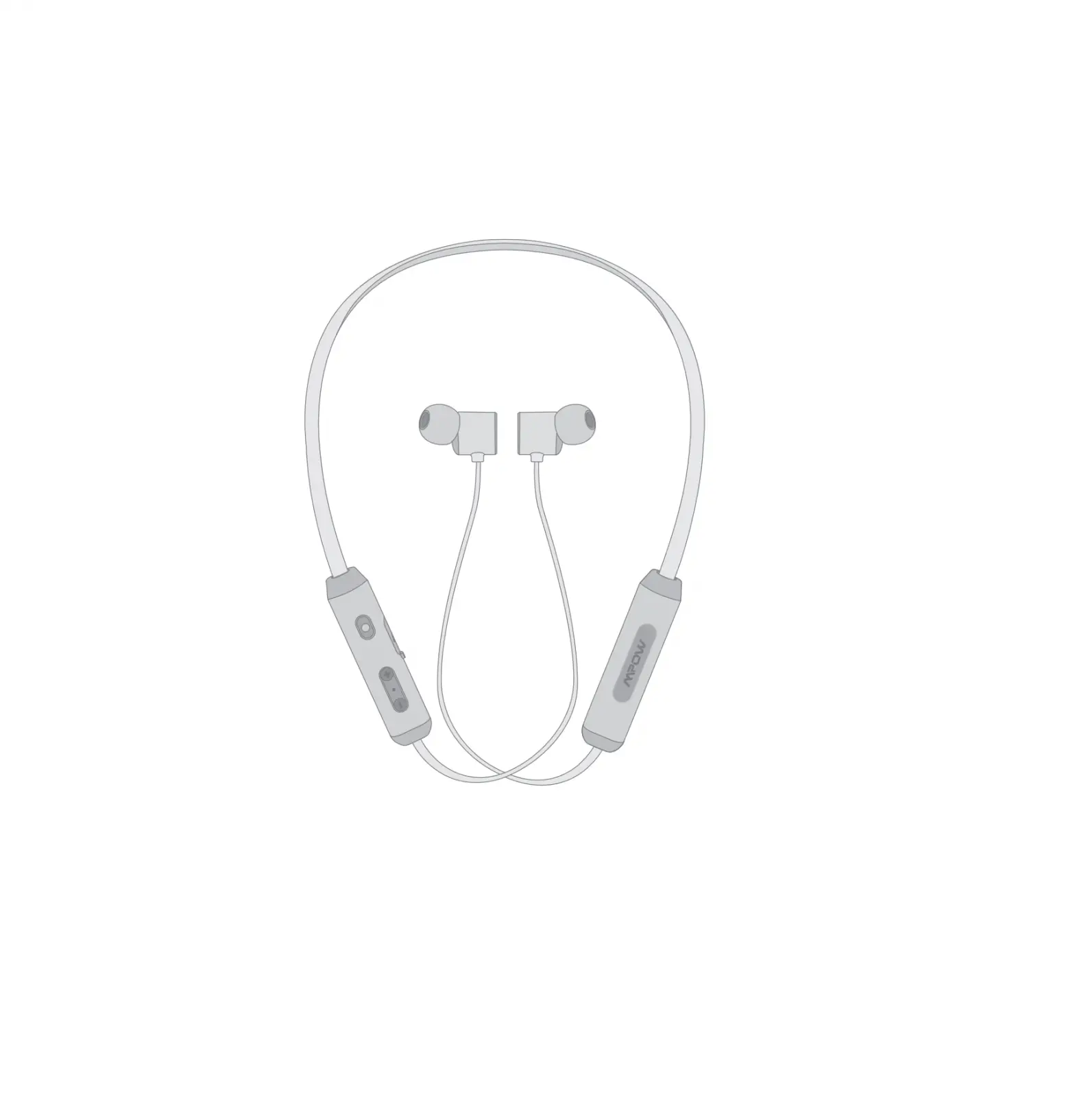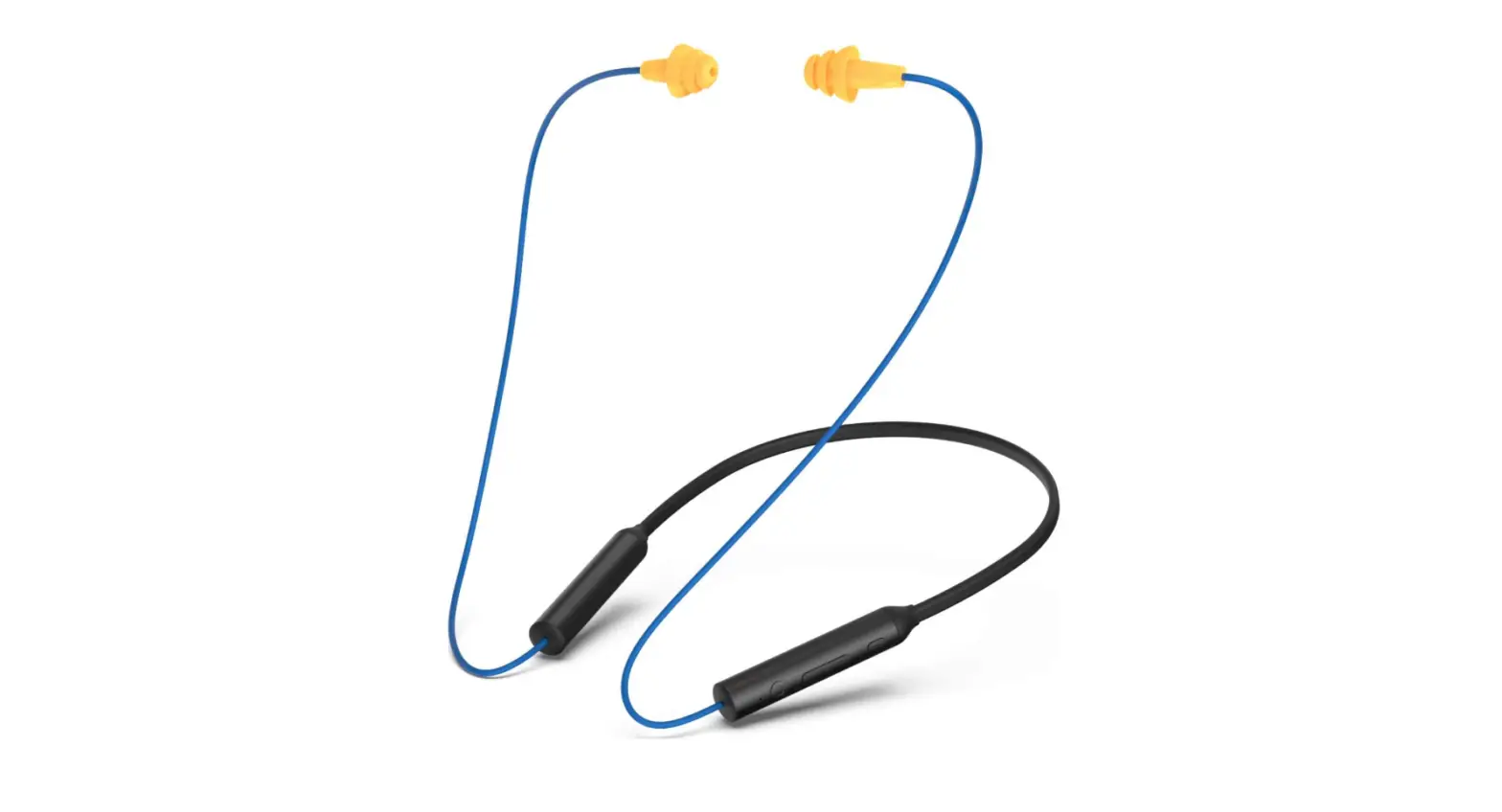

USER MANUAL
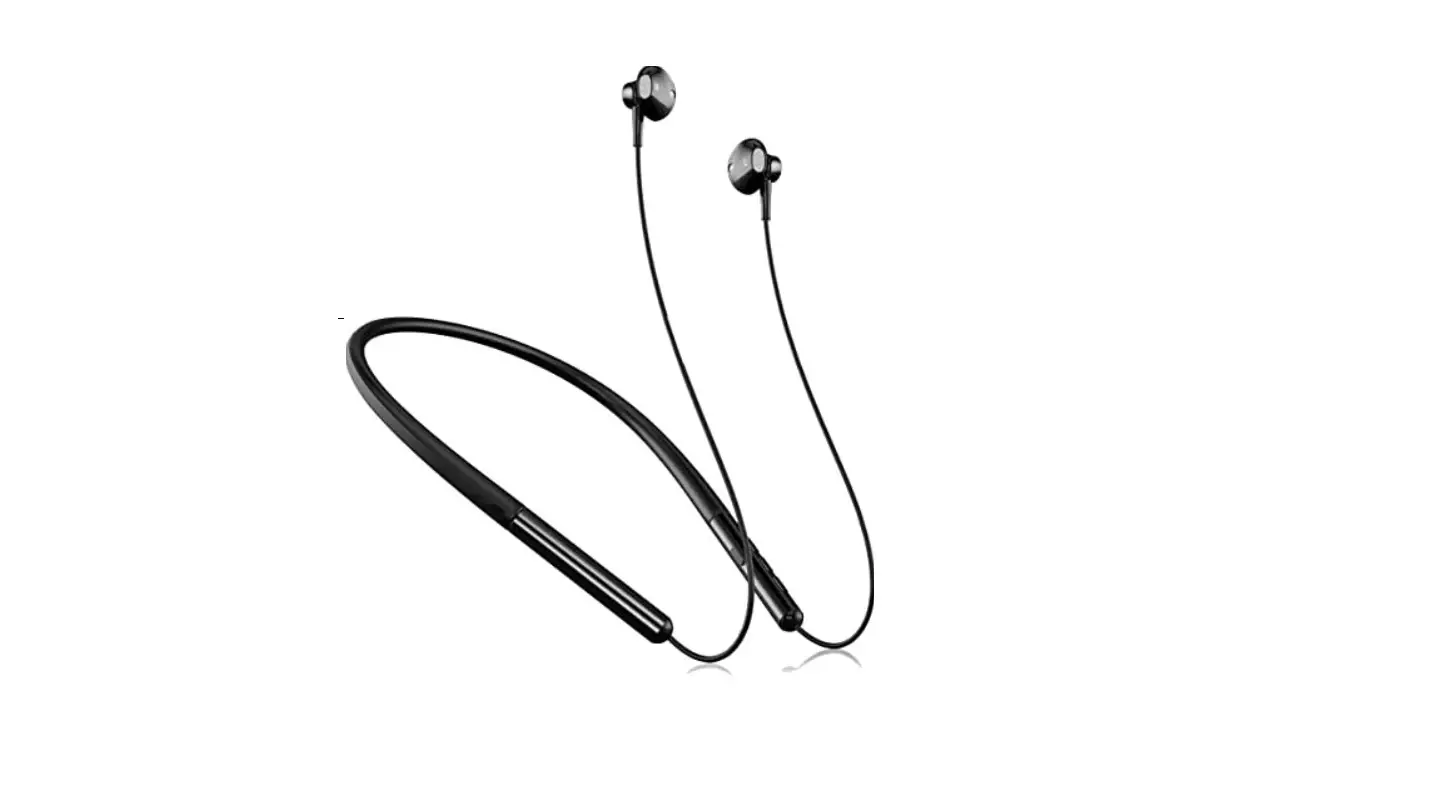
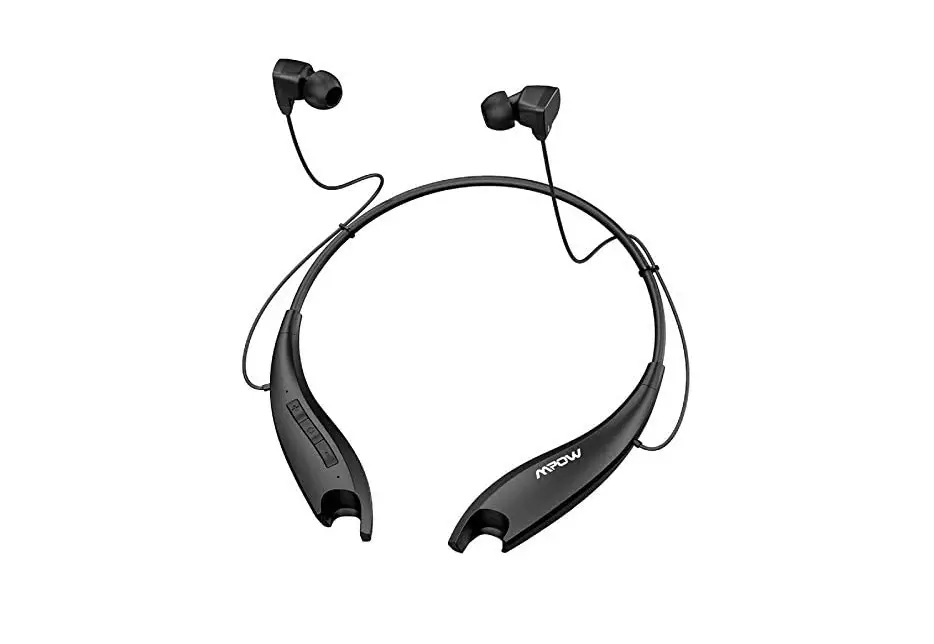
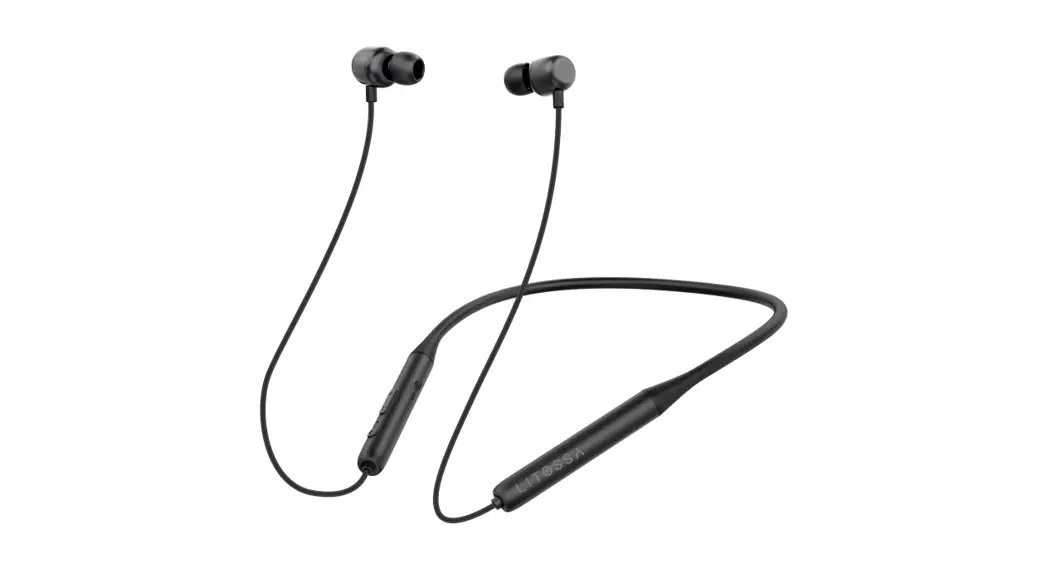
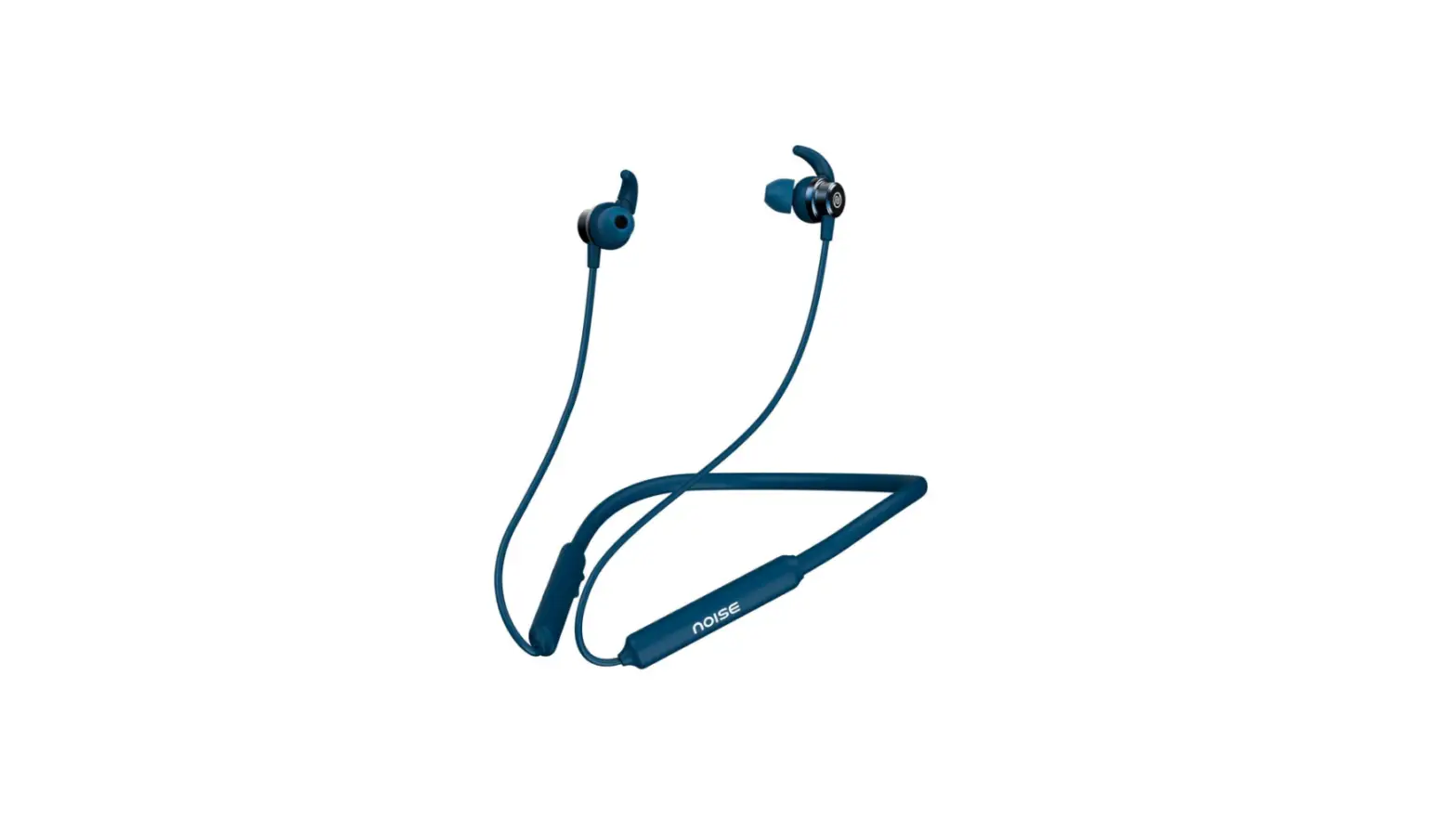
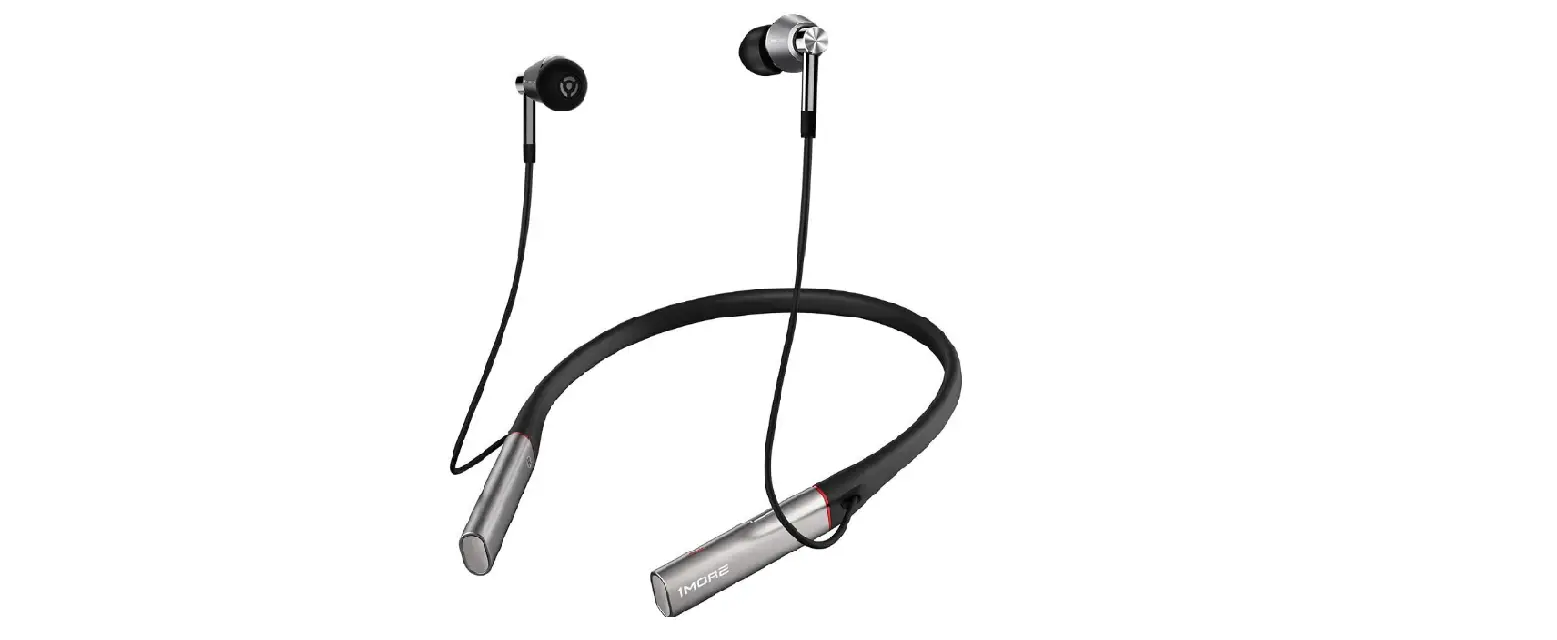
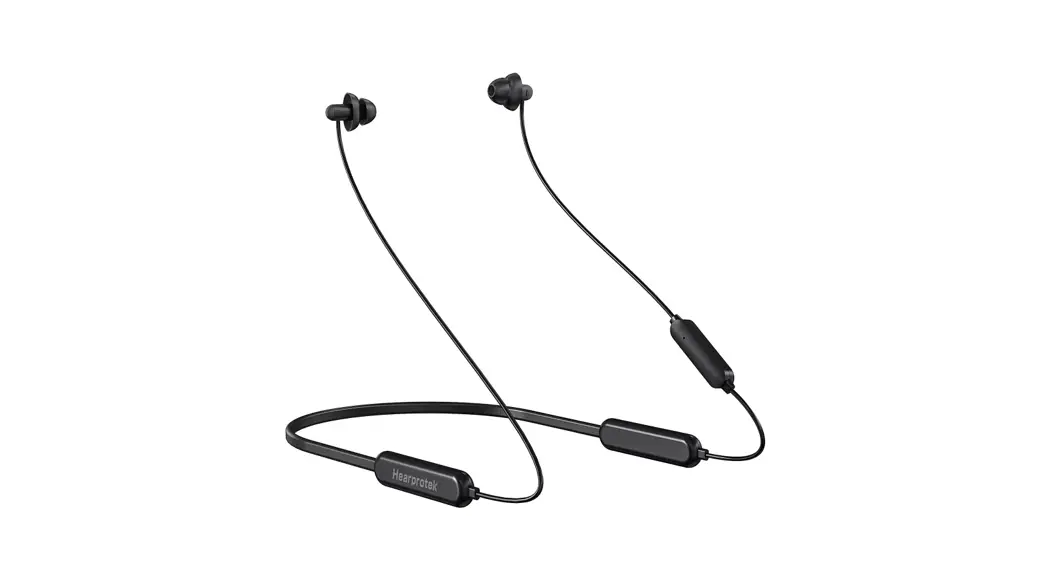
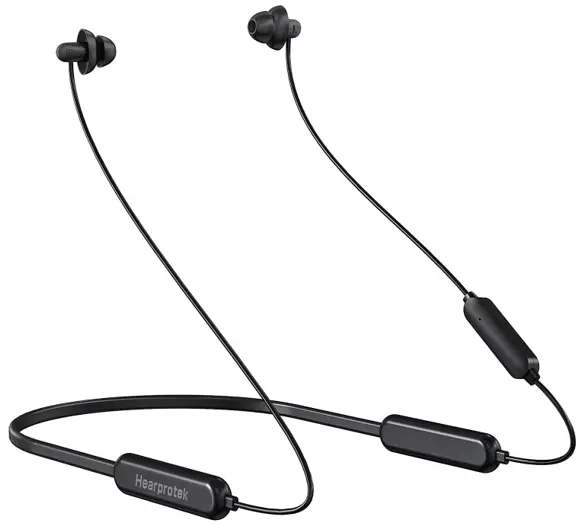
SOFT & COMFORTABLE NECKBAND
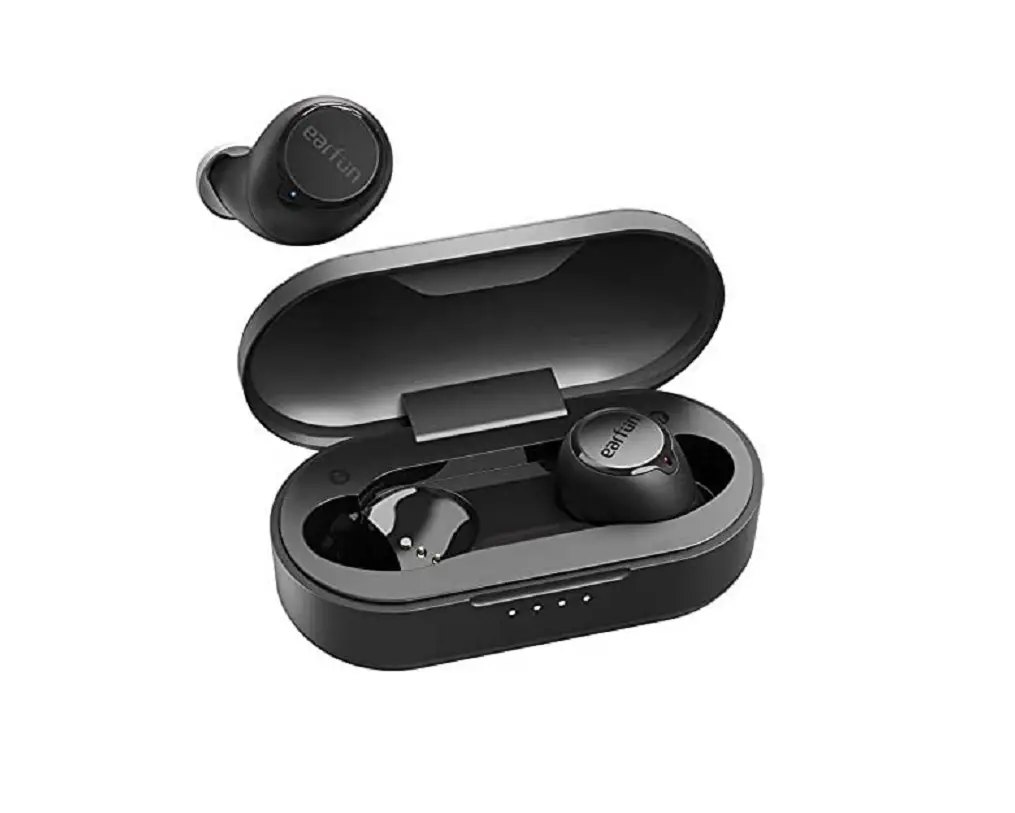
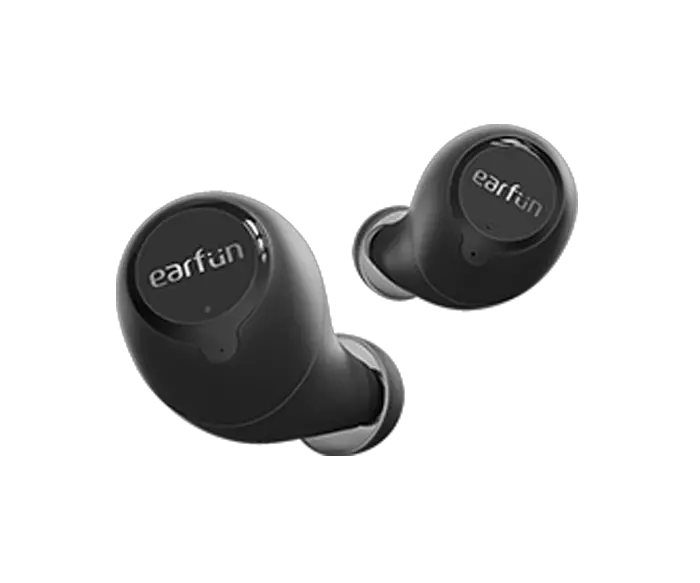
WIRELESS EARBUDS 
 LJ025
LJ025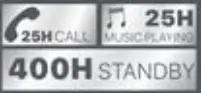
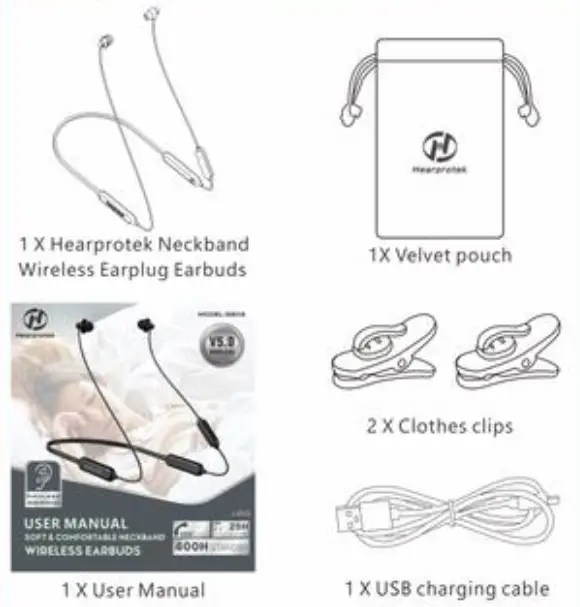
Package Contents
Specifications
| Profile Support | H5P/HFP/A2DP/AVRCP |
| Wireless Transmission Distance | 10M/33 feet |
| Wireless ID | Hearprotek |
| Wireless Version | 5.0 |
| Charging Method | Micro US8 |
| Charging Adapter Output | 5V/1A |
| Charging Time | 3-3.Shours |
| Standby Time | 400H |
| Talk Time | 25H (at 70% volume) |
| Music Time | 25H (at 70% volume) |
| Frequency response | 20Hz-20kHz |
How to Wear
Insertion
- Hold the stem of the earphone firmly behind the largest flange.
- Reach over your head with the opposite hand and pull the top of your ear to open the canal While you are still holding the ear open, push the smallest flange of the plug into your ear canal, twisting the plug slightly as you push.

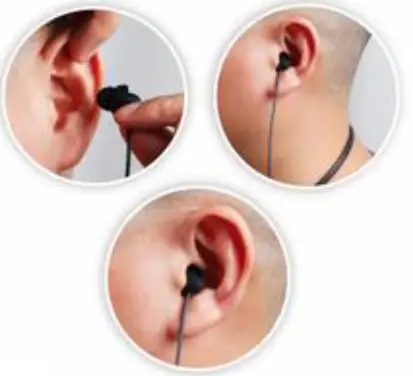
Removal
Twist the silicone earbuds to break the seal and remove them slowly.
Earbuds Overview
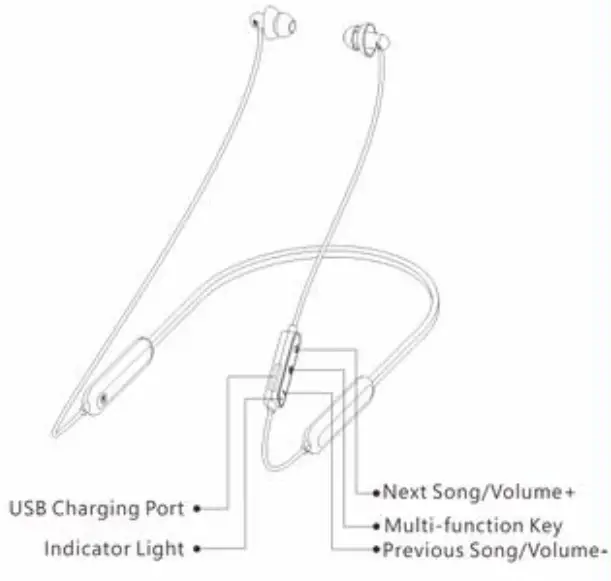
How to operate the earbuds
- Power On/Off
Function Operation Indicator Voice
PromptsP°”‘ On Press and hold the multifunction button for 3 seconds Blue light will be flashed for 3 times Power On Power Off Press and hold the multifunction button for 1 seconds Red light will be flashed for 3 times Power Off Remarks: Since the battery may be low power, please charge the device before first use.
- Charging During the use, when the earbuds is low power, the earbuds emits “Low Power’, it indicates low battery level and please charge it right away
1) Turn on the cover of USB charging port and plug the USB charging cable.
2) Plug another side of USB cable to the USB port of PC or other DC Still A charger. Red light on: Charging Blue light on: Full of charge
3) It will take about 3-3.Shours for a full charging. - Pairing and Connection Connection with Bluetooth Mobile Phone 1 >When turned off, press and hold the multifunction button for 5 seconds until the red and blue light flashes alternately. it enters pairing mode.
2) Turn on the Bluetooth of the phone you would like to pair with the earbuds and search for Bluetooth ID tHearprotek”, then click it and wait until hearing a prompt voice ‘connected” then the pairing is finished.
Note:
• The earbuds will exit pairing mode if fail to connect within 2 minutes and will auto-turn off if fail to connect again within 5 minutes.
• After pairing is complete, the headphones will auto-connect to the device connected last time when powered on again
Connect Two Bluetooth Devices Simultaneously
I) Pair the earbuds with the first device.
2) Turn off the Bluetooth function of the first device, then press and hold the multifunction button to let earbuds entering pairing status and connect to the second device.
3) Then turn on the Bluetooth function of the first device to select “Hearproteke and it completes to connect two Bluetooth devices simultaneously - Calling
Function Headphone status Operation Answer Incoming call Incoming call ringing Short press the mullifunction button once Hang up Incoming call Talking Short press the multifunction button once Rejectincoming call Incoming call ringing Press and hold the multifunction button for about 3 seconds Call transfer Talking Press and hold the multifunction button for about 3 seconds Last number Redial Standby Press the multifunction button twice Voice Dial Standby Press and hold the multifunction button for about 3 seconds - PIay Music
| Function | Headphone status | Operation |
| Increase volume | Play music | Press the ” + “button |
| Decrease volume | Play music | Press the ‘ -‘ button |
| Previous track | Play music | Press and hold the “..” button for about 2seconds |
| Next track | Play musk | Press and hold the’ • ” button for about 2 seconds |
| Pause playing | Play musk | Press the multifunction button |
| Resume playing | Pause playing | Press the multifunction button |
Maintenance
During using, please read the following advices carefully to help you comply with warranty terms and extend the product’s service life.
- Do not over charge or discharge the product. Over charging and over discharging will shorten the life span of the battery. Keep the product away from humid places to avoid affecting internal circuit.
- Do not put the product in places exposed to sun or with high temperature. High temperature will shorten service life of electronic components, damage battery and deform plastic components.
- Do not put the product in cold places to avoid damaging internal circuit board.
- Do not dismantle the product. Non-professional personnel may damage the product.
- Do not use drop. strongly vibrate, strike the product with hard object to avoid damaging internal circuit.
- Do not use drastic chemicals or cleaner to clean the product.
- Do not use sharp objects to scratch product surface to avoid damaging shell and affecting appearance.
If the product cannot operate properly, please feel free to contact our support team immediately.
FAQS
- Can not turn the earbuds on
•Please charge the earbuds and make sure your device is fully charged before using for the first time, - No sound heard from the earbuds
• Please check if the earbuds are paired successfully with the device and operating.
• Please check if the earbuds volume is at an appropriate level,
• Please check if the earbuds are operated within an effective distance. - The earbuds calling effect is bad.
• Please check if mobile phone is in an area with strong signal.
• Please ensure the earbuds are within effective distance (33feet) and no obstacle between the earbuds and mobile phone. - Mobile phone can’t find the earbuds ID
• Please check if the Bluetooth function of your phone is on.
• If the pairing time out, pairing mode will exit, if so, please re-enter pairing mode.
• Please re-start the mobile phone and earbuds then pair again.
• Please press and hold V+and V- button for about 4 seconds, the earbuds will disconnect with previous device and enter the pairing mode.
CAUTION
Danger of explosion if battery is incorrectly replaced. Replace only with the same or equivalent type.
A warning that batteries (battery pack or batteries installed) shall not be exposed to excessive heat such as sunshine, fire or the like.
- To prevent possible hearing damage. do not listen at high volume levels for long periods.”
- “Fully understand user manual before use.”
- “Ensure your player at low volume levels or power off before you leaving.”
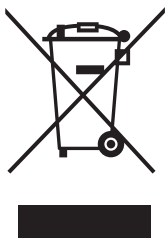
Correct Disposal of this product. This marking indicates that this product should not be disposed with other household disposal. recycle it responsibly to promote the sustainable reuse of material resources.
 FCC Statement
This device complies with part 15 of the FCC rules. Operation is subject to the following two conditions: (1) this device may not cause harmful interference, and (2) this device must accept any interference received, including interference that may cause undesired operation.
Changes or modifications not expressly approved by the party responsible for compliance could void the user’s authority to operate the equipment.
NOTE: This equipment has been tested and found to comply with the limits for a Class B digital device, pursuant to part 15 of the FCC Rules. These limits are designed to provide reasonable protection against harmful interference in a residential installation. This equipment generates uses and can radiate radio frequency energy and, if not installed and used in accordance with the instructions, may cause harmful interference to radio communications. However, there is no guarantee that interference will not occur in a particular installation. If this equipment does cause harmful interference to radio or television reception, which can be determined by turning the equipment off and on, the user is encouraged to try to correct the interference by one or more of the following measures:
· Reorient or relocate the receiving antenna.
· Increase the separation between the equipment and receiver.
· Connect the equipment into an outlet on a circuit different from that to which the receiver is connected.
· Consult the dealer or an experienced radio/TV technician for help.
The device has been evaluated to meet general RF exposure requirements. The device can be used in portable exposure conditions without restriction.
Thank you for purchasing Hearprotek Neckband Noise- Isolating Wireless Earplug Earbuds.
Please read this user manual carefully and keep securely for further reference.
If you need any further assistance, please contact our support team via email: [email protected]