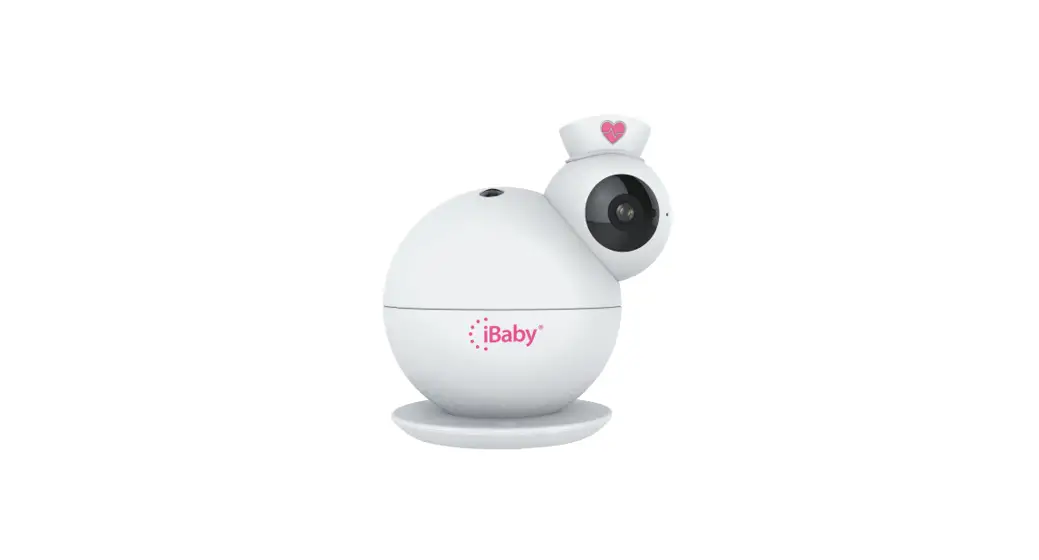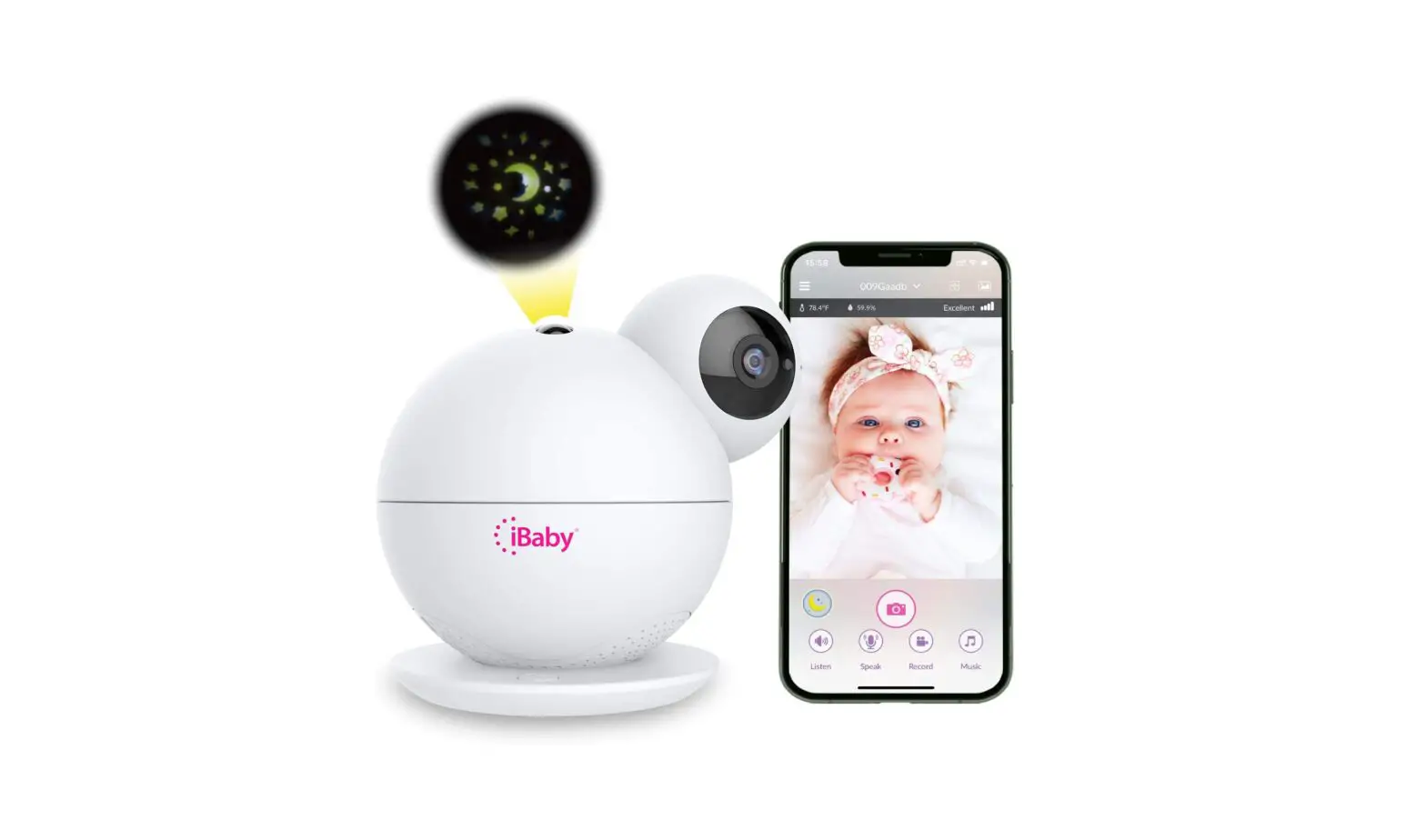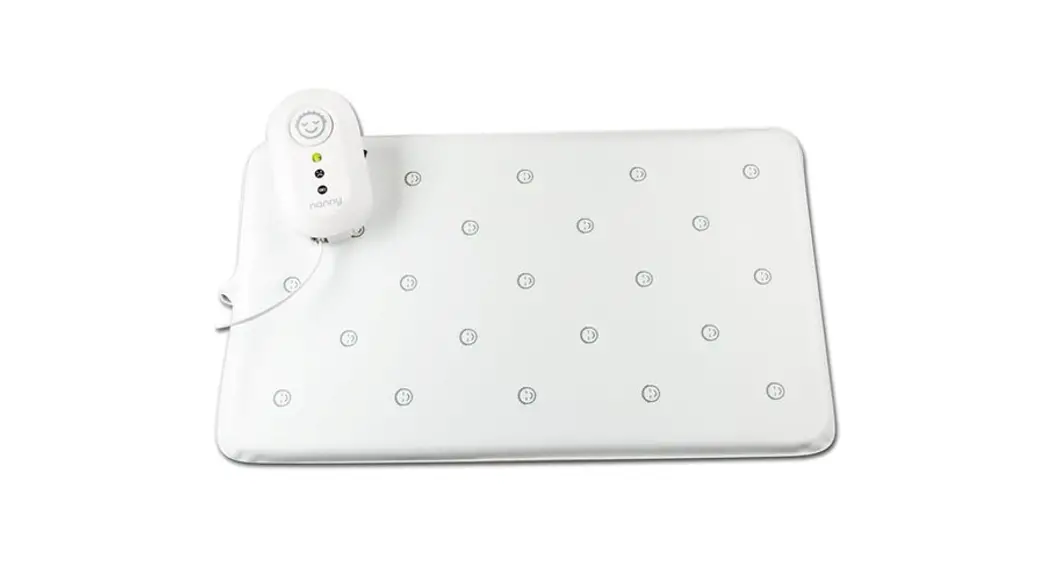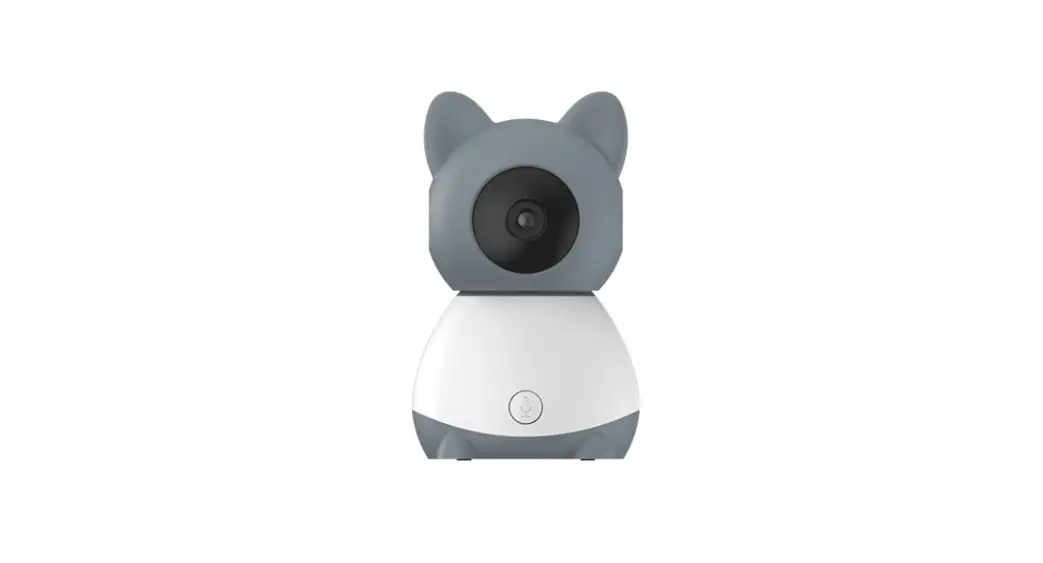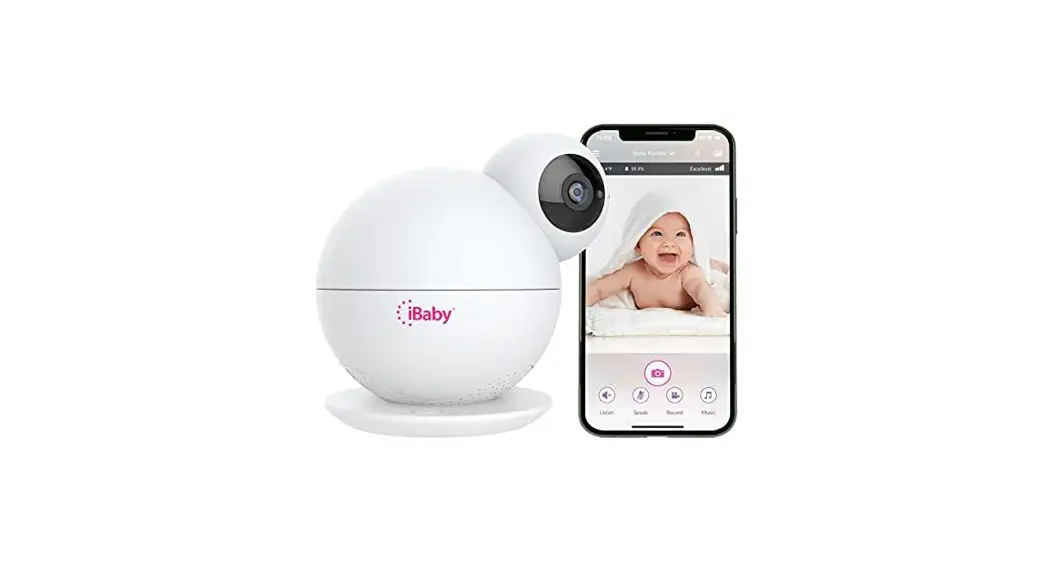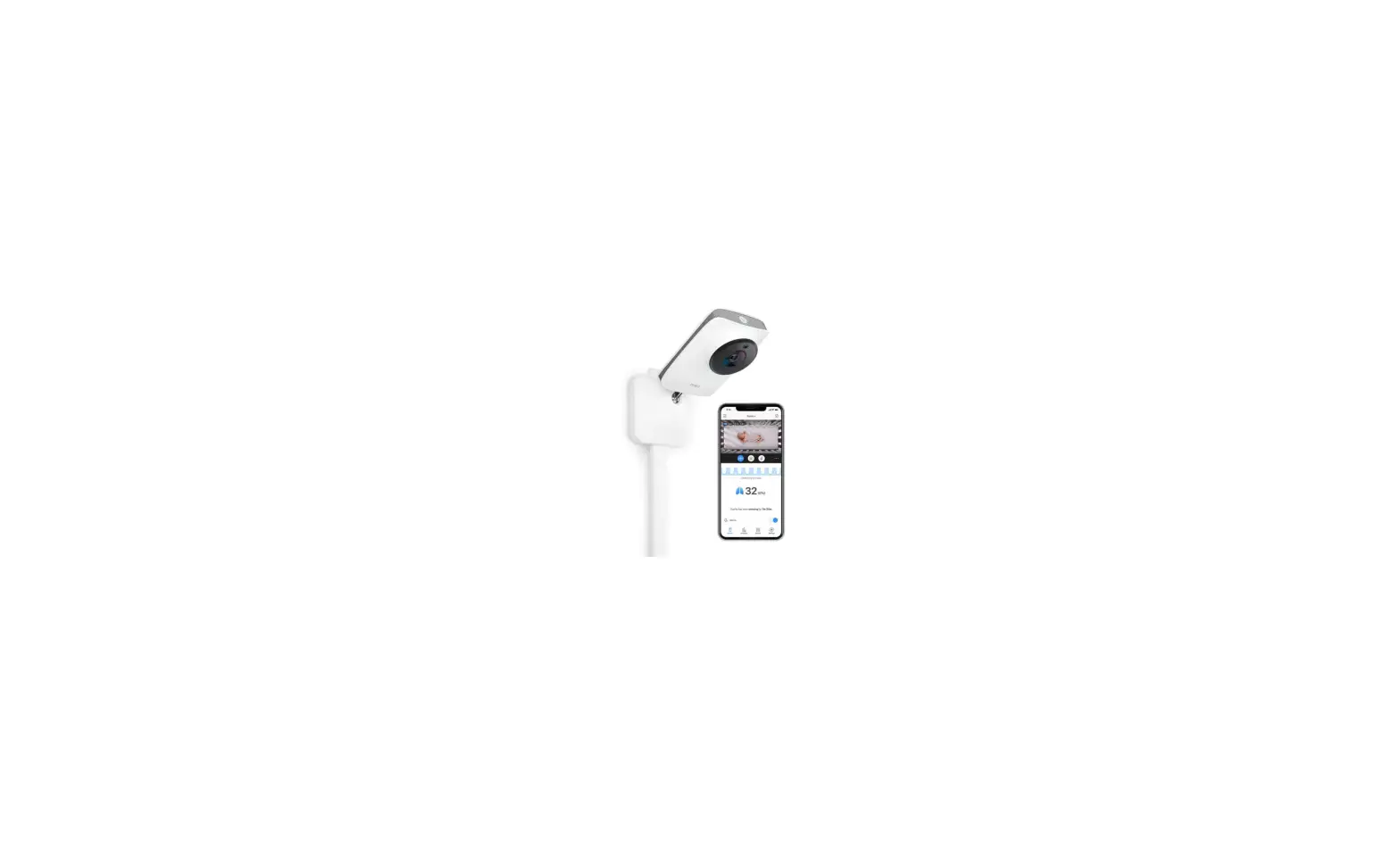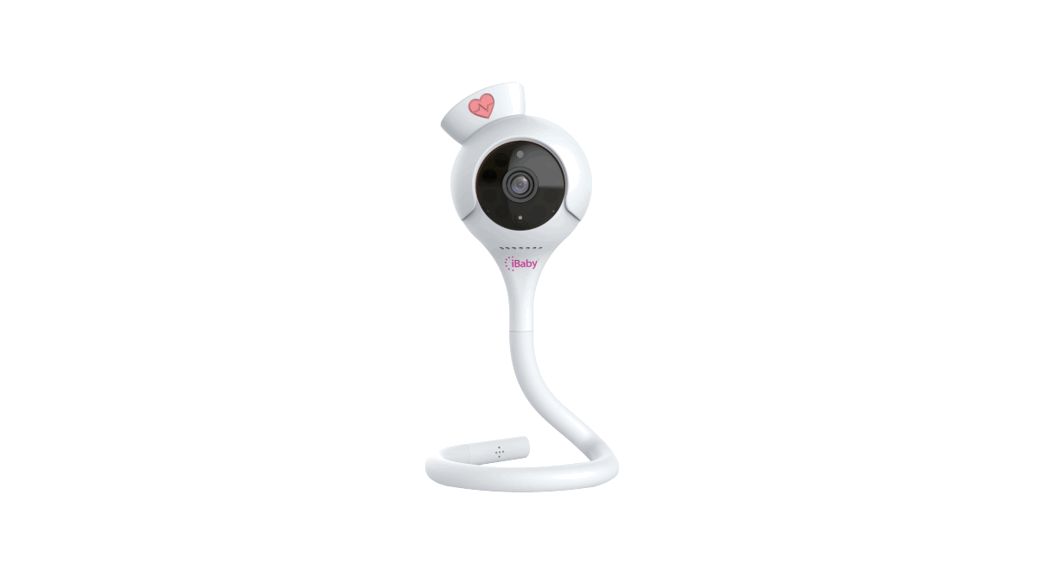
 i2 Smart Baby Breathing Monitor
User Guide
Includes
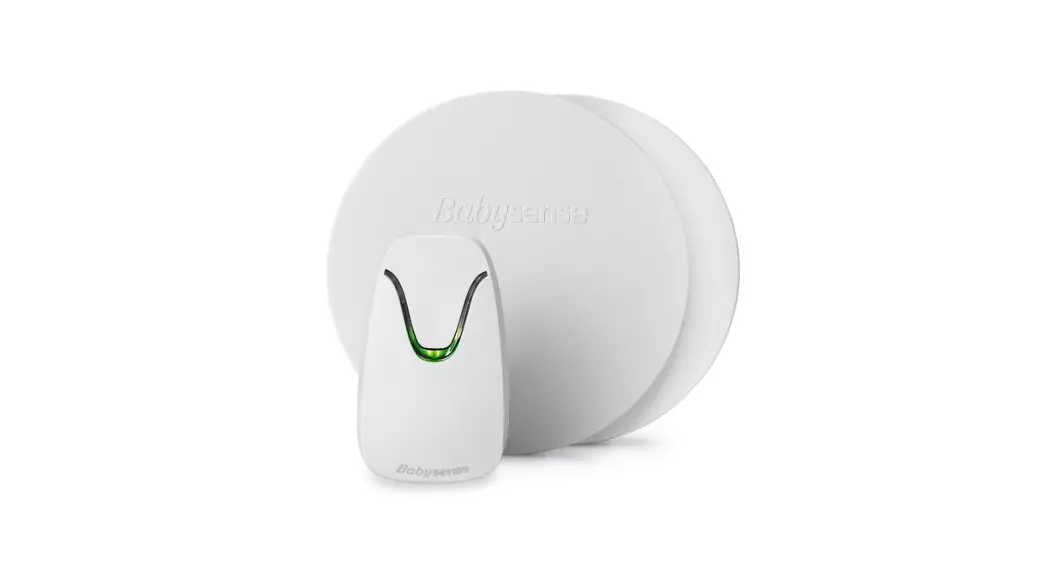
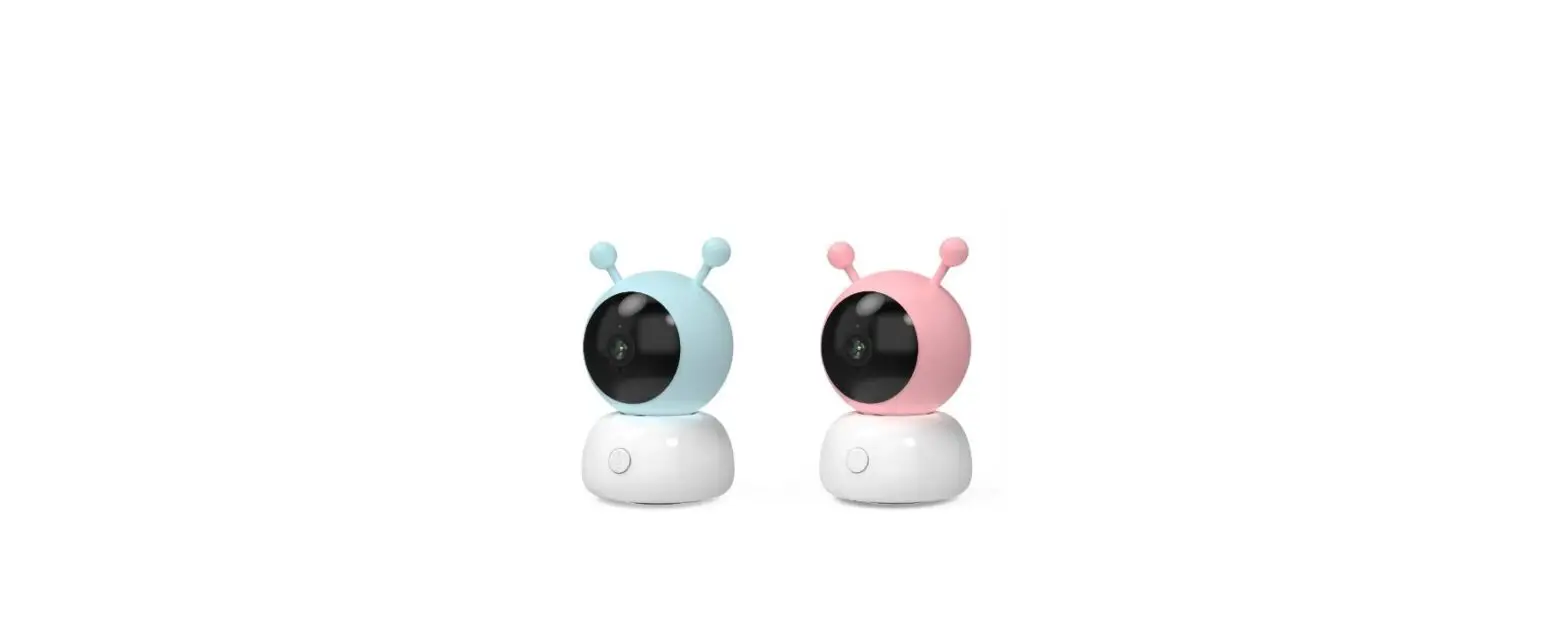
1 i2 Baby Monitor
1 Power Adapter
2 Wall Mount Kits
1 Quick Start Guide
Getting Started
What you’ll need:
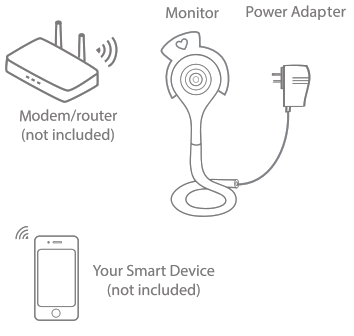
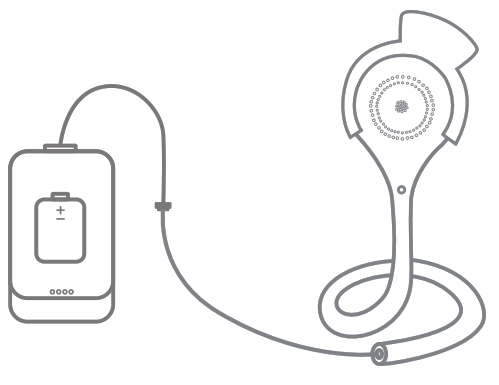
Recommended for portable use: 1 power bank
Put your monitor above your baby 3 feet – 4 feet
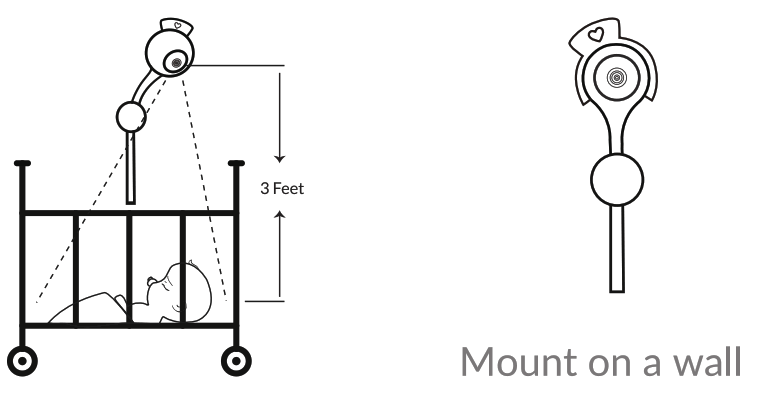
How to Mount Your Monitor
Option 1- 3M Adhesive
- Peel the 3M adhesive and place it on the wall.
- Peel the remaining strip from the adhesive and place the wall mount on top.
- Insert your monitor into the wall mount.
Option 2- Drilling
- Drill two holes and insert 2 anchors.
- Drive 2 screws into the anchors.
- Slide the wall mount on top of the screws.
- Insert your monitor into the wall mount.
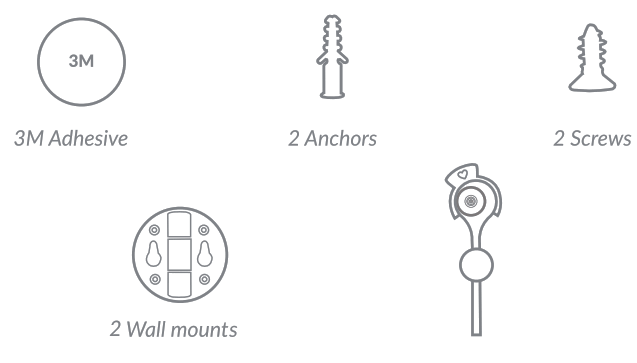
How to Install Your Monitor
 Verify that your smart device is connected to your 2.4 GHz Wi-Fi band.
 From the App Store or Google Play store, download the iBaby Care* App onto your supported device then launch the App.
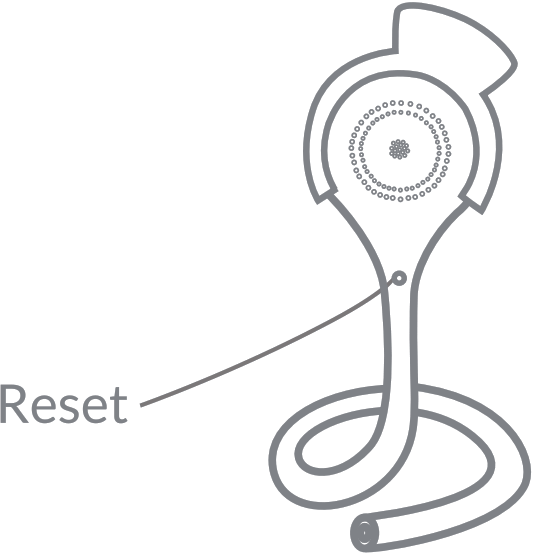
 Connect the power adapter to the tail of your monitor and wait until the LED light flashes red.
 Follow the 2-step in-app instructions and ‘ your monitor will be ready to use within 30-60 seconds.
Changing your router or installation failed?
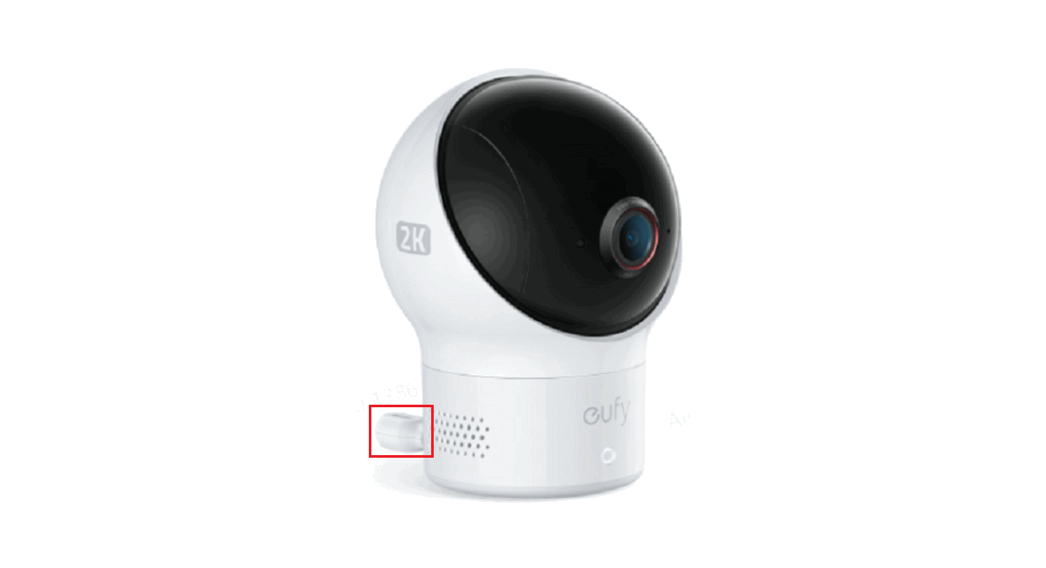
Reset your monitor by holding the back reset button for 5 seconds. Then reinstall your device until you hear the voice.
 WARNING-Strangulation Hazard-Children have been STRANGLED in cords. Keep this cord more than 3 feet away from the crib. Do not use it with an extension cord.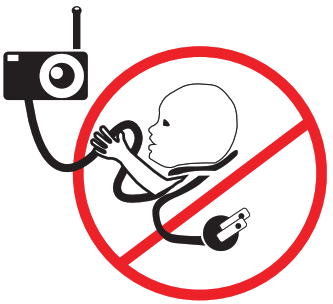
 https://download.ibabycloud.com/app/ibabycare
Changes or modifications not expressly approved by iBaby
Labs could void the user’s authority to operate this device.
NOTE: This equipment has been tested and found to comply with the limits for a Class B digital device, pursuant to part 15 of the FCC Rules. These limits are designed to provide reasonable pro-tection against harmful interference in a residential installation. This equipment generates, uses, and can radiate radio frequency energy and, if not installed and used in accordance with the instru-ctions, may cause harmful interference to radio communications. However, there is no guarantee that interference will not occur in a particular installation. If this equipment does cause harmful inter-ference to radio or television reception, which can be determined by turning the equipment off and on, the user is encouraged to try to correct the interference by one or more of the following measures:
- Reorient or relocate the receiving antenna.
- Increase the separation between the equipment and receiver.
- Connect the equipment into an outlet on a circuit different from that to which the receiver is connected.
- Consult the dealer or an experienced radio/TV technician for help.
www.ibabylabs.com
349 Cobalt Way Ste 304, Sunnyvale,
CA 94085-5406
[email protected]