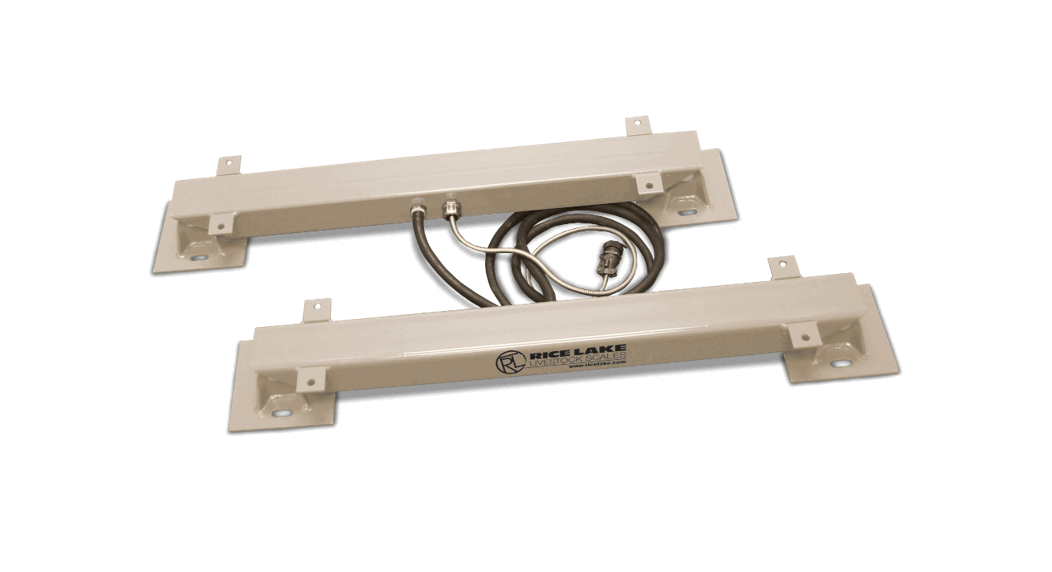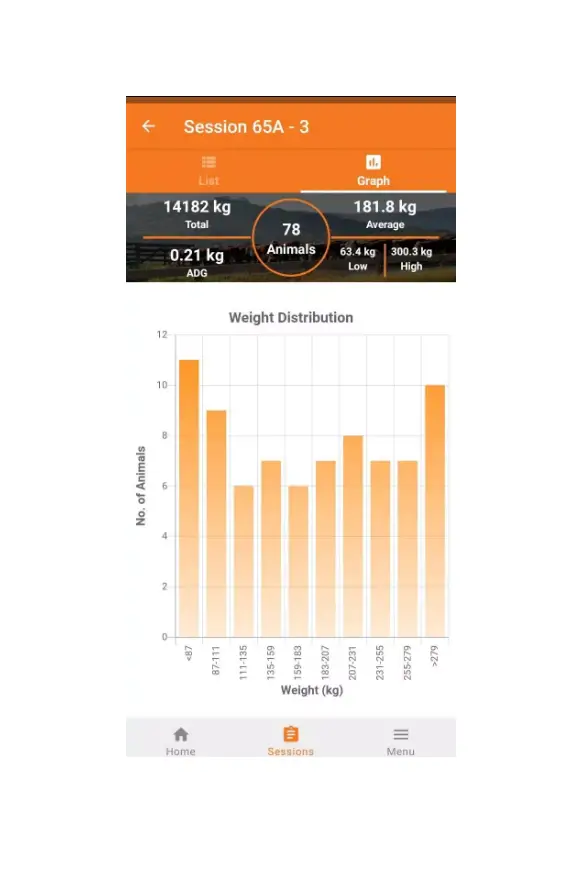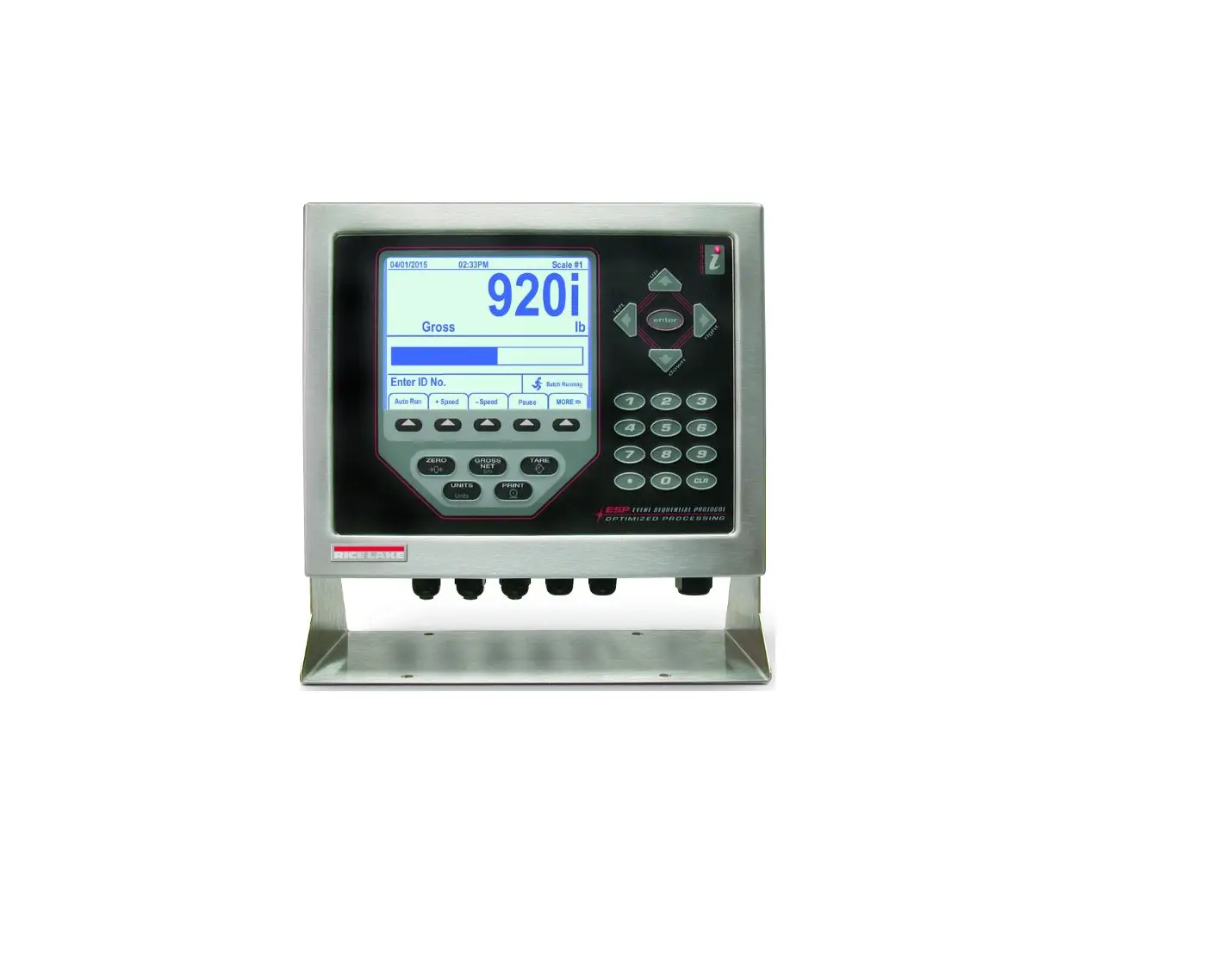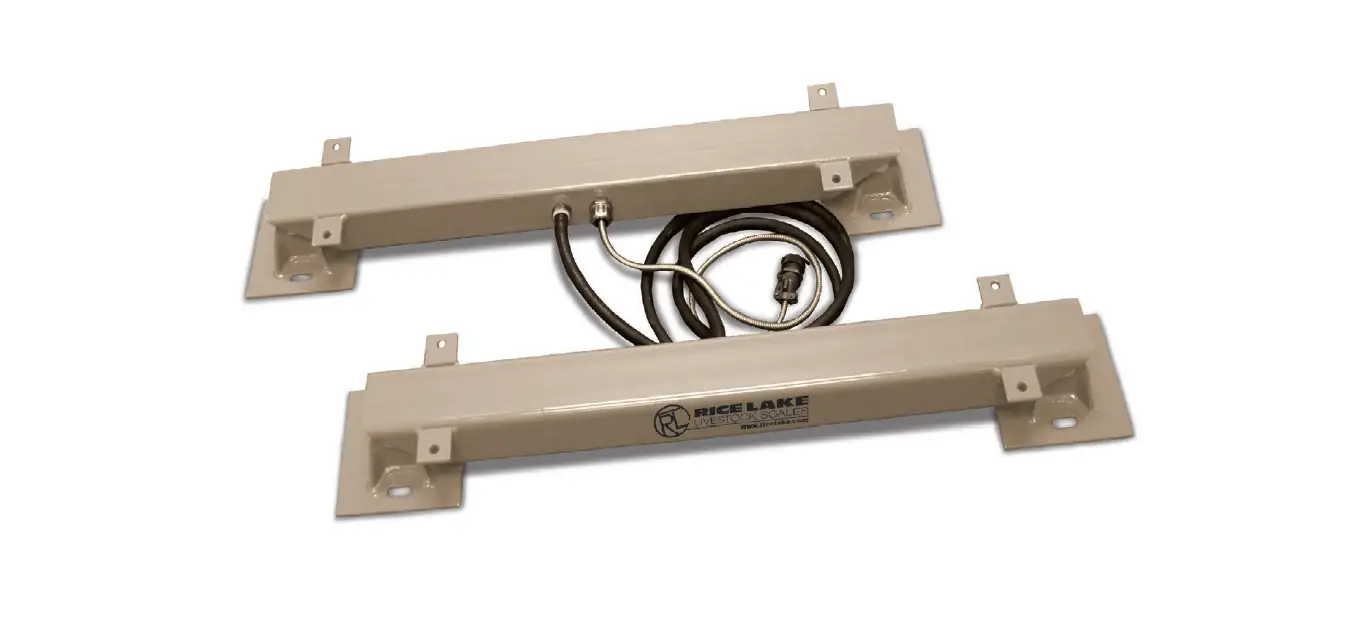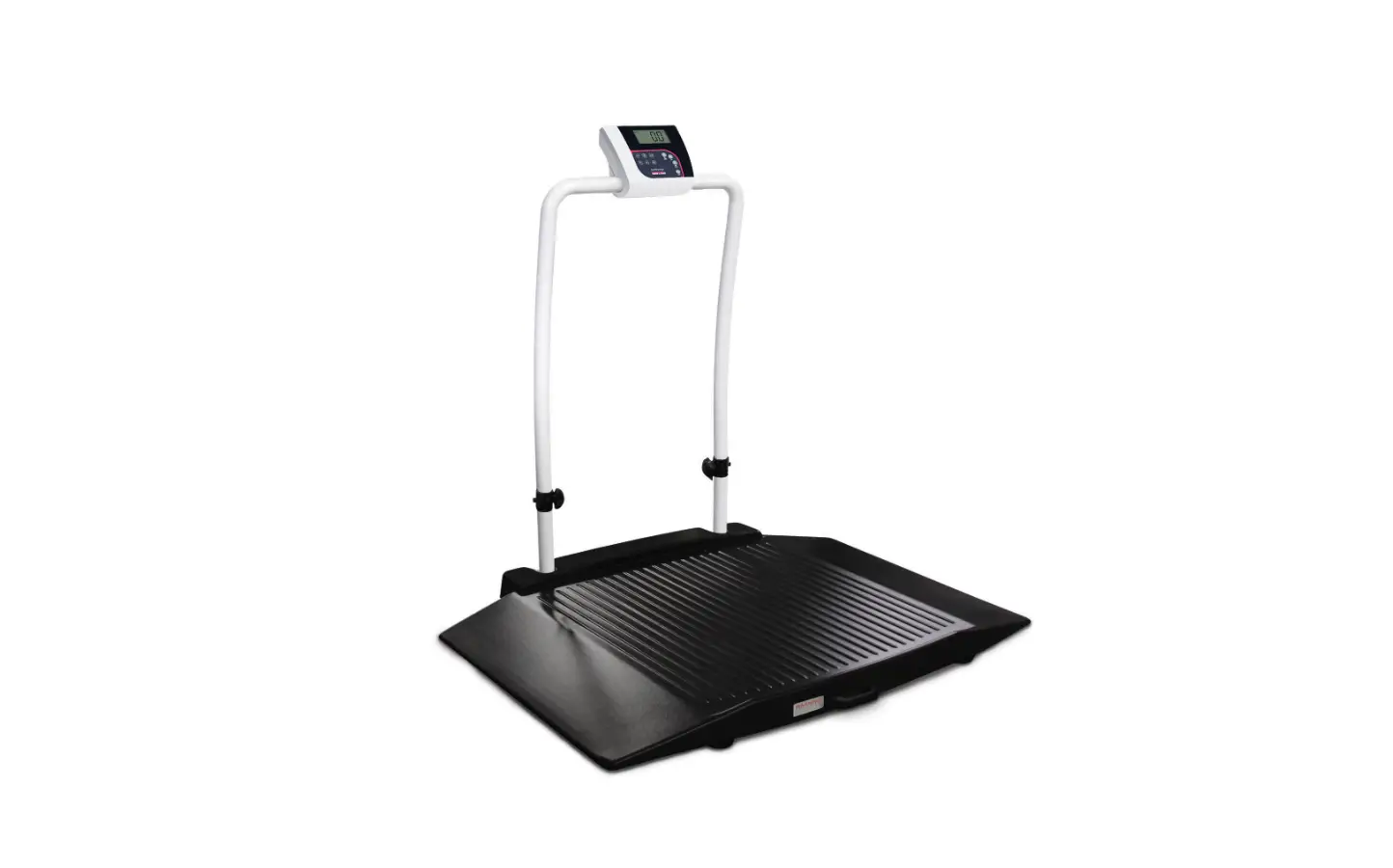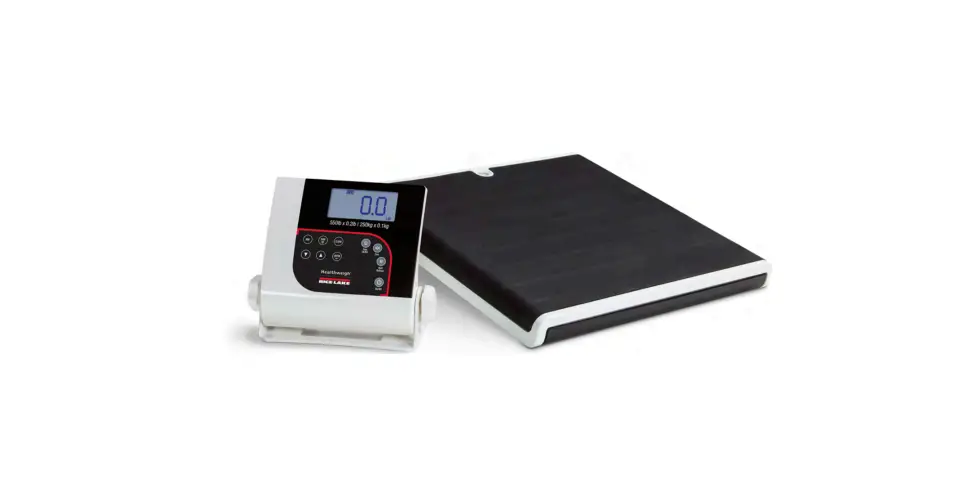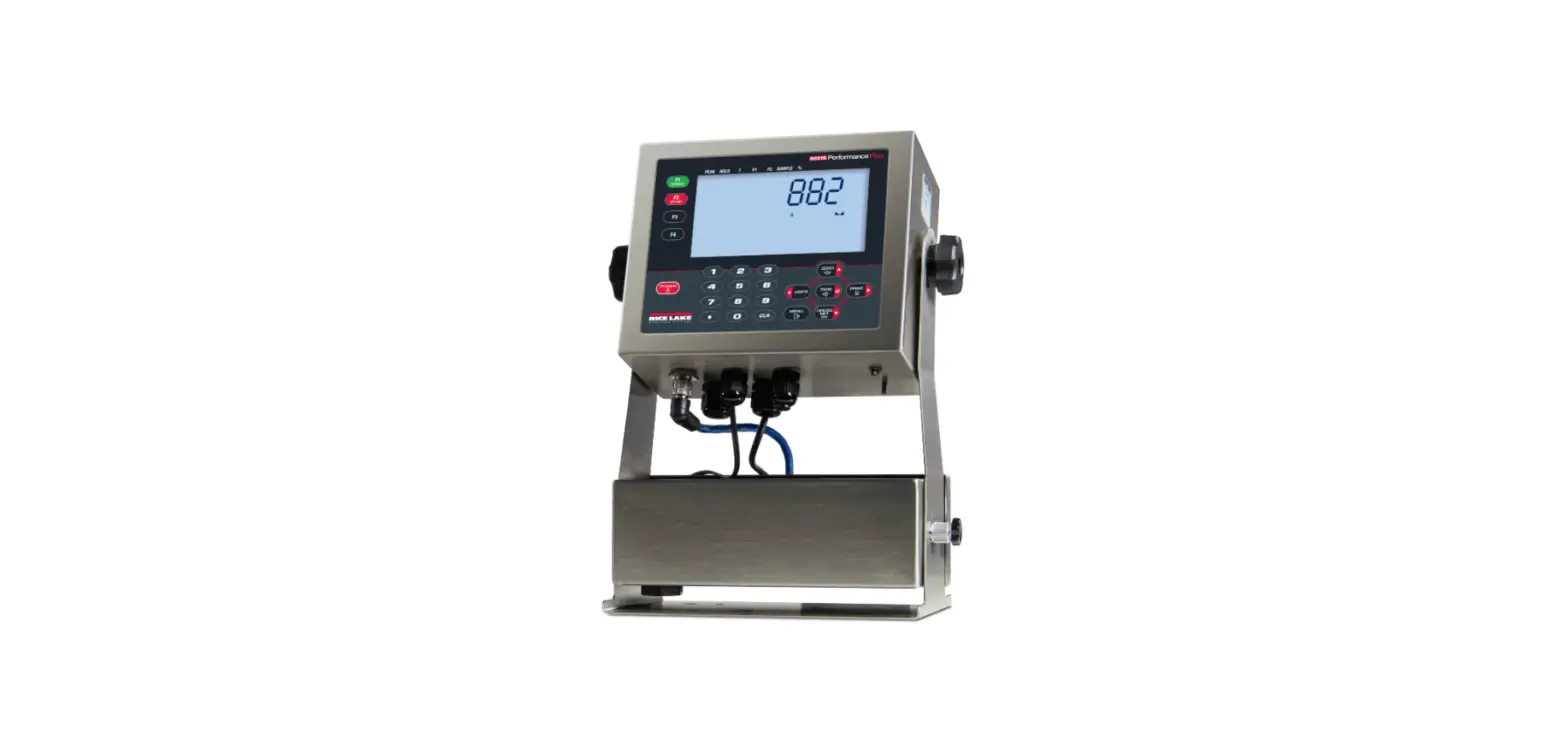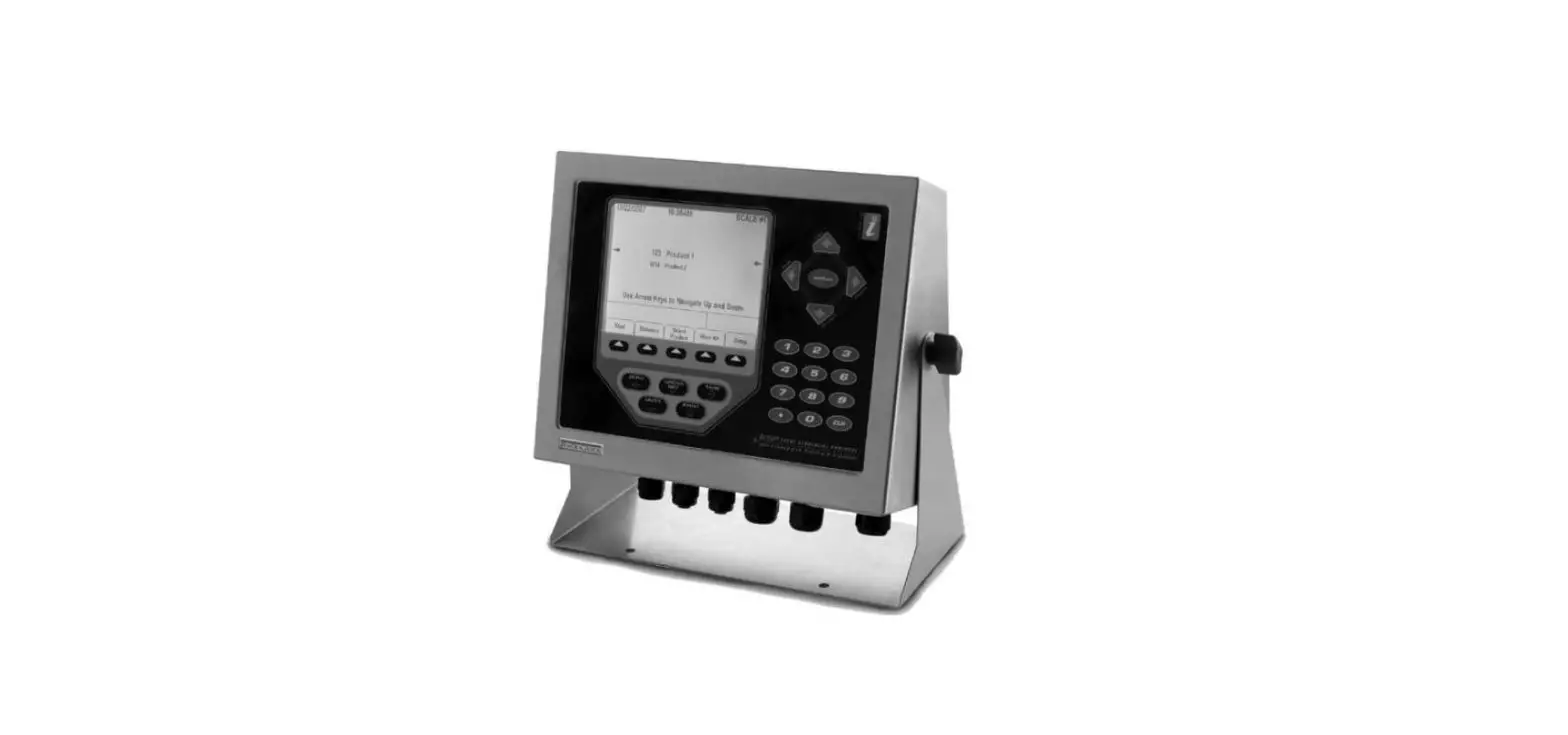

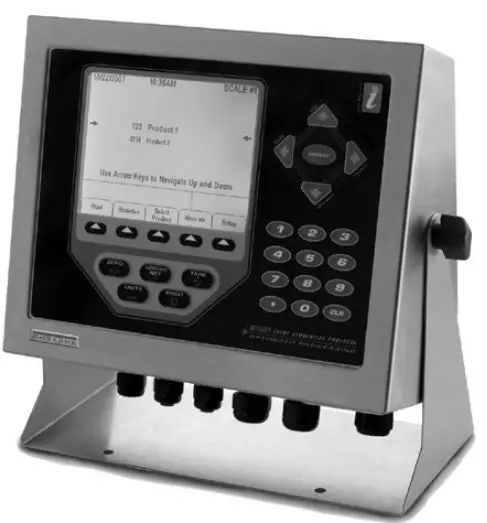
RICE LAKE 920i Rate of Gain Program Single Animal Software Application

Introduction
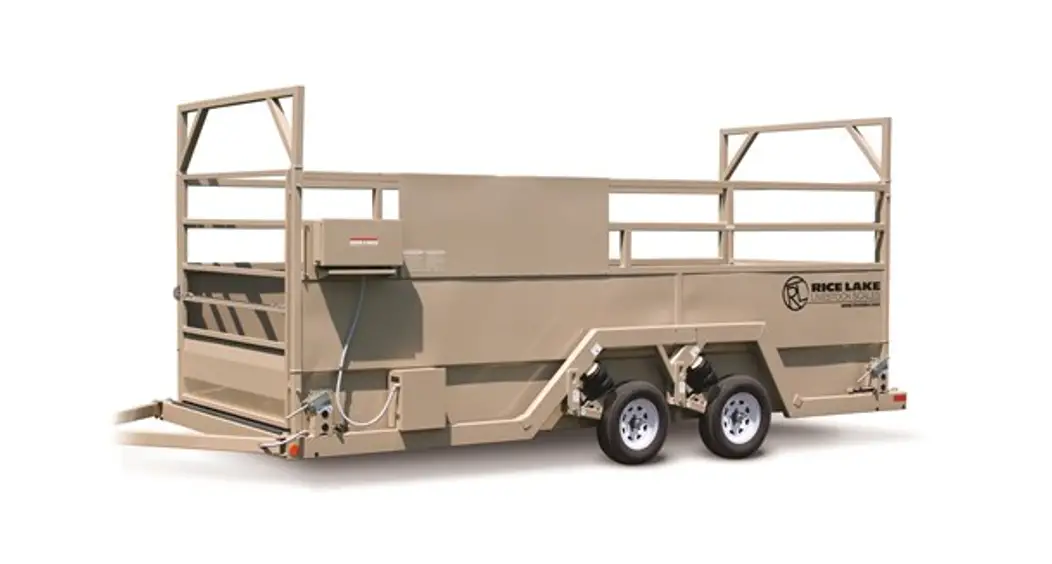
The 920i Rate of Gain Program is available in either static or mobile versions. The mobile version includes an inclinometer that will cause the screen to go blank when scale is at an angle over three degrees.
The 920i Rate of Gain Program can be used to weigh animals and store the weighments for download to a PC.
Up to 500 animals with three weighments per ID may be stored (total of 1500 transactions).
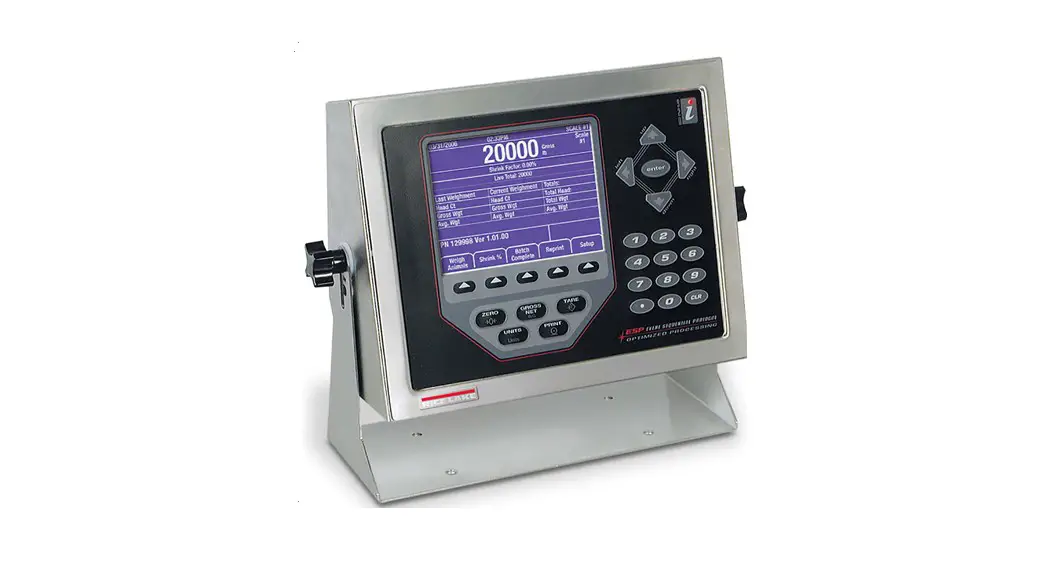
This program can be used with a 920i weighcenter or a stand-alone 920i.
This program is written to interface with an Allflex RS420 Stick Reader connected to the 920i serial port 3 (RS-232). Bluetooth or wired connection is available. Connect the stick reader to the indicator according to the stick reader manual.
RF Tag Reader needs to be set at:
- 9600 baud
- 8 bits no parity bit
- 2 stop bits Manuals and additional resources are available from the Rice Lake Weighing Systems website at www.ricelake.com Warranty information can be found on the website at www.ricelake.com/warranties
Safety
Safety Signal Definitions:
warning: Indicates an imminently hazardous situation that, if not avoided, will result in death or serious injury. Includes hazards that are exposed when guards are removed.
Indicates a potentially hazardous situation that, if not avoided, could result in serious injury or death. Includes hazards that are exposed when guards are removed.
Indicates a potentially hazardous situation that, if not avoided, could result in minor or moderate injury.
Indicates information about procedures that, if not observed, could result in damage to equipment or corruption to and loss of data.
General Safety: Do not operate or work on this equipment unless this manual has been read and all instructions are understood. Failure to follow the instructions or heed the warnings could result in injury or death. Contact any Rice Lake Weighing Systems dealer for replacement manuals.
WARNING
- Do not allow minors (children) or inexperienced persons to operate this unit.
- Do not operate without all shields and guards in place.
- Do not jump on the scale.
- Do not use for purposes other then weight taking.
- Do not place fingers into slots or possible pinch points.
- Do not use any load bearing component that is worn beyond 5% of the original dimension.
- Do not use this product if any of the components are cracked.
- Do not exceed the rated load limit of the unit.
- Do not make alterations or modifications to the unit.
- Do not remove or obscure warning labels.
- Do not use near water.
- Before opening the unit, ensure the power cord is disconnected from the outlet.
- Keep hands, feet and loose clothing away from moving parts.
Operation
This section provides an overview of 920i Rate of Gain Software operation information.
Power up the indicator. It will go through the startup test and the startup screen will display. This screen also displays when the indicator exits the configuration or setup menus.
Sequence of Operation
Program to weigh animals and capture these weighments for later download to a PC. Up to 500 animal IDs and three weighments per ID may be stored. This program is written to interface with an Allflex RS420 Stick Reader connected to 920i serial port 1 via RS-232. RF Tag Reader needs to be set at 9600 baud, 8 bits no parity bit, 2 stop bits. After a successful download the 920i needs to be power cycled.
Weighing an Animal with ID
- The operator places an animal on the scale.
- System display – Enter / Scan Animal ID.
- Operator either keys in an ID (maximum 15 characters) or scans the ear tag of the animal.
- New Animal ID.
- Transbase Database Full.
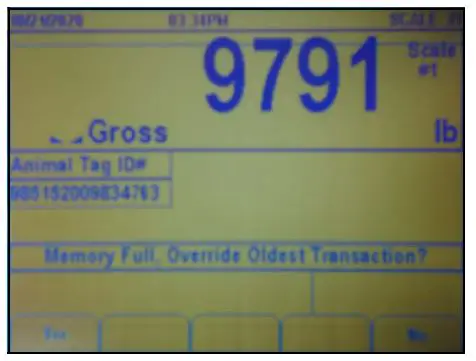
- Operator will be prompted – Memory Full, Override Oldest Unused ID?
- Operator can press the Yes softkey to override the oldest unused ID in memory and go Step 4.
- Operator can press the No softkey and will be reverted back to the startup screen.
- Transaction Database Not Full.
- Goes to Step 4.
- Transbase Database Full.
- Existing Animal ID.
- Goes to Step 4.
- New Animal ID.
- With the ID displayed and up to three previously record weighments, press one of the following softkeys: Record Weight – Print Records – [] – [] – End
- If Record Weight is pressed:
- Captures stable weight.
- If ID was used less than three times, the system adds data to transaction database.
- Captures stable weight.
- If Record Weight is pressed:
Weighing a Single Animal
Press Print to send the Gross Format (including just the gross weight and time/date) out at any time between batches to print just one animal’s weight.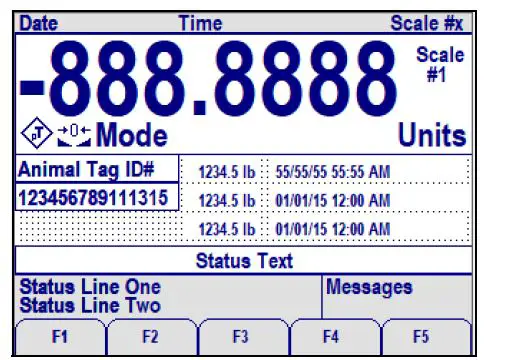
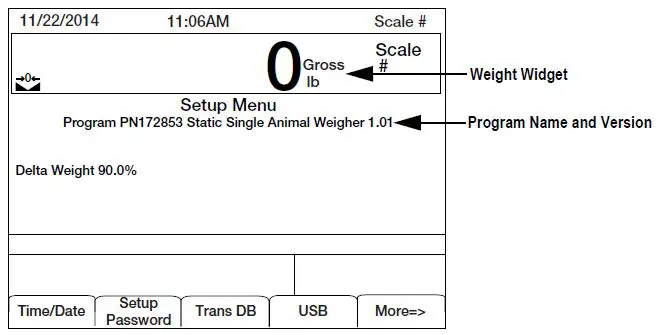
The Setup Menu softkey is password-protected and offers access to the following:
- Display Program Name & Version
- Display a weight widget
Serial Communication
This section provides an overview of 920i Rate of Gain Software serial communication information.
Record Weigh Ticket
The program uses the Auxiliary Print Format #1 so that the dealer may modify the print format through the 920i front panel or by using iRev PC software.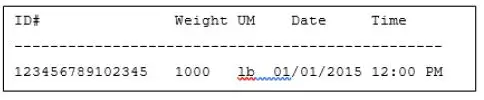
Print Record Weigh Ticket
The program uses the Auxiliary Print Format #2 so that the dealer may modify the print format through the 920i front panel or by using iRev PC software.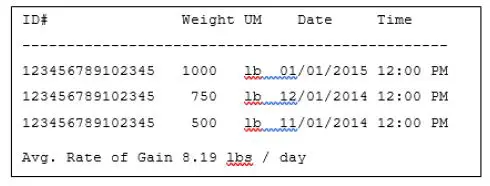
3.3 Incoming ID Tag Serial Data
Once ID tag is scanned and read by the 920i, the system will remove all characters before the second _ (space) and will suppress all leading zeros of the unique ID#.
Example: LA_982_000001088420{CR}{LF} will be recorded and printed as 1088420{CR}{LF}.
Modifying the Database Tables
A PC program called iNterchange can be used by the end-user to upload, export and clear the database tables.
The exported file may be saved as a delimited text file, an Excel spreadsheet, or as a XML document. iRev is another option to do database maintenance.
Configuration
| Parameter | Description |
| Time/Date | Current time and date of the 920i |
| Setup Password | Used to enter/change the password required for entry into the setup menu (Section 4.1) |
| Trans DB | Allows user to delete selected weight, delete all weights for selected ID or print recorded weights of each ID number (Section 4.2 on page 6) |
| USB | Allows selection of USB device, downloading of database files, and adjusting of screen contrast |
| More=> | Press More=> to view remaining softkeys |
| <=Back | Returns to previous menu |
| % Delta Weight | Percentage of change in recorded weight required before the next weighment can begin |
| Exit | Returns display to main screen |
The Setup Menu softkey offers access to the program name/version and weight widget. It may be password-protected.
Change Password
When a password has been set, pressing the Setup Menu softkey will prompt user to enter the password. If nothing is set in the password screen, pressing the Setup Menu softkey will enter the setup menu.
- Press Setup Menu.
- Press Setup Password.
- Using the keypad, enter the desired password. Up to seven digits can be entered.
- Press. Re-enter Password to Verify displays.
- Re-enter the password.
- Press. Password Changed displays.
Transaction Database
The transaction database can be viewed, cleared or printed from this menu. Up to 1500 transactions can be stored.
- Press Setup Menu softkey.
- Press Trans DB softkey. The database screen displays.

- Use the softkeys to perform the following actions.
- Page Up or Page Down – Scroll through the records
Clear DB – Clear all records in the database
Print All – Send all records to be printed
- Page Up or Page Down – Scroll through the records
- To select individual database items, use the navigation arrows to scroll up/down until the arrow on the screen is next to desired record.
- Press. The record screen displays the animal ID, the weight captured in that record and the time and date of the transaction (Table 4-2).
- Use the softkeys to perform the following actions.
- Delete One – Delete the current record
- Delete All for ID – Delete all records for the current ID
- Print – Print the current transaction
Field Type Description ID Integer Unique numeric animal identifier Wgt Real Weight DT DateTime Time and Date of transaction
- Press Exit to return to the Setup Menu.

Hardware Setup
| Slot | Type |
| 1 | Single Channel A/D Card |
| 2 | Currently Not Used |
| Slot | Bit | Type | Function |
| 0 | 1-6 | Off | Currently Not Used |
| Port | Type | Description | Setup |
| 1 | INCLIN | Inclinometer (mobile version only) | 9600, 8, N, 2 |
| 2 | USB | Flash Drive/Keyboard | 115200, 8, N, 2 |
| 3 | PROGIN | Allflex RS420 Stick Reader | 9600, 8, N, 2 |
| 4 | CMD | TM-U295 Ticket Printer | 9600, 8, N, 2 |
| Port | Type | Description | Setup |
| 1 | CMD | Not Used | 9600, 8, N, 2 |
| 2 | CMD | USB Download | 115200, 8, N, 2 |
| 3 | PROGIN | Allflex RS420 Stick Reader | 9600, 8, N, 2 |
| 4 | CMD | TM-U295 Ticket Printer | 9600, 8, N, 2 |
| Version | Changes | Date | WO | Firmware |
| 1.00 | Initial Release | 06/12/2015 | – | 5.09 |
| 1.01 | Fix to Displaying Transaction DB Fix to Storing Transaction data | 10/08/2020 | – | 5.10 |
 Rice Lake Weighing Systems