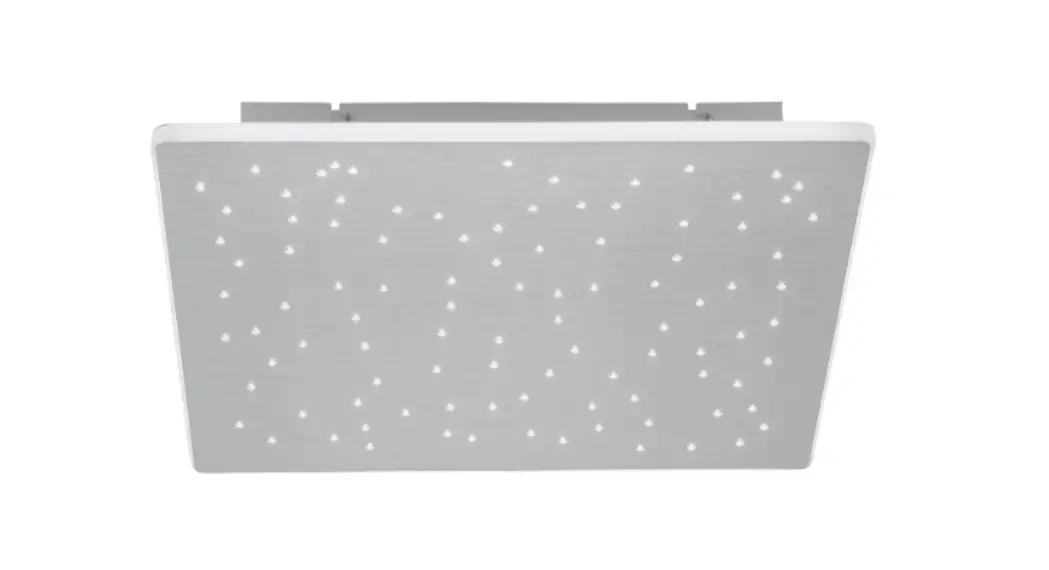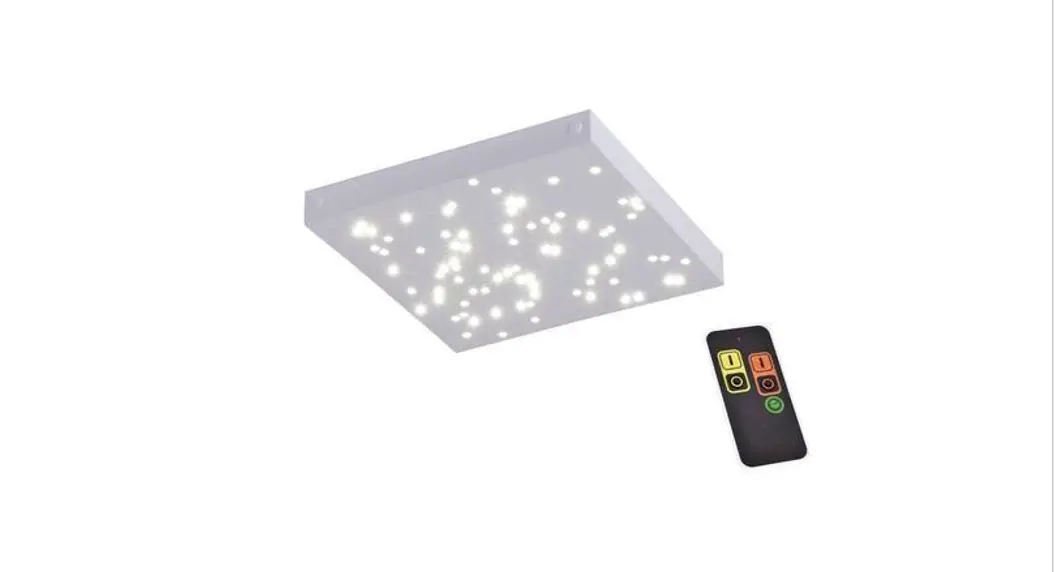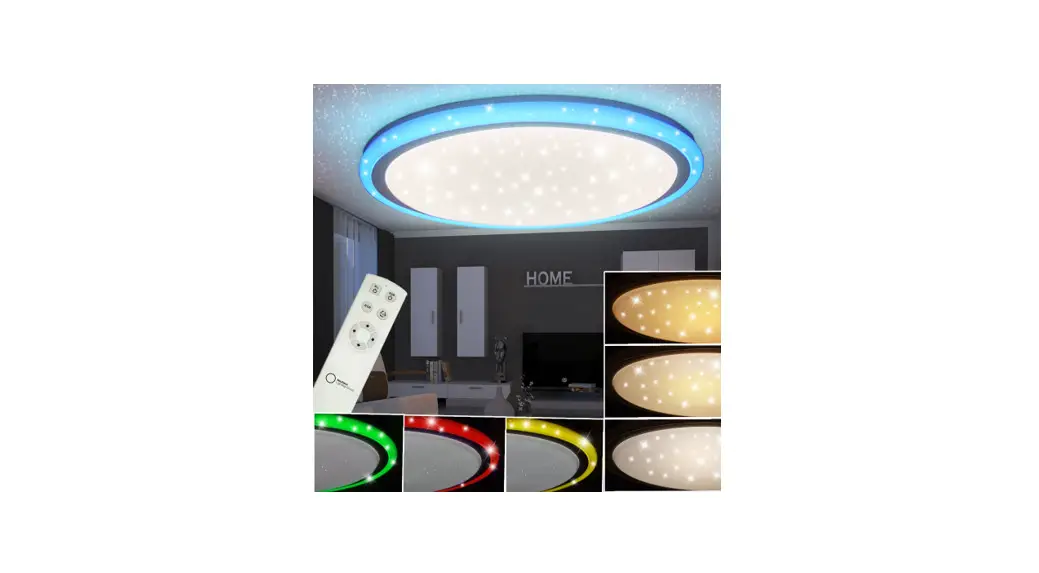
 6612-16 Remote Control of Universe Ceiling Lamp
Instruction Manual
Remote Control of Universe Ceiling Lamp
INSTRUCTION MANUAL
Remote control of UNIVERSE ceiling lamp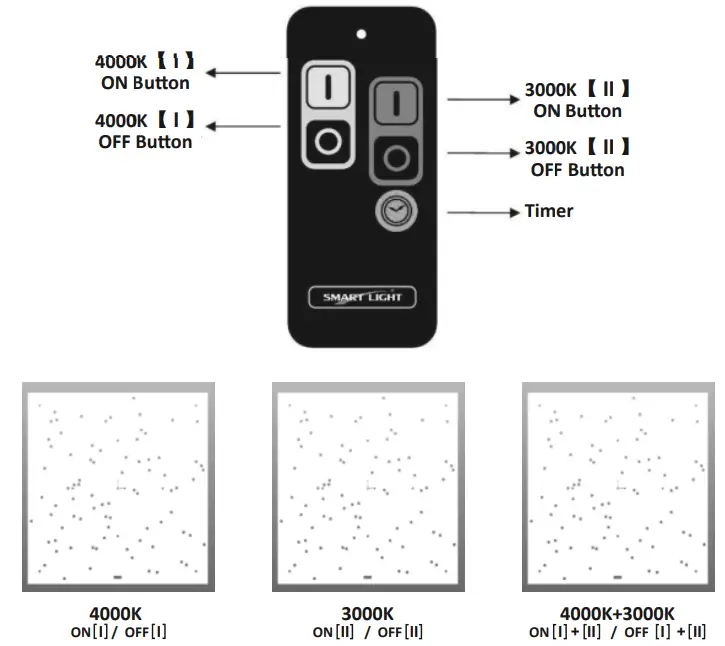
OPERATION :
- [I] “ON” button: Turns on the light of 4000K
- [I] “OFF” button: Turns off the light of 4000K
- [II] “ON” button: Turns on the light of 3000K
- [II] “OFF” button: Turns off the light of 3000K
- “Timer” button: Turns off automatically after 10 seconds.
HOW TO LINK CODE:
- Light up the ceiling lamp
- Mechanical switch ON first, then OFF and ON cycle for 6 times to enter learning mode. The 4000K [I] light will flash to indicate ready for programming.
- Then press the 4000K [I] “ON” button of the remote control once, 4000K [I] and 3000K [II] light will flash 2 times which indicated programming is confirmed and completed.
!!!During leaning mode if within 12 seconds no signal is detected. It will automatically return to standby mode. One lamp with a control module can be connected to max. 6 remote controls. One remote control can be connected to an unlimited quantity of lamps.
TO DELETE CODE:
- Enter the learning mode (refer to the first step of “HOW TO LINK CODE”)
- Then press the 4000K [I] “OFF” button of the remote control once, 4000K [I] and 3000K [II] light will flash 2 times which indicated the memory of this remote control is deleted.
TO DELETE ALL CODE
- Enter the learning mode (refer to the first step of “HOW TO LINK CODE”)
- Follow again switching OFF and ON cycle 6 times, 4000K [I] and 3000K [II] light will flash 2 times which indicates all memories are deleted.
BATTERY EXCHANGE:
3V CR2032 lithium battery is included ex-factory.
FAULT FINDING:
No activation:
Check battery polarity or run out of battery.
Check code link successfully.
Check correct wiring installation.