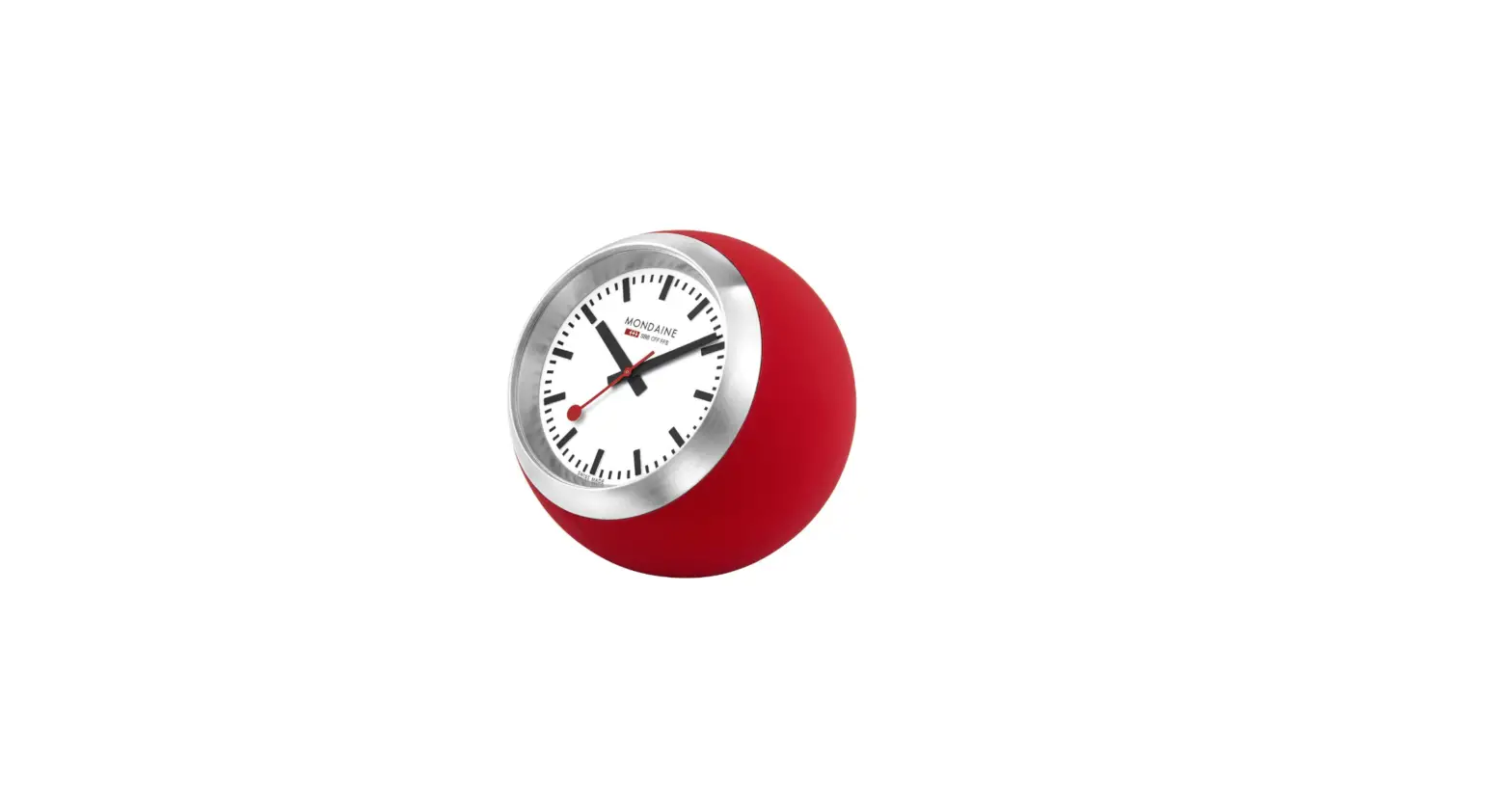

MONDAINE 1678266705 Desk Clock Globe Watch
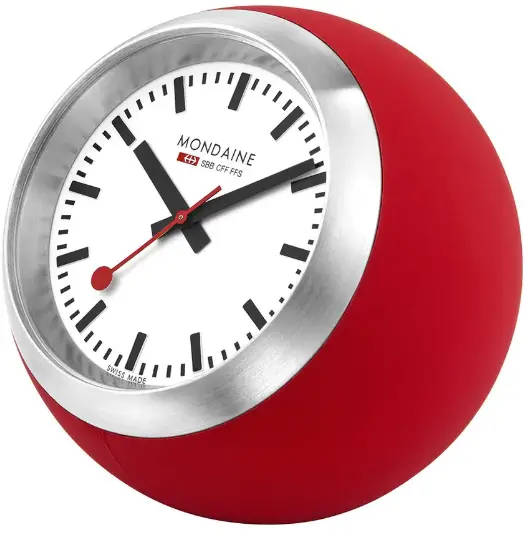 Table Clock GlobeThe Table Clock Globe is a unique clock that displays time through the use of a silicon ball and three clock hands. It is designed and manufactured by Mondaine, a registered brand that specializes in creating innovative timepieces.
Product Usage Instructions
Time Setting 1:
- Locate the tiny notch between the watch case and the silicon ball at the bottom of the watch case below the 6 o’clock position.
- Use a very flat and pointed instrument (preferably made of wood or plastic) to insert into the notch, lift it gently, and remove the watch from the ball.
Time Setting 2:
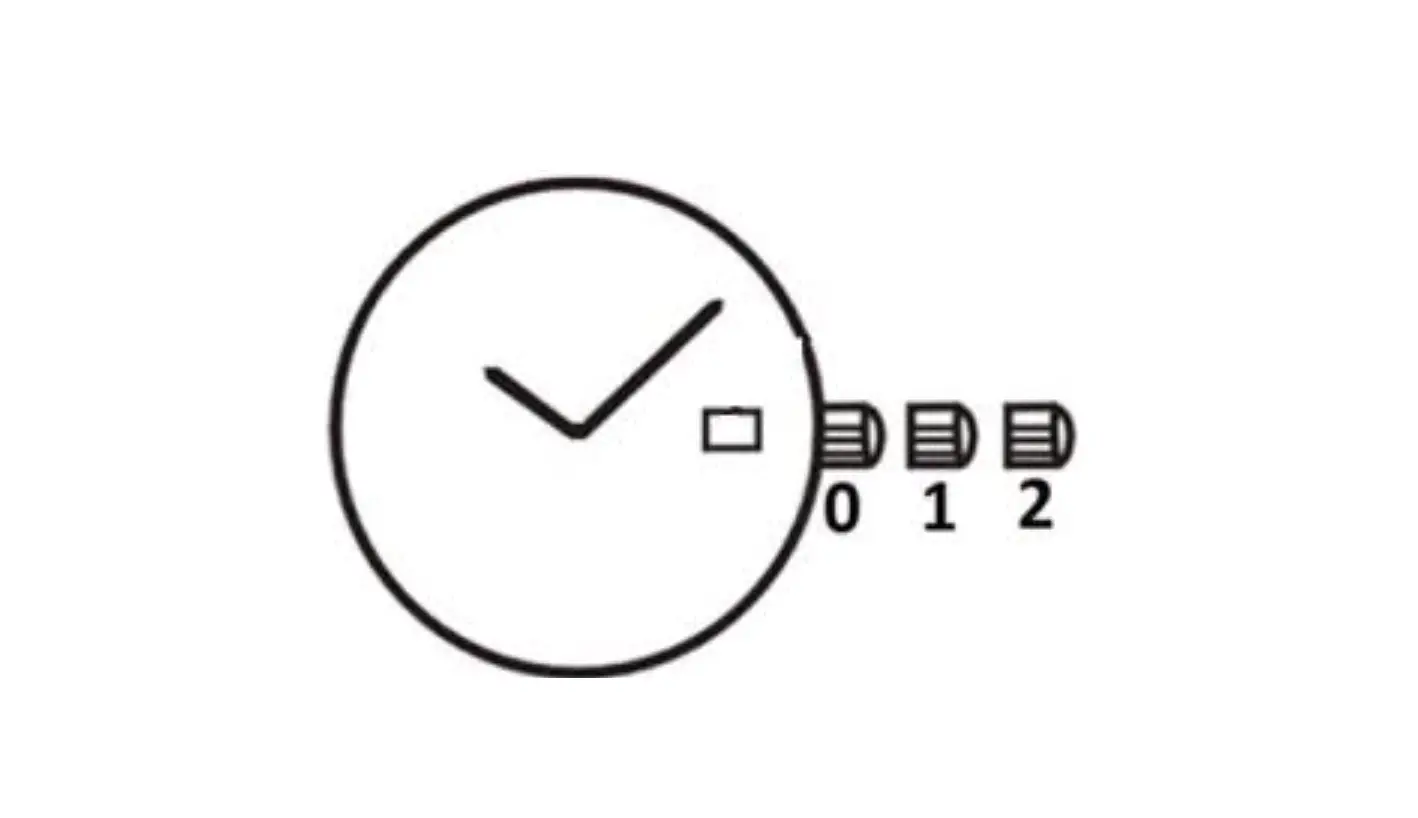
- Locate the crown of the clock.
- Pull out the crown A and set the desired time.
- Push the crown back in place to complete the time setting process.
Battery Exchange:
We recommend entrusting a professional watchmaker with the battery exchange or sending the watch to an authorized Mondaine Service Center.
Note:
All models are registered and the rights are reserved and defended by the manufacturer. For more information, visit www.mondaine.com. The product is printed on paper bleached without chlorine and was last edited in April 2015.
Key

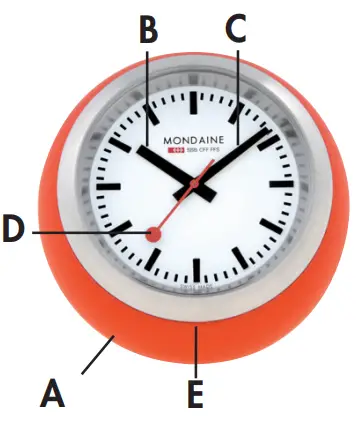

- A Siliconball
- B Hour hand
- C Minute hand
- D Second hand
- E Notch
Time setting
Time setting 1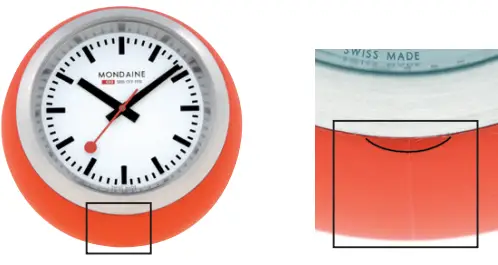
To remove the watch (container):
- At the bottom of the watch case below 6 o’clock position, there is a tiny notch between the watch case and the silicon ball.
- To remove the watch, use a very flat and pointed instrument (ideally from wood or plastic). Insert this tool into the notch. Lift it gently and remove the watch from the ball.
Time setting 2
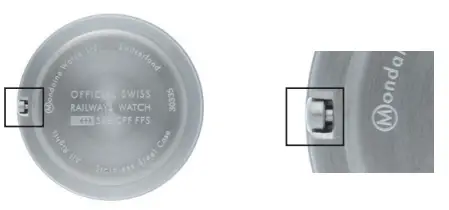
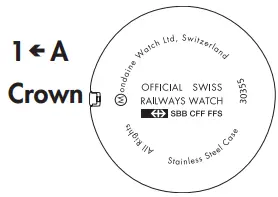
Time setting
Pull out crown A and set the desired time. Push crown back.
 Battery
 Battery
Battery exchange
We recommend to entrust a professional watch maker with the battery exchange or to send the watch to an authorized Mondaine Service Center.
Notes:
Registered models. All rights reserved and defended by the manufacturer.
- T +41 58 666 88 00
- F+41 58 666 87 00
- www.mondaine.com
Printed on paper bleached without chlorine.
 Mondaine Watches – Mondaine Watches