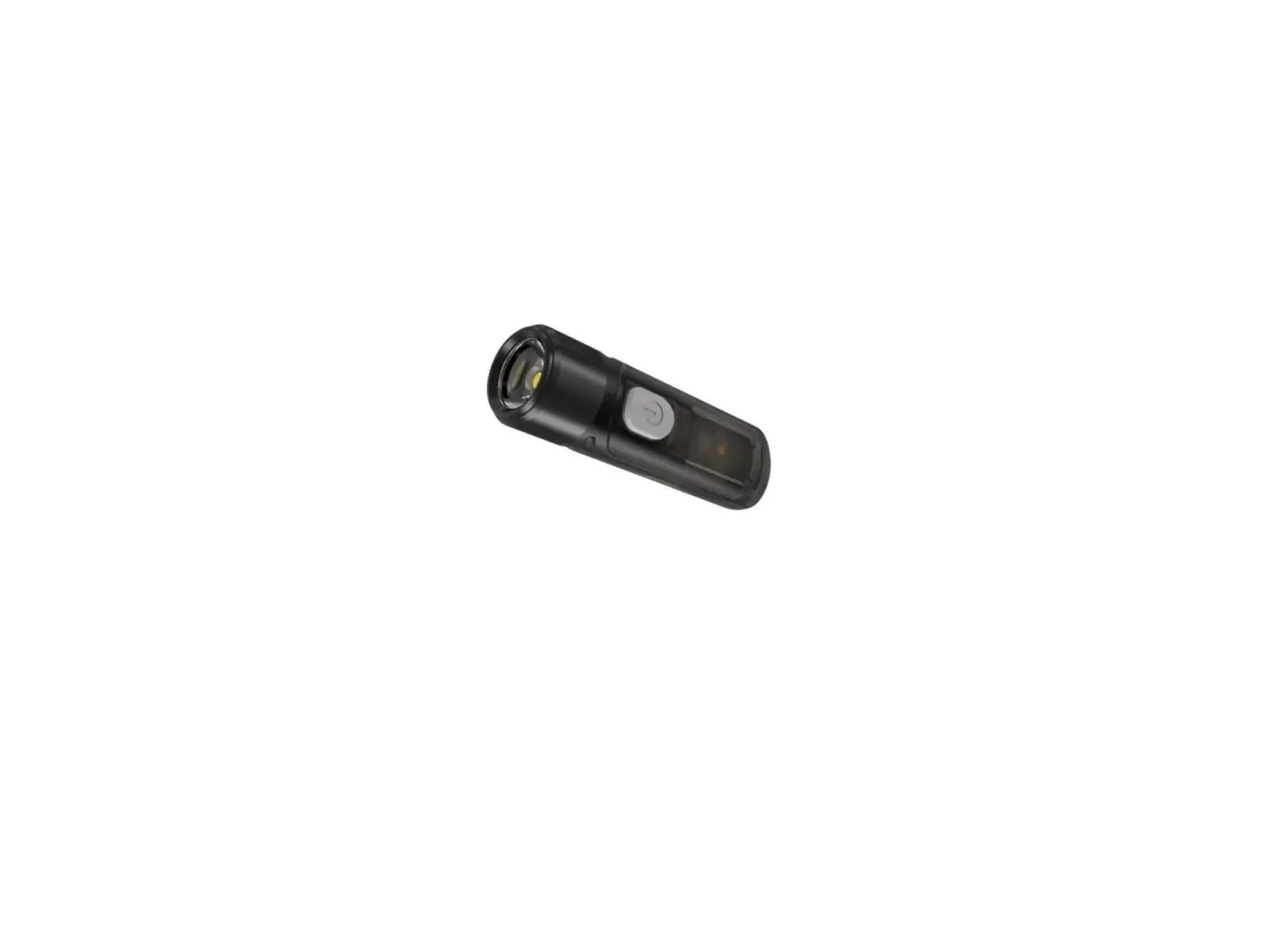
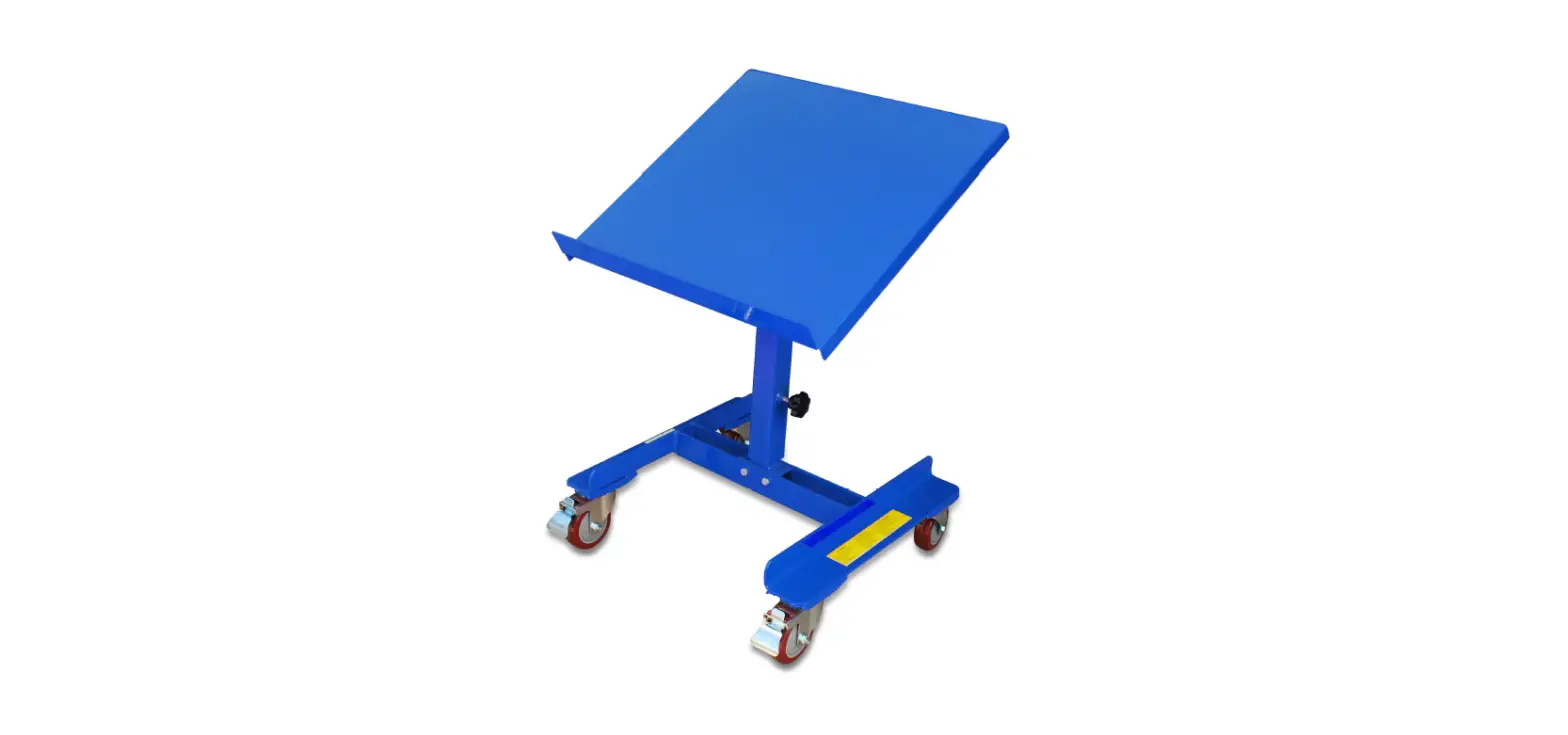
T620220517 Thumb 120 Tiltable Worklight
The All-Round Flashlight Expert – Thumb User Manual
Features:
- Lockout/Unlock function
- USB charging port
- Output & Runtime
- Accessories: Key ring
- Impact Resistant (1m) and Dust & Water Resistant
(IP65)
Dimensions:
- Length: 2.91” (74mm)
- Width: 0.94” (24mm)
- Height: 0.62” (16mm)
- Weight: 0.42oz (12g)
Lockout/Unlock:
With the Thumb turned off, press both switches simultaneously to
lockout the Thumb. The red power indicator will blink once to
indicate the lockout status. In the lockout status, all functions
will be rendered inoperational. To unlock, press both switches
simultaneously again.
Charging:
Remove the port cover to expose the USB charging port. Connect
the charger port to an external power source (adapter, computer or
other device) via a USB cord. The power indicator will stay on to
indicate charging in progress, it will turn green to indicate
charging completed. Fully charges the battery take approximately 3
hours.
Note: Recharge the Thumb when output appears to be dim or
unresponsive.
Output & Runtime:
| Output (Lumens) | Runtime | |
|---|---|---|
| HIGH | 85 | 45min |
| MID | 30 | 2h 15min |
| LOW | 2 | 22h |
| BLINKING | 85 | 26m 13m 3.7m |
| RED | 0.25 | 13h |
| RED BLINKING | 0.25 | 14h |
Accessories:
Key ring
Notice:
Stated data has been measured in accordance with the
international flashlight testing standards ANSI/NEMA FL1 using an
integrated and fully charged 3.7V 220mAh rechargeable Li-ion
battery under laboratory conditions. End-user results may vary due
to individual usage habits and environmental conditions.
Warranty Service:
All NITECORE products are warranted for quality. Any defective /
malfunctioning NITECORE Tumb can be repaired free of charge for a
period of 24 months from the date of purchase. Beyond 24 months, a
limited warranty applies, covering the cost of labor and
maintenance, but not the cost of accessories or replacement parts.
The warranty is nullified in all of the following situations: 1.
The product(s) is/are broken down, reconstructed and/or modified by
unauthorized parties. 2. The product(s) is/are damaged through
improper use. For the latest information on NITECORE products and
services, please contact a local NITECORE.
Operating Instructions:
- The upper switch controls the white LEDs, and the lower switch
controls the red LEDs. Press the upper switch repeatedly within 3
second intervals to switch from High-mid-low-blinking-off, pressing
the lower switch repeatedly in the same manner will switch the
outputs from constant red-blinking red-off. - Note: There is another red light located between the two main
red LEDs. It is lit when a USB cord is plugged in to indicate the
battery is taking a charge. - To turn the Thumb red light off, either press the lower switch
within three second after entering the red blinking mode, or cease
any operation in constant red mode for three seconds, and press the
lower switch. - To turn the Thumb off, either press the upper switch in the
blinking mode, or cease any operation in any mode for three
seconds, then press the upper switch.
®
The All-Round Flashlight Expert
Thumb User Manual
Features
· A handy, versatile and tiltable worklight · Two high-performance LEDs emit up to 85 Lumens in brightness · Over 120 degree adjustable angles and easy one-handed operation · Built-in rechargeable Li-ion battery provides a maximum runtime up to 22
hours · Integrated intelligent Li-ion battery charging circuit (via micro-USB charging
port) · Dual switch design offers access to all functions via one-handed operation · Three brightness levels to select from · Direct access to red light/red flicker mode · An screw fastened clip for multiple purposes · Constructed from durable Polycarbonate materials · Extremely lightweight, compact and portable · Impact resistant to 1 meter
Dimensions
Size: 2.91″×0.94″×0.62″(74mm×24mm×15.8mm) Weight: 25g (with battery and clip)
Lockout/Unlock
With the Thumb turned off, press both switches simultaneously to lockout the Thumb. The red power indicator will blink once to indicate the lockout status. In the lockout status, all functions will be rendered inoperational. To unlock, press both switches simultaneously again.
Charging
Remove the port cover to expose the USB charging port. Connect the charger port to an external power source (adapter, computer or other device) via a USB cord. The power indicator will stay on to indicate charging in progress, it will turn green to indicate charging completed. Fully charges the battery take approximately 3 hours.
Note: Recharged the Thumb when output appears to be dim or unresponsive.
Accessories
Key ring
Output & Runtime
HIGH
85
LUMENS
45min
MID
30
LUMENS
2h 15min
LOW
2
LUMENS
22h
BLINKING
85
LUMENS
26m 13m 3.7m
RED
0.25
LUMENS
RED BLINKING
0.25
LUMENS
13h 14h
170cd 45cd 3.5cd
1m (Impact Resistant)
IP65
(Dust & Water Resistant)
NOTICE: Stated data has been measured in accordance with the international flashlight testing standards ANSI/NEMA FL1 using an integrated and fully charged 3.7V 220mAh rechargeable Li-ion battery under laboratory conditions. End-user results may vary due to individual usage habits and environmental conditions.
Warranty Service
All NITECORE products are warranted for quality. Any defective / malfunctioning NITECORE Tumb can be repaired free of charge for a period of 24 months from the date of purchase. Beyond 24 months, a limited warranty applies, covering the cost of labor and maintenance, but not the cost of accessories or replacement parts. The warranty is nullified in all of the following situations: 1. The product(s) is/are broken down, reconstructed and/or modified by
unauthorized parties. 2. The product(s) is/are damaged through improper use. For the latest information on NITECORE products and services, please contact a local NITECORE.
¸All images, text and statements specified herein this user manual are for reference purpose only. Should any discrepancy occurs between this manual and information specified on www.nitecore.com, information on our official website shall prevail. SYSMAX Innovations Co., Ltd. reserves the rights to interpret and amend the content of this document at any time without prior notice.
Operating Instructions
1. The upper switch controls the white LEDs, and the lower switch controls the red LEDs. Press the upper switch repeatedly within 3 second intervals to switch from High-mid-low-blinking-off, pressing the lower switch repeatedly in the same manner will switch the outputs from constant red-blinking red-off.
Note: There is another red light located between the two main red LEDs. It is lit when a USB cord is plugged in to indicate the battery is taking a charge. 2. To turn the Thumb red light off, either press the lower switch within three
second after entering the red blinking mode, or cease any operation in constant red mode for three seconds, and press the lower switch. 3. To turn the Thumb off, either press the upper switch in the blinking mode, or cease any operation in any mode for three seconds, then press the upper switch.
Please find us on facebook:
SYSMAX Innovations Co., Ltd.
NITECORE Flashlight
TEL:
+86-20-83862000
FAX:
+86-20-83882723
E-mail:
Web:
www.nitecore.com
Address Unit 6355, 5/F, No. 1021 Gaopu Road, Tianhe District,
Guangzhou, 510653 Guangdong, China
Thanks for purchasing NITECORE!
Made in China
THUMNB250222
 NITECORE