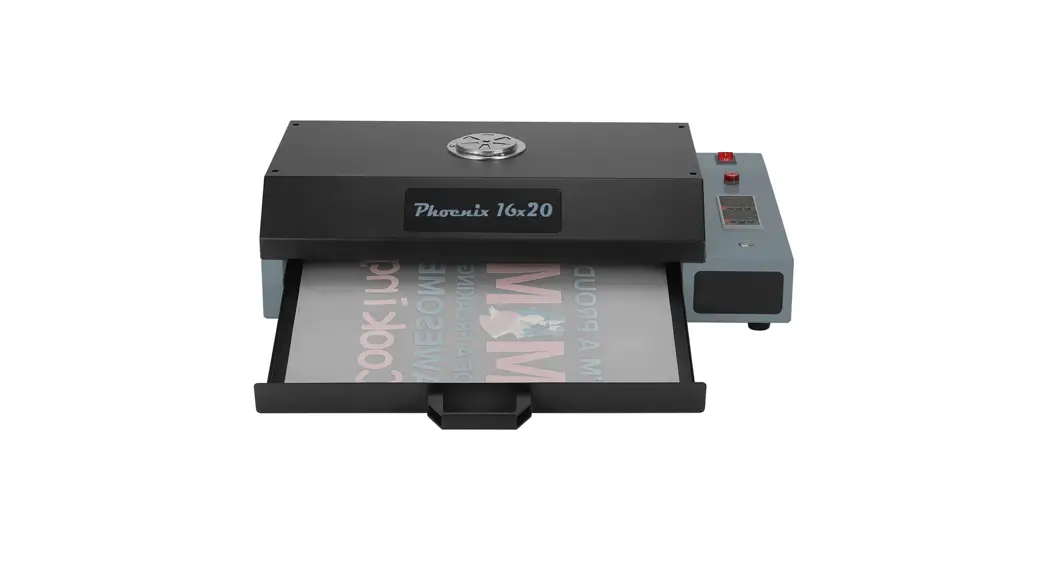
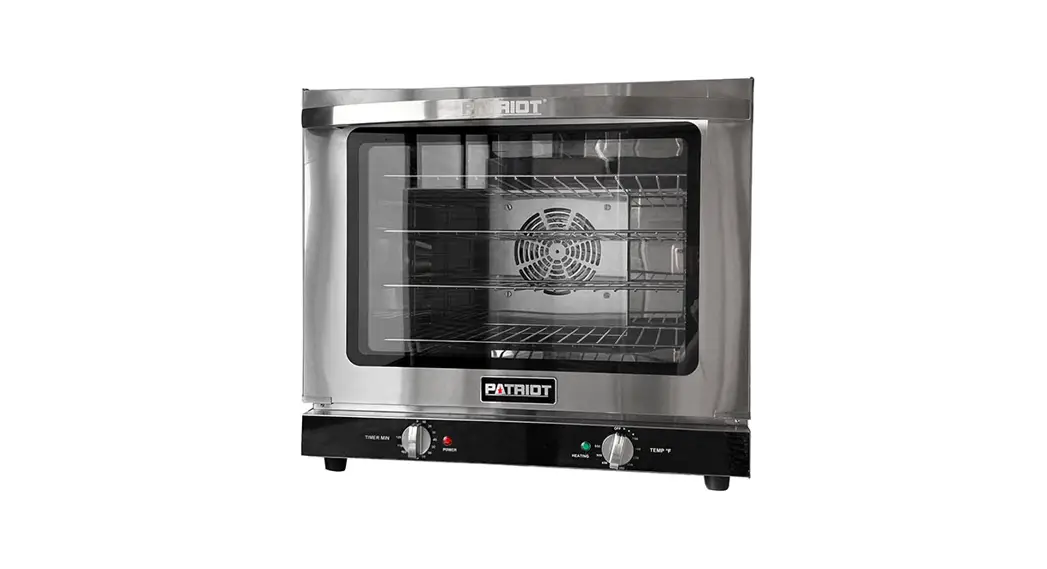
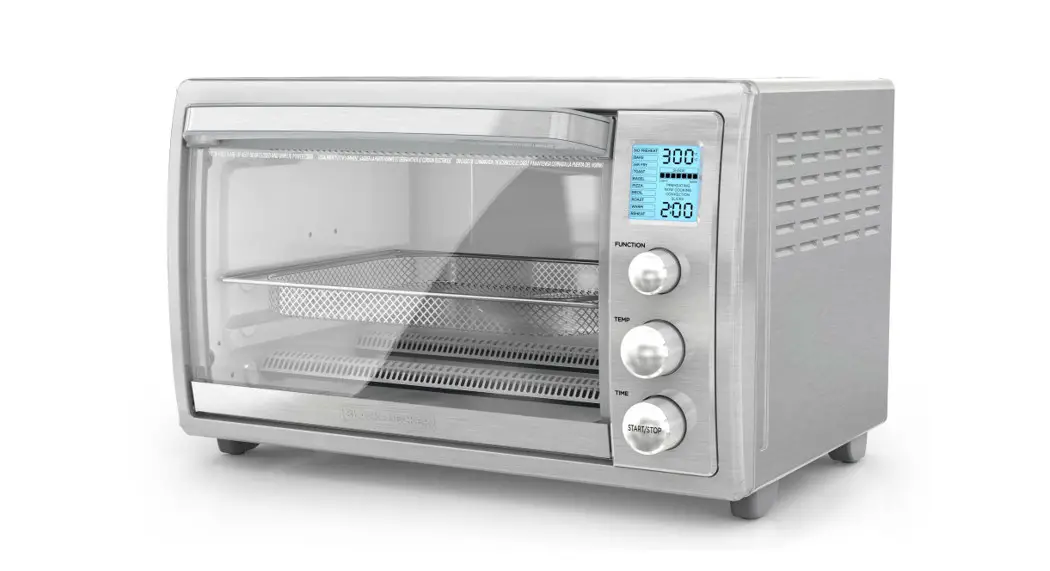
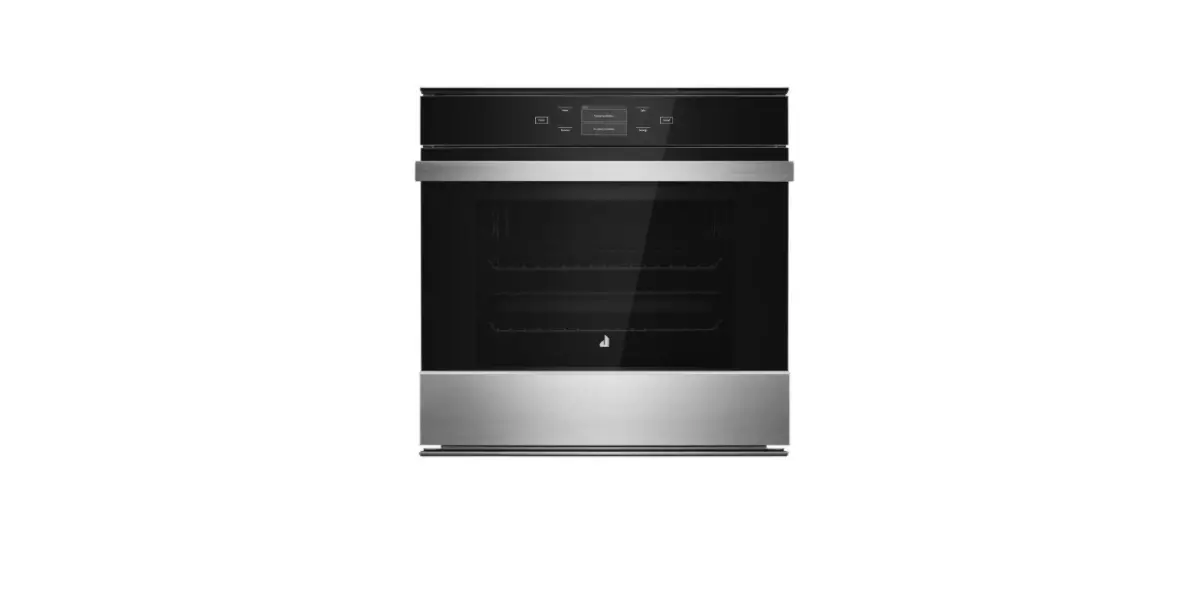
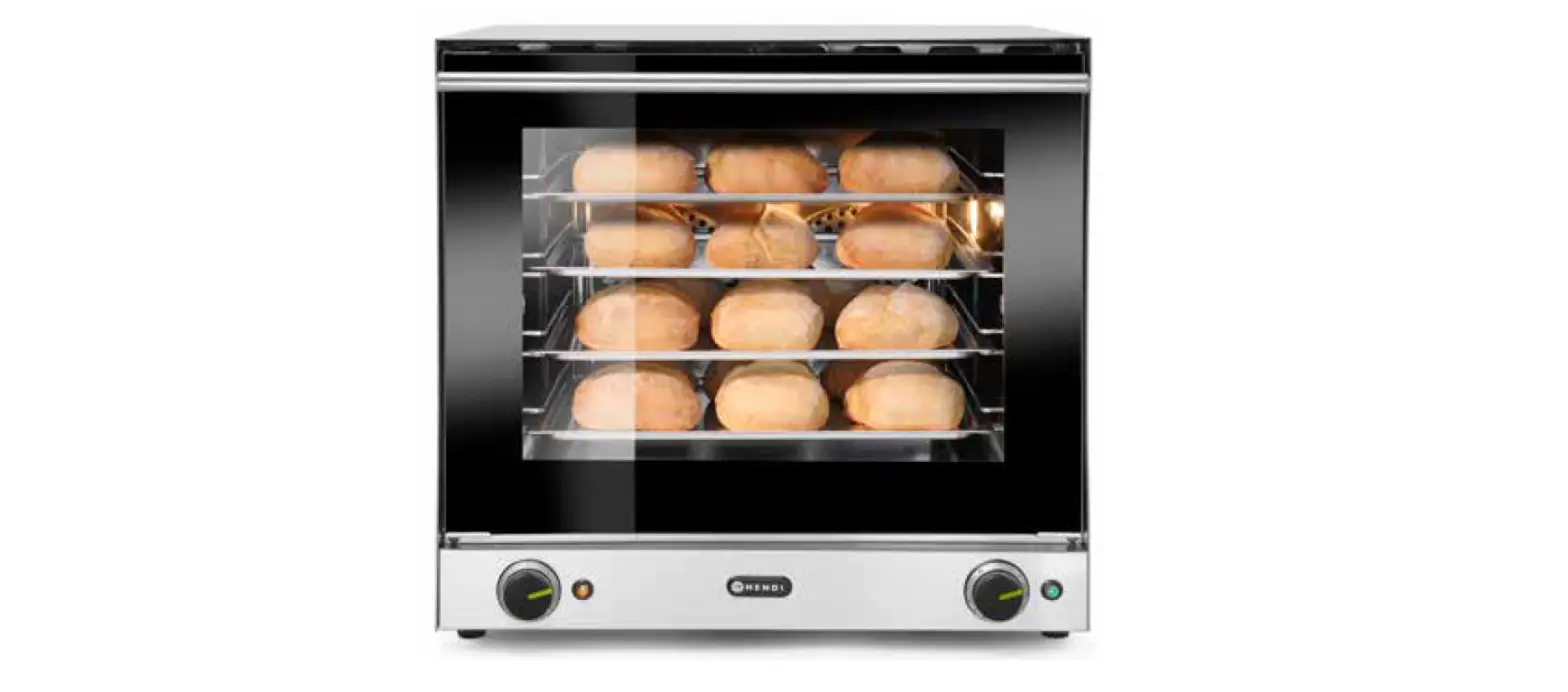
Phoenix Air 16×20 Curing Oven
Product Information
Product Name: Phoenix Air 16×20 DTF Curing
Oven
Model: Phoniex Air 16×20
Technical Parameters:
- Voltage: 220V/110V
- Power: 1000W
- Temperature Range: 0~150/300
- Machine Size: L77*W53.4*H*19.6CM
- Packing Size: 81.5*59*25CM
- Net / Gross Weight: 13.8KG/17KG
- Packing Warranty: 12 months
Product Usage Instructions
- Connect the power to the oven.
- Switch on the machine.
- Adjust the temperature:
- Suggest setting the temperature to 140/284 degrees.
- Press the setting button to enter temperature setting
mode. - Press the up button or down button to set the desired
temperature. - Press the set button again to exit the temperature setting
mode.
- Adjust the time:
- Suggest setting the time to 60 seconds.
- Press the setting button to enter time setting mode.
- Press the up button or down button to set the desired
time. - Press the set button again to exit the time setting mode.
- Place the printed film (power adhesive) into the oven tray.
Ensure that the printed film is located in the center of the
heater. The film size should be 40*50CM. - When curing powder, turn on the Air Purifier Switch. When not
in use, turn off the Air Purifier Switch to ensure maximum filter
life and reduce electricity consumption. - Press the start button to start the timer countdown. When the
timer reaches 0, an alarm will sound. Remove the film and press the
Start button again to end the alarm.
Filter Change Instructions
- Unscrew the 4 screws and remove the Air Purifier.
- HEPA Filter: Change every 3 months. Use SKU
PX-AIR-1620-HEPA. - Carbon Filter: Change every 6-9 months,
depending on use. Use SKU PX-AIR-1620-CARBON. - Replace the appropriate filter according to the graphic
provided. - After changing filters, locate the air purifier and tighten the
4 screws. Note: The aviation sockets of the air purifier must be
toward the back of the oven.
Phoenix Air 16×20
DTF Curing Oven
User Manual
dtfstation.com
Safety Instructions
When using your Oven, basic precautions should always be followed,
including the following:
1. Read all instructions. 2. Use Oven only for its intended use. 3. To reduce the risk of electric shock, do not immerse the Oven in water or other
liquids. 4. Never pull cord to disconnect from outlet, instead grasp plug and pull to
disconnect. 5. Do not allow cord to touch hot surfaces, allow Oven to cool completely before
storing. 6. Do not operate Oven with a damaged cord or if the equipment has been dropped or
damaged. To reduce the risk of electric shock, do not disassemble or attempt to repair the Oven. Take it to a qualified service person for examination and repair. Incorrect assembly or repair could increase the risk of fire, electric shock, or injury to persons when the equipment is used. 7. This appliance is not intended for use by persons (including children) with reduced physical, sensory or mental capabilities, or lack of experience and knowledge, unless they have been given supervision or instruction concerning use of the appliance by a person responsible for their safety. 8. Close supervision is necessary for any Oven being used by or near children. Do not leave equipment unattended while connected. 9. Burns can occur when touching hot metal parts. 10. To reduce the likelihood of circuit overload, do not operate other high voltage equipment on the same circuit. 11. If an extension cord is necessary, then a 16 amperage rated cord should be used. Cords rated for less amperage may overheat. Care should be taken to arrange the cord so that it cannot be pulled or tripped over.
1
Technical Parameters
Model: Voltage: Power: Temperature Range
Machine Size: Packing Size Net /Gross Weight Packing Warranty
Phoniex Air 16×20 DTF Curing Oven 220V/110V 1000W 0~150/300
L77*W53.4*H*19.6CM 81.5*59*25CM 13.8KG/17KG Carton 12 months.
Machine View
2
Operation Instructions
1.Connect power.
2. Switch on the machine.
3.Adjust temperature.
(suggest 140/284
Press the setting button to enter temperature setting mode Press the up button or down button to set to the desired temperature Press the set button again to exit the temperature setting mode.
4.Adjust time. ( suggest 60seconds) Press the setting button to enter time setting mode Press the up button or down button to set to the desired time Press the set button again to exit the time setting mode.
Set Bott
Increase
Set Bottom
Temperature
Decrease Temperature
Increase Time
Increase Time
3
5.Place printed film (power adhesive) into the oven tray. Please note to locate printed film to the center of heater. (Film Size 40*50CM)
When curing powder, turn on Air Purifier Switch. When not in use, turn off Air Purifier Switch to ensure max filter life and reduce electricity consumption
7.Press start button, timer starts to count down. Once timer has reached 0, an alarm will sound. Remove film and press Start button again to end the alarm.
4
Change Filter Instructions
1.Unscrew the 4 screws, remove Air Purifier
Filter Change Frequency: i. HEPA Filter ( sku : PX-AIR-1620-HEPA ) every 3 months ii. Carbon Filter ( sku : PX-AIR-1620-CARBON ) – Every 6-9 months, depending on use
HEPA Filter is the top filter in the Air Purifier Assembly. Please replace the appropriate filter according to the graphic below, and change into new filter nets
HEPA Filter Carbon Filter
Circular connector socket
3.After changed filters, Located the air purifier, and tighten the 4pcs screws, Special notes: the Aviation sockets of air purifier must be toward the back of oven!
4
 DTF Station