 A New Mobile Story
LEGEND
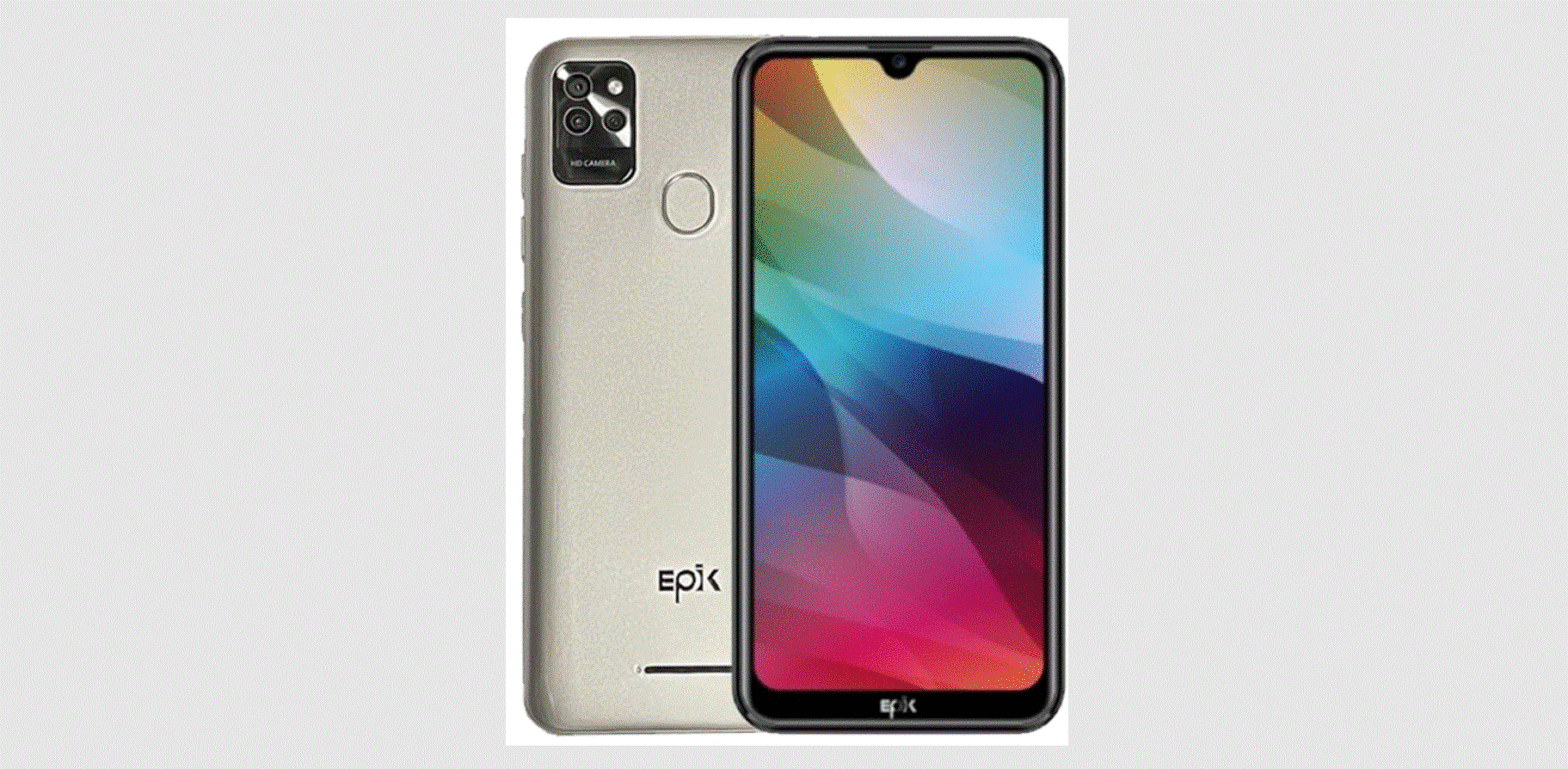
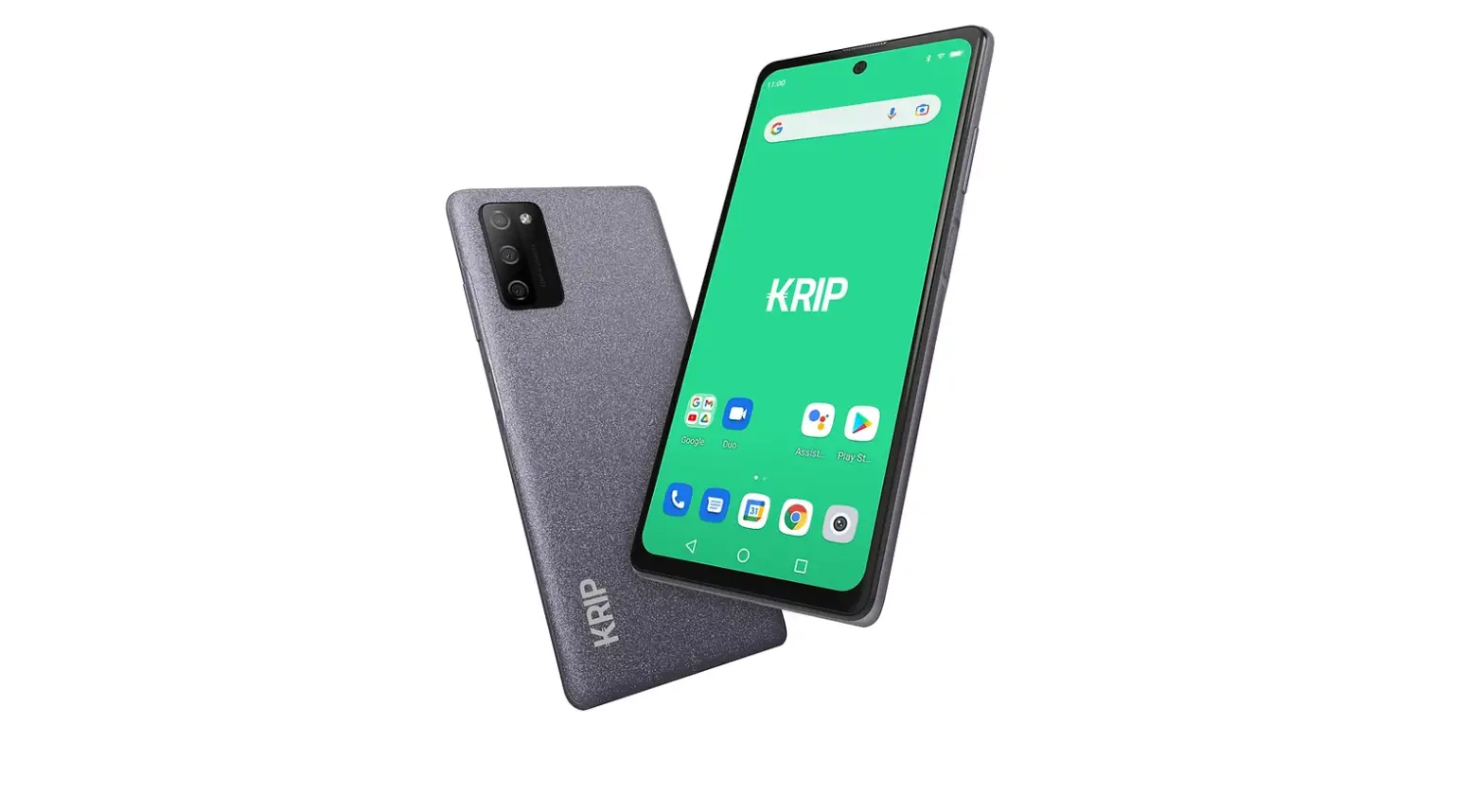
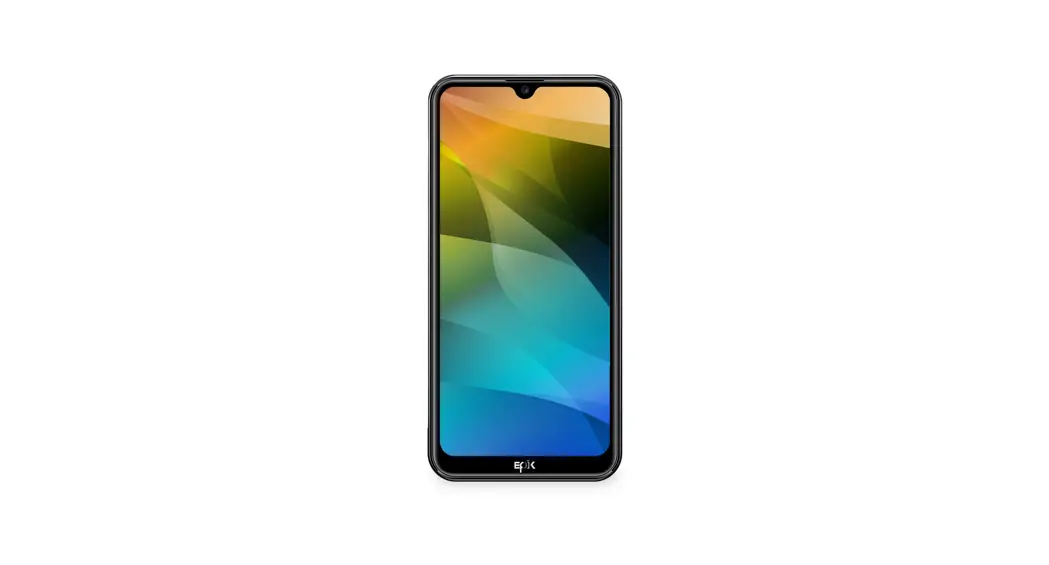
K604
4G LTE Smartphone
QUICK GUIDE
A New Mobile Experience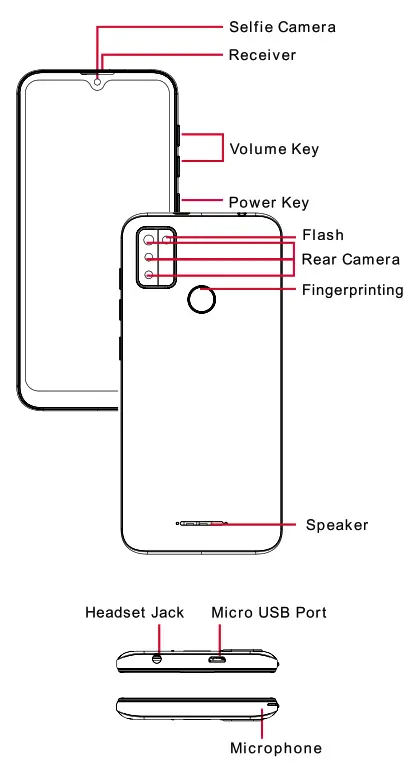
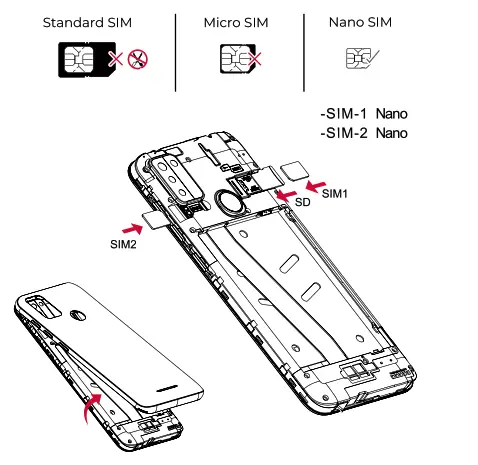
SIM Card and SD Card
Dual Sim Installation
- Carefully remove the phone’s back cover.
- Insert SIM by sliding it into the SIM l’s slot
- Repeat steps with SIM 2 (If available).
- Insert MicroSD card by sliding it into the slot.
- When finished, put back cover and turn on the device.
 Battery
 Battery
This phone has a removable battery. Please fully charge your phone before using it (min. 2 hours).
 Set up Wi-Fi Connection
Go to Settings > Wireless & Networks > Wi-Fi > Select desired Network, insert password and connect.
 Settings
Access settings for more options in your device.
 Safety information
- Do not make or receive handheld calls while driving, and never text while driving. Do not use gas stations.
- Keep your phone at least 15 mm away from your ear or body while making calls.
- Your phone may produce a bright or flashing light. Small parts may cause choking.
- Please do not dispose of used batteries in the trash. The proper disposal of your waste battery will help to protect the environment and human health.
- Your phone can produce a loud sound.
- Avoid contact with magnetic fields. Keep away from pacemakers and other electronic medical devices.
- Avoid extreme temperatures. Switch off in hospitals and other medical facilities when requested.
- Avoid contact with liquids. Keep your phone dry.
- Switch off in aircraft and airports when requested. Do not disassemble your phone.
- Switch off when near explosive materials or liquids. Please use only authentic Epikone accessories with this phone, and do not use the battery with any other type of phone.
- Do not rely on your phone for emergency communications.
 Visit our website epikmobile.com
On this website, you can also find our Privacy and Terms of Use Policies relating to our phones, the Epik mobile application, and our website (our “Services”). Please take a moment to review them and familiarize yourself with our privacy and use practices. Whenever you use our Services, you consent to the practices listed in these Policies.
This manual and the installed software of the K604 are subject to change by Epik One America Corporation without advance notice.
Visit epikmobile.com for the full version of the user manual.