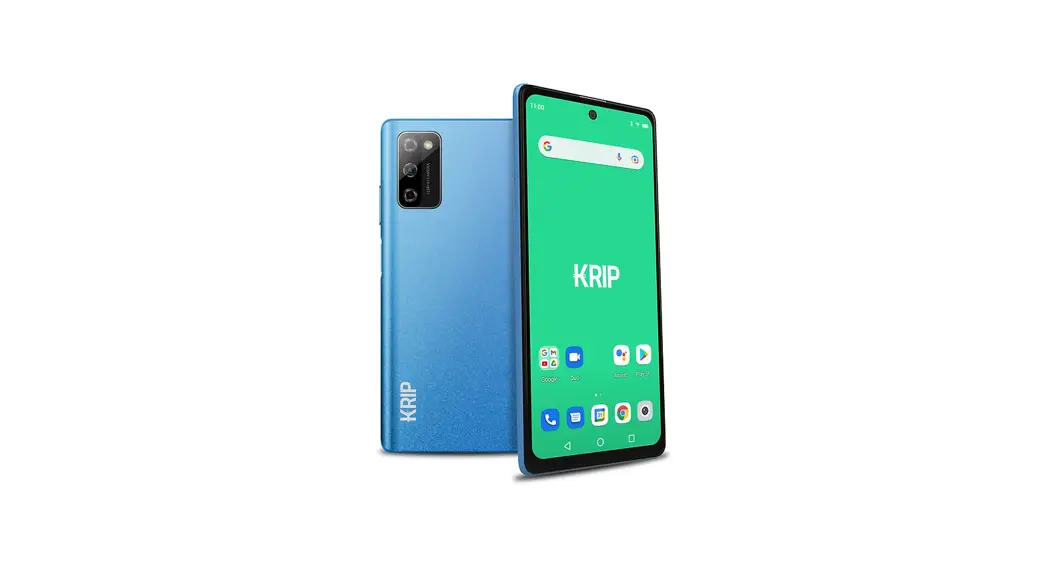
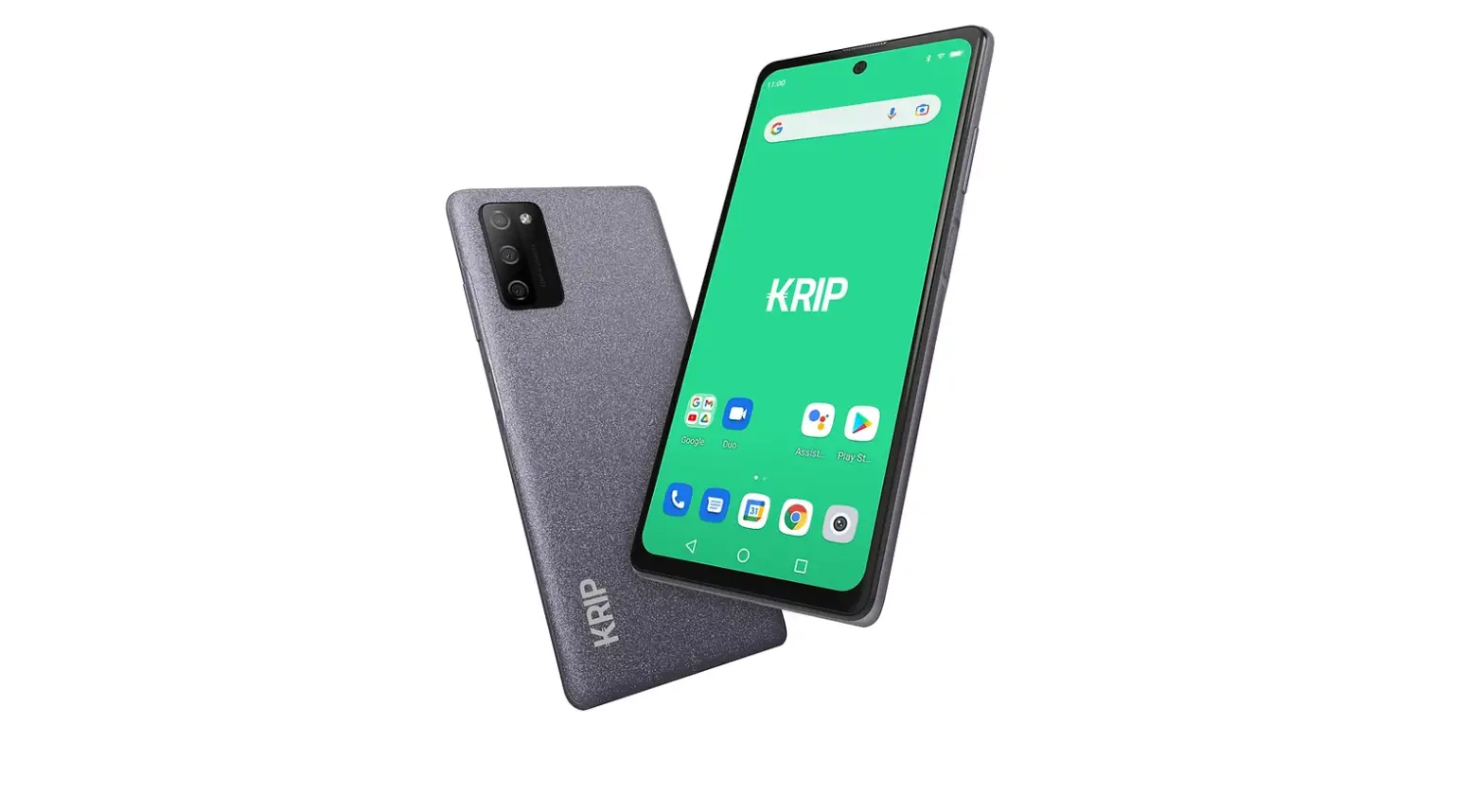
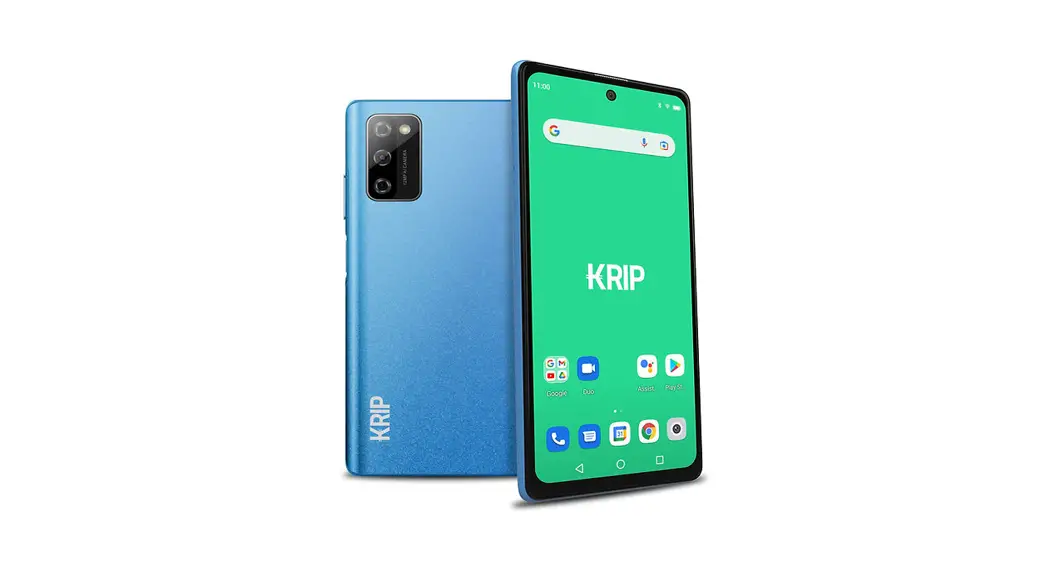
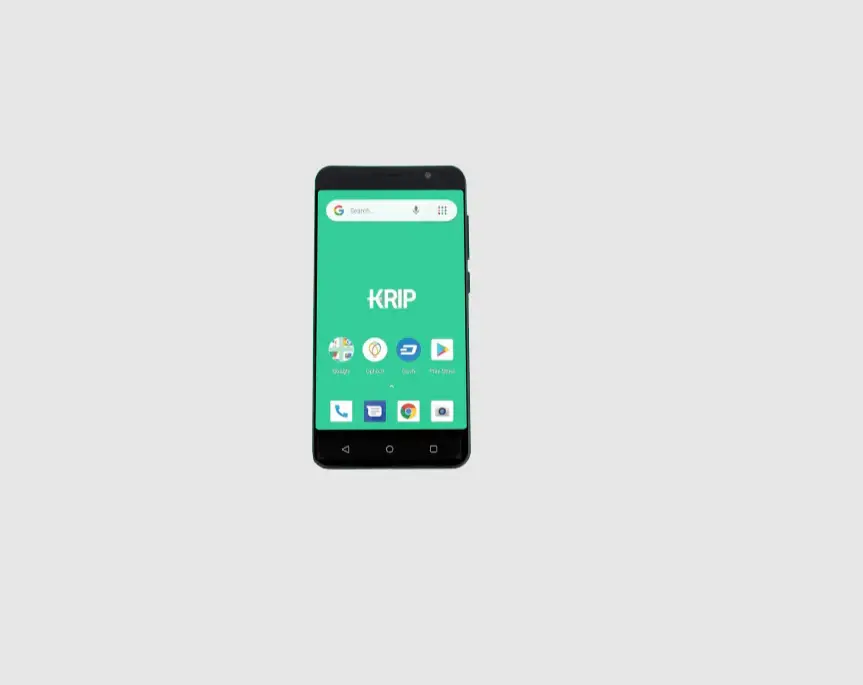
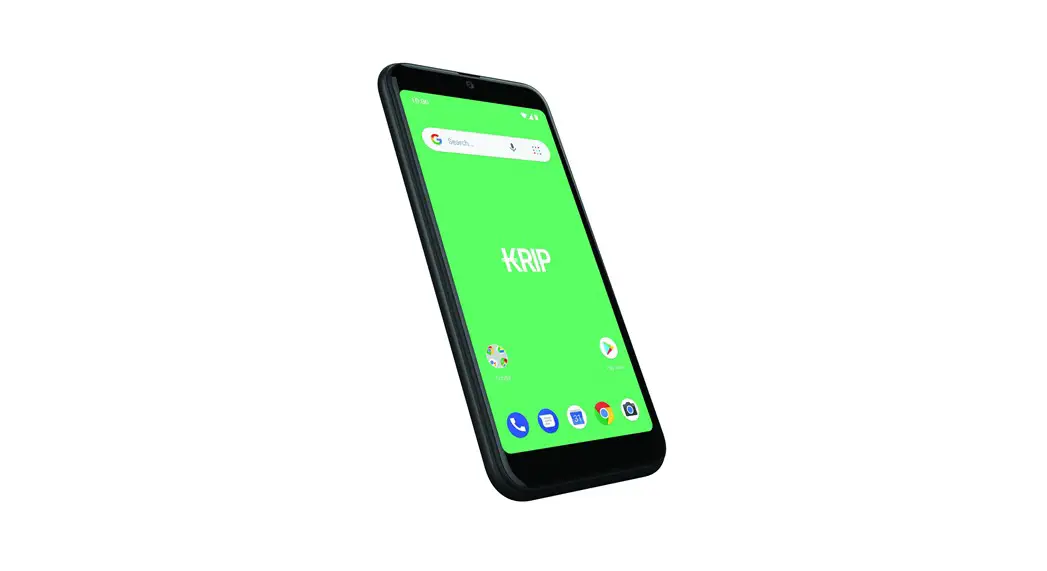
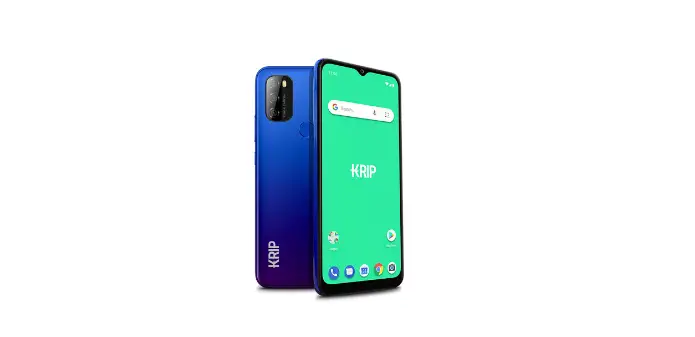
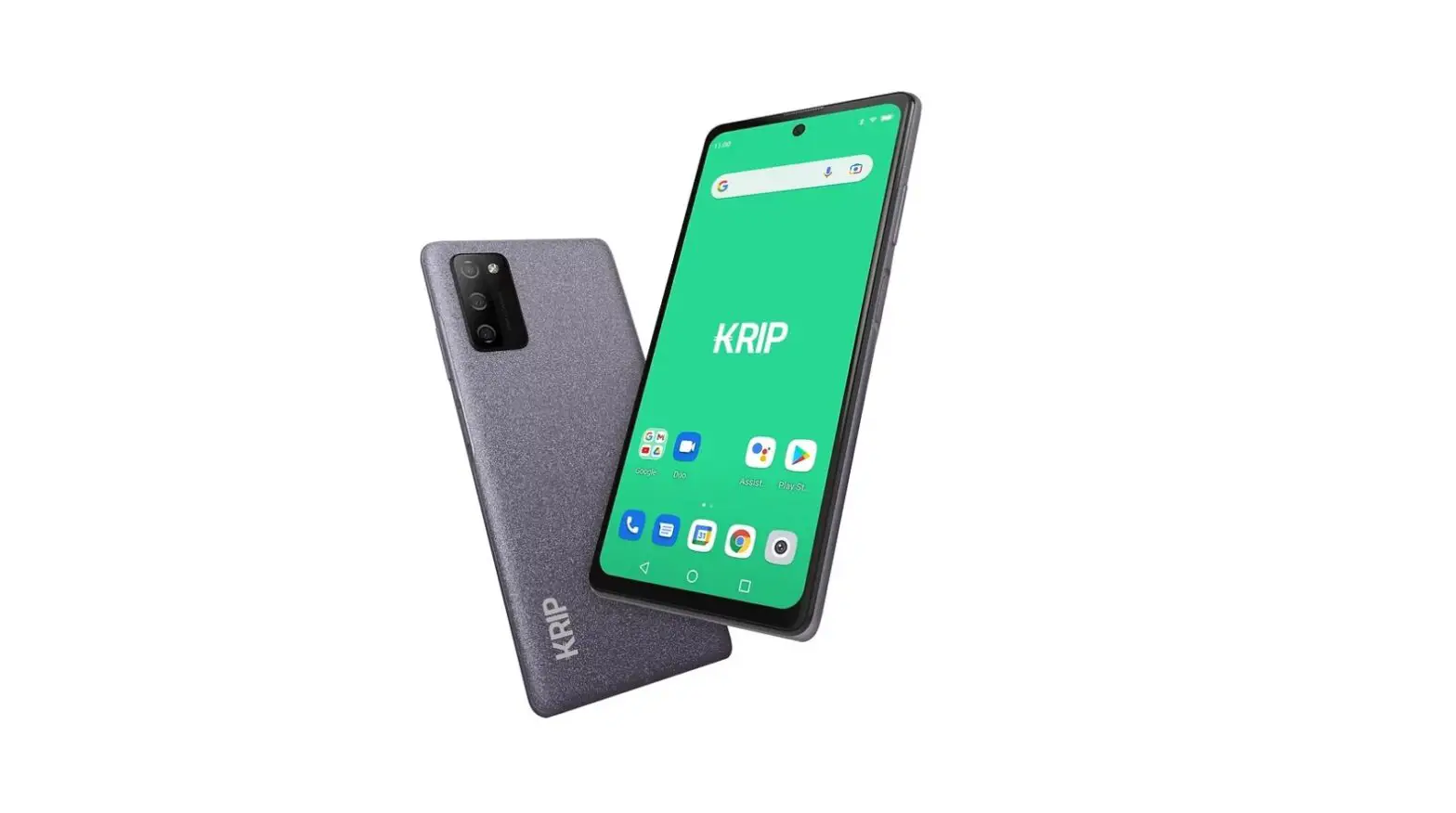
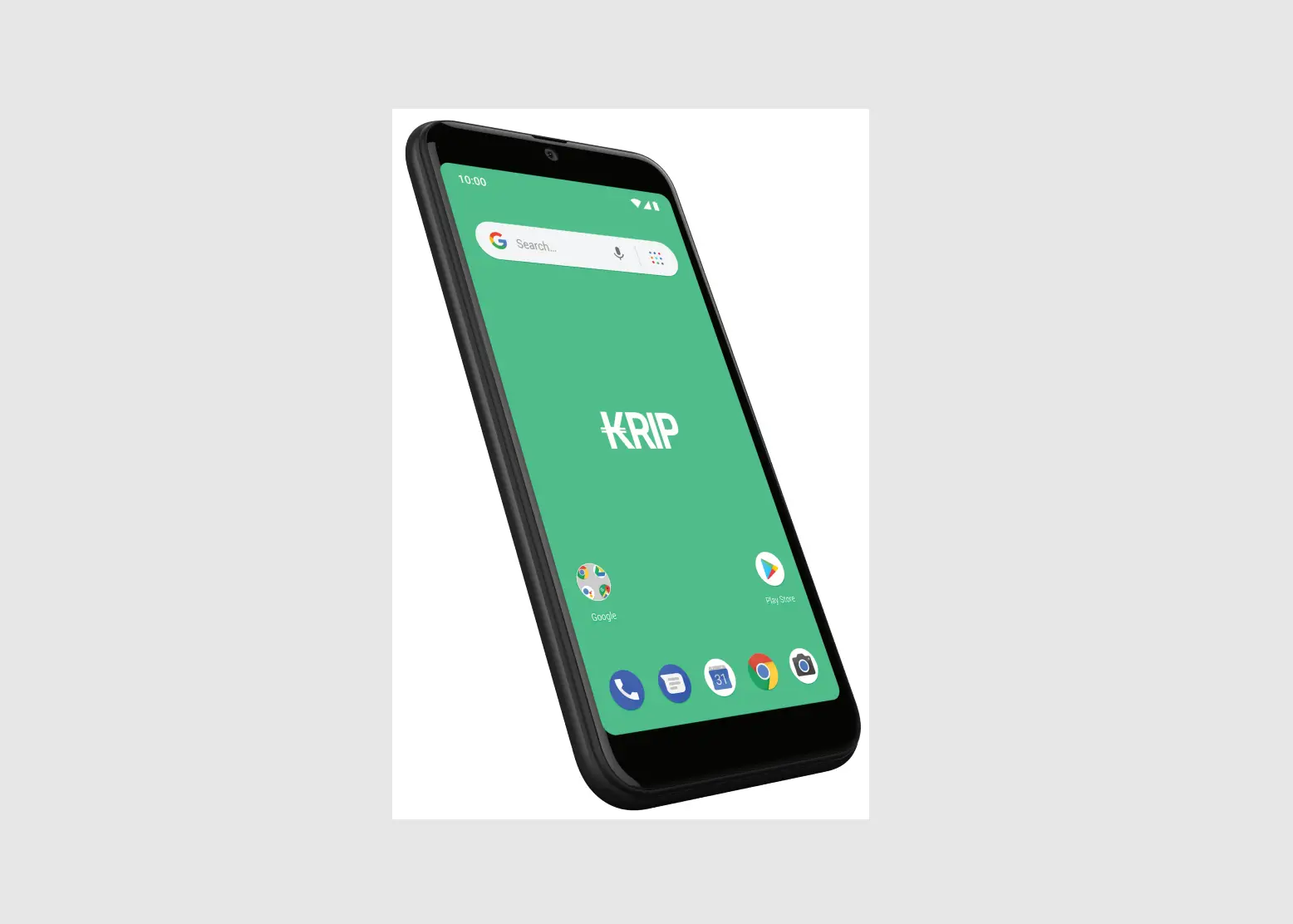
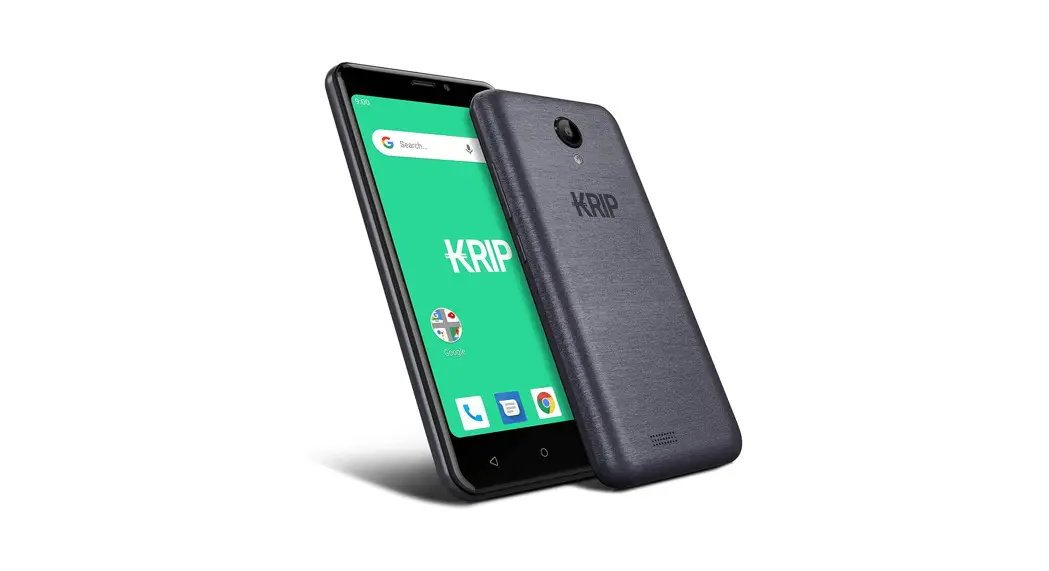
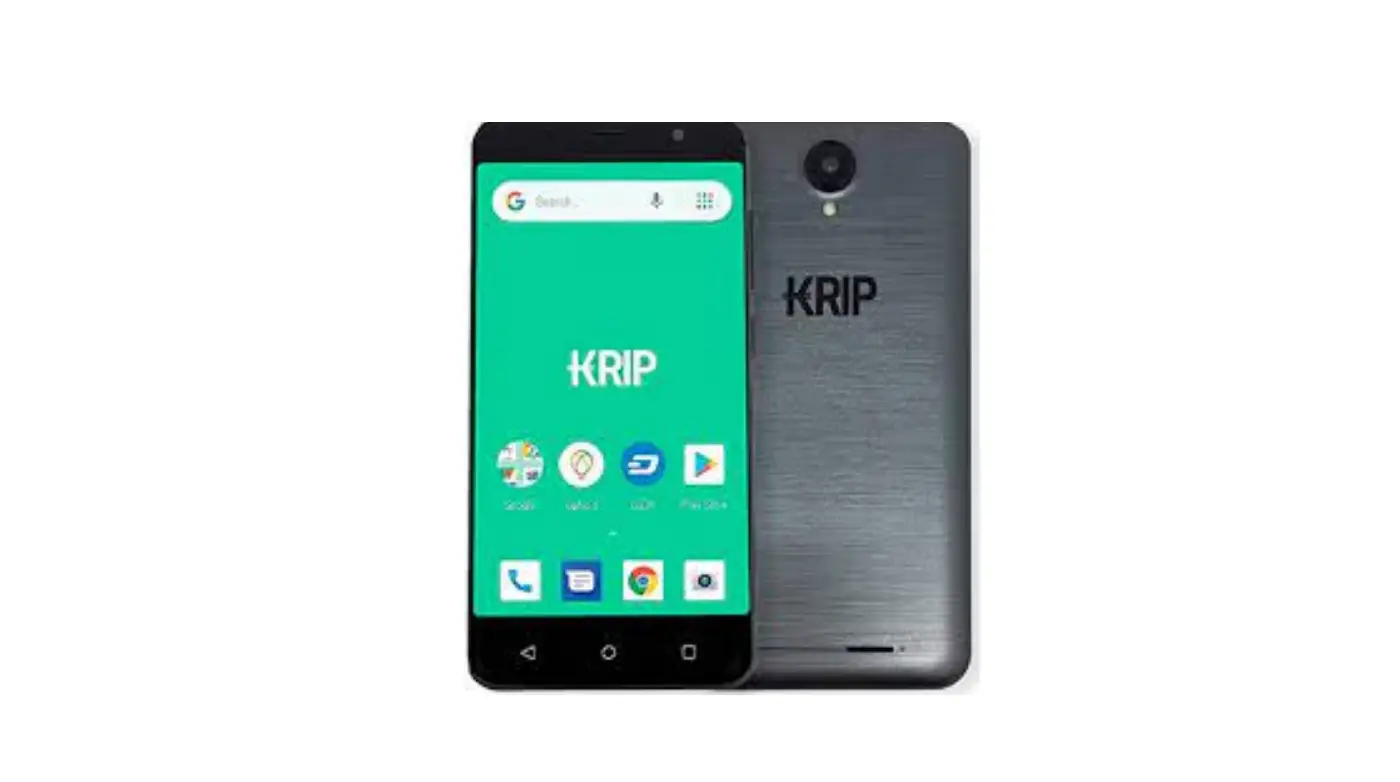
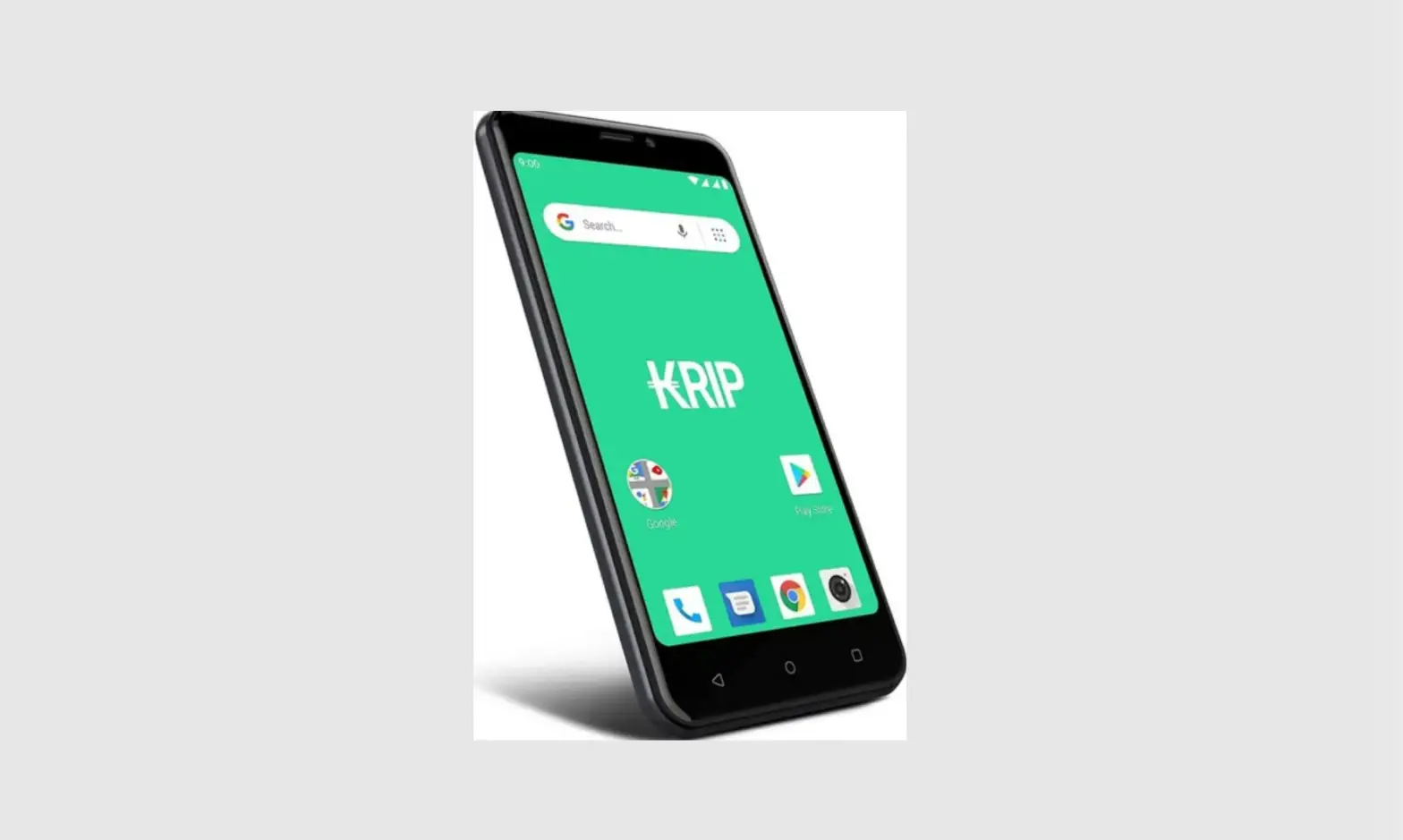
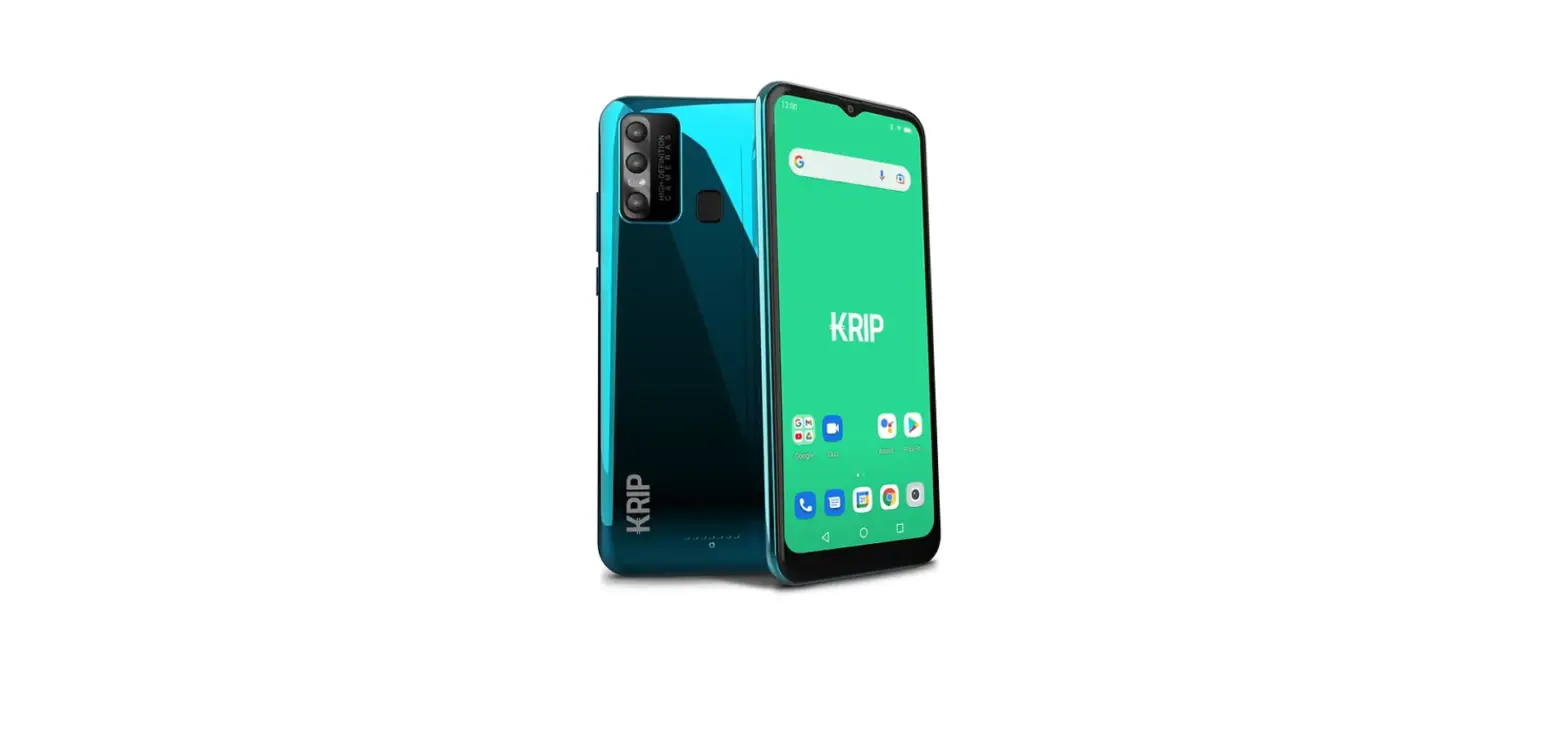
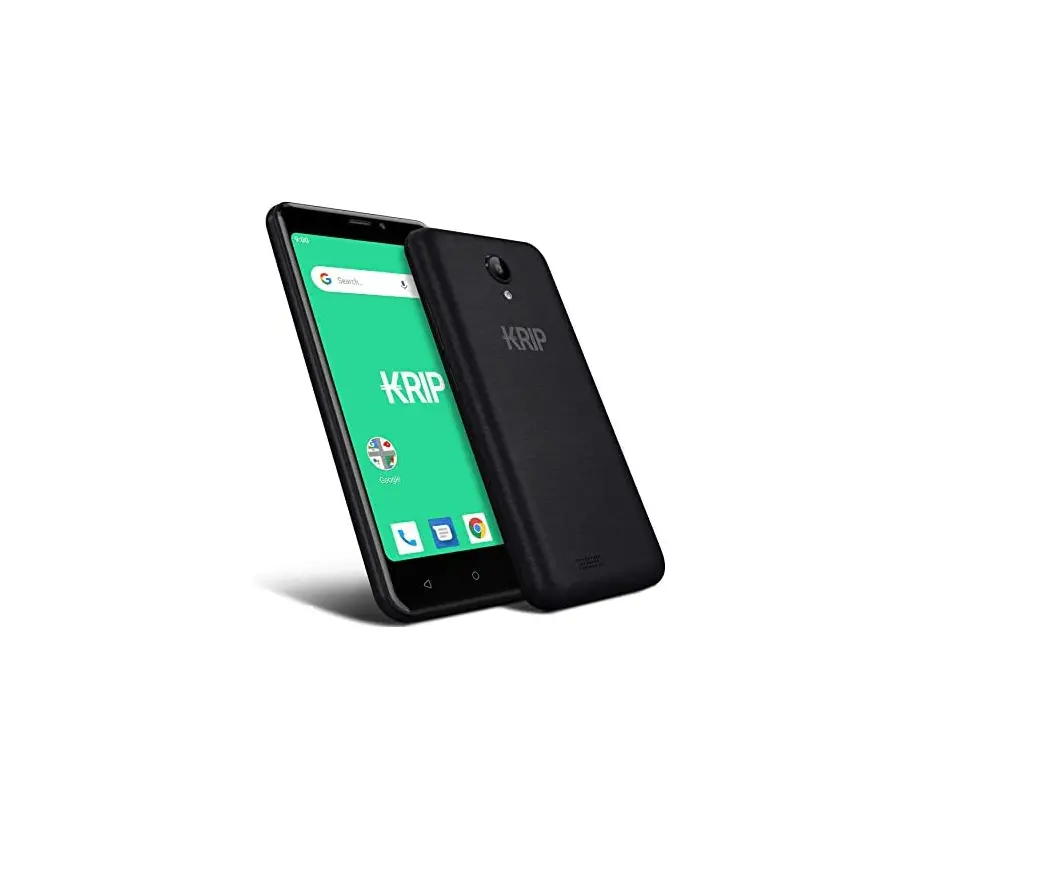
KRIP K55G 4G Smartphone User Guide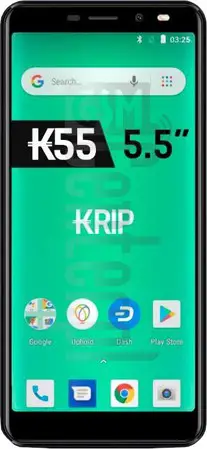
Instructions
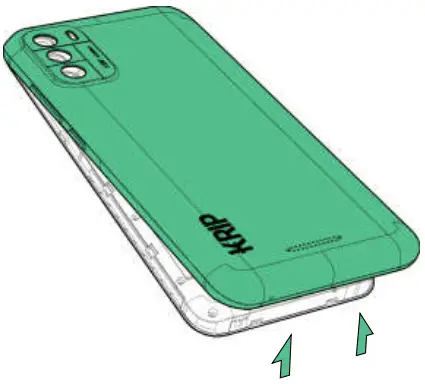
- Remove battery cover.

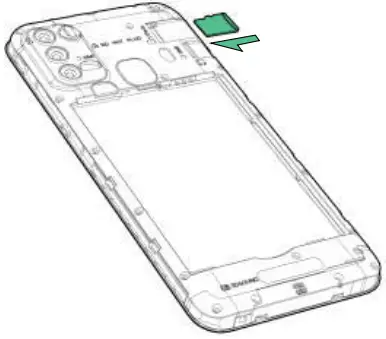
- Insert memory card.

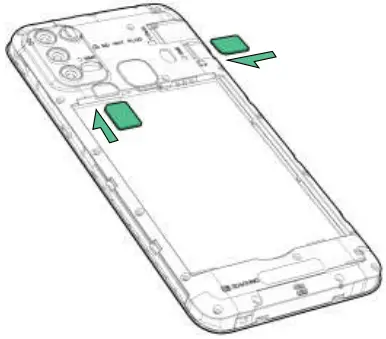
- Insert SIM card(s).
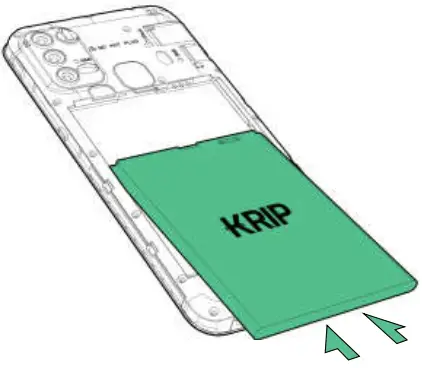
- Insert battery.

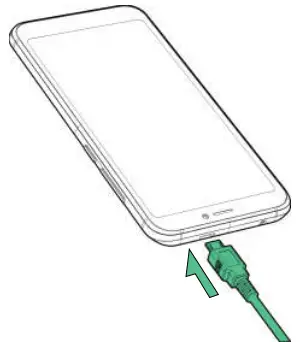
- Insert USB cable and charge for 8 hours.

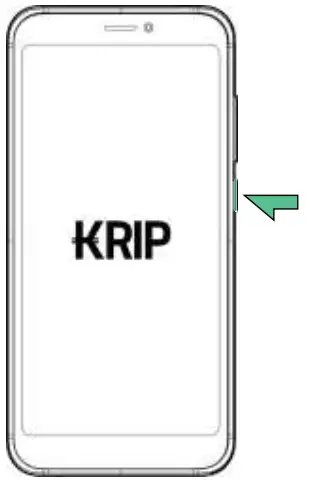
- Power on and run initial setup.


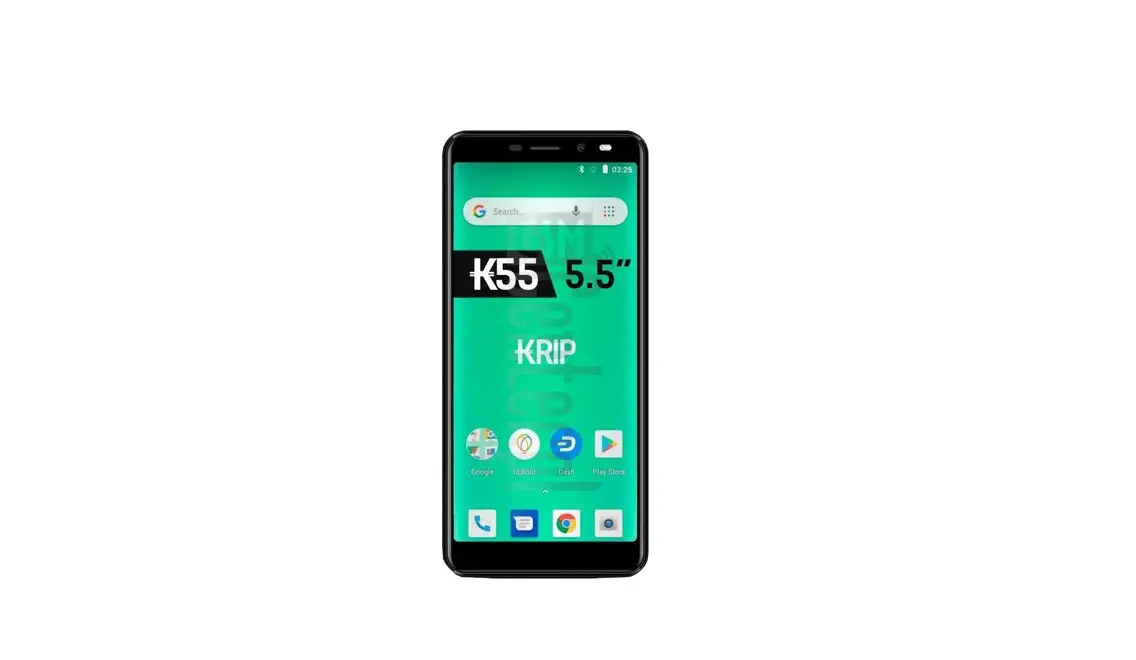
KRIP K55G 4G Smartphone User Guide
Download manual
Here you can download full pdf version of manual, it may contain additional safety instructions, warranty information, FCC rules, etc.