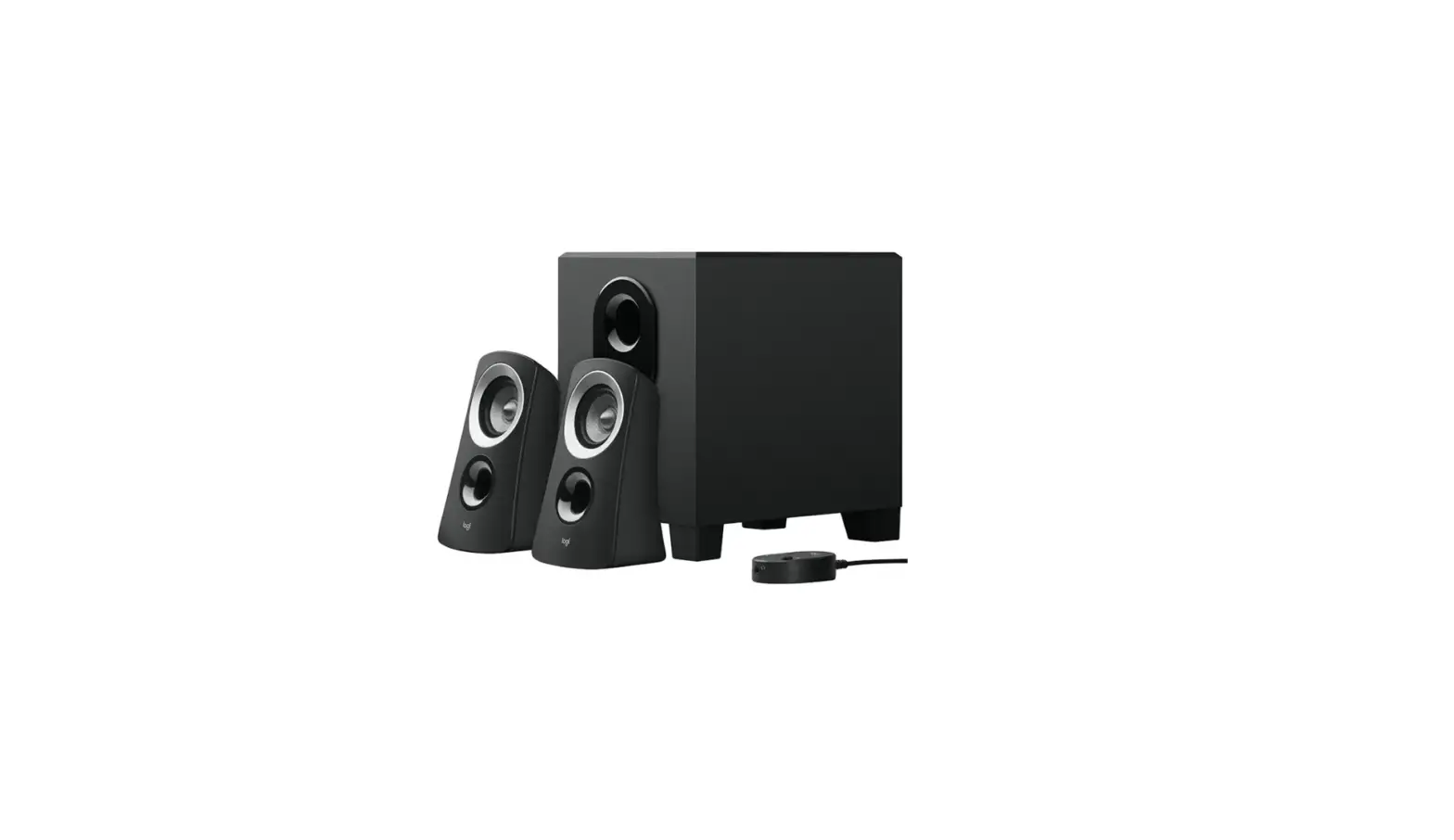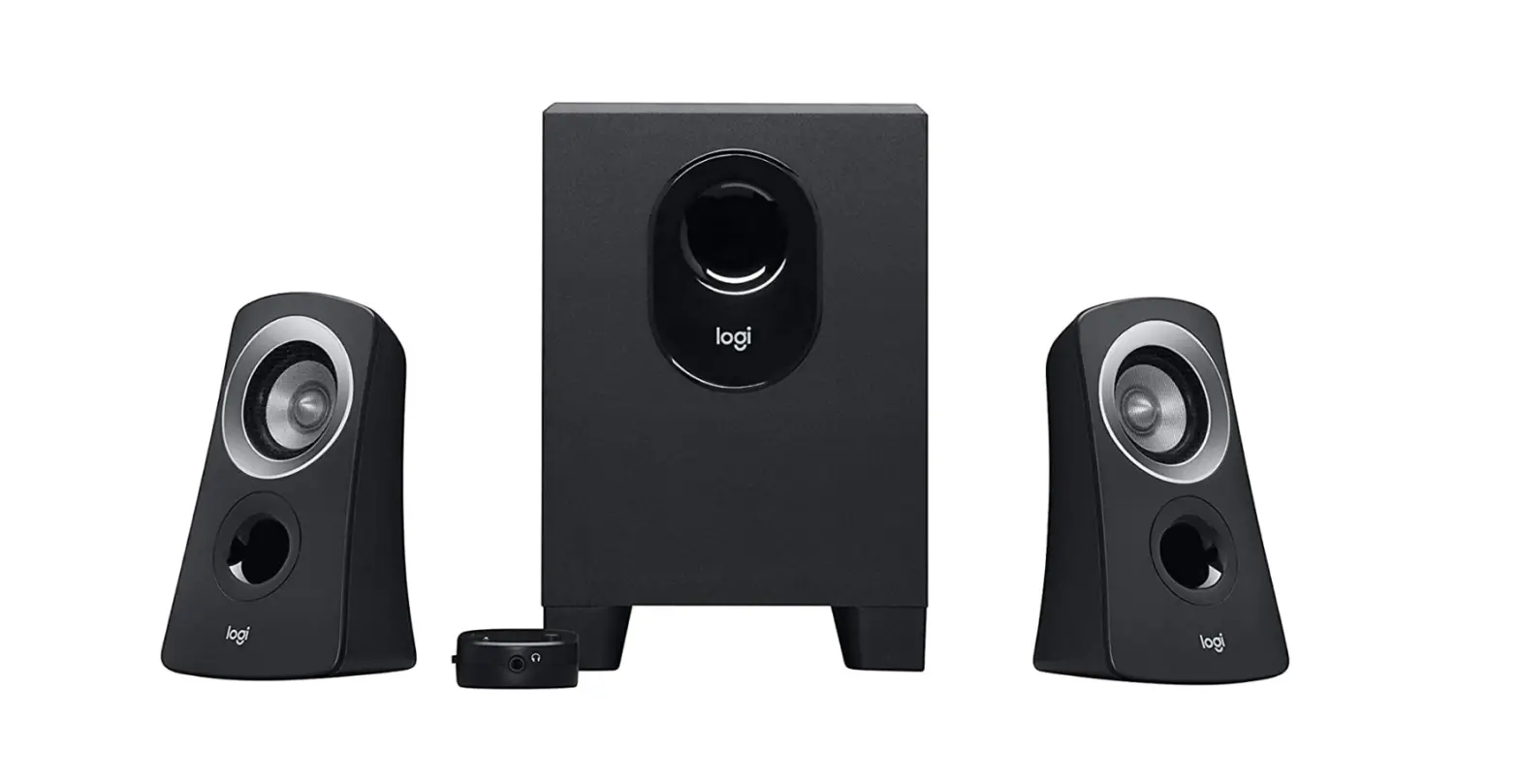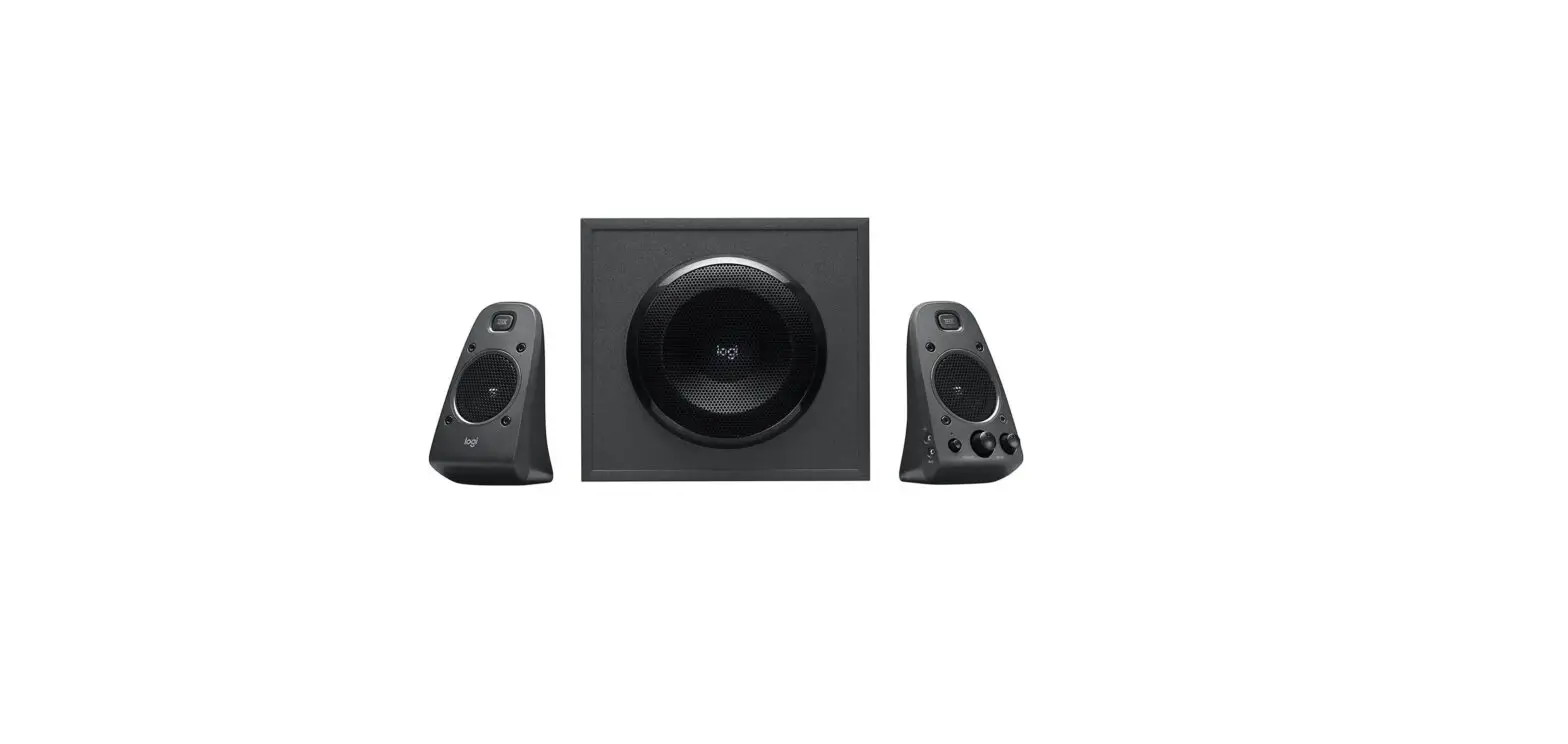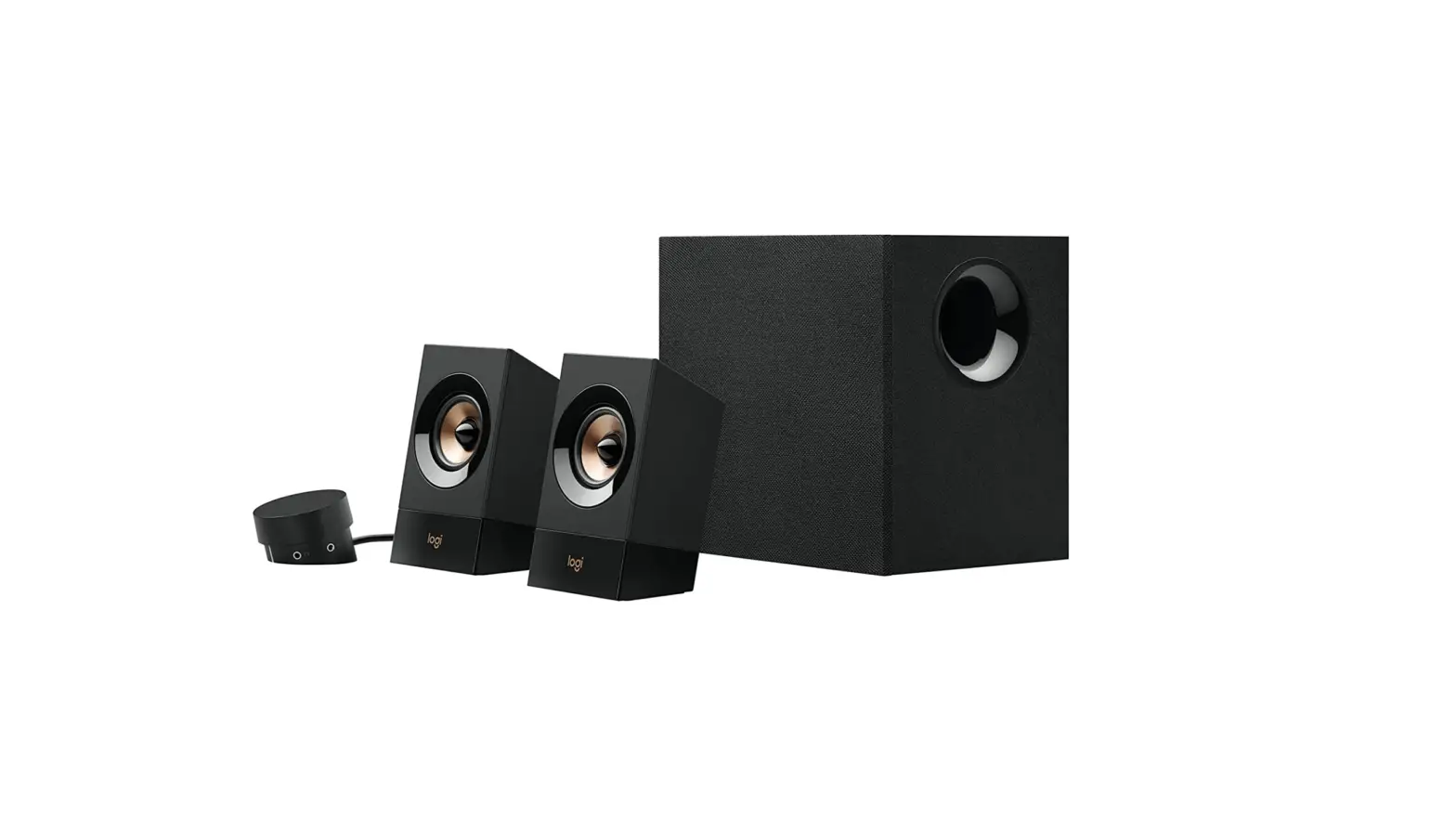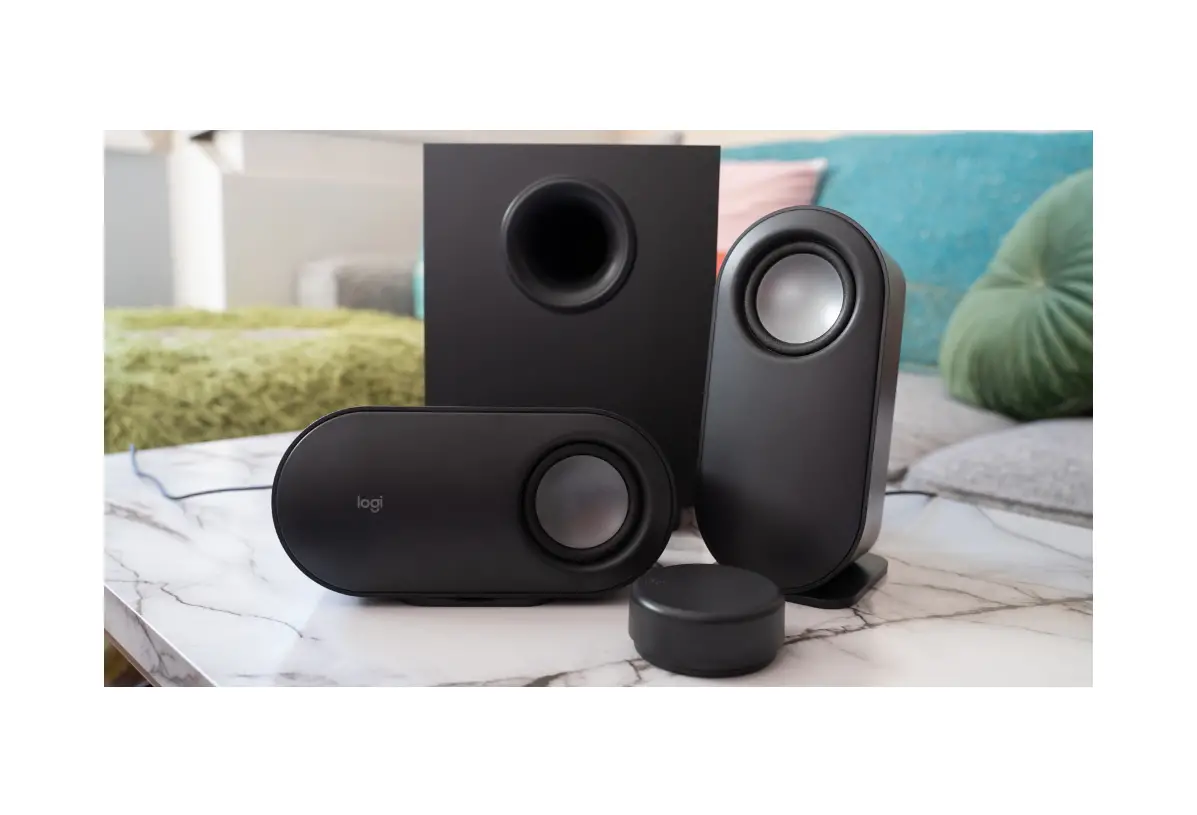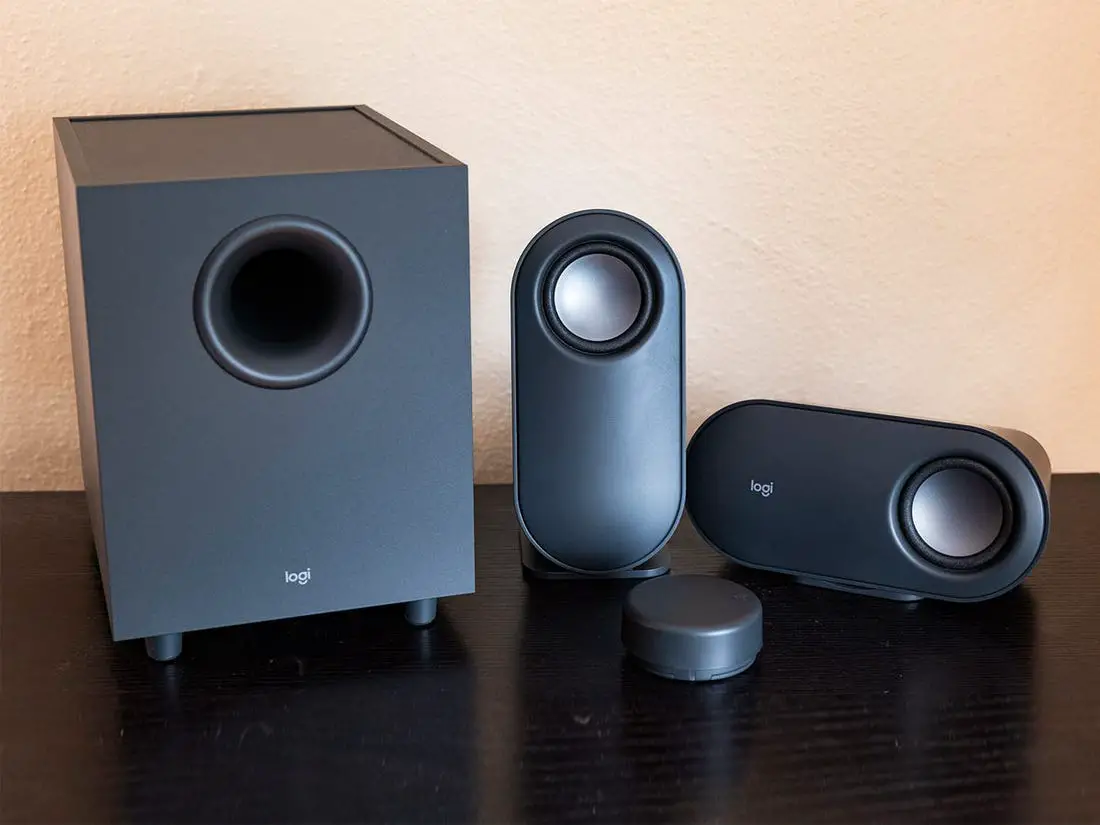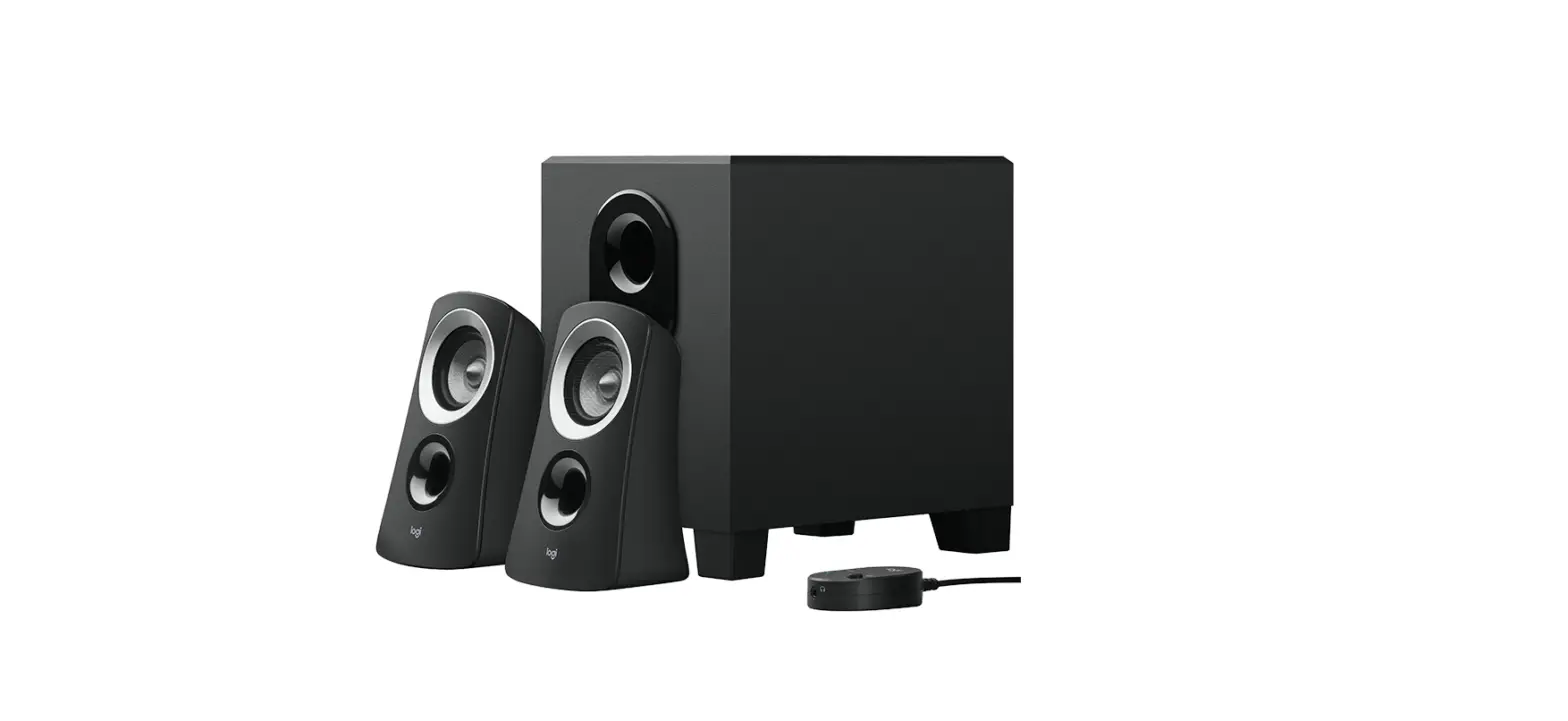

logitech Z313 Speaker System with Subwoofer
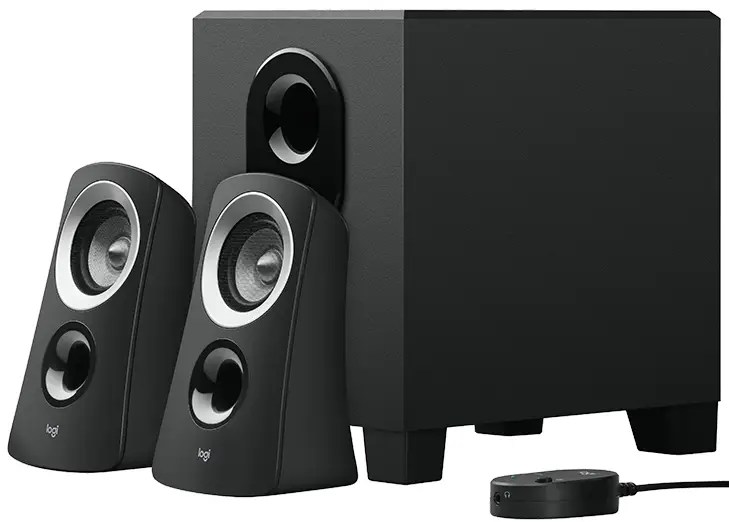
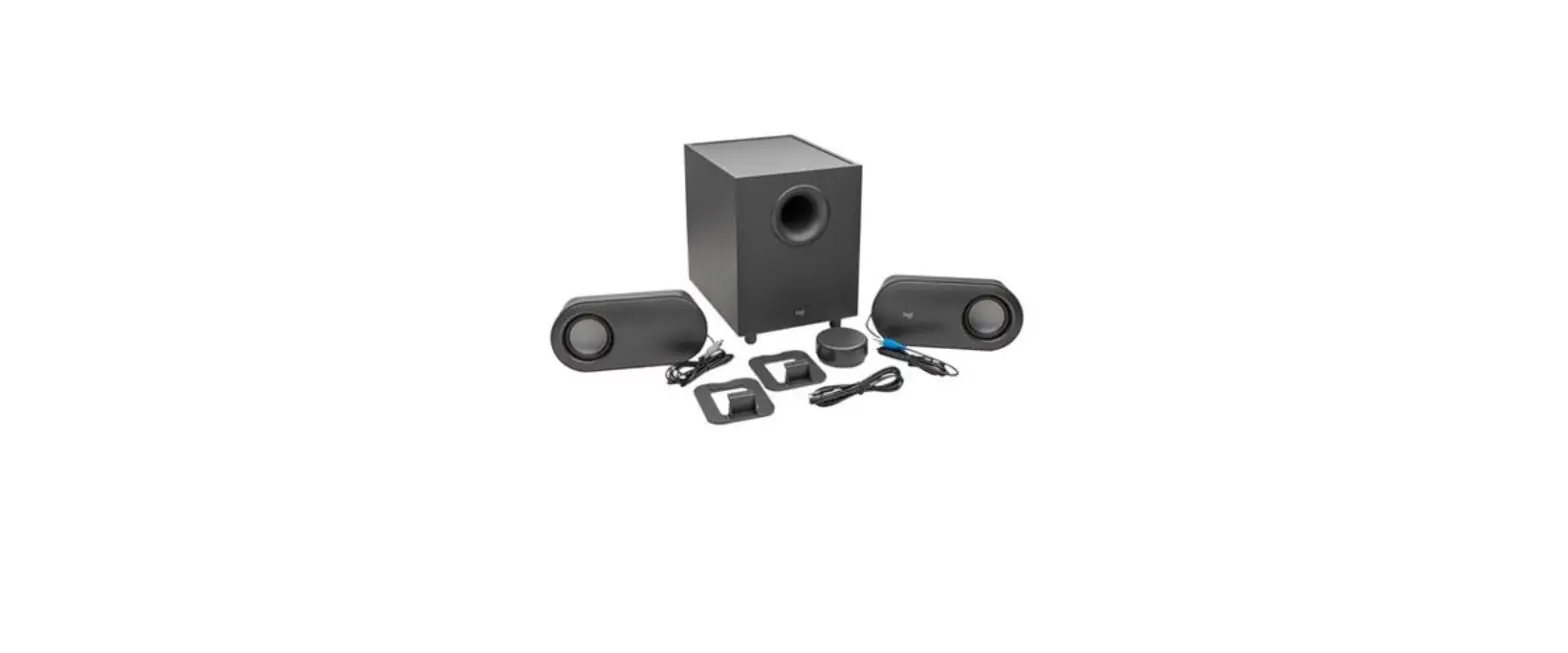
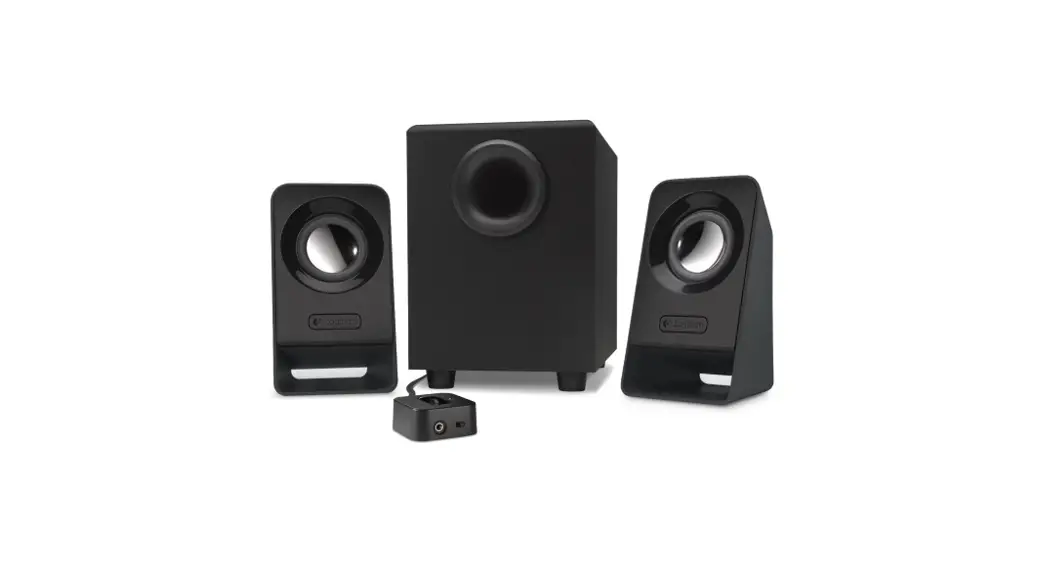
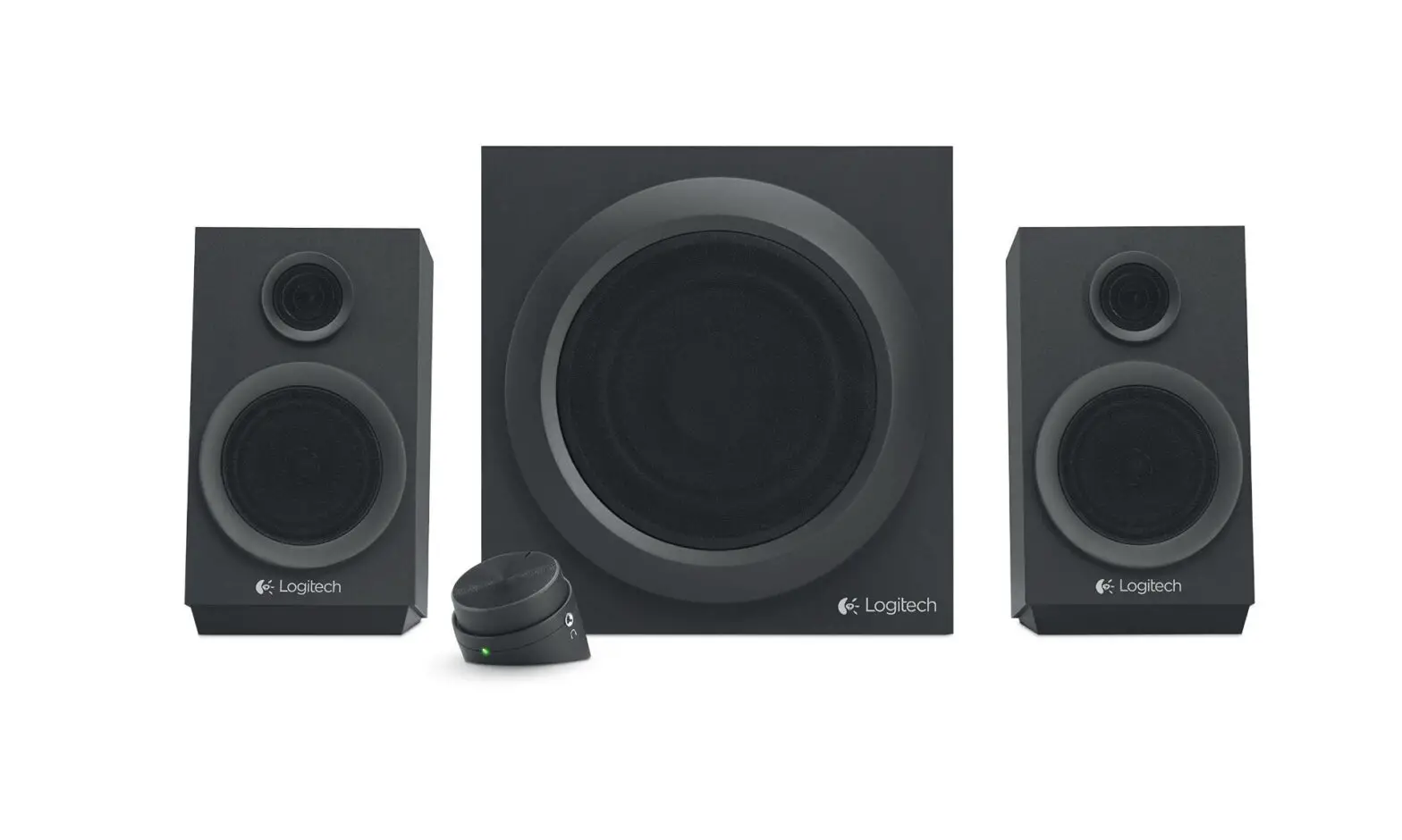
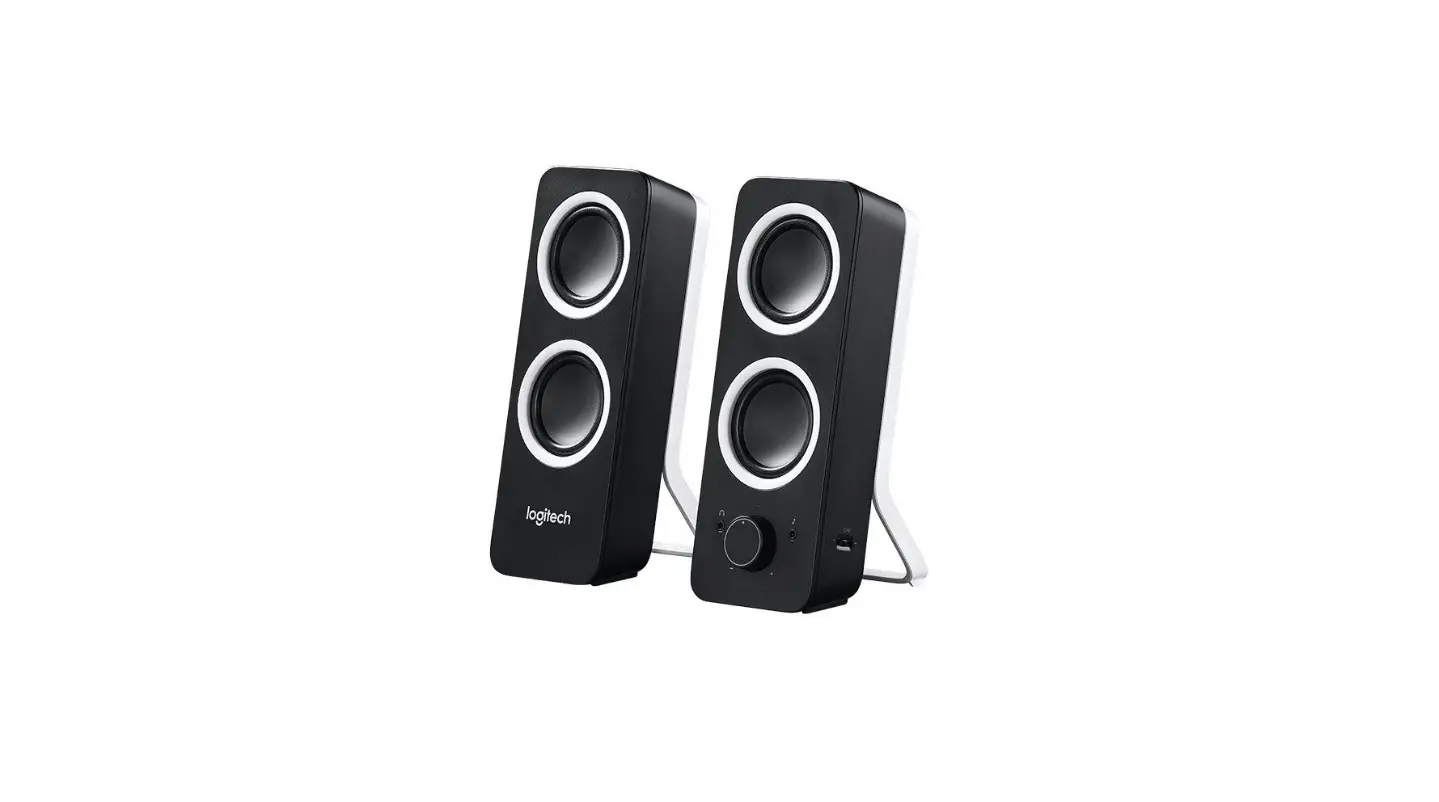
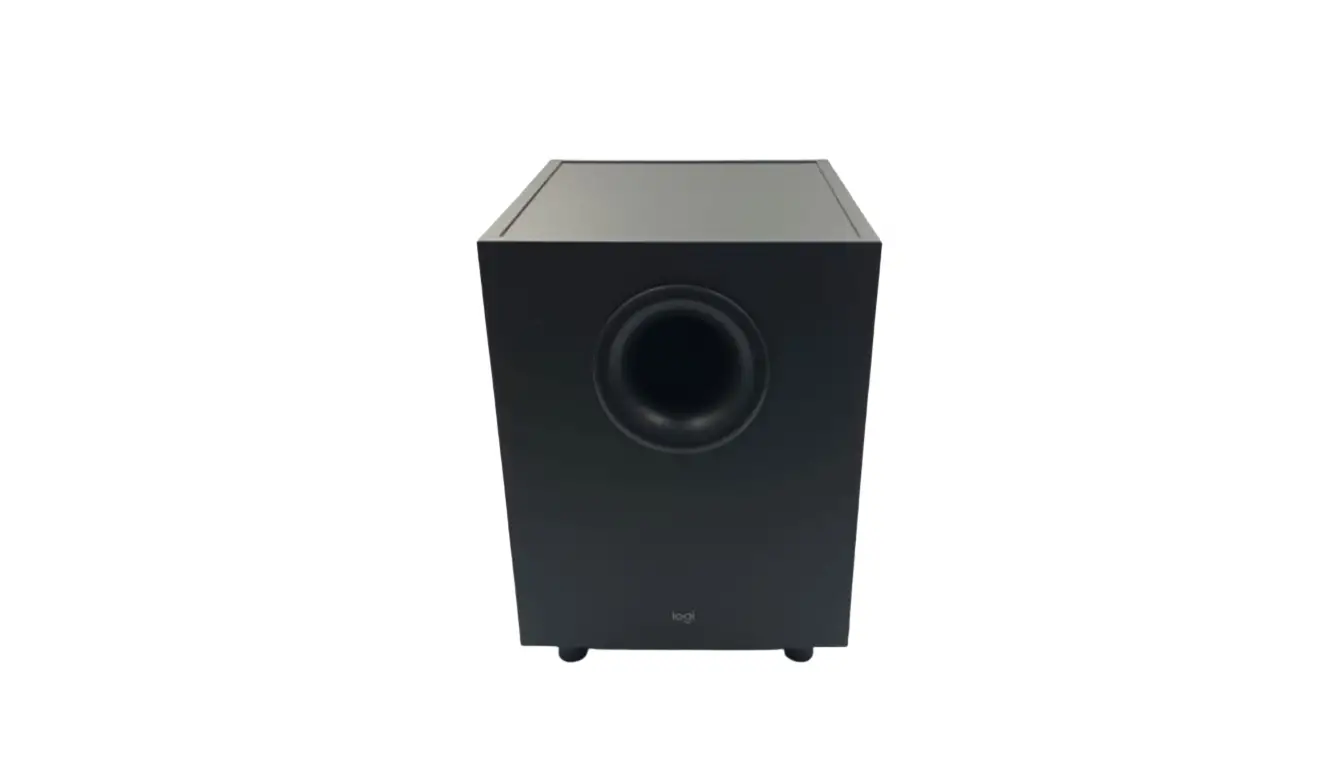
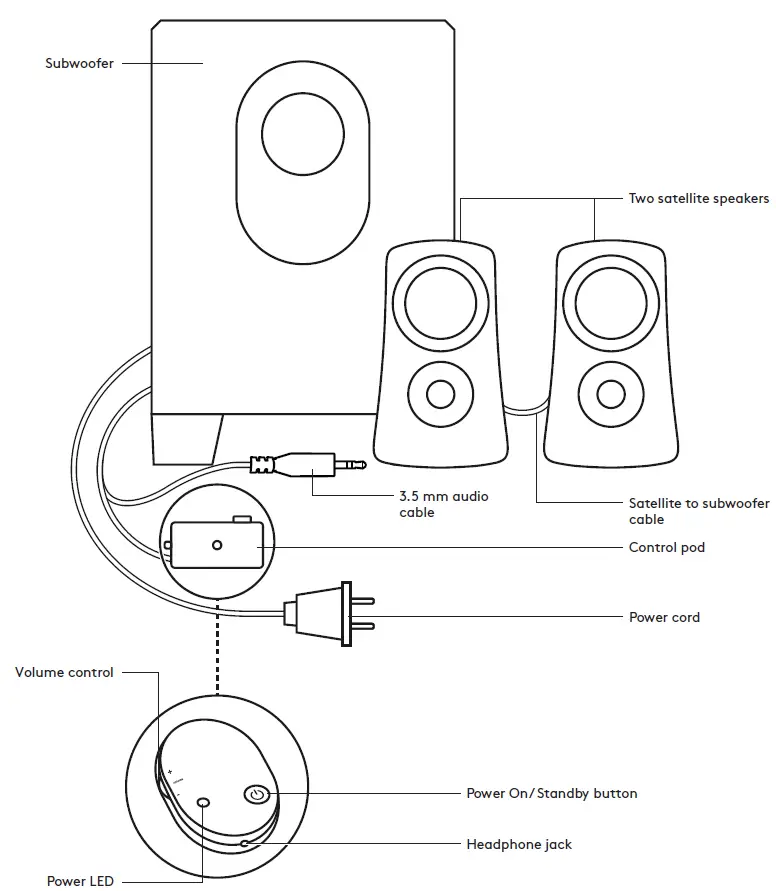
KNOW YOUR PRODUCT
CONNECT THE SPEAKERS
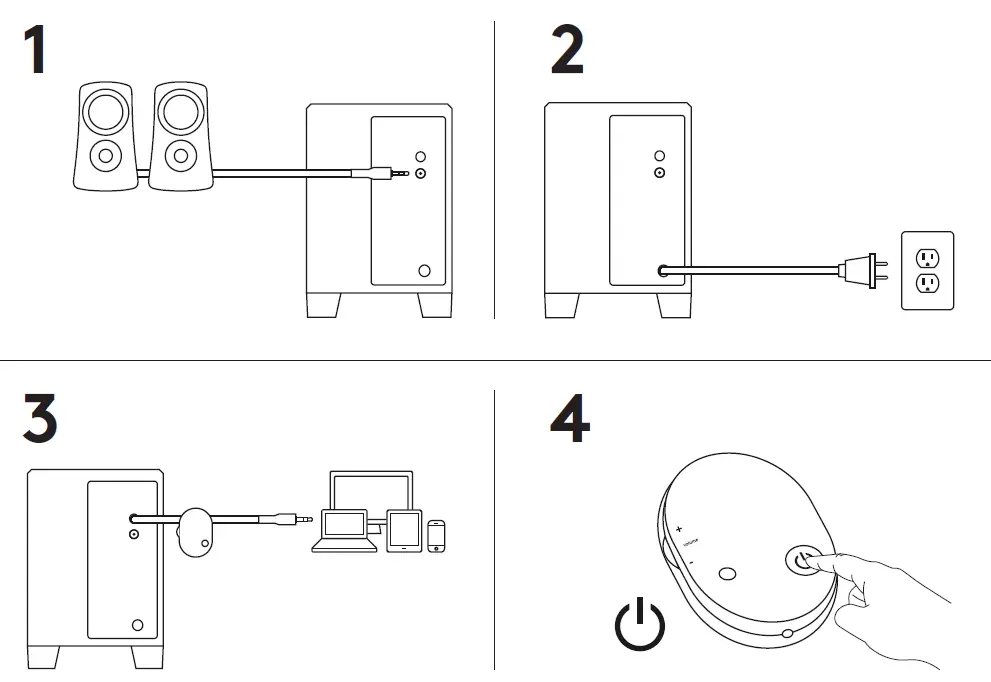
- Plug satellites cable into the subwoofer jack.
- Plug the power plug into an electrical outlet.
- Insert the 3.5mm connector from the control pad into the audio jack on your device (e.g. computer).
- Press the power button on the control pod to turn the speakers on.
CONNECT YOUR HEADPHONES
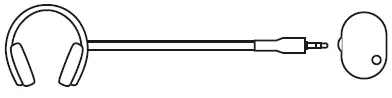
To use headphones with your Z313 speakers, plug them into the headphone jack on the control pod. To change the volume of your headphones, adjust the volume from your audio input source.
NOTE: The volume control on the control pod does not control the headphone volume.
ADJUST THE VOLUME
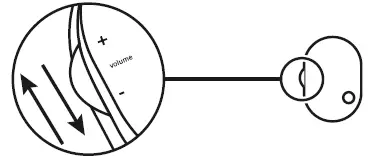
Increase (or decrease) the speakers volume by rolling up (or down) the wheel located on the left side of the control pod.
© 2019 Logitech. Logitech, Logi and other Logitech marks are owned by Logitech and may be registered. All other trademarks are the property of their respective owners. Logitech assumes no responsibility for any errors that may appear in this manual. Information contained herein is subject to change without notice.
WEB-621-001230.002