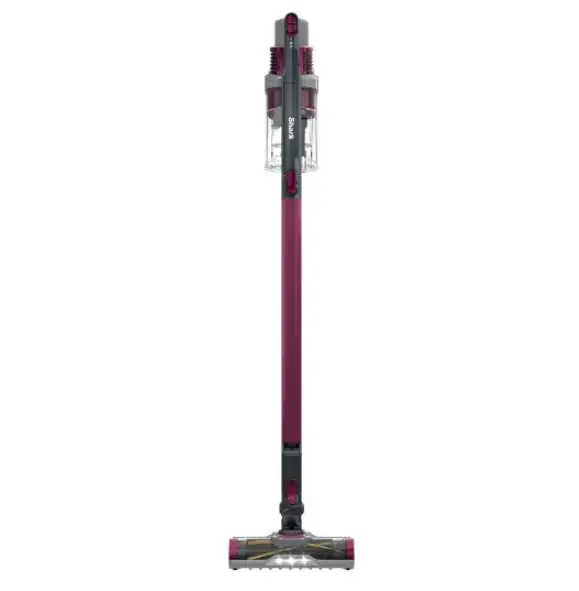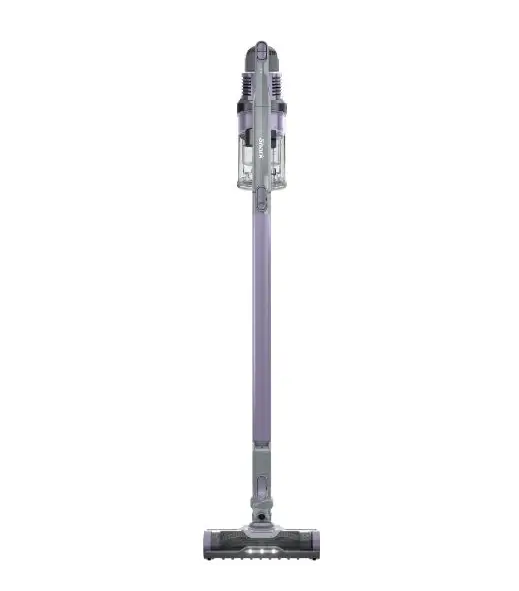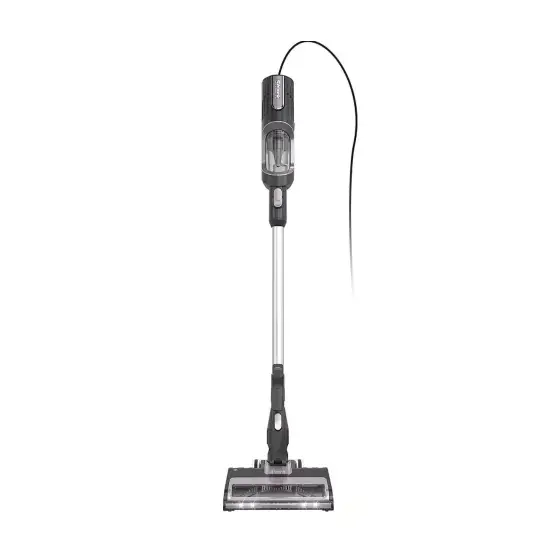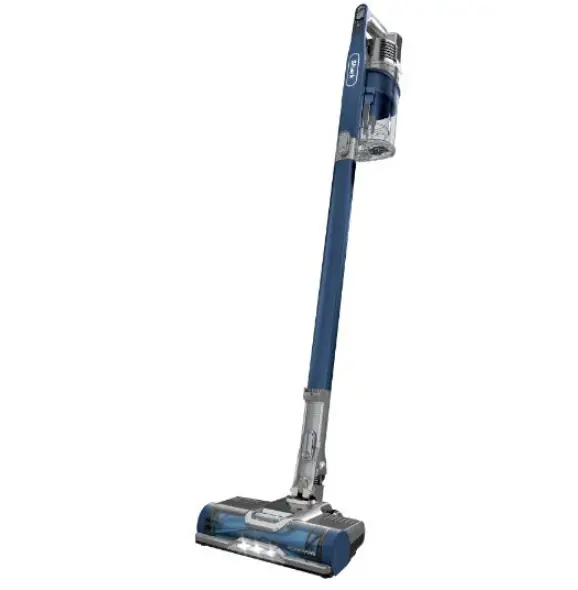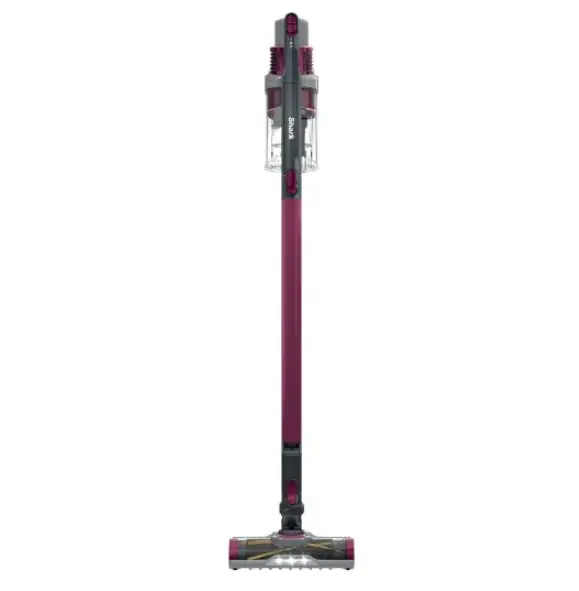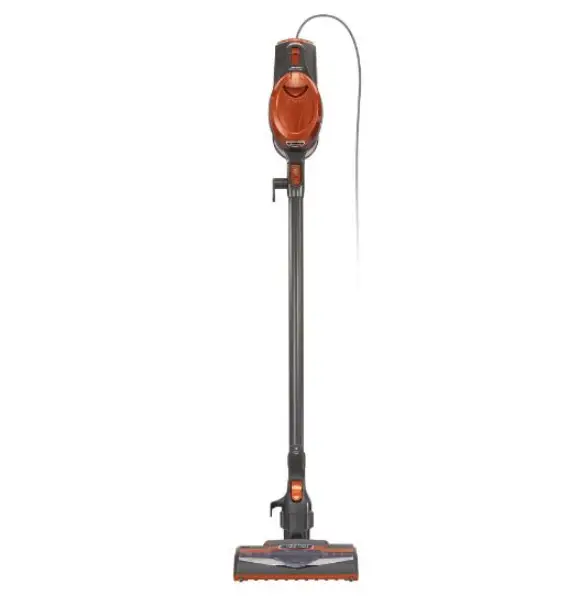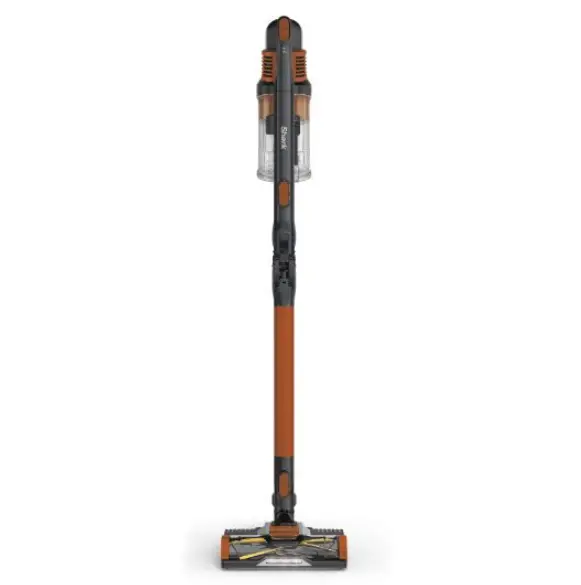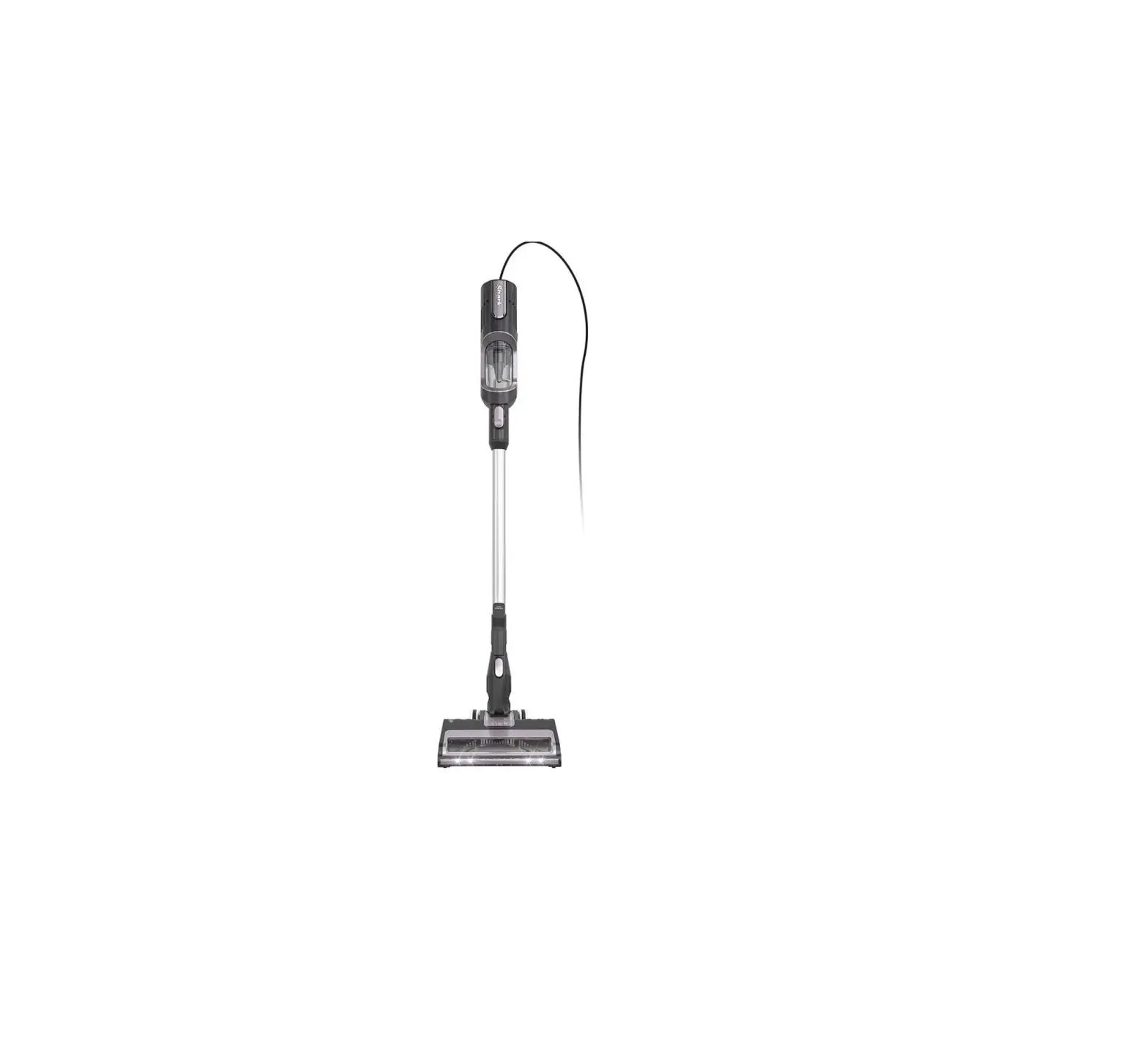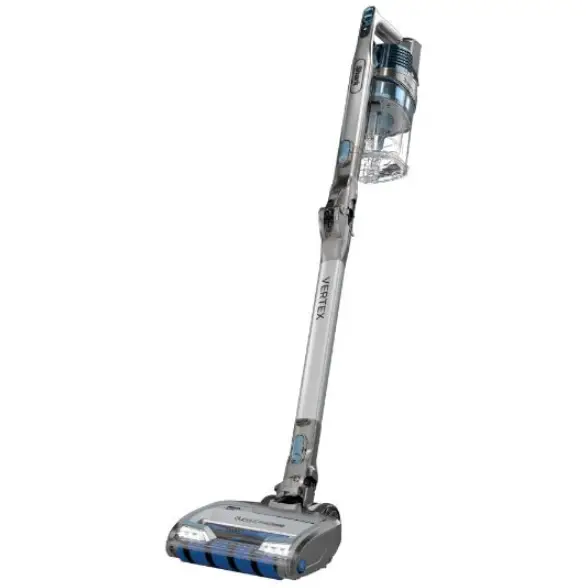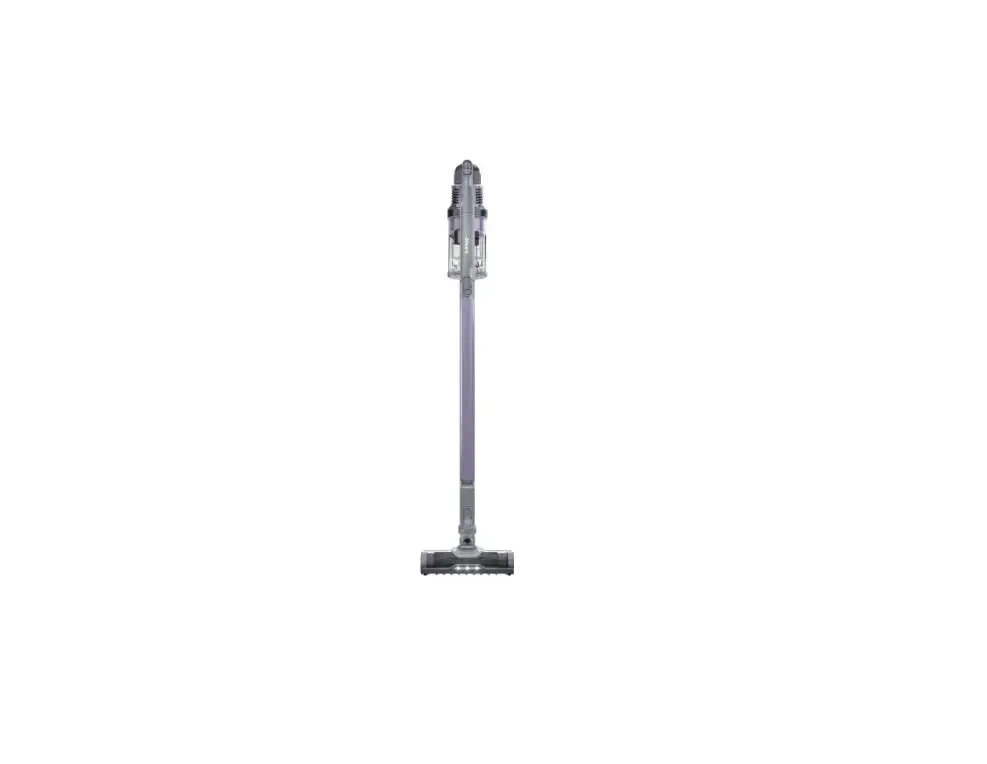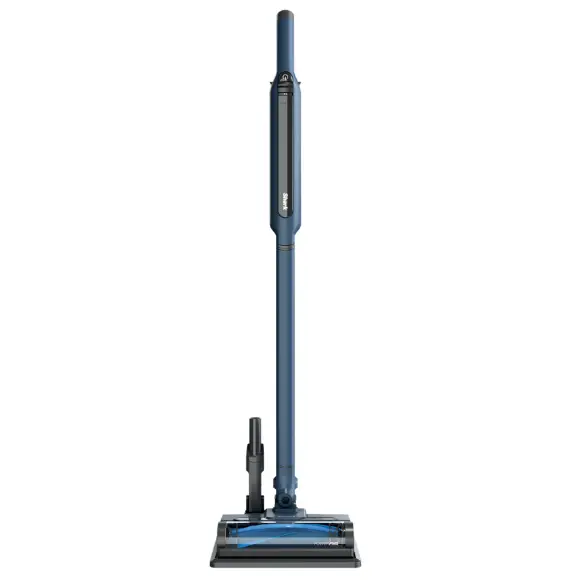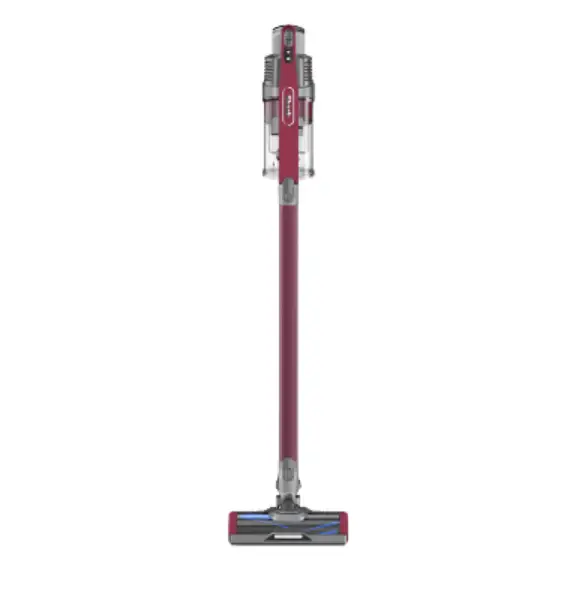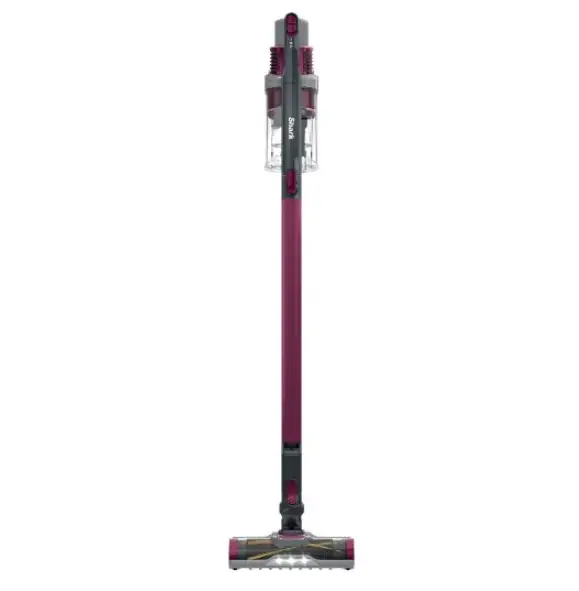
IZ160 Series
QUICK START GUIDE
For questions, visit us online at sharkclean.com/support
Register your vacuum at registeryourshark.com
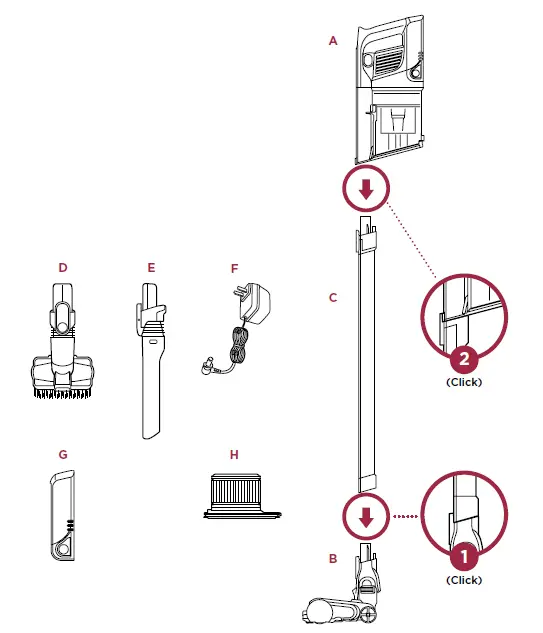
WHAT’S INSIDE:
A. Handheld Vacuum
B. Dirt Engage™ Floor Nozzle
C. Wand
D. Pet Multi-Tool
E. 8″ Crevice Tool
F. Charger
G. Li-Ion Battery (Pre-Installed)
H. HEPA Post-Motor Filter (Pre-Installed)
ASSEMBLY
For complete maintenance instructions, see the enclosed Owner’s Guide.
For additional parts and accessories, visit sharkaccessories.com.
For additional batteries and charging accessories, visit sharkclean.com/batteries.
POWER SETTINGS
OFF:
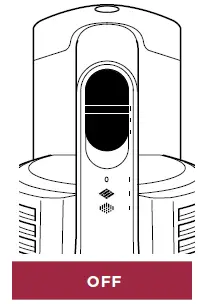
Slide switch to the top to turn off power.
To begin vacuuming in Standard Mode, slide switch to the appropriate setting.
BARE FLOOR SETTING:
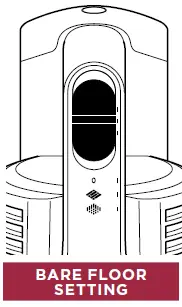
Bare Floor/Area Rugs
Slide switch to the middle. The brushroll spins slowly to clean bare floors and small area rugs.
CARPET SETTING:
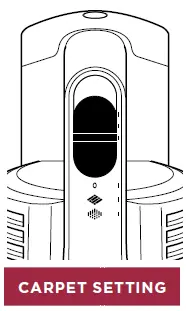
Carpet
Slide switch to the bottom. The brushroll spins faster to pick up debris below the surface of your carpets.
BOOST MODE:
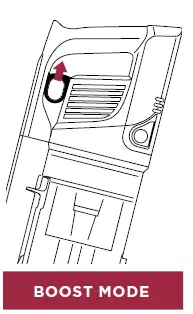
For an added boost in power, pull the Trigger on the handheld vacuum. Release it to return to standard power.
NOTE: For deep cleaning per ASTM F 608 (embedded dirt in carpets) please select the Carpet setting and pull the trigger to go into Boost mode.
NOTE: Select Carpet setting for stuck-on dirt and debris.
CHARGING
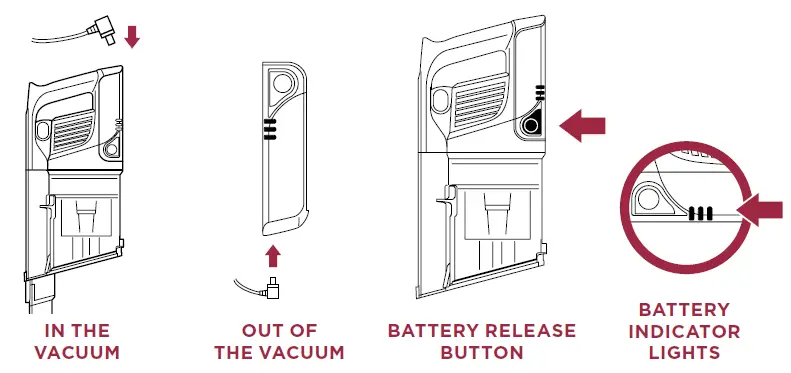
Easily Insert or Remove the Li-Ion Battery
To insert, slide the Battery into the slot in the back of the handheld vacuum. To remove, press and hold the Battery Release Button then slide out the battery.
LI-ION BATTERY
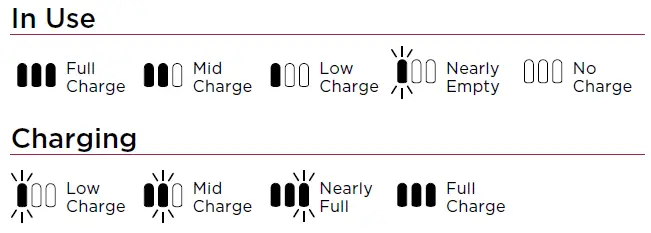
NOTE: Full charge takes approximately 3 hours.
NOTE: The battery comes partially charged. Charge fully before first use.
Battery Runtime
| MODE | MINUTES |
| Hand Vac | 40 |
| Bare Floor/ Standard Mode | 25 |
| Carpet Mode/ Standard Mode | 20 |
| Boost Mode (Hand Vac) | 10 |
VERSATILE CLEANING
Slide the power button to the desired power setting. Place your foot on the floor nozzle and tilt the handheld vacuum back.
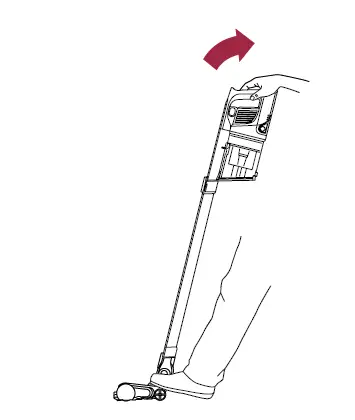
NOTE: Brushroll will only engage when the handle is tilted back.
To detach the wand for above-floor cleaning, stand the vacuum upright, then press the Nozzle Release button on the bottom of the wand and pull the wand up to disconnect it.
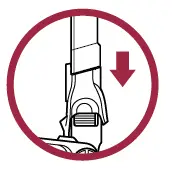
OR
To detach the handheld vacuum, press the Wand Release button and lift the handheld vacuum off the wand.
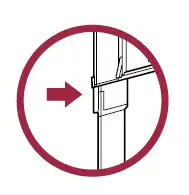
THEN
Attach a cleaning accessory, then choose the power setting.
EMPTYING THE DUST CUP
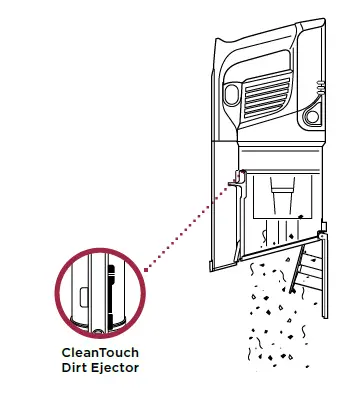
1. To empty the dust cup, first disconnect the handheld vacuum from the wand by pressing the Wand Release button and pulling up on the handheld vacuum.
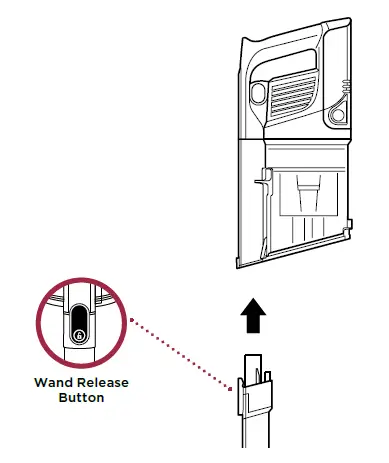
2. Position the dust cup over a trash bin and slide the CleanTouch™ Dirt Ejector forward.
© 2019 SharkNinja Operating LLC. SHARK and ROCKET are registered trademarks of SharkNinja Operating LLC. CLEANTOUCH and DIRT ENGAGE are trademarks of SharkNinja Operating LLC.
IZ162H_QSG_REV_Mv2
DOWNLOAD
Shark IZ160 Series Rocket Pet Pro Cordless Stick Vacuum:
Quick Start Guide – [Download PDF]
Owner’s Guide -[Download PDF]