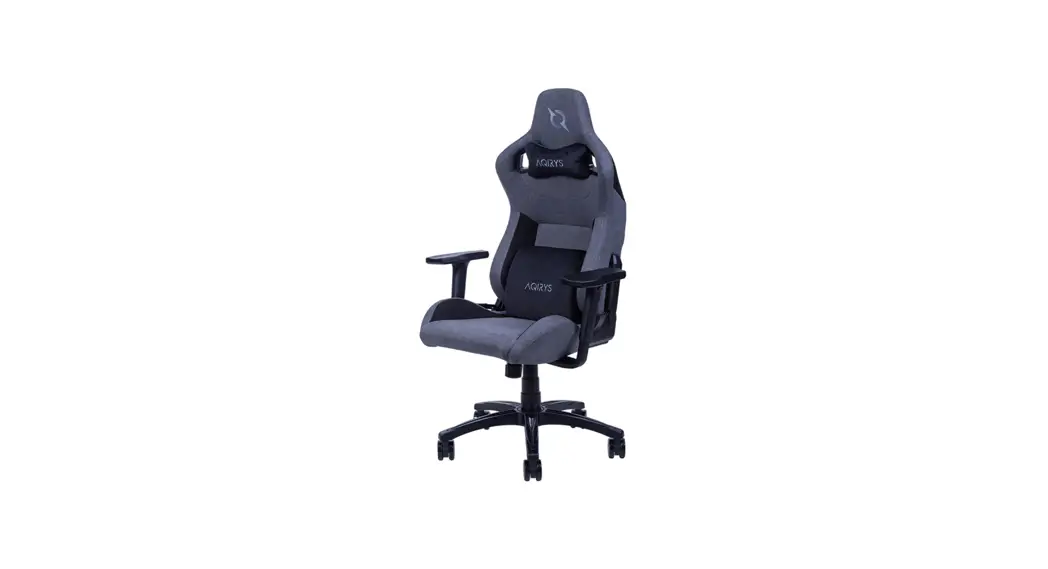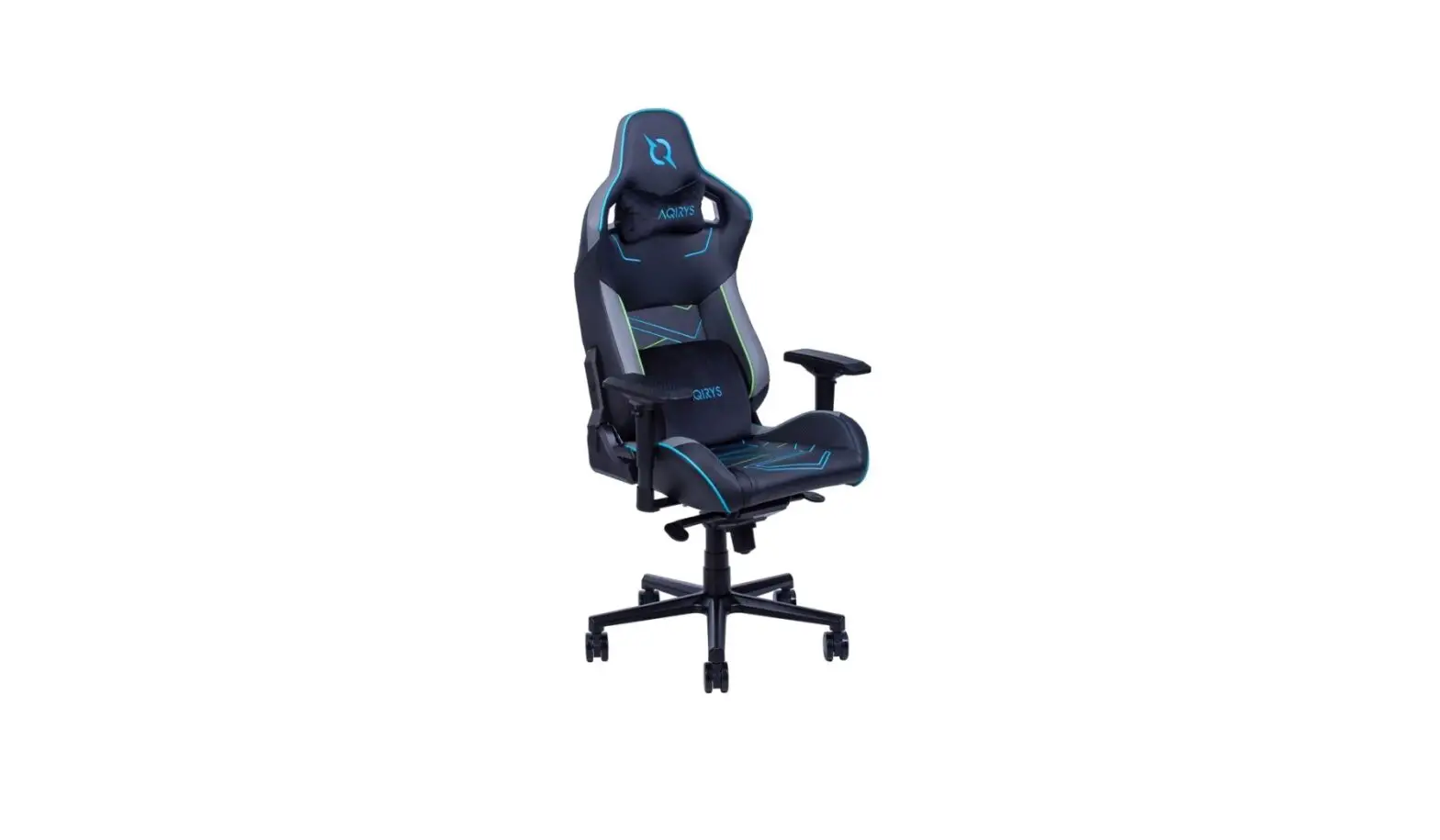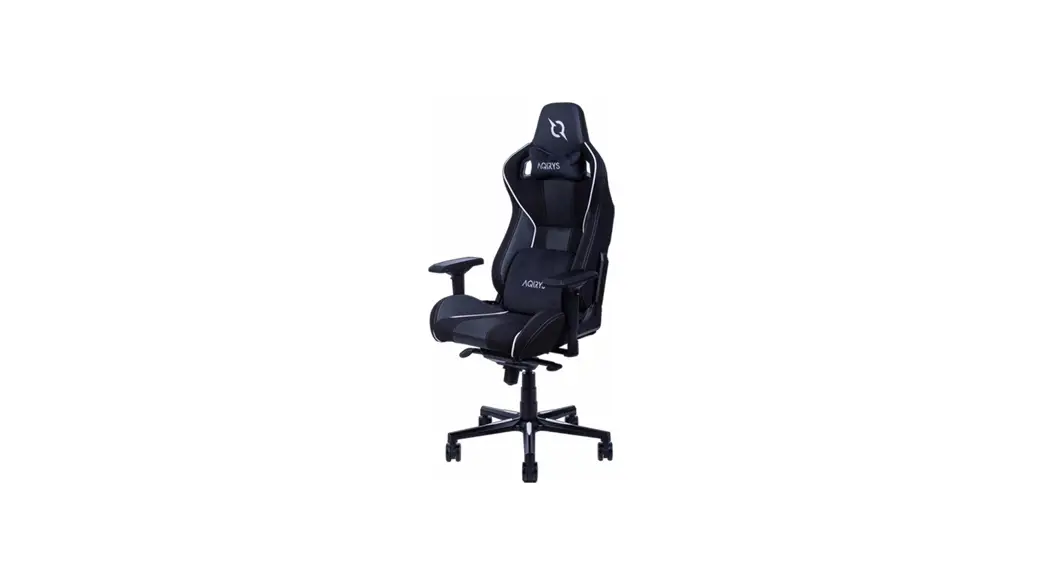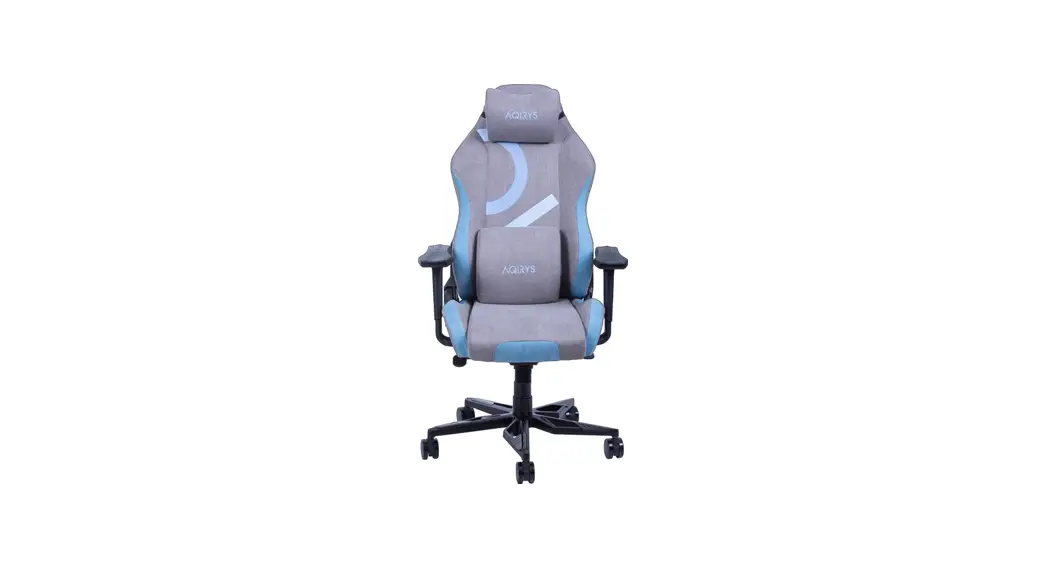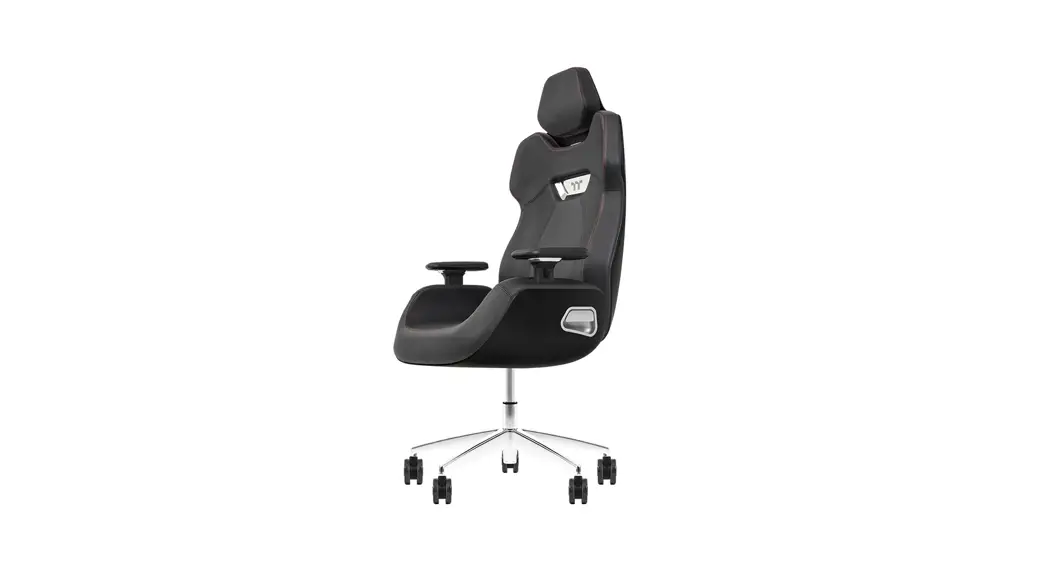
 ARGENT E700 Series
Assembly Instructions
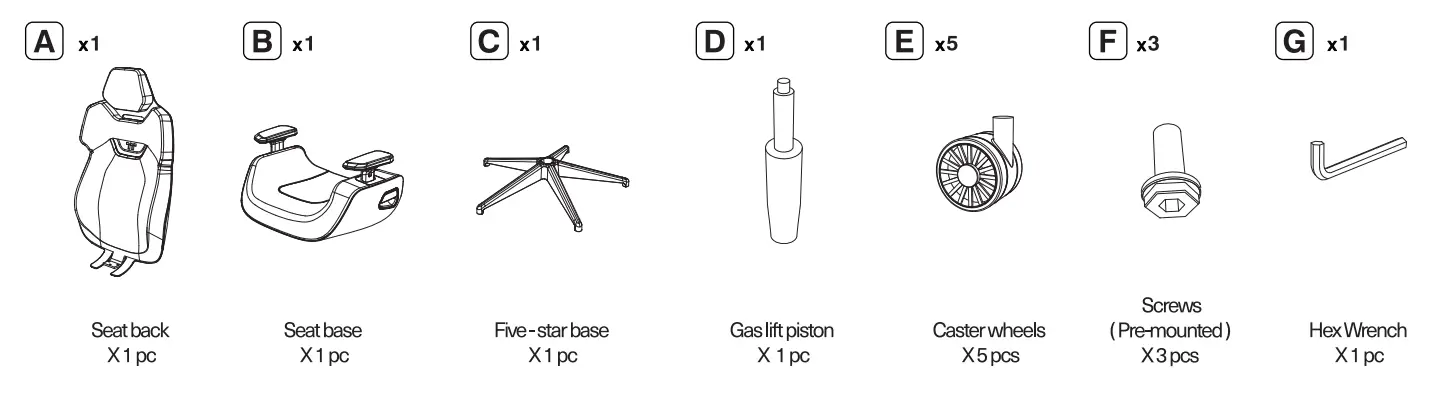
Accessories
ATTENTION
- Remove the product from packaging and inspect all components for any damage which may have occurred during shipping, before proceeding with product assembly.
- Tighten all screws after installation is completed.
- Make sure all screws are tightened before using the chair.
- Check every 90 days to make sure the screws are tight.
Installation Instructions
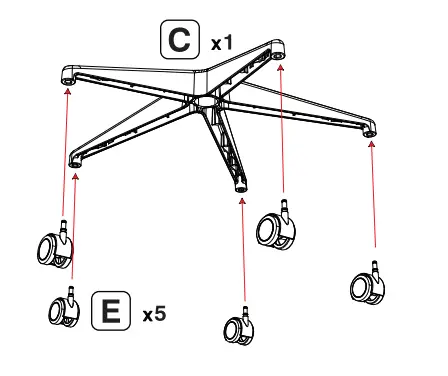
Step1
Install the caster wheels onto the five-star base, Please note: When installing the caster wheels, hold the wheels at a 90 – degree with a firm grip of the hand and do not use tools to knock it into place or the ground to prevent damage.
Step2
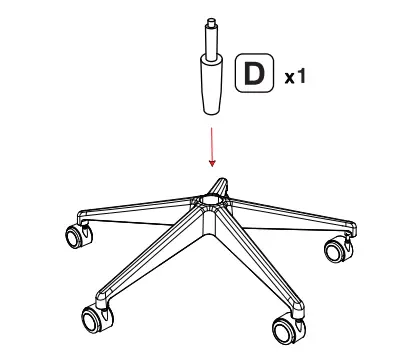
Install the gas lift piston onto the five-star base.
Step3
Install the back and seat by using the 3 screws.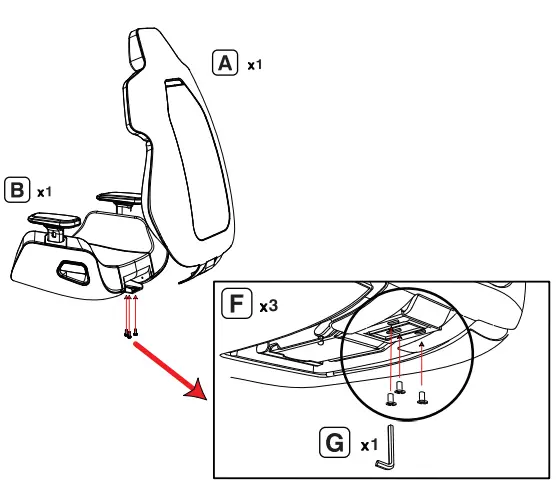 Ste p4
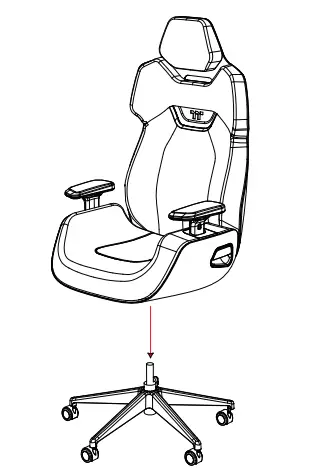
Insert the assembled seat back and seat into the gas lift piston.
Step5
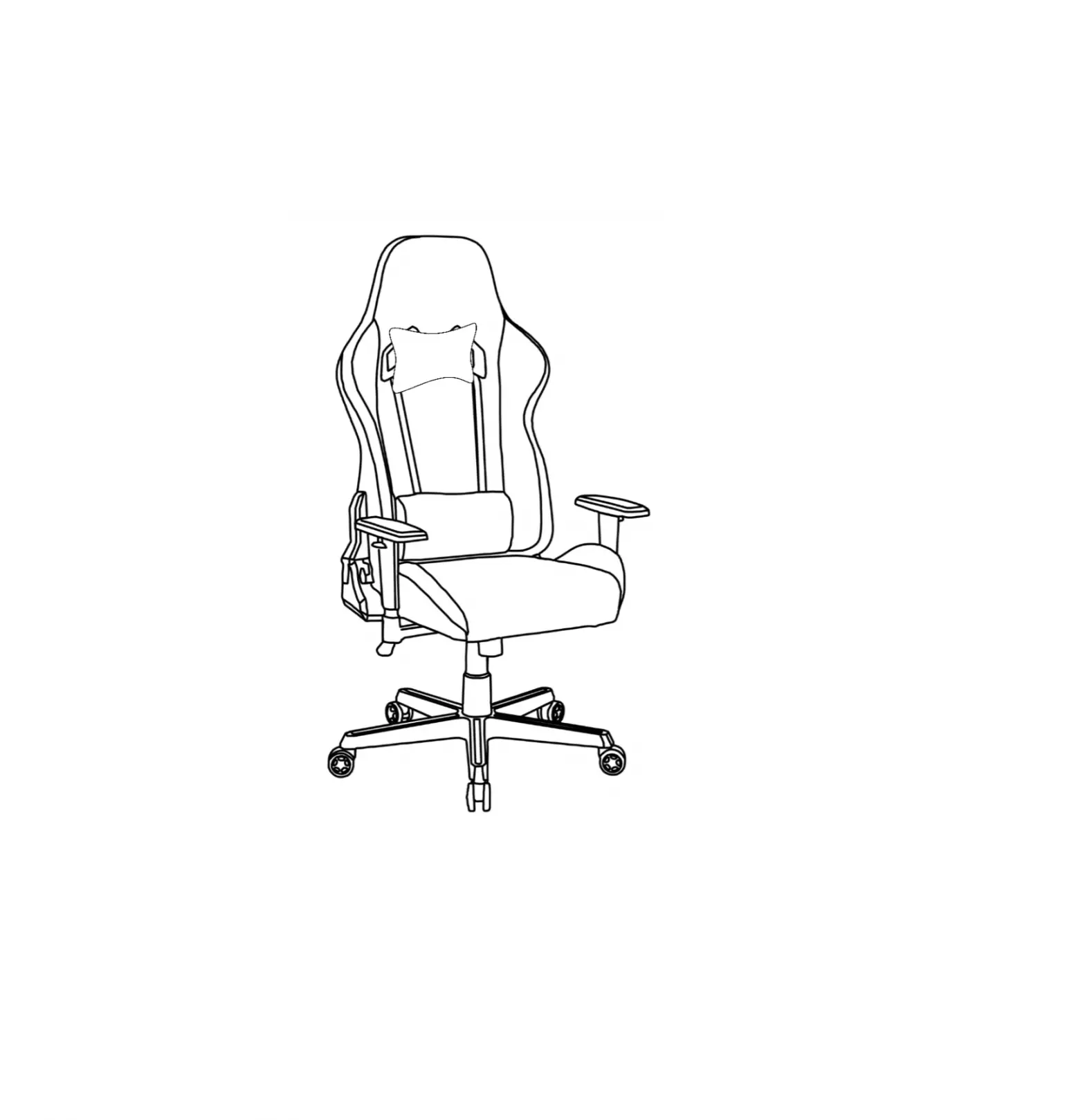
Chair assembled.
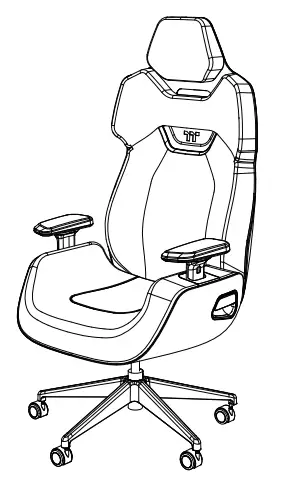
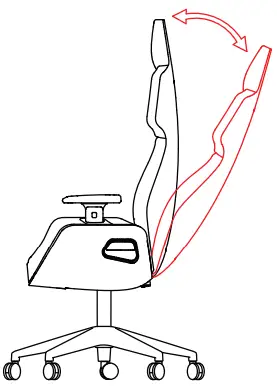
- Seat backrest adjustment


After seated, adjust to the desired backrest angle and lift the switch (indicated in red) upward to lock the backrest in position.
- Seat height adjustment


Lower the seat
Sit down on your seat and pull the switch up, and the seat will automatically descend.
Raise the seat
Stand up and pull the lever up, and the seat will automatically rise. - Headrest vertical adjustment
 Hold the headrest and move it up and down to adjust to a suitable height.
 - Armrest adjustment


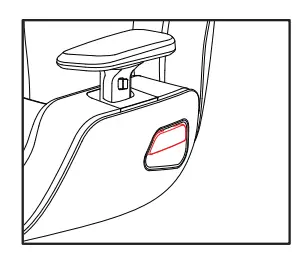
Press and hold the red button to adjust the height.
 Hold the handle, you can adjust it by rotating it forward and backward, left and right.
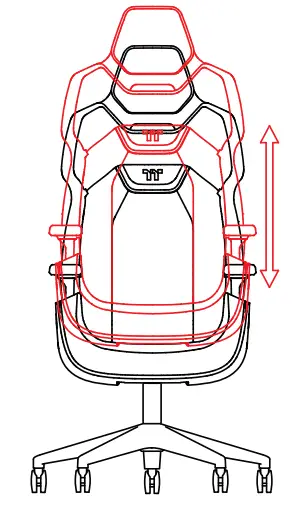
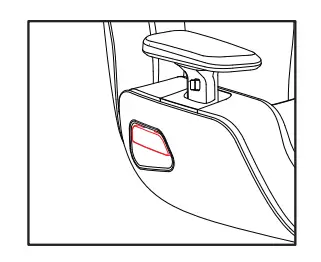
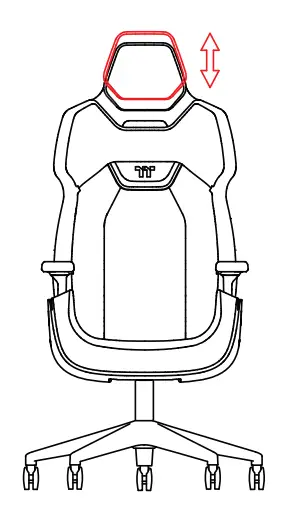 Hold the headrest and move it up and down to adjust to a suitable height.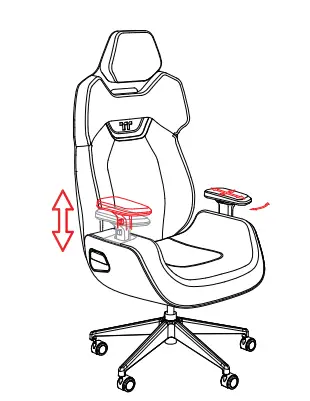
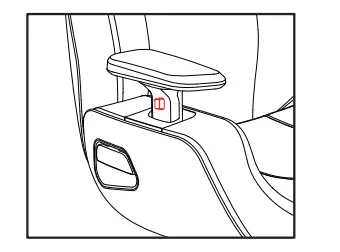
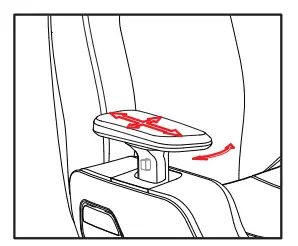 Hold the handle, you can adjust it by rotating it forward and backward, left and right.
ATTENTION
- Max bad: 1601:g/3311b
- Do not stand on the chair.
- Do not stand between two chairs.
- Do not sit on the corners of the chair.
- Do not sit on the armrest or the seatback.
- Do not do exercise on the chair.
- Do not place your fingers in any gap of the chair and be aware of your feet when moving the chair.
- Do not sit on the chair with over 1 person or spin or push the chair when someone is sitting on it.
- Do not pull the seatback when someone is sitting on it.
- While tilting down the seatback, extreme strength could damage the seat.
- While tilting down the seatback, do not place your legs on the table. Leaning on the chair while standing could lead to danger.
- When leaning back on the chair, do not cross your legs on the table.
- When standing. do not lean against the chair, the seat may slip and cause injury.
- While sitting on the chair, do not shake your body with extreme strength.
- This chair is only for sitting, any other use could lead to danger.
- Please read the user manual thoroughly before using the chair.
Care Instructions
Leather care guide
- Dust removal: use a brush with moderate bristles to remove dust
- Cleaning: use leather special cleaner.
- Maintenance: leather special maintenance protective agent.
Plastic care guide
Wipe the surface with a damp cloth.
Aluminum alloy metal cam guide
- Do not use wet objects when cleaning the chair to avoid rusting.
- If the metal encounters oxidation and fogging, you can use Metal Polish paste for maintenance.
ATTENTION
STEP3
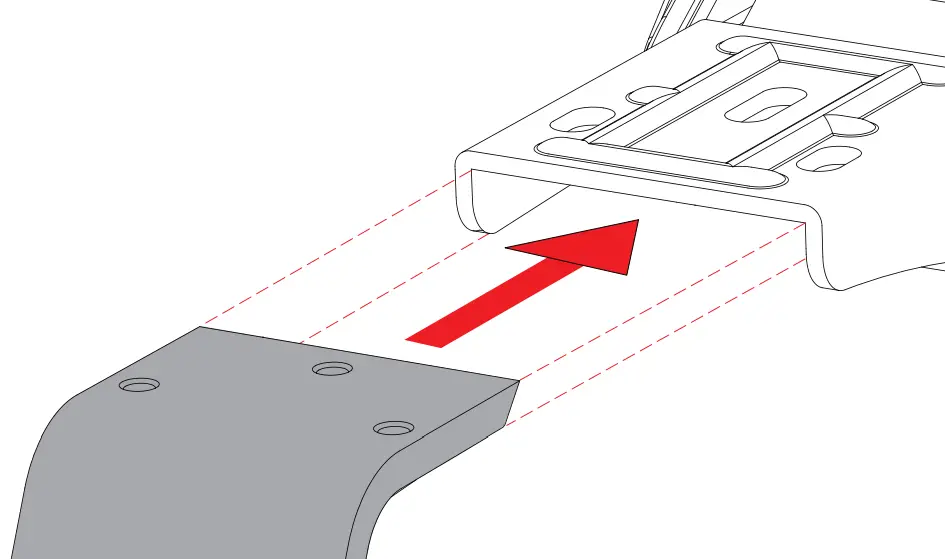 | 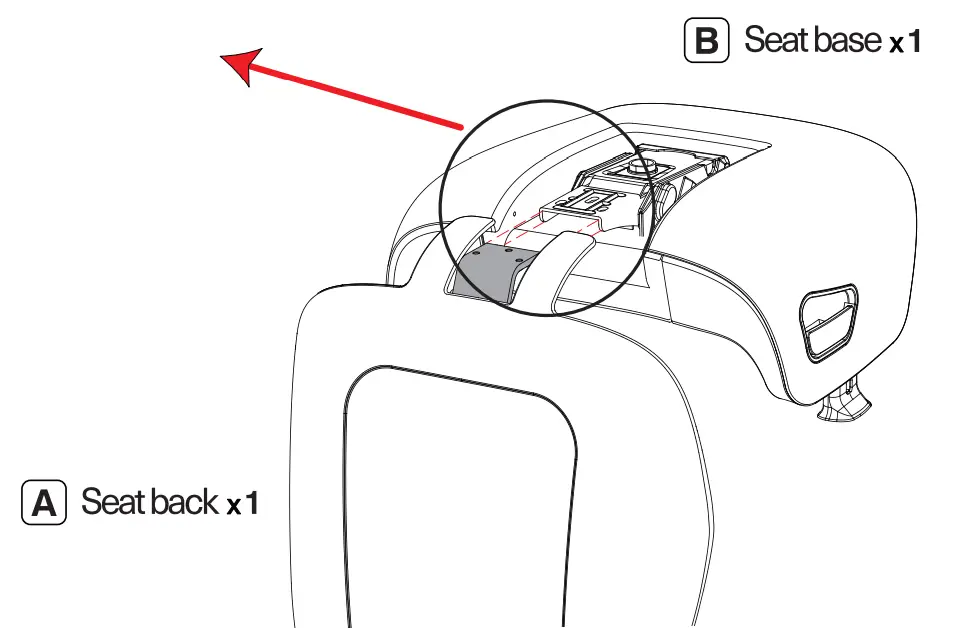 |
When assembling the seat A back QA please make sure to slide the metal plate into the seat base B metal insert.