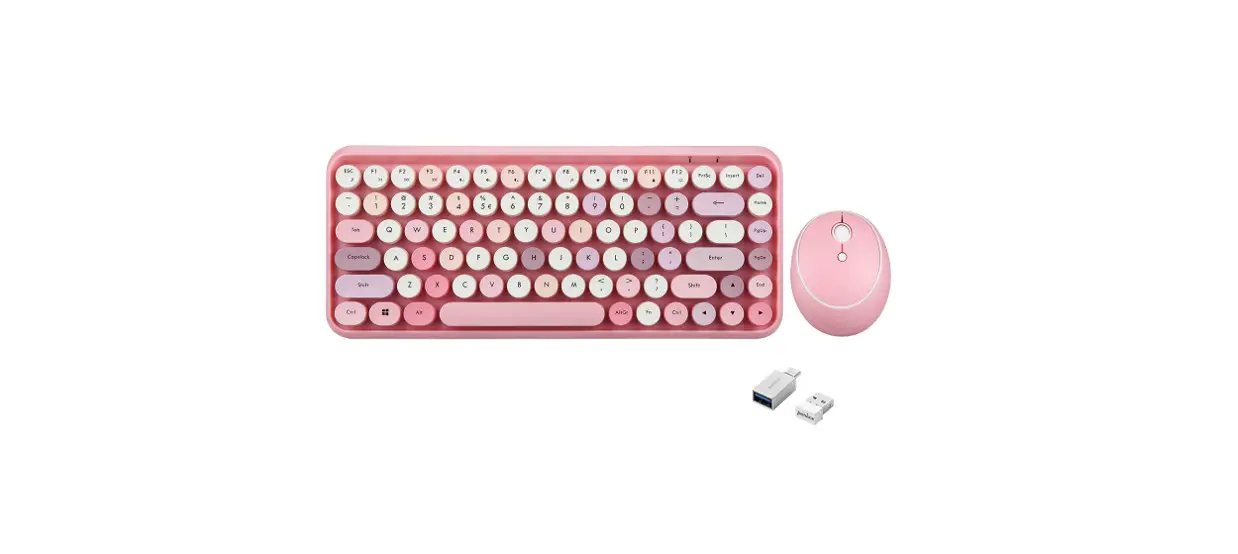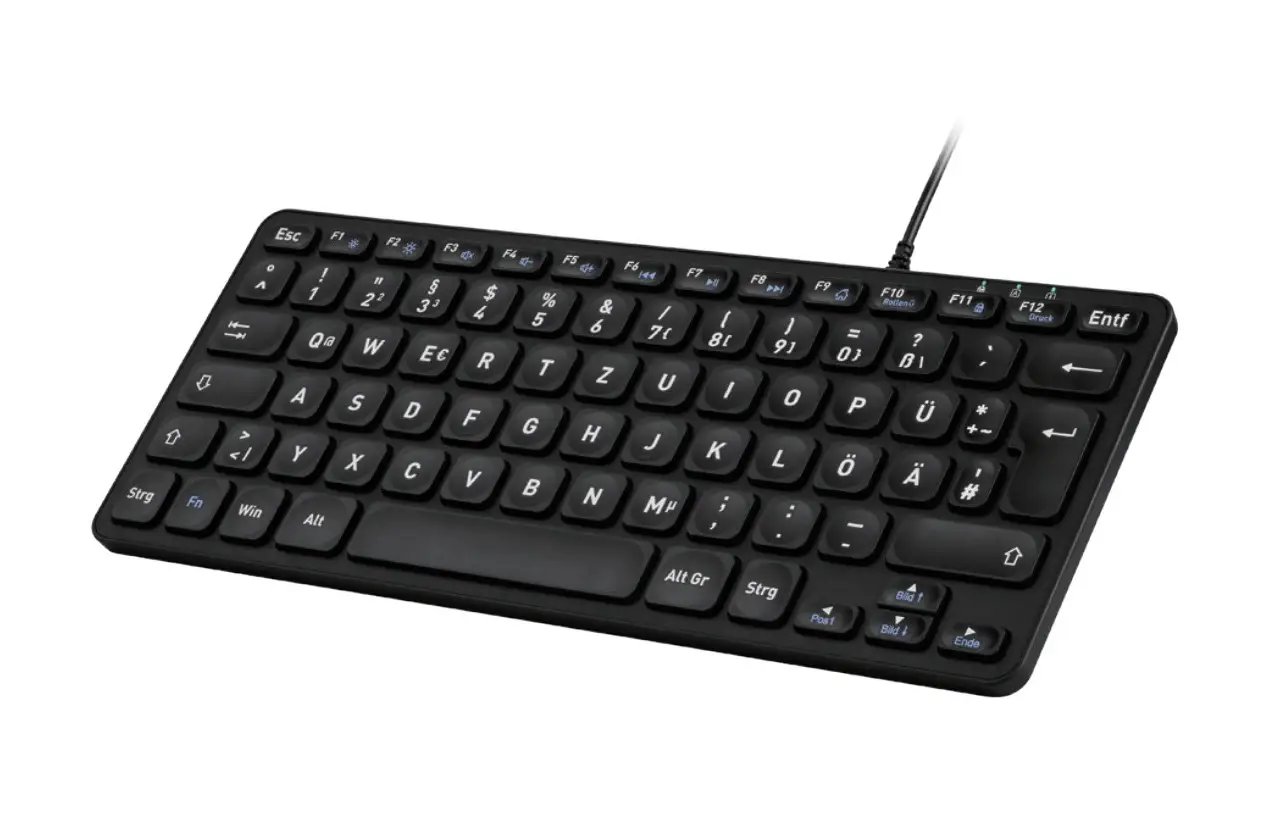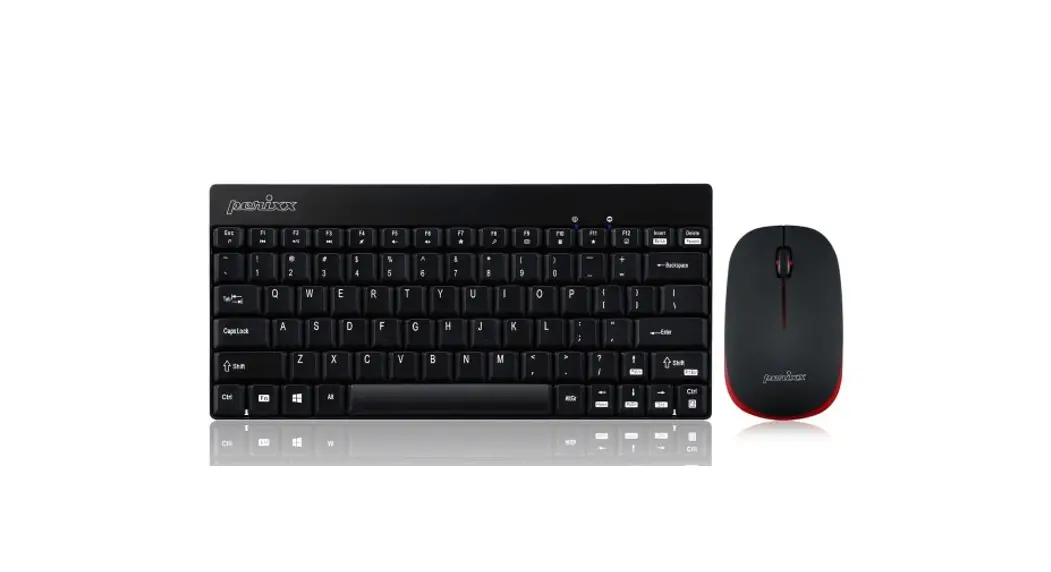
 PERIDUO-712
Wirelesss 2-in-1 Combo with Mini Keyboard and Mouse User Manual
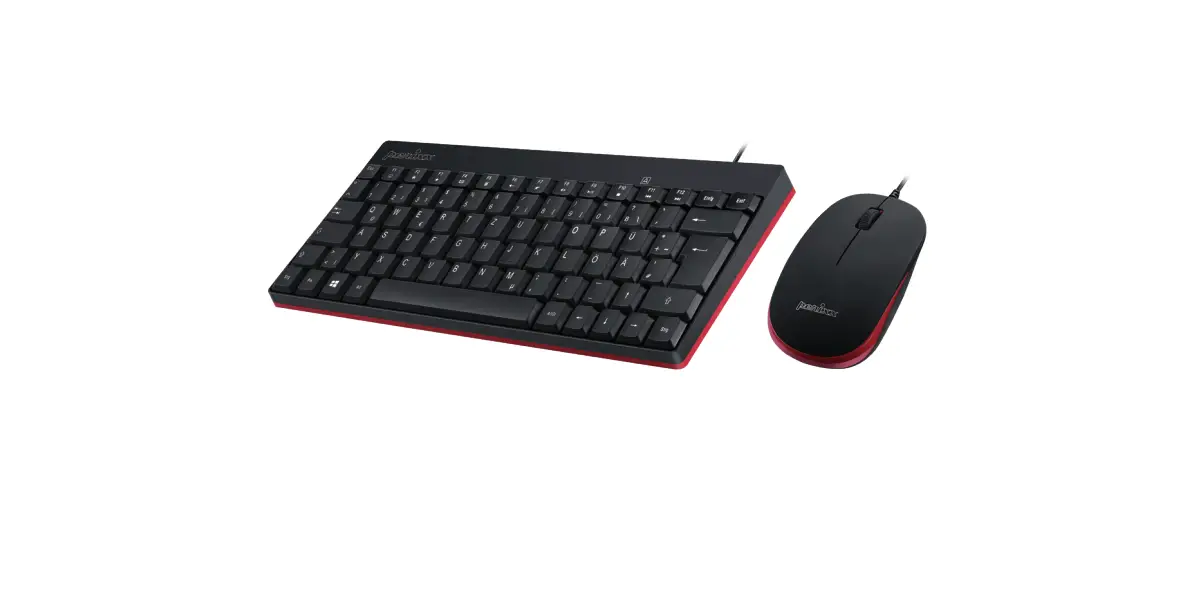
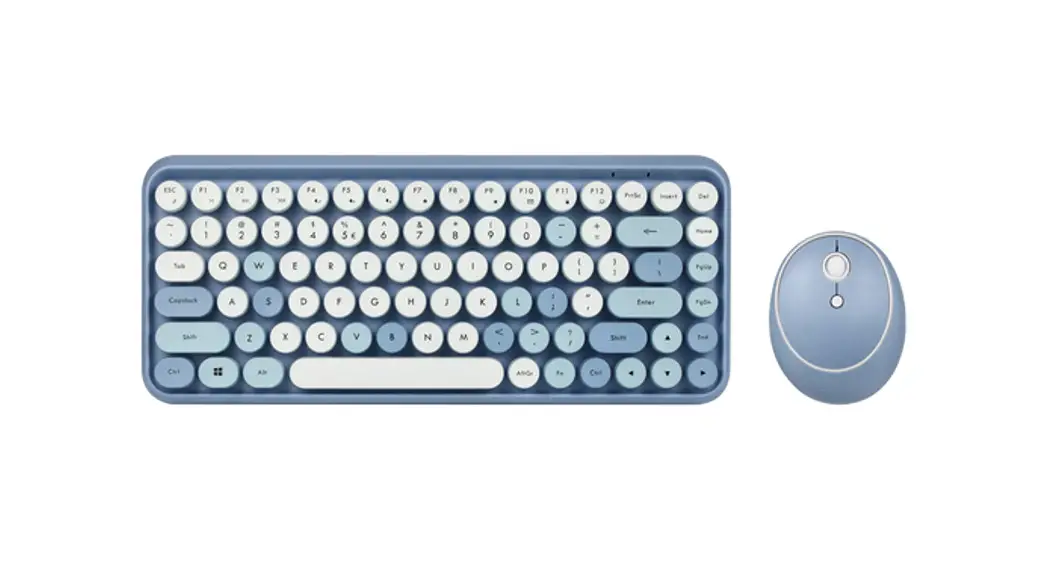
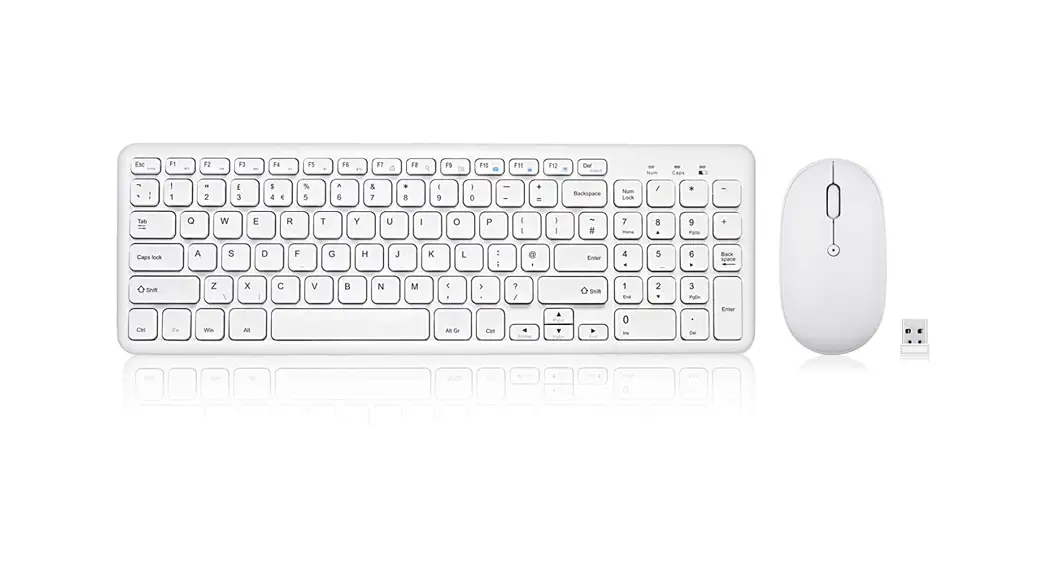
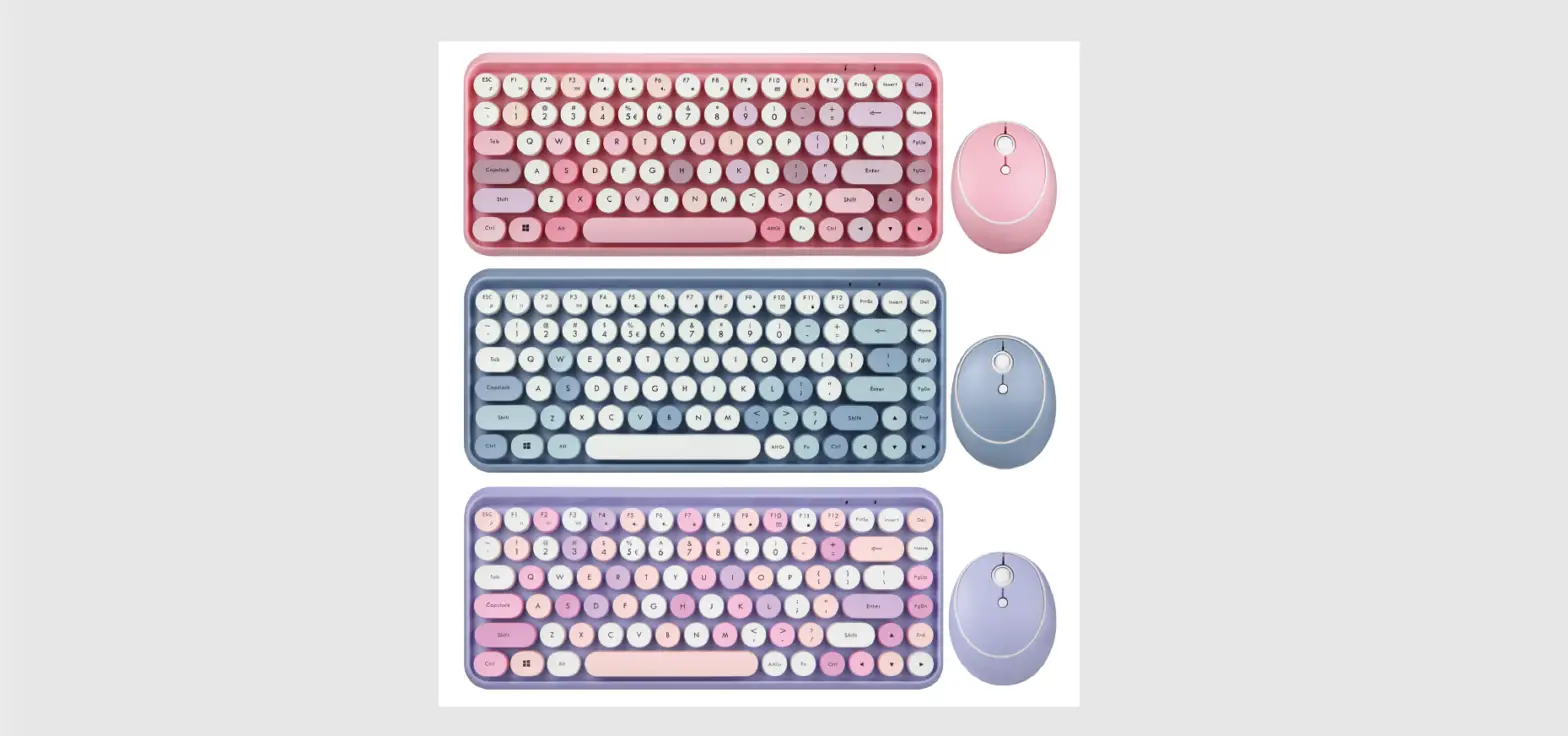
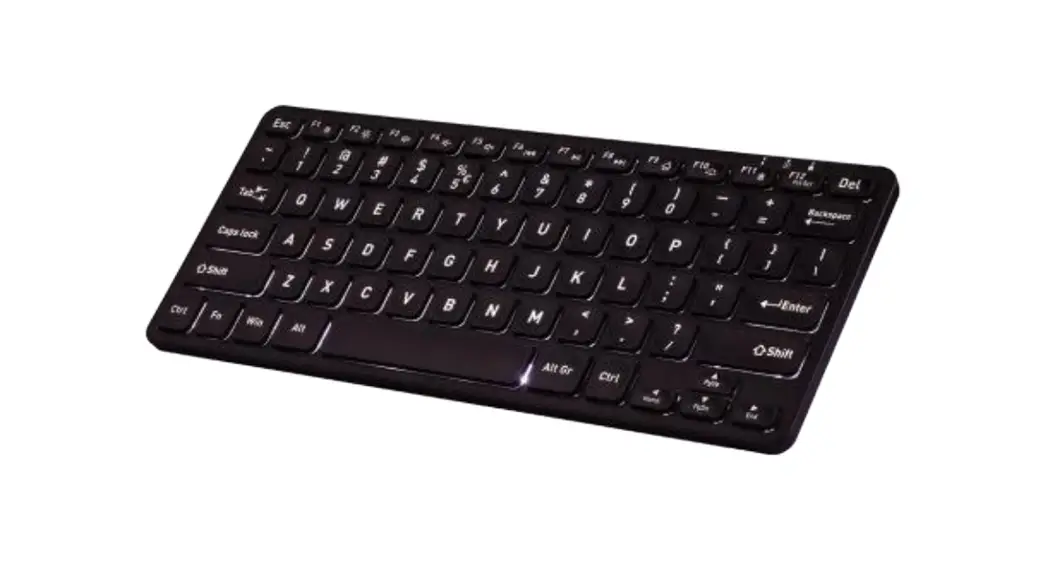
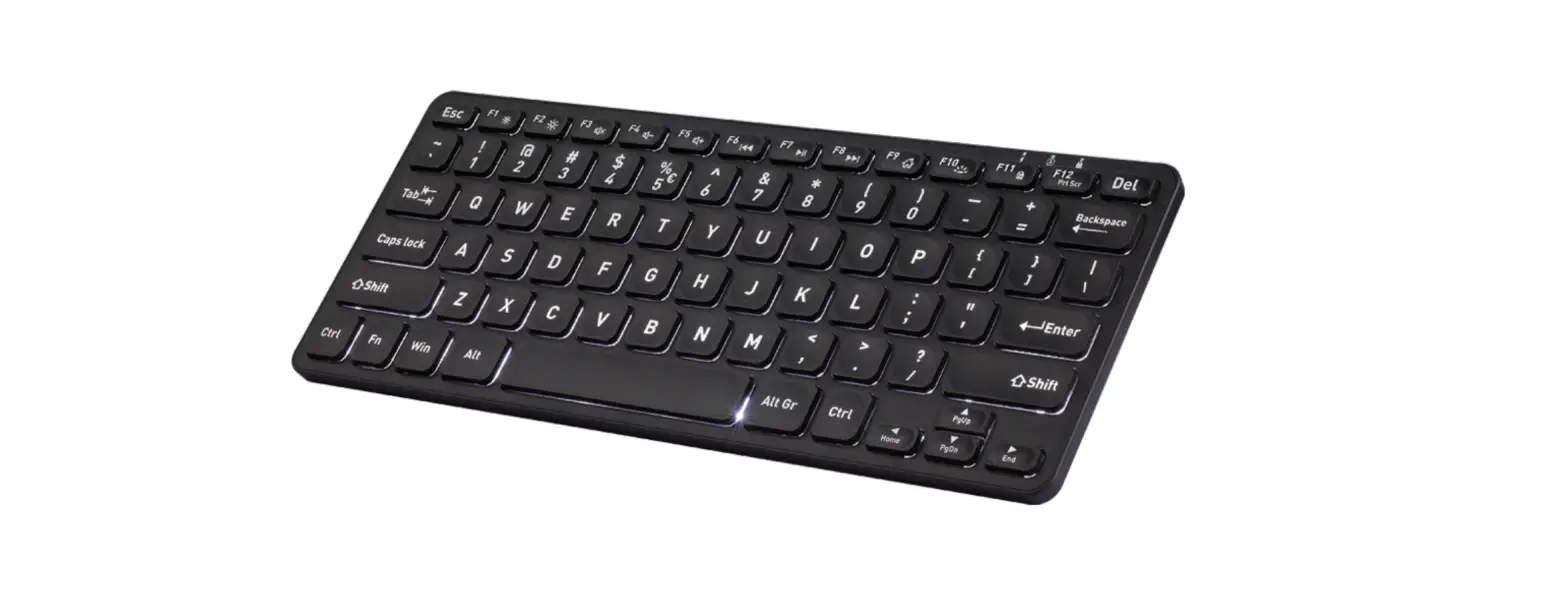
Product Illustration
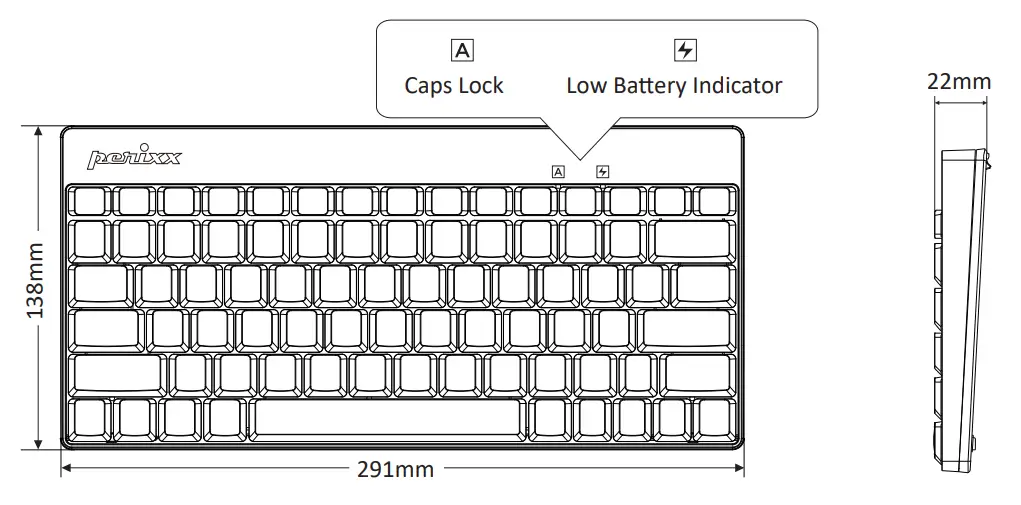
Keyboard Indicators
 |  |
| Caps Lock on | Low Battery Indicator (LED keeps flashing) |
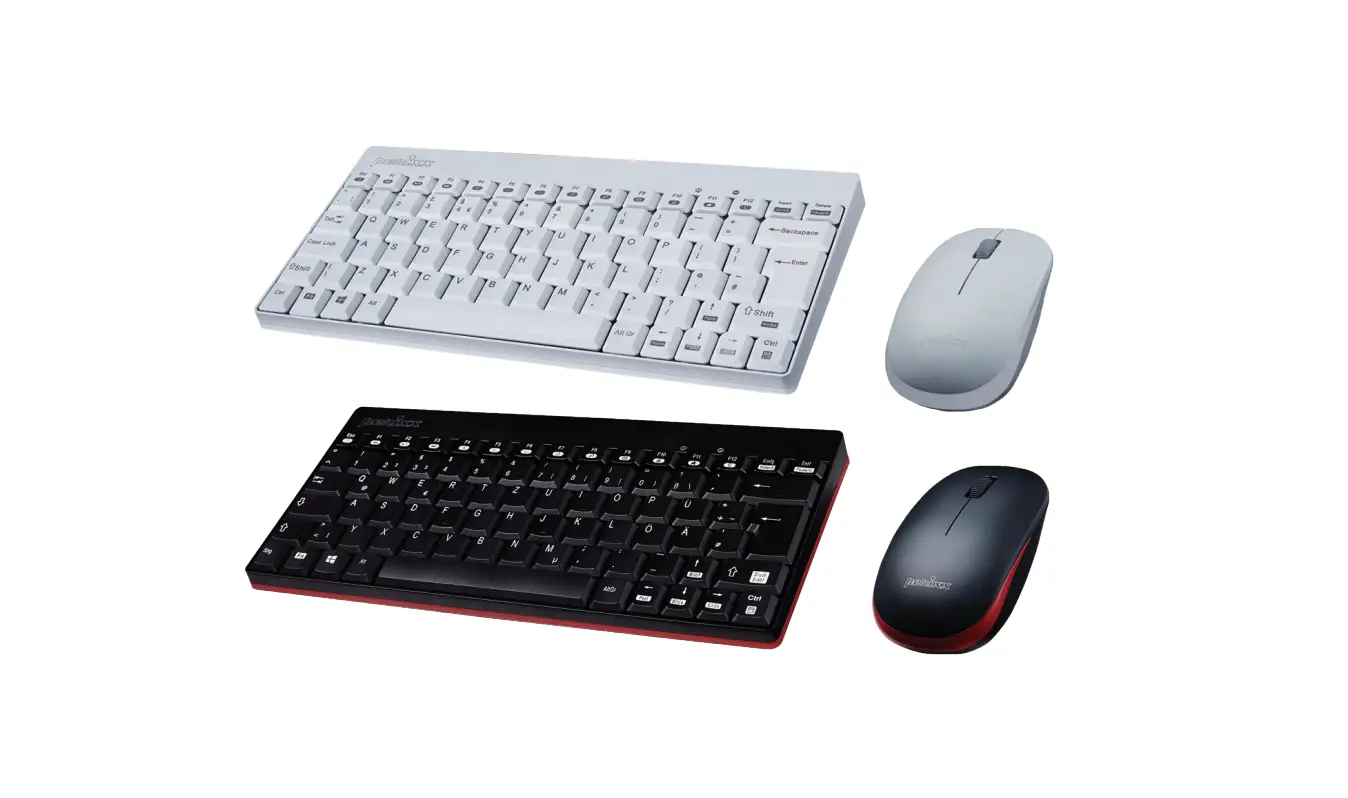
Product Illustration
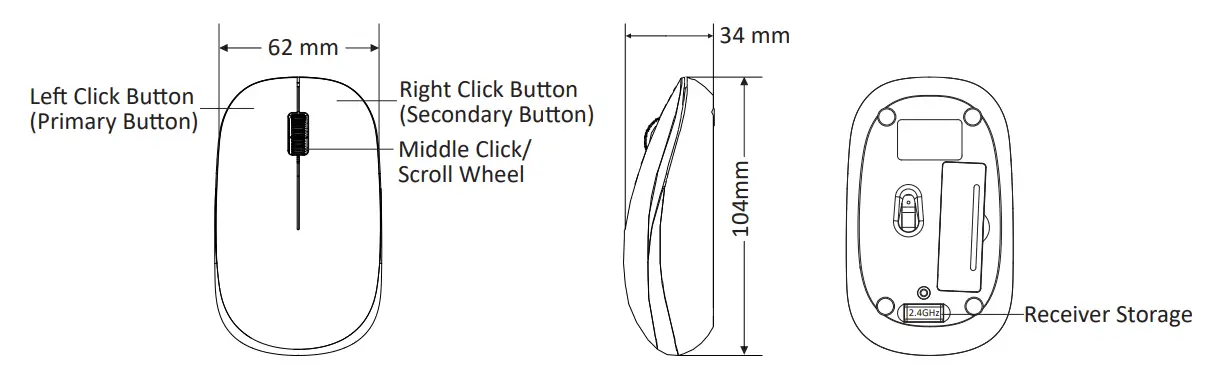
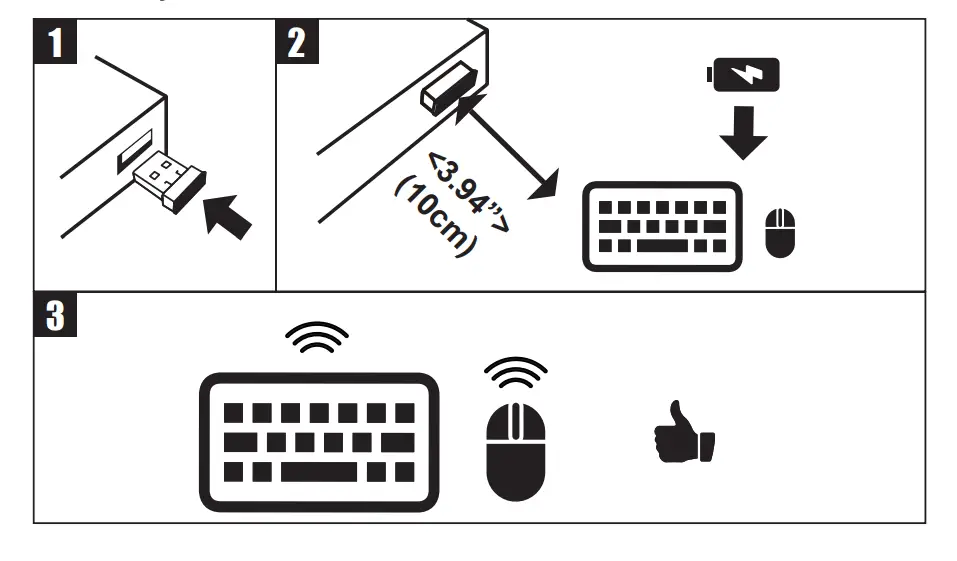
How do you connect PERIDUO-712?
FCC Warning
This device complies with Part 15 of the FCC Rules. Operation is subject to the following two conditions:
- This device may not cause harmful interference, and
- this device must accept any interference received, including interference that may cause undesired operation.
NOTE 1:
This equipment has been tested and found to comply with the limits for a Class B digital device, pursuant to part 15 of the FCC Rules. These limits are designed to provide reasonable protection against harmful interference in a residential installation. This equipment generates uses and can radiate radio frequency energy and, if not installed and used in accordance with the instructions, may cause harmful interference to radio communications. However, there is no guarantee that interference will not occur in a particular installation. If this equipment does cause harmful interference to radio or television reception, which can be determined by turning the equipment off and on, the user is encouraged to try to correct the interference by one or more of the following measures:
- Reorient or relocate the receiving antenna.
- Increase the separation between the equipment and receiver.
- Connect the equipment into an outlet on a circuit different from that to which the receiver is connected.
- Consult the dealer or an experienced radio/TV technician for help.
NOTE 2:
Any changes or modifications to this unit not expressly approved by the party responsible for compliance could void the user’s authority to operate the equipment.
Caution
- The manufacturer and re-resellers are not responsible for any technical malfunctions, damage, or personal injury incurred by:
► Any attempt to dismantle, change or modify the product in any manner
► Malfunction or damage is due to misuse or improper alteration or repair.
►Malfunction or damage caused by external influence such as falling
►Malfunction or damage is caused by fire, salt, gas, earthquake, lightning, wind, water, or other natural calamities, or abnormal voltage.
►Malfunction or damage is caused by other devices connected to the products.
►Malfunction or damage is caused by high temperature, humid, greasy, dusty, and hazardous environment. - You are cautioned that changes or modifications not expressly approved by Perixx Computer GmbH could void your authority to operate the equipment.
- All brand names, trademarks, and logos are the properties of their respective owners.
Please Note: Long-term repetitive use of any keyboard and mouse could cause injury to the user. Perixx recommends users avoid excessive use of this or any keyboard and mouse.
Important Safety Instructions:
- Avoid dropping.
- Do not disassemble.
- This product is suitable for moderate climates only.
- The maximum ambient temperature during use of this product must not exceed 40 degree
- Open flame sources, such as candles, must not be placed on this product.
- Only use a dry cloth or brush to clean this product.
Perixx offers a one-year limited warranty with an optional one-year extension.
Specification
Keyboard
| Interface Size Weight Input Current Battery Required Material Operating System Requirements | 2.4GHz 291*138*22mm 288g 1.5V/6mA AA batteries 1pcs ABS Win 7 or later | Number of Keys Type of Keyboard Actuation Distance Total Travel Distance Durability Operating Temperature Storage Temperature | 79 keys (US layout) 80 keys (EU layout) 83 keys (JP layout) Membrane 2.0±0.2mm 3.0±0.3mm 8 million keypresses -5 C -15 °C~400 °C~60 °C |
Sleep mode
| Sleep mode | Deep sleep mode | |
| YIN | Yes, after 1 minute | Yes, after 8 minutes |
| How to wake up the keyboard | Move or click | Move or click |
Mouse
| Interface Size Weight Input Current Battery required Material Operating System Requirements | 2.4GHz 104*62*34mm 56g 1.5V/10mA AA battery 1pc ABS Win 7 or later | Number of Butions DPI Acceleration Tracking Speed Report Rate Durability Operating Temperature Storage Temperature | 3 1200 10G 30IPS 125Hz 3 million keypresses -5 C -15 °C~40 0°C~60°C |
Sleep mode
| Sleep mode | Deep sleep mode | |
| YIN | Yes, after 1 minute | Yes, after 8 minutes |
| How to wake up the mouse | Move or click | Move or click |
Multimedia keys
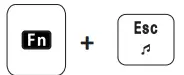 | Media player |
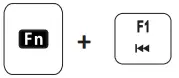 | Previous Track |
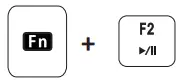 | Play/Pause |
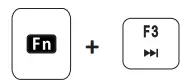 | Next Track |
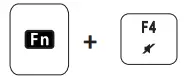 | Mute |
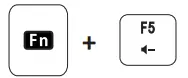 | Volume down |
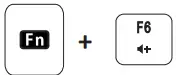 | Volume up |
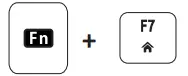 | Home Page |
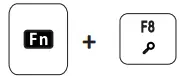 | Search |
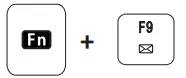 | |
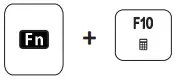 | Calculator |
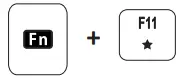 | My favorite |
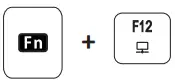 | My computer |
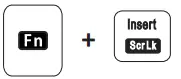 | Scroll Lock |
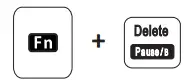 | Pause/Break |
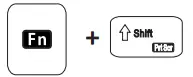 | Print Screen |
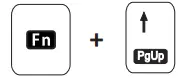 | Page Up |
| Page Down |
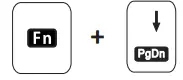 | Home |
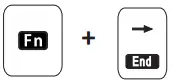 | End |
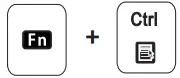 | Menu |
PERIDUO-712 Equipment name Type designation (Type)
Restricted substances and its chemical symbols | ||||||
| Unit | (Pb) | (Hg) | ‘Cadmium (Cd) | Hexavalent chromium Cr+6 | Polybrominated biphenyls (PBB) | Polybrominated diphenyl ethers (PBDE) |
| 0 | 0 | 0 | 0 | 0 | 0 | |
| 0 | 0 | 0 | 0 | 0 | 0 | |
| 0 | 0 | 0 | 0 | 0 | 0 | |
| 0 | 0 | 0 | 0 | 0 | 0 | |
Note 1 : “Exceeding 0.1 wt %” and “exceeding 0.01 wt %” indicate that the percentage content of the restricted substance exceeds the reference percentage value of presence condition.
Note 2 : “0” indicates that the percentage content of the restricted substance does not exceed the percentage of reference value of presence.
Note 3 : The ” – ” indicates that the restricted substance corresponds to the exemption

Equipment name PERIDUO-712 Type designation (Type)
Restricted substances and its chemical symbols | ||||||
| Unit | (Pb) | (Hg) | ‘Cadmium (Cd) | Hexavalent chromium Cr+6 | Polybrominated biphenyls (PBB) | Polybrominated diphenyl ethers (PBDE) |
| 0 | 0 | 0 | 0 | 0 | 0 | |
| 0 | 0 | 0 | 0 | 0 | 0 | |
| 0 | 0 | 0 | 0 | 0 | 0 | |
| 0 | 0 | 0 | 0 | 0 | 0 | |
Note 1 : “Exceeding 0.1 wt %” and “exceeding 0.01 wt %” indicate that the percentage content of the restricted substance exceeds the reference percentage value of presence condition.
Note 2 : “0” indicates that the percentage content of the restricted substance does not exceed the percentage of reference value of presence.
Note 3 : The ” – ” indicates that the restricted substance corresponds to the exemption