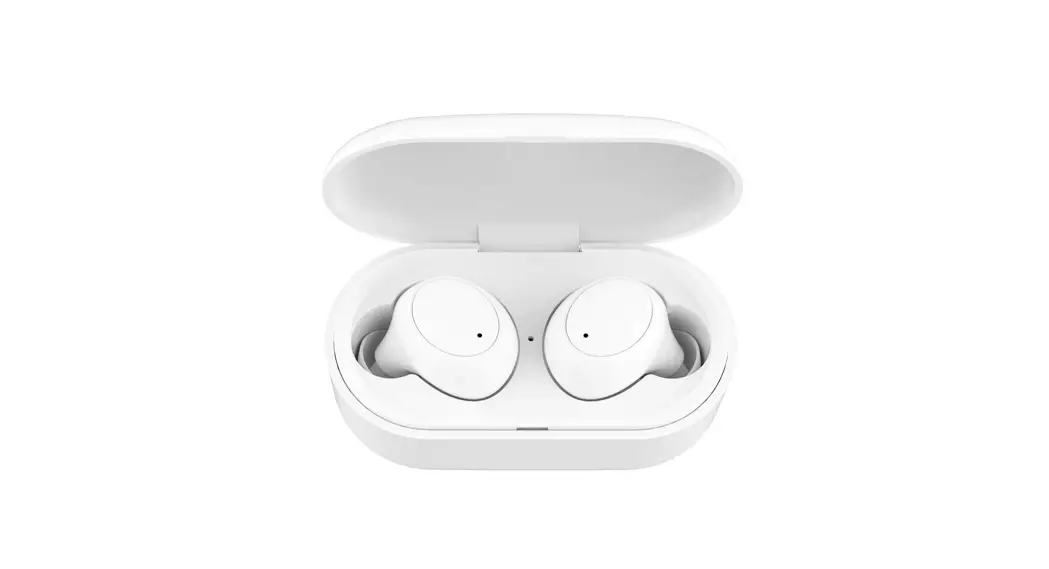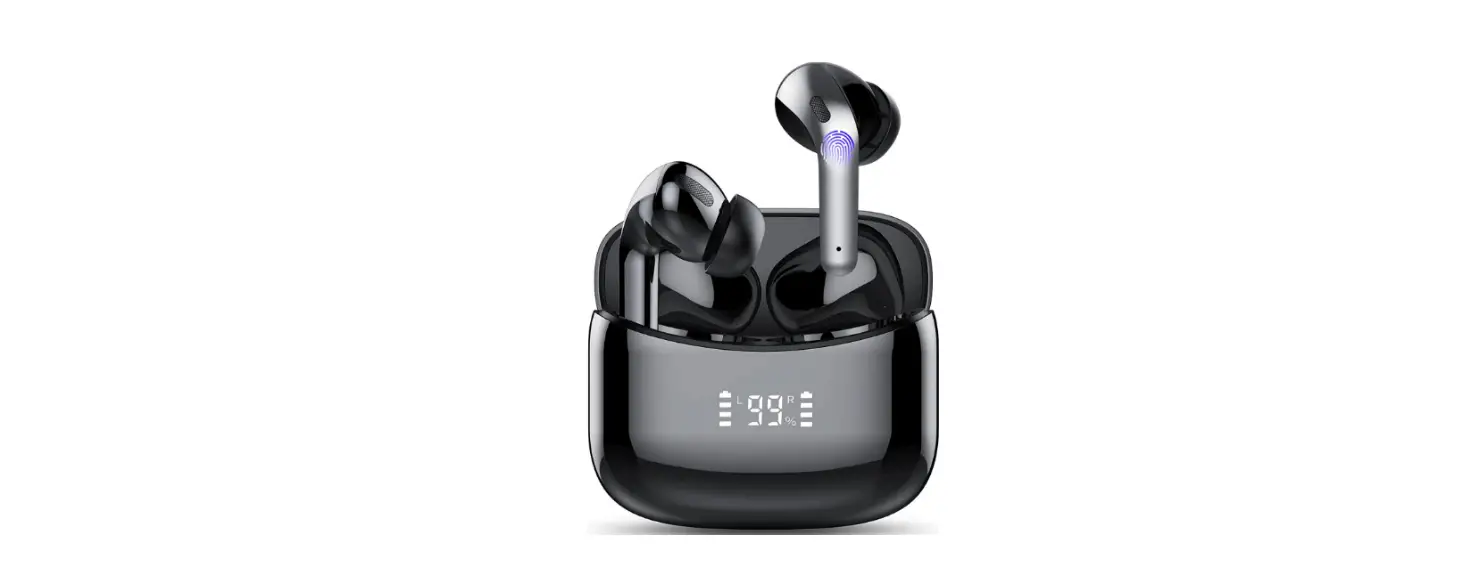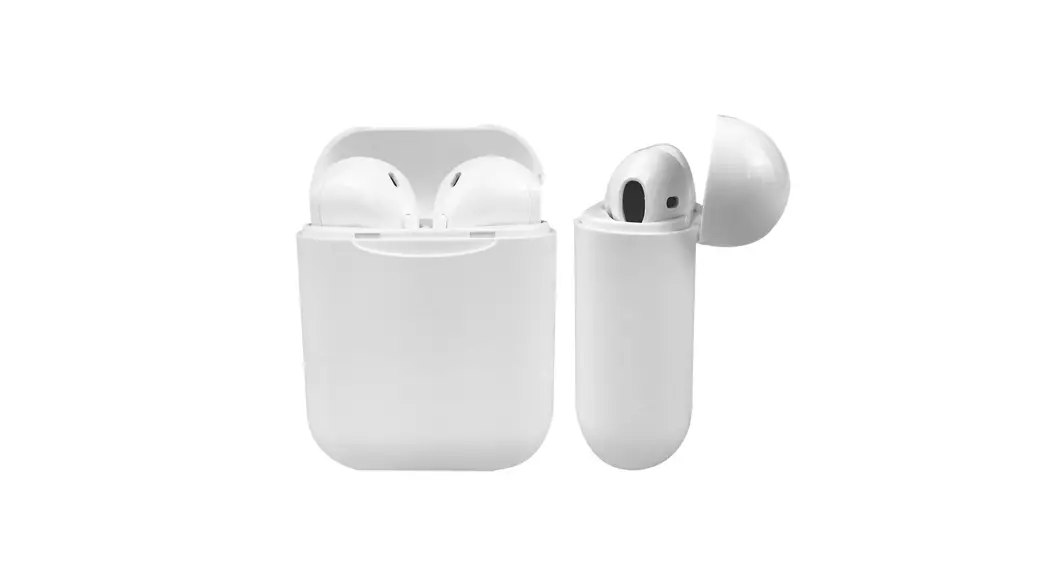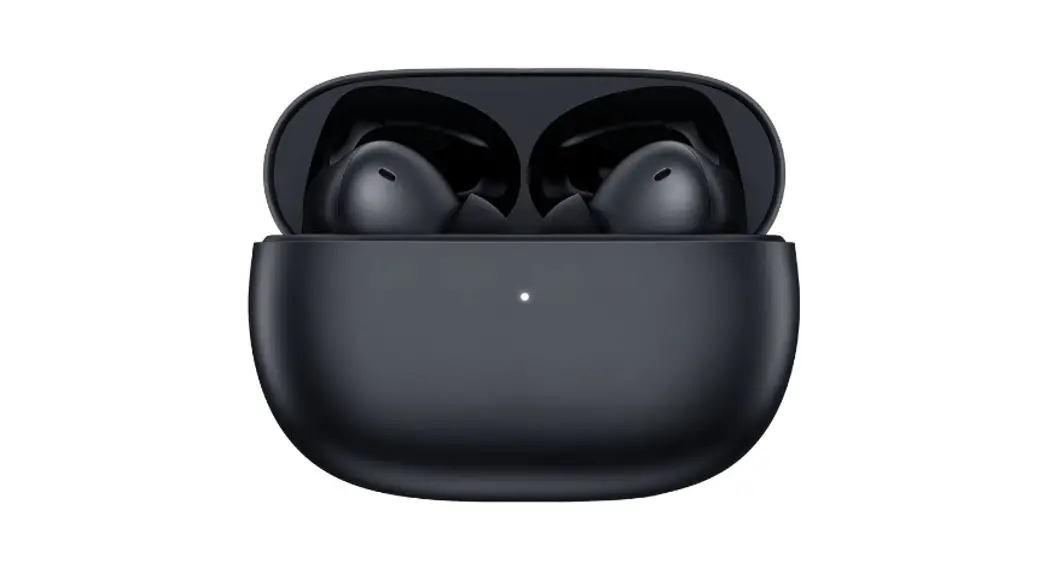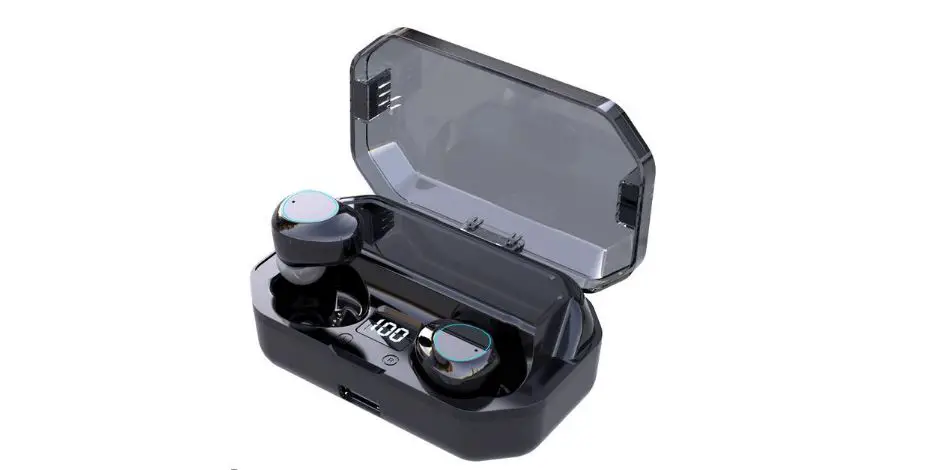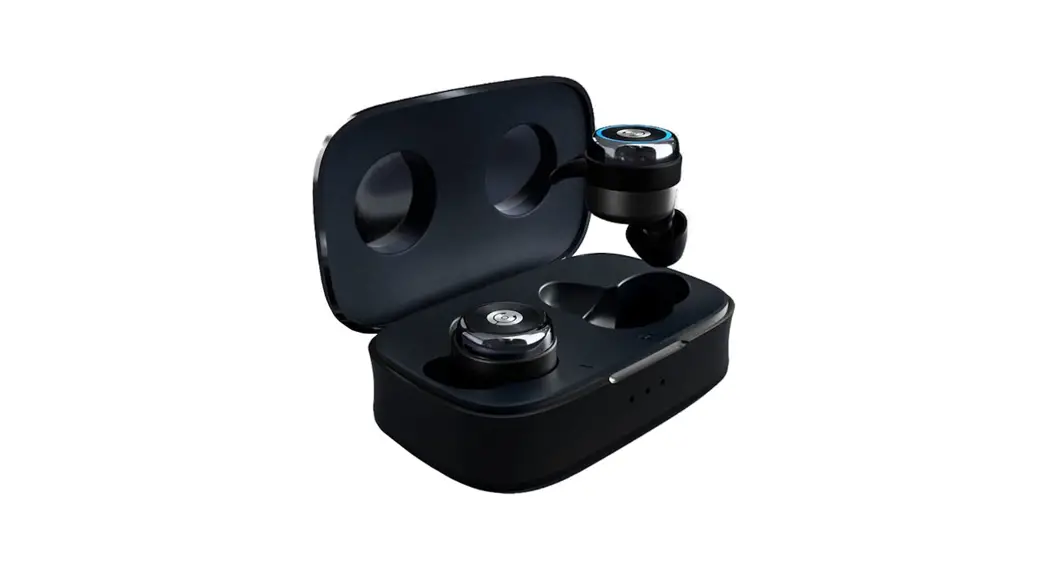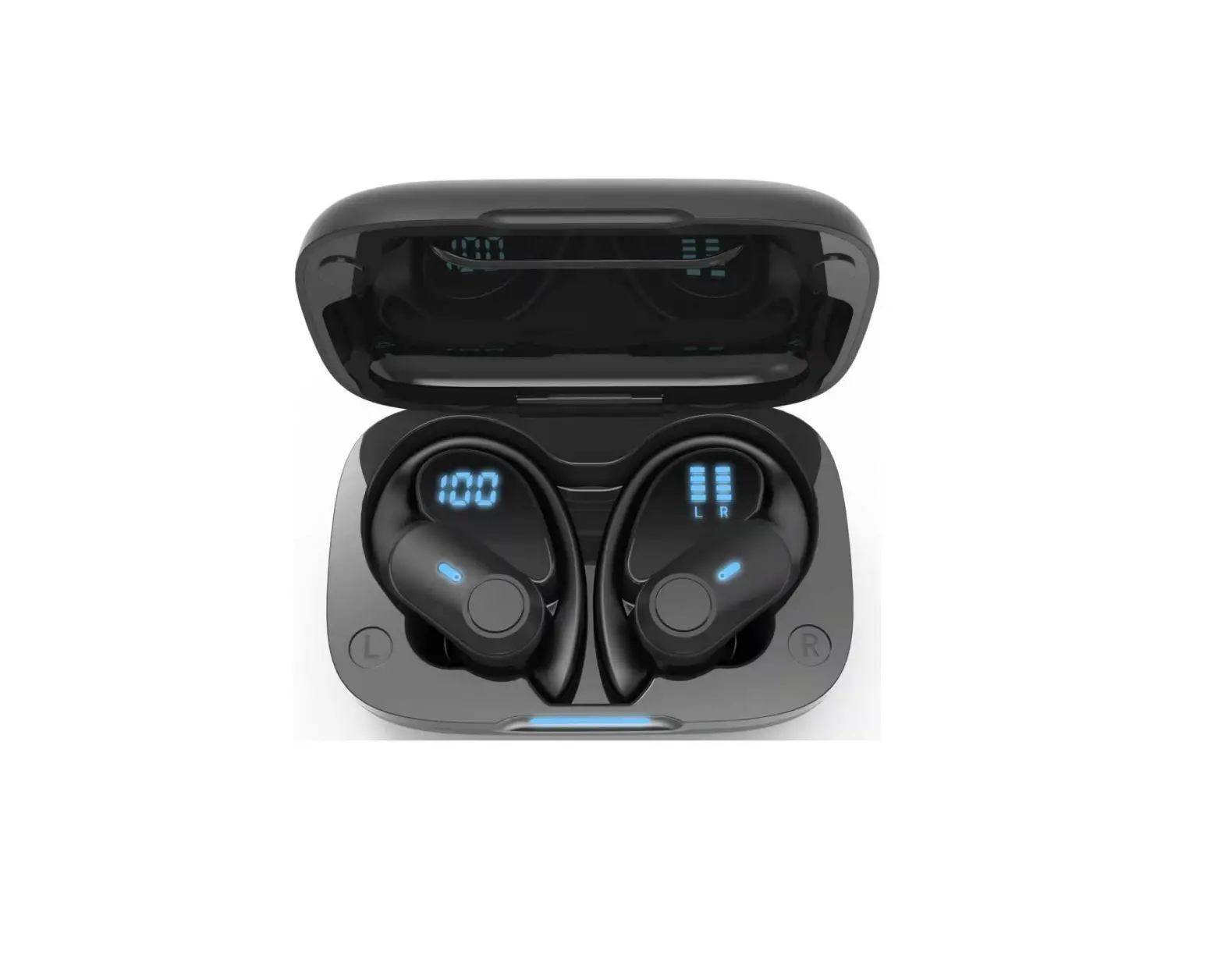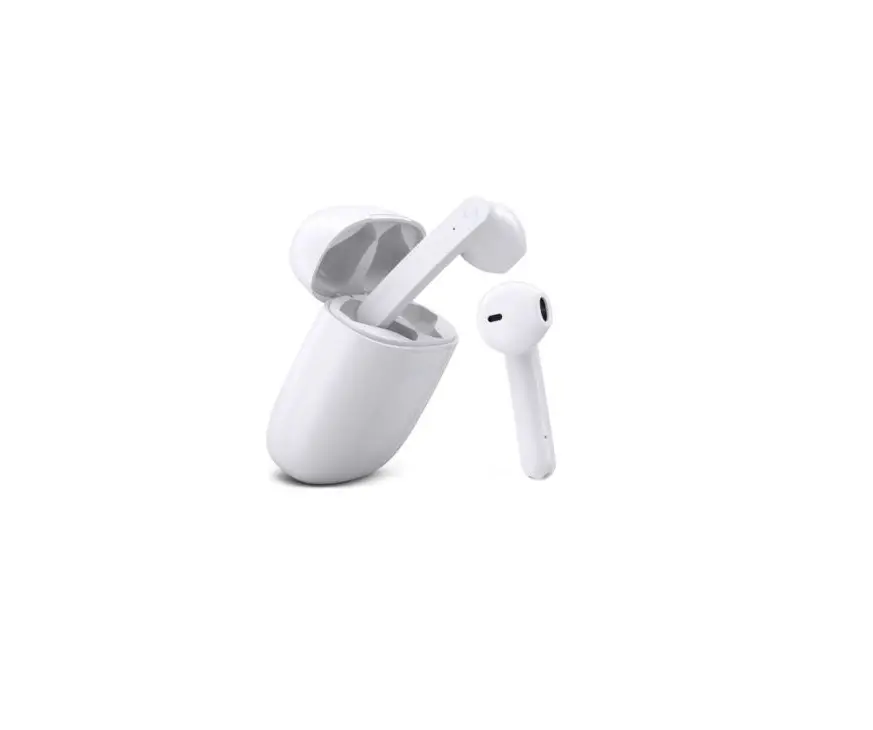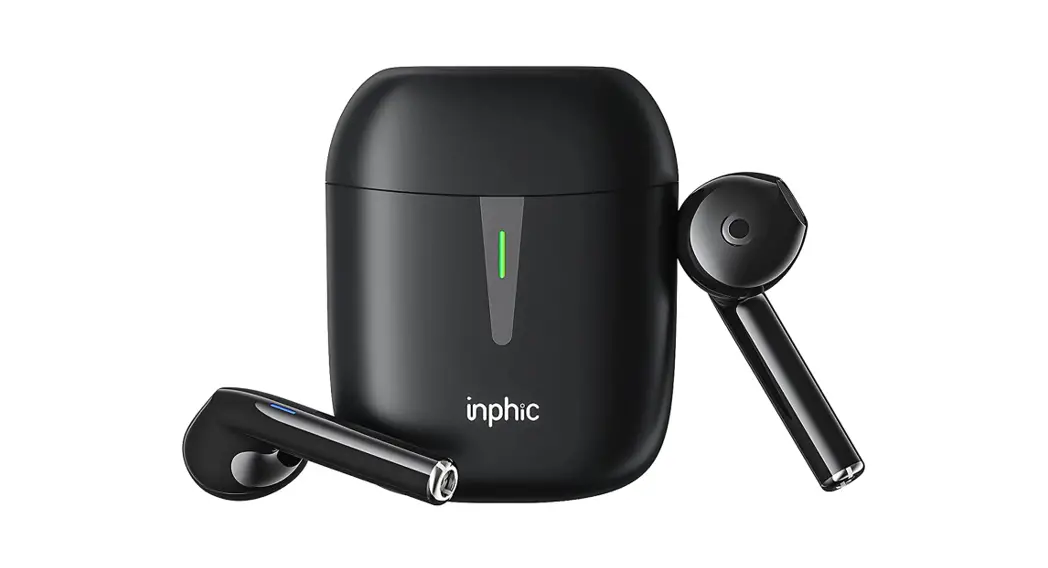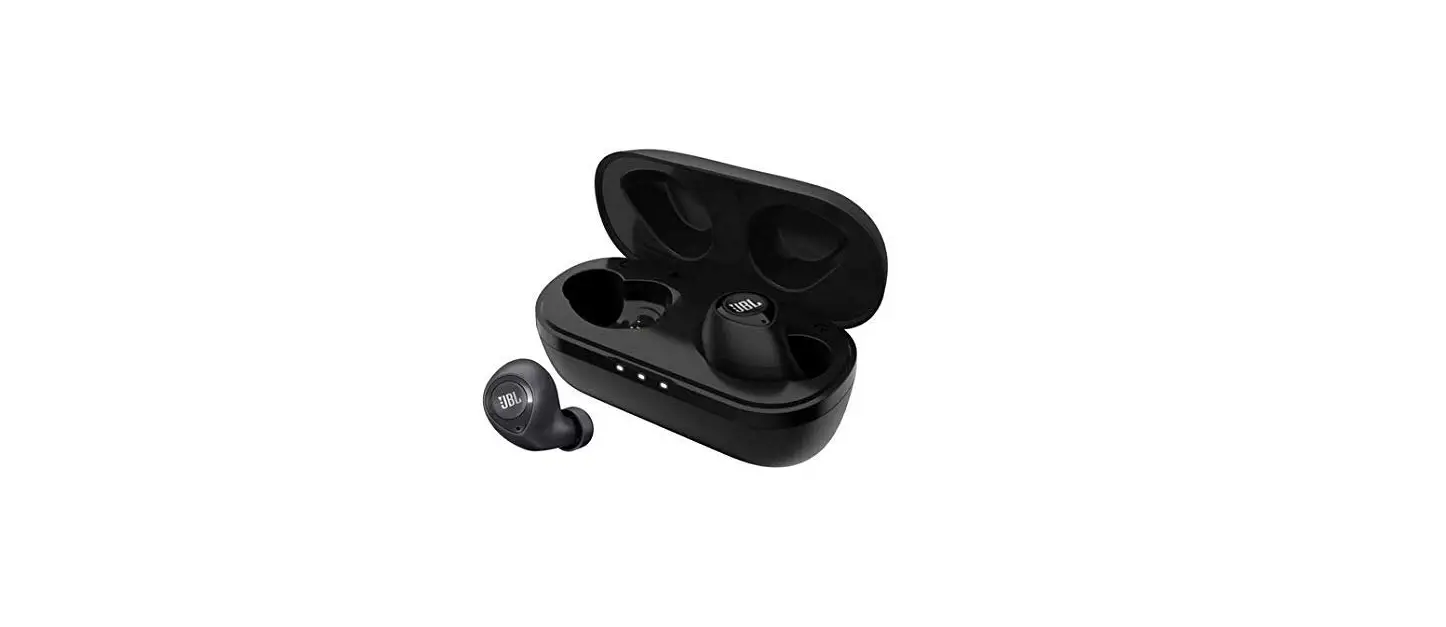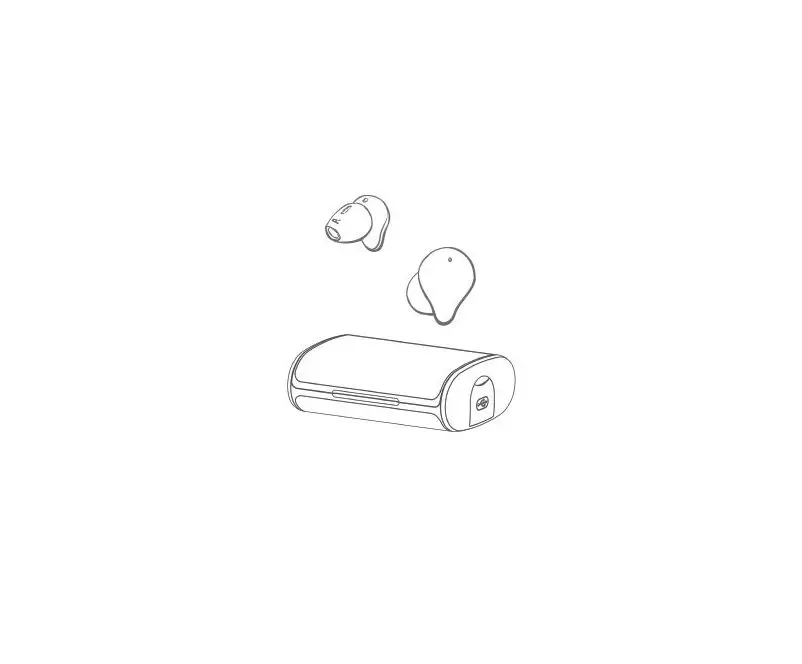

Shenzhenshishuangsikejiyouxiangongsi T-Z1 3000mA Powerbank Bluetooth Earbuds
Brief
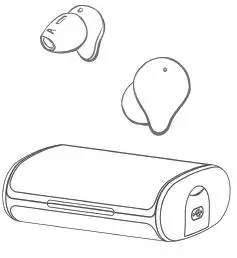
Thank you for using our Bluetooth 5.0 true wireless headset. It has stable connection, clear call quality and excellent music performance. It is stable, comfortable and durable according to the ergonomic design ; Charging box support powerbank fanction 3000mA,can charge for thero electric products. *Our company reserves the right to modify the contents of this Instructions without notice.
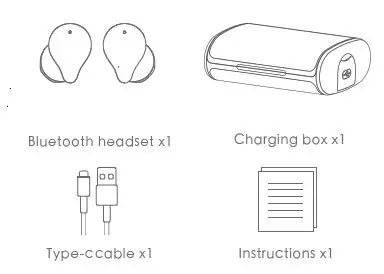
Packing list
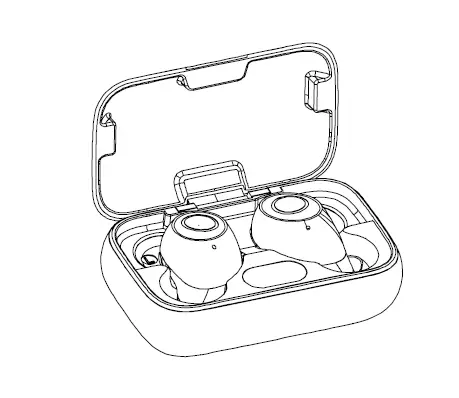
Product information
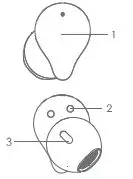
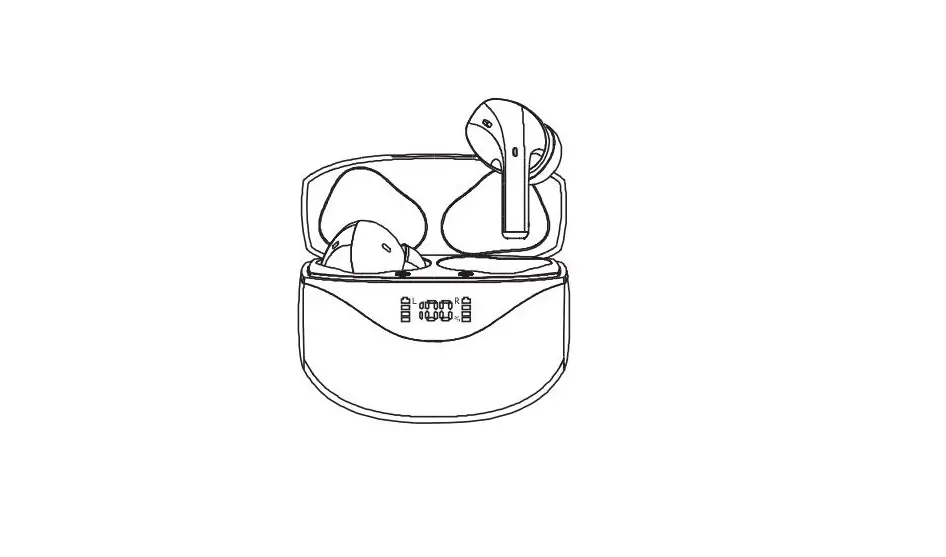
- Mutifuntional touch panel
- Magnetic charging touch point
- Spiracle
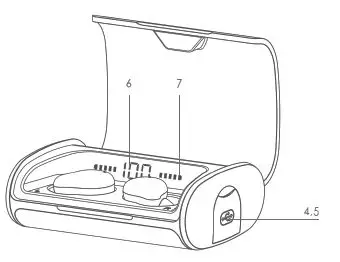
- Type-c charging interface
- USB-A charging interface
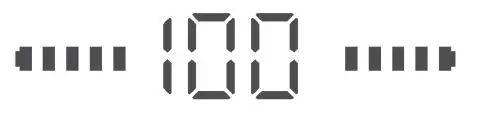
- Charging box electric power indicate
- L/R headset charging status indicate light
Instructions for first using
When opening the package for use for the first time, please charge for at least 10 minutes. When opening the package for use for the first time, please charge for at least 10 minutes. When opening the package for use for the first time, please charge for at least 10 minutes.
Bluetooth pairing
- Take out two headsets from the charging box;
- Two headsets will turn on naturally (blue light flashes), and then automatically form a team. After the team is forme, d the red and blue lights of the main headset flash alternatey. l
- Turn on Bluetooth search M-21 on your phone and click Connect
Operation method
| L left headset | R right headset | |
| Play/pause | Short press twice (in play) | Short press twice (in play) |
| Volume+ | Short press 1 time | |
| Volume- | Short press 1 time | |
| Backward | Long press for 2 seconds | |
| Forward | Long press for 2 seconds | |
| Answer / end a call | Short press 1 time (during call) | Short press 1 time (during call) |
| Refuse to answer a cal | Long press for 2 seconds | Long press for 2 seconds |
| Voice assistant | Short press 3 times | Short press 3 times |
Indicator light shows status
Earphone charging Cover opening status:When the headset is put into the chargingbox , and the red light flashes,indicating that it is charging. When L headset is charging, the corresponding battery flashes. When R headset is charging, corresponding battery flashes.
Charging by charging box
Please connect charging cable through Type-C interface to chareg chargingbox.
Specifications
- Headset
- Bluetooth version: V5.0 (EDR)
- Charing time:1.5hours
- Using time: ≈4h
- Headset impedance:32Ω
- Capacity:5mw
- Frequency range:20Hz-20KHz
- Sensitivity (SPL):104±3dB@1KHz
- Battery capacity 35mA
Safety rules
- Do not remove or refit headset for any reason, otherwise itma y cause headset fault and burning.
- Do not wet the device in contact with liquid, otherwise it will cause serious damage to the device, The manufacturer will not guarantee the damage caused by water inflow of the device
- Do not place the device in the environment with too high or too low temperature (above 75 ° C or below – 40 ° C) for a long tie.m
- Please avoid using the device indicator light near the eyeof s children or animals.
- Do not use the device in thunderstorm weather. Thunderstorm may cause abnormal operation of the device and increase the rik of s electric shock.
- Do not treat this electronic device as ordinary garbage whe it n is discarded.In order to reduce pollution and protect the arth’se environment to the greatest extent, please recycle it.
| Common problems and Solutions | ||
| Fault phenomenon | Fault reason | Solutions |
| Unable to turn on / off | The battery is power off | Charge the headset for 2-5 hours |
| No sound a fter pairing | Incorrect pairing | Reparing |
| Can make phone call but the red light is on. | , Low battery Red light prompt appears | Please charge the headset at once |
| Charging without indication | Charger no voltage output | Check whether the charger is plugged in properly or whether the power switch is on |
| The headset has an echo | Excessive volume The environment is too noisy | Adjust the volume or change the place |
| There is noise in the call | Environmental interference or Headset is too far away from the device | Change a place or close the distance between headset and device |
| The volume is too low for both side | Headset incorrect wearing | Adjust the position of the headset |
| Unable to listen to music | Phone unsupported | Change to Bluetooth phone with stereo support |
Guarantee
Dear users, this Guarantee is the voucher for applying for warranty service. Please cooperate with the seller to fill in and keep it properly. Thank you!
|
Users information | User name | Email address | ||
| Contact number | Post code | |||
| Address | ||||
| production information | Product name | Product barcode / Code / batch No. | ||
| Product model | ||||
|
Dealers information | Name | Post code | ||
| Contact number | Invoice number | |||
| Sale date | ||||
| Address | ||||
| Remarks | ||||
FCC
This device complies with part 15 of the FCC Rules. Operation is subject to the following two conditions: (1) This device may not cause harmful interference, and (2) this device must accept any interference received, including interference that may cause undesired operation. Any Changes or modifications not expressly approved by the party responsible for compliance could void the user’s authority to operate the equipment.
Note: This equipment has been tested and found to comply with the limits for a Class B digital device, pursuant to part 15 of the FCC Rules. These limits are designed to provide reasonable protection against harmful interference in a residential installation. This equipment generates uses and can radiate radio frequency energy and, if not installed and used in accordance with the instructions, may cause harmful interference to radio communications. However, there is no guarantee that interference will not occur in a particular installation. If this equipment does cause harmful interference to radio or television reception, which can be determined by turning the equipment off and on, the user is encouraged to try to correct the interference by one or more of the following measures:
- Reorient or relocate the receiving antenna.
- Increase the separation between the equipment and receiver.
- Connect the equipment into an outlet on a circuit different from that to which the receiver is connected.
- Consult the dealer or an experienced radio/TV technician for help.