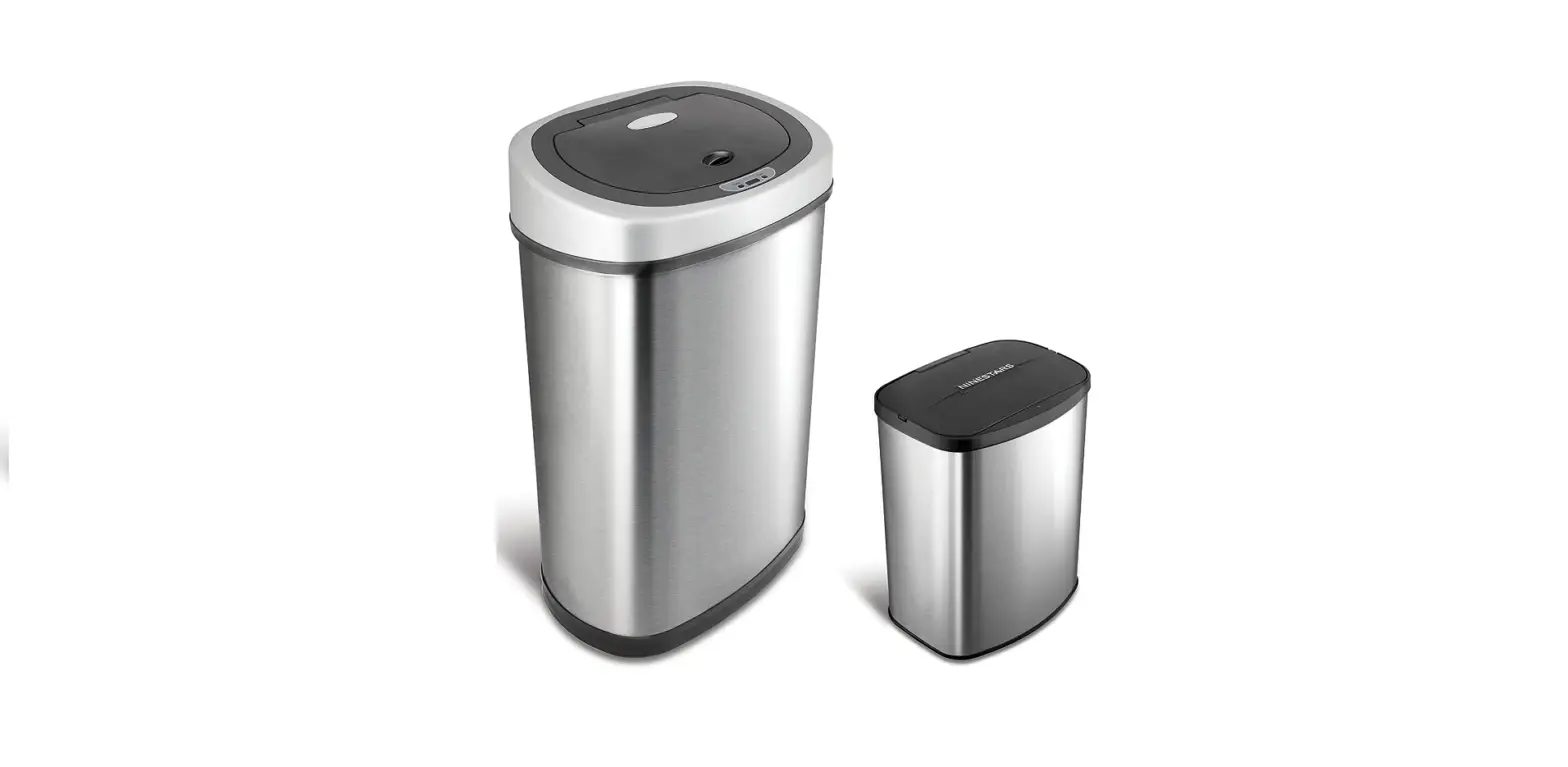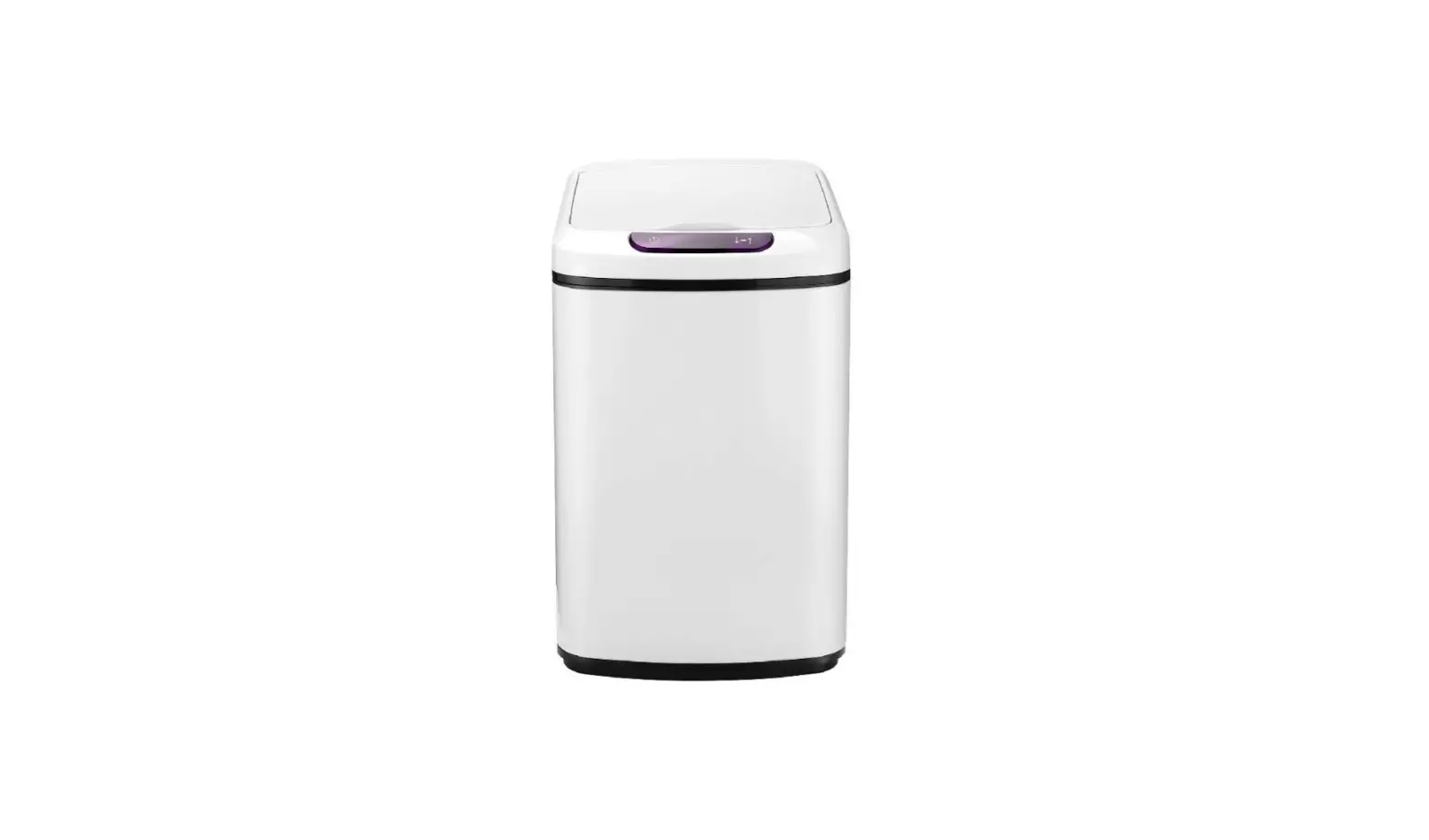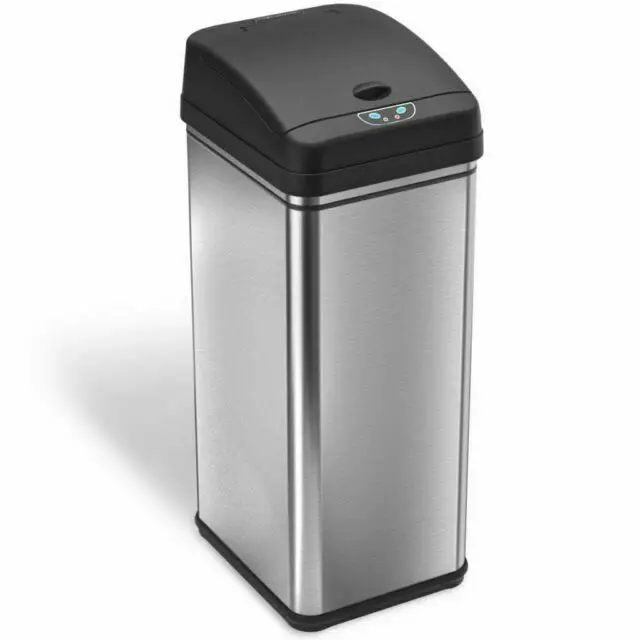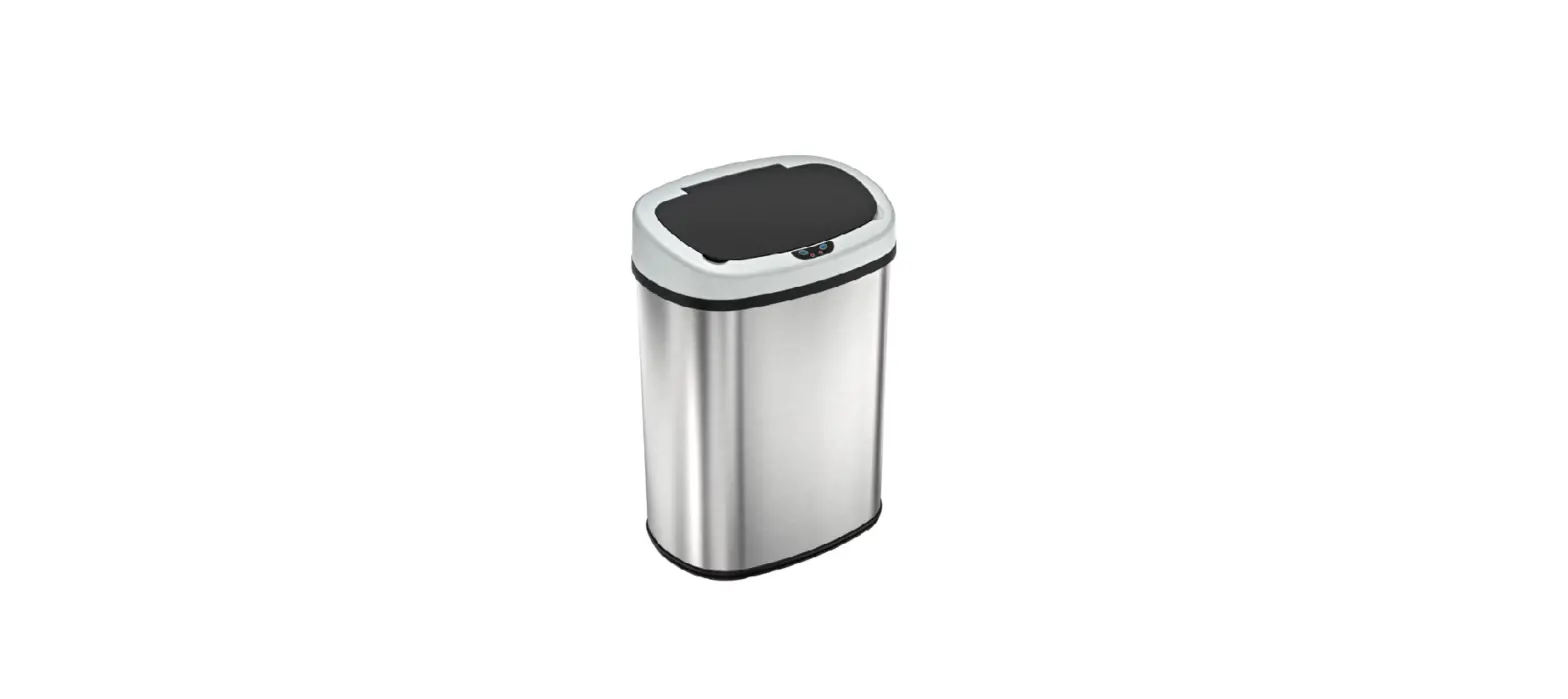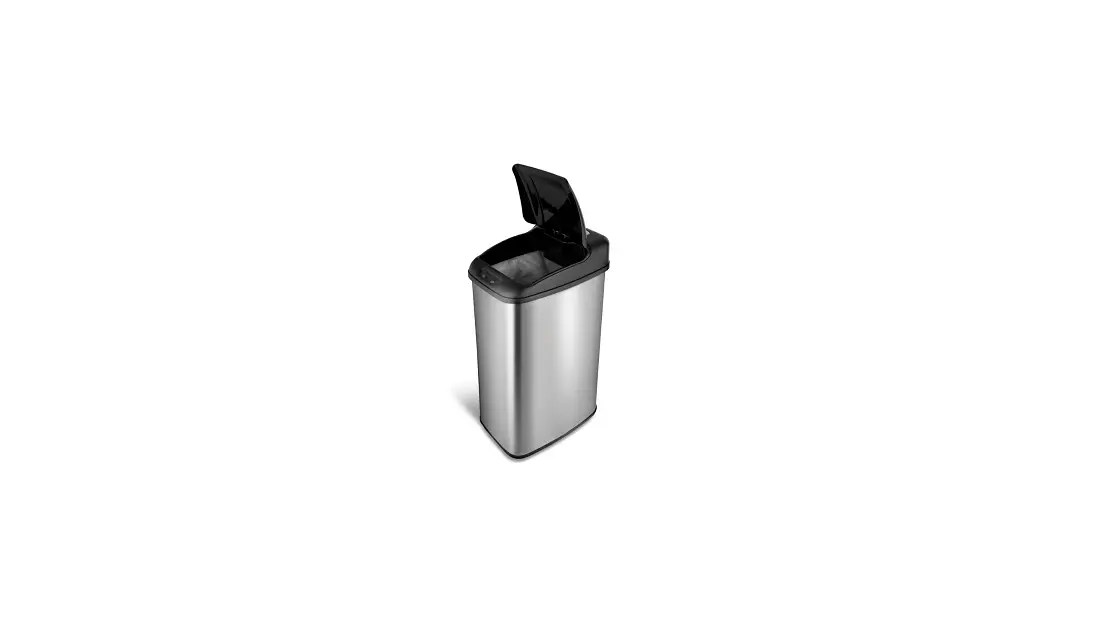

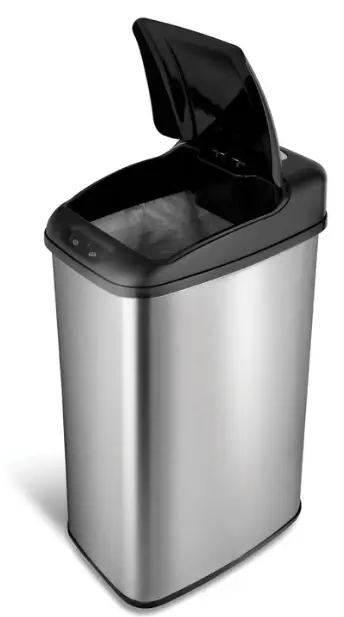
NineStars DZT-50-6 infrared motion sensor trashcan
Introduction
Nine Stars infrared motion sensor trashcans are designed and created to make dealing with trash cleaner and easier. Our products provide an effortless way to dispose of trash by providing a touch –free environment. Simply put an object or hand above the strategically placed infrared motion sensor (located near the lip of the lid) and the lid will automatically open. Once the object or the hand is no longer within the sensor’s range the lid will automatically close within seconds. We at Nine Stars use the highest quality materials and the latest technology in our products to insure reliable function and durability. Thank you for your business and we sincerely hope that you enjoy your unit.
OVERVIEW
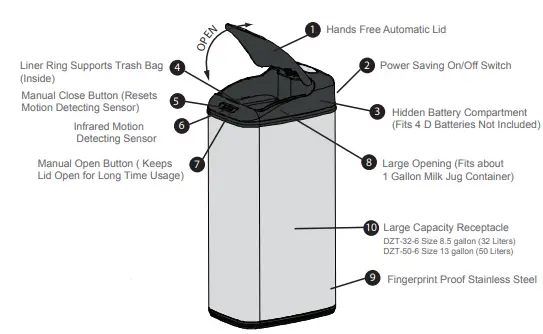
- Model: DZT-32-6 and DZT-50-6
- Note: Trash can may not be the same as the above photo. However, the functions are the same. This model is to be used in door
Instructions
Contents of the box
Remove all components of trash can from the box.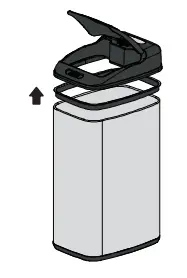
- Lid
- Trash container
- Liner ring
Insert batteries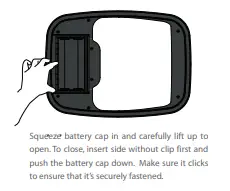
Locate the battery compartment underneath the trash can lid. Squeeze the battery cap in carefully (see diagram) and pull to remove the battery cap. Insert four (4) HEAVY DUTY “D” size batteries. Insert the batteries in accordance with the positive and negative poles. Place the battery cap back over the compartment.
Insert trash bag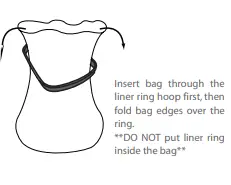
Insert the trash bag using the liner ring (see diagram). Fold the trash bag over the edges of the liner ring. Place the trash bag and the liner ring in the trash container. Tuck the bag completely into the base of the container so that edges of the bag do not show once the lid is placed on top of the base.
Place the lid on the base of the trash can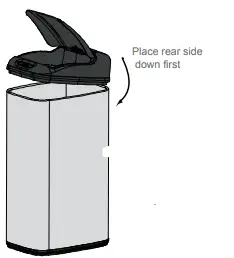
Align the lid with the base of the trash can and gently place the lid on top.
Turn the trash can on/off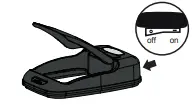
Locate the power switch on the underneath side of the automatic lid. When the switch is in the “I” position the trash can is “ON”. When the switch is in the “O” position the trash can is “OFF”.
How to use your trash can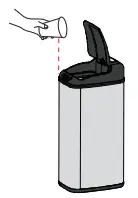
Place your hand or an object within inches of the motion sensor (located on the lid). The lid will open instantaneously. Once your hand or object is out of range of the sensor the lid will close within seconds.
Special Features
Manual open and close buttons 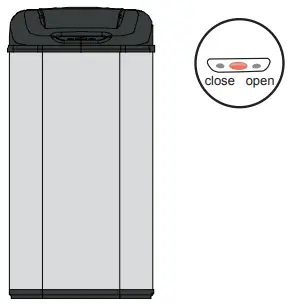
- The “open” button located on the lid if pressed will open the lid and hold it open until the “close” button is pushed.
- The “close” button will close the lid if the lid has been manually opened and will also reset the lid to sensor mode.
Technical Facts
- A red light will flash when the trash can is in the “ON” position.
- A green light will appear when the lid opens.
- A red light will appear when the lid closes.
- A yellow indicator light will appear when the batteries are low. Replace the batteries
FCC Instructions
CAUTION: Users’ modifications not approved by Nine Stars could void user’s authority to operate the equipment. NOTE: This equipment has been tested and found to comply with the limits for a Class B digital device, pursuant to Part 15 of the FCC Rules. These limits are designed to provide reasonable protection against harmful interference in a residential installation. This equipment generates, uses and can radiate radio frequency energy and, if not installed and used in accordance with the instructions, may cause harmful interference to radio communications. However, there is no guarantee that interference will not occur in a particular installation. If this equipment does cause harmful interference to radio or television reception, which can be determined by turning the equipment off and on, the user is encouraged to try to correct the interference by one or more of the following measures:
- Reorient or relocate the receiving antenna.
- Increase the separation between the equipment and receiver.
- Connect the equipment into an outlet on a circuit different from that to which the receiver is connected.
- Consult the dealer or an experienced radio/TV technician for help.
Warning
- Do not submerge the trash can into water because it is equipped with many electrical components. The trash can can be wiped with a damp cloth.
- Do not manually force the lid close; this can cause damage to the internal gears that allow the lid to open and close.
- Replace used batteries in a timely manner to prevent battery acid leakage. Battery acid may cause damage to the electrical components of the trash can.
- Do not place trash can in direct sunlight.
- Do not mix new and used batteries.
- Do not mix alkaline, standard (carbon-zinc), or rechargeable (ni-cad, ni-mh,etc.) batteries.
TROUBLESHOOTING
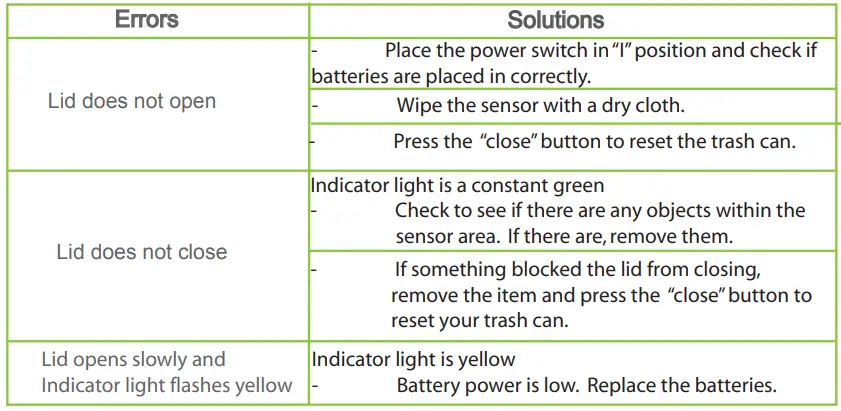
Note: If the above solutions do not correct the problem please contact Nine Stars Worldwide Enterprise Customer Service.
Limited Warranty
- What does this Warranty cover?
- This warranty covers the electronic mechanism of the lid such as the computer chip, motor, gearbox and electrical circuits.
- How long does the coverage last?
- This warranty is valid one year from the date of purchase.
- What will Nine Stars Worldwide Enterprise do?
- Nine Stars will fix or replace any defective or malfunctioning lid.
- The customer is responsible for returning the defective or malfunctioning lid (entire top unit of the Trash Can) to Nine Stars Worldwide Enterprise. The customer is also responsible for shipping charges to return the product us. Nine Stars Worldwide Enterprise will pay for shipping charges back to the customer if the lid is covered under our warranty program outlined in this document.
What does the warranty not cover? - The base of the unit, battery caps, liner rings (if applicable), inner bucket (if applicable), or any problems with the automatic lid caused by abuse, misuse, or natural disasters (such as earthquakes, floods, and fires) are not covered.
- Warranty is voided if it is deemed repairs were attempted by anyone other than Nine Stars Worldwide Enterprise that resulted in damage to the automatic lid.
- How do you get service?
- In order to be eligible for service under this warranty PLEASE return the warranty registration card attached with proof of purchase (such as a copy of the original sales receipt) within 30 days of purchase.
- If you have any technical questions or problems please feel free to call our office at:
- 1-866-9STARS-8, M-F, 9:00am to 5:30pm PST
- How does state law apply?
- This warranty gives you specific legal rights and you may also have other rights that vary from state to state.
Nine Stars Worldwide Enterprise
17037 Green Dr. City of Industry, CA 91745