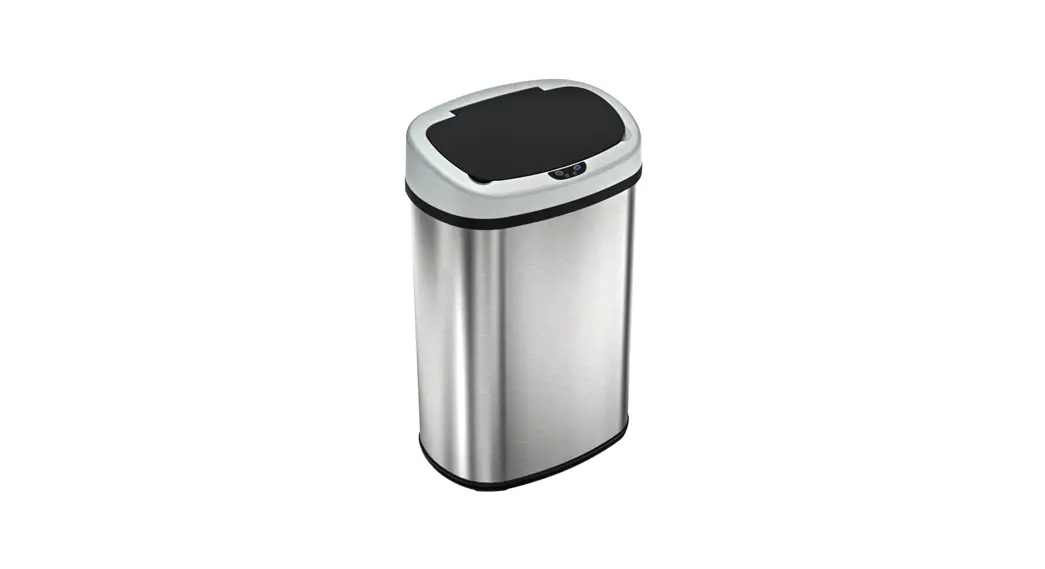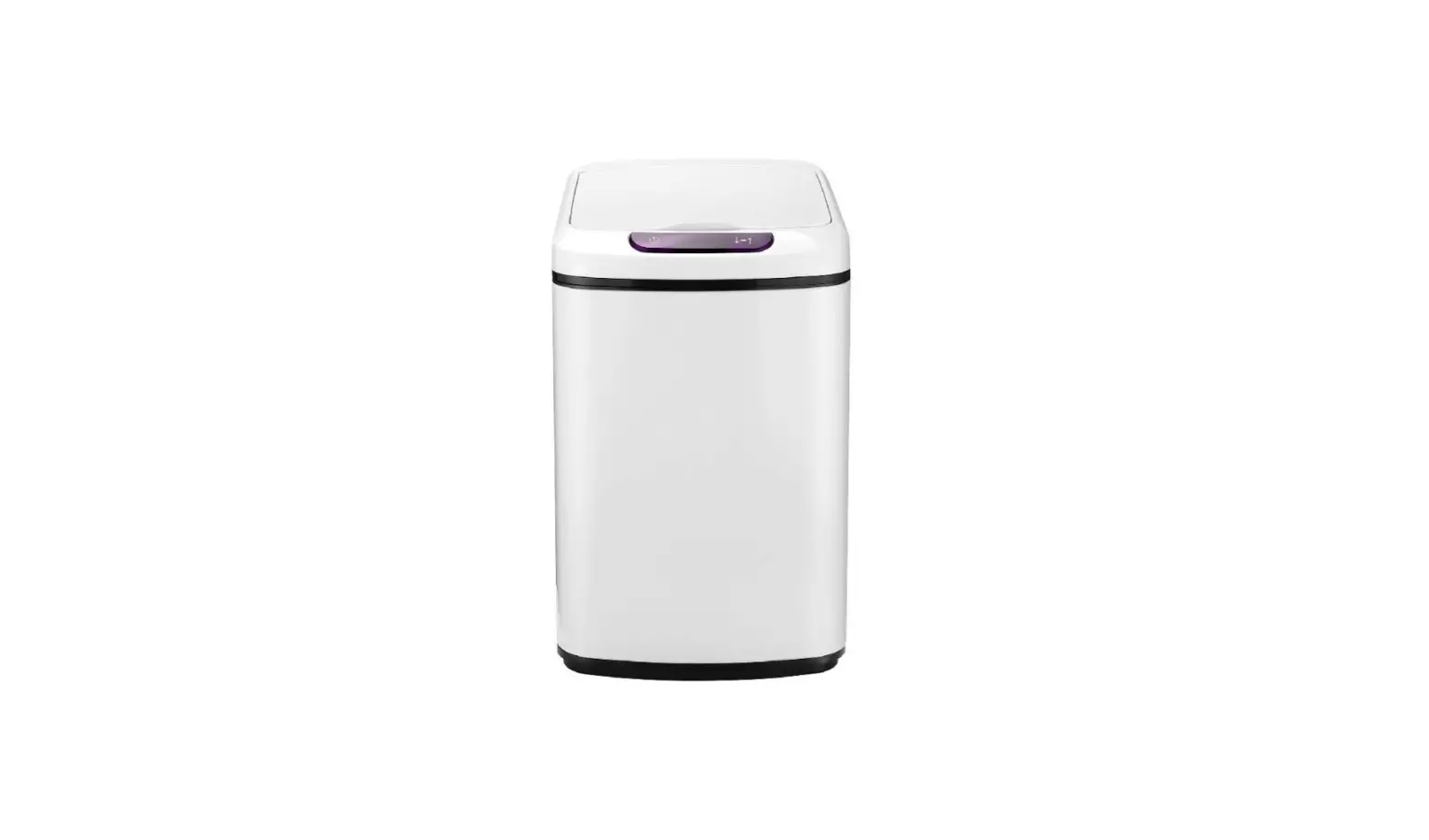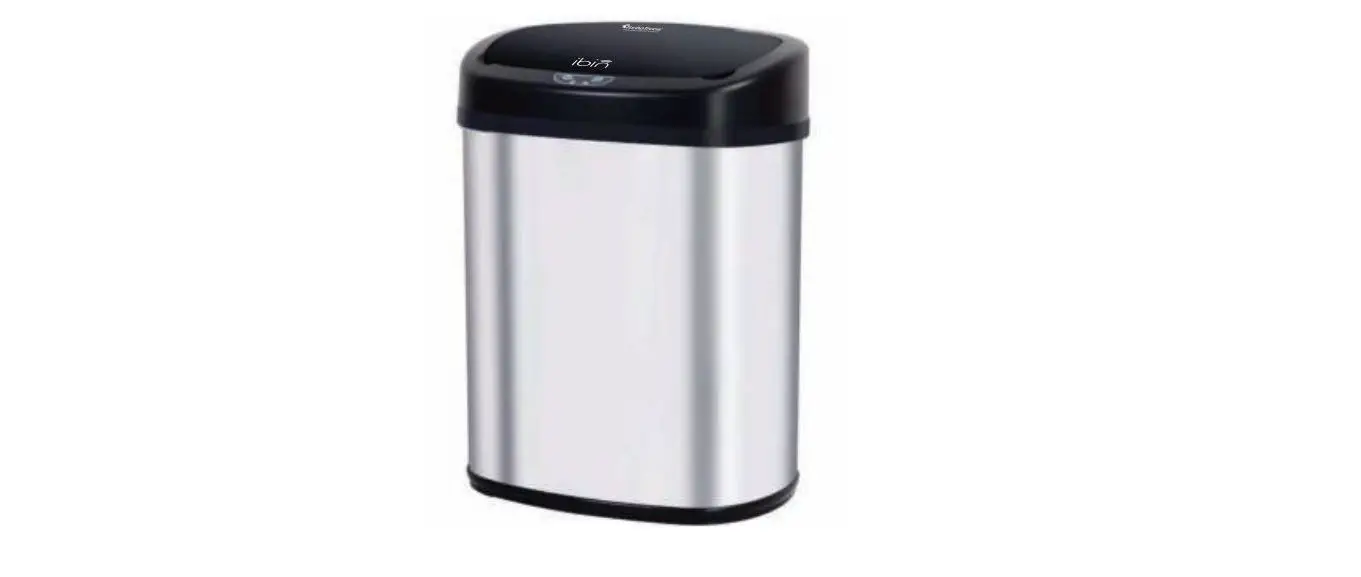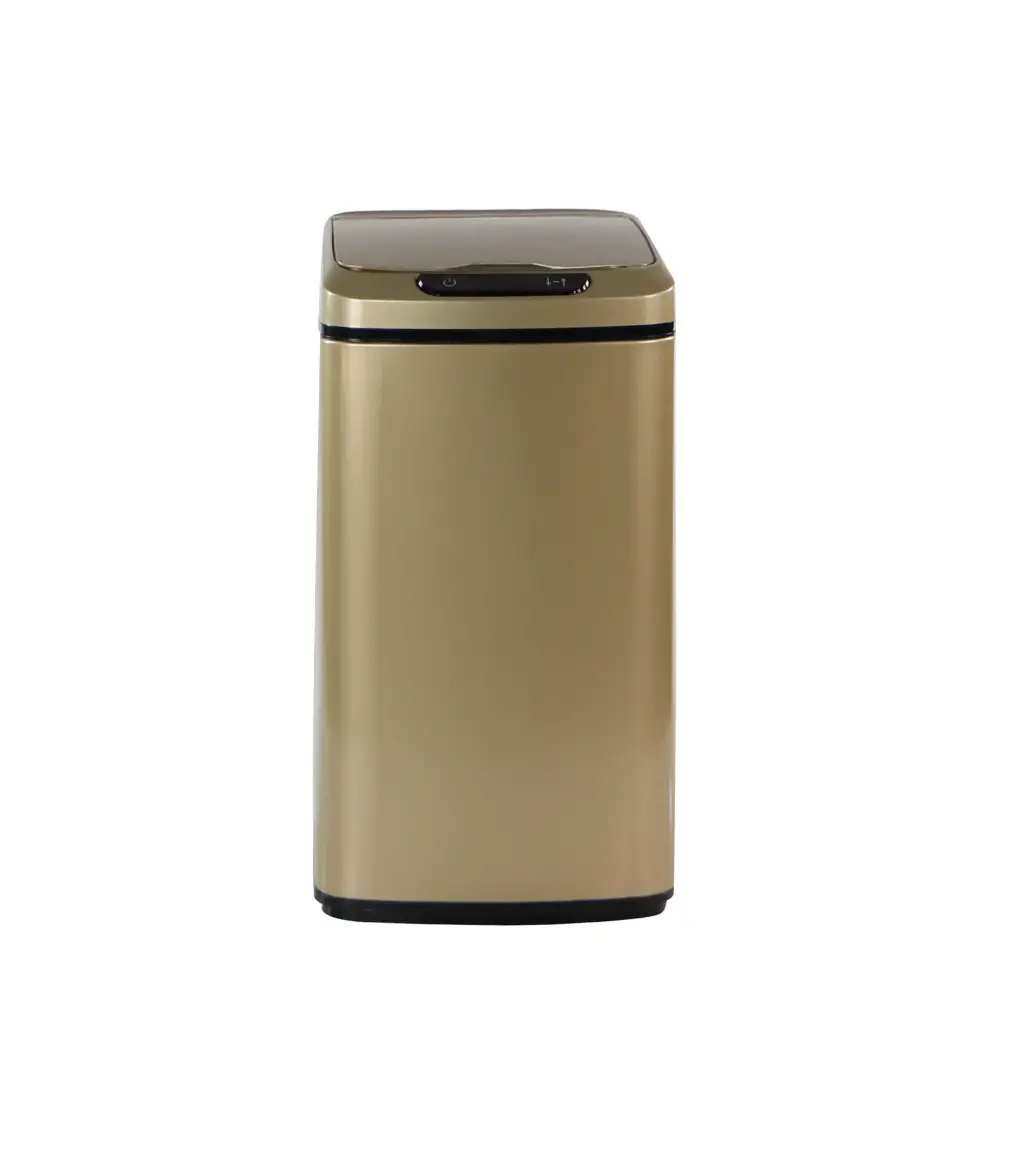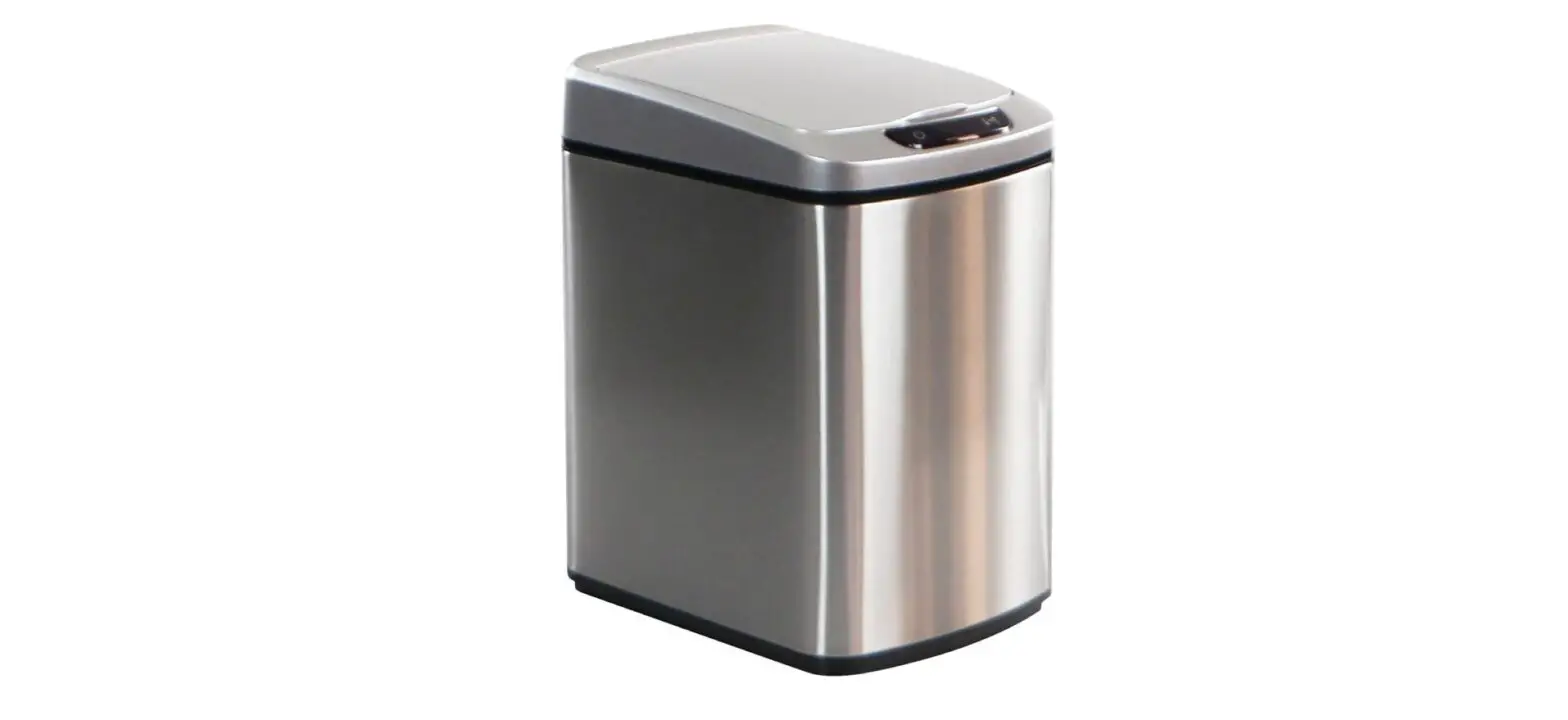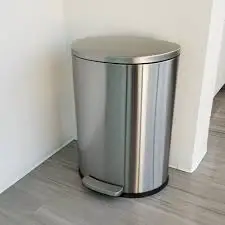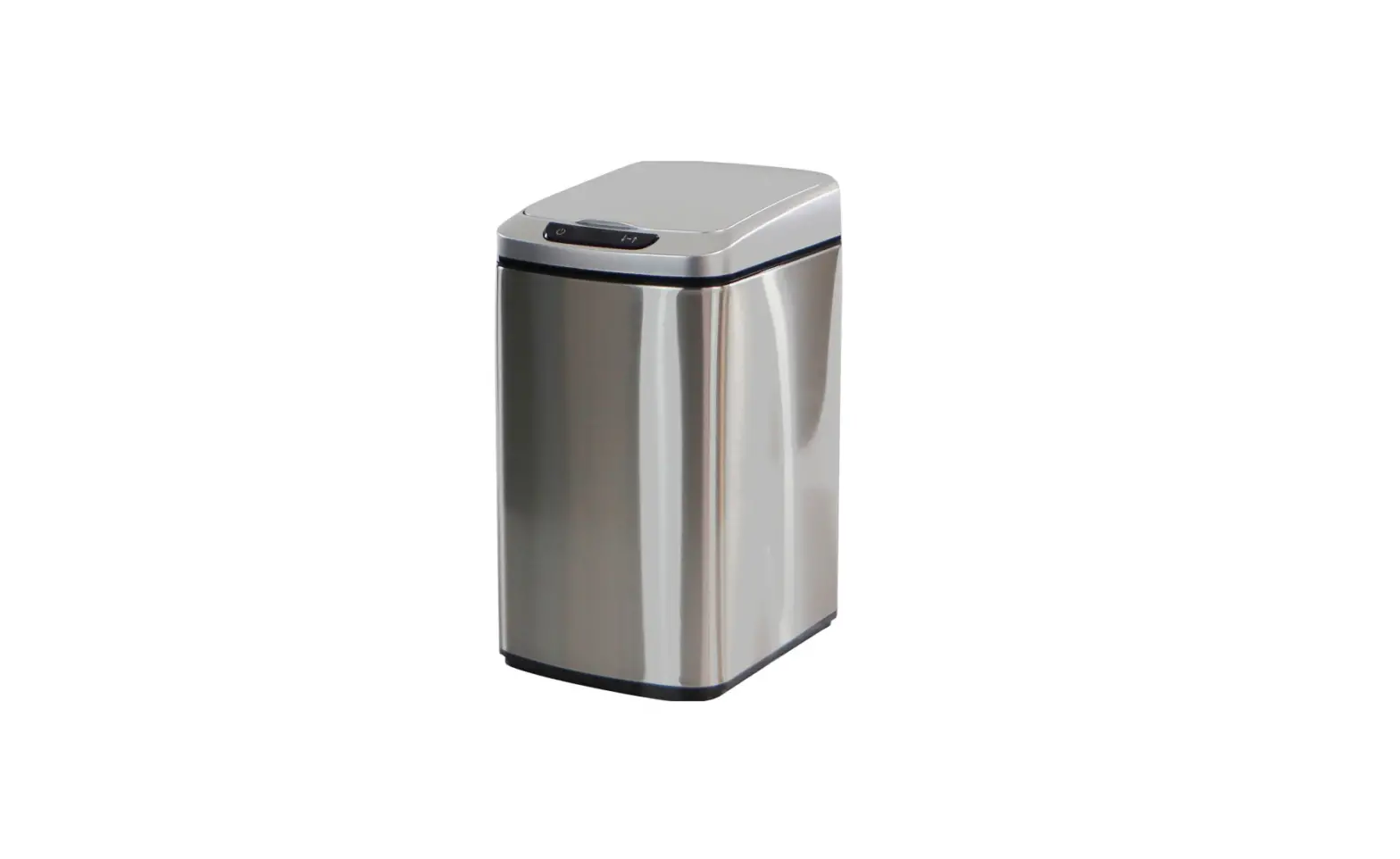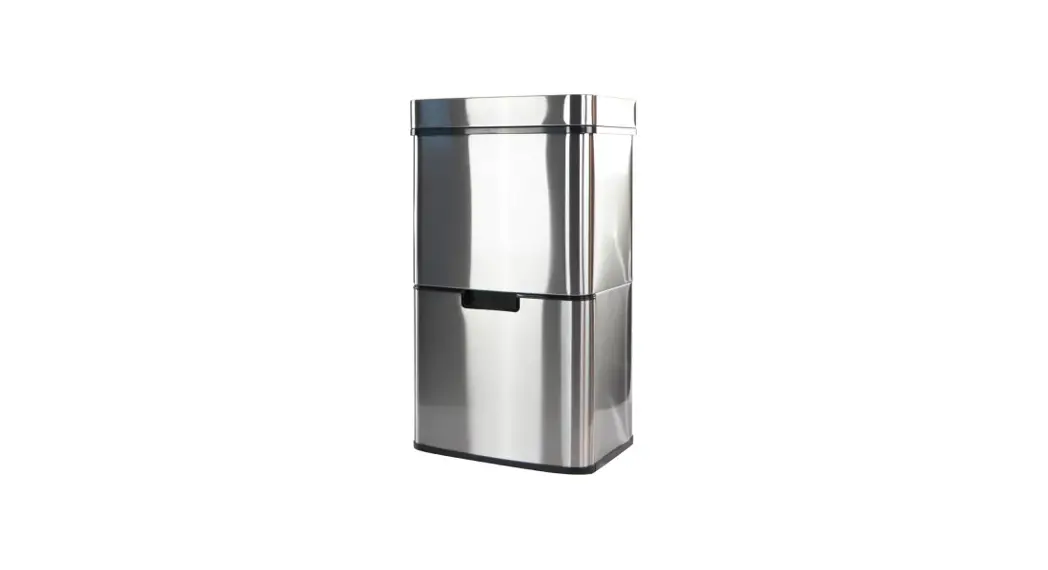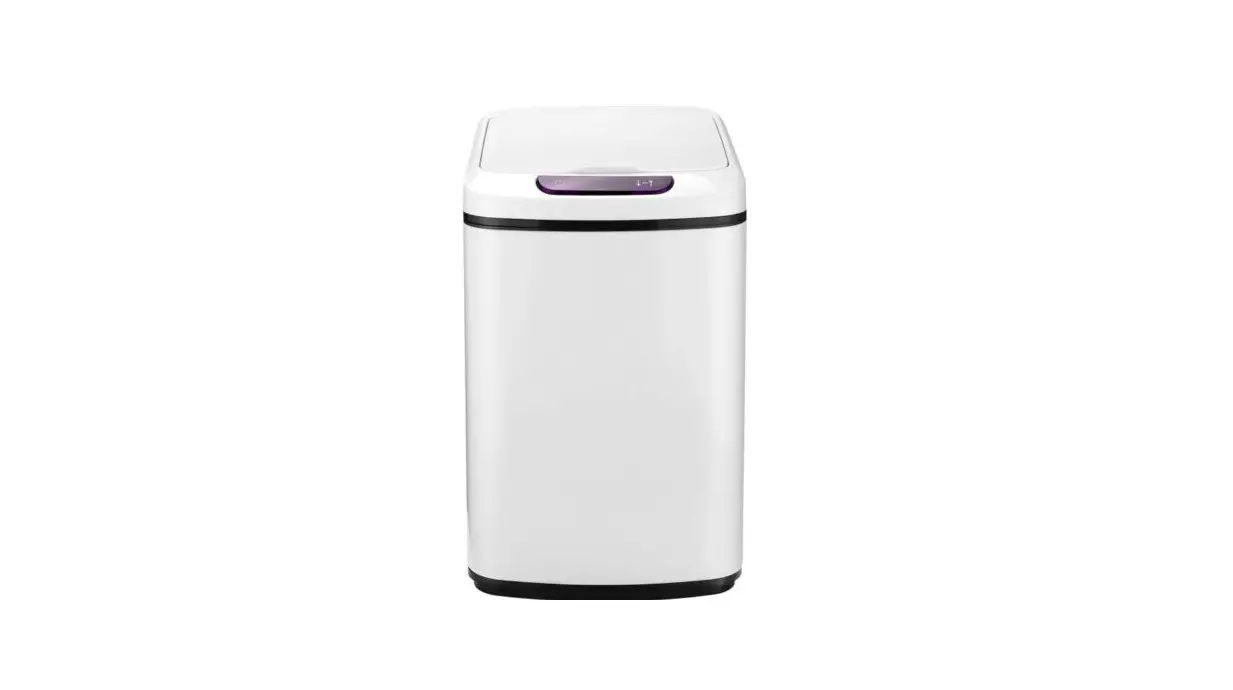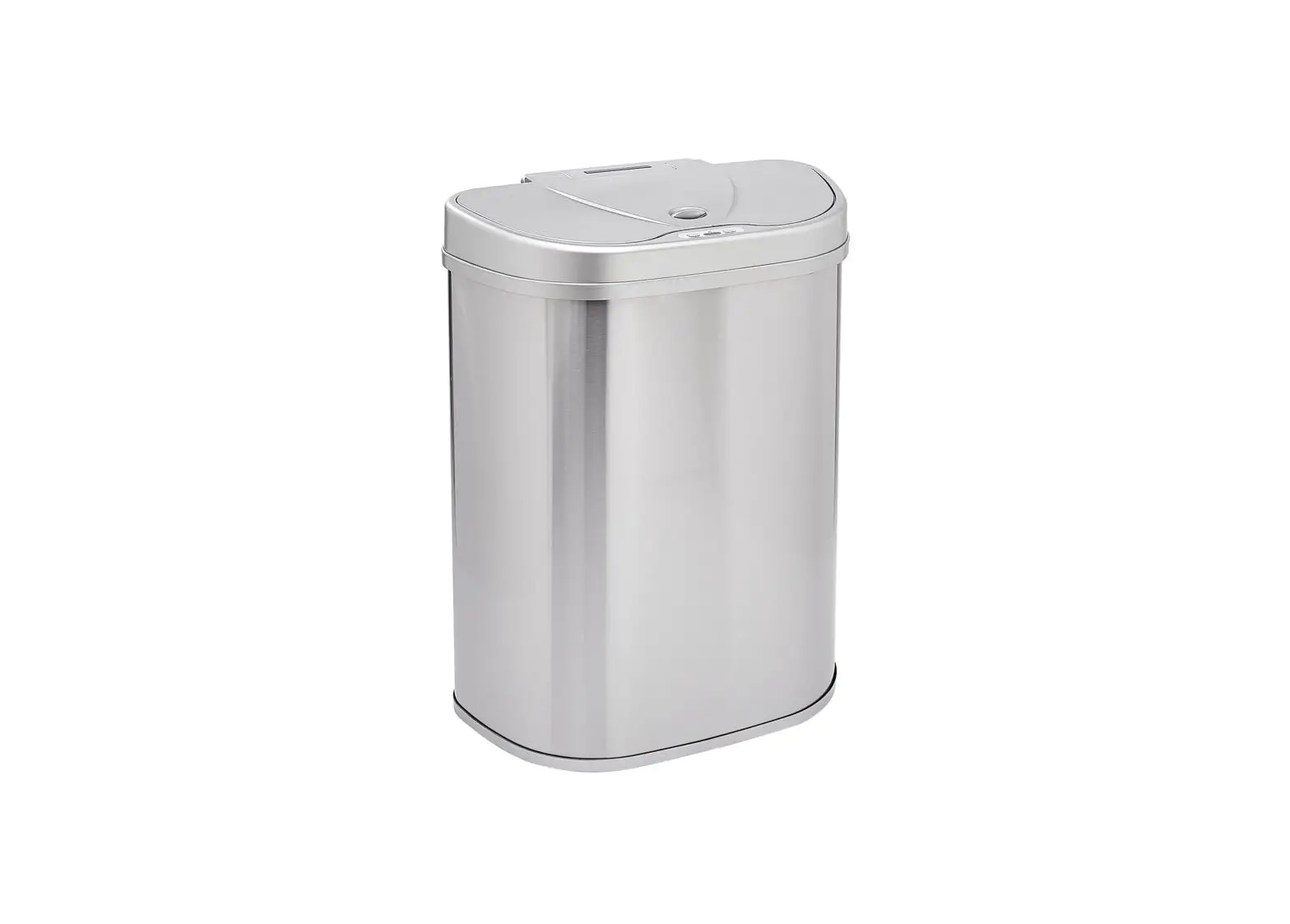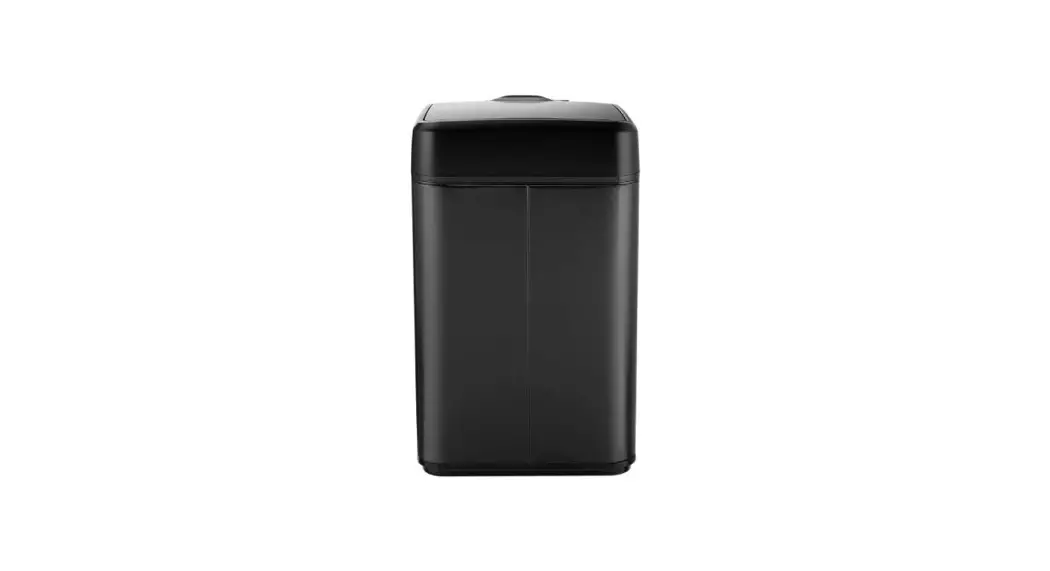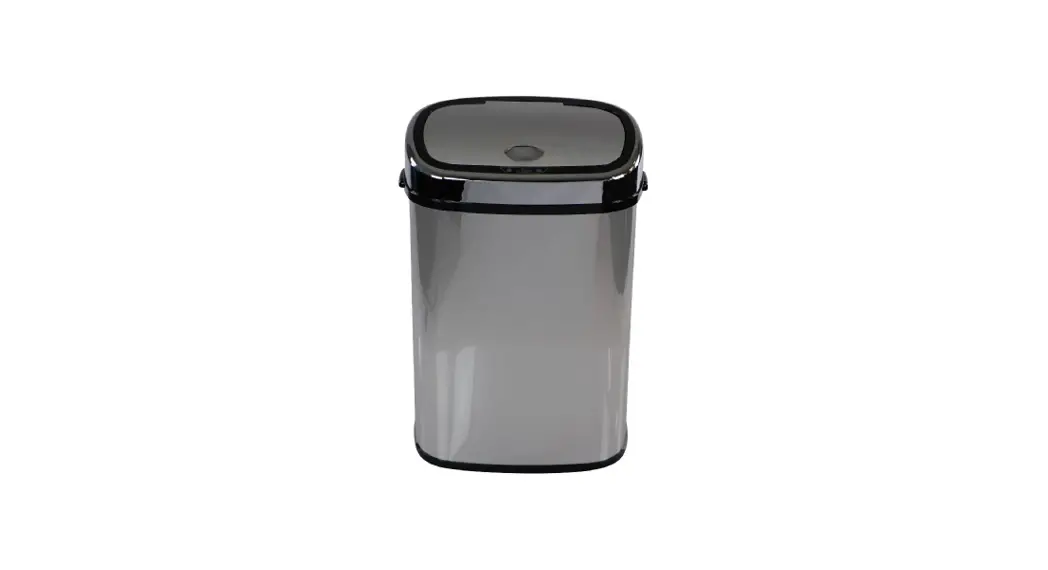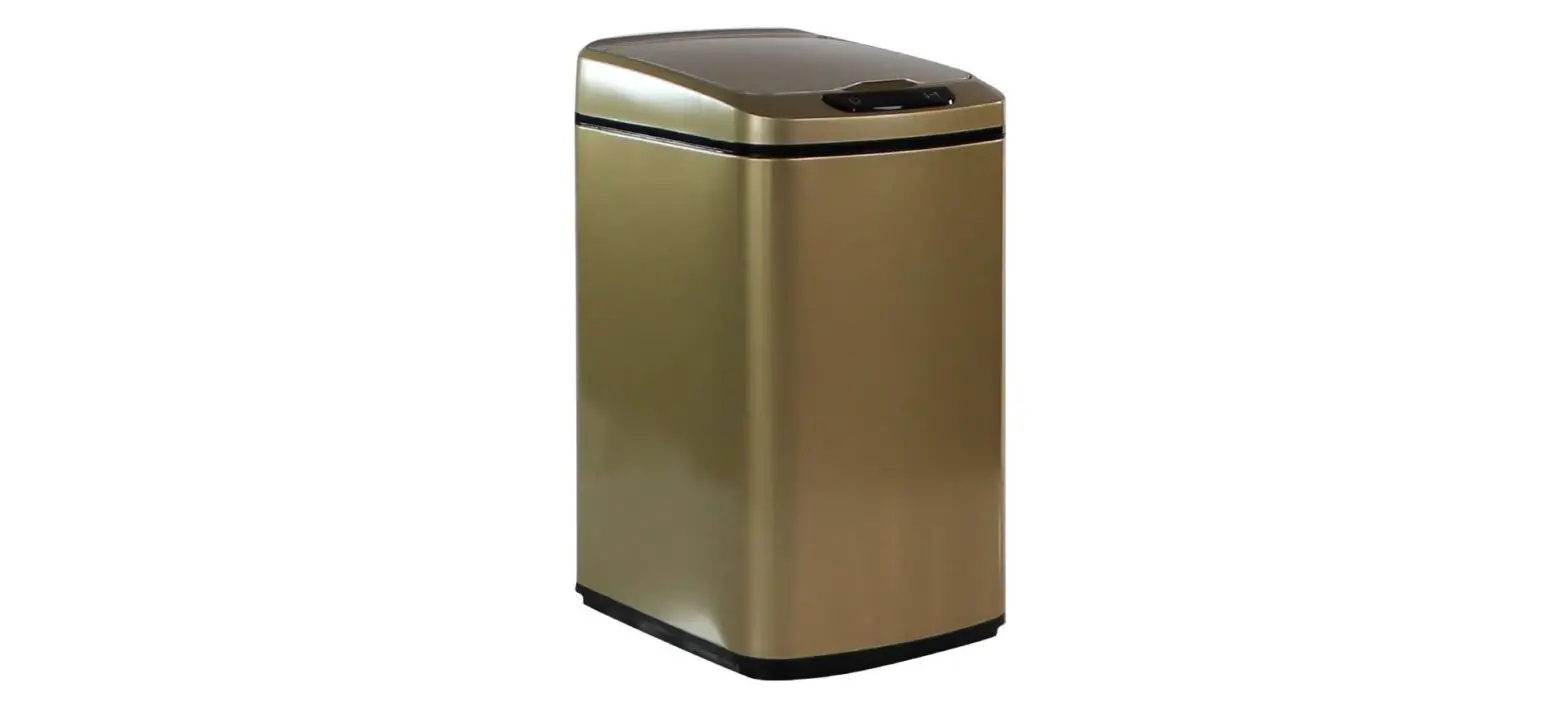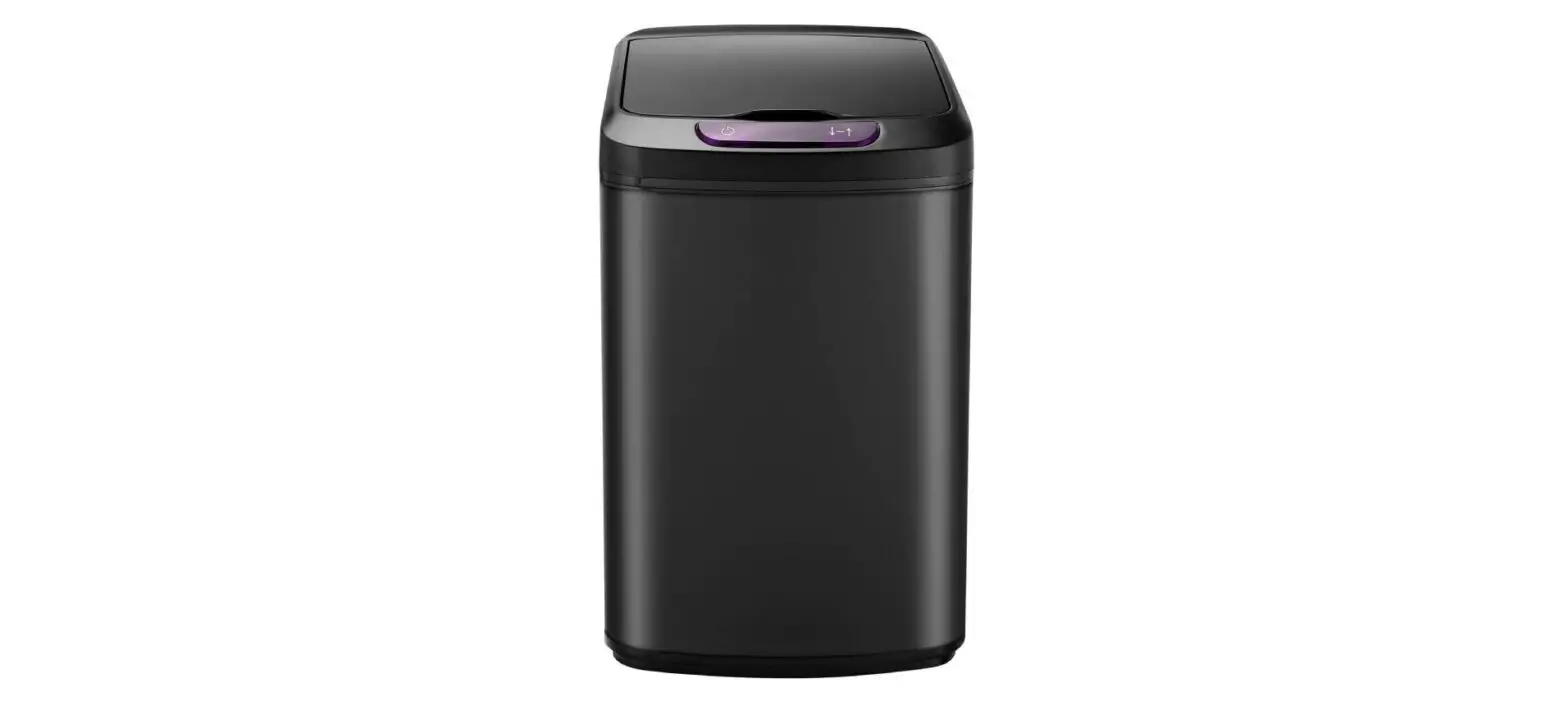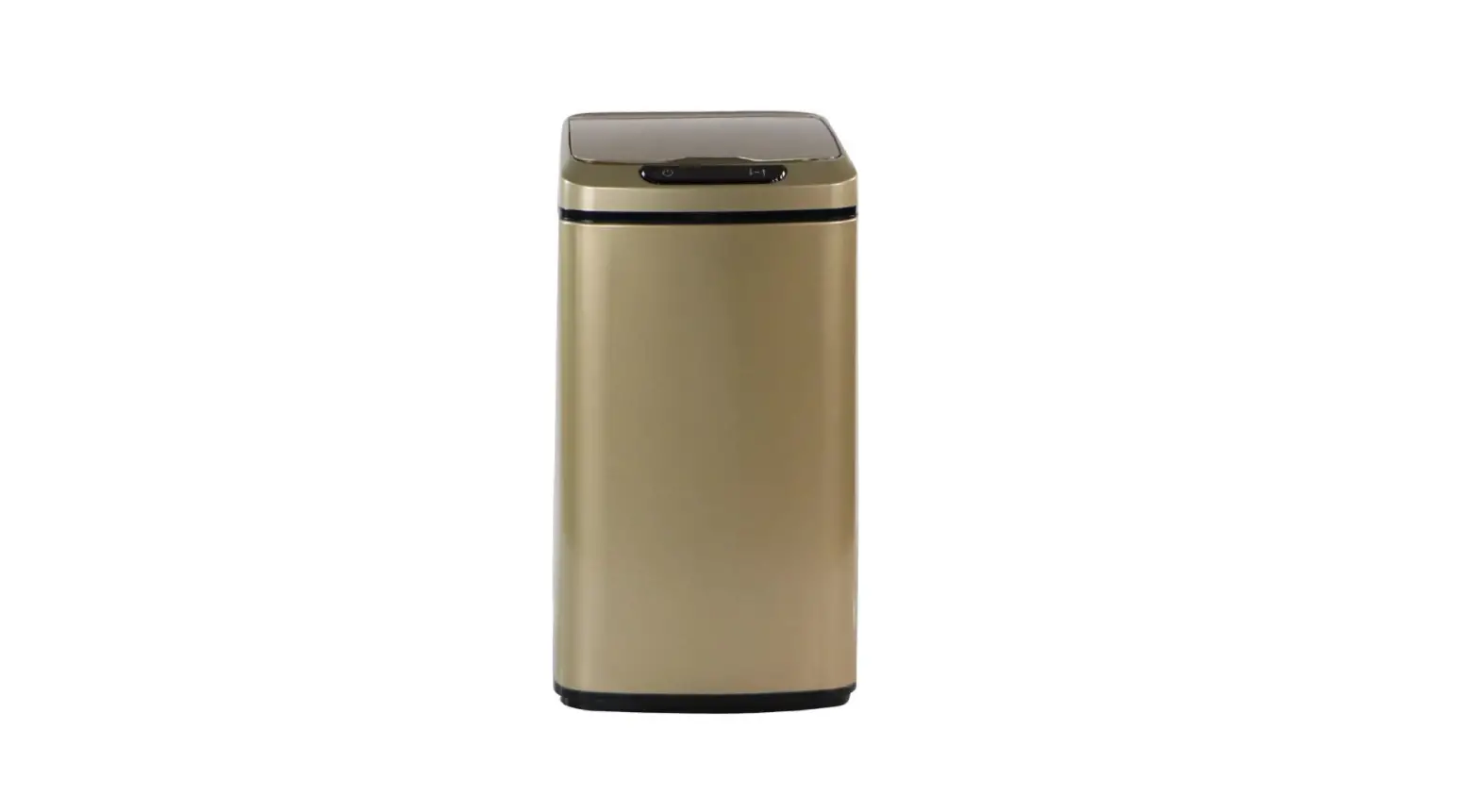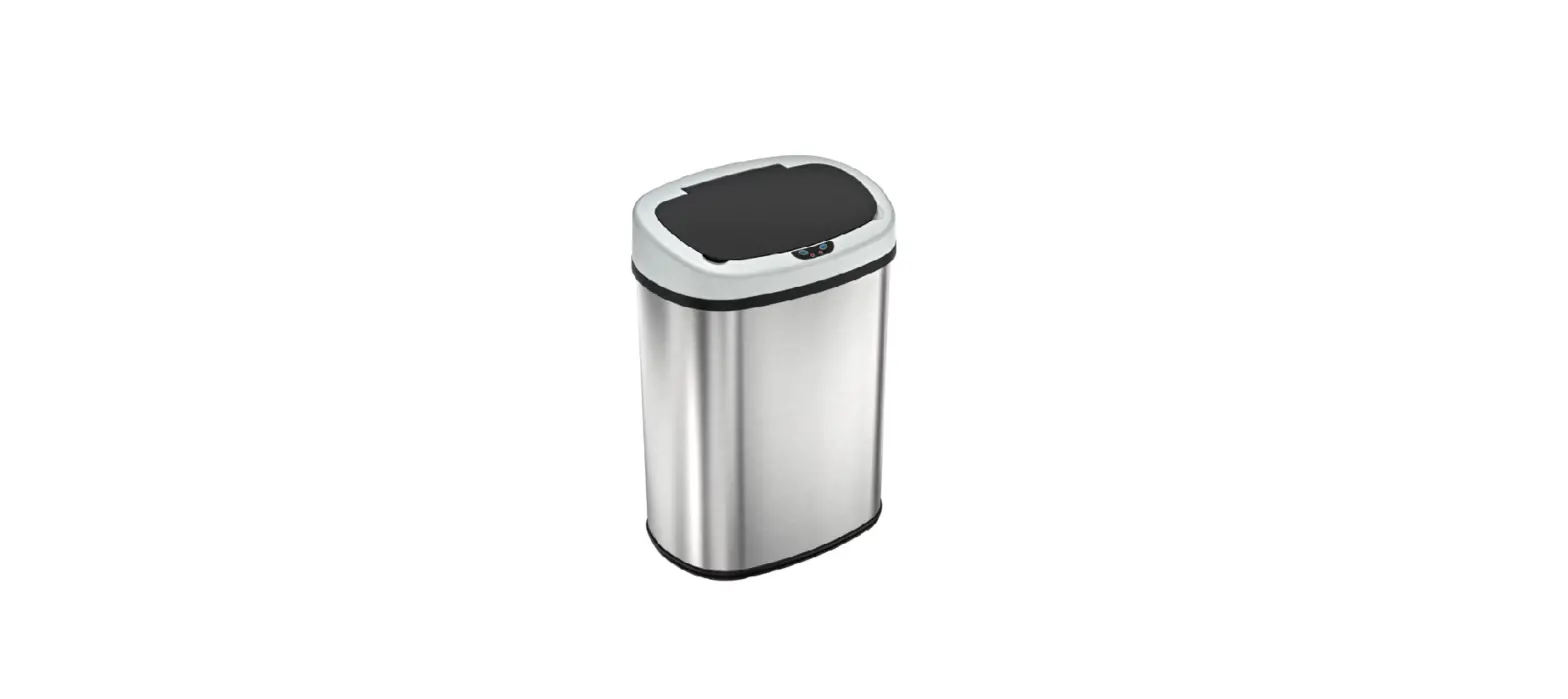

Sensorcan 13 Gallon Stainless Steel Oval Trash Can
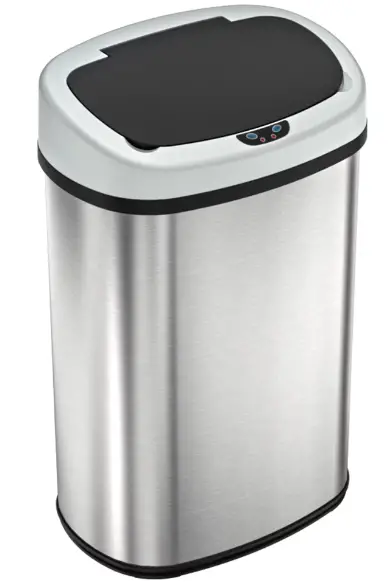
Features:
- S oft lid opening and closing
- Reflix ™ quick opening technology
- VisioSenseTM technology provides a visual alert when the lid begins to close
- Extra-wide lid opening accommodates larger or bulky items
- Optional Odor Filter Kit (sold separately)
- Air vents at the base provide effortless trash bag removal
- Powered by 4 “D” size batteries (not included)
Items included in the package:
- Sensor Trash Can Lid
- Brushed Stainless Steel Can Body
- Trash Bag Retainer Ring
- User Manual
Optional items NOT in the package (to order optional items, go to www.sensorcan.com):
- Official AC Power Adapter
- Odor Filter Kit
- Replacement Activated Carbon Odor Filter

Protect your purchase.
Register today! www.sensorcan.com/register
ABOUT YOUR TOUCHLESS TRASH CAN
The touchless sensor operation promotes a germ-free environment. The lid sensor uses invisible and harmless, patented infrared technology for accurate and responsive lid open and close operation. There are two buttons on the front of the lid, “OPEN” and “CLOSE”, to open and close the lid manually, and an ON/OFF power switch on the back of the trash can lid. The infrared sensor on the lid will automatically open the lid when your hand or object is within 6 inches/10 cm of the sensor. The lid will remain open if the sensor detects any object within its radius and will automatically close in 4 seconds after the object is withdrawn.
VisioSenseTM Indicator Light (LED Light)
- When there is an object in the Sensor Zone, the LED Indicator Light will remain green and the Lid will remain open until object is removed from the sensor zone.
- Once item is removed from the Sensor Zone, the LED Indicator Light will flash red to indicate that the lid will close in 6 seconds.
- If an object is placed back into the Sensor Zone when the LED Indicator Light is flashing red, the light will turn solid green again and the Lid will remain open.
ATTENTION
- Do not submerge the lid in water as it houses the electronic control. You may clean it with a lightly dampened cloth.
- Clean the trash can body only with products safe for use on stainless steel.
- Do not press or force the Lid Cover to close. Lid will close automatically after your hand is removed from the sensor zone.
- Replace batteries immediately when the indicator light turns yellow/amber. This will ensure the lid continues to operate properly.
- Avoid direct sunlight on the infrared sensor.
- Ensure there is enough room to operate the trash can without blocking the opening and closing of the lid.
- Do not use a power adapter that is not authorized by SensorCan.com; it may result in fire, electric shock or injury.
- Do not use power adapter and battery at the same time to operate the trash can. It can only be powered by one source at a time.
- Do not overstuff trash bag. It may cause tearing or difficulty removing.
- Automatic parts may not be suitable for small children or pets.
OPERATING INSTRUCTIONS
- Remove Lid Unit from the trash can. Open the battery compartment cover to insert 4 “D” size batteries. Replace cover.
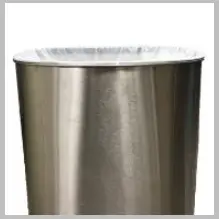
- Insert one 13-gallon to 18-gallon trash bag through Trash Bag Retainer Ring and wrap the top part of the bag over the Ring (STEP 1 in HOW TO USE THE TRASH BAG RETAINER RING). Put the Ring onto the top edge of the can body (STEP 2).
- Place Lid Unit onto the can body and make sure it is securely attached.
- Turn on the power switch on the back of Lid Unit (PICTURE 4). A red Indicator Light will turn on for 3 seconds. It will flash once every 3 seconds to indicate the system is on and ready to use.
- Place your hand or any object 6 inches above the Infrared Sensor on the front of Lid Unit to open. When there is an object in the Sensor Zone, the LED Indicator Light will remain green and the Lid will remain open until the object is removed from the Sensor Zone. Once item is removed from the Sensor Zone, the LED Indicator Light will flash red to indicate that the lid will close in 6 seconds. If an object is placed back into the Sensor Zone when the LED Indicator Light is flashing red, the light will turn solid green again and the Lid will remain open.
- If you press the open button, Lid will open, and remain open for 5 minutes before closing automatically – unless you press the close button. The trash can will then resume operating in automatic mode.
HOW TO USE THE TRASH BAG RETAINER RING
- STEP
Place trash bag inside trash can, then wrap the top of the bag over Ring.
- STEP
Secure Ring onto the edge of the can body.

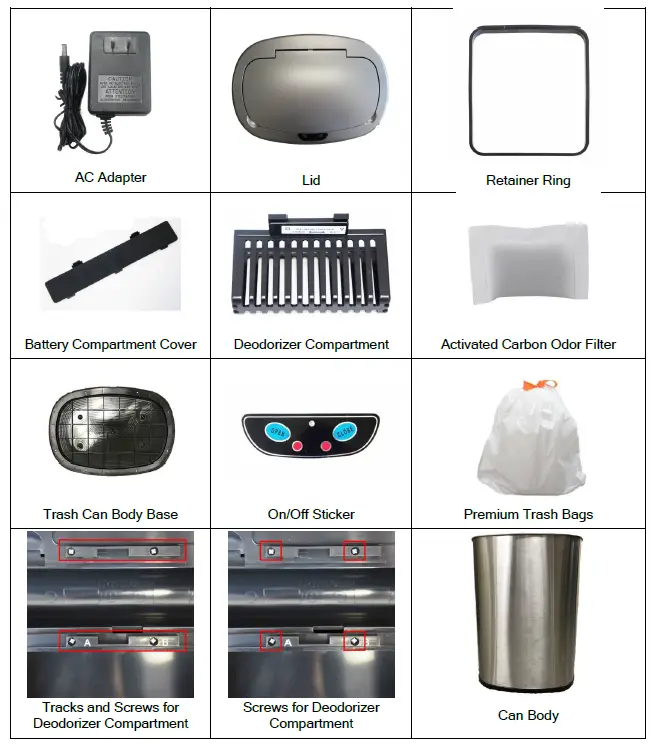
PARTS & ACCESSORIES
GENERAL TROUBLESHOOTING STEPS
- Turn the power switch to “Off,” remove the battery or AC power adapter, then rub and wipe clean the sensor area with a soft damp cloth and dry it immediately with a soft dry cloth. Re-insert batteries or plug in the AC adapter (DO NOT USE battery and AC adapter at the same time).
- Place the trash can in an open area where nothing is blocking or within 10 inches of the sensor eye. Make sure no sunlight or direct light shines on the sensor. Turn on the power and try opening lid again.
- If trash can is still not working correctly, remove the batteries or AC adapter. Let trash can sit for at least 2 hours to reset. Try opening lid after reset.
If your trash can lid is still not working after trying these steps, please contact us at: 1-844-660-7978 for warranty service.
TROUBLESHOOTING
| Problem | Solution |
| 1. The trash can is brand new, and only works occasionally | Peel off the thin, transparent protector/sticker on top of the sensor eye. If the lid still doesn’t work regularly, try a new set of batteries. Then follow the General Troubleshooting Steps. |
| 2. The lid stays open or lid opens and closes continuously | The sensor eye may be affected by dirt, stain, dust, moisture or reflection. Move the trash can to a different location or turn the trash can slightly so that the sensor faces another direction, and follow the General Troubleshooting Steps. |
| 3. Grinding noise when the lid opens/closes | This can be caused by broken gears or lid hinge. · Check for damage on the hinges that connect to the lid · Follow the General Troubleshooting Steps · Contact us at 1-844-660-7978 for warranty service |
| 4. The lid does not open/close
Important: Do not use batteries and the AC power adapter at the same time. It can only be powered by one source at a time. | If you are using Batteries: · Ensure batteries are inserted correctly and close the battery cover firmly · Turn the power switch to “ON” position to see if the indicator light is visible
If you are using AC Power Adapter: · Unplug the adapter and insert new alkaline batteries to see if the lid works on the battery · If the lid works with batteries, the AC adapter may be broken |
| 5. I wave my hand over the sensor eye, but the lid does not open | It is not a motion sensor. Hold your hand or object steadily (do not wave your hand) within 4-6 inches over the sensor eye for it to detect and open. |
ONE (1) YEAR LIMITED WARRANTY
13 Gallon Oval Sensor Trash Can is distributed by SensorCan.com with the highest quality components and most advanced technologies available. The trash can is warranted to be free from defects in material and workmanship, given normal use and care, for 365 days from the date of the original purchase with proof of purchase within the United States and Canada. Sensorcan.com will only honor warranty requests from orders placed with our authorized dealers. Items sold as used, floor sample or refinished are sold solely under the terms and conditions of the selling party; Sensorcan.com will not warrant such purchase. Sensorcan.com will repair or replace a working condition Lid Cover thereof which fails as the result of such a defect during the warranty period.
The warranty is the customer’s exclusive remedy for product defect and does not apply to:
- User modification
- Attachments to the product by user that causes damage
- Any product, on which the seals and/or serial numbers have been broken, removed, tampered with, defaced or altered in any manner
- Damage caused by abuse, misuse, accident, water or theft
Except as stated above, Sensorcan.com makes no express or implied warranties as to any product, in particular, and makes no warranty of merchantability or of fitness for any particular purpose. Sensorcan.com shall not be liable for consequential or incidental damages arising from any product defect. Our Liability is limited to the replacement of any defective product. Sensorcan.com expressly disclaims all warranties not satisfied in this limited warranty. Any implied warranties that may be imposed by law are limited to the terms of this limited warranty. The Can Body, Retainer Ring, and Battery Cover are not covered by this warranty.
If Trash Can should fail during the warranty period, contact us at 1-844-660-7978 to submit a request for warranty service. For additional details, please refer to the warranty email that Sensorcan.com will provide. The required warranty fee is subject to location. Fee references are as follows: for the Contiguous 48 U.S. States $9.95 and up, for Canada $19.95 and up, for Alaska and Hawaii $29.95 and up.
Subject to the above conditions, we will ship a working unit to you after payment has been provided for the warranty service fee. This warranty gives you specific legal rights. However, you may also have other rights that vary from state to state and province.