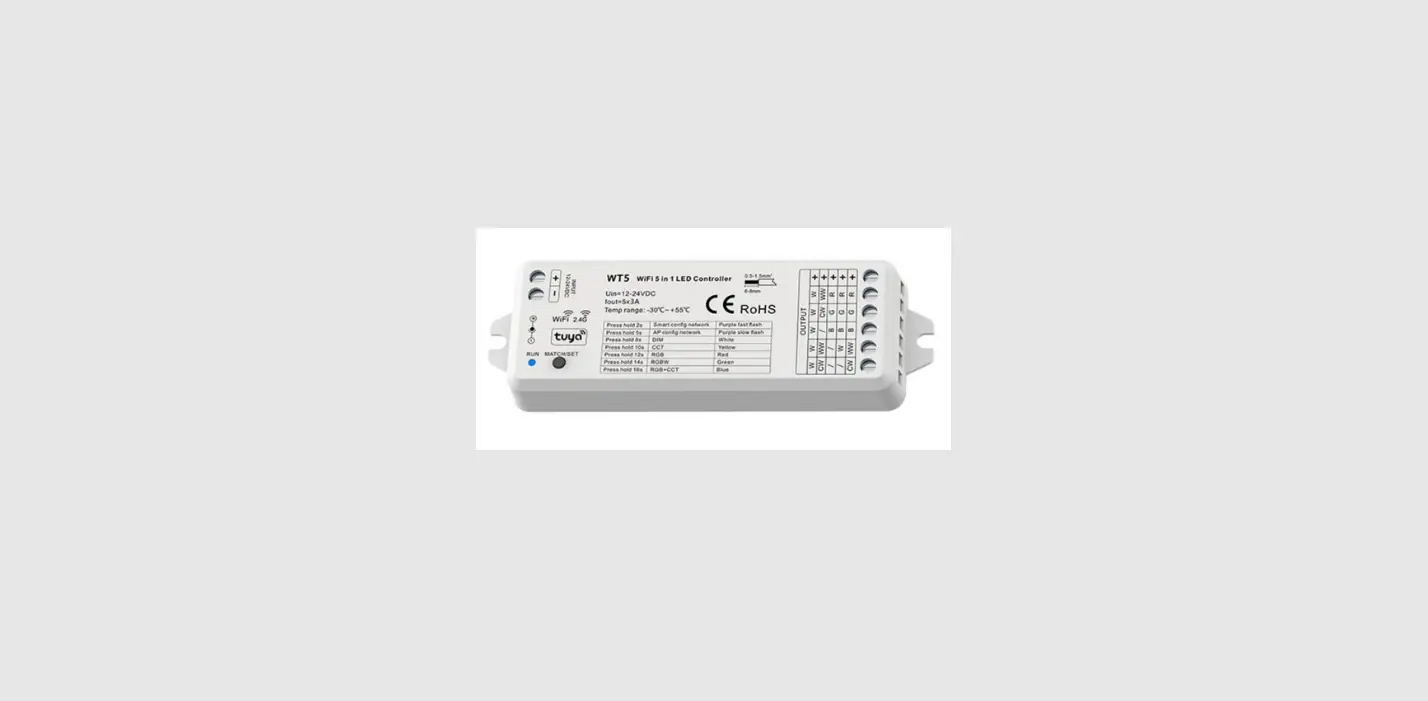
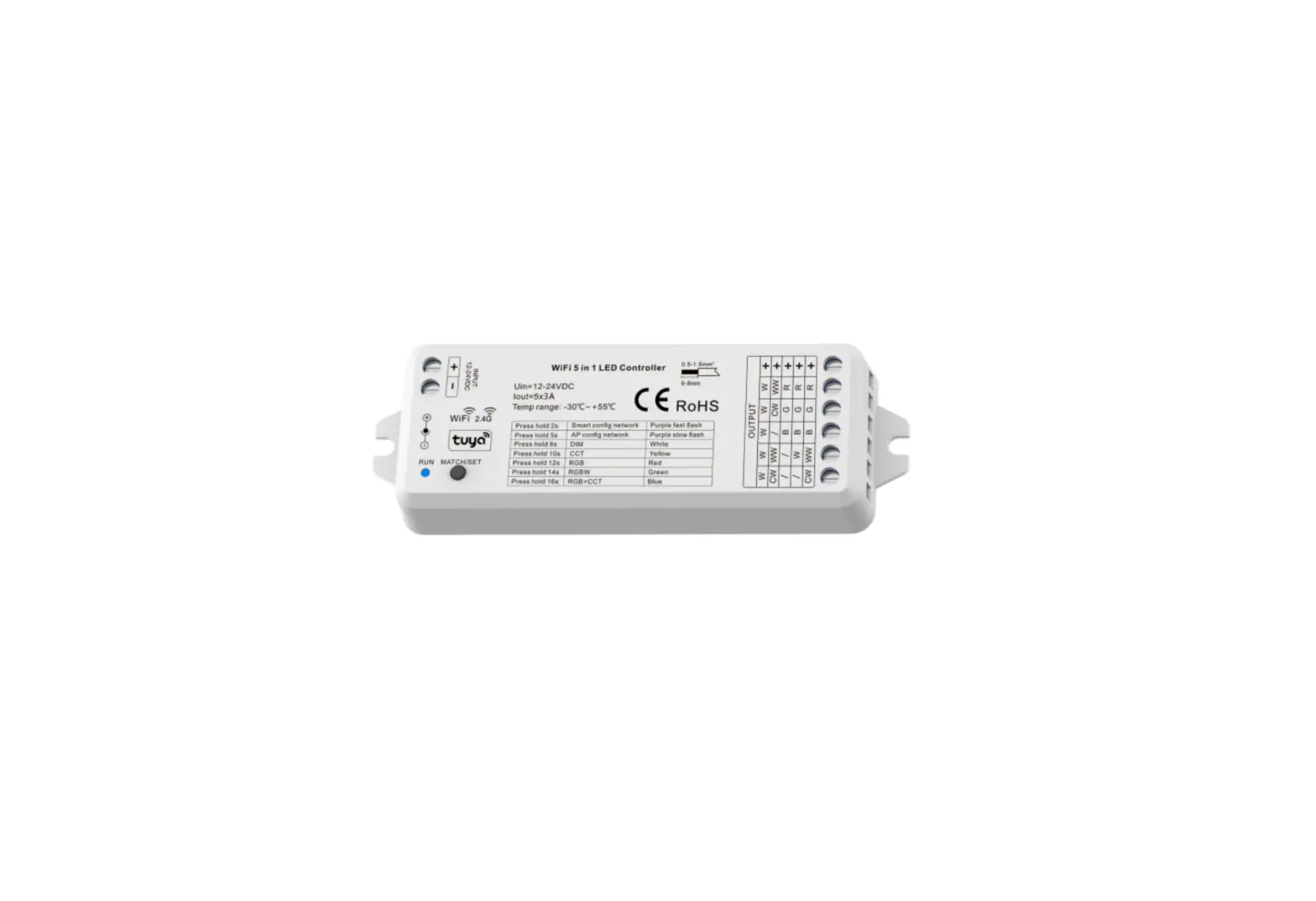
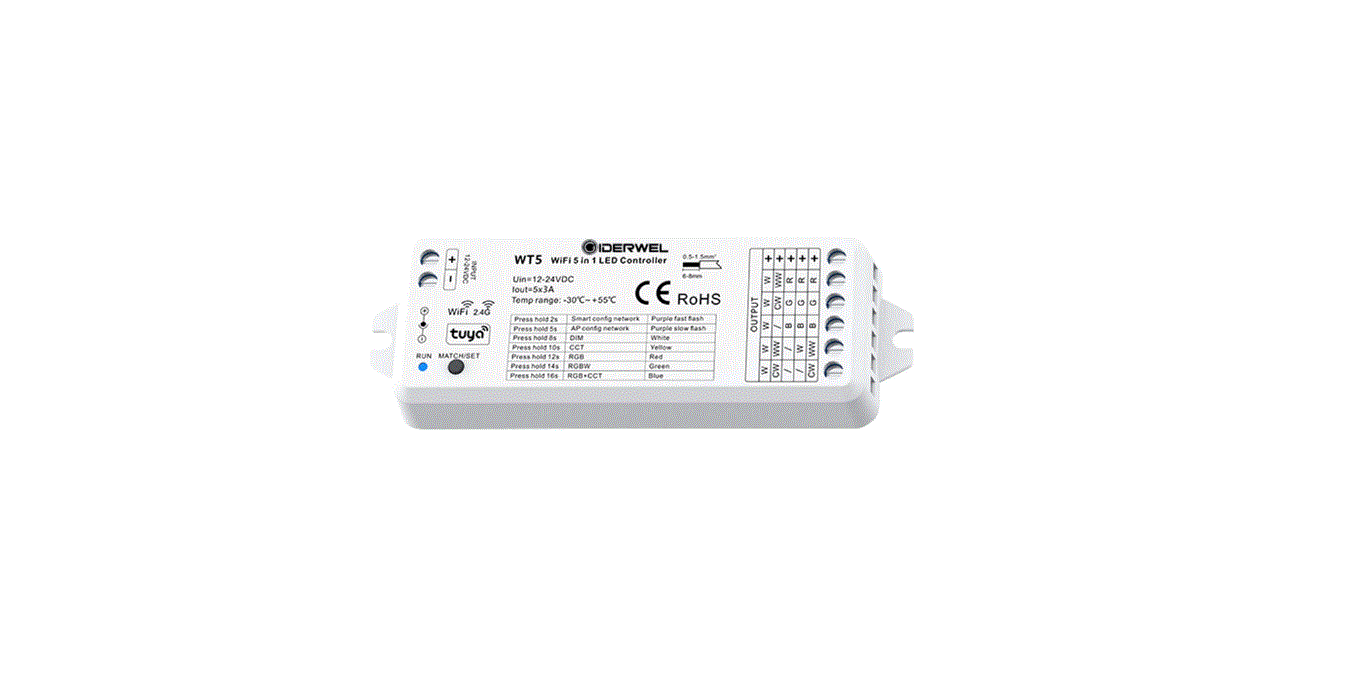
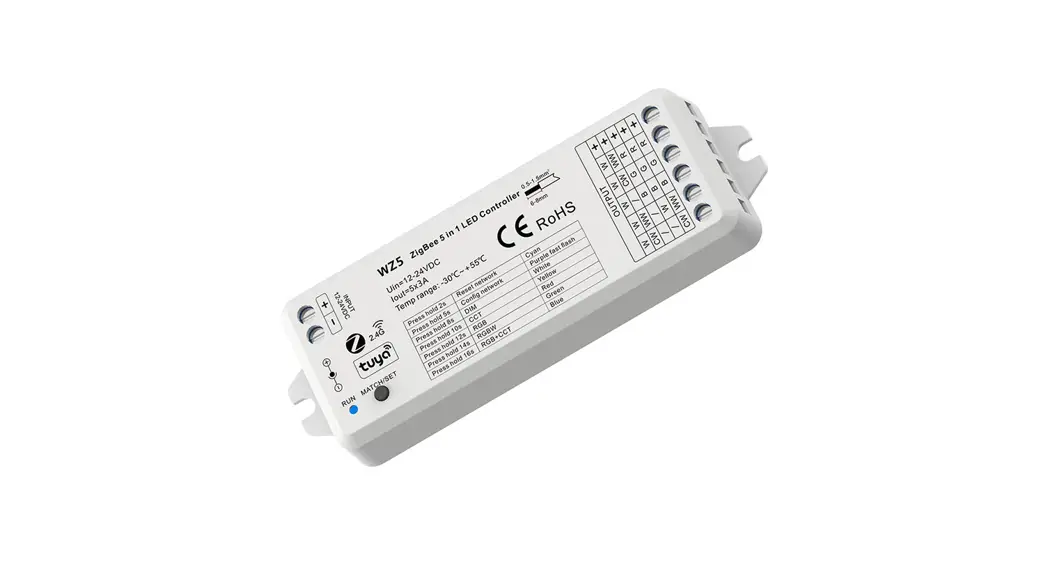
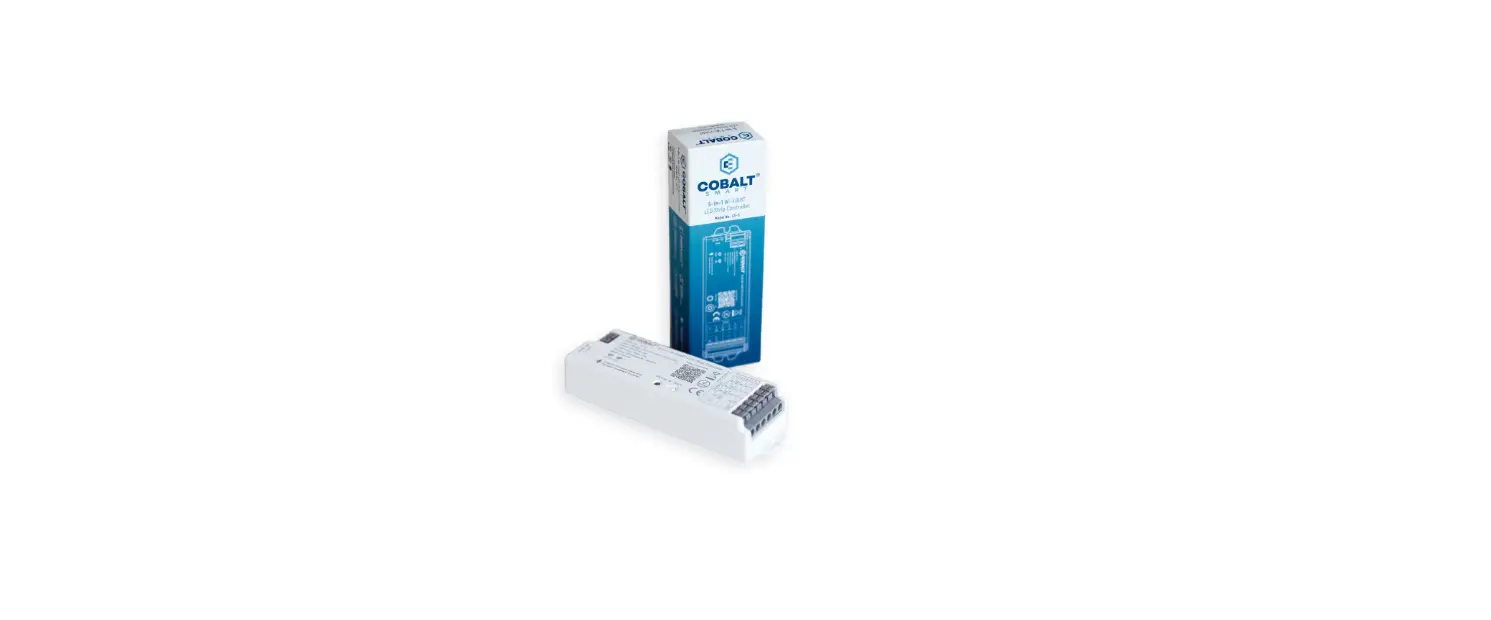
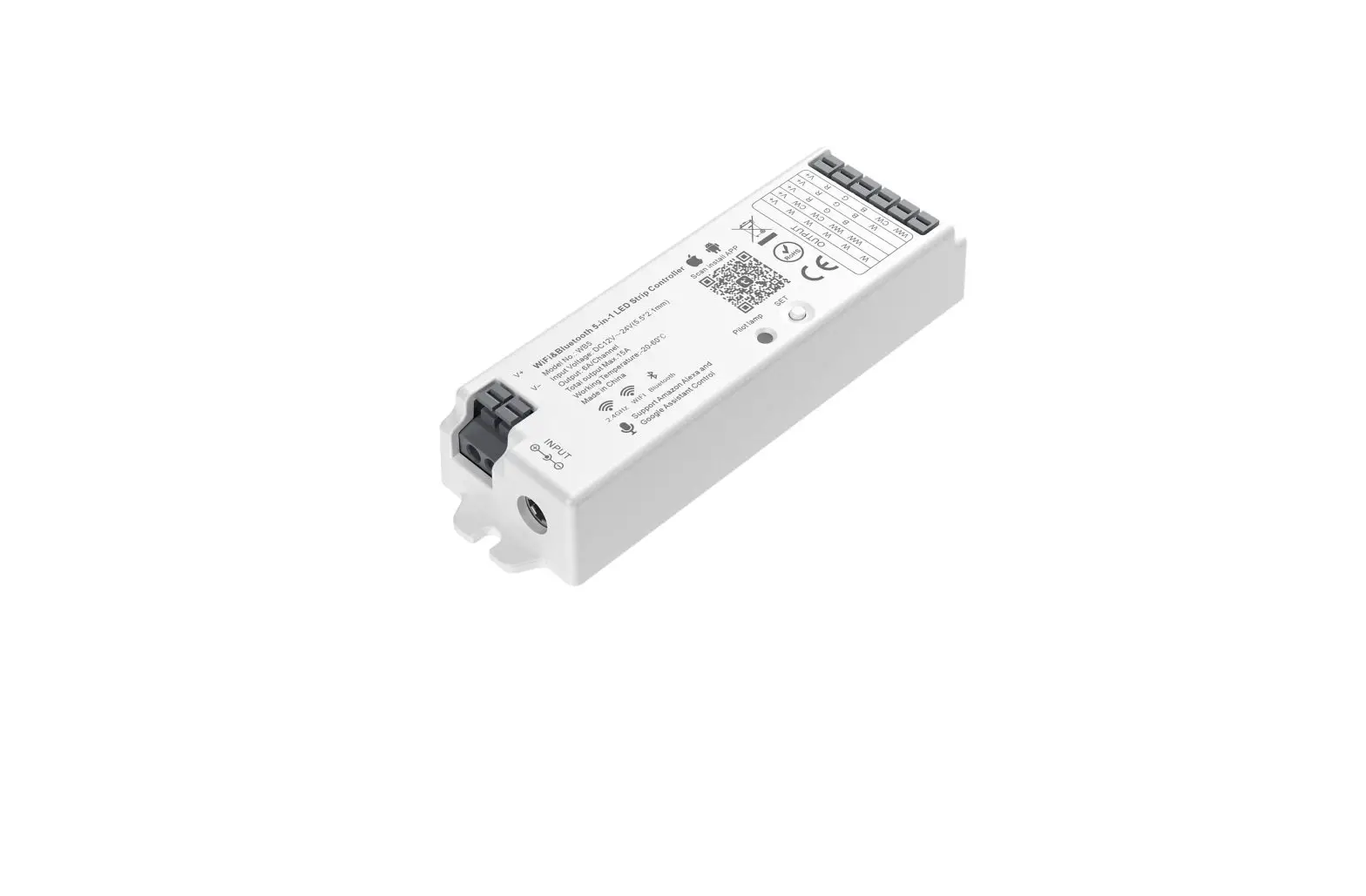
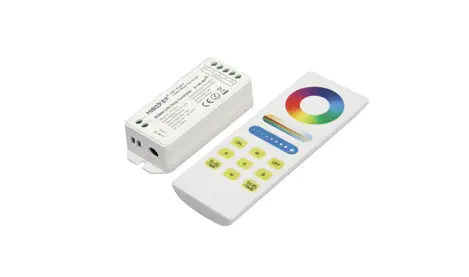
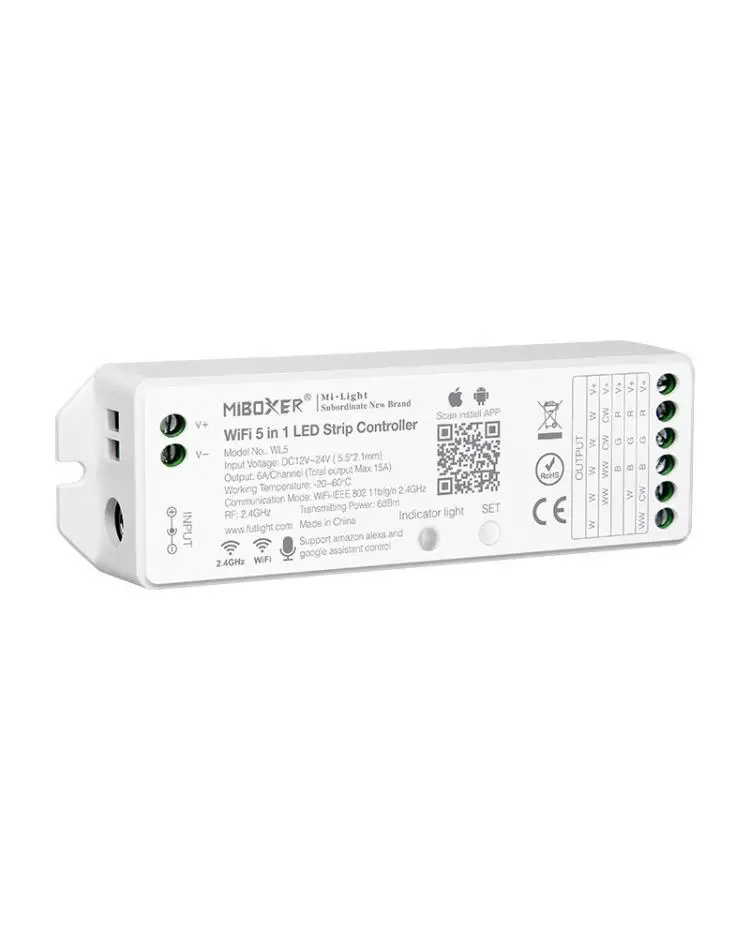
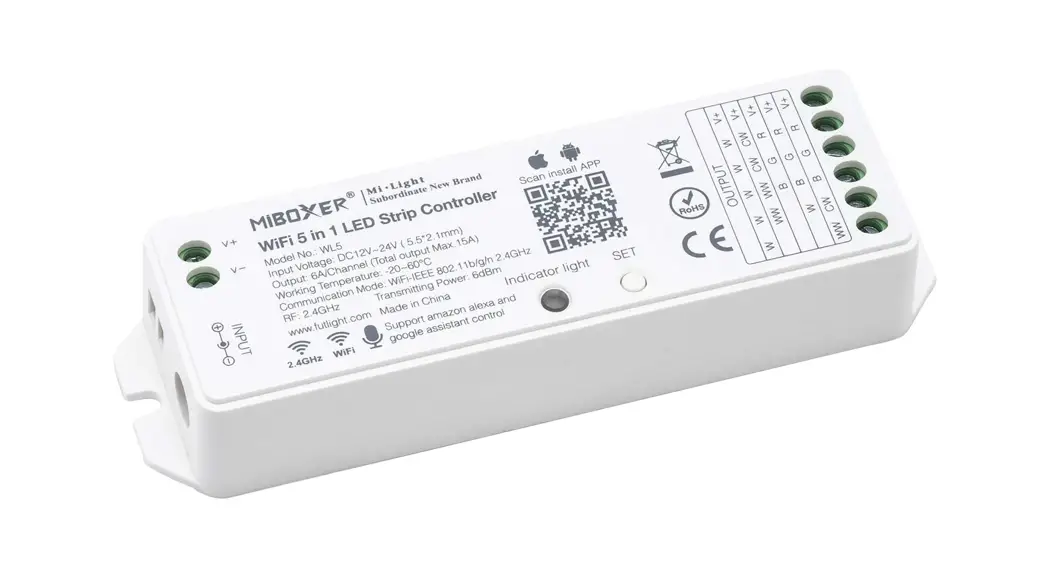
FLS-RC-WIFI and RF 5 in1 LED Controller
Product Information: WiFi & RF 5 in1 LED Controller Model
No.: FLS-RC-WIFI
The WiFi & RF 5 in1 LED Controller is a versatile product
that allows you to control your LED lights through a Tuya APP cloud
control, voice control, wireless remote control, or RF LED dimming
driver synchronously. The controller has 5 channels for controlling
1-5 colors and a DC power socket input. It has a constant voltage
output type and comes with safety and EMC certifications. The
controller has a warranty of 5 years and protection against reverse
polarity, over-heat, and short circuit.
Features:
- LVD RED
- Controller or RF LED dimming driver synchronously
Technical Parameters:
| Input and Output | |
|---|---|
| Input voltage | 12-24VDC |
| Input current | 15.5A |
| Output voltage | 5 x (12-24)VDC |
| Output current | 5CH,3A/CH |
| Output power | 5 x (36-72)W |
| Output type | Constant voltage |
| Dimming data | |
| Input signal | Tuya APP + RF 2.4GHz |
| Control distance | 30m(Barrier-free space) |
| Dimming gray scale | 4096 (2^12) levels |
| Dimming range | 0 -100% |
| Dimming curve | Logarithmic |
| PWM Frequency | 500Hz (default) |
Safety and EMC:
- EMC standard (EMC): EN55015,EN61547
- Safety standard(LVD): EN61347,EN62493
- Radio Equipment(RED): EN300 440,EN50663,EN301 489
- Certification(CE-RED): Safety+EMC+RF
Environment:
- Operation temperature: Ta: -30 OC ~ +55 OC
- Case temperature (Max.): T c: +85OC
- IP rating: IP20
Mechanical Structures and Installations:
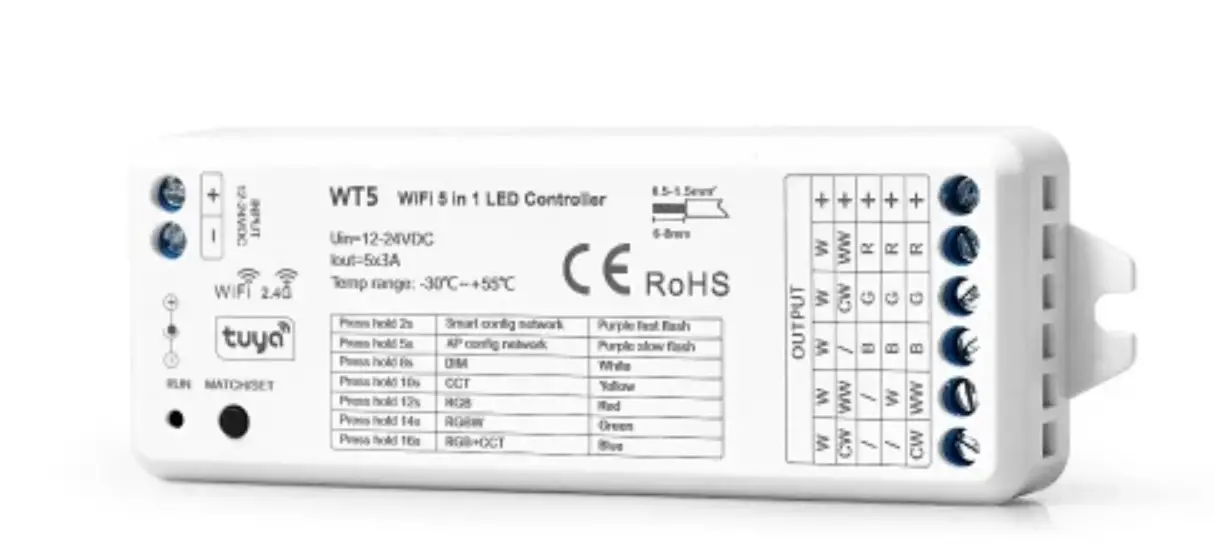
The controller has a power input + and power input -,
installation rack, DC socket input, LED indicator, and match/set
key. The output has LED +, output red LED, output green LED, output
blue LED, output warm white LED, and output cold white LED.
Warranty and Protection:
- Warranty: 5 years
- Protection: Reverse polarity, Over-heat, Short circuit
Product Usage Instructions:
- Connect the power input + and power input – to the 12-24VDC
power supply. - Connect the LED strips to the output LED +, output red LED,
output green LED, output blue LED, output warm white LED, and
output cold white LED. - If using RGB+CCT LED strips, press and hold the match/set key
for 16s until the RUN LED indicator turns blue, then release. The
controller will become RGB+CCT type. Then do smart config by Tuya
APP or short press match key to match with RGB+CCT RF remote. - If using RGBW LED strips, press and hold the match/set key for
14s until the RUN LED indicator turns green, then release. The
controller will become RGBW type. Then do smart config by Tuya APP
or short press match key to match with RGBW RF remote. - If using RGB LED strips, connect them to the output LED +,
output red LED, output green LED, and output blue LED. - Download Tuya APP and connect the controller to your WiFi
router (2.4GHz band only). - You can now control your LED lights through the Tuya APP cloud
control, voice control, wireless remote control, or RF LED dimming
driver synchronously.
WiFi & RF 5 in1 LED Controller Model No.: FLS-RC-WIFI
Tuya APP cloud control/Voice control/5 Channels/1-5 color/DC power socket input/Wireless remote control
Features
LVD RED
5 in 1 function, used for control RGB, RGBW, RGB+CCT, color temperature or single color LED strip. DC power socket input and 5 channel constant voltage output. Tuya APP cloud control, support on/off, RGB color, color temperature and brightness adjust, delay turn on/off light, timer run, scene and music play function. Voice control, support amazon ECHO and TmallGenie smart speaker. Match with RF 2.4G remote control optional. User need set light type by press key before Tuya APP network connection and match RF remote of the same light type. Each WIFI Receiver controller can also work as WiFi-RF converter, then use Tuya APP to control one or more RF LED
controller or RF LED dimming driver synchronously.
Technical Parameters
Input and Output Input voltage Input current Output voltage Output current Output power Output type
Dimming data Input signal Control distance Dimming gray scale Dimming range Dimming curve PWM Frequency
12-24VDC 15.5A 5 x (12-24)VDC 5CH,3A/CH 5 x (36-72)W Constant voltage
Tuya APP + RF 2.4GHz 30m(Barrier-free space) 4096 (2^12) levels 0 -100% Logarithmic 500Hz (default)
Safety and EMC
EMC standard (EMC) Safety standard(LVD) Radio Equipment(RED) Certification(CE-RED)
EN55015,EN61547 EN61347,EN62493 EN300 440,EN50663,EN301 489 Safety+EMC+RF
Environment Operation temperature Case temperature (Max.) IP rating
Ta: -30 OC ~ +55 OC T c: +85OC IP20
Warranty and Protection
Warranty
5 years
Protection
Reverse polarity Over-heat Short circuit
User Manual Ver 1.0.3
Page 1
Mechanical Structures and Installations
Power input + Power input –
–
+
INPUT 12-24VDC
Installation rack DC socket input LED indicator
Match/Set key
+ R UN M AT CH/SET
114.00 mm
WW W CW WW /
//B /WB CW WW B
WW CW WW GR GR GR
Output LED + Output Red LED Output Green LED Installation rack Output Blue LED Output Warm White LED Output Cold White LED –
20.00 mm
38.00 mm
Systemwiring
3G/4G/5G WiFi
Tuya Cloud
WiFi
15m
Mobile Phone
WiFi Router
30m
DIM
RFDIM Controller
DIM
30m
Amazon ECHO 30m
RFRemote(Optional)
SCENE SCENE SCENE SCENE
POWER MODE BRT/SPEED WHITE
PanelRFRemote(Optional)
30m
CCT
RFCCT Controller
CCT
30m
RGB 30m
RFRGB Controller
RGB
RGBW
30m
RFRGBW Controller RGBW
RGB+CCT FLS-RC-WIFI
RFRGB+CCT Controller RGB+CCT (Optional)
Wired connection Wireless connection
Note: 1. Theabove distance is measured in spacious(noobstacle) environment,
Please refer to the actual test distance before installation. 2. PleasecheckiftheWiFi routernetin2.4Gband, the5Gband isnotavailable, and donothideyourrouternetwork. 3. Pleasekeepthedistancebetween FLS-RC-WIFI devicesandrouterclose, andchecktheWiFisignals.
Page 2
Wiring Diagram
For RGB+CCT
FLS-RC-WIFI WiFi & RF 5 in 1 LED Controller
AC100-240V RGB+CCT remote
Power Supply 12-24VDC Constant Voltage
+ R UN M AT CH/SET
INPUT 12-24VDC
+
WW W W W CW WW / CW WW
/ / BGR /WB GR CW WW B G R
RGB+CCT LED strip
WW CW
Press and hold match/set key for 16s, until the RUN LED indicator turn blue, then release, the controller will become RGB+CCT type, then do smart config by tuya APP, or short press match key to match with RGB+CCT RF remote.
For RGBW
+
WW W W W CW WW / CW WW
/ / BGR /WB GR CW WW B G R
AC100-240V
Power Supply
12-24VDC
Constant Voltage
+
INPUT 12-24VDC
W
RGBW LED strip
R UN M AT CH/SET
RGBW remote
Press and hold match/set key for 14s, until the RUN LED indicator turn green, then release, the controller will become RGBW type, then do smart config by tuya APP, or short press match key to match with RGBW RF remote.
For RGB
+
WW W W W CW WW / CW WW
/ / BGR /WB GR CW WW B G R
AC100-240V
Power Supply
12-24VDC
Constant Voltage
+
INPUT 12-24VDC
RGB LED strip
RGB remote
R UN M AT CH/SET
Press and hold match/set key for 12s, until the RUN LED indicator turn red, then release, the controller will become RGB type, then do smart config by tuya APP, or short press match key to match with RGB RF remote.
For dual color CCT
AC100-240V CCT remote
Power Supply 12-24VDC Constant Voltage
+ R UN M AT CH/SET
INPUT 12-24VDC
+
WW W W W CW WW / CW WW
/ / BGR /WB GR CW WW B G R
+
CW WW
Dual color LED strip
+
CW WW
Dual color LED strip
Press and hold match/set key for 10s, until the RUN LED indicator turn yellow, then release, the controller will become CCT type, then do smart config by tuya APP, or short press match key to match with CCT RF remote.
For single color
+
WW W W W CW WW / CW WW
/ / BGR /WB GR CW WW B G R
Power Adapter 12-24VDC
+
INPUT 12-24VDC
Single color LED strip
+
R UN M AT CH/SET
Single color LED strip
+
Dimming remote
Press and hold match/set key for 8s, until the RUN LED indicator turn white, then release, the controller will become DIM type, then do smart config by tuya APP, or short press match key to match with dimming RF remote.
Note: User can connect constant voltage power supply or power adapter as power input.
Page 3
Tuya APP network connection
Press and hold Match/Set key for 2s, or push twice Match/Set key fastly, or when press and hold Match/Set key for 8-16s to set 5 kinds light type: Clear previous network connection, enter Smart config mode, the purple LED indicator fast flash. Press and hold Match/Set key for 5s: Clear previous network connection, enter AP config mode, the purple LED indicator fast slow. If smart config failed, please try AP config. If Tuya APP network connection succeed, the RUN LED indicator will stop flash purple, and turn corresponding light type color (White: DIM, Yellow: CCT, Red: RGB, Green: RGBW, Blue: RGB+CCT). and in Tuya APP, you can find SKYDANCE-RGB+CCT device (or other DIM, CCT, RGB or RGBW).
Tuya APP interface
White interface For DIM type: Touch brightness slide to adjust brightness. For RGB type: Touch brightness slide, get RGB mixed white firstly, then to adjust white brightness. For RGBW type: Touch brightness slide, adjust white channel brightness.
Color temperature interface For CCT type: Touch color wheel to adjust color temperature. Touch brightness slide to adjust brightness. For RGB+CCT type: Touch color wheel to adjust color temperature, RGB will turn off automatically. Touch brightness slide to adjust white brightness.
Page 4
Colour interface For RGB or RGBW type: Touch color wheel to adjust static RGB color. Touch brightness slide to adjust color brightness. Touch saturation slide to adjust color saturation, namely gradient from the current color to white(RGB mixed). For RGB+CCT type: Touch color wheel to adjust static RGB color, WW/CW will turn off automatically. Touch brightness slide to adjust color brightness. Touch saturation slide to adjust color saturation, namely gradient from the current color to white (RGB mixed).
Scene interface The 1-4 scene is static color for all light type. the inner color of these scene can be editable. The 5-8 scene is dynamic mode for RGB, RGBW, RGB+CCT type, such as green fade in and fade out, RGB jump, 6 color jump, 6 color smooth.
Music, Timer, Schedule The music play can use smart phone music player or micro-phone as music signal input. The Timer key can turn on or turn off light in the next 24 hours. The Schedule key can add multiple timers to turn on or turn off light according to different time periods.
Page 5
FLS-RC-WIFI WiFi & RF 5 in 1 LED Controller
WIFI RECEIVER match remote control (Optional)
End user can choose the suitable match/delete ways. Two options are offered for selection:
Use the WIFI Receiver’s Match key Match: Short press match key of FLS-RC-WIFI, immediately press on/off key (single zone remote) or zone key (multiple zone remote) on the remote. The LED indicator fast flash a few times means match is successful.
Delete: Press and hold match key of FLS-RC-WIFI for 20s, The LED indicator fast flash a few times means all matched remotes were deleted.
Use Power Restart
Match: Switch off the power of FLS-RC-WIFI, then switch on power again, immediately short press on/off key (single zone remote) or zone key (multiple zone remote) 3 times on the remote. The light blinks 3 times means match is successful.
.Delete: Switch off the power of FLS-RC-WIFI, then switch on power again, immediately short press on/off key (single zone remote) or zone key (multiple zone remote) 5 times on the remote. The light blinks 5 times means all matched remotes were deleted.
WIFI RECEIVER can work as WiFi-RF converter to match RF LED controller or dimming driver
End user can choose the suitable match/delete ways. Two options are offered for selection:
Use the controller’s Match key Match: Short press match key of the controller, immediately press on/off key on the Tuya APP. The LED indicator fast flash a few times means match is successful.
Delete: Press and hold match key of the controller for 5s, The LED indicator fast flash a few times means match was deleted.
Use Power Restart
Match: Switch off the power of the controller, then switch on power again, immediately short press on/off key 3 times on the Tuya APP. The light blinks 3 times means match is successful.
. Delete: Switch off the power of the controller, then switch on power again, immediately short press on/off key 5 times on the Tuya APP. The light blinks 5 times means match was deleted.
Dynamic mode list
For RGB/RGBW:
No.
Name
1
RGB jump
2
RGB smooth
3
6 color jump
4
6 color smooth
5
Yellow cyan purple smooth
For RGB+CCT:
No.
Name
1
RGB jump
2
RGB smooth
3
6 color jump
4
6 color smooth
5
Color temperature smooth
No. 6 7 8 9 10
No. 6 7 8 9 10
Page 6
Name RGB fade in and out Red fade in and out Green fade in and out Blue fade in and out White fade in and out
Name RGB fade in and out Red fade in and out Green fade in and out Blue fade in and out White fade in and out