1. Wi-Fi Network: Credentials
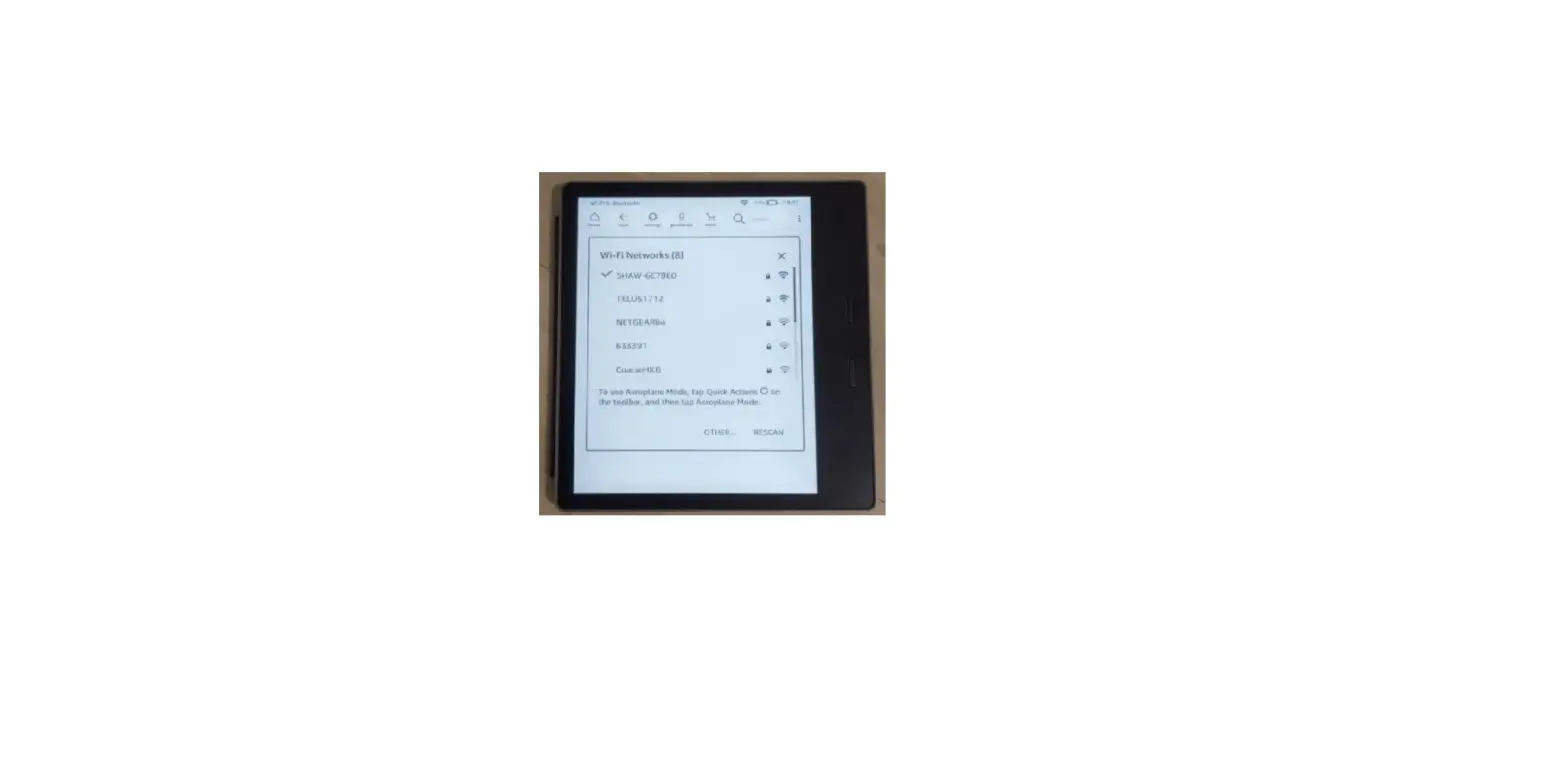
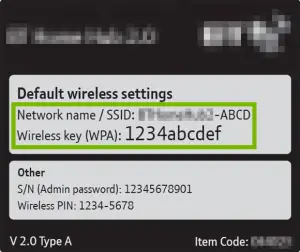
In order to connect to a wireless network, you must have the required credentials. These are:
- Wireless Network Name (SSID)
- Wireless Network Key (Password)
Finding Network Credentials
Most wireless routers/gateways have a label with the default credentials. If the credentials aren’t there, look in the devices documentation.
2. Amazon Fire TV: Connect Network
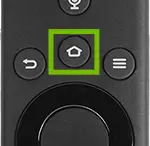
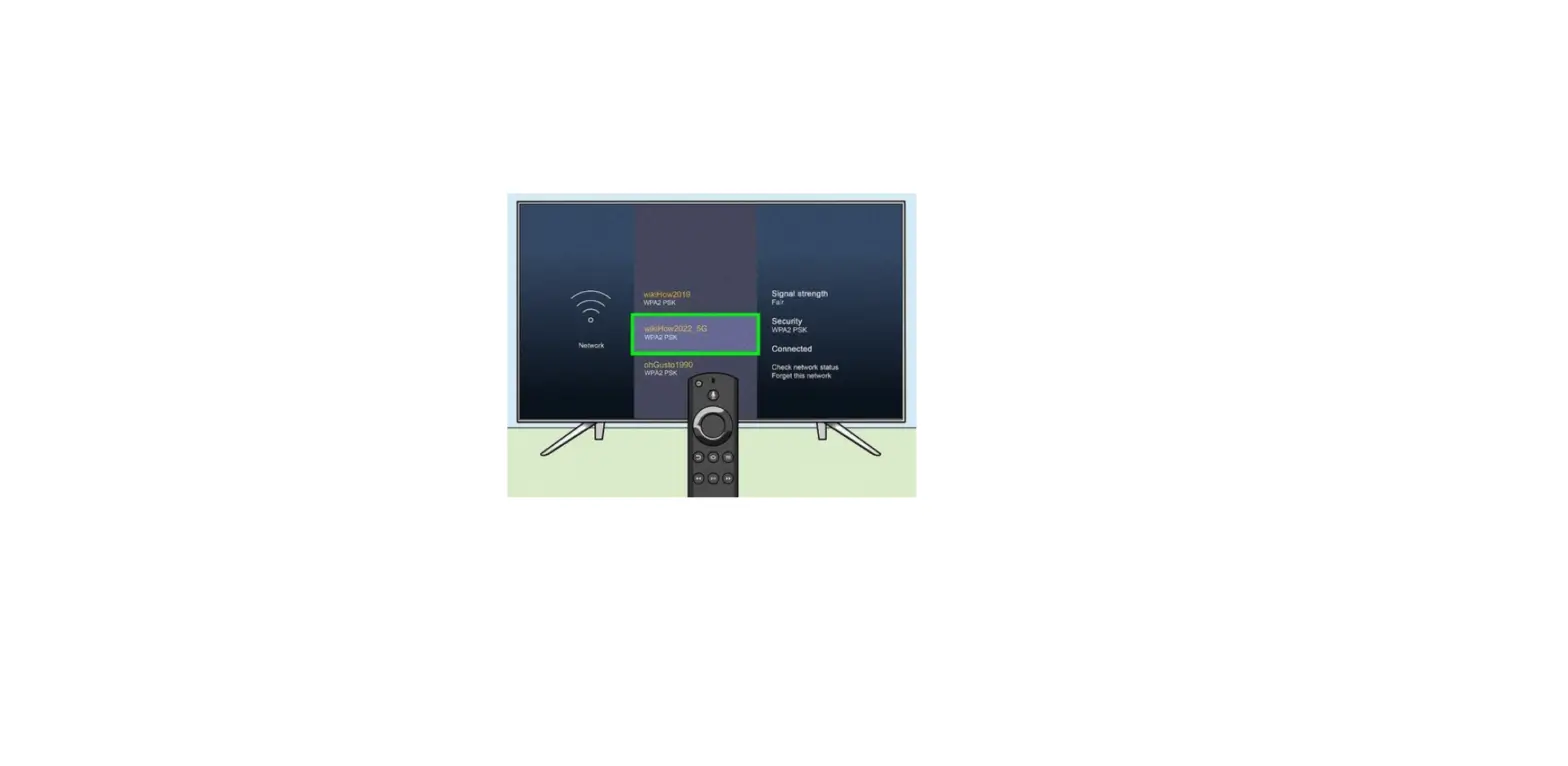
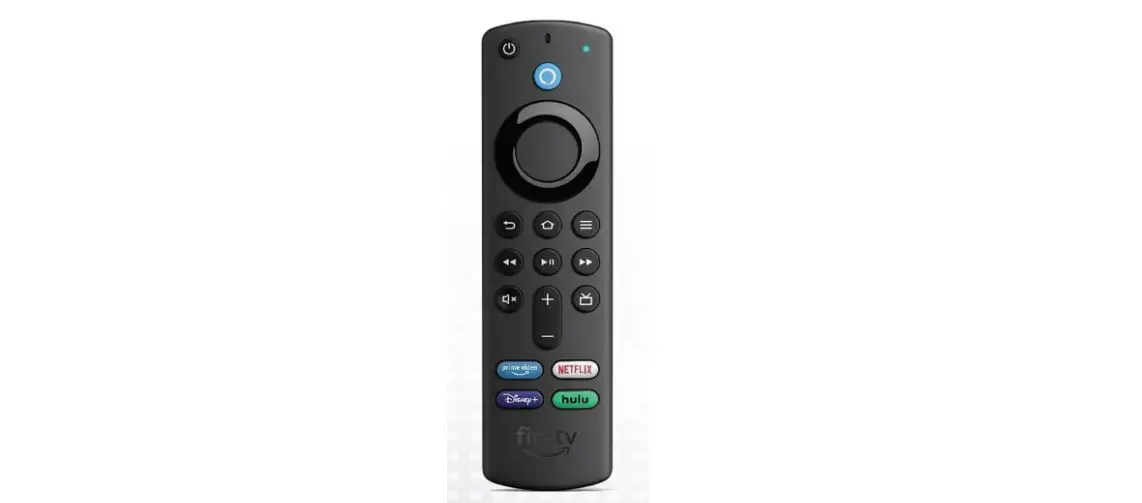
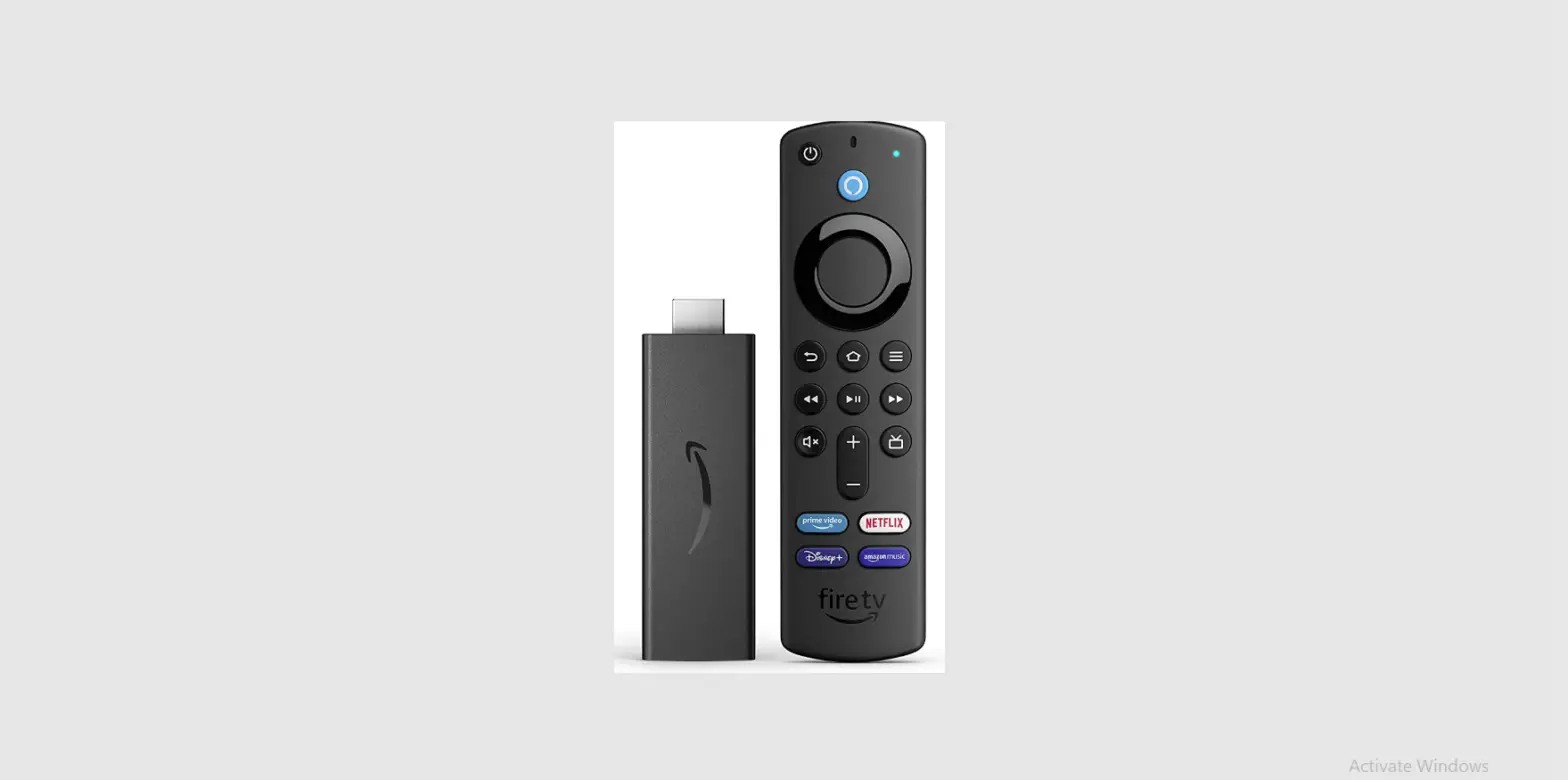
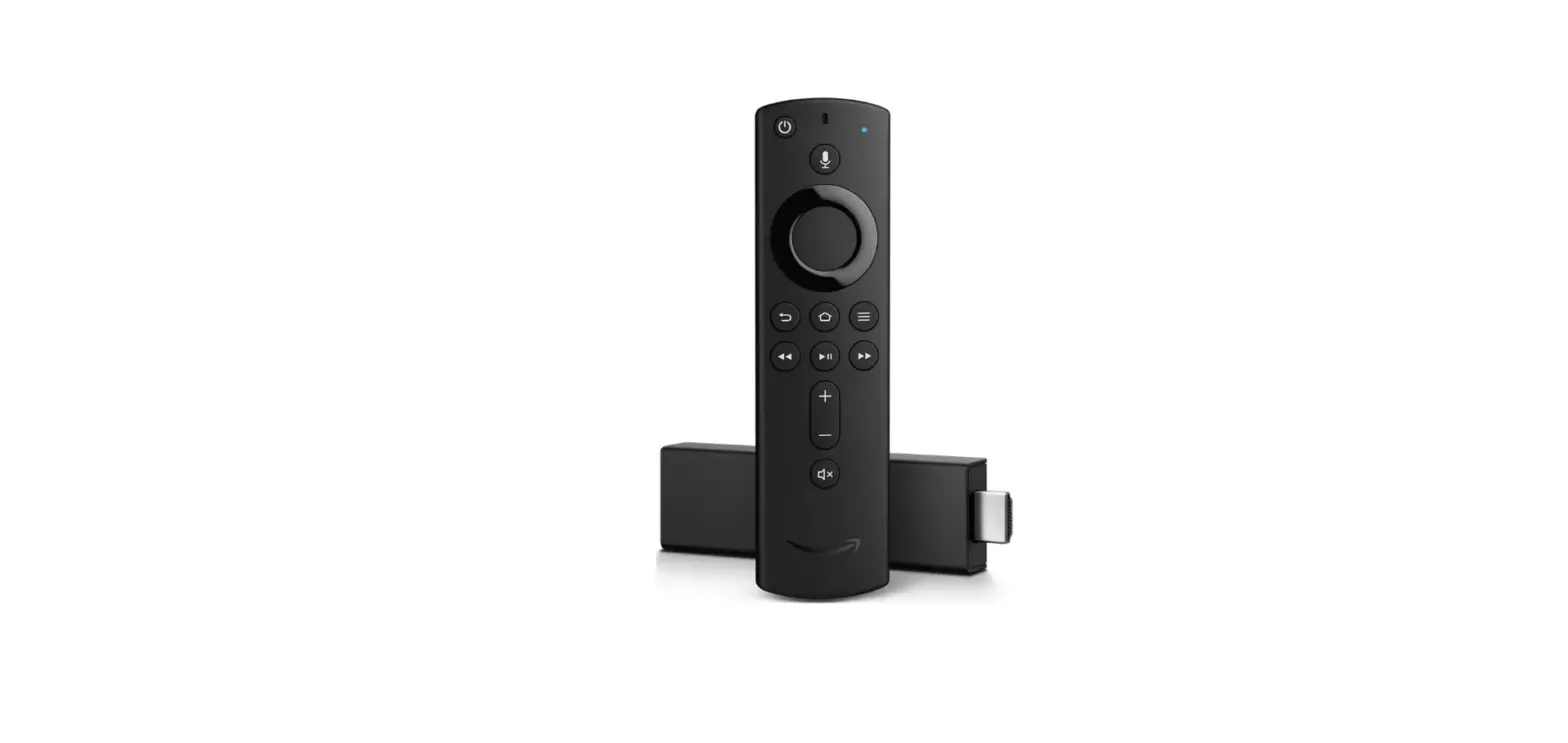
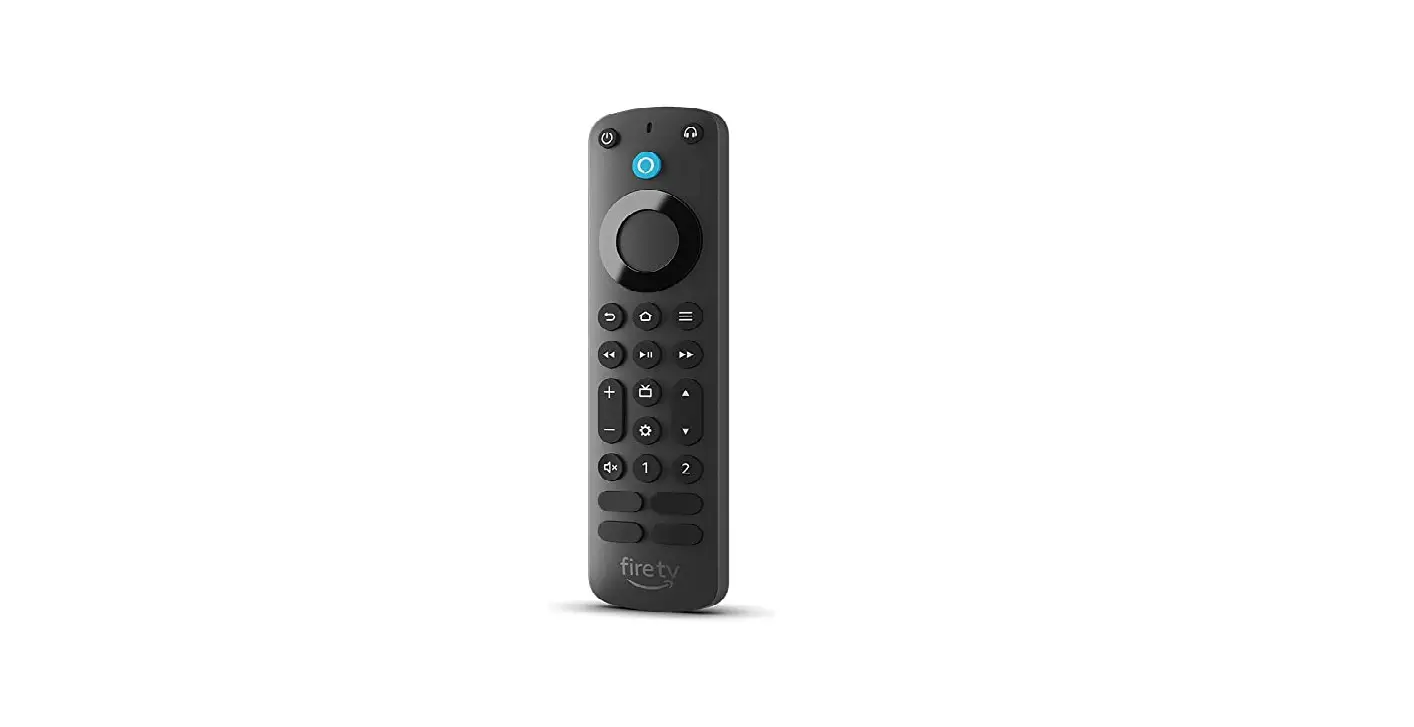
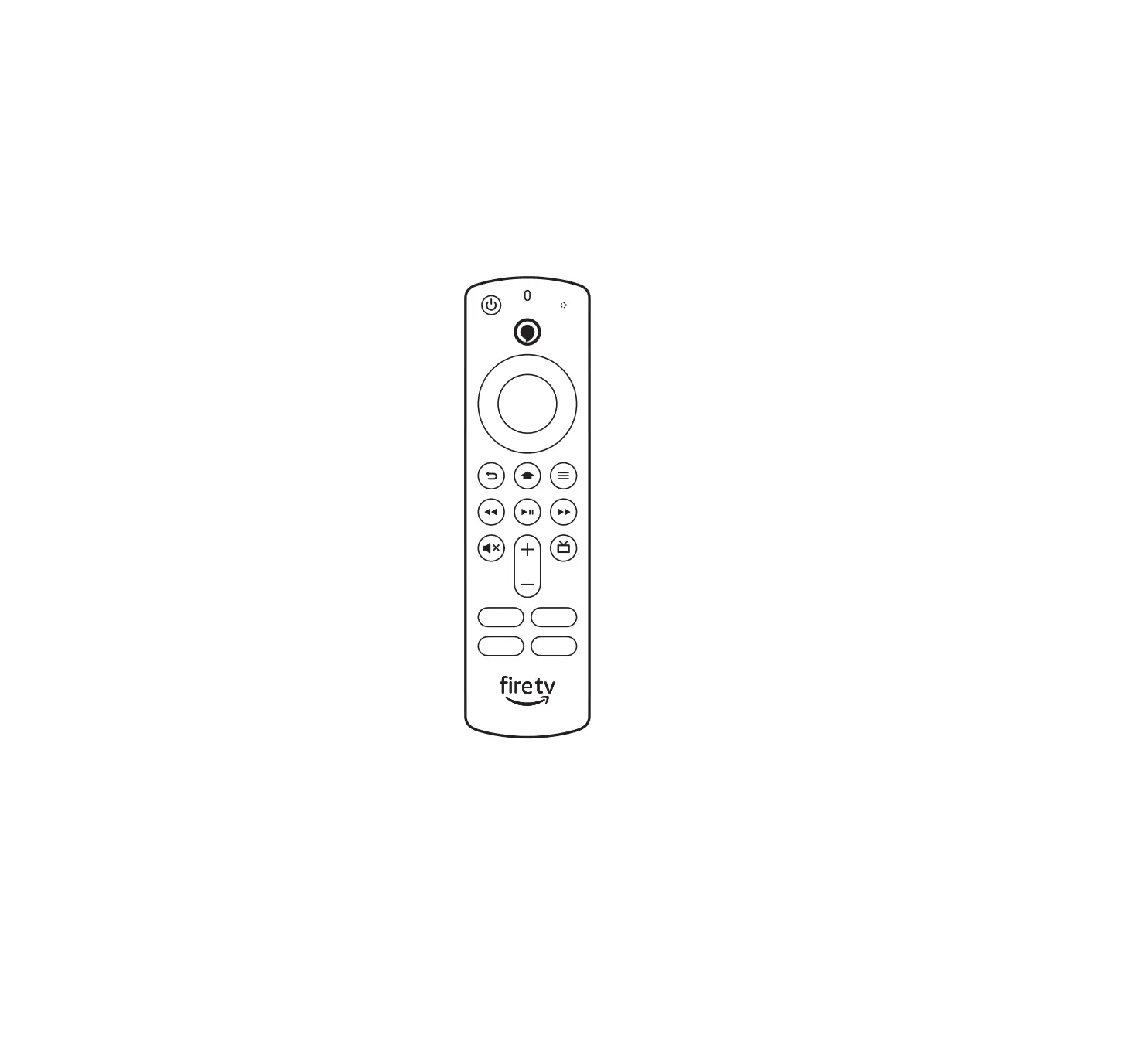
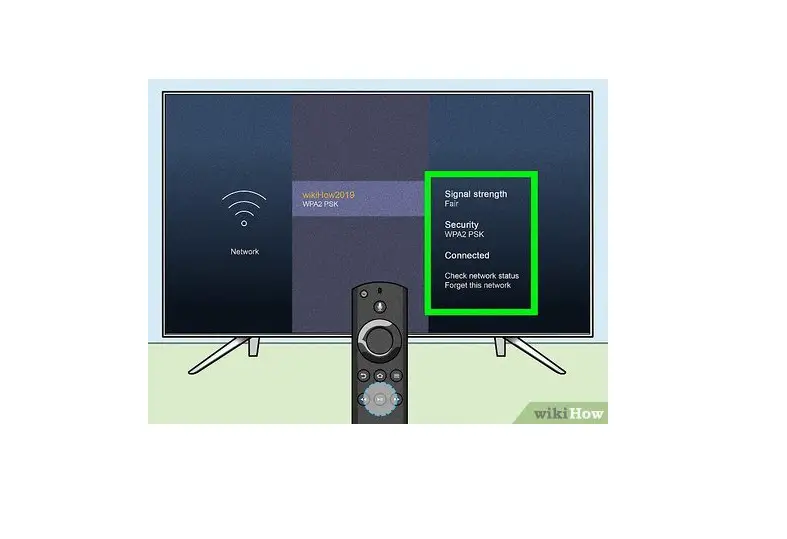
- Push the Home button on your remote.

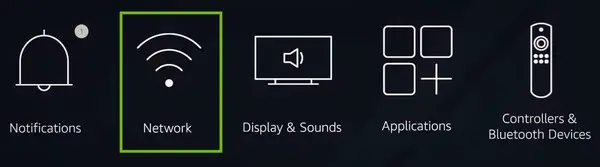
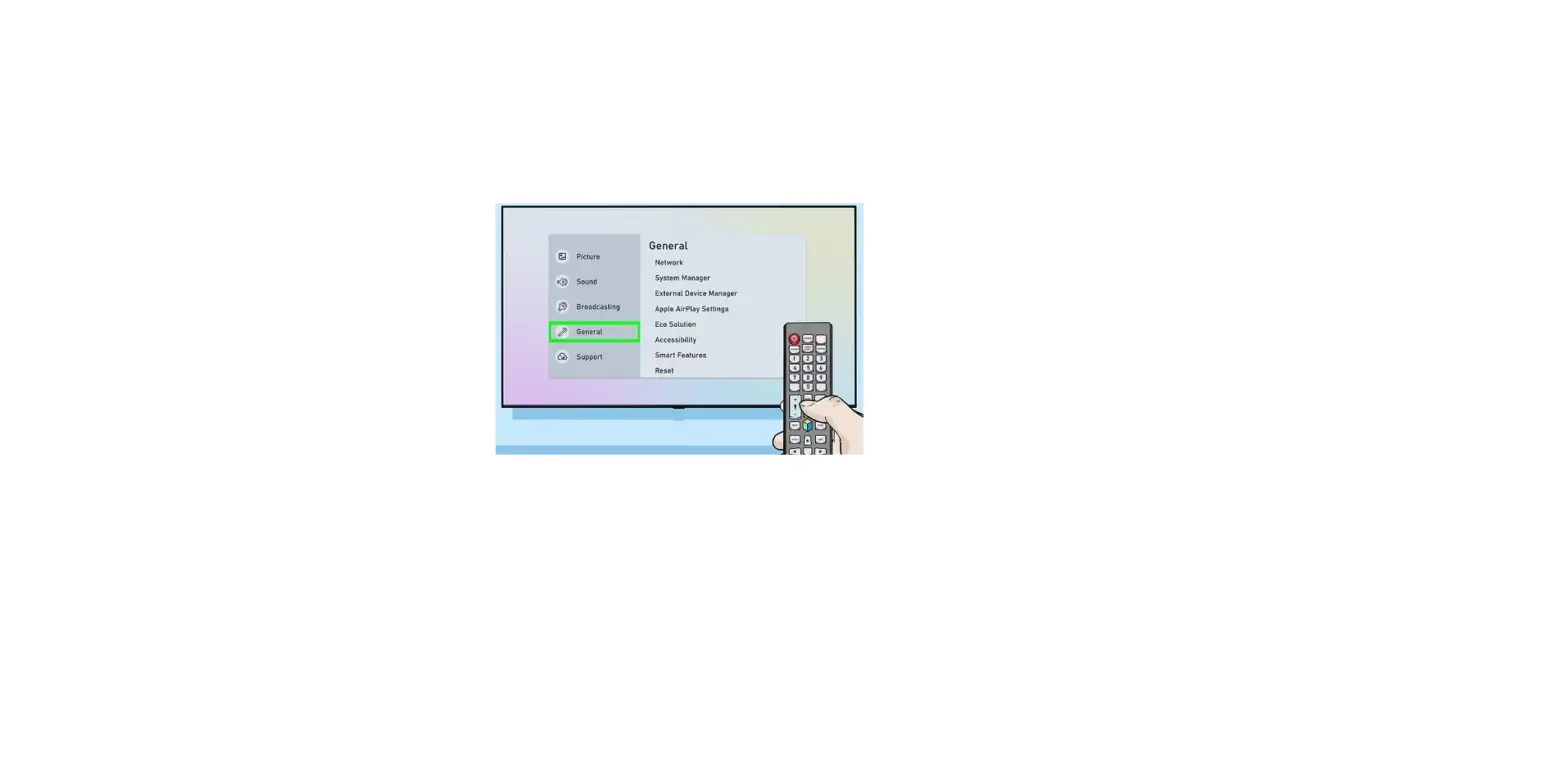
- Select Settings.

- Select Network.

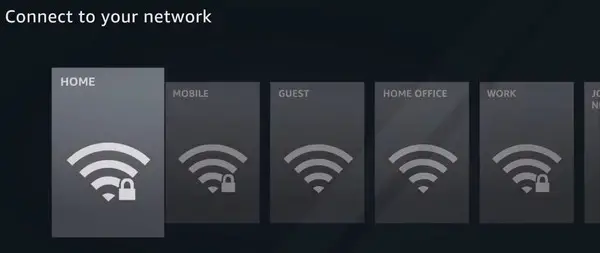
- Select your network name.

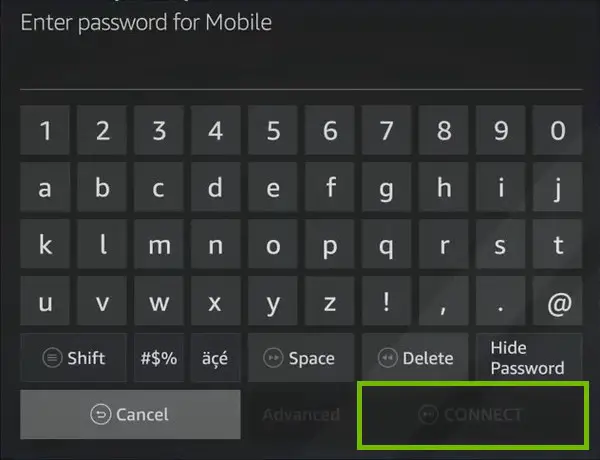
- Enter your password, then select Connect.