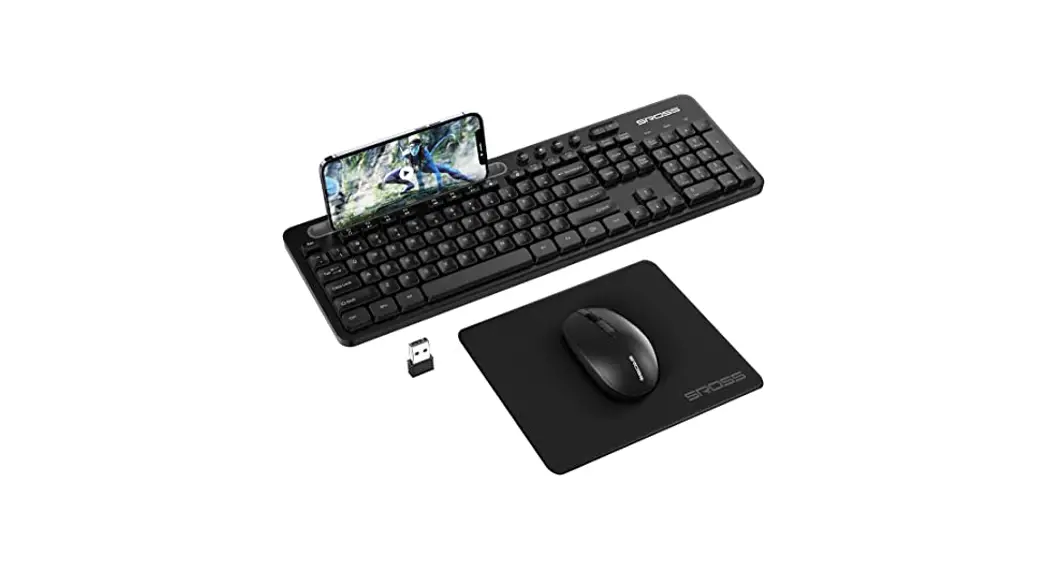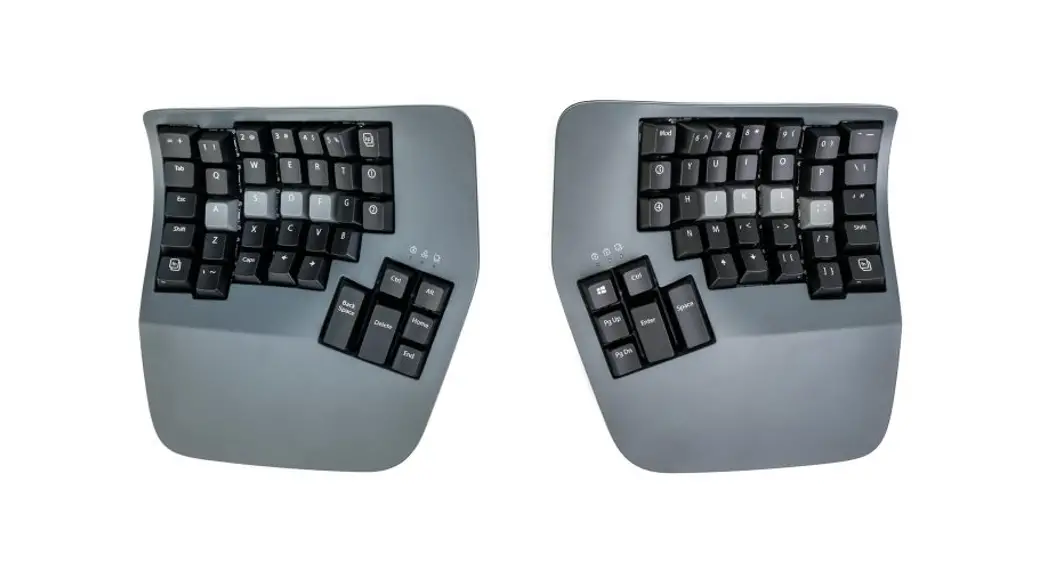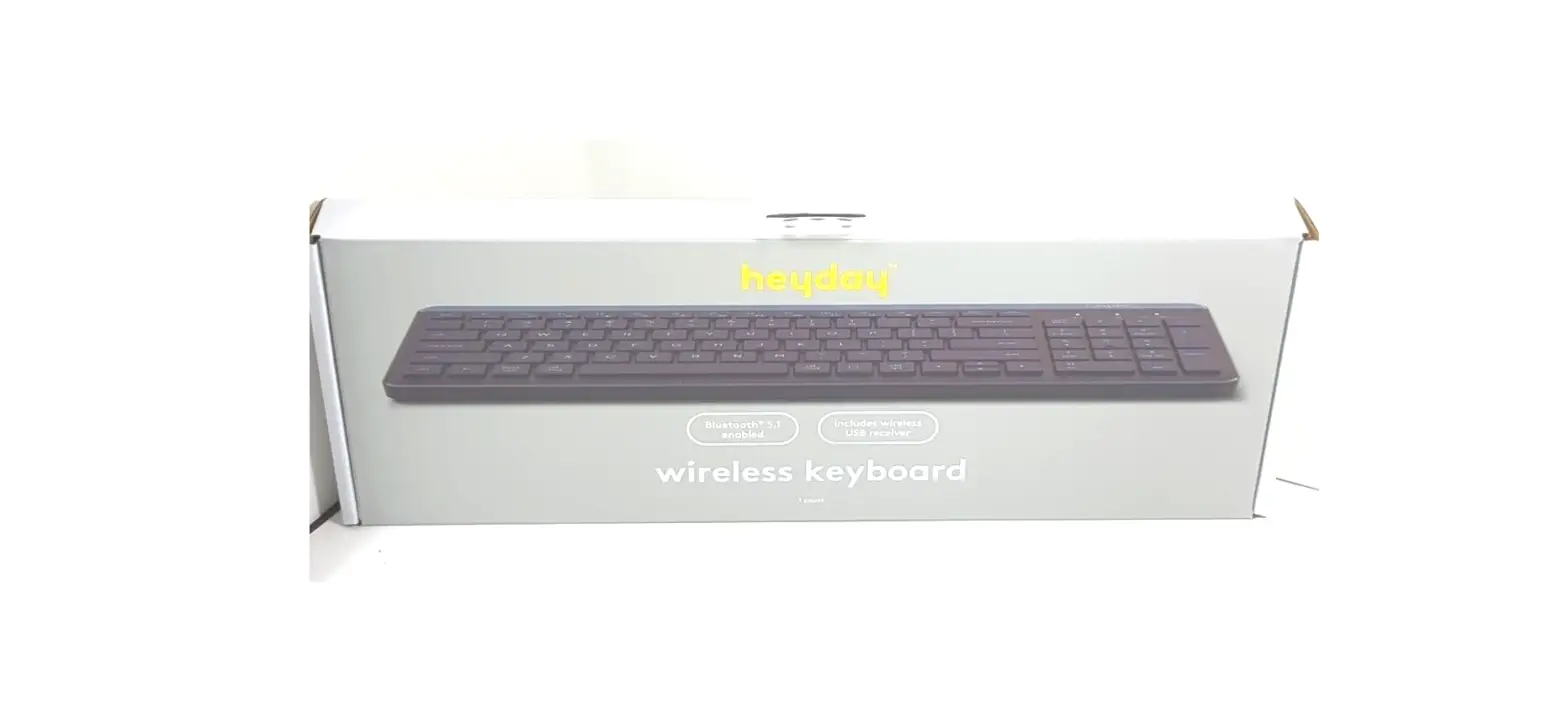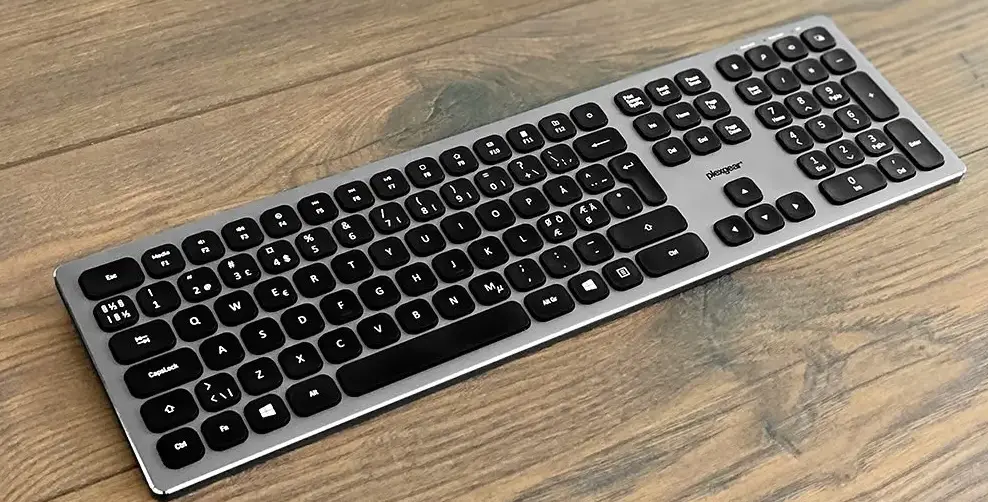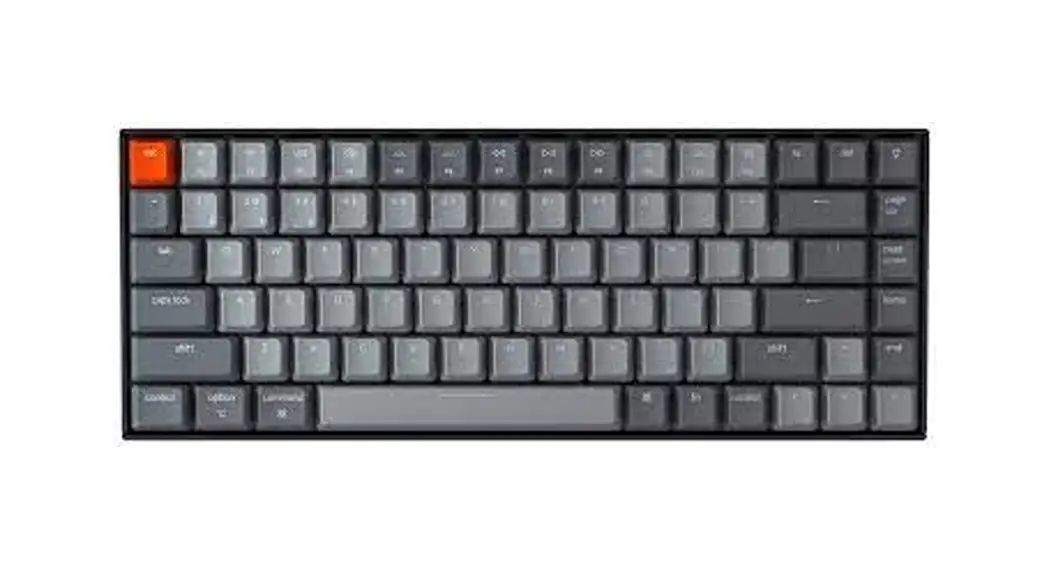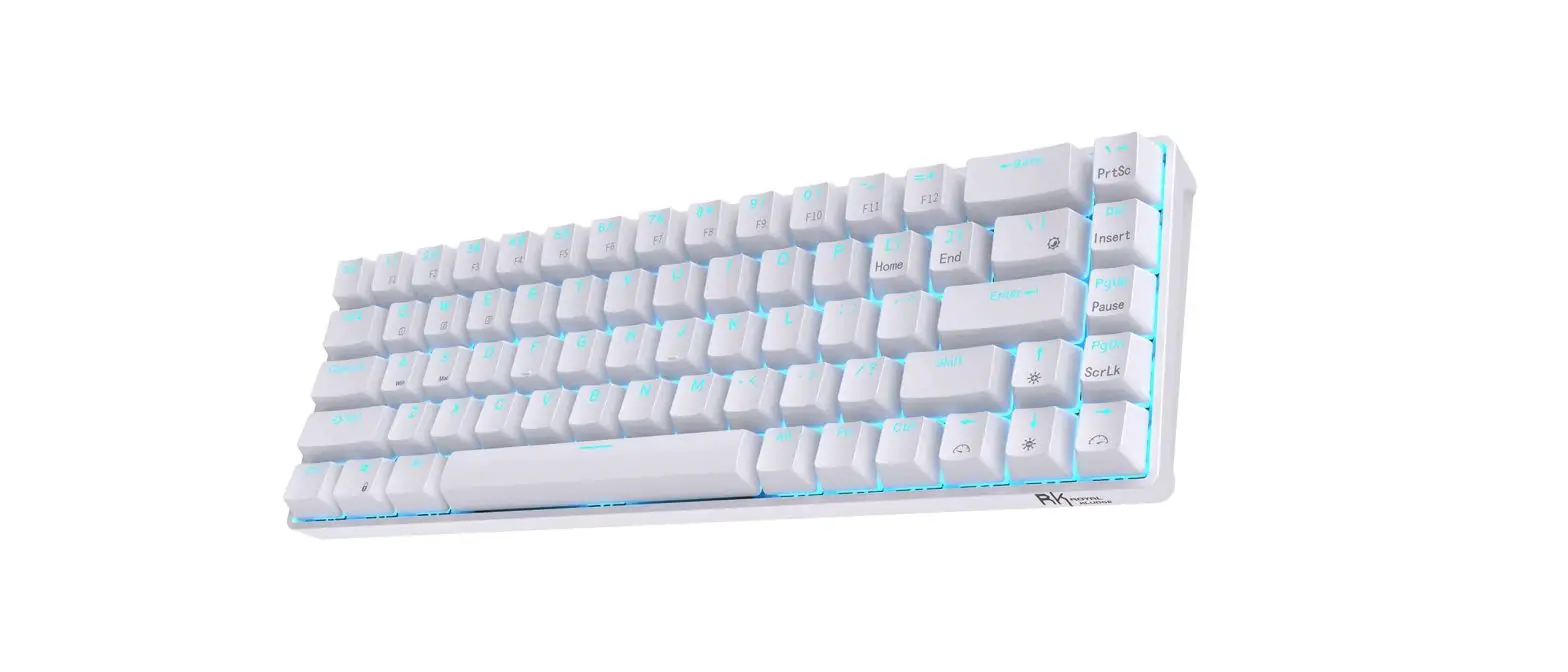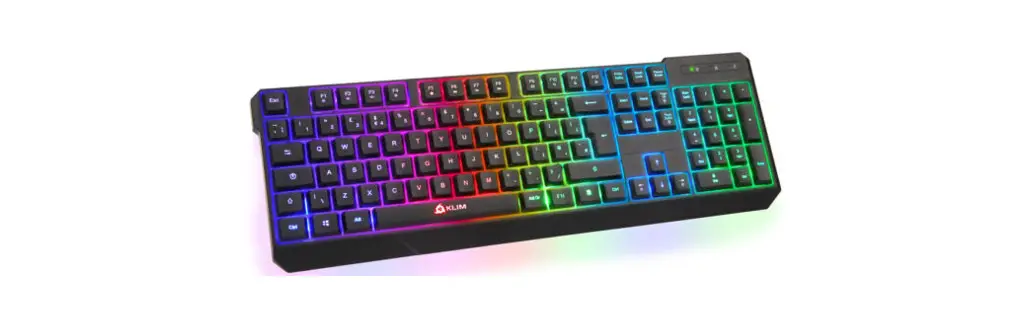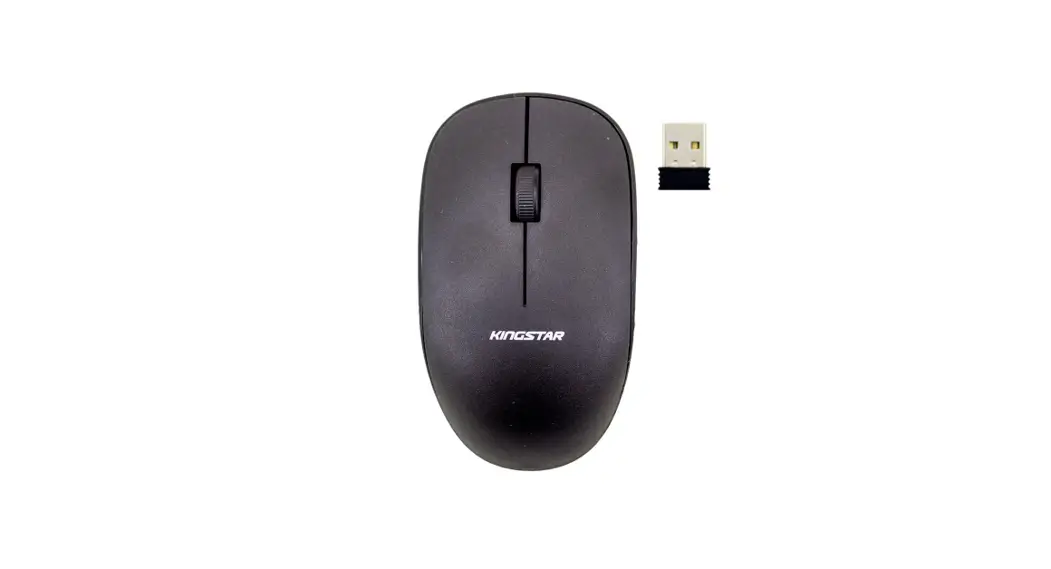
 2.4G keyboard instructions
wireless keyboard ver7.0
Product Overview
- It is compatible with USB1.1/2.0 specification and can assist USB-IF and WHQL
- High-quality BK2425 RF, 16-channel adaptive frequency hopping operation, stable/low power consumption/strong anti-interference ability, directionless
- Ultra-low power consumption design (working=0.7mA, sleep=3uA)
- Support 8 * 18 matrix and multiple language versions
- It can support 18 standard multimedia functions
- CAPS LOCK and NUM LOCK indicators are supported, and the LED status is synchronized with the host
- Built-in maintenance mode facilitates the detection and maintenance of defective products
- Support computer sleep wake-up and self sleep wake-up
- Intelligent multi-level power-saving design
- Support Mouse/Keyboard package mode Code description
Mode 1: key combination
At the same time, press the “ESC”+”+=” key for 1 second, and the keyboard will enter the code checking mode (the low voltage indicator light will be on for a long time). After the receiver is inserted within 20 seconds, the code checking is successful, and the LED will go out immediately; Code checking failed. After 20s, the keyboard exited the code checking mode, and the LED went out
Mode 2: code matching key
Press the code checking key, the keyboard will enter the code checking mode (the low voltage indicator light will be on for a long time), and the receiver will be inserted within 20s. The LED goes out immediately after the code is successfully matched; Code checking failed. After 20s, the keyboard exited the code checking mode, and the LED
went out
Mode 3: software code checking
Open the code checking software, insert the receiver into the USB interface, and automatically enter the code checking mode. Press the keyboard code checking key or press the “ESC”+”+/=” key within 20s to check the code for 1 second. If the code checking is successful, the software displays<keyboard code checking success>; Otherwise, the code checking mode will be launched after 20S.
Function description
1 Low-voltage LED lamp: used to indicate low-voltage and code checking status; At the same time, it can be used to prompt the problem points of defective products during maintenance
- Code checking status indication – the keyboard enters the code checking mode, the low voltage LED is always on, the code checking is successful, and the low voltage LED is off
- Low voltage status indication – When the battery is at low voltage, the low voltage LED flashes, the voltage is normal, and the low voltage LED goes out
- Indication of abnormal function status:
- Under normal conditions — power on, the indicator light is on once and then off
- Indicator light is not on — MCU does not work
**Two LED states of Numlock+Caps can be synchronized with the host
When the Numlock/Caps function is turned on, the LED will be on and indicate for 5 seconds. If there is a key in 5 seconds, the timer will be counted again for 5 seconds (the key will be off 5 seconds after it is released). If the light is off, the key will continue to be on for 5 seconds
Note: When the low voltage indicator reaches the set value, it starts to flash for 5 times. When the key is pressed, it will count again for 5 seconds until the power is exhausted
Working current
Overall power consumption index (2 batteries, 3V)
| Working current (with key pressed) | 0.7mA |
| Quiescent current (key release) | 3uA |
● Keyboard matrix application description
Large keyboard status
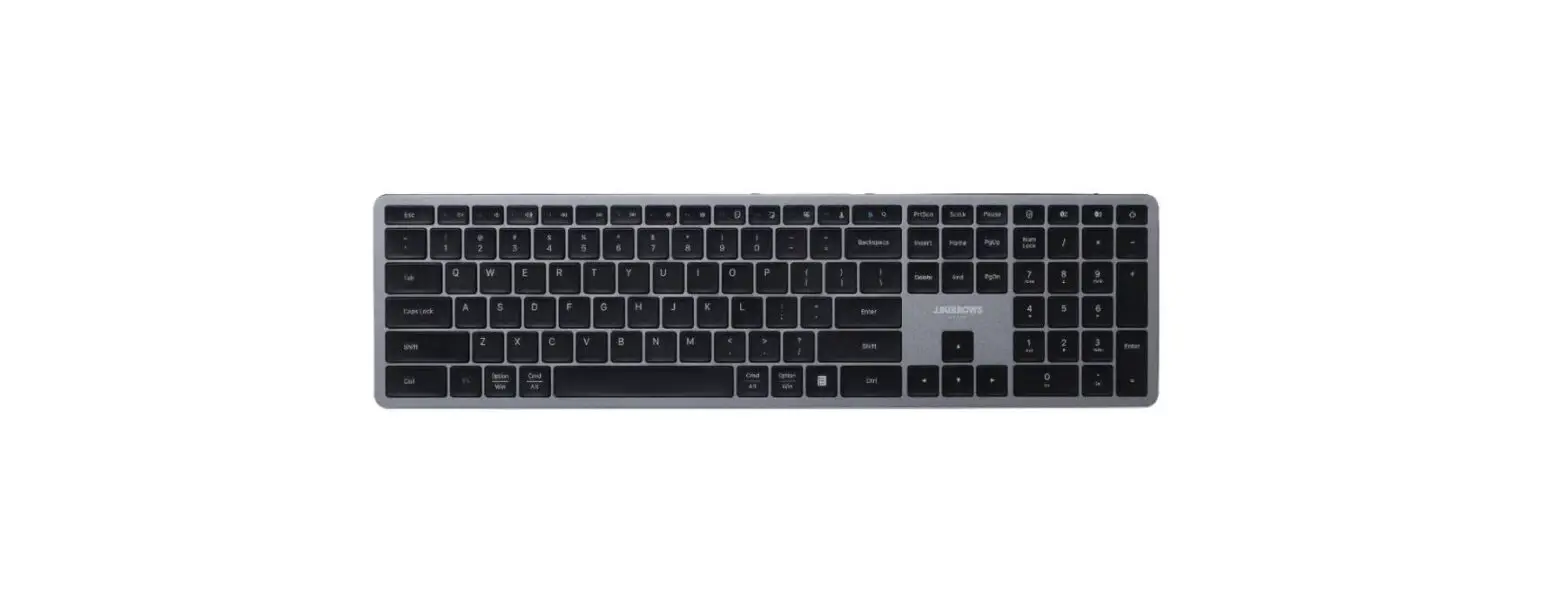
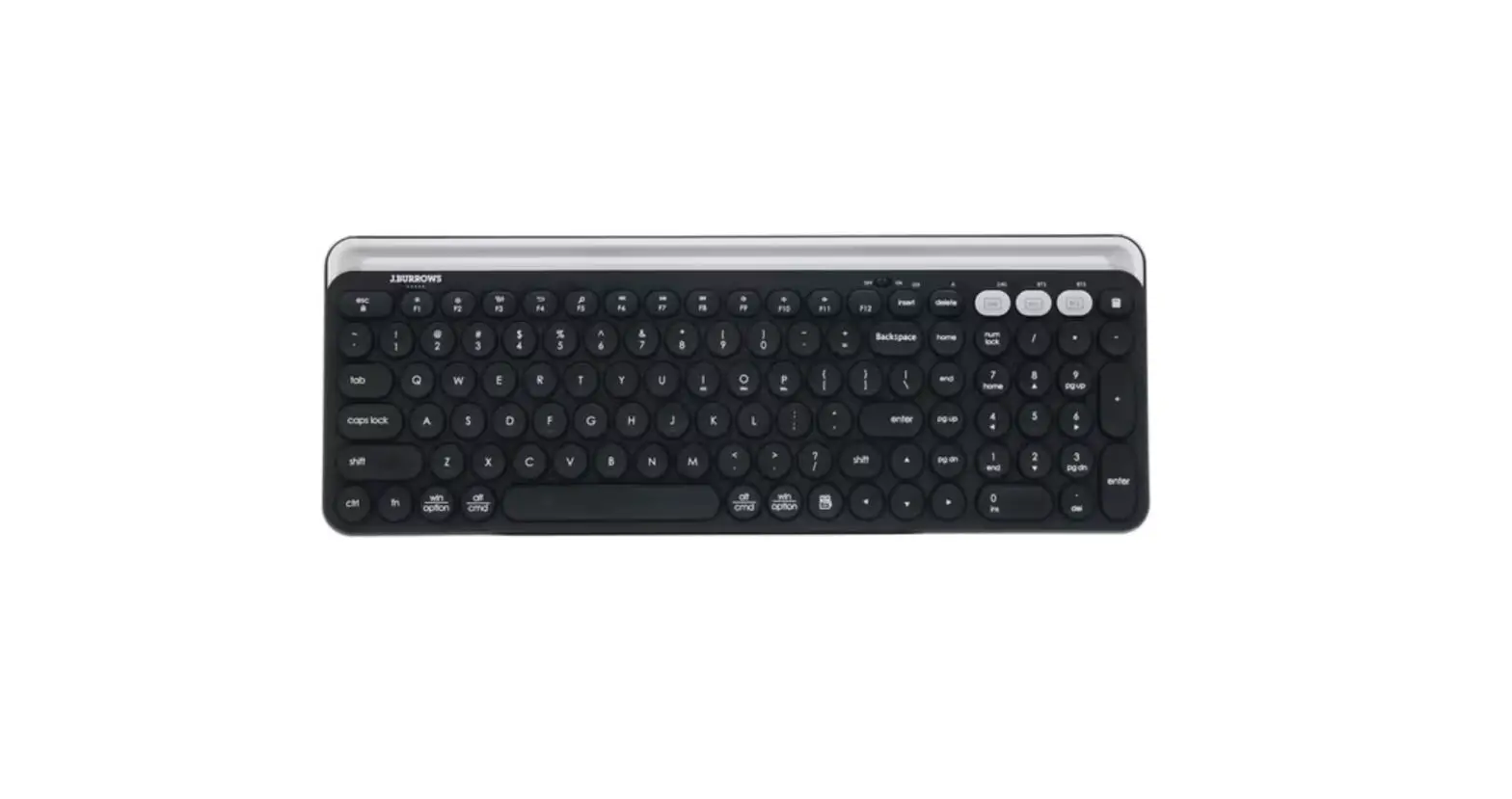
- The 104/107 key keyboard matrix is compatible with Yilong EMC83053. See “Keyboard Matrix” on the back page for key arrangement. 2. Fn+F1-F12 multimedia function description
Press and hold Fn, and then press F1-F12 to turn F1-F12 into a multimedia function key - Fn+F1-F12 multimedia function description
Press and hold Fn, and then press F1-F12 to turn F1-F12 into a multimedia function key
| Default | Hot key | Default | Hot key | Default | Hot key | Default | Hot key |
| F1 | Media | F4 | Mute | F7 | Play/Pause | F10 | |
| F2 | Volume- | F5 | PreTrack | F8 | CD Stop | F11 | My computer |
| F3 | Volume+ | F6 | Next Track | F9 | web home | F12 | wwwFavorite |
Keyboard
| R0 | R1 | R2 | R3 | R4 | R5 | R6 | R7 | |
| C0 | Pause | Power | usb dongle | Sleep | Ctrl-R | Wake up | Ctrl-L | F5 (pre track) |
| C1 | Q | Tab | A | Esc | Z | N-chg | `(~) | 1 (!) |
| C2 | W | Caps | S | K45 | X | Chg | F1 (media) | 2 (@) |
| C3 | E | F3 ( vol+) | D | F4 (mute) | C | ROMA | F2 (vol-) | 3 (#) |
| C4 | R | T | F | G | V | B | 5 (%) | 4 ($) |
| C5 | U (4) | Y | J (1) | H | M (0 ) | N | 6(^) | 7 (&) (7) 8 (*) |
| C6 | I(5) O | ] (}) | K (2) L | F6 (next track) | , (<) . (>) | K56 | +’ (=) | (8) 9 (() |
| C7 | (6) P | F7 (play/pau) | (3) ; (:) | type-c dongle | (.) | App / (?) | F8 (CD stop) | (9) 0 ()) |
| C8 | (-) | [ ({) | (+) | ‘ (“) | K42 | (/) | _ (-) | (*) |
| C9 | Scroll | Connect button | Fn | Alt-L | Alt-R | Connect button | ||
| C10 | K14 | Back | \ (|) | F1 1 (computer) | Enter | F12 (www fav) | F9 (web home) | F10 (mail) |
| C11 | 7 (K) | 4 (K) | 1 (K) | Space | Num | ↓ | Del | Power |
| C12 | 8 (K) | 5 (K) | 2 (K) | 0 (K) | / ( K) | → | Ins | Sleep |
| C13 | 9 (K) | 6 (K) | 3 (K) | .(K) | * (K) | K) | Page Up | Page down |
| C14 | + ( K) | K107 | Enter (K) | t | Play/Pause | ← | Home | End |
| C15 | Wake up | Shift_L | Shift-R | Volume- | Volume+ | Next Track | Prev Track | Media |
| C16 | WIN-L | www Forward | www Stop | www Back | www Refrech | Mute | www Search | |
| C17 | K150 (KC-L) | www Favourite | WIN-R | My Computer | Stop | Calculator | Web/Home | K151 (KC-R) |
Electrical characteristics
Keyboard IC_ CX5177
| Symbol | Parameters | VDD | Status | minimum value | Typical value | Maximum | Company |
| VDD | working voltage | 2.4 | 3.0 | 4.5 | V | ||
| IDD | Working current | 3V | Standby | ≤3.0 | uA | ||
| Fosc | System frequency | 3V | 1.0 | MHz |
receiver IC_ CX5167
| Symbol | Parameters | VDD | Status | minimum value | Typical value | Maximum | Company |
| VDD | working voltage | 4.5 | 5.0 | 5.5 | V | ||
| IDD | Working current | 5V | Work | ≤10.0 | mA | ||
| Fosc | System frequency | 5V | 6.0 | MHz |
2.4G RF IC _ BK2425
| Symbol | Parameters | VDD | Status | minimum value | Typical value | Maximum | Company |
| VDD | working voltage | 1.9 | 3.0 | 3.7 | V | ||
| IDD | Working current | 3V | Work | 23 | mA | ||
| standby | 3 | uA | |||||
| Fosc | System frequency | 3V | 16.0000 | MHz | |||
| Freq | Operating frequency band | 2402 | 2480 | MHz | |||
| Rx Sens | Receiving sensitivity | -80 | -87 | dBm |
RF product technical specification sheet (used by FCC, CE and KCC)
- Product Name : 2.4G Wireless Mouse/Keyboard
- Rated Voltage and Current: DC 3V , 6mA
- Frequency hopping method: FHSS
- receiver sensitivity: -85dBm
- Frequency Band : 2403.65MHz—2479.65MHz
- Carrier Frequency : 2403.65 MHz
- Channel Spacing: 1MHz
- RF Output Power (ERP OR EIRP) : 0dBm
- Modulation Type : GFSK
- Duty Cycle : <10%
- I.F.: 6 Mhz L.O.: 2601.6Mhz
- Mode of operation (duplex , simplex): duplex
- Bit Rate of Transmission : 2Mbps
- Antenna Type: PCB Antenna
- Antenna gain: -1~-2dBi
- Operating Temperature Range: -20 ℃ ~ 55 ℃
- Channel Bandwidth : 2MHz
- Preset Target Market:EUROPE
- Number of Channel: 16
1. Channel list:
| Channel | 1 | 2 | 3 | 4 | 5 | 6 | 7 | 8 |
| ( MHz) | 2403.65 | 2426.65 | 2441 .65 | 2463 .65 | 2407.65 | 2422.65 | 2445.65 | 2466.65 |
| Channel | 9 | 10 | 11 | 12 | 13 | 14 | 15 | 16 |
| ( MHz) | 2414.65 | 2436.65 | 2459.65 | 2473.65 | 2419.65 | 2439.65 | 2453.65 | 2479.65 |
FCC Warnning:
This equipment has been tested and found to comply with the limits for a Class B digital device, pursuant to part 15 of the FCC Rules. These limits are designed to provide reasonable protection againstharmful interference in a residential installation. This equipment generates, uses and can radiateradio frequency energy and, if not installed and used in accordance with the instructions, maycause harmful interference to radio communications. However, there is no guarantee thatinterference will not occur in a particular installation. If this equipment does cause harmfulinterference to radio or television reception, which can be determined by turning the equipmentoff and on, the user is encouraged to try to correct the interference by one or more of thefollowing measures:
- Reorient or relocate the receiving antenna.
- Increase the separation between the equipment and receiver.
- Connect the equipment into an outlet on a circuit different from that to which the receiver is connected.
- Consult the dealer or an experienced radio/TV technician for help.
Caution: Any changes or modifications to this device not explicitly approved by manufacturer could void your authority to operate this equipment.
This device complies with part 15 of the FCC Rules. Operation is subject to the following two conditions:
- This device may not cause harmful interference, and
- this device must accept any interference received, including interference that may cause undesired operation.
This equipment complies with FCC radiation exposure limits set forth for an uncontrolled environment. This equipment should be installed and operated with minimum distance 0cm between the radiator and your body.