 Operating Instructions
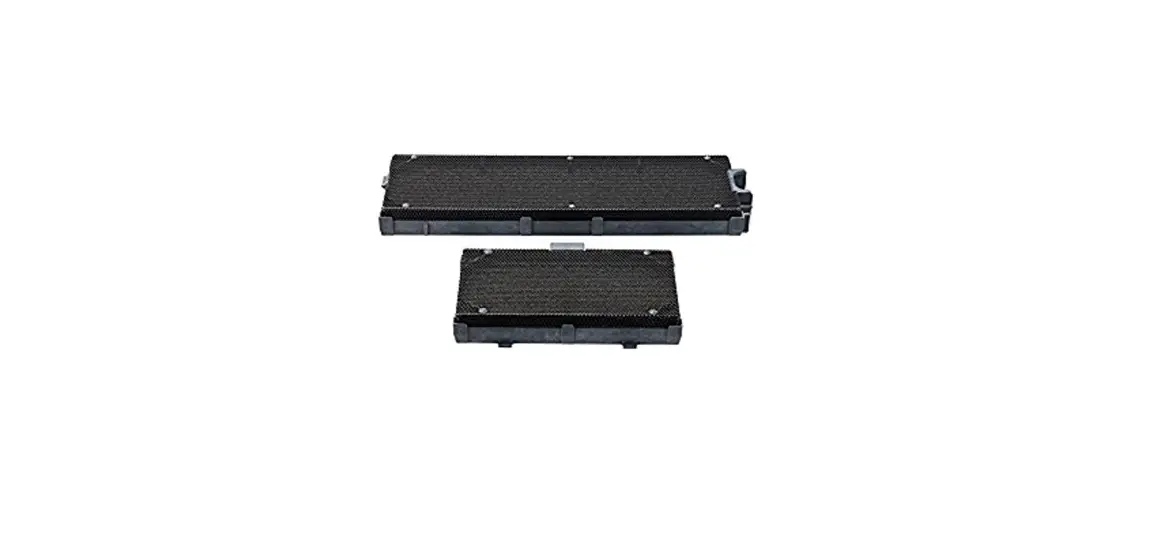
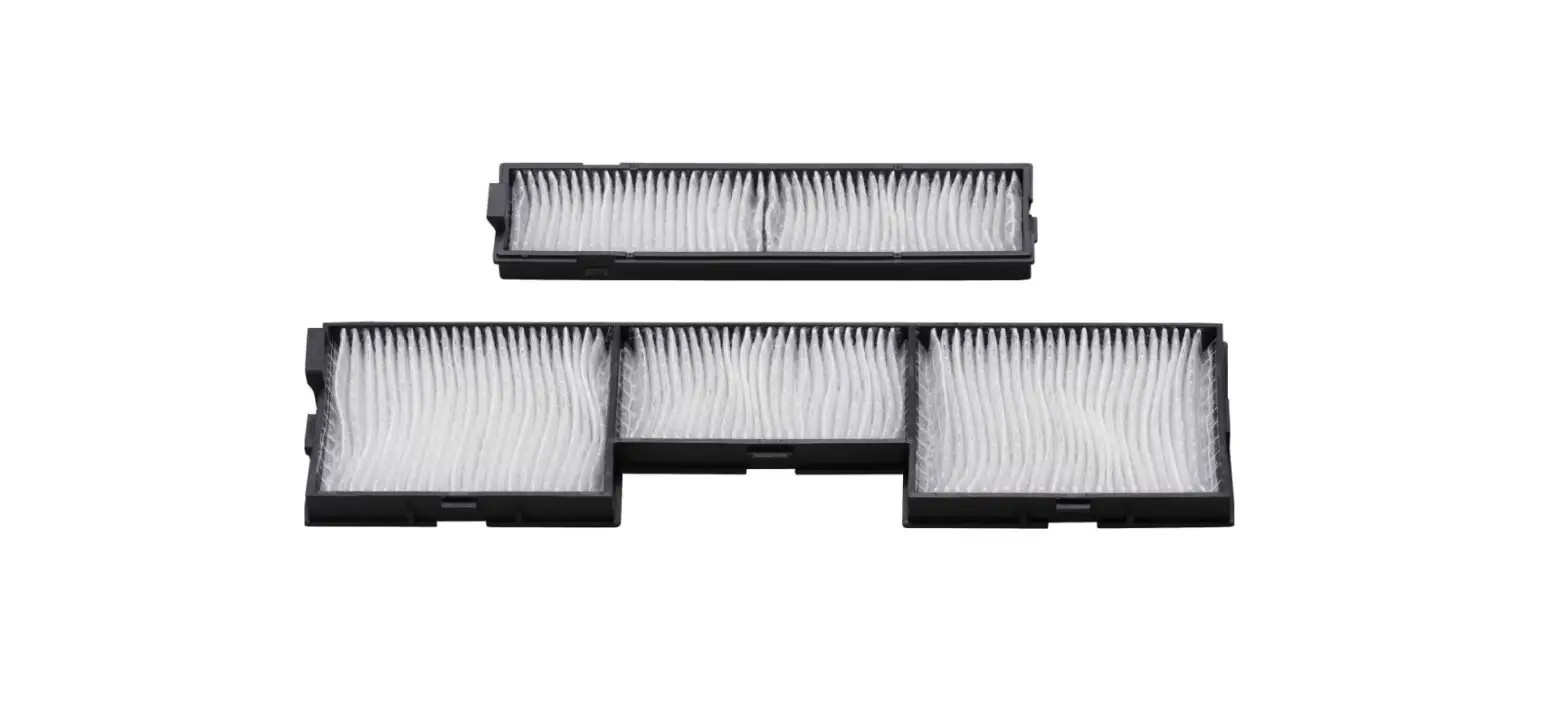
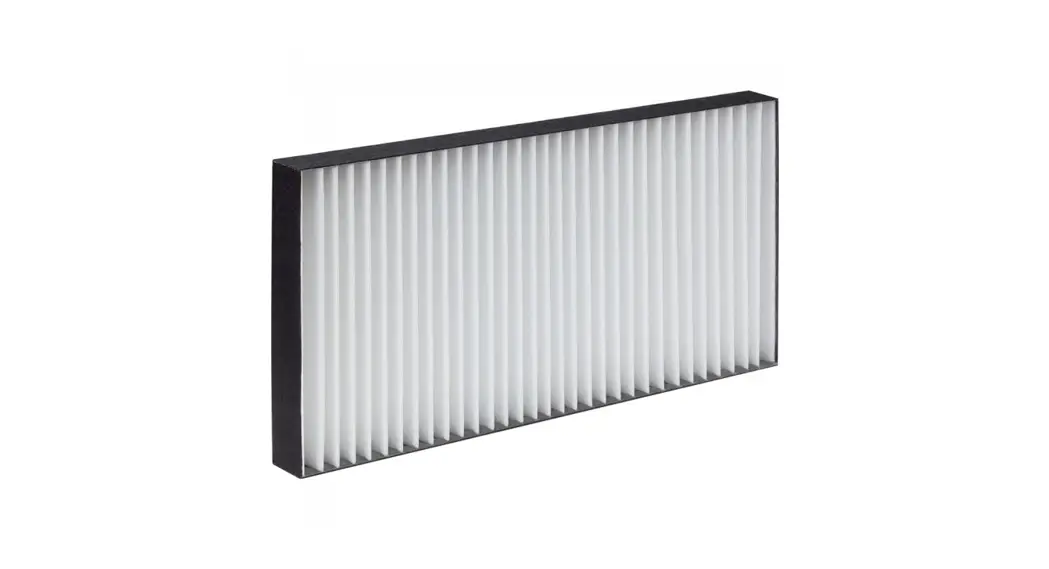
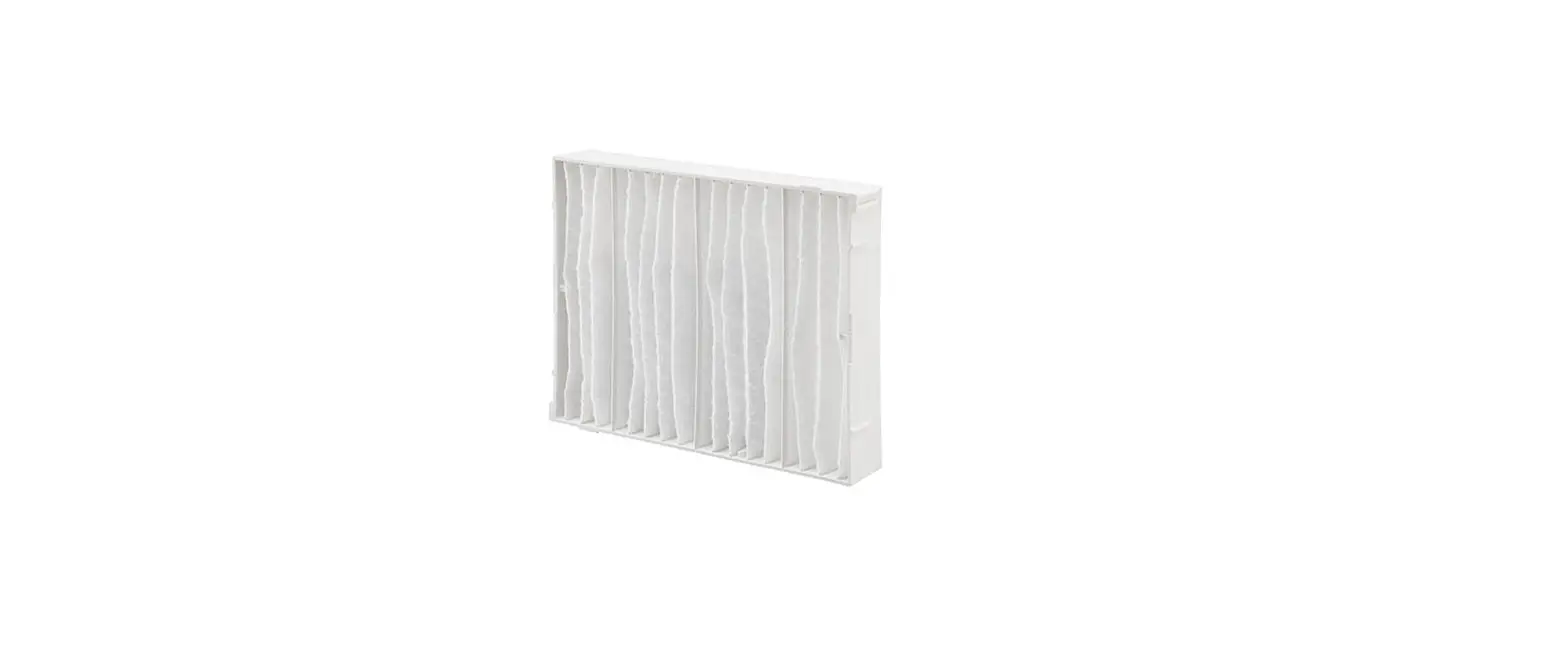
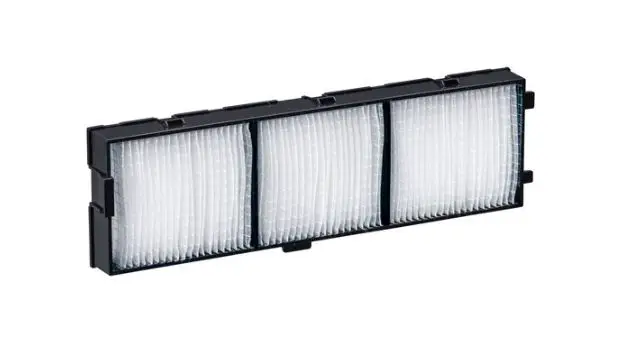
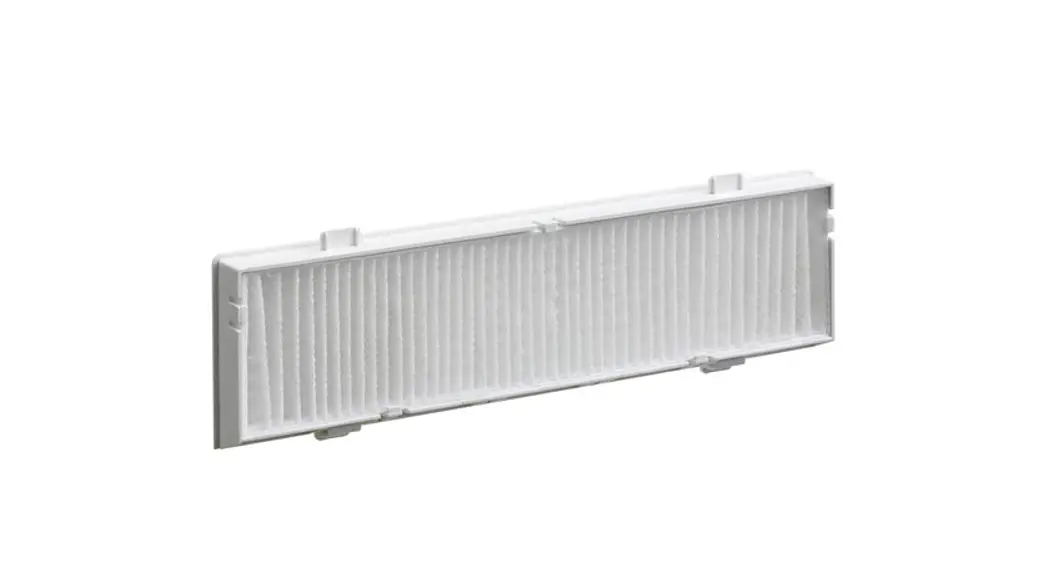
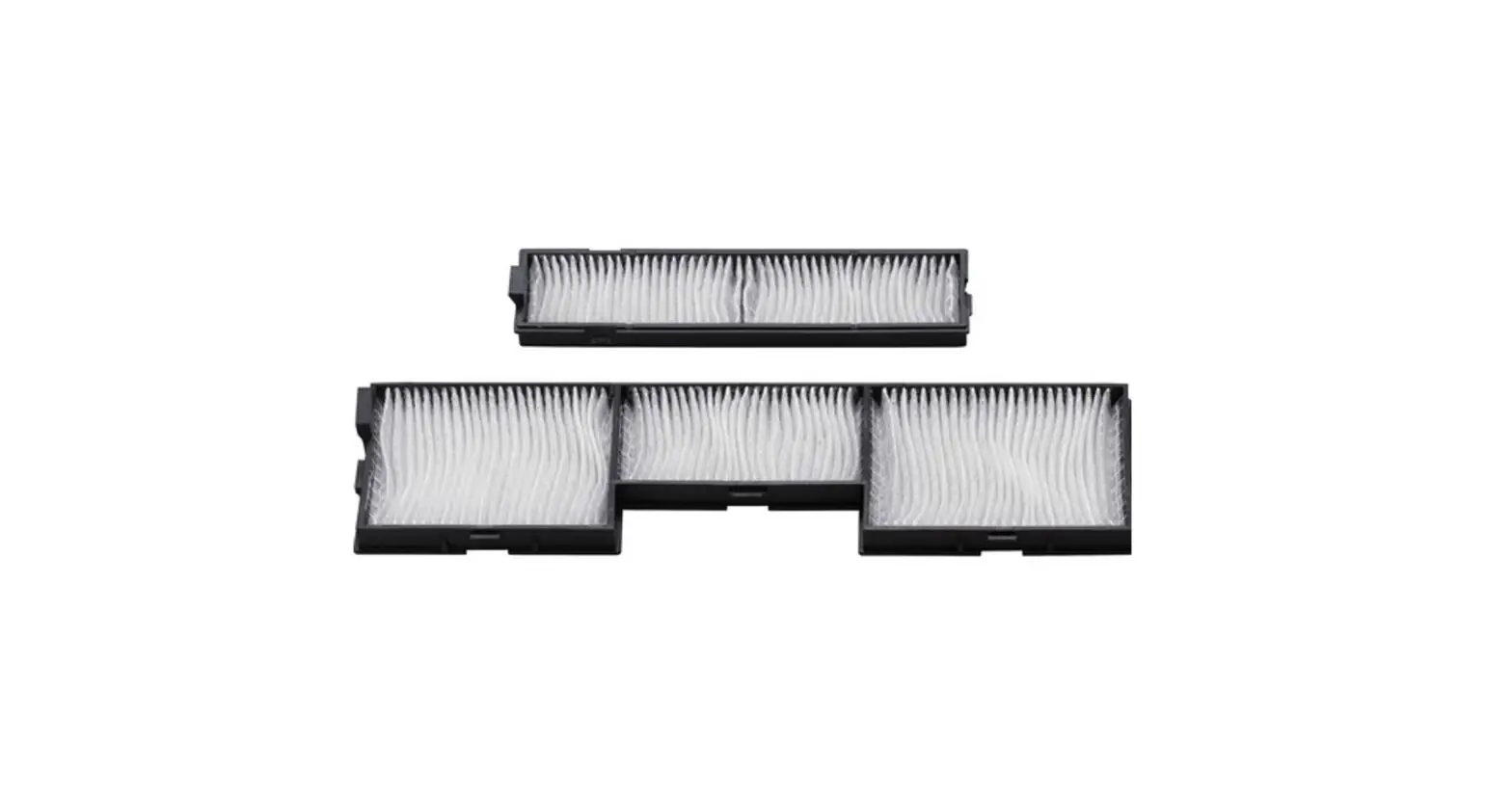
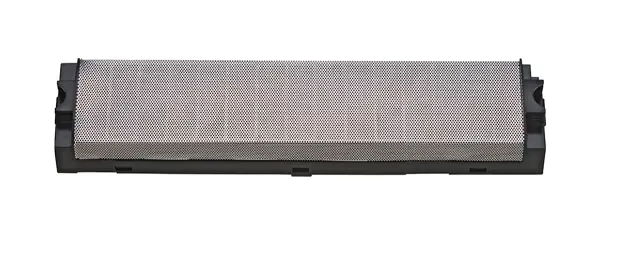
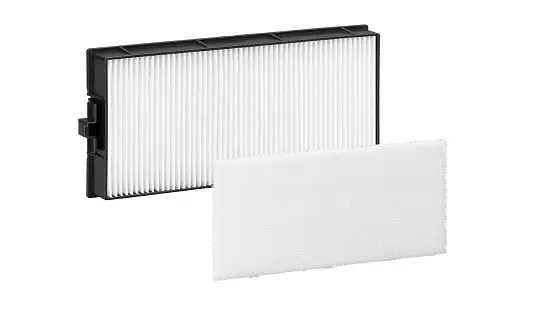
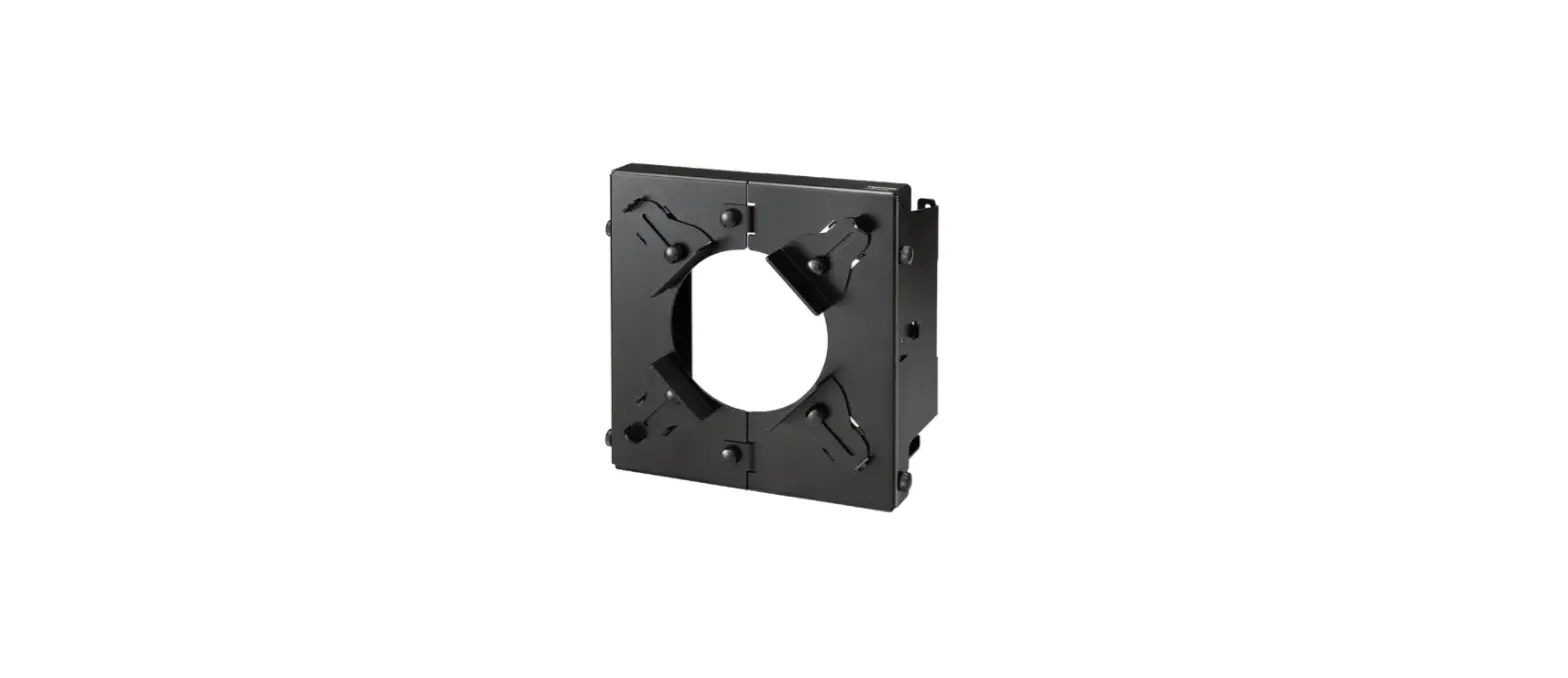
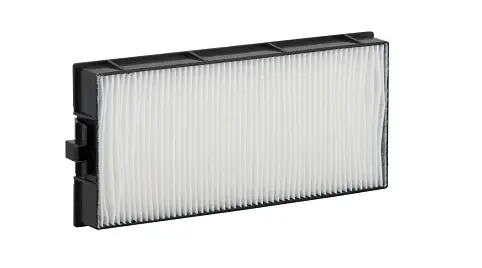
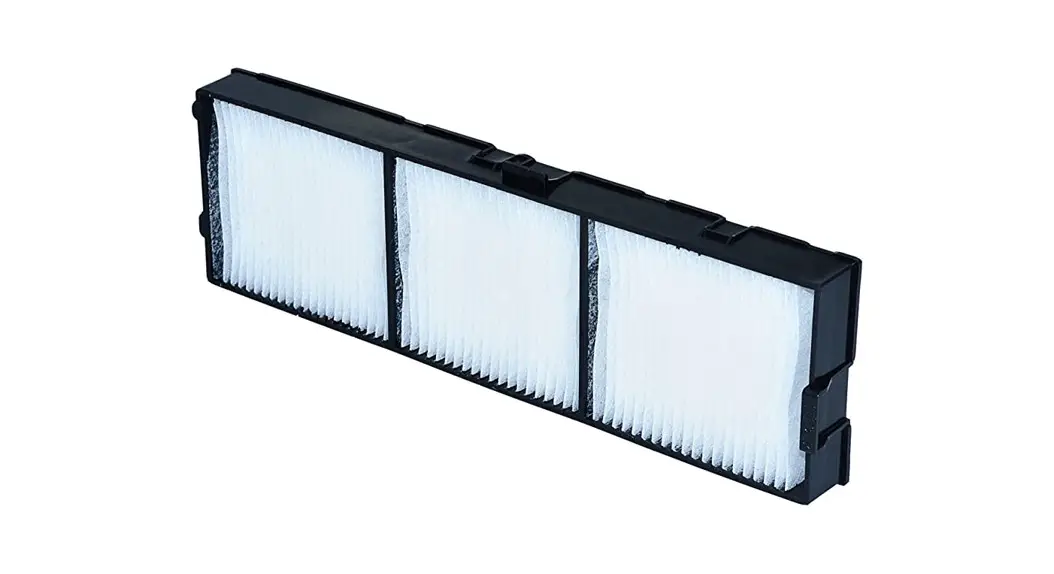
Replacement Filter Unit Commercial Use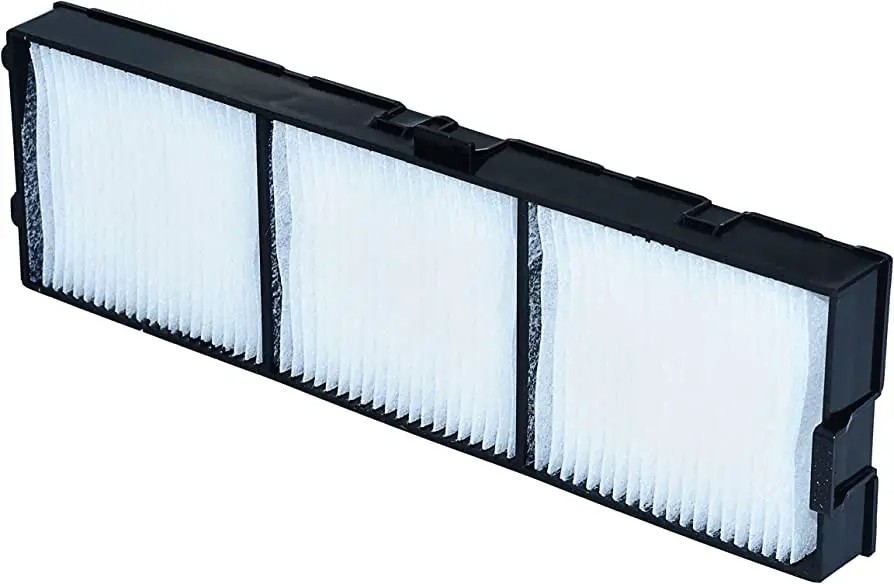 Model No. ET-RFV400
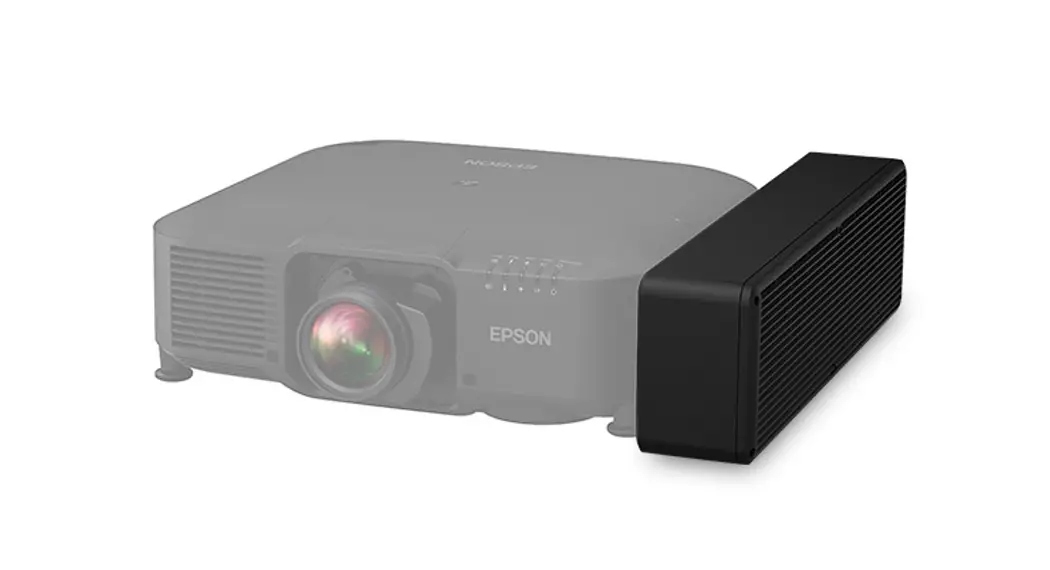
ET-RFV400 Projector Air Filter Fit
Thank you for purchasing this Panasonic product.
- Carefully read through these operating instructions and the operating instructions of the projector to ensure safe and proper operation.
- Please save this operating instructions for future use.
Attention
- Make sure to turn off the power and disconnect the power plug from the wall outlet before replacing the air filter unit.
- Make sure that the projector is stable, and perform the replacement in a safe place where the unit will not be damaged even if you drop the air filter unit.
- Do not put anything into the air vents. Doing so may result in malfunction of the projector.
- Be sure to reset the filter counter after replacing the air filter unit.
Otherwise, “FILTER COUNTER has reached the set time.” will appear on screen.
▮ Illustrations in this operating instructions
- Illustrations contained in this operating instructions that show the projector may differ from the actual objects they depict.
▮ Term
- In this manual, the “Wireless remote control unit” accessory is referred to as the “Remote control”.
How to replace the air filter unit
- Switching off the projector and then remove the AC power plug from the wall outlet.
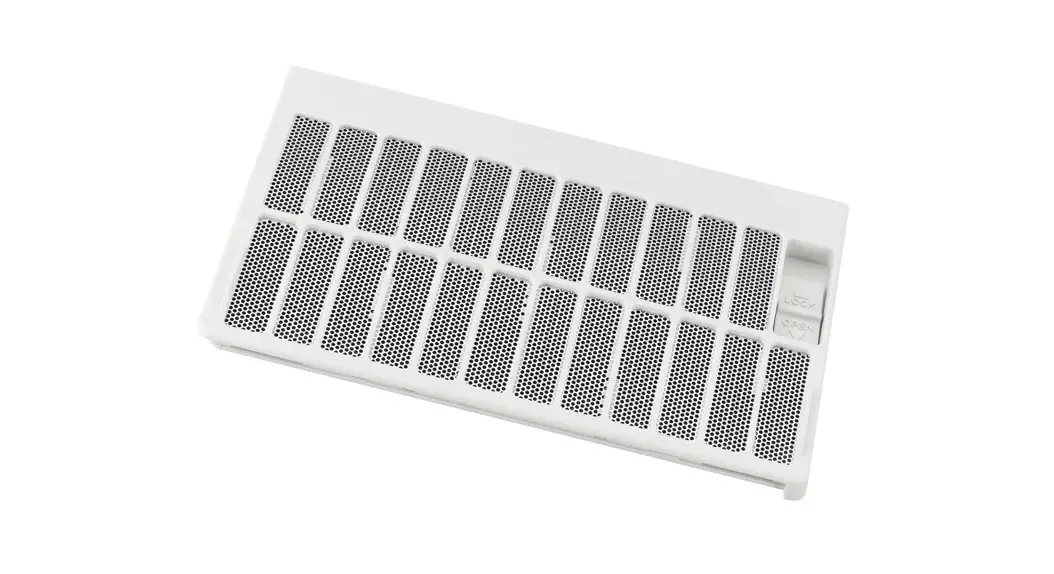
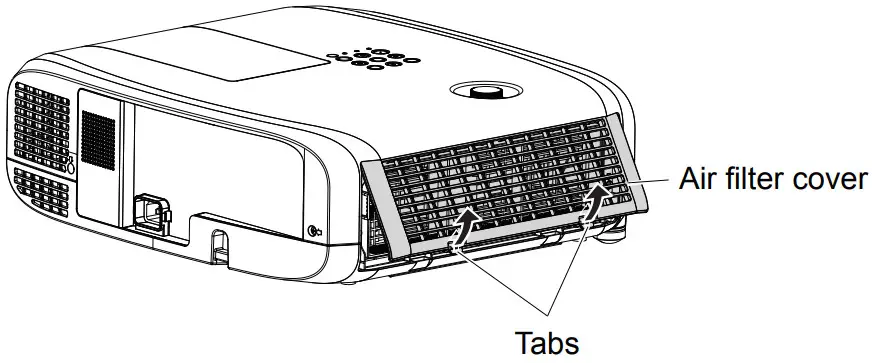
– When switching off the projector, make sure to follow the procedures in “Switching Off the Projector” in the operating instructions of the projector. - Remove the air filter cover.
– Pull out the air filter cover from the hook of the projector while slightly pushing upward the tabs of the air filter cover and open it in the direction of the arrow in figure.
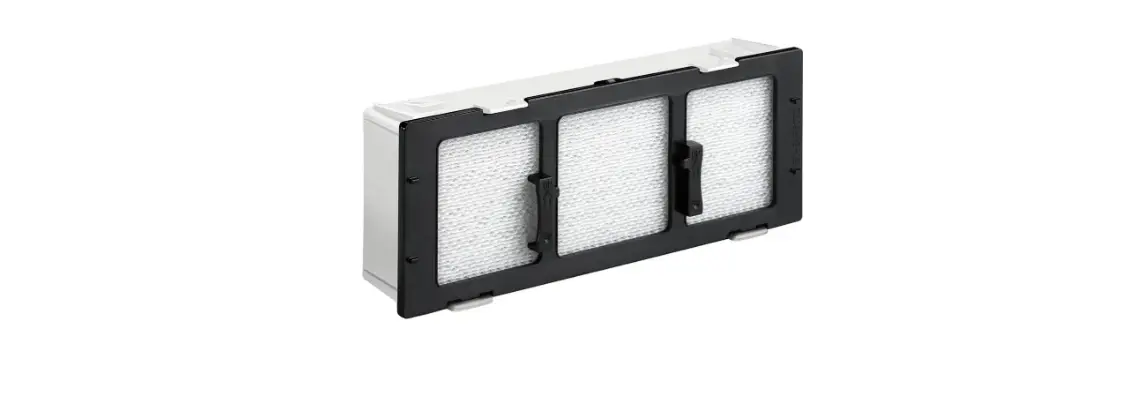
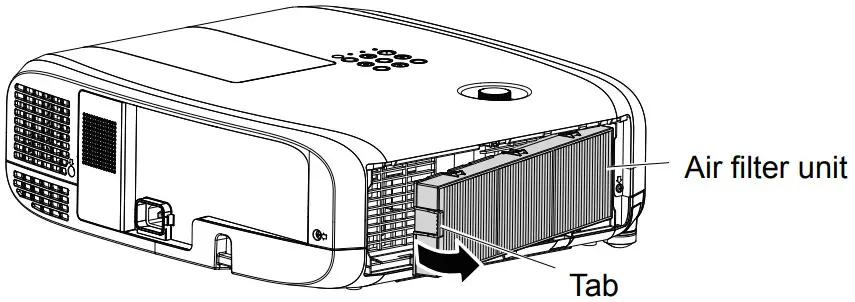
- Remove the air filter unit.
– Hold the tab on the left side of the air filter unit and pull out in the direction of the arrow.
– After removing the air filter unit, remove foreign objects and dust from the air filter compartment and the projector’s air intake port if there are any.
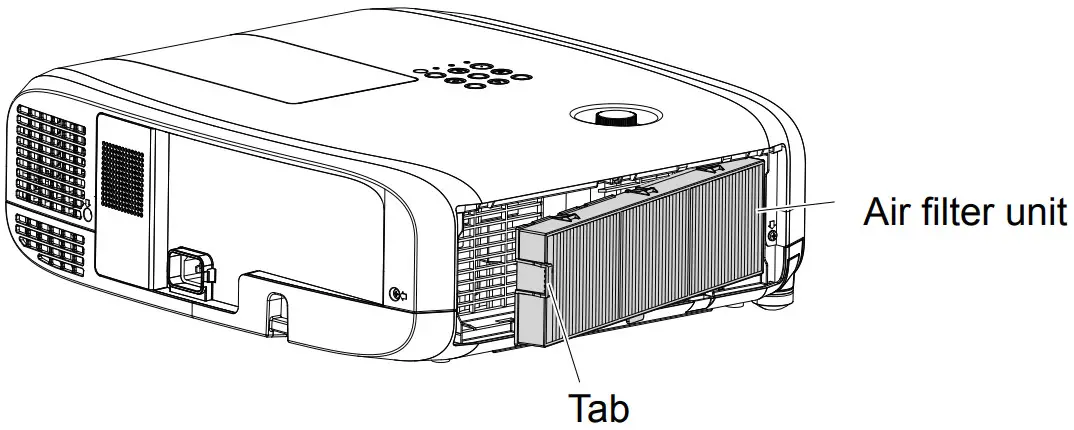
- Attach the new air filter unit (Replacement Filter Unit) to the projector.
– Hold the air filter unit that the tab is in left side in the figure, insert the right side into the projector in the figure first, and then press the tab until you hear a click sound.
– Please press the tab of the air filter unit other than the pleated filter during installation.
- Attach the air filter cover to the projector.
– Perform Step 2) in the reverse order to close the air filter cover, and push in the air filter cover securely until it clicks into place.
– Make sure that the air filter cover is closed tightly. - Connect the power plug, press the power button <
 > on the control panel or the remote control to turn on the power.
 - Press the <MENU> button to display the main menu, then press ◀▶ as to select [PROJECTOR SETUP].
- Press the <ENTER> button, then press ▲▼ as to select [FILTER COUNTER].
- Press the <ENTER> button, then press ▲▼ as to select [FILTER COUNTER RESET].
- Press the <ENTER> button.
– The [FILTER COUNTER RESET] confirmation message is displayed. - Press◀▶ to select [OK], then press the <ENTER> button.
– The filter usage time is 0 after reset.
 > on the control panel or the remote control to turn on the power.
Attention
- Make sure that the air filter unit is properly attached before using the projector. If it is not attached, the projector will suck in dirt and dust causing a malfunction.
- After unpacking the air filter unit, discard the packaging material properly.
- Do not disassemble the air filter unit.
Note
- The replacement cycle of the air filter unit varies greatly depending on the usage environment.
▮ Disposal
When discarding this product, please contact your local authorities or dealer and ask for the correct method of disposal.
Panasonic Connect Co., Ltd.
Web Site : https://panasonic.net/cns/projector/
© Panasonic Connect Co., Ltd. 2022
TI0714JZ2062 -PT
Printed in China
TQZJ645-2
 Projector | Panasonic Global