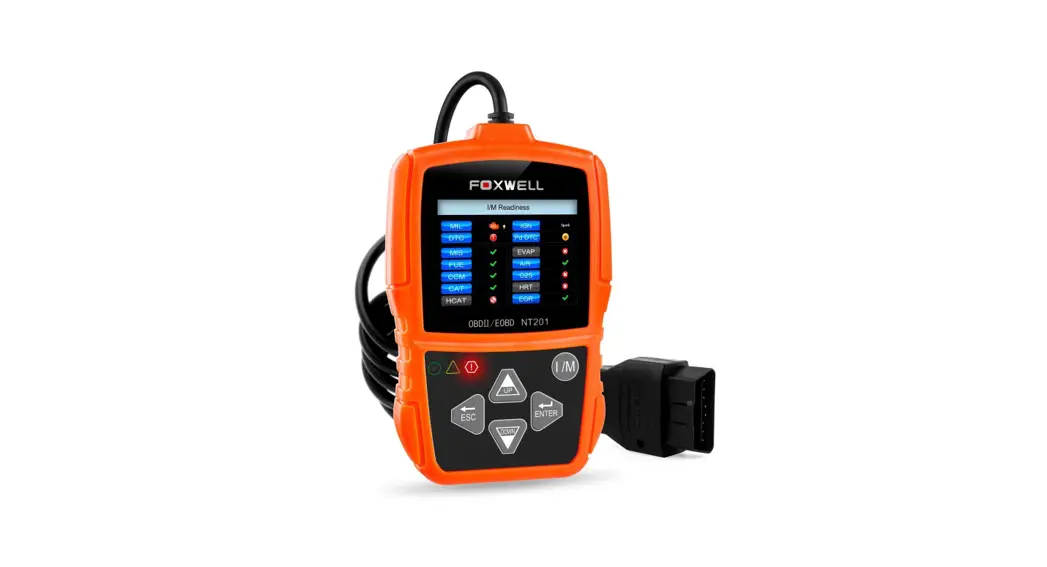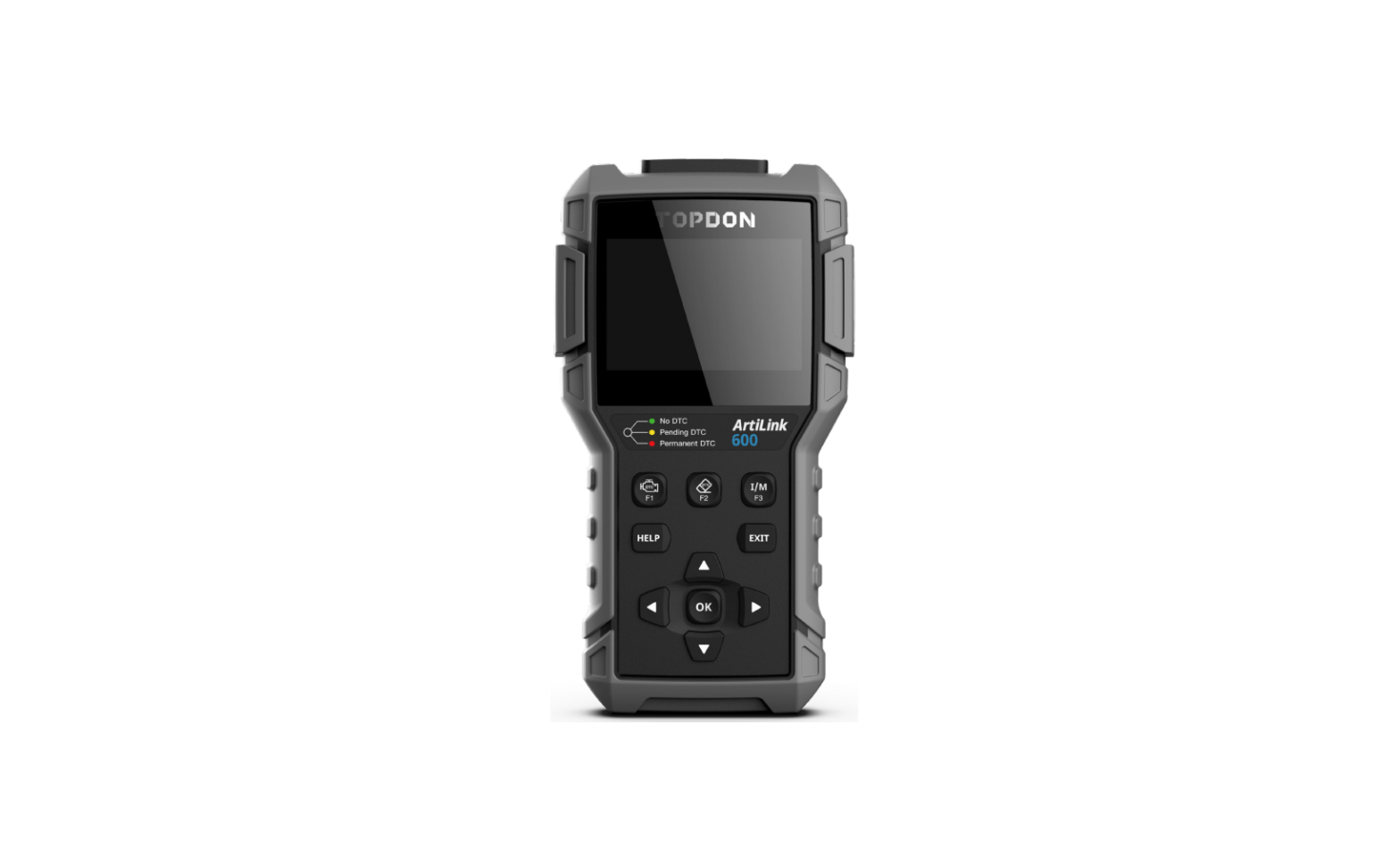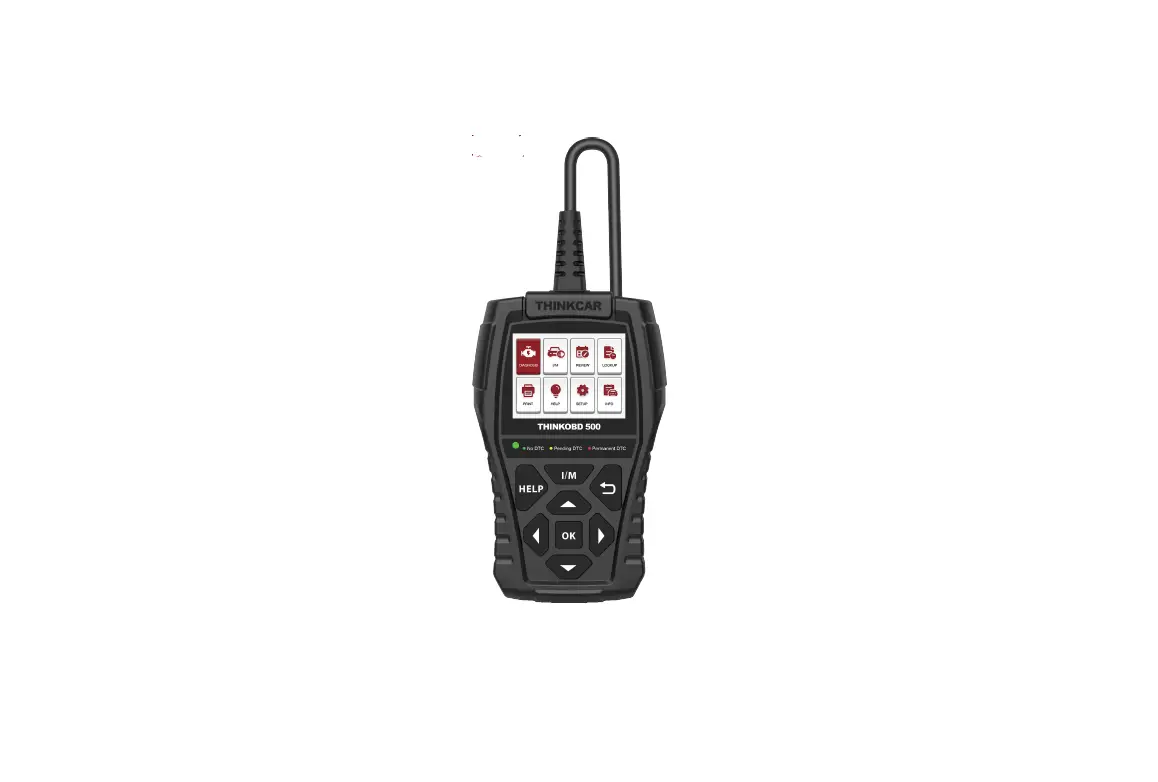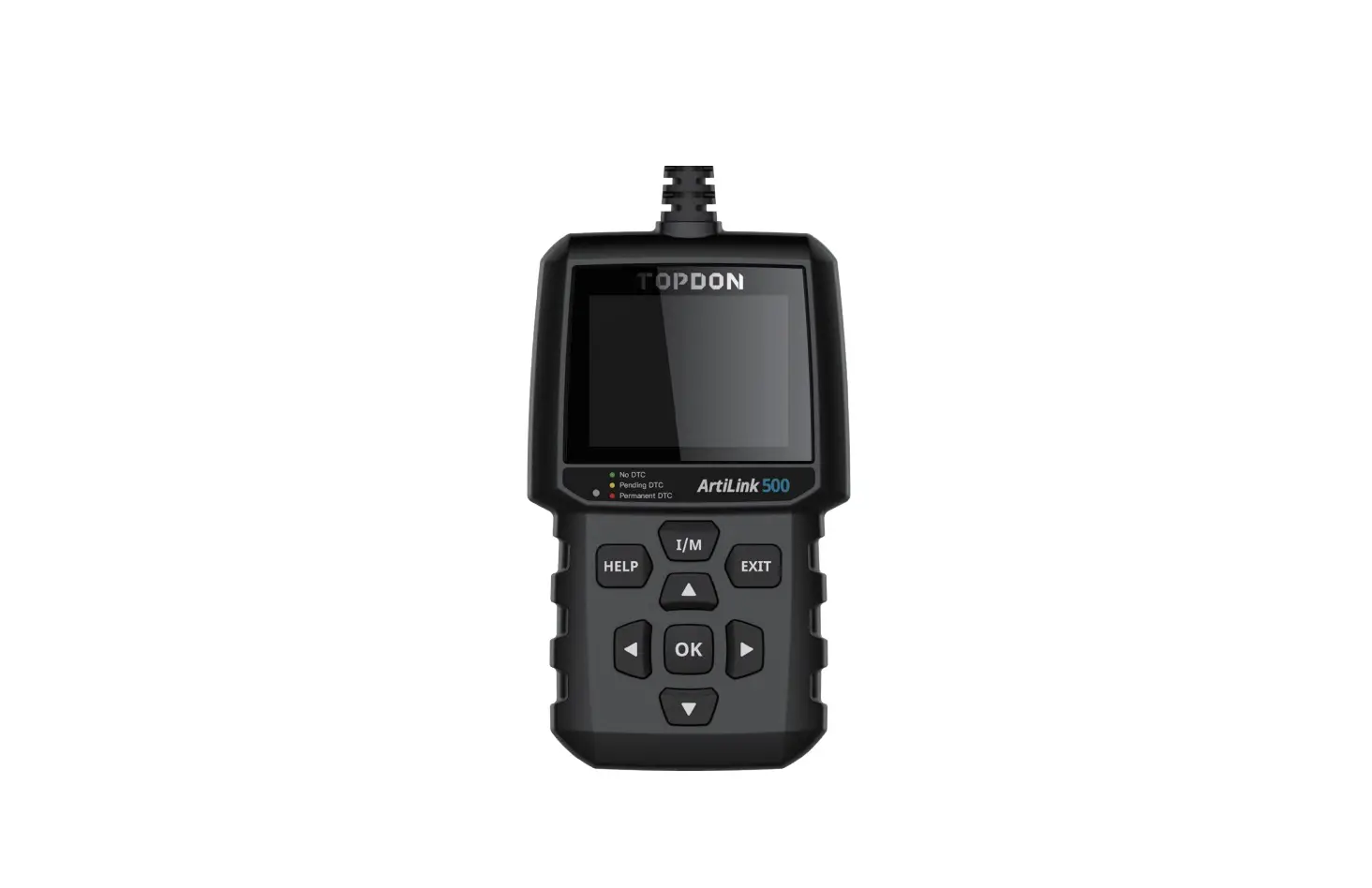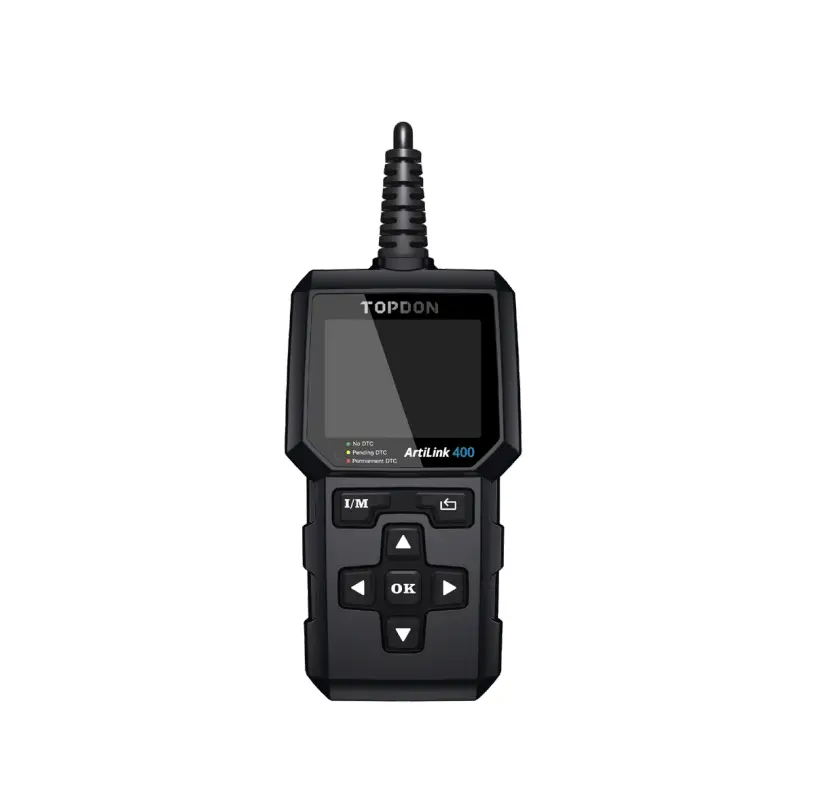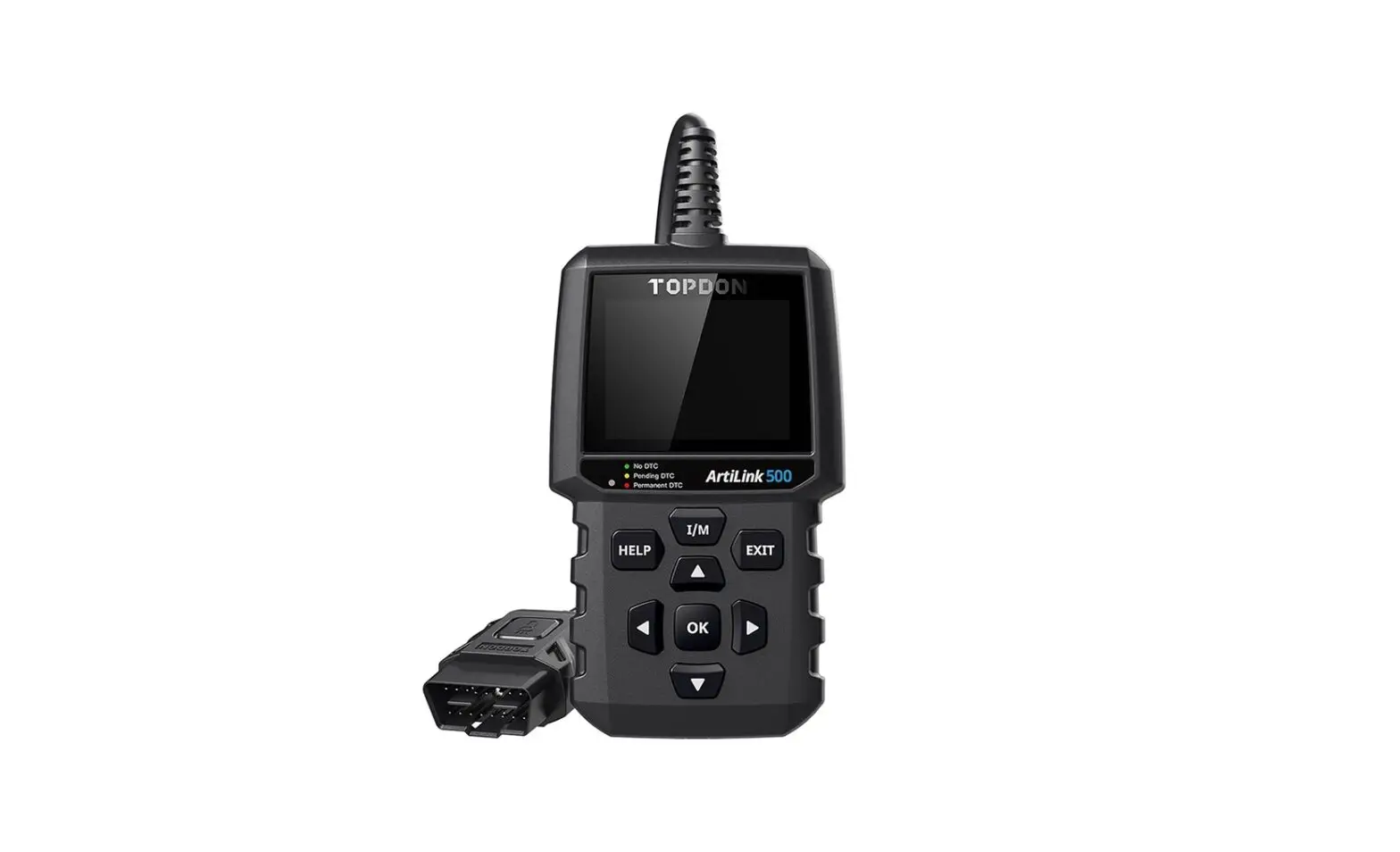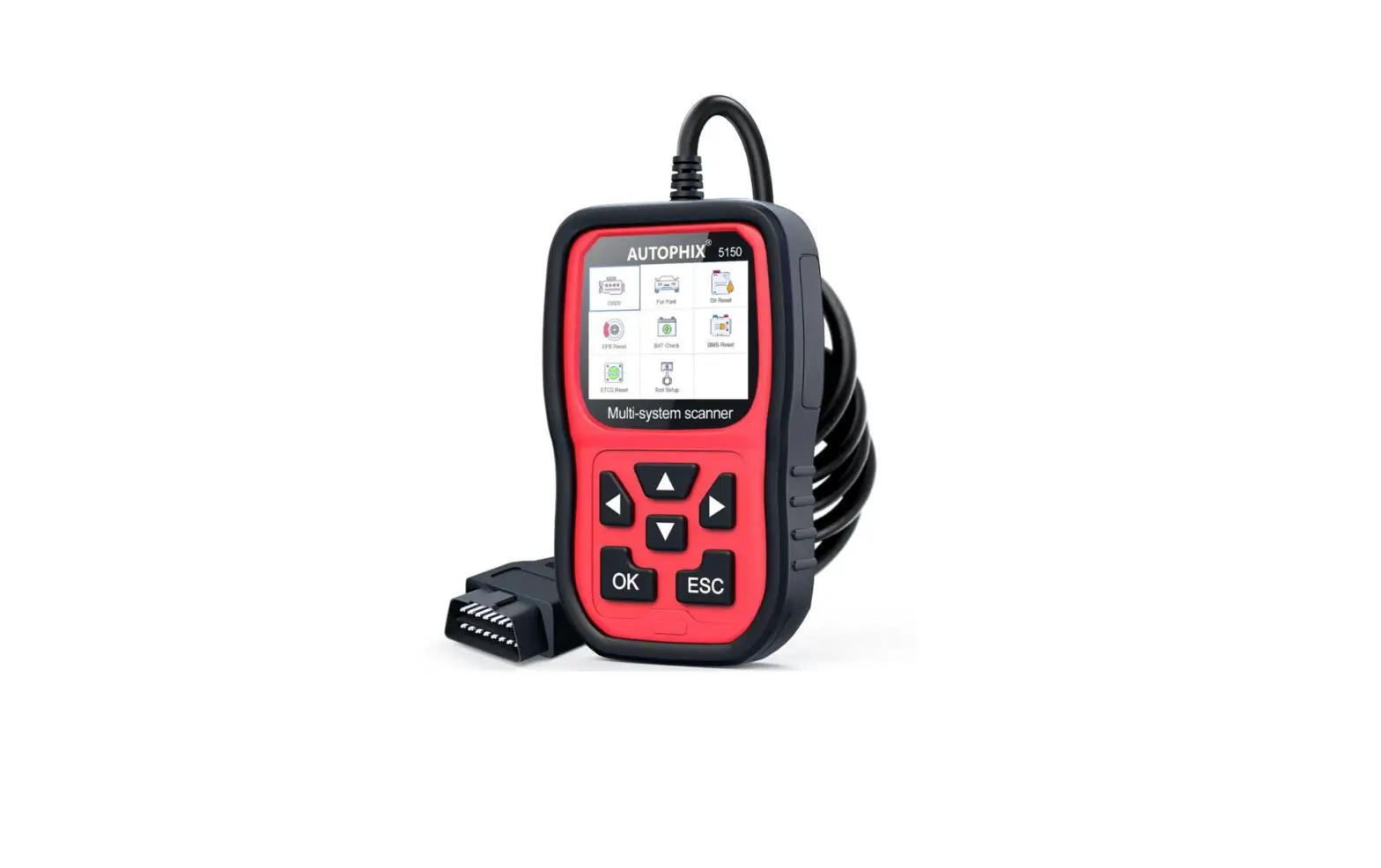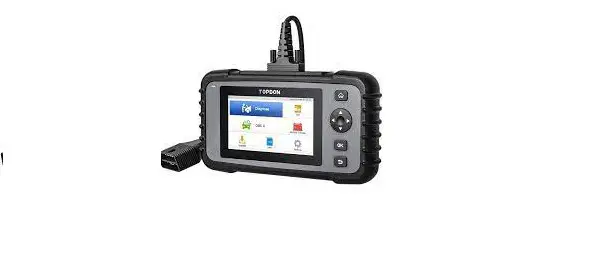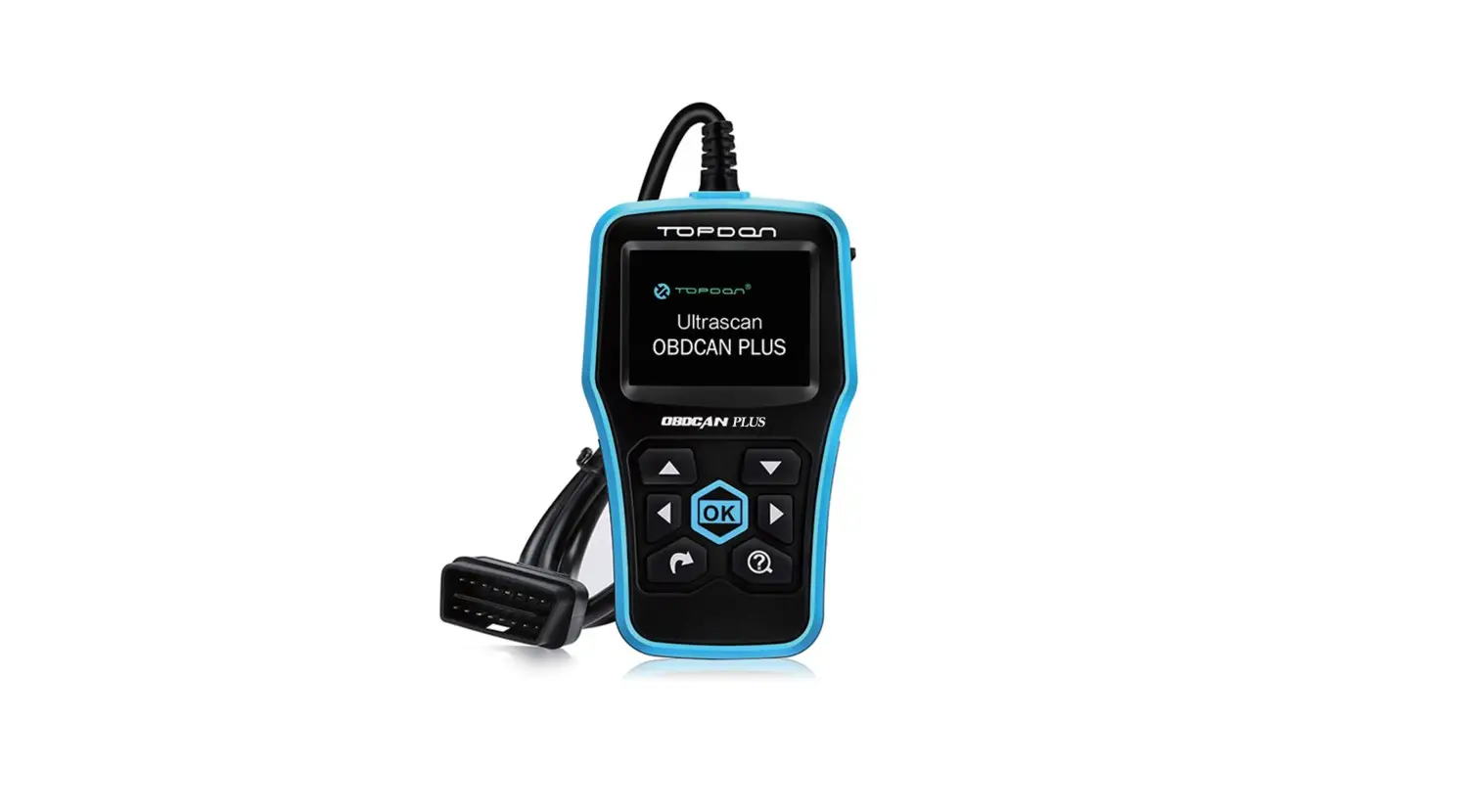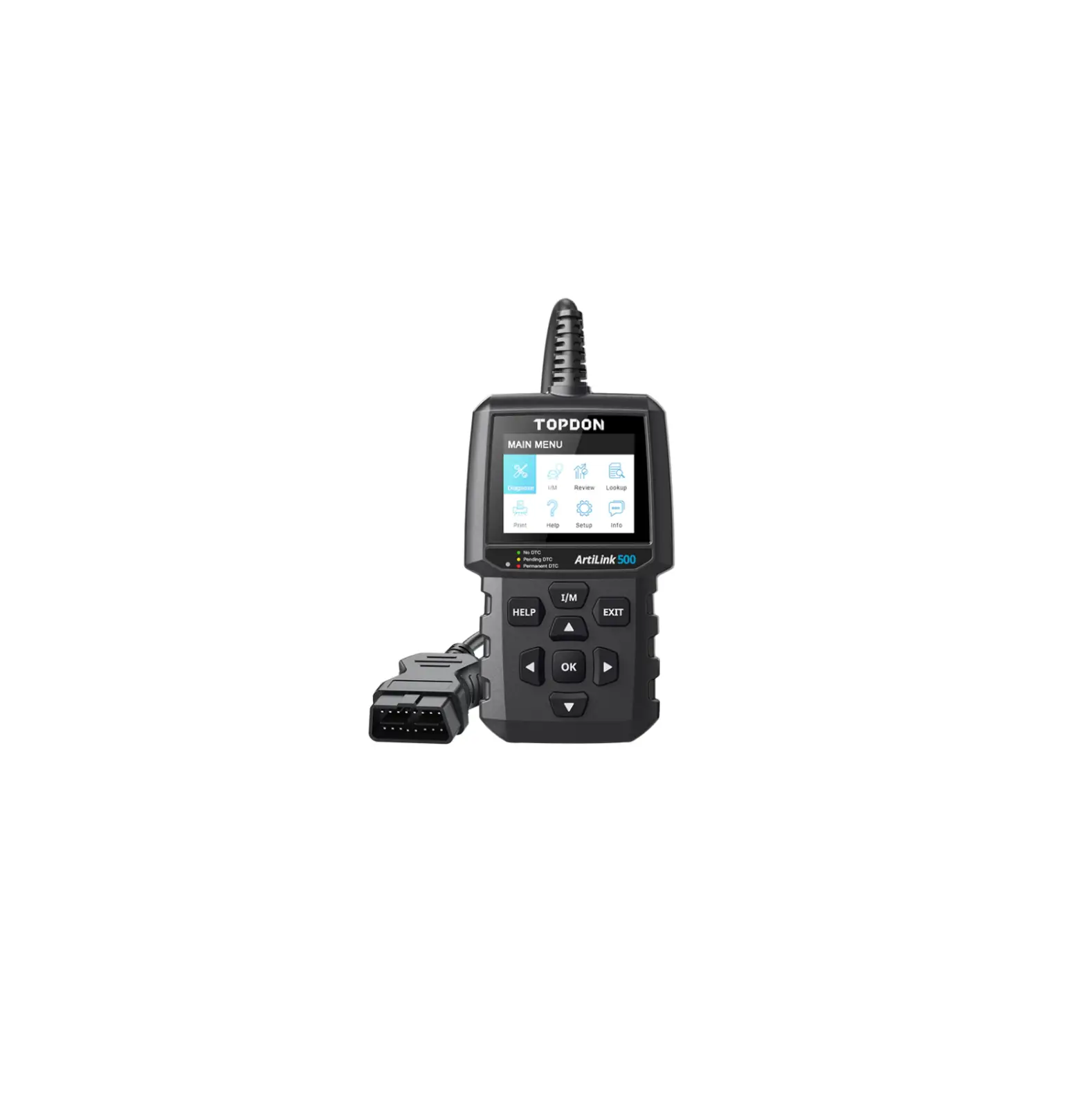
TOPDON ArtiLink500 Code Reader Car Check Engine Light
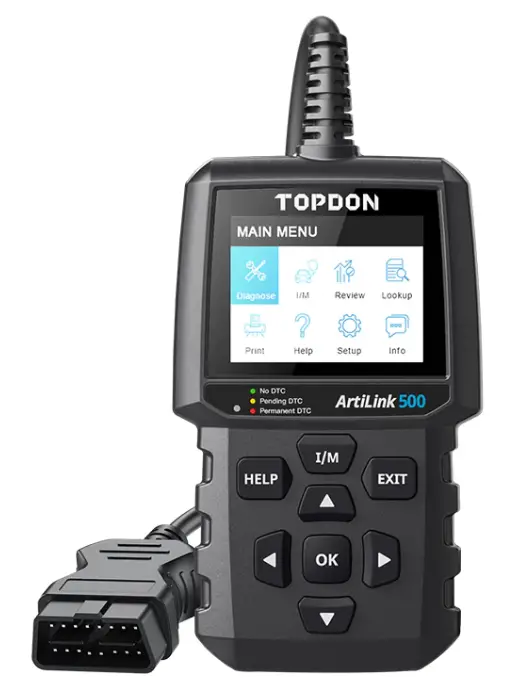
Setup
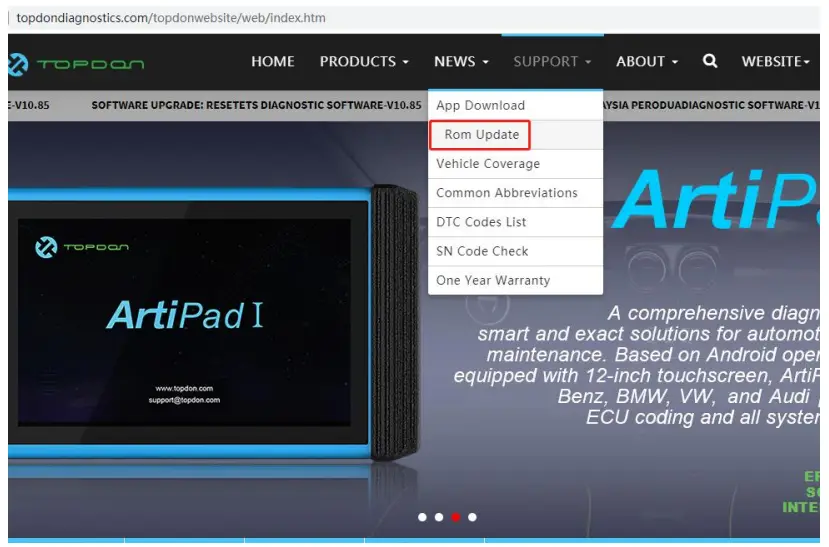
- Go to http://www.topdondiagnostics.com , click “SUPPORT” of The page, and select “Rom Update”

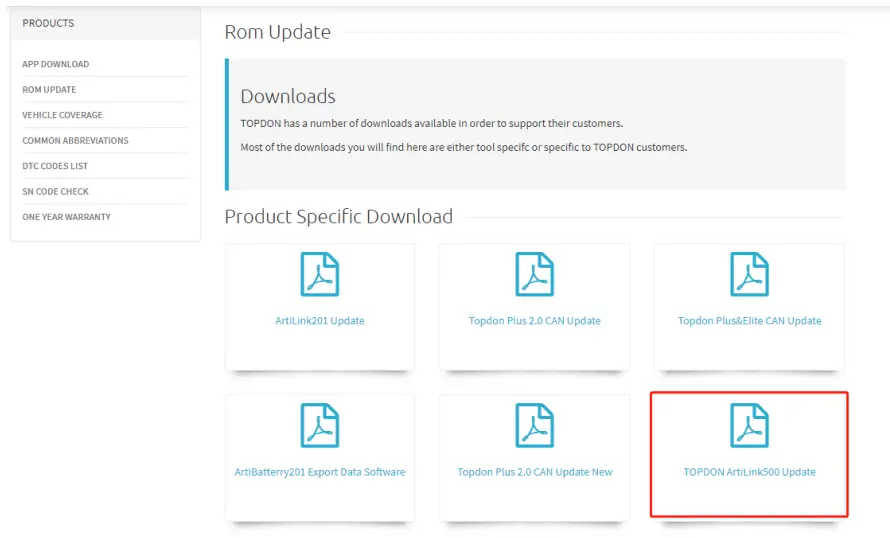
- click “TOPDON ArtiLink500 Up data”, download

- Unzip the downloaded file

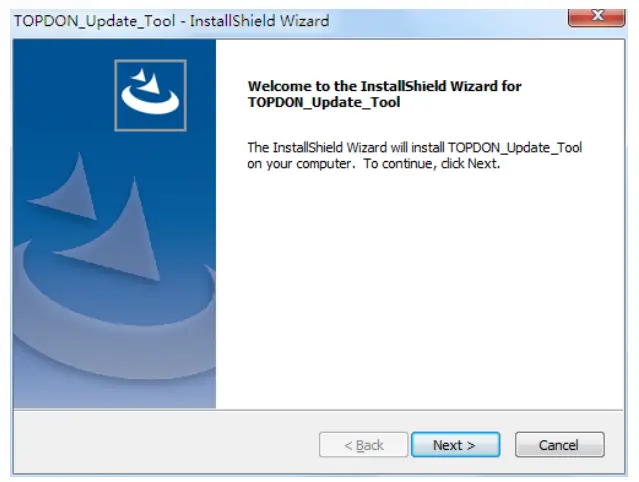
- run TOPDON ArtiLink500 Update. exe, follow the instruction until the installation finishes.

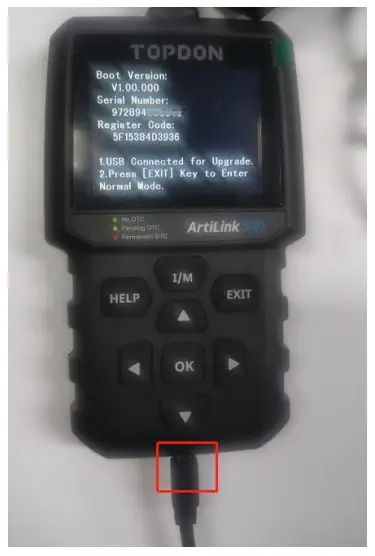
- Connect ArtiLink500 with the computer using the USB cable, as follow:(please move to the next step after the screen shows hardware information):

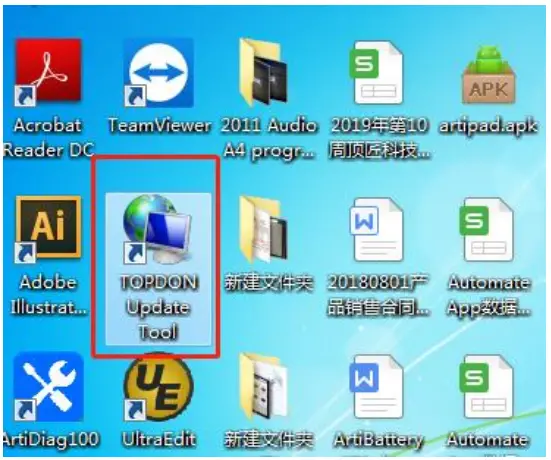
- Run the update tool on the computer

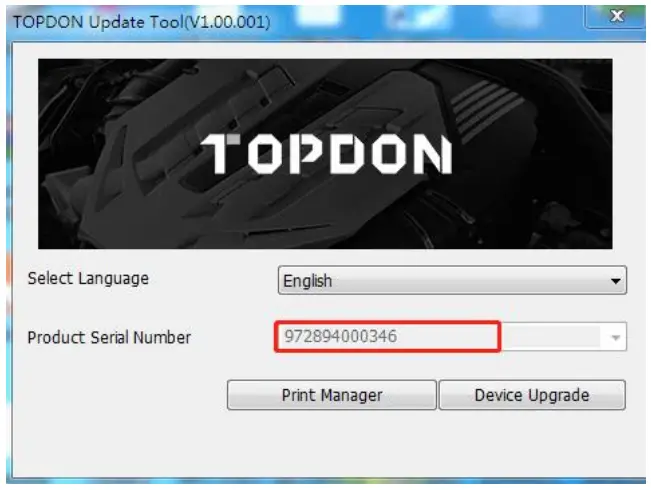
- Click Device Upgrade to move to the next step after the update tool has retrieved the serial number automatically (please don’t input the serial number manually)

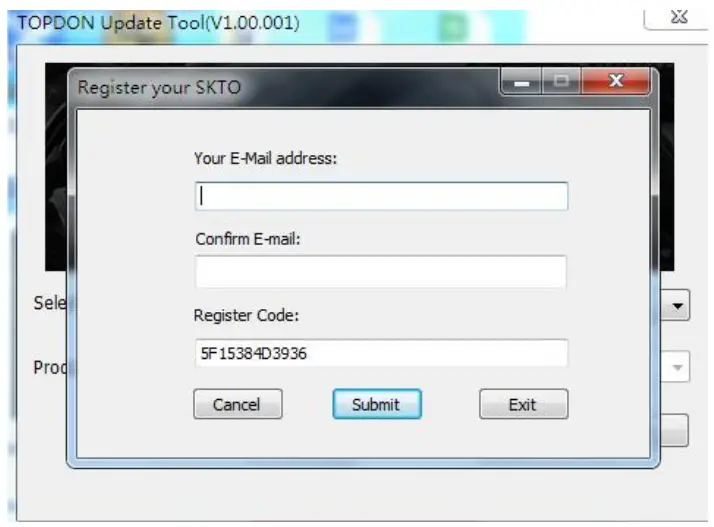
- Registration: input the Email Address and input again to confirm(the register code will come out itself), click submit, and move to the next step (Note: registration is needed only for first update)

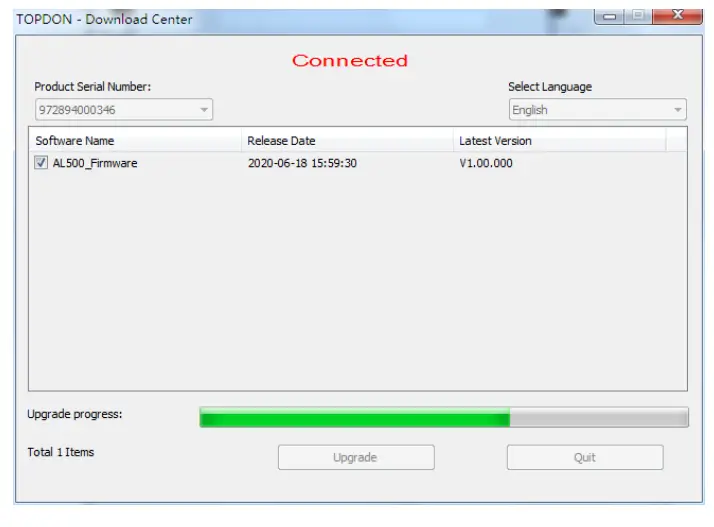
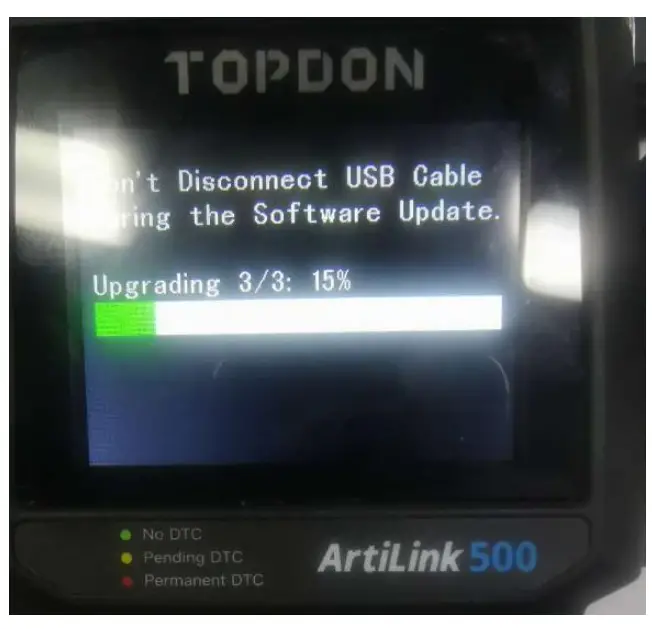
- click Upgrade, the update tool and Artilink500 interface will both show the upgrade progress

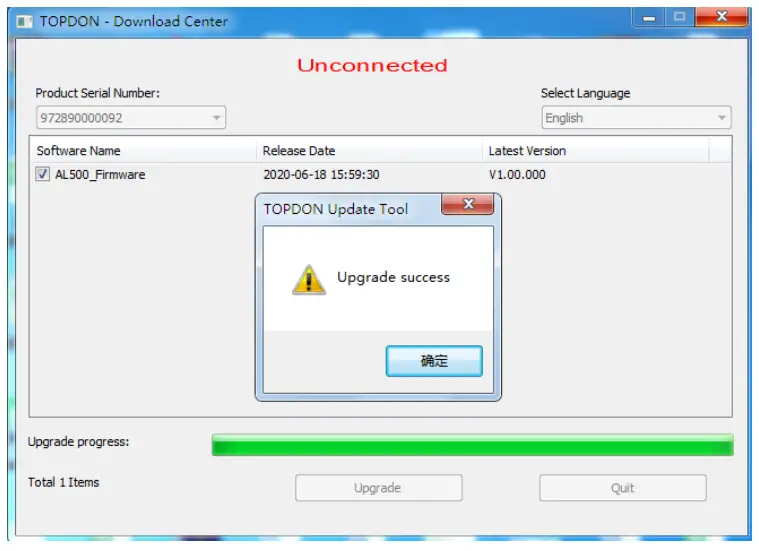
- After the screen shows Upgrade Success, the device will restart and show the menu, hence the end of the update process.


 TOPDON|Automotive Diagnostic Tools, Battery Tools and Key Programmers – TOPDON ELECTRONIC CO., LIMITED