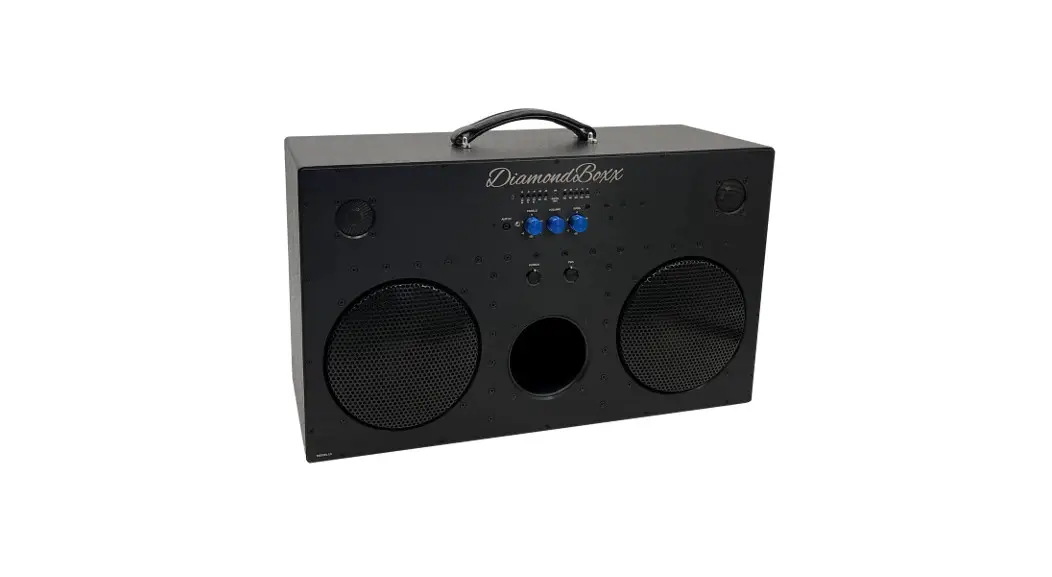
 BOOMBOX TROLLEY BT
USER MANUAL
MT3169
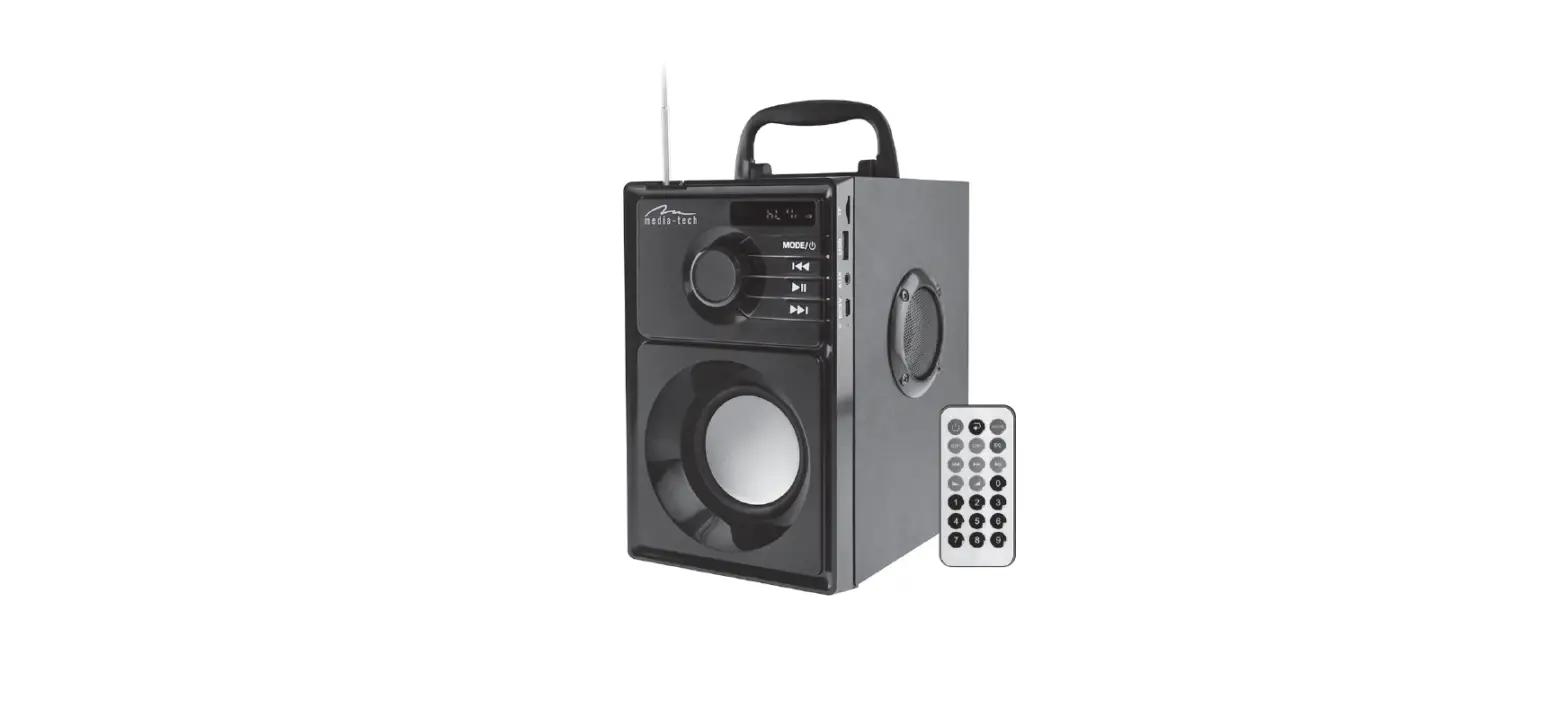
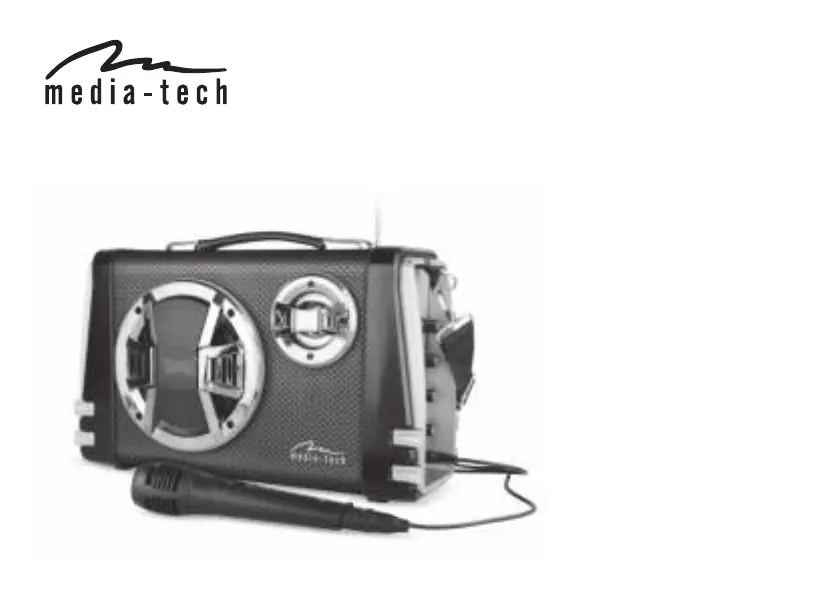
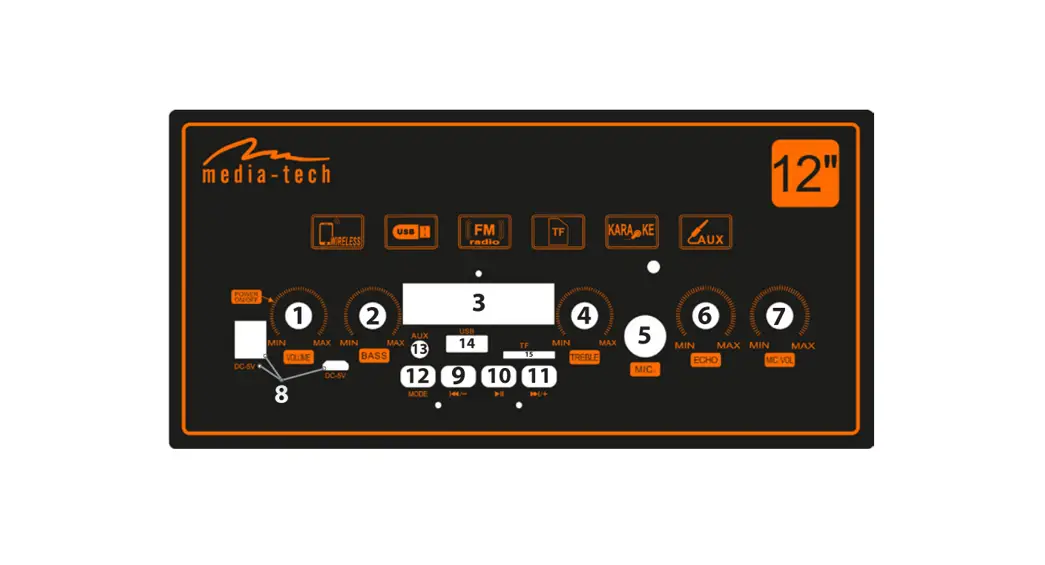
FUNCTIONS:
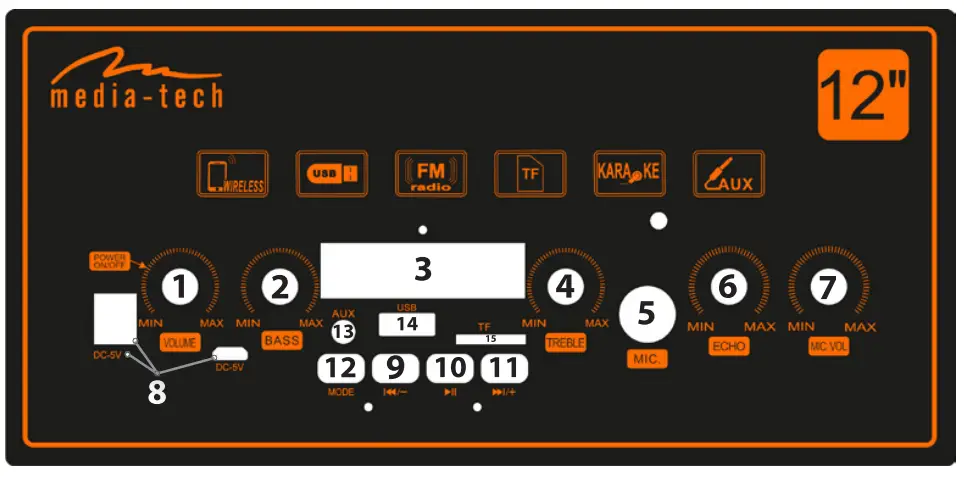
- Volume knob / power switch
- Bass knob
- LED display
- Treble knob
- Microphone jack socket
- Microphone ECHO knob
- Microphone volume knob
- Round & micro USB charging sockets and LED
- Previous track / volume – / previous FM station
- Play / pause , automatic search for all FM radio station
- Next track / volume + / next FM station
- MODE- selection of operating modes
- AUX socket
- USB socket for USB flash drive (MP3 player)
- microSD memory slot (MP3 player)
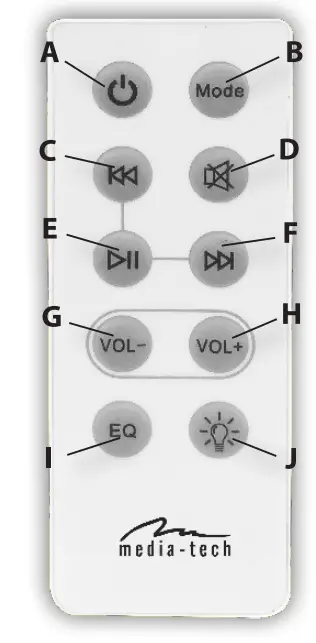
REMOTE CONTROL
A, Power supply (power switch (4)
must be in ON postion)
B. Operating modes
C . Previous song
D . Mute
E . Play / pause
F . Next song
G. Volume –
H. Volume +
I. Change equalizer settings
J, On / Off speaker illumination
BLUETOOTH MODE
Make sure you have switched to Bluetooth mode, use your smart- phone and search for Bluetooth devices. Select, MT3169″ in the list to pair the device. The device does not require any password. After successful pairing, you can play music. You can use the buttons on the device or remote control to play / pause / select previous or next song or adjust the volume.
FM RADIO MODE
After switching to radio mode, press Play/Pause buton (10) or (E) on the remote control to automatically search for radio stations. After completing the search, you can switch channels using the Previous (9)/Next (11) but-tons on the device or the (C) and (F) buttons on the remote control.
AUX TYPE
Switching to this mode allows you to play audio from an external device connected to the AUX jack.
MP3 PLAYBACK
Connecting the pen drive to the USB (14) port or inserting a microSD card (15) containing MP3 files will switch the speaker to MP3 player mode. You can control the playback by Previous (9)/Next song (11) buttons and on the remote control (C) and (F) buttons. Additionally, you can choose one of the equalizer sound profiles by pressing the (I) button on the remote control.
BATTERY CHARGING
The speaker is equipped with a lithium-ion battery. Charge it at least once every 30 days and do not allow deep discharge. When the device is charging, the red LED is ON.The LED will turn off when the speaker is fully charged.
Due to continuous development specification and appearance of product are subject to change without prior notice. For technical support please visit www.media-tech.eu.
Note on environmental protection: After the implementation of the European Directive 2012/19/UE in the national legal system, the following applies: Electrical and electronic devices may not be disposed of with domestic waste. ‘ Consumers are obliged by law to return electrical and electronic devices at the end of their service lives to the public collecting points set up for this purpose or point of sale. Details to this are defined by the national law of the respective country. This symbol on the product, the instruction manual or the package indicates that a product is subject to these regulations. By recycling, reusing the materials or other forms of utilising old devices, you are making an important contribution to protecting our environment.