Lepro LampUX Manual – Product and App Guide
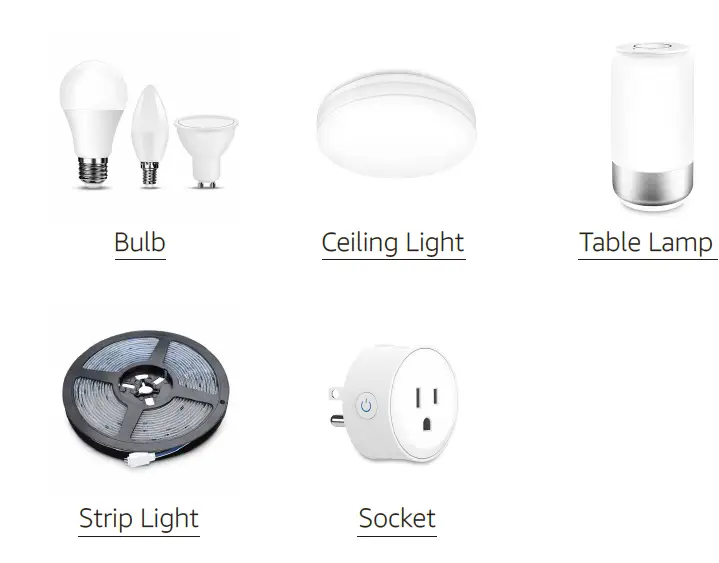
Install the APP


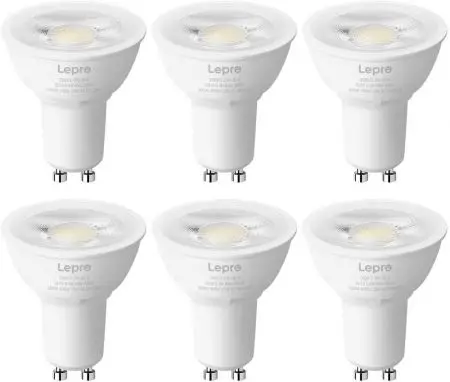
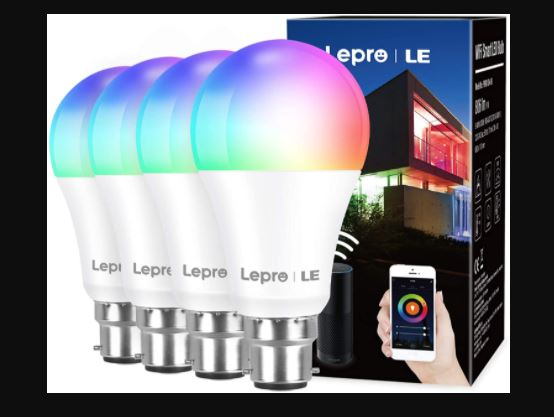
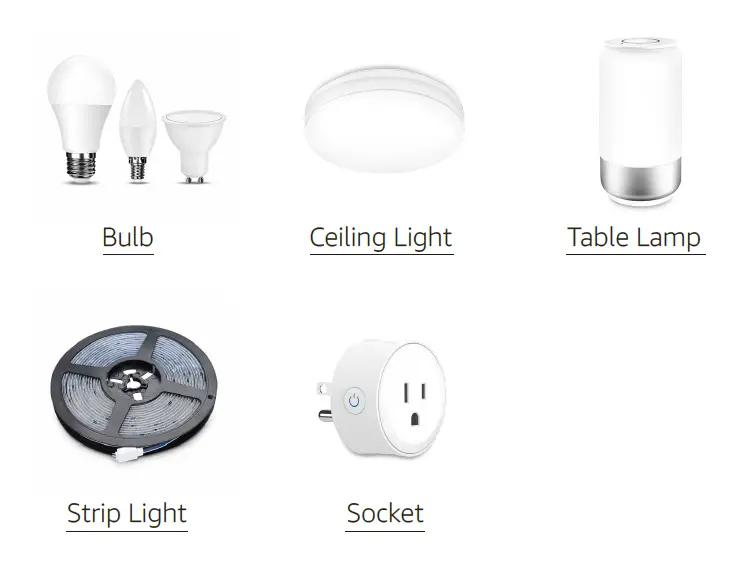
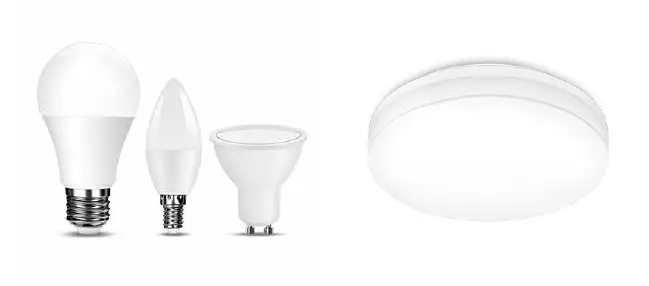
Lepro LampUX Bulb & Ceiling Light
How to connect to LampUX?
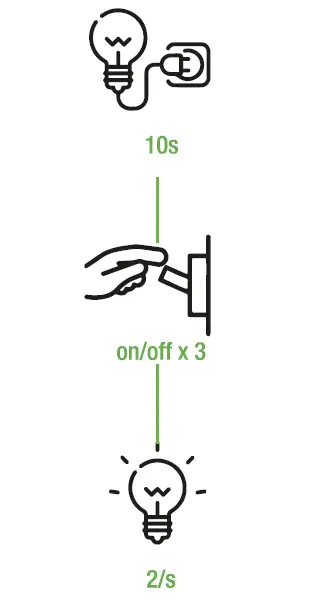
1. Reset the light
Switch on the light and keep it on for at least 10s.
Alternate between the off and on positions 3 times.
Wait until the light blinks rapidly.

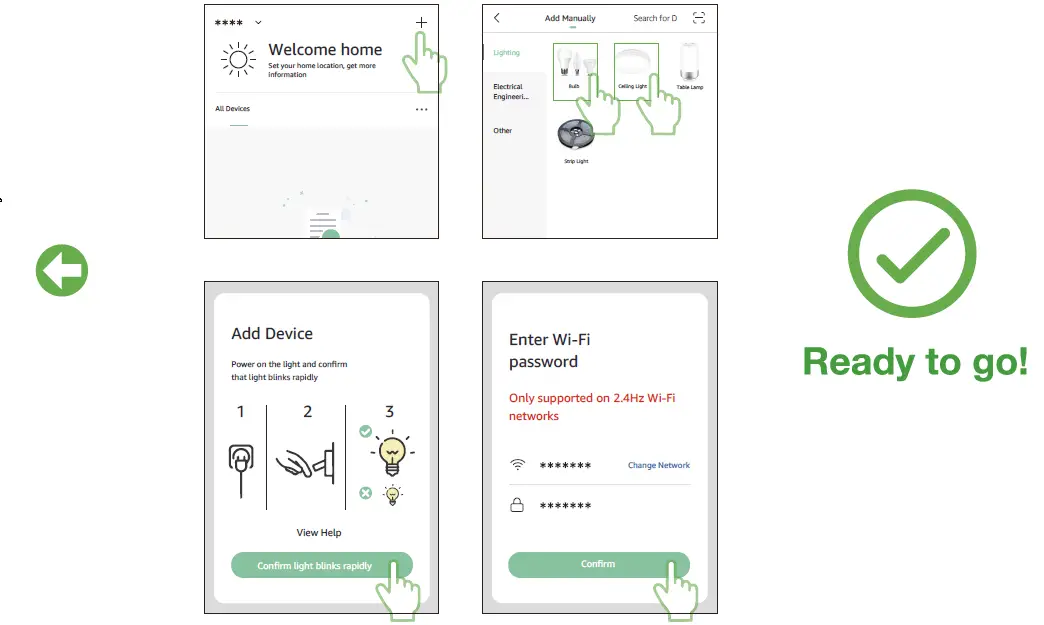
2. Connect to the APP
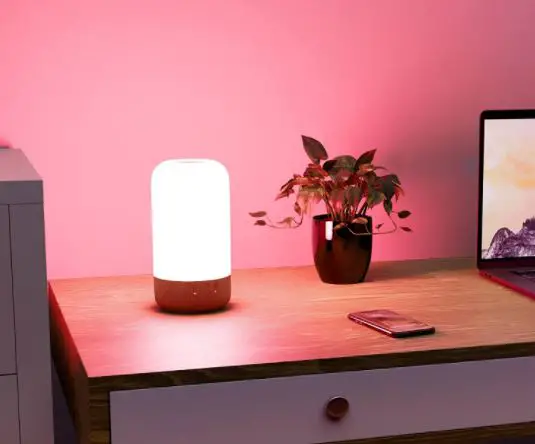
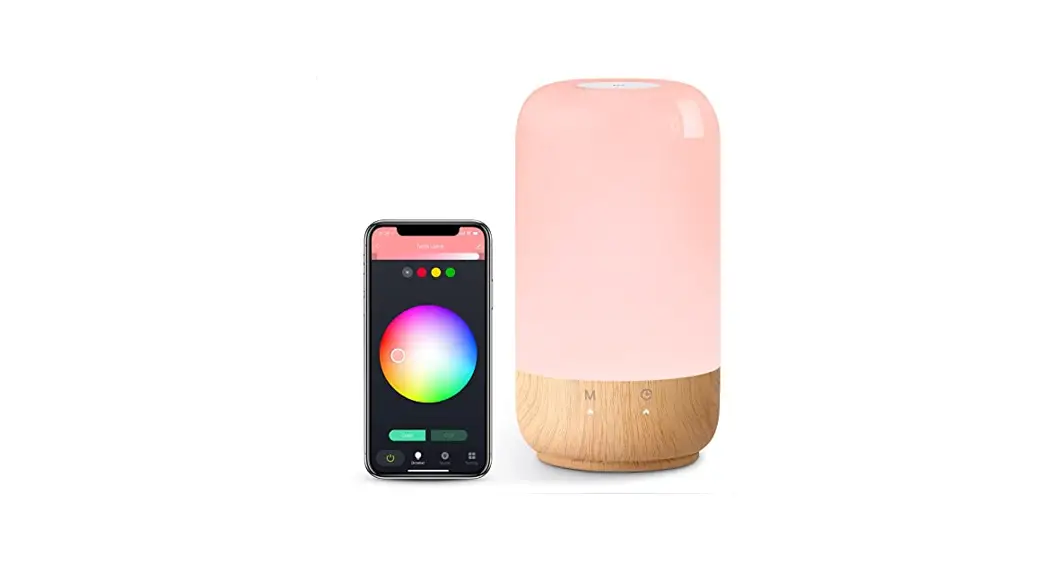
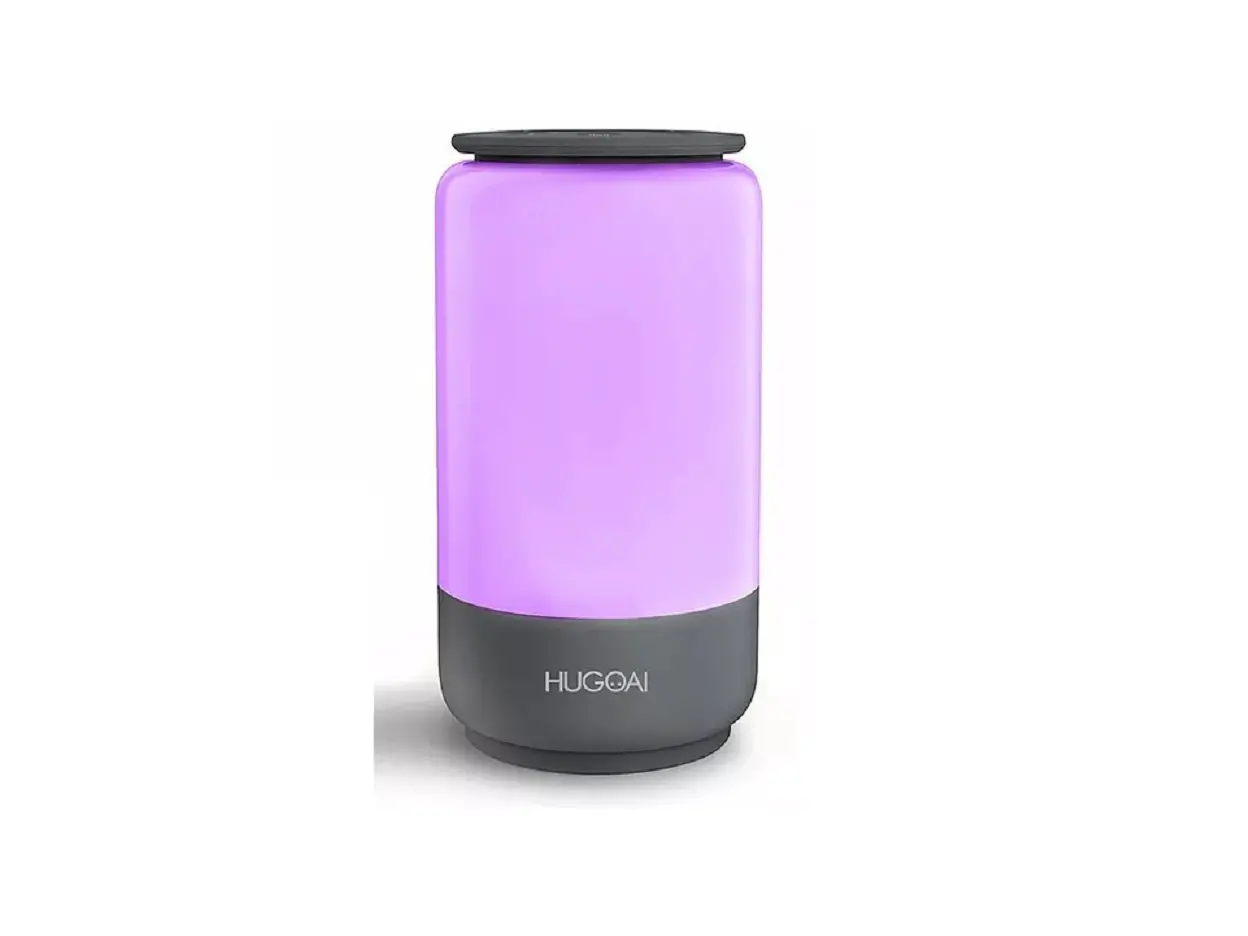
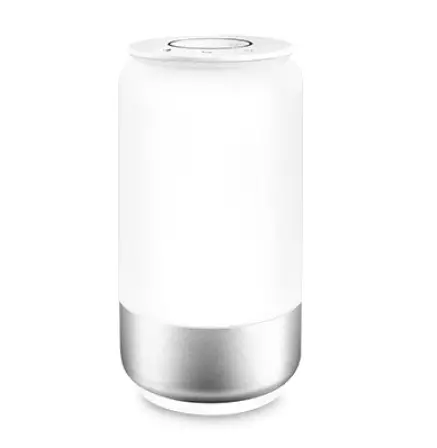
Lepro LampUX Table Lamp
How to connect to LampUX?
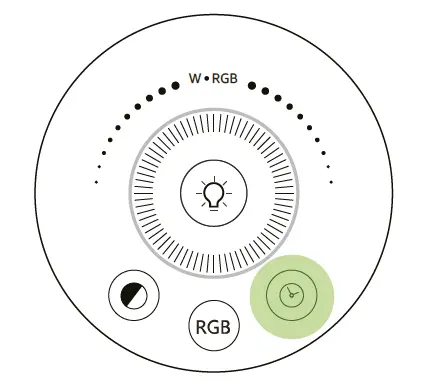
Switch on the light.
Long press this button for at least 5s.
Wait until the light blinks rapidly.

How to connectto LampUX?
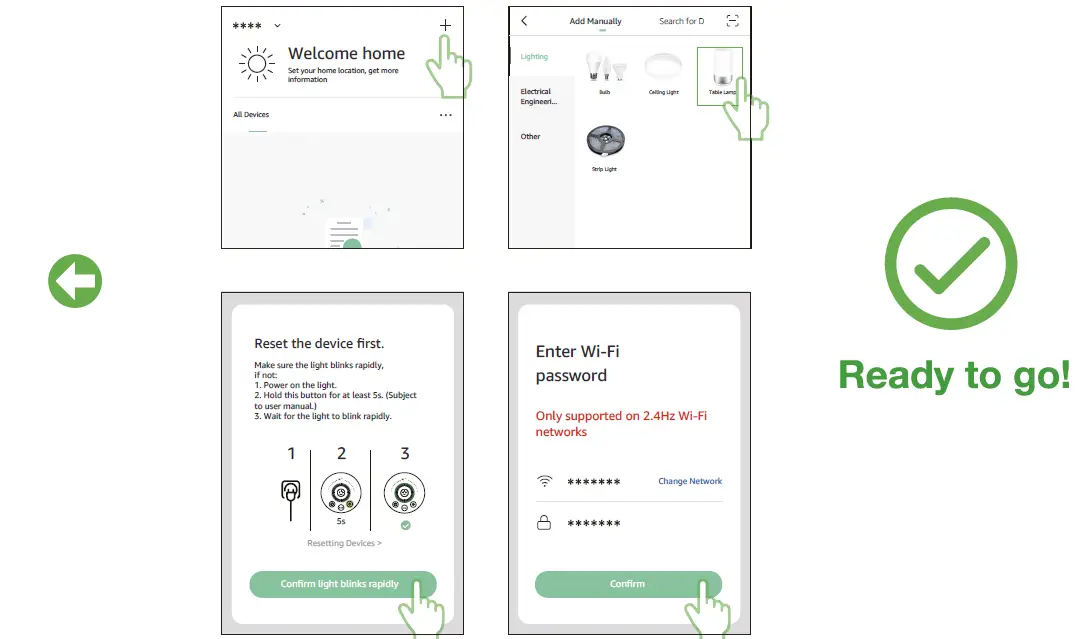
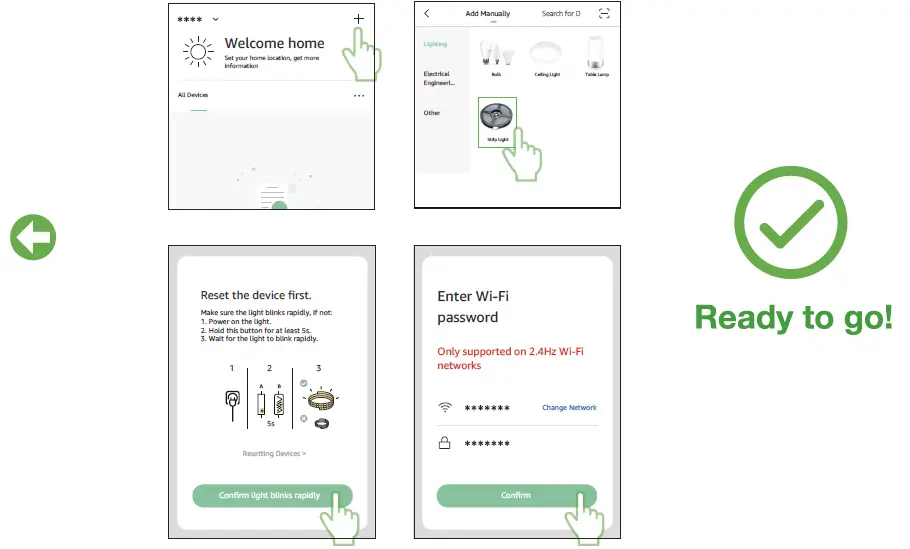
Lepro LampUX Strip Light
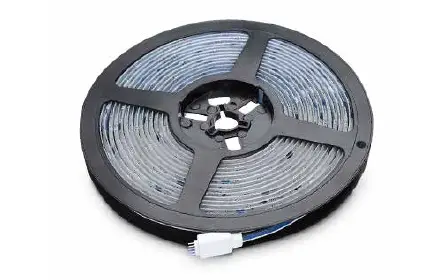
How to connect to LampUX?
1. Reset the light
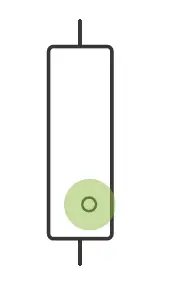
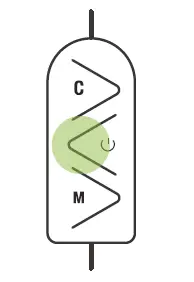
Switch on the light and keep it on for at least 10s.
Long press this button for at least 5s.
Wait until the light blinks rapidly
2. Connect to the APP
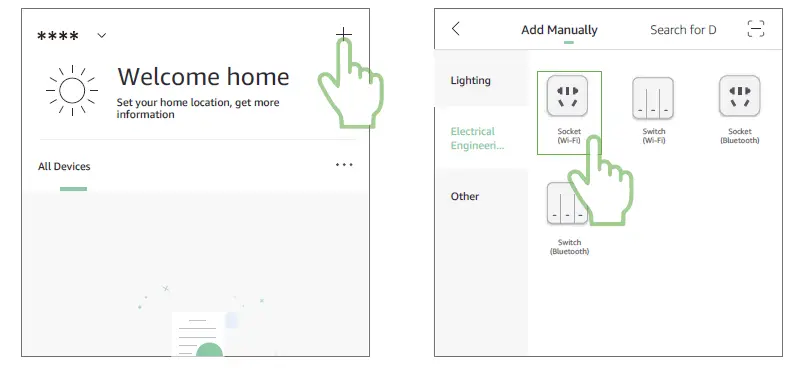
Lepro LampUX Socket
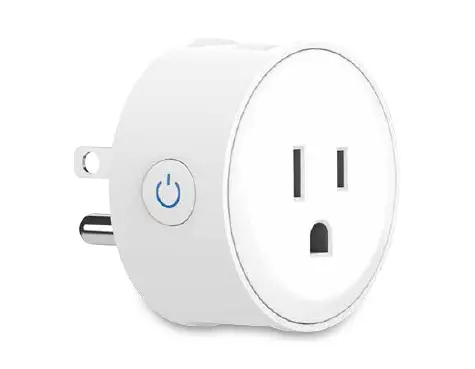
How to connect to LampUX?
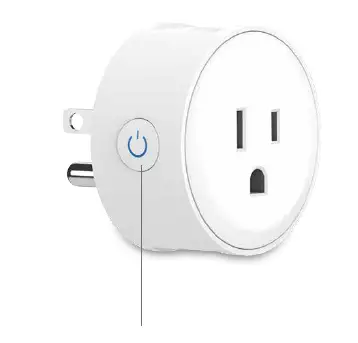
Make sure the indicator light blinks rapidly (twice a second), if not, long press this button for at least 5s.
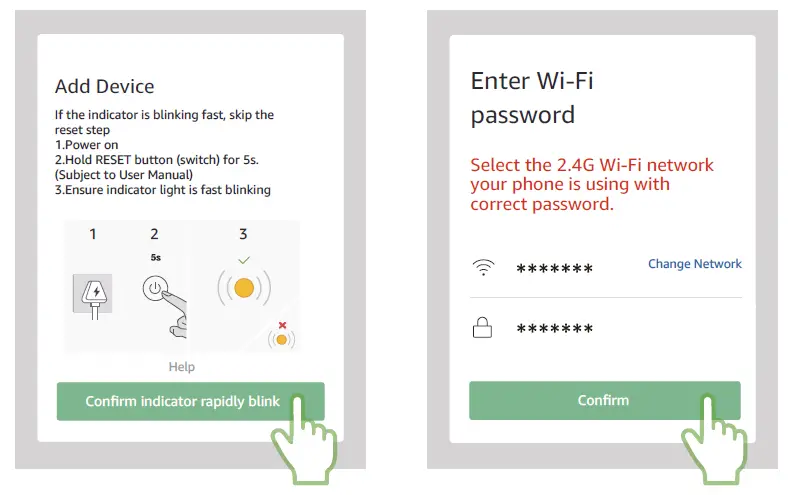
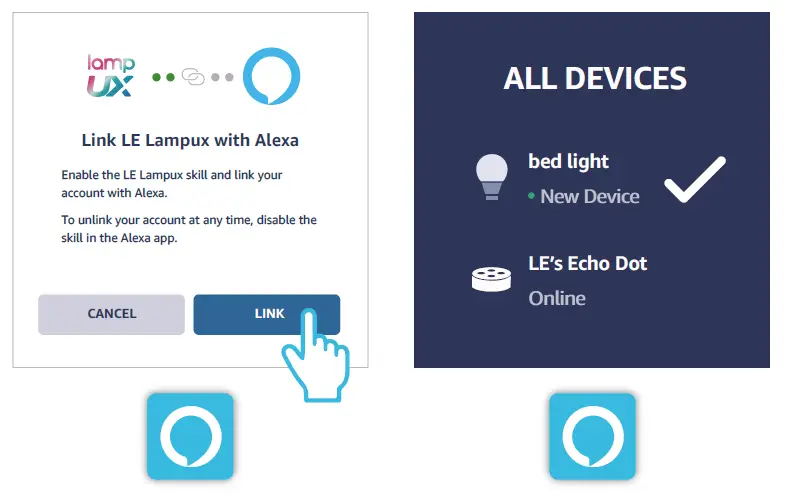
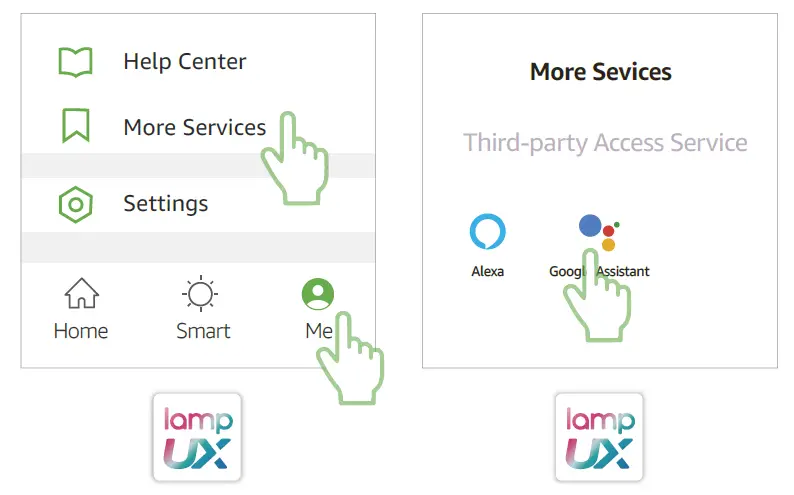
How do I connect to Amazon Alexa?
Before everything:
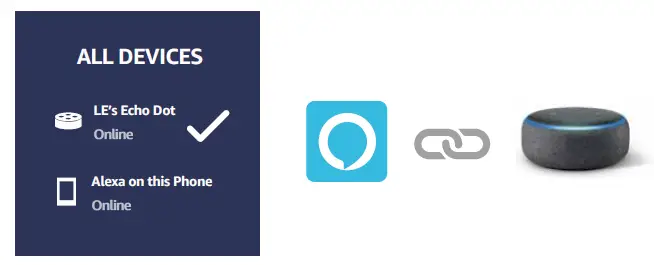
1. Pair your Alexa Echo to the network.
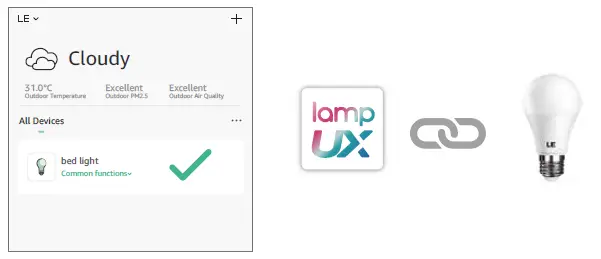
2. Pair the light with our App.
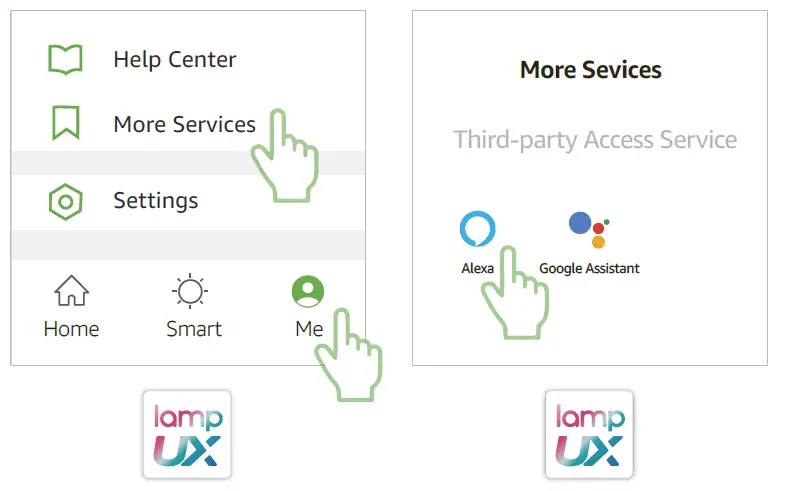
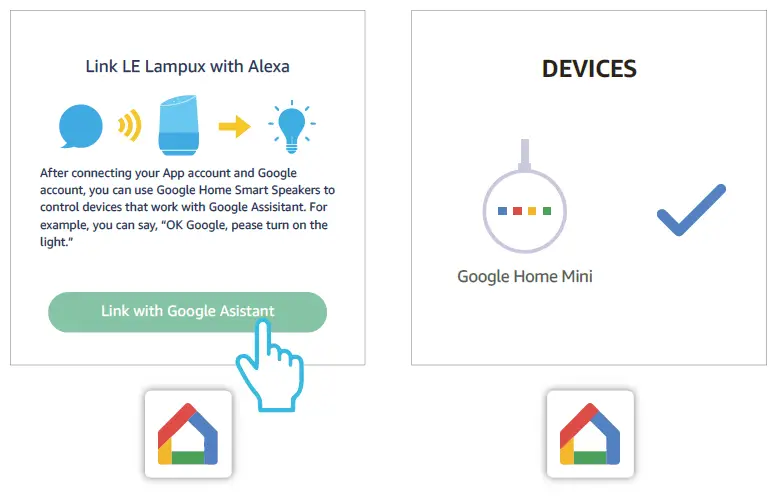
How do I connect to Google Assistant?
Before everything:
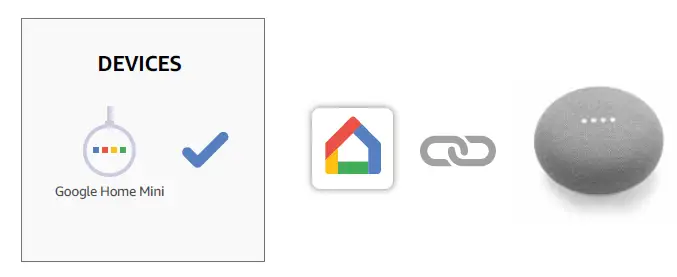
1. Set up your Google Home device.
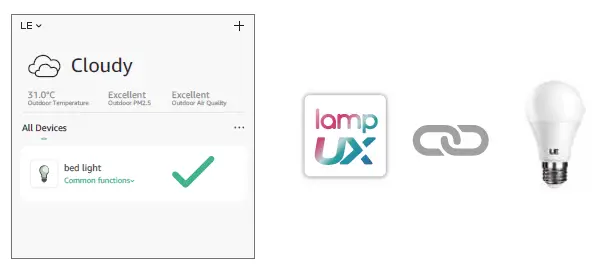
2. Pair the light with our App.
DOWNLOAD
Lepro LampUX Manual – Product and App Guide – [Download PDF]