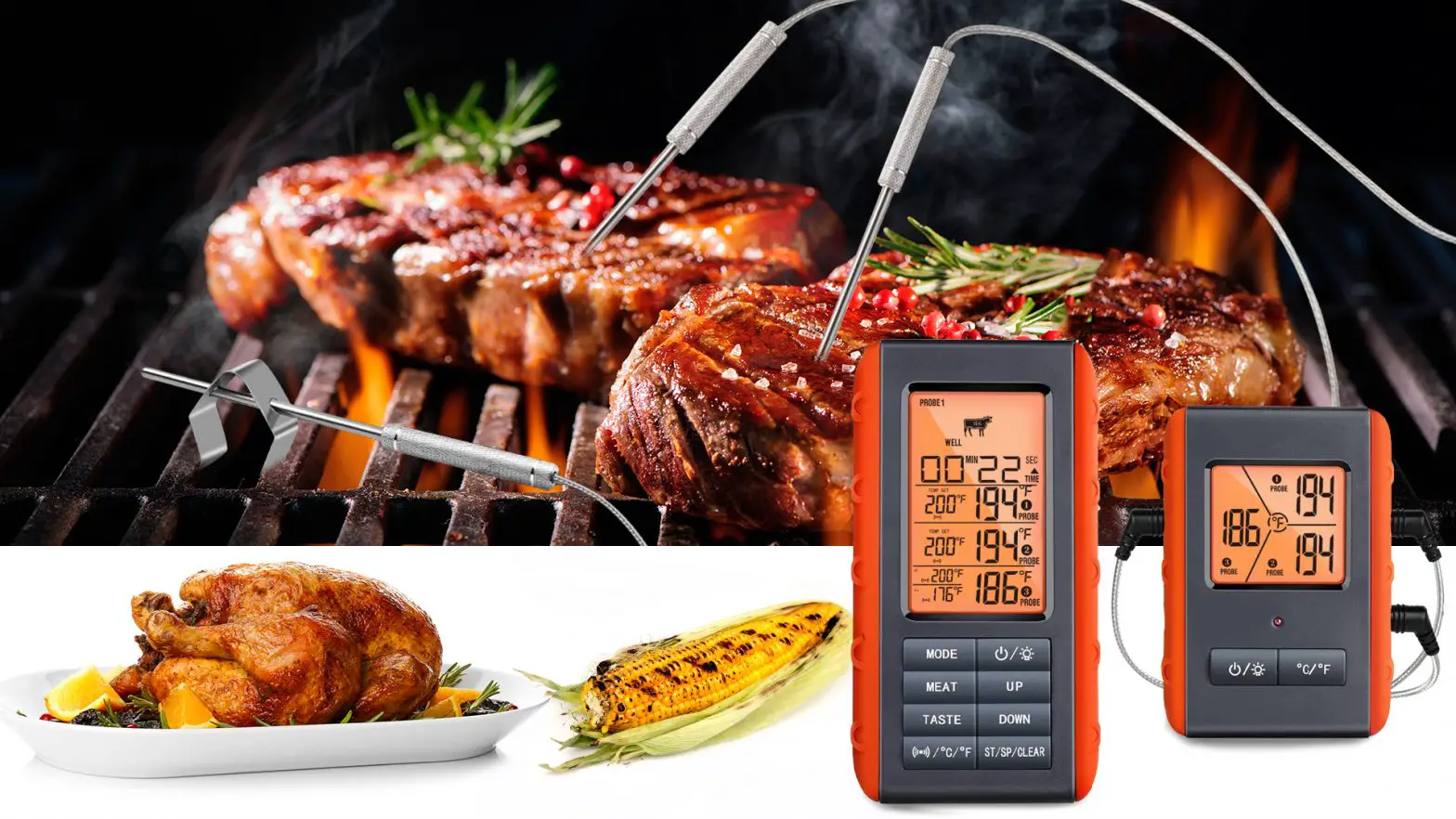

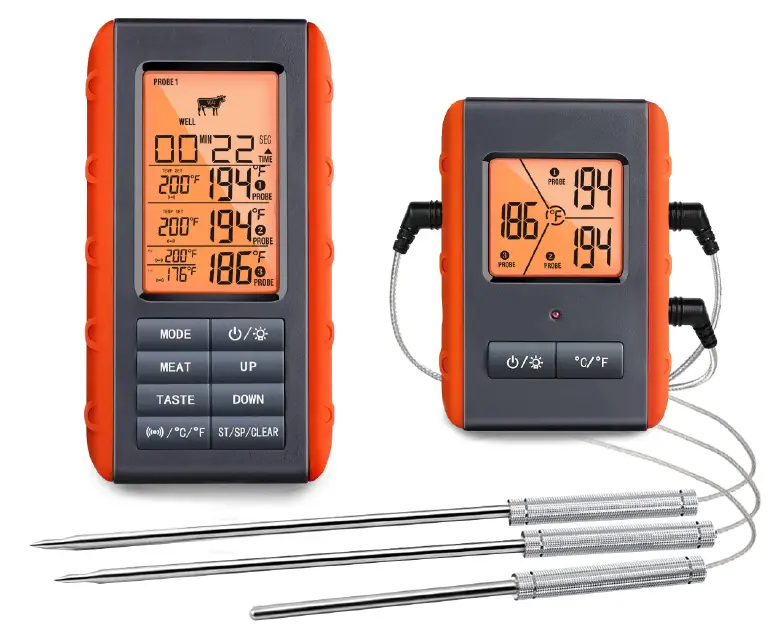
VAUNO Wireless Meat Thermometer
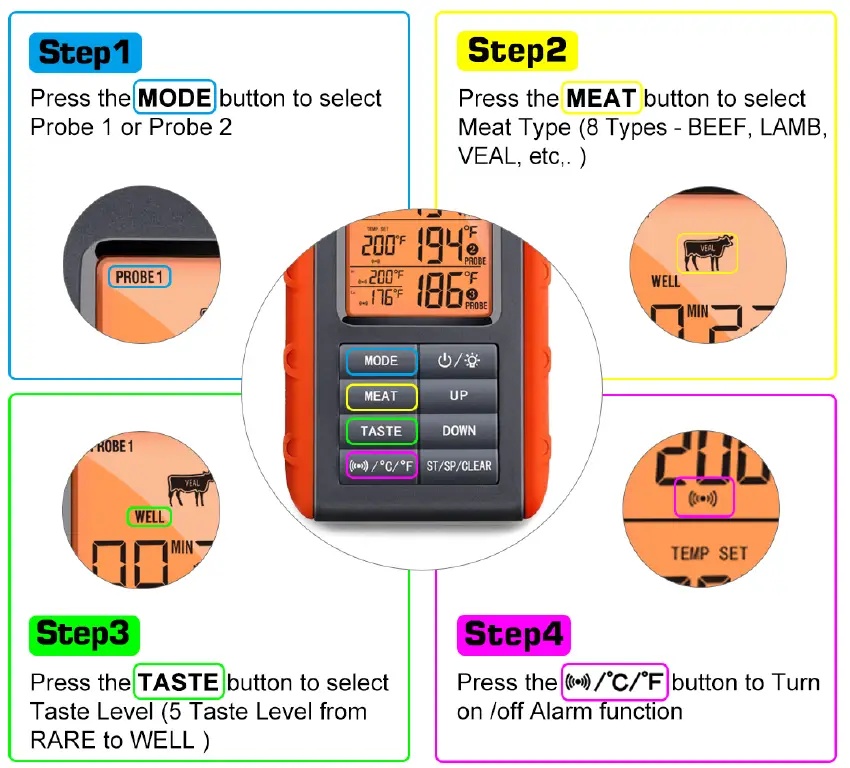
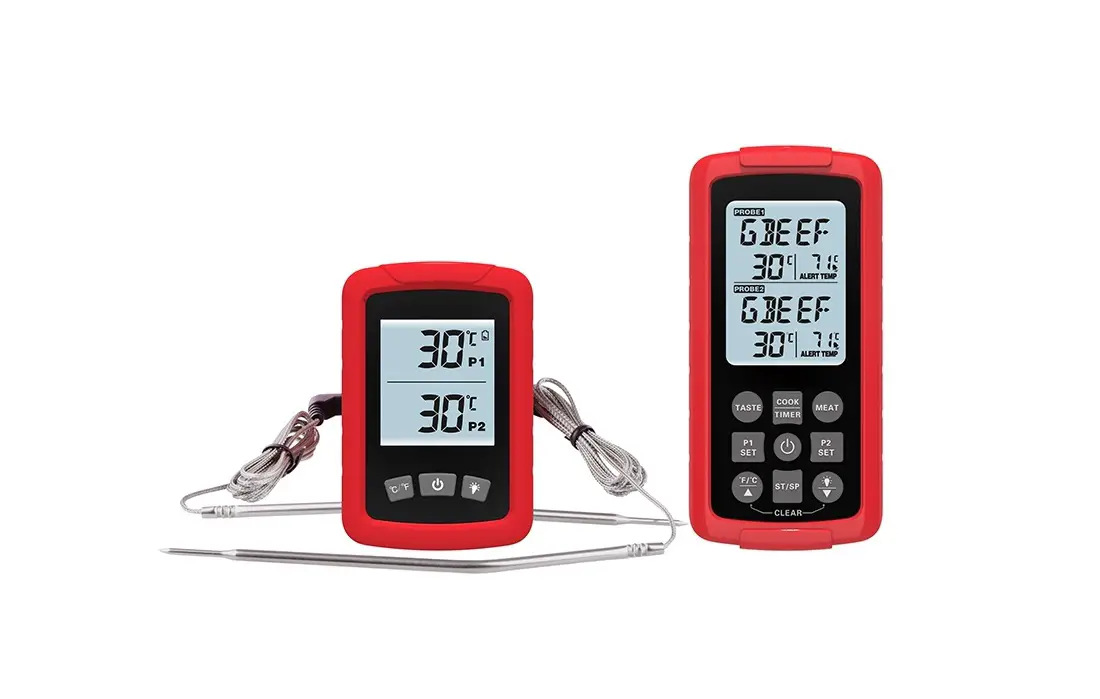
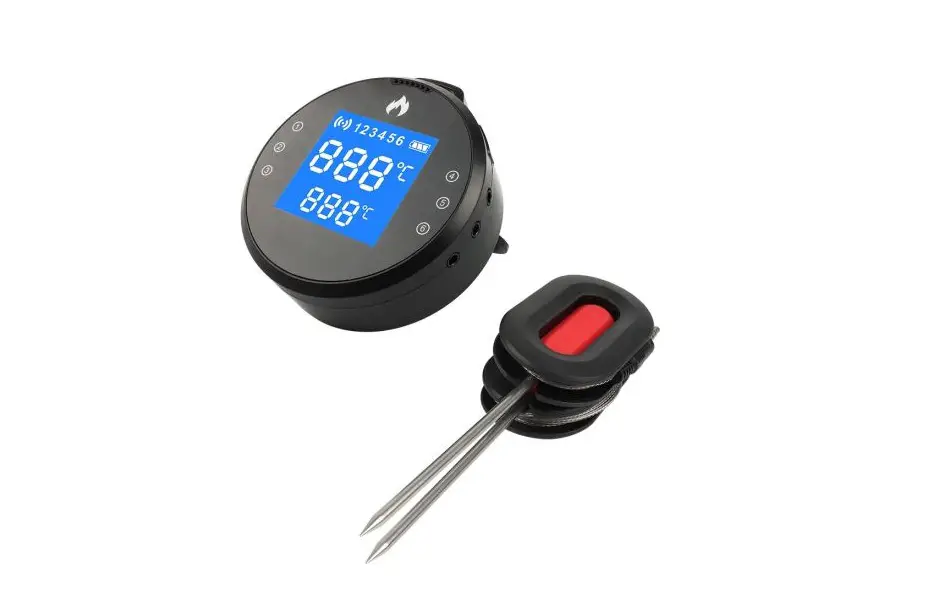
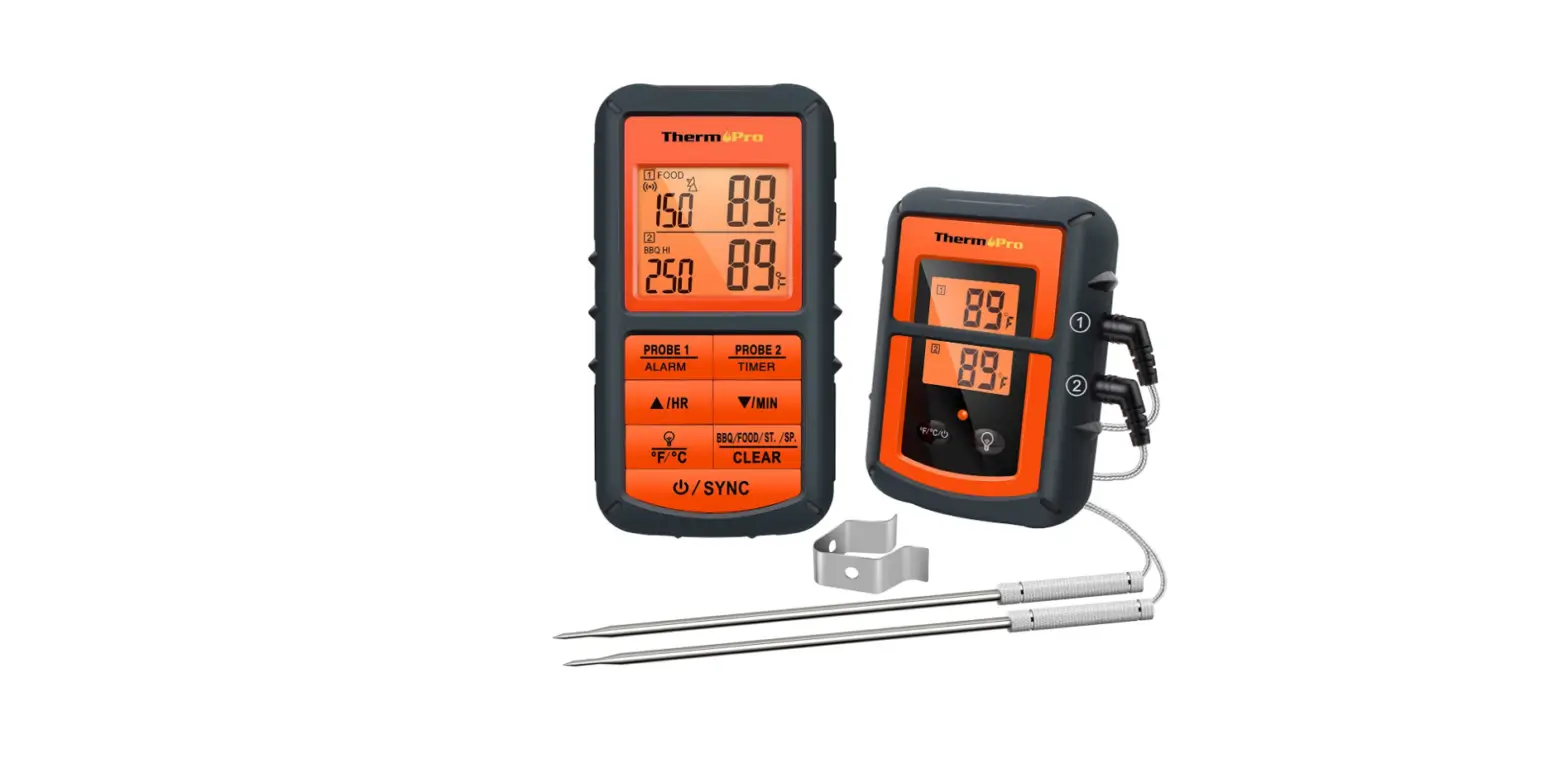
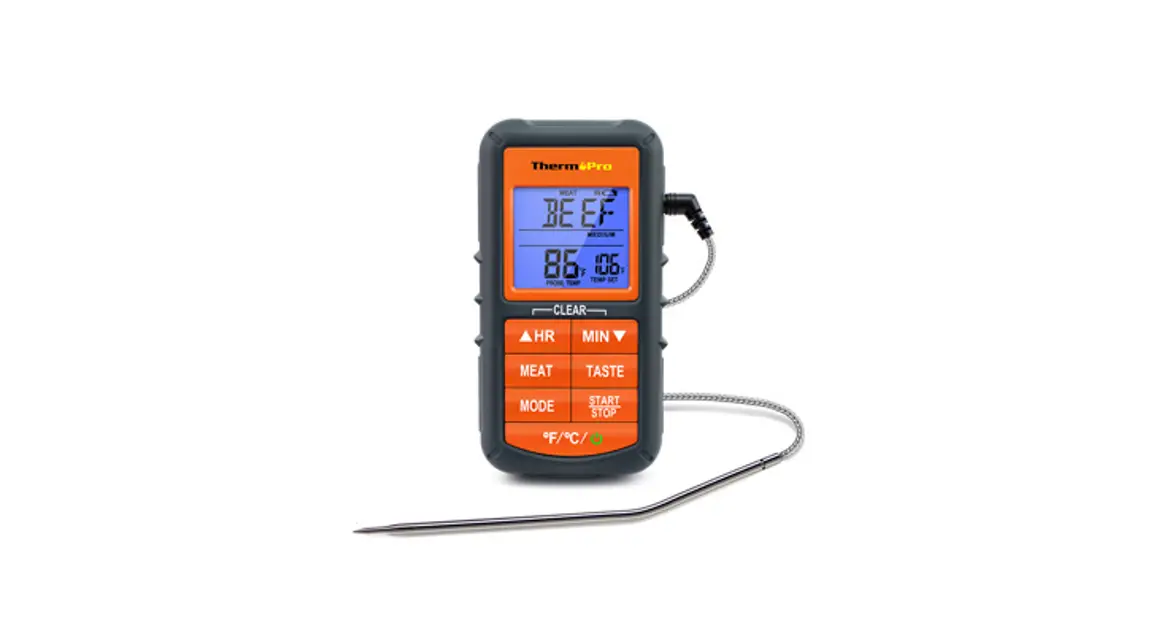
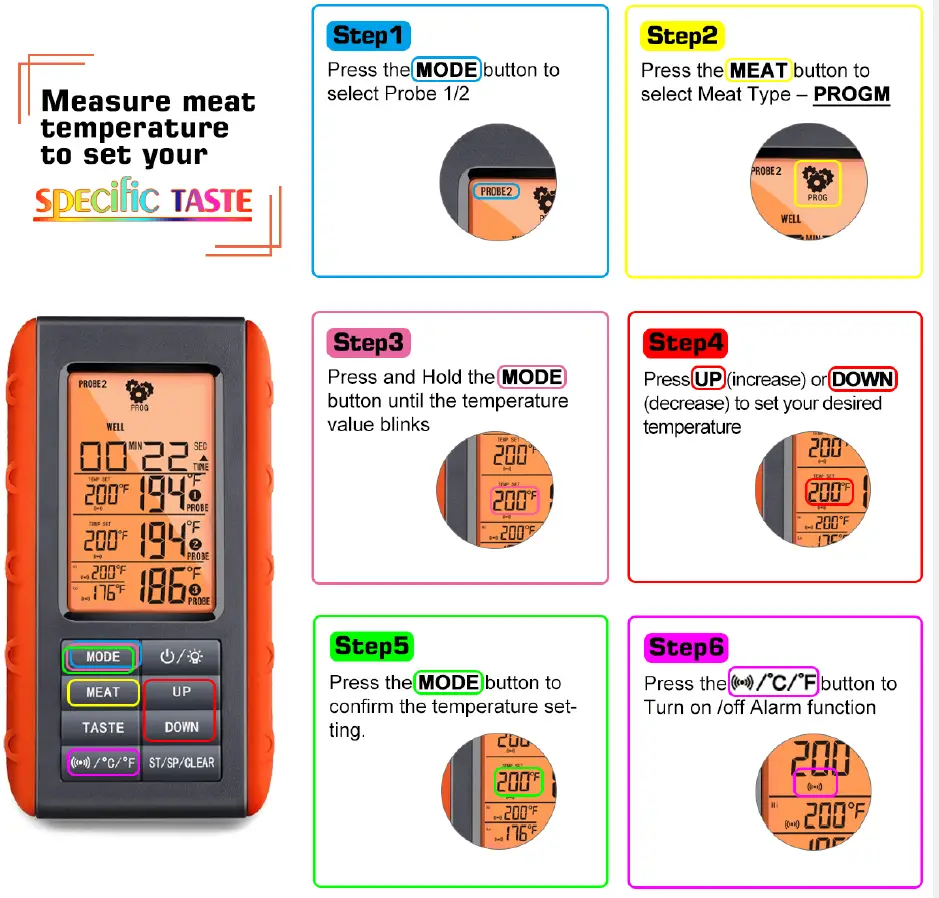
Measure meat temperature to set your
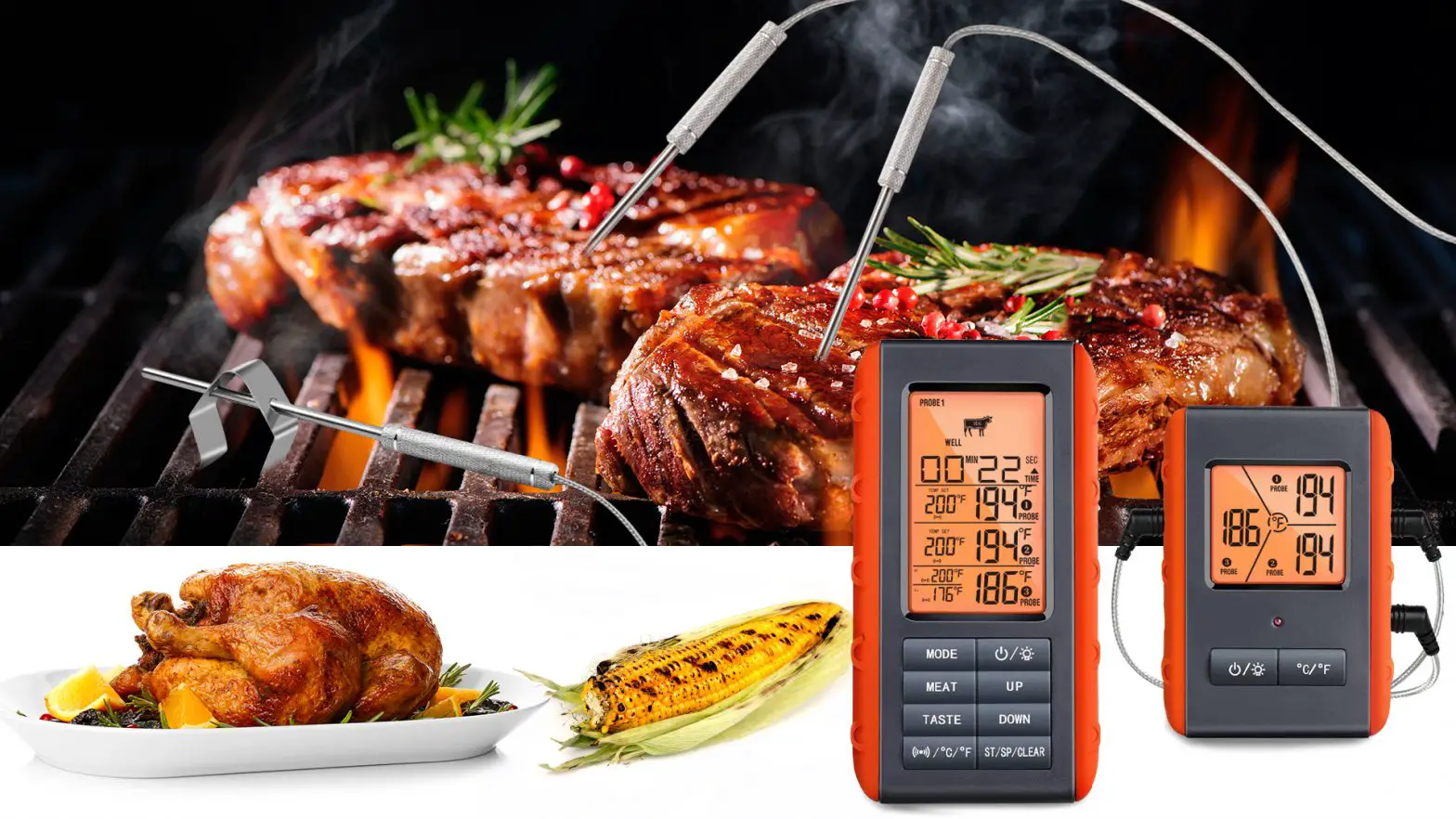
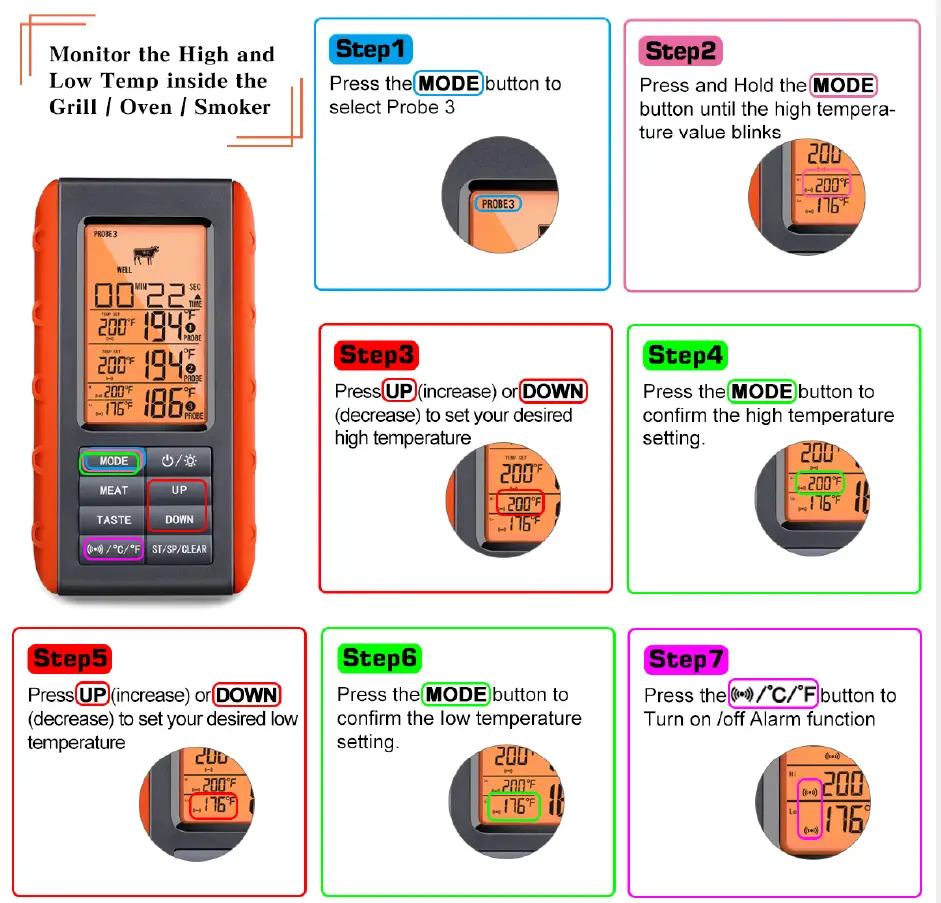
Monitor the High and Low Temp inside the Grill I Oven I Smoker
Count Down Timer
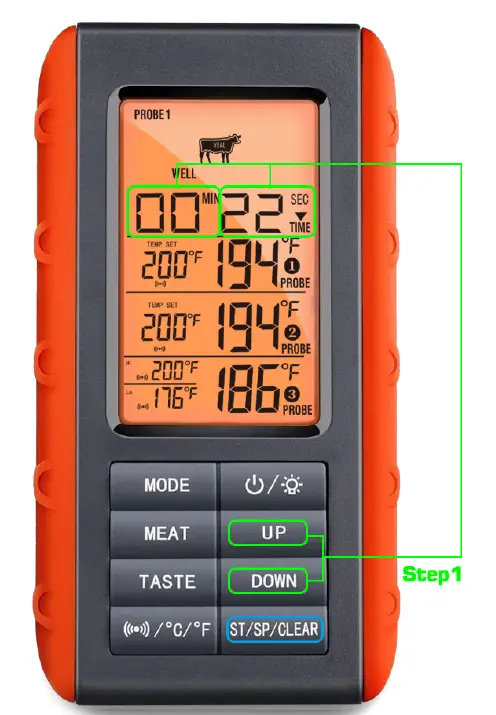
Step1
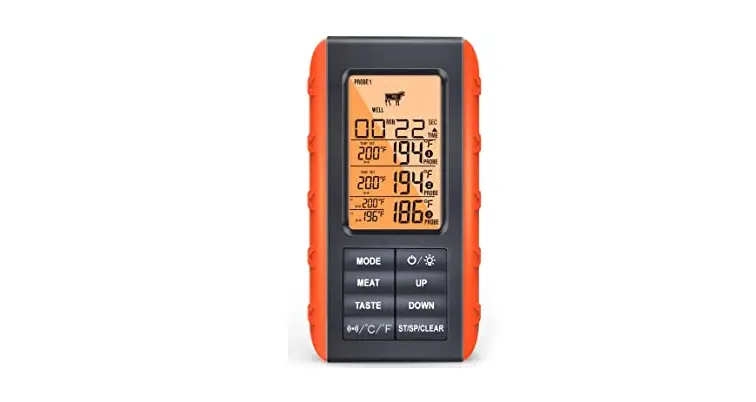
Press the UP (Minute) I DOWN (Second) button to adjust time setting
Step 2
Press ST/SP/CLEAR button to start Count Down timer
Count UP Timer
Press ST/SP/CLEAR button to start Count UP timer
Stop Timer
- Press ST/SP/CLEAR button to stop the timer.
Clear the timer setting
- After stopping the timer, press and hold ST/SP/CLEAR button for 2 seconds to clear the timer setting.