Sensata Lithium Battery Settings User Guide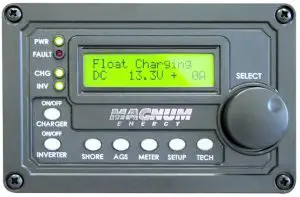
QUICK REFERENCE GUIDE
Using the Magnum Energy ME-RC or ME-MR Remote Controls, set Magnum Energy inverter/chargers to charge lithium iron phosphate (LFP) batteries.
 Access LFP battery settings via built-in RV control panels using the ME-RVC bridge.
STANDARD LFP SETTINGS AVAILABLE FOR THE FOLLOWING MAGNUM ENERGY INVERTER/CHARGER MODELS
- MS2000
- MS2012
- MS2812
- MS2024
- MS4024
- MS4048
- MSH3012M
- MSH3012RV
- MSH4024M
- MMS1012
- MMSA1012
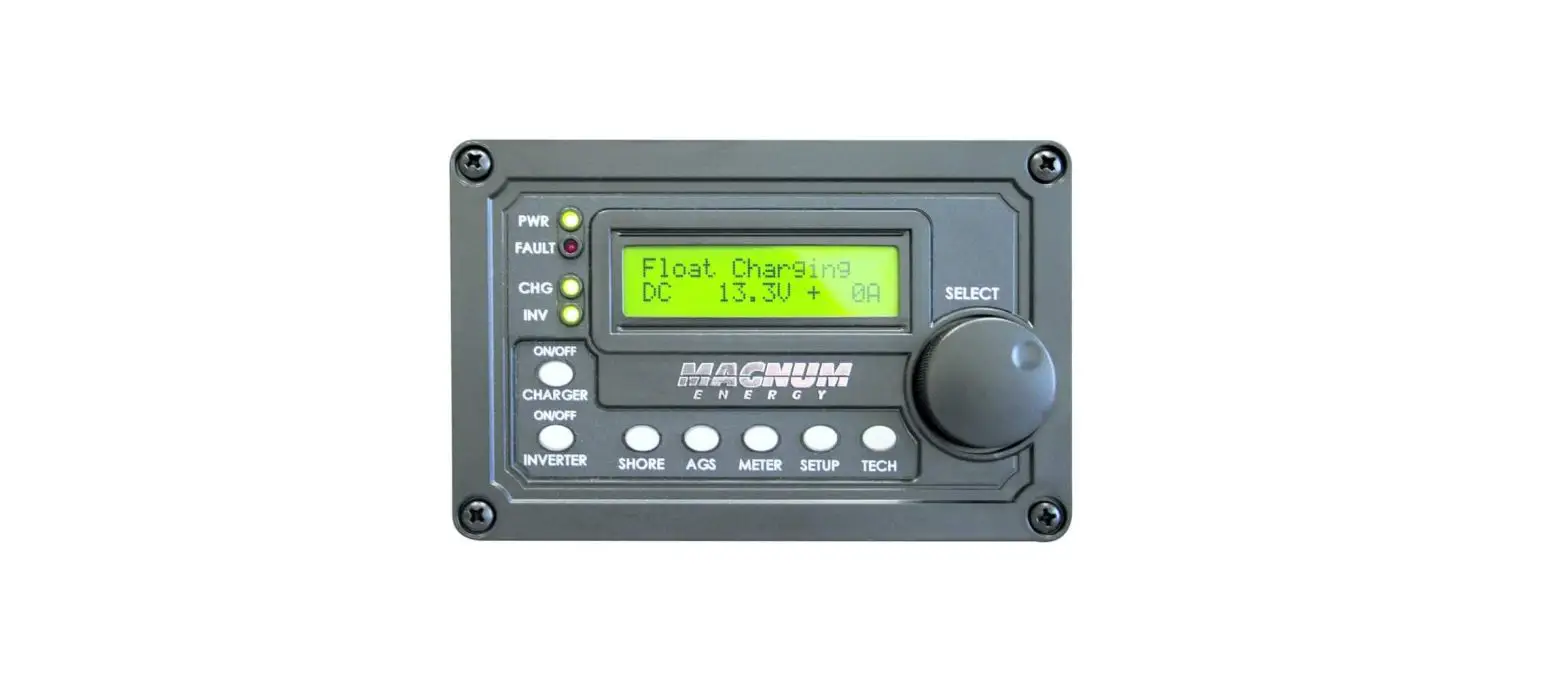
ME-RC Remote Control
From the ME-RC Remote Control version 2.9 or higher, program your Magnum Energy inverter/charger to charge lithium batteries.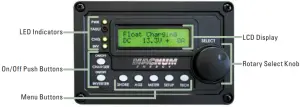
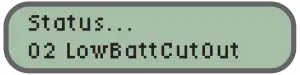
- STEP ONE: Set the Low Battery Cutout to battery manufacturer’s specifications.
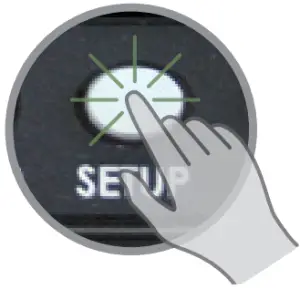
- Press Setup

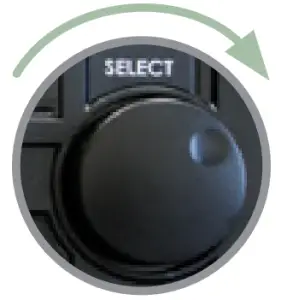
- Rotate to Low Battery Cutout


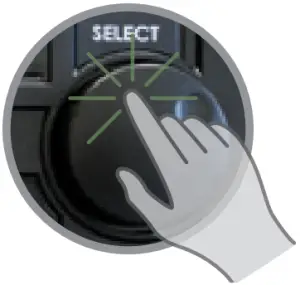
- Press Rotary Knob to select

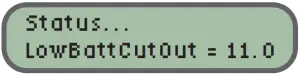
- Rotate to battery manufacturer’s specs, or 11.0 VDC if not specified.

- Press Rotary Knob to save
- Press Setup
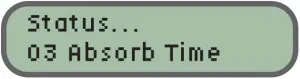
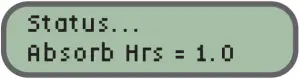
- STEP TWO: Set the Absorb Time setting to battery manufacturer’s specifications. The setting is determined by the 20-hour amp-hour capacity of your battery bank.
- Press Setup
- Rotate to Absorb Time

- Press Rotary Knob to select
- Rotate to 1 hour
- Press Rotary Knob to save
- Press Setup
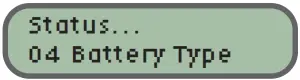
- STEP THREE: Set the Battery Type setting to LFP.
- Press Setup
- Rotate to Battery Type

- Press Rotary Knob to select
- Rotate to LFP
- Press Rotary Knob to save
- Press Setup

ME-MR Remote Control
From the ME-MR Remote Control version 1.3 or higher, program your Magnum Energy inverter/charger to charge lithium batteries.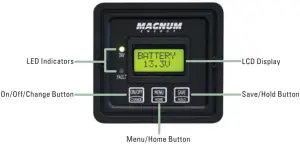
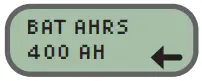
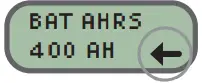
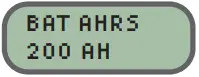
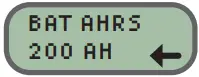
- STEP ONE: Set the Battery Amp Hours to 200 AH = 1 hour.
- Press Menu/Home button until the display shows BAT AHRS


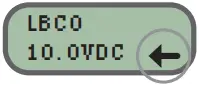
- The current “saved” setting is indicated by an arrow in the bottom right-hand corner of the display

- Press On/Off/Change button until 200 AH is shown


- Press Save/Hold button to save the 200 AH setting
- Press Menu/Home button until the display shows BAT AHRS
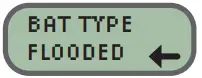
- STEP TWO: Set the Battery Type setting to LFP.
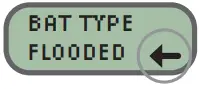
- Press Menu/Home button until the display shows BAT TYPE

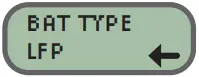
- The current “saved” setting is indicated by an arrow in the bottom right-hand corner of the display

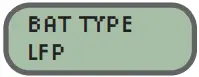
- Press On/Off/Change button until LFP is shown
- Press Save/Hold button to save the LFP setting
- Press Menu/Home button until the display shows BAT TYPE
- STEP THREE: Set the Low Battery Cutout to battery manufacturer’s specifications.
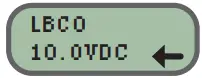
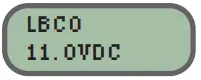
- Press Menu/Home button until the display shows LBCO
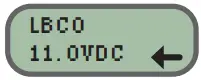
- The current “saved” setting is indicated by an arrow in the bottom right-hand corner of the display

- Press On/Off/Change button until correct Low Battery VDC setting is shown for your battery specs, or 11.0VDC if not specified.

- Press Save/Hold button to save the LBCO setting
- Press Menu/Home button until the display shows LBCO



Guide provided for reference only. Please read the full Owner’s Manual for each remote control.

CONTACT US
651-653-7000
800-553-6418
[email protected]
Power Conversion
www.Magnum-Dimensions.com