
 User Manual
PLSPOOL12
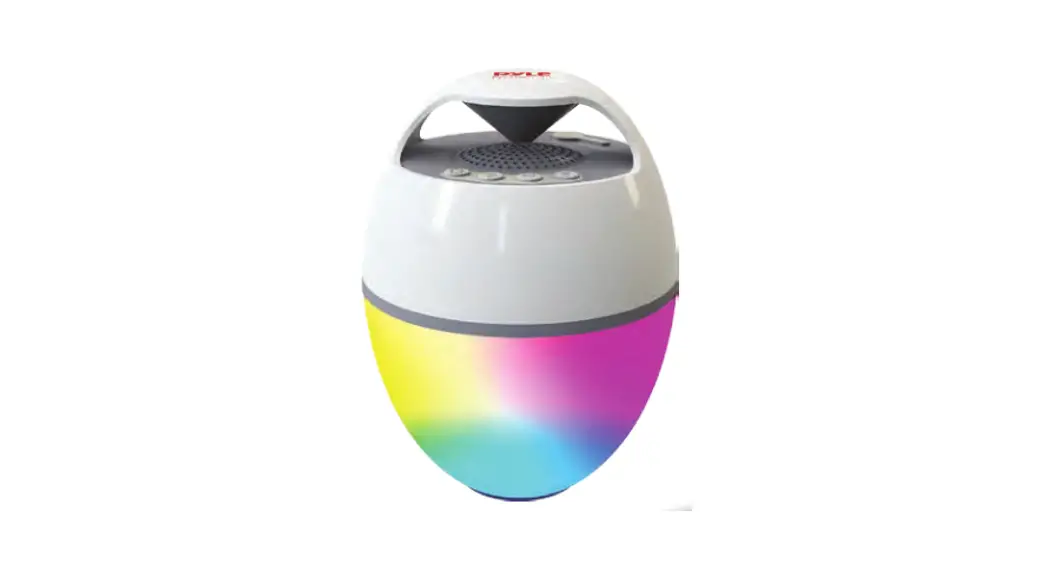
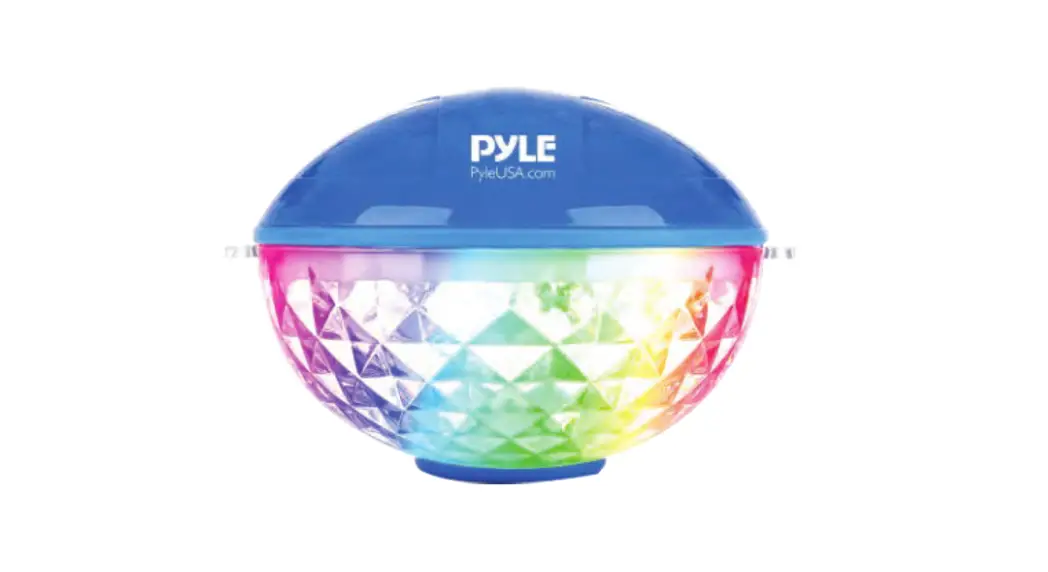
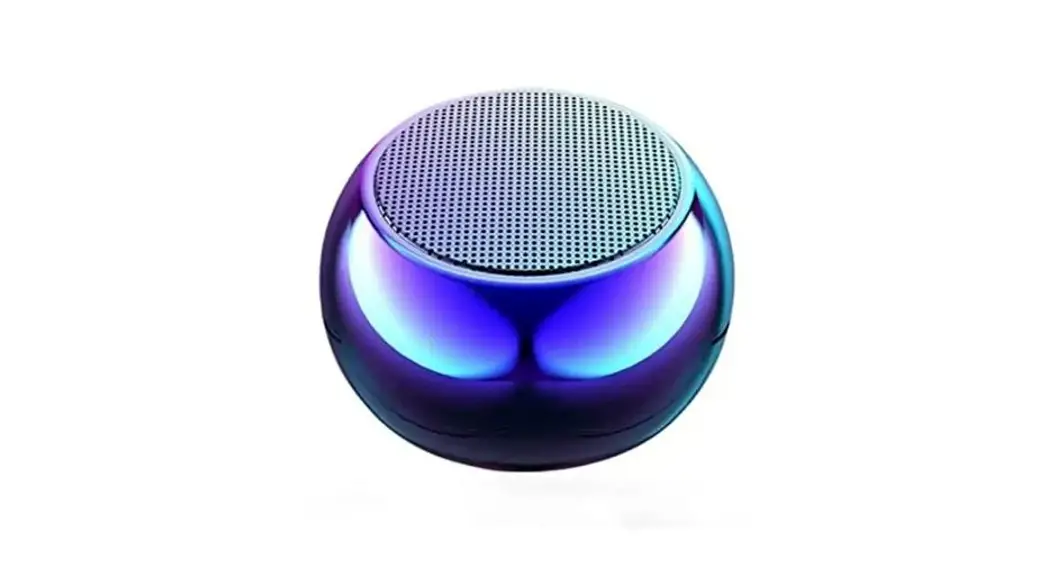
Portable Wireless Speaker with Colorful Lights
Floating Pool Speaker IP68 Waterproof Speaker (Apple White)
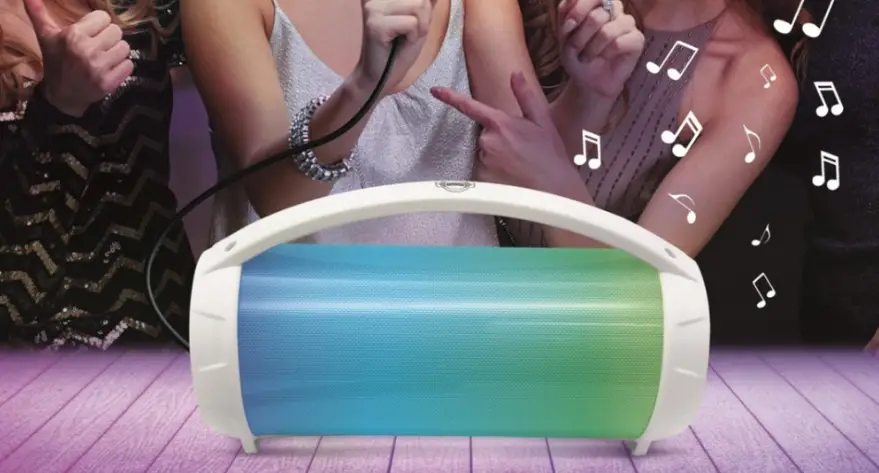
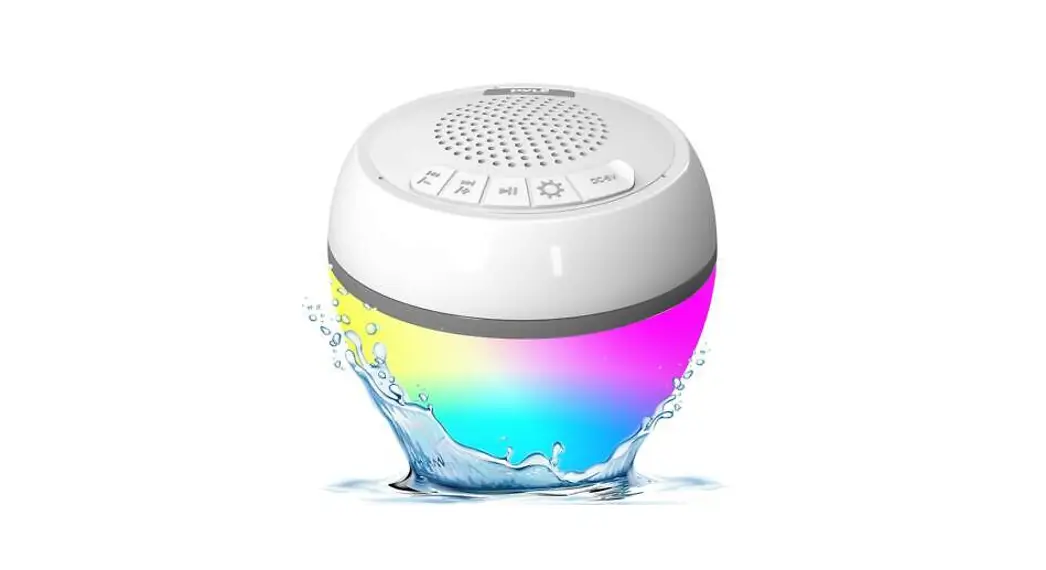
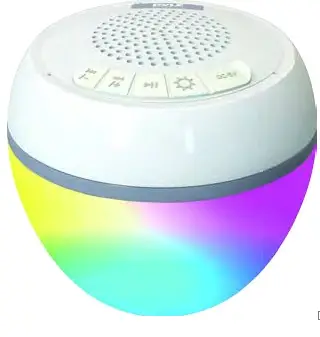
PLSPOOL12 Portable Wireless Speaker with Colorful Lights is IP68 Waterproof Rating, Shockproof, Dustproof, Scratchproof Speaker. It can be widely used for biking, hiking, camping, party, indoors, etc. With the colorful light show, it also has ambient Light that will really make your nightlife more colorful and wonderful.
INSTRUCTION TO PARAMETERS
 |  |
| BT version | V5.1+EDR |
| Battery capacity | 2000mAH lithium battery 3.7V |
| Working hours | 5-7 hours |
| Frequency | 2400MHz-2480MHz |
| Protocol | A2DP\AVCTP \AVDTP\AVRCP\HFP \ SPP\SMP |
| Communication distance | 15-25 meters |
| Speaker | 5W 20 |
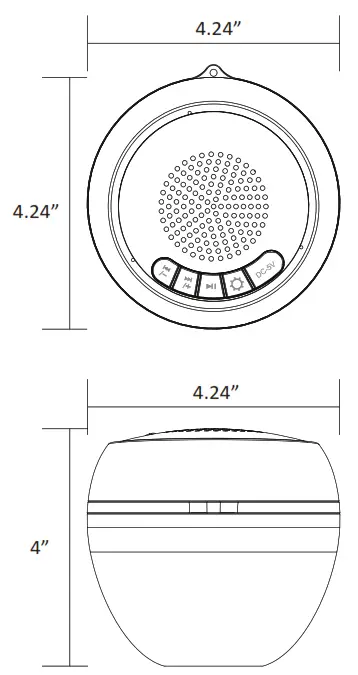
| Dimension | 4.24″x4.24″x4″ |
| RGB light type | Yellow, Green, Red, Blue |
| Light mode | 8 modes |
| Waterproof | IP68 |
It takes about 3 minutes to pair for the first time.
After the pairing is successful, it will automatically pair in the future, which only takes 8 seconds.
After power on, if without any pairing, it will enter the sleep state after 20 minutes, and then shut down after another 40 minutes.
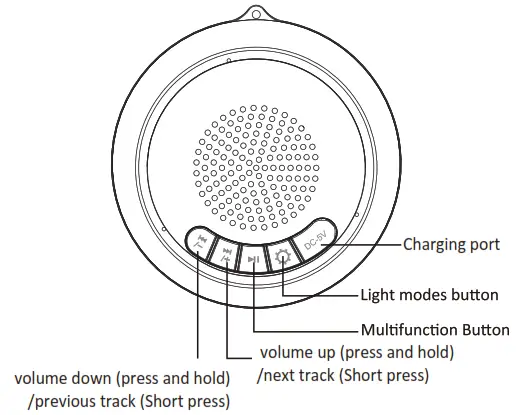
A. Multifunction Button:
- Press and hold for 3 seconds to power ON, and press and hold again for 3 seconds to power OFF.
- When in playing music, short press this button to pause music, and press it again to continue playing music.
- When an incoming call, press the button to answer the phone, and double press the button to refuse the call.
- Double tap to dial the last incoming call number.
B. “Volume- and Previous” Button:
Short press the button to play the previous track, and press and hold the button to reduce the volume.
C. “Volume+ and Next” Button:
Short press the button to play the next track, and press and hold the button to increase the volume.
D. Light mode Button: 
I. Short press to switch the different LED modes.
- Slow flashing when there is no music: red, green, blue, and yellow turn brighter every 20 seconds.
When there is music: the LED lights flashes with the music. - Keep red light
- keep green light
- keep Blue light
- RGB light color change automatically (slow and fast flashing are mixed)
- RGB light color automatically switches slowly
- RGB light color automatically switches quickly
- The light power off.
II. Press and hold the light button for 8 seconds to restore factory settings
WIRELESS BT PAIRING SETTINGS
Press and hold the multifunction button for 3 seconds to power ON. Wait for the blue light to flash, open the BT mode on your smartphone, and select “PYLE” to pair the device. It’s now paired. You can broadcast your music! If not, start again or relaunch the PYLE.
CHARGING
Please take the charging cable including charging the speaker. During the charging, the Led Indicator will be red. after fully charged, the LED indicator is Blue.
Note: Use the included cable and respect the voltage!
WHAT’S IN THE BOX
- Wireless Speaker with Colorful Lights
- USB Charging Cable
TECHNICAL SPECS: - Power: 5W
- Construction Material: PC
- Frequency Response: 2400MHz-2480MHz
- Battery Life: Up to 30,000+ Hours
- PA Speaker Battery Type: 3.7V Li-ion – 2000mAh
- Working Hours: 5-7 Hours
- Product Dimension: 4.24” x 4.24” x 4” -inches
PyleUSA.com
Questions? Comments?
We are here to help!
Phone: (1) 718-535-1800
Email: [email protected]
www.SereneLife.com
 SereneLife.com is for sale | HugeDomains