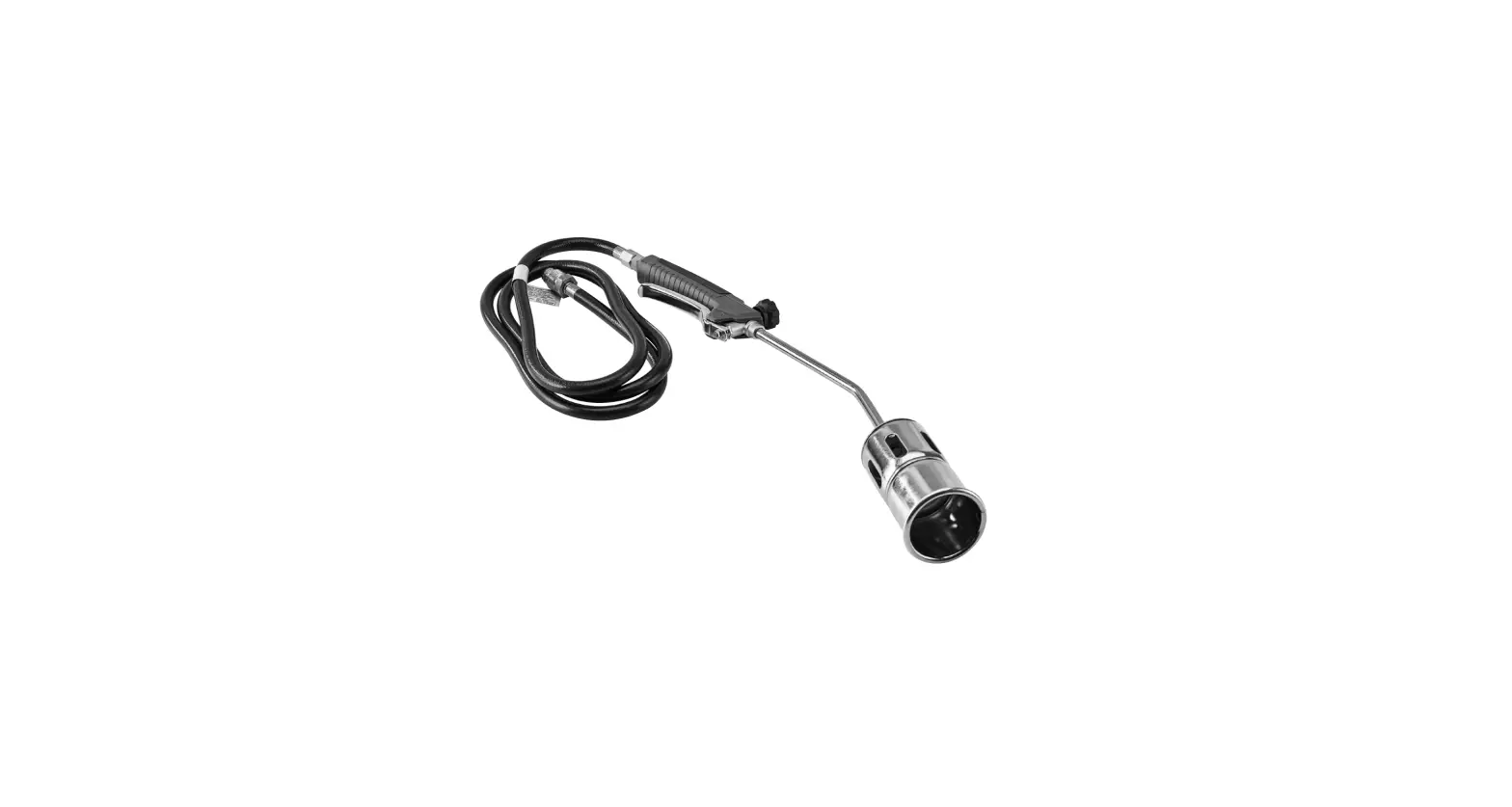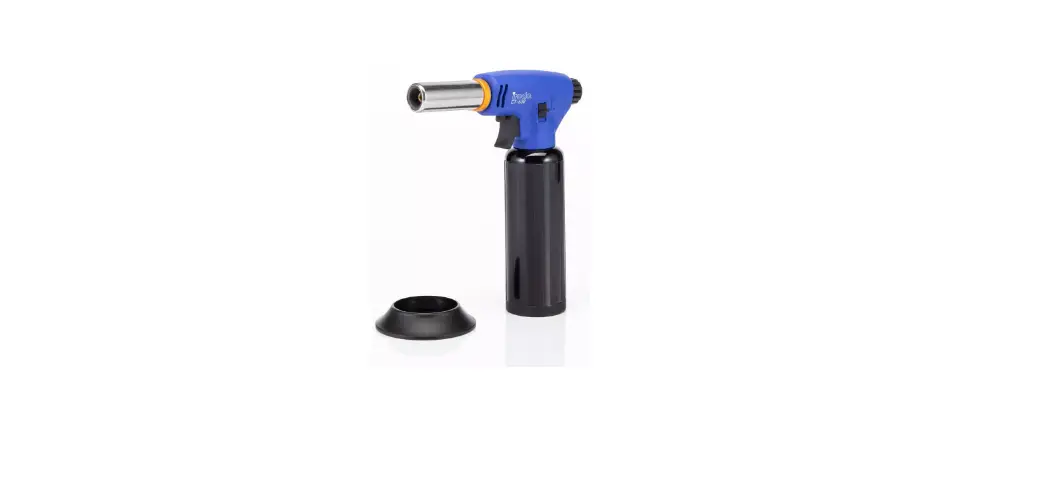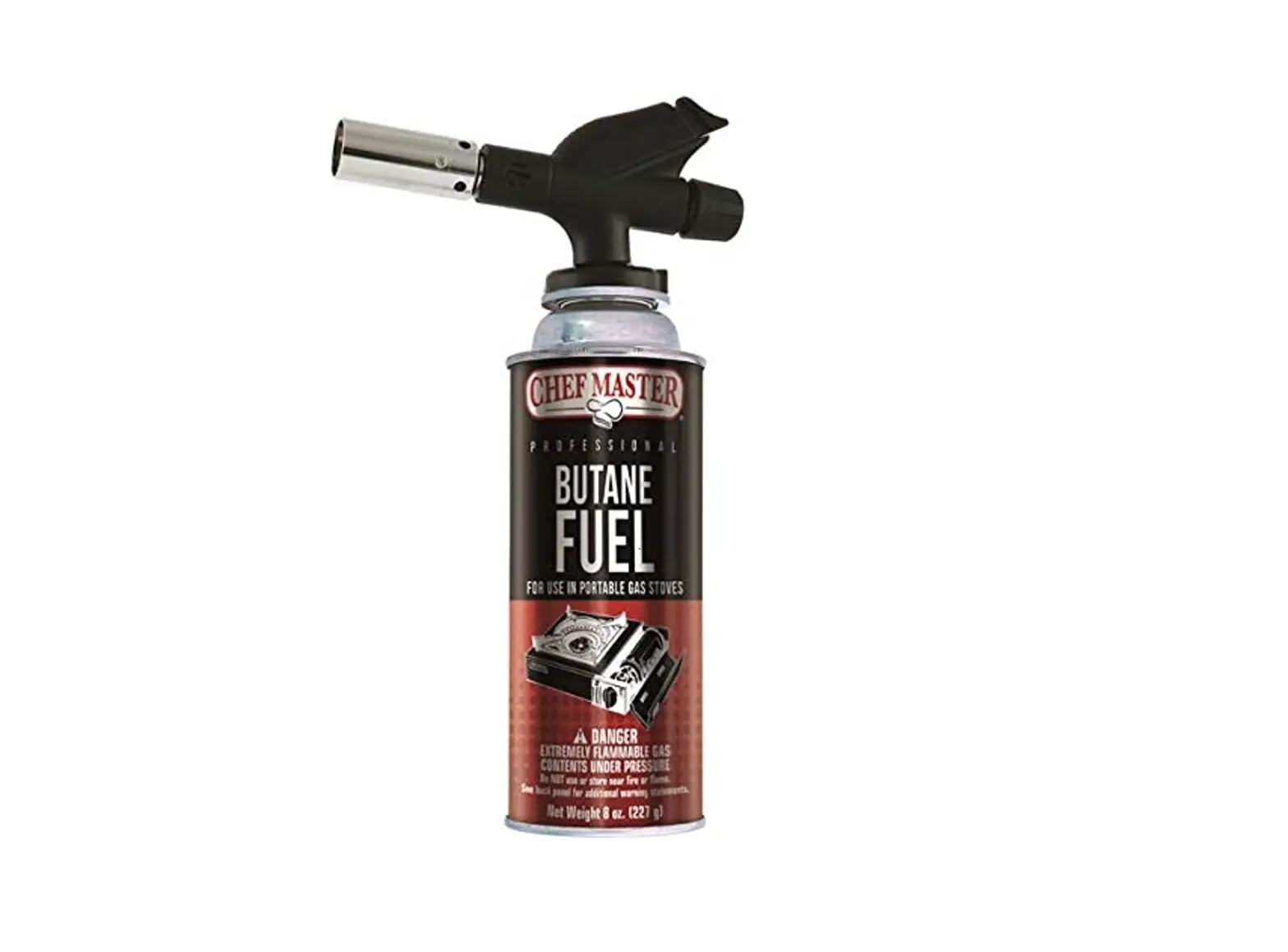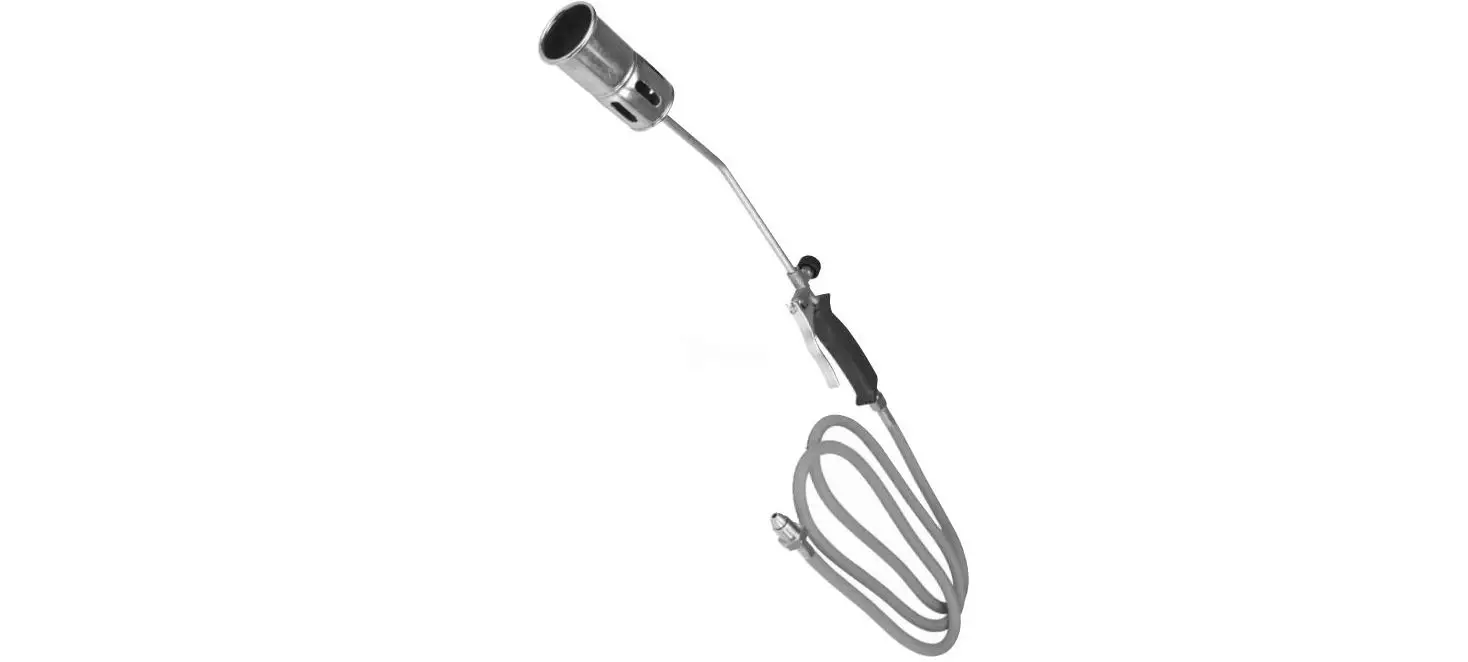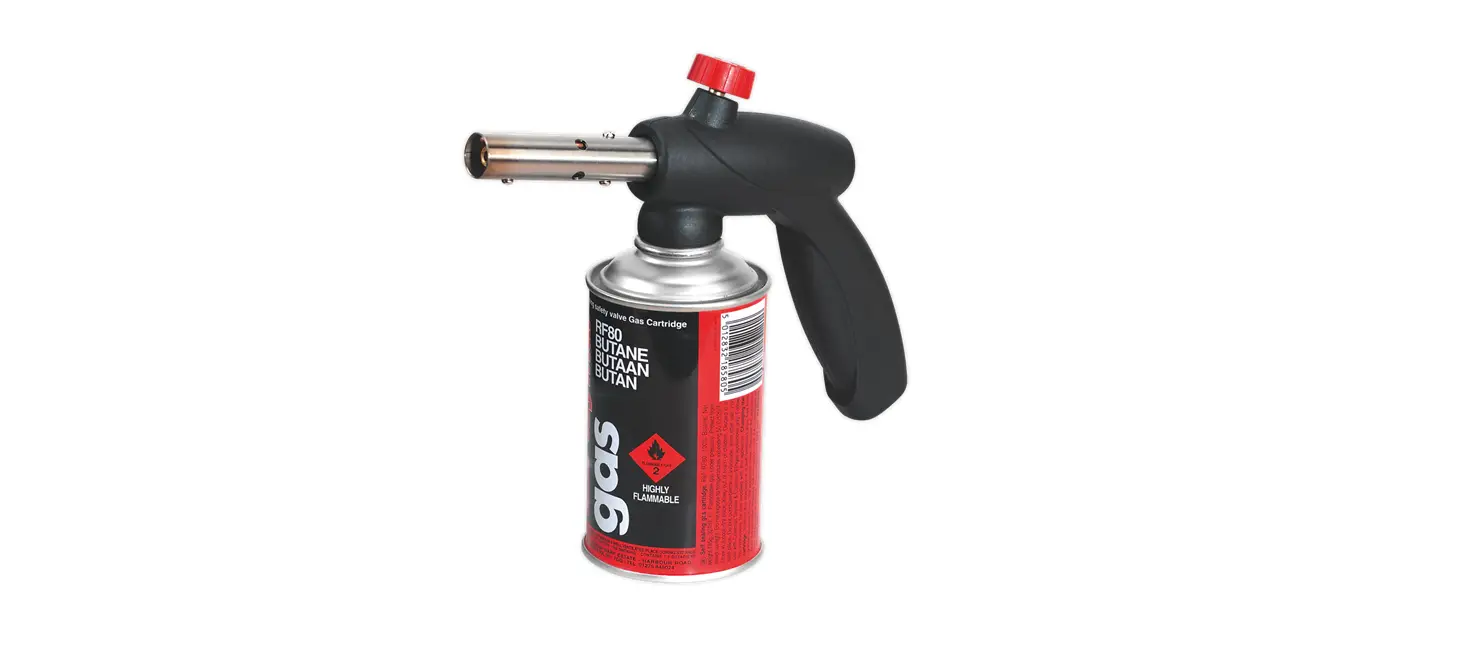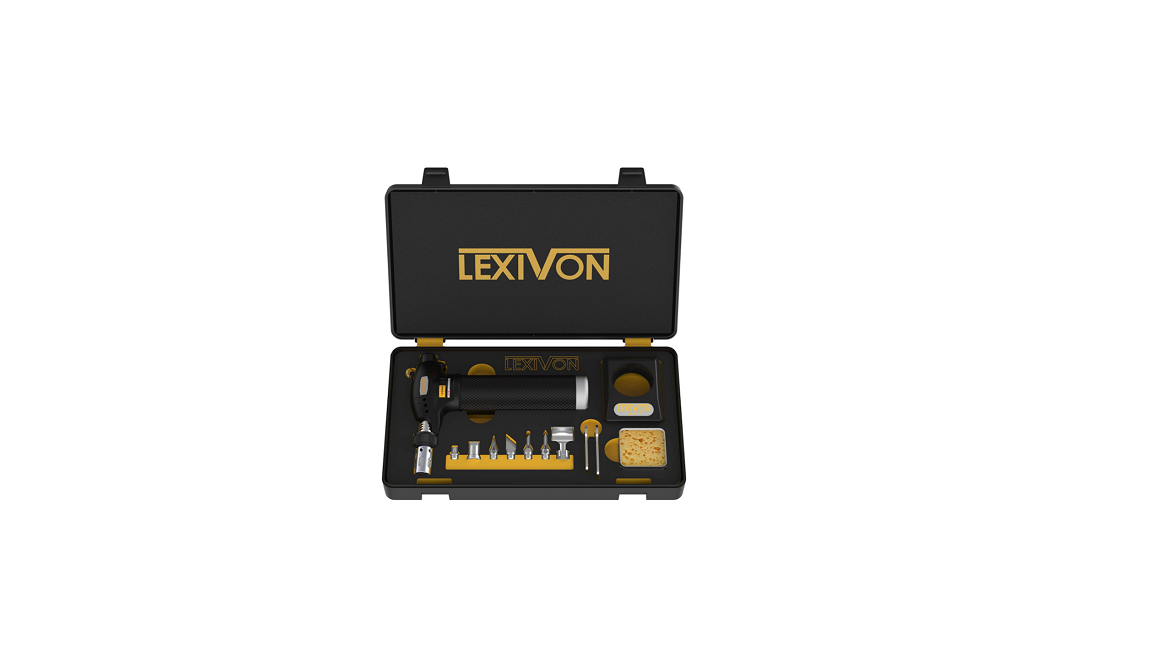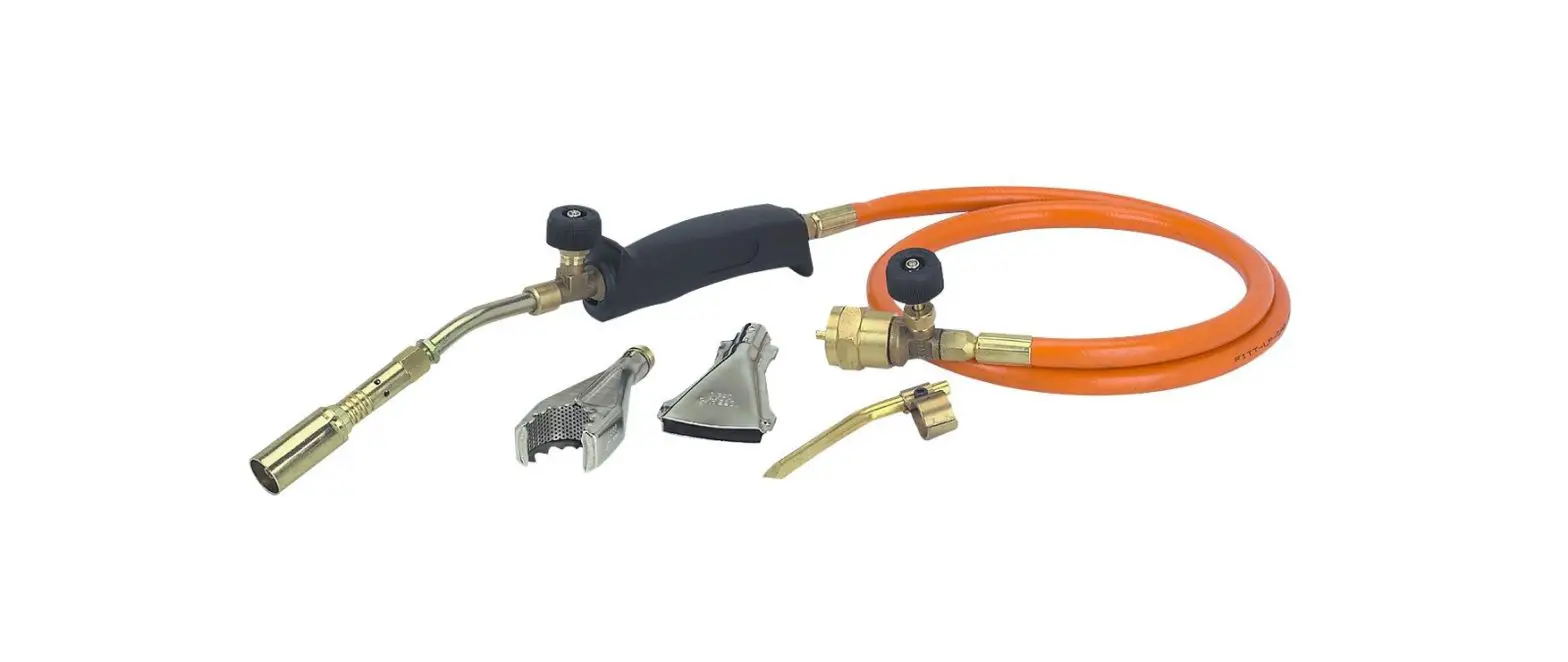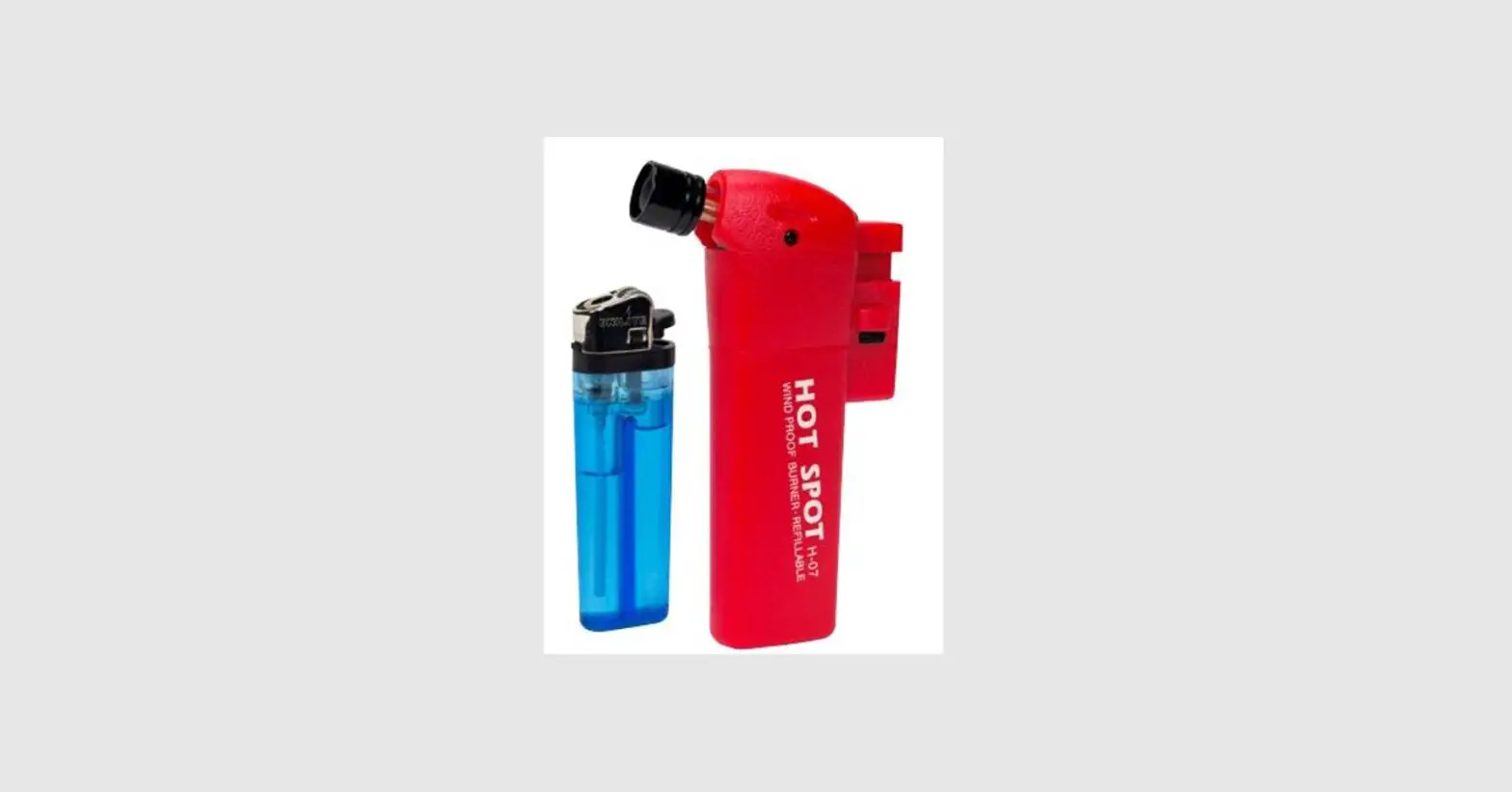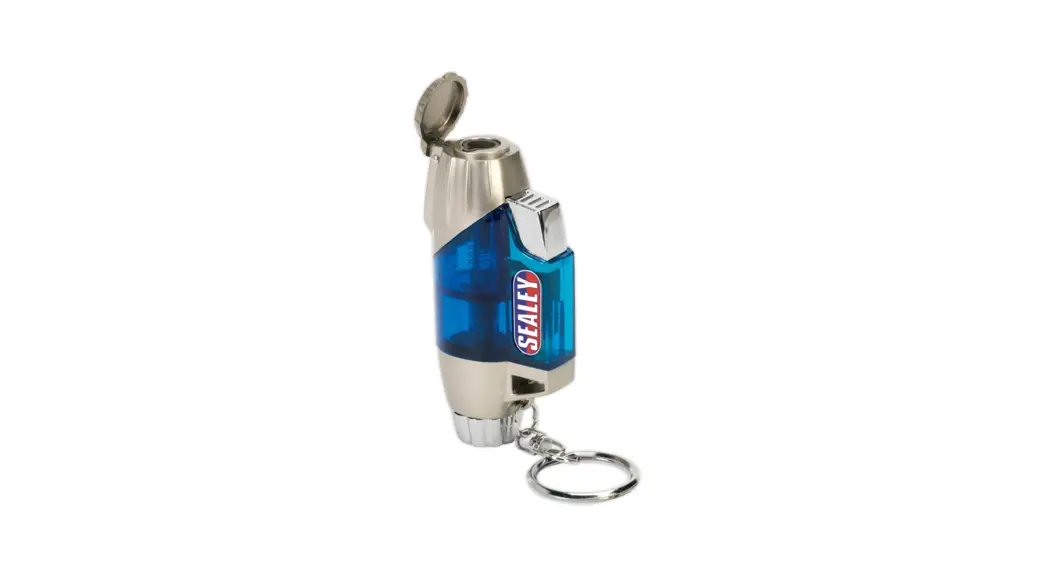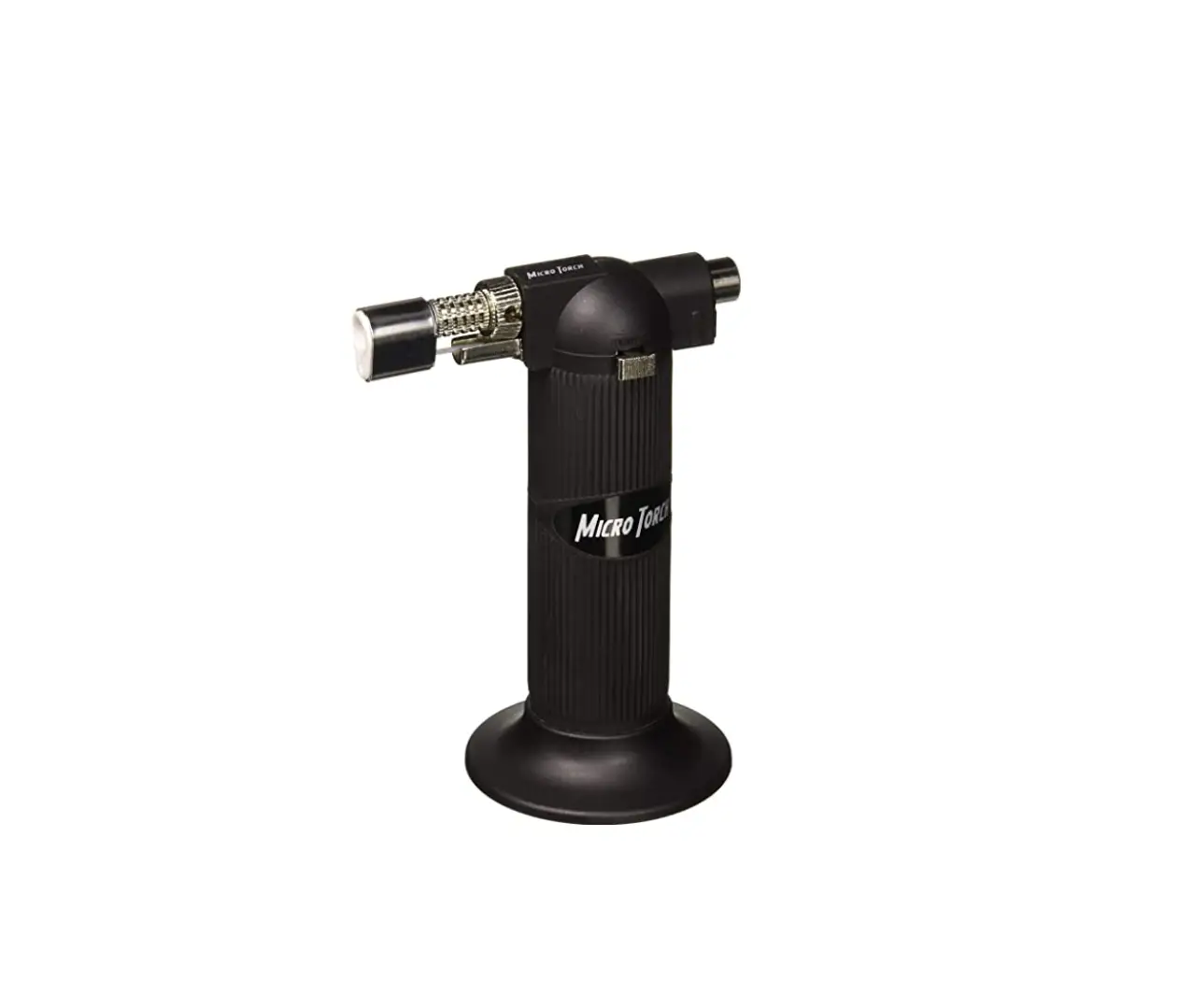

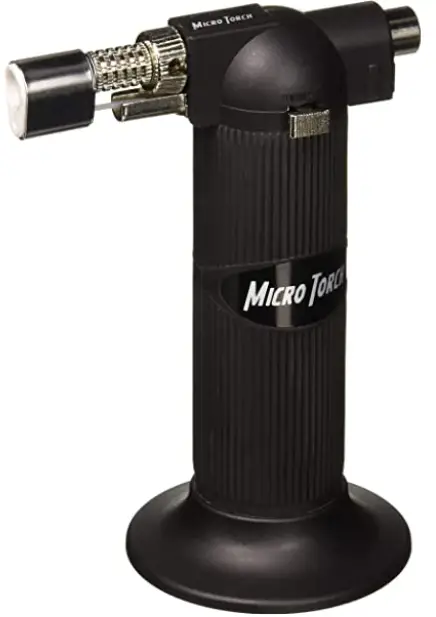
Harbor Freight Butane Torch Product
INSTRUCTIONS
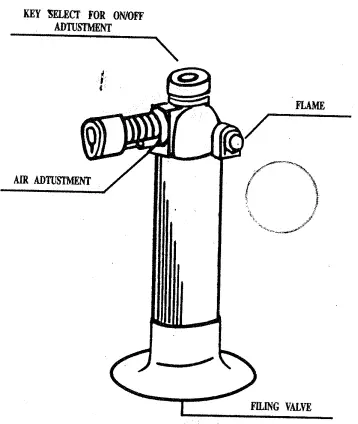
- Filling gas tank
Turn off the adjustment before filling. Hold the tool in a up side down position. Ash the butane can to the filling valve. Complete fill takes 6 seconds,the allow a few minutes for the gas to stabilize. - Ignition
For soldering tip or nozzle of torch-tum the key switch to let gas out then push key switch button to ignited. - Flame length or temperature of soldering adjust,men t. After ignition,turn the key switch to adjust gas now, turn 1-1/2 clockwise will reduce the gas flow till of ignition.
- Warnings:
- Do not touch flame guard while in use or until sufficient time has passed for cooling.
- Do not immerse heated parts or items in water,allow to cool naturally.
- (Use only butsne gas in the torch.) Do not use propane gas or any other types of fluids.
- Do not store in a temperature exceeding 40 C/104 °F.
- Keep away from eyes at all times.
- Keep this unit out of the reach of children.
- The flame of the torch is nearly invisible in bright light or sunlight. Make sure that the gas flow is turned off when not in use.
Distributed by Harbor Freight Tools
Camarillo,CA
Download PDF: Harbor Freight Butane Torch Product manual