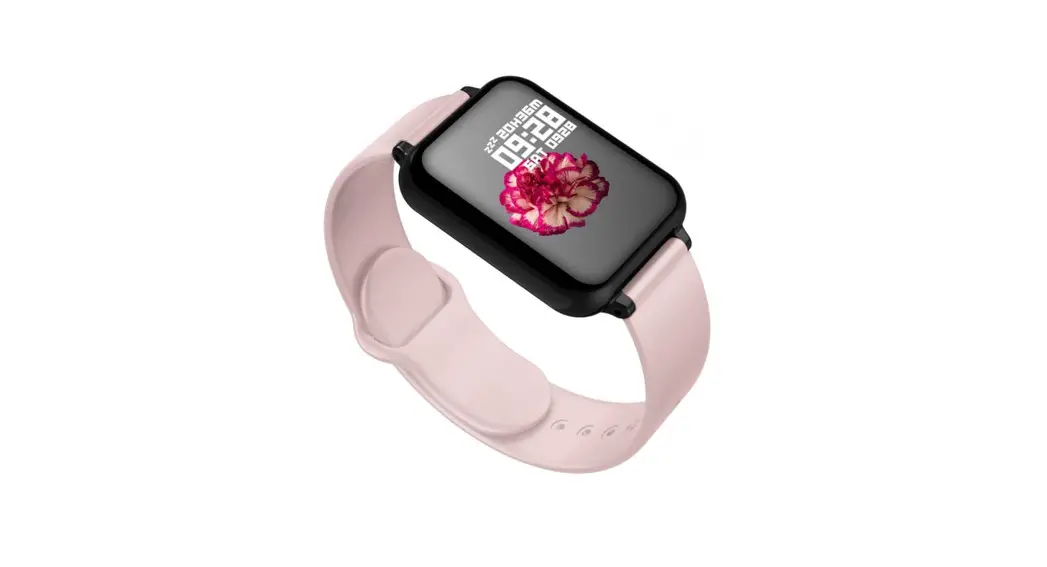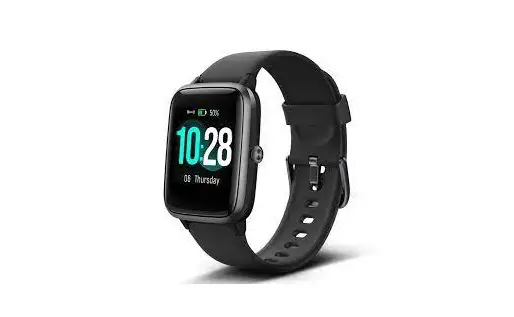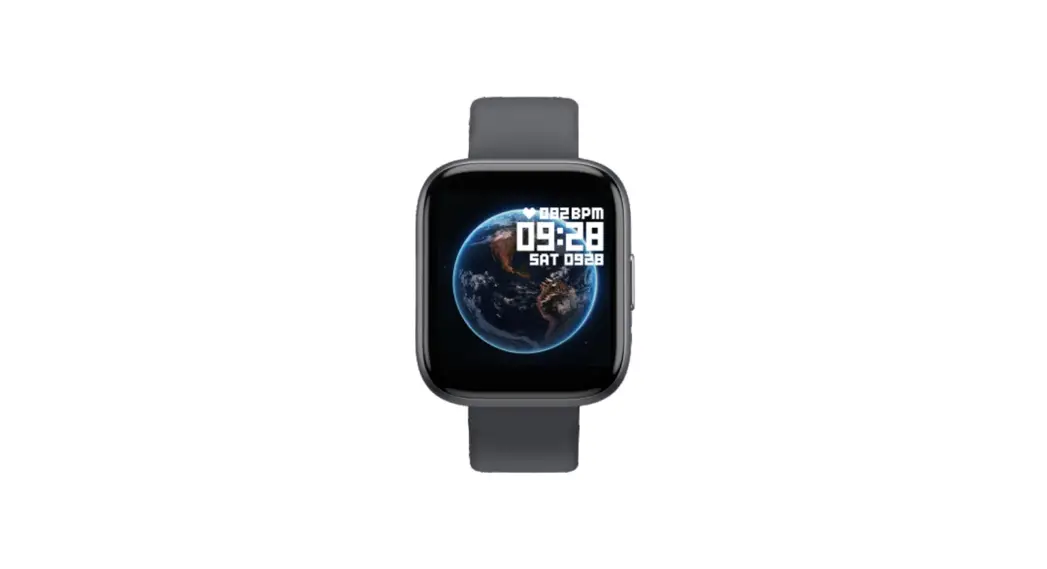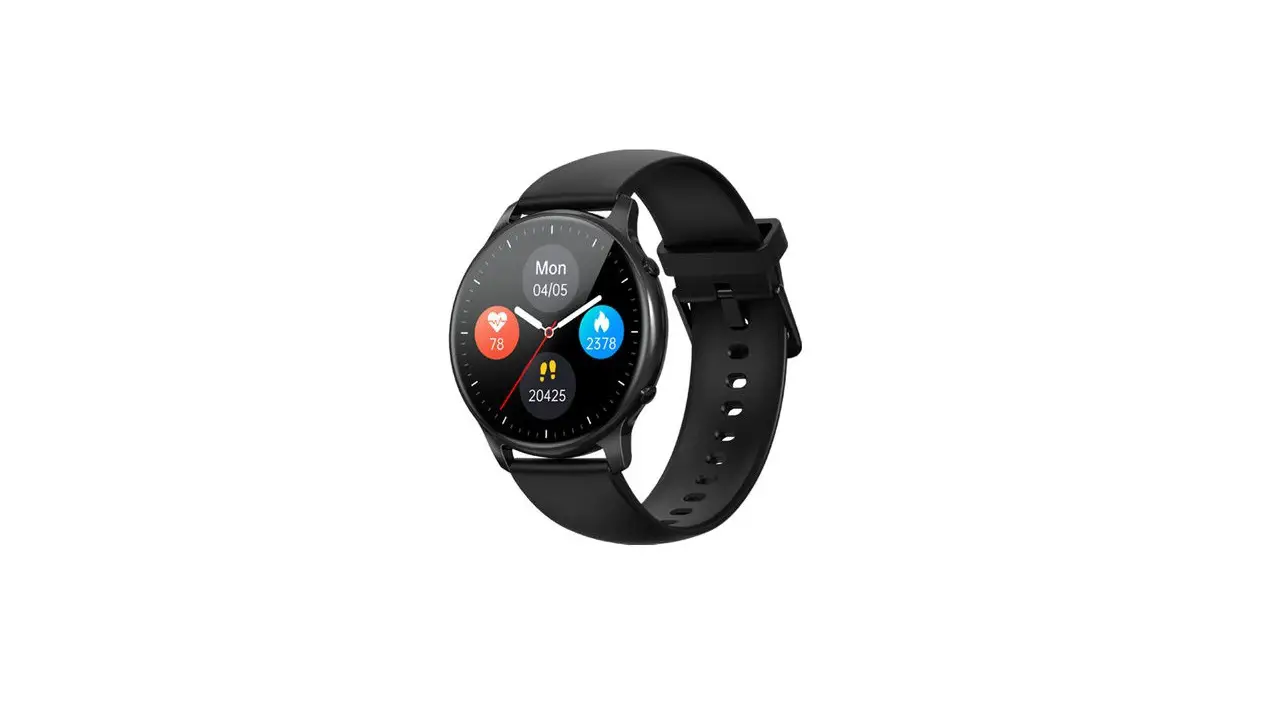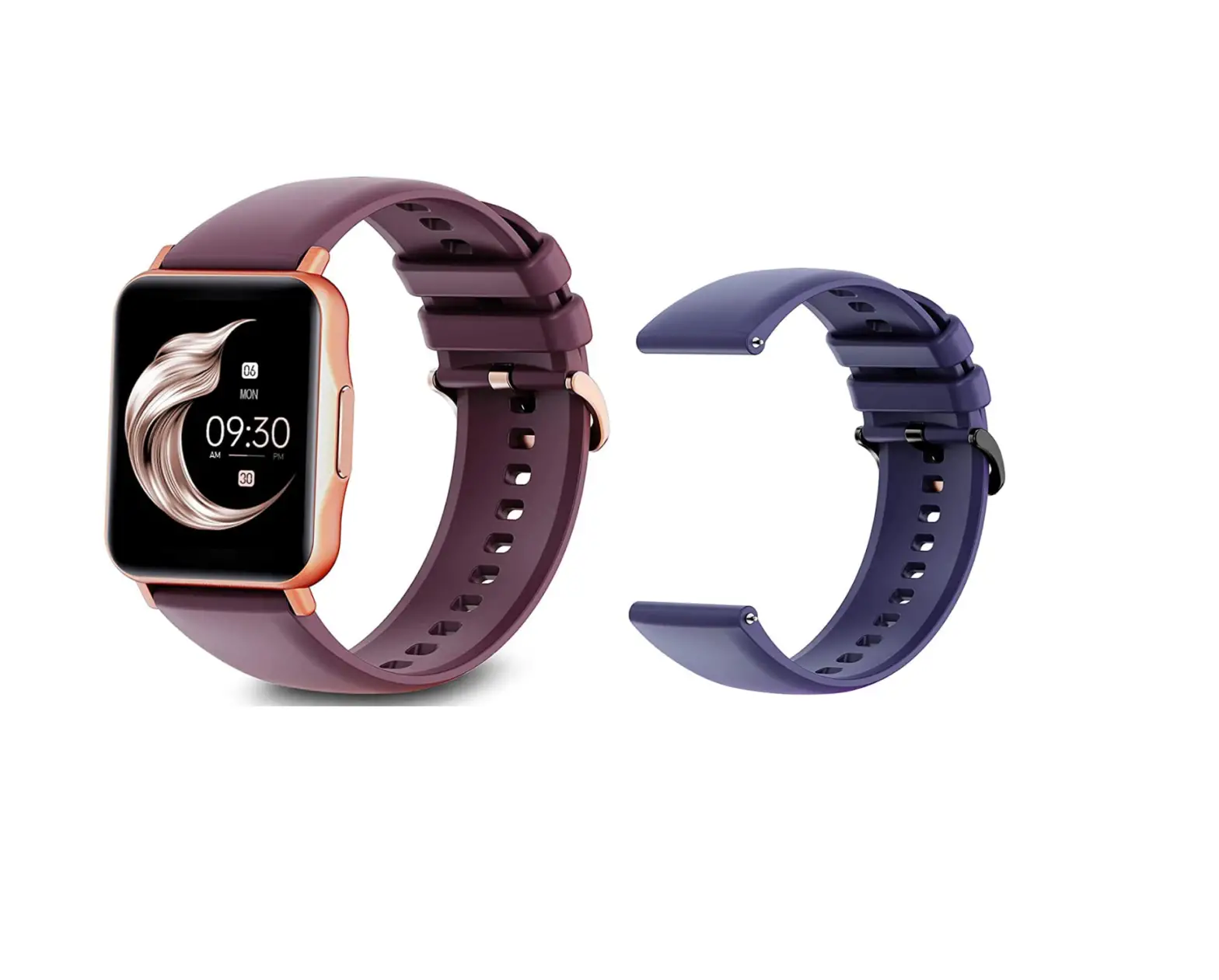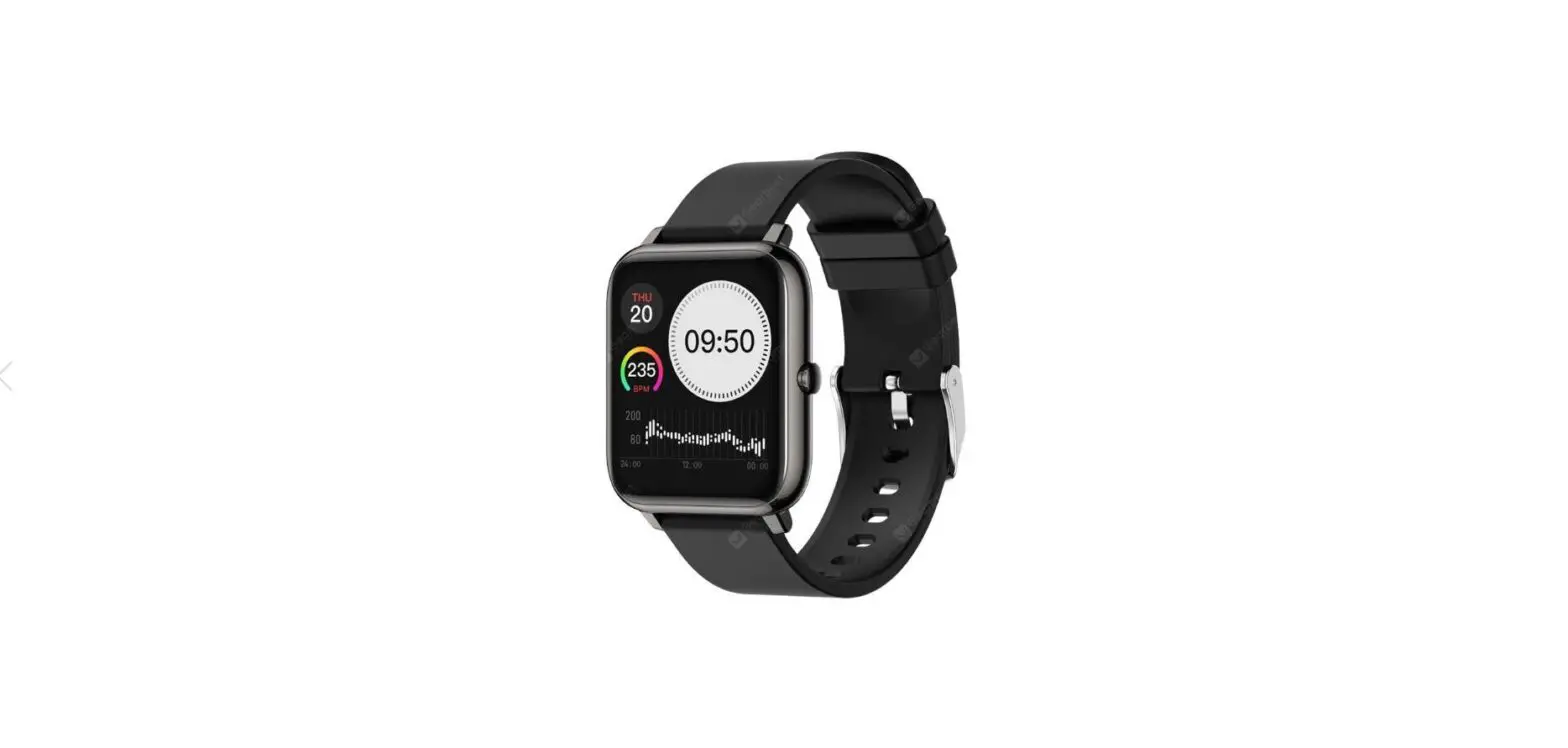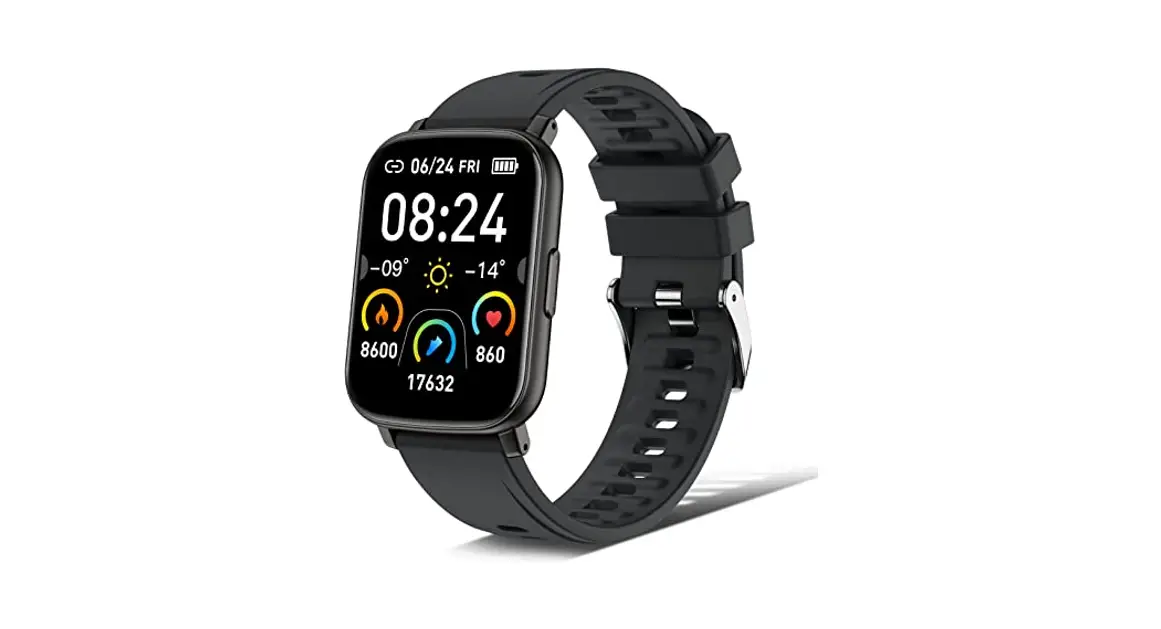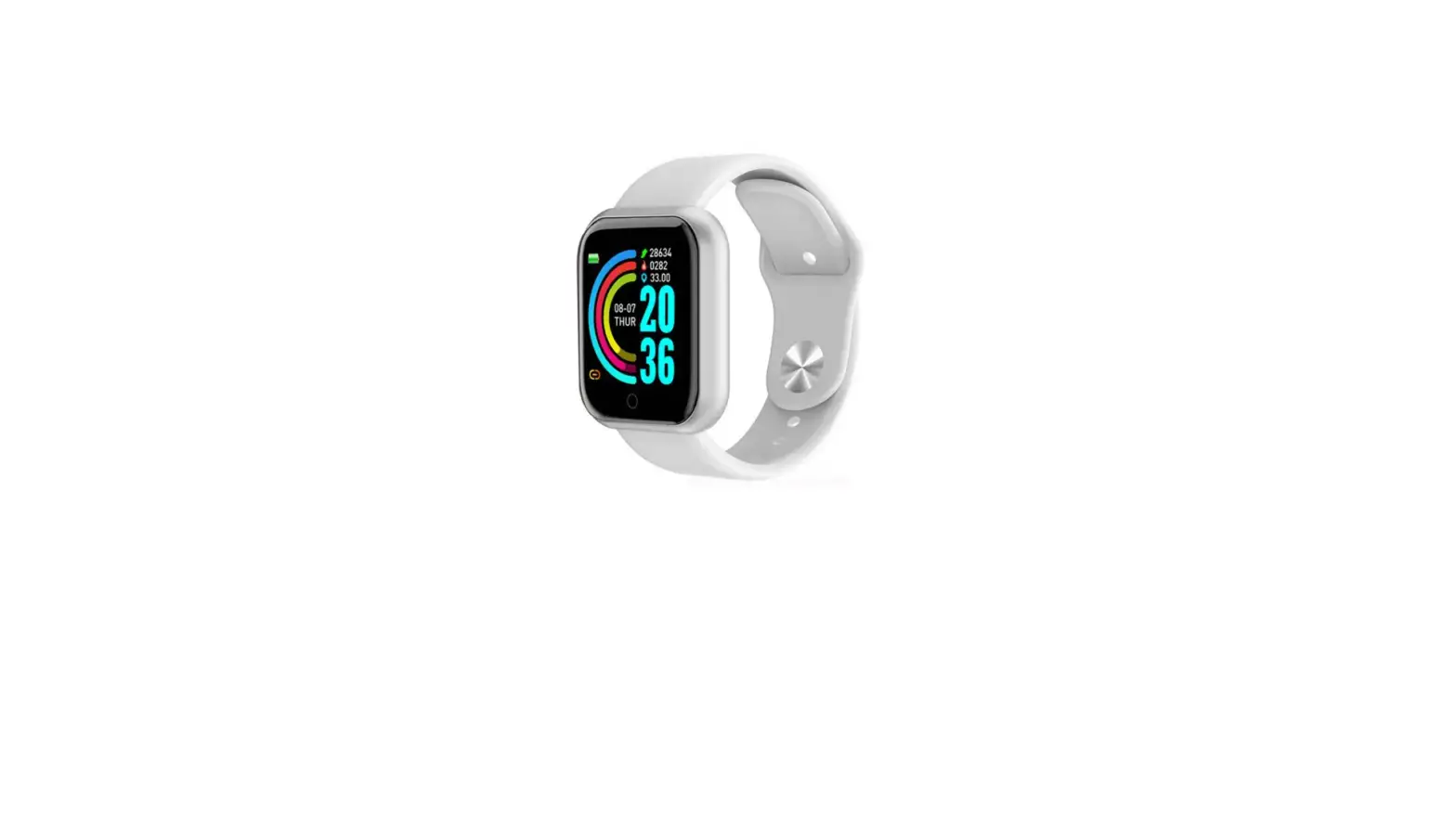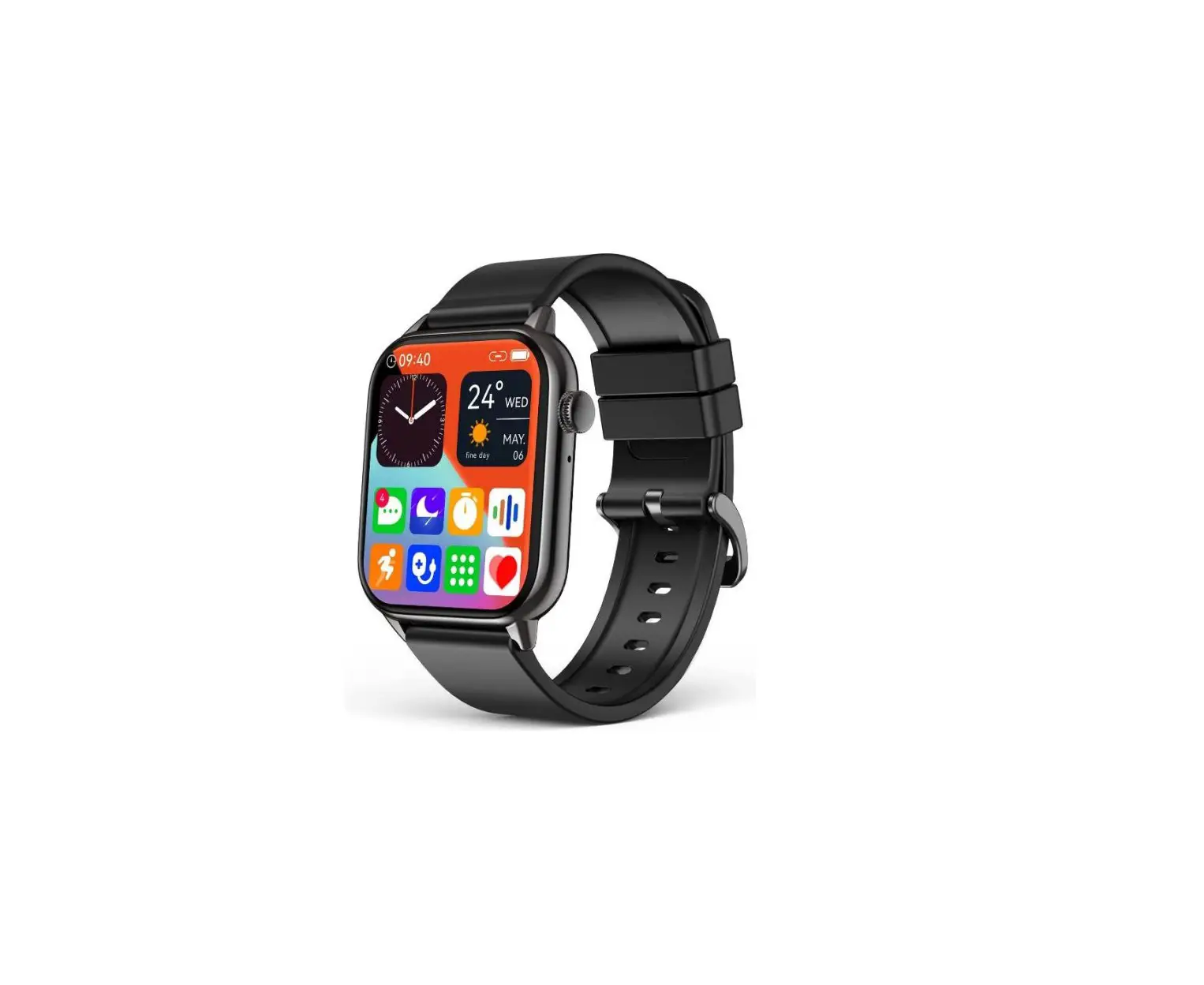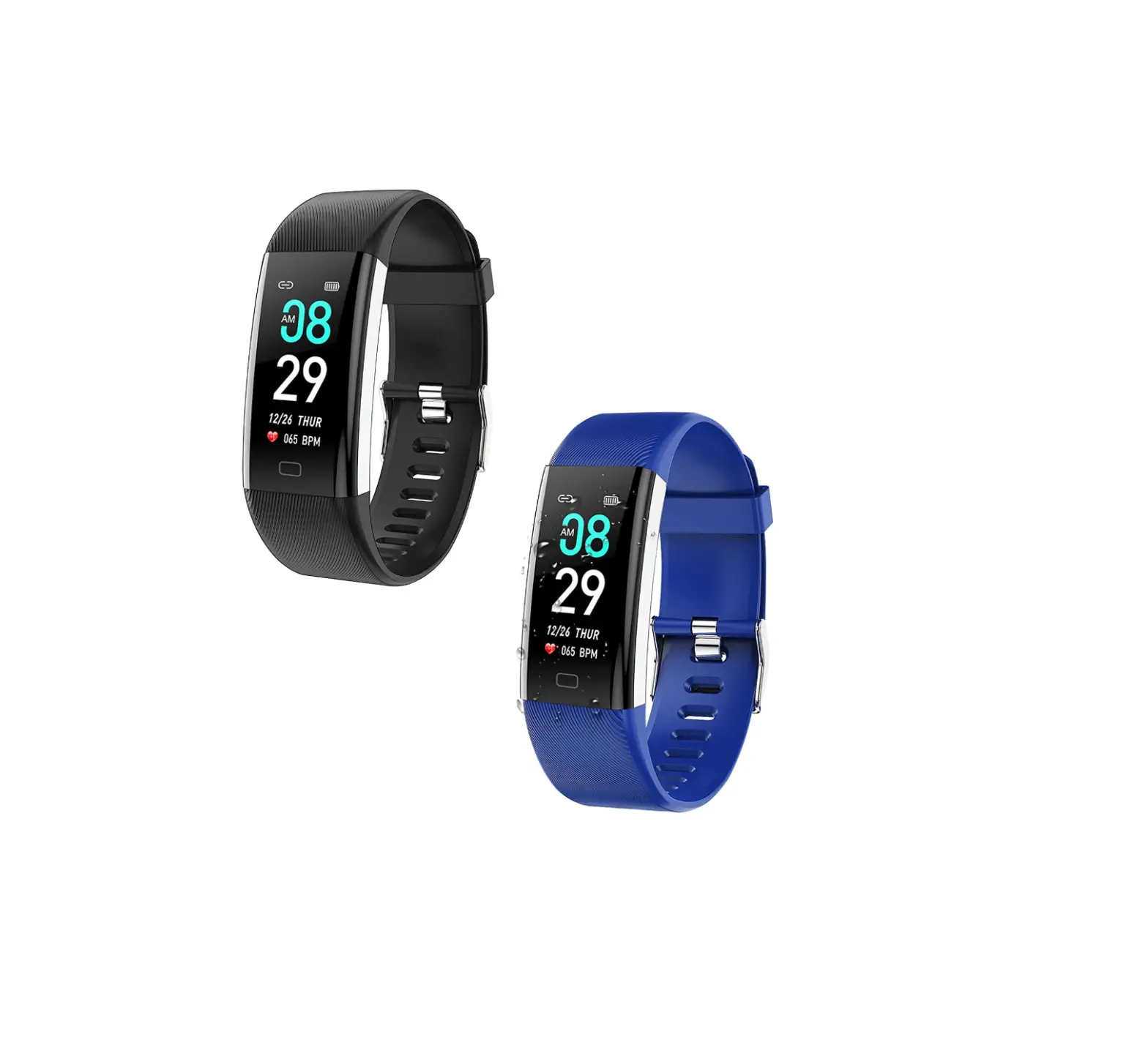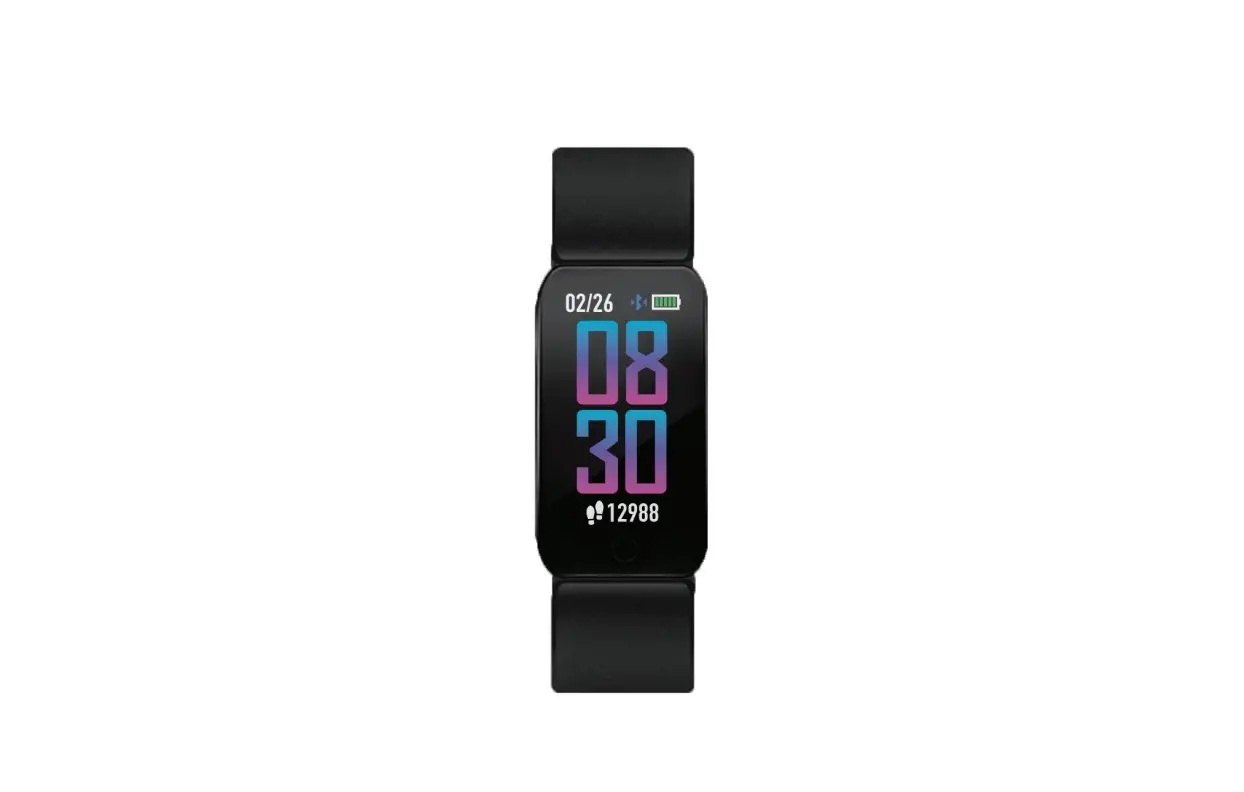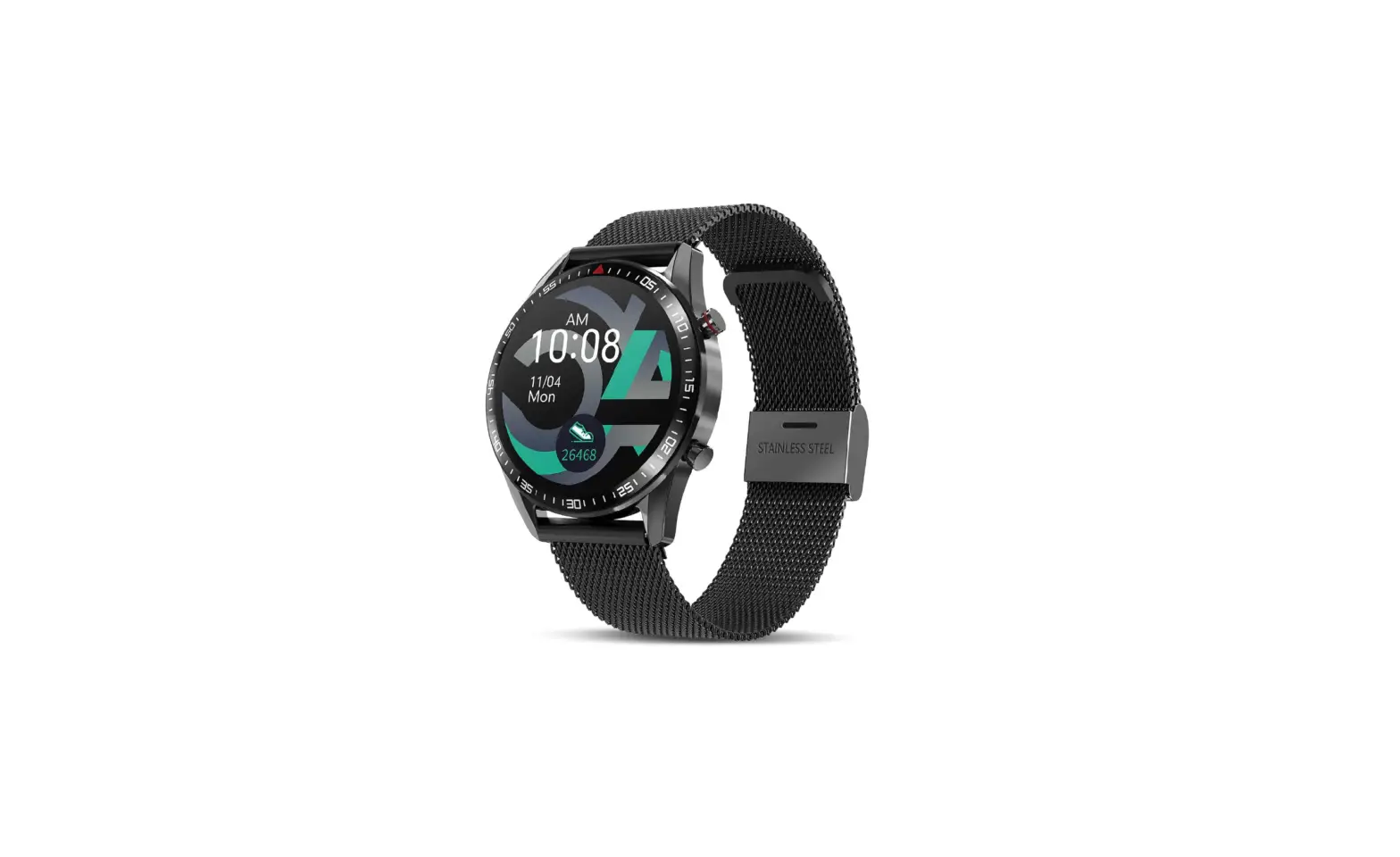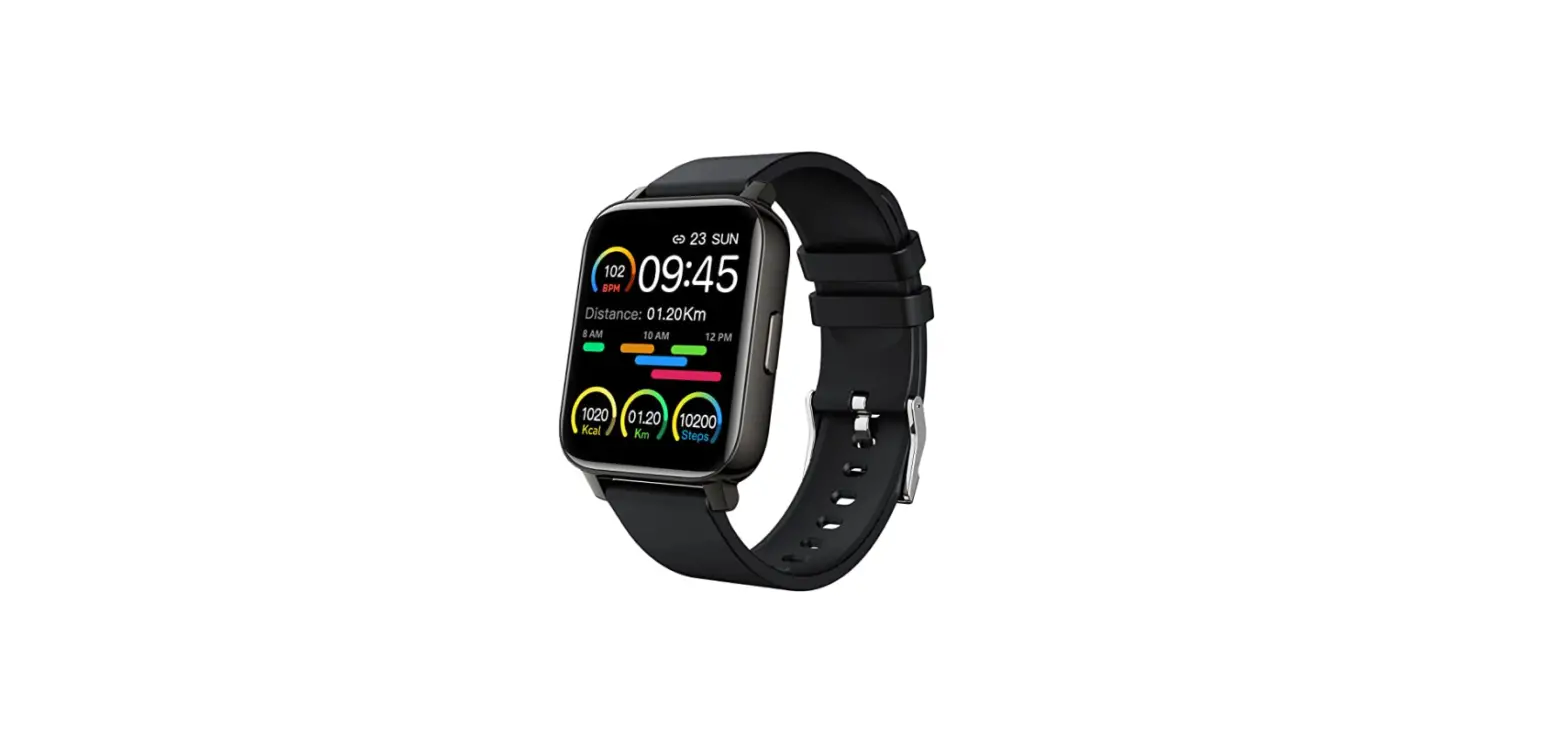
 Srichpk P36A-Black Smart Watch 1.69-inch Fitness Tracker
 Srichpk P36A-Black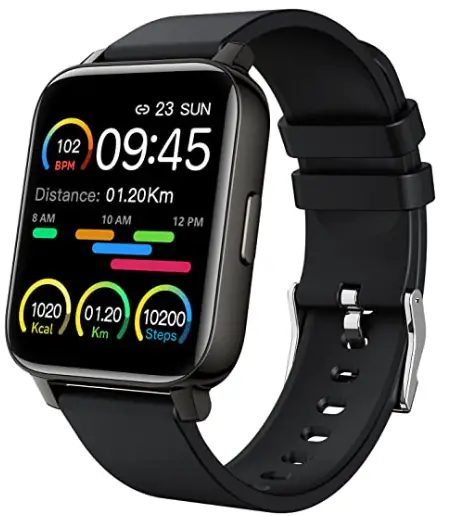
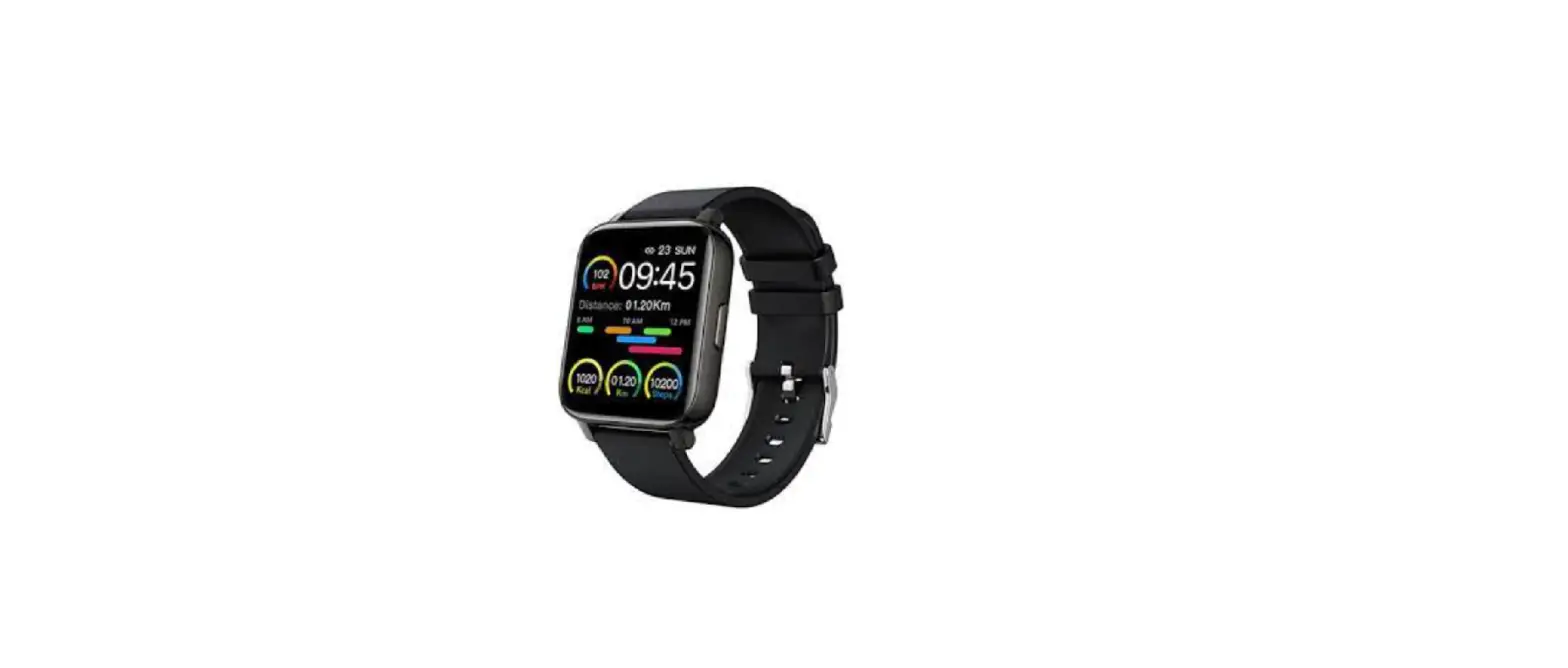
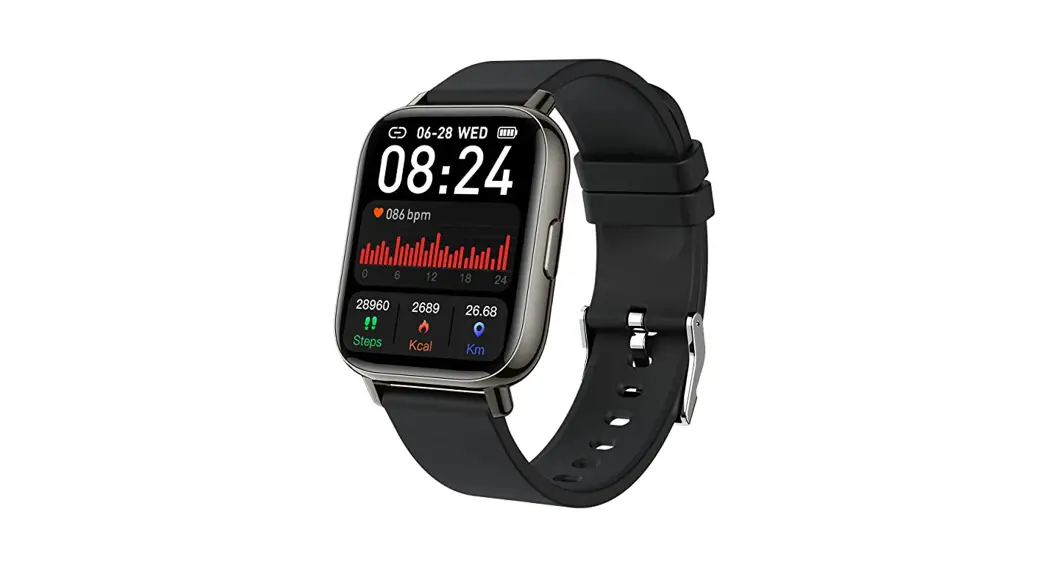
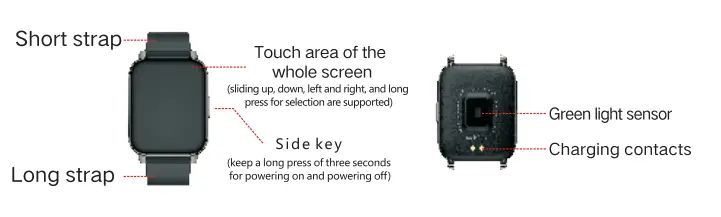
Appearance Explain
Charging diagram
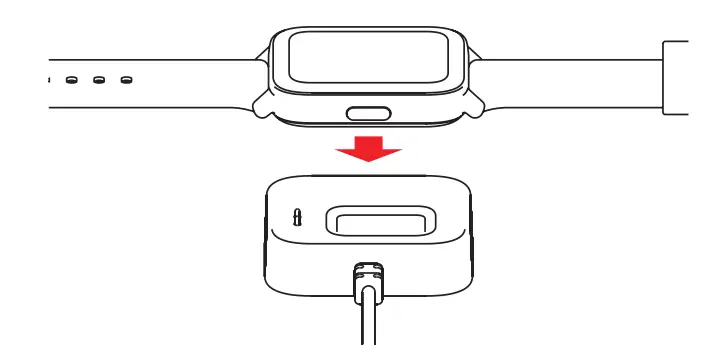
Strictly follow the operation shown in the figure below:
- Please use the charging stand provided with the product to charge the charging contacts on the back of the bracelet
- Plug the USB tap into the USB adapter (excuding in the packaging)
- Do not use a battery adapter with a voltage exceeding 5V and an output current exceeding 1A for charging, otherwise, it will cause charging failure and damage the magnetic charging cable or equipment.

Functions Introduction
- Bracelet Time Main Page: Display the bracelet time, day of the week, steps, and other information.

- Blood oxygen: On the blood oxygen measurement page, touch the screen to start th e measurement. After the vibration, the measurement result will be displayed. More detailed information analysis and data recording can be synchronized to the APP to view.
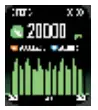
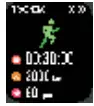
- Steps: record the current number of steps of the bracelet, Calories, and Distance

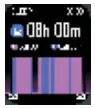
- Sleep: the bracelet records and shows the total sleep time you had last night, as well as deep sleep time, and light sleep time. More detailed information analysis and data records can be viewed in the APP synchronously.

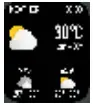
- Weather information: the weather page will display current weather, air quality information, and conditions for tomorrow. This function works must connect to the APP, and the phone must open GPS positioning, and allow the APP to have access to the phone’s location.lf you disconnect or turn off your phone’s GPS for a long time, the weather information will not be updated.

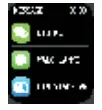
- Message notification: the bracelet can receive phone calls, text messages, WeChat, QQ and other notifications and alerts on the phone, and the corresponding push project switch can be opened on the APP. This page can store the last 3 message records.Note that this function should be connected to the bracelet in the APP and the Settings should be completed according to the prompts. Apple’s phone, when connected, has to select a match in a pop-up match request.

- Exercise: The bracelet shows: est exercise time, heart e and ao do Se con 1o enter do VoCan choose to or open the corresponding exercise mode measurement.

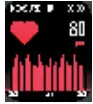
- Heart rate: On the heart rate measurement page, touch the screen to enter the measurement. After the vibrant On, the measurement result will be displayed. More detailed information analysis and data recording Can De Synchronized to the APP to view

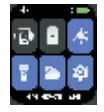
- settings: click the settings con on tns page to view after OgntnesS factory settings/stopwatch shutdown and other functions.

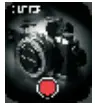
- take Photo control: after connecting to the APP, the bracelet can be used as a phone camera. Open the camera on the phone, and one preSs one touch screen to take photos.

- Blood pressure: On the Blood pressure measurement page, torch the screen to start the measurement. After the vibration, the measurement result will be prompted. More detailed information analysis and data recording can be synchronized to the APP to view.

- Breathing training: After entering this function, the breathing training mode is automatically turned on, and breathing training is performed according to the animated graphic displayed on the bracelet. Multiple vibrations indicate that the training is complete.

- Music control: after connecting to the APP, the bracelet can control the play pause/play of the music player on the mobile phone. This function must open the mobile phone player before you can control on the smart bracelet.

Bracelet APP Installation
This product is a Wireless transmission product, and many functions need to be connected with the supporting APP before it can be used. Only in the APP, after the bracelet is connected, other functions can be used, such as time synchronization, call reminder and information content push, weather display, remote camera, music control, etc. (do not directly on android phones Scan the following QR code to download the APP to connect. Apple mobile phone) You can search for hero band ll downloads in the APP Store.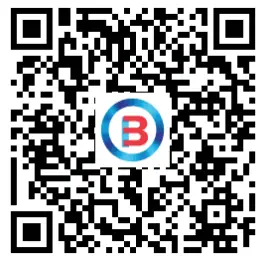
Connecting smart bracelet explain
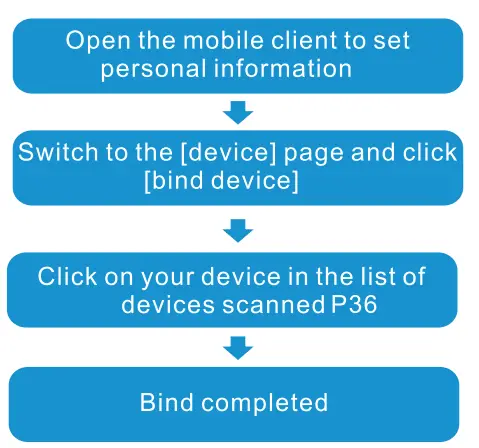
Note: When the phone is connected to the bracelet,it needs to keep the Bluetooth of the phone open,and there is no other matching device in the Bluetooth of the phone.don’t connect your android phone directly to your mobile phone in biuetooth
APP operation instructions
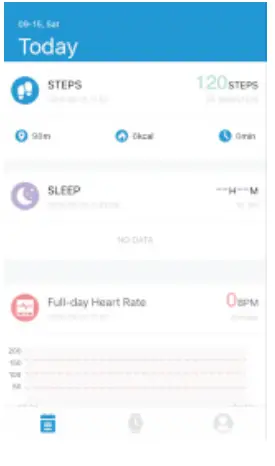
- Enter the APP movement page and press your phone screen to pull d refresh that bracelet data.

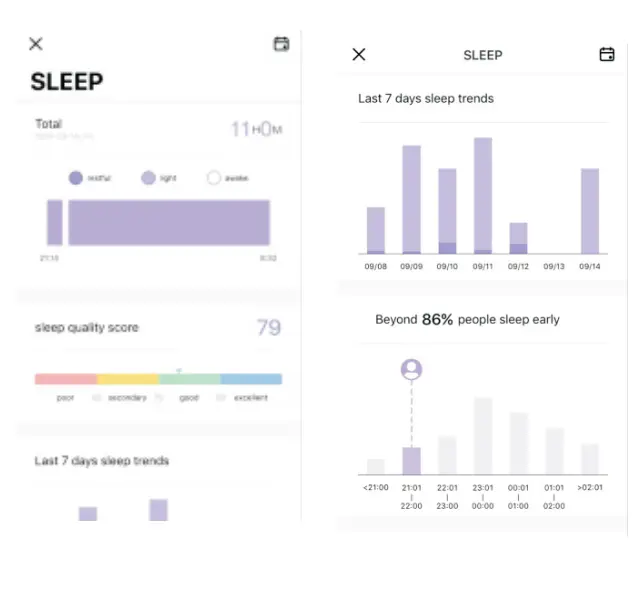
- Click the steps, sleep and other blocks, and enter the analysis of the daily or recent exercise and sleep data.

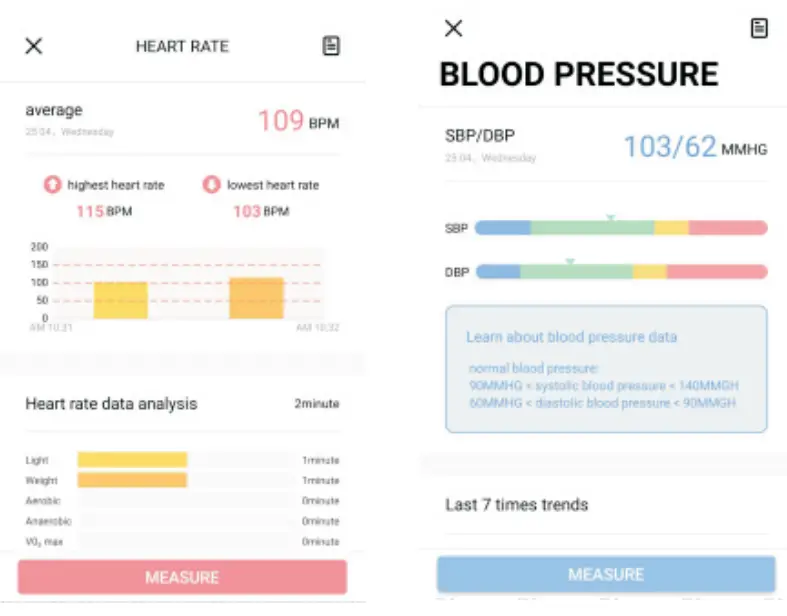
- Click the exercise heart rate/blood pressure blocks to enter the data of the day or recent, or click the APP to measure the heart rate and blood pressure. The test data will be automatically saved to the phone.

Attention
- Do not charge in the condition of water stains.
- This product is an electronic monitoring product, which is not used as medical treatment. The data is for reference only.
- Don’t wear this device when bathing or swimming for a long time. 4. Use the matching charging cable for charging.
Frequently Question And Answers
- The bracelet cannot receive the reminder. Android phone Settings:
- make sure the APP has an alert switch on.
- confirm whether the message can be displayed normally on the notification bar, and the notification push of the bracelet can be read Mobile phone notification message;
If there is no message in the notification bar, the bracelet will not receive the push. (need find notification and status bar in mobile phone settings, and open WeChat, QQ, phone, SMS, Hero band I switch) apple system phone settings: - make sure to select the allowed pairing when connecting the bracelet. can be checked in the phone Settings- Bluetooth, if there is one at the backend of the connected deviceoedO, indicating that a pairing has been made.If there is no in the backend, there is no pairing. reconnecting after unbind.
- open the phone settings– click on the notification– click WeChat, Qa, SMS, phone — open the permission notice. Displayed in the “notification center”.
- .Android phones don’t connect the bracelet. For android phones, please do not connect with the bracelet directly in the BlueTooth of the phone. Please download the APP first. And go to the APP to search the device and connect. Restart your phone’s Bluetooth and bracelet if necessary.
FAQS
Yes, Heroband 111
It will just don’t trust the accuracy.
It doesn’t seem to record step quantities very well which can throw off your distance and pace #s.
Open the app on your phone and swipe left and you’ll see”time” and you can change it there.
Make sure your watch is turned on. Tap and hold down your Bluetooth on your phone and you will see the phone appear. Then tap that and it will connect.
Does not work for me, and I did try setting it up.
Well right now it’s not much much of a watch nothing is Awkward on it you can take your blood pressure off of it and put it on one of those cups and it ain’t even close same way with the oxygen
for water yes
The band is adjustable and works for a small or large wrist. My wrist is 6 inches and it fits on the third hole with room to make it larger or smaller. It’s not a snap on band like on the charge 3 I used to wear. It still seems like it would be fairly easy to swap out if you had a replacement band though.
Yes!
You have to get the app. Thats how its set up. The app needed is shown on the paperwork. Hero Band 3 is the app.
just turn your arms or pressed the button on the watch is ok
There is an app for the watch & yes, it is downloaded through Bluetooth.
Open up the app on your phone and swipe left and you’ll see the change clock face.
It was very big on my wrist.
No
Yes
No there’s no EKG. That would require attaching the plastic diodes to your heart and under your upper chest area which are then read by the Electrocardiogram machine. This does a really good job of reading the pulse at your wrist, your blood pressure, and O2.