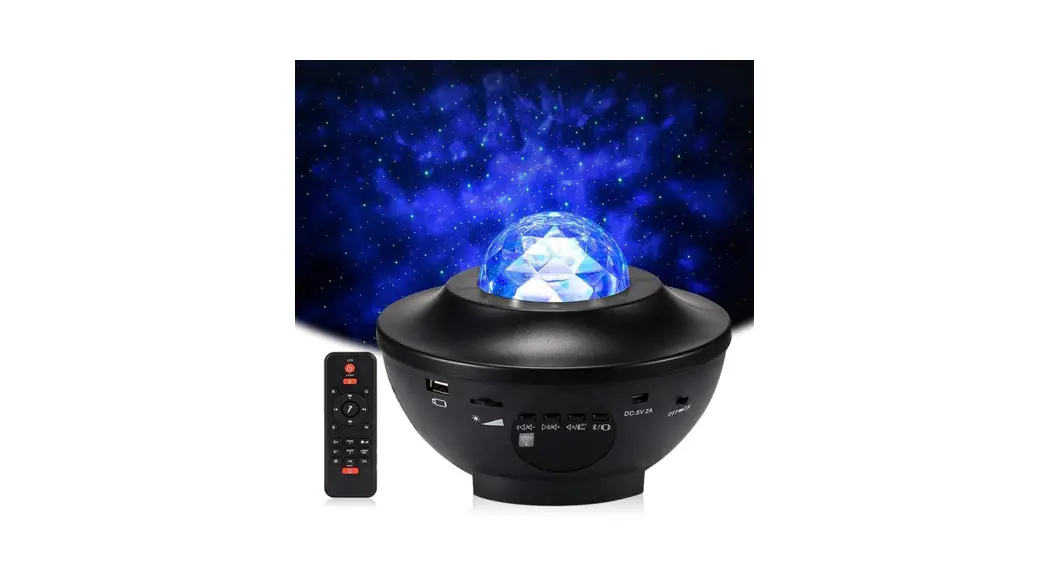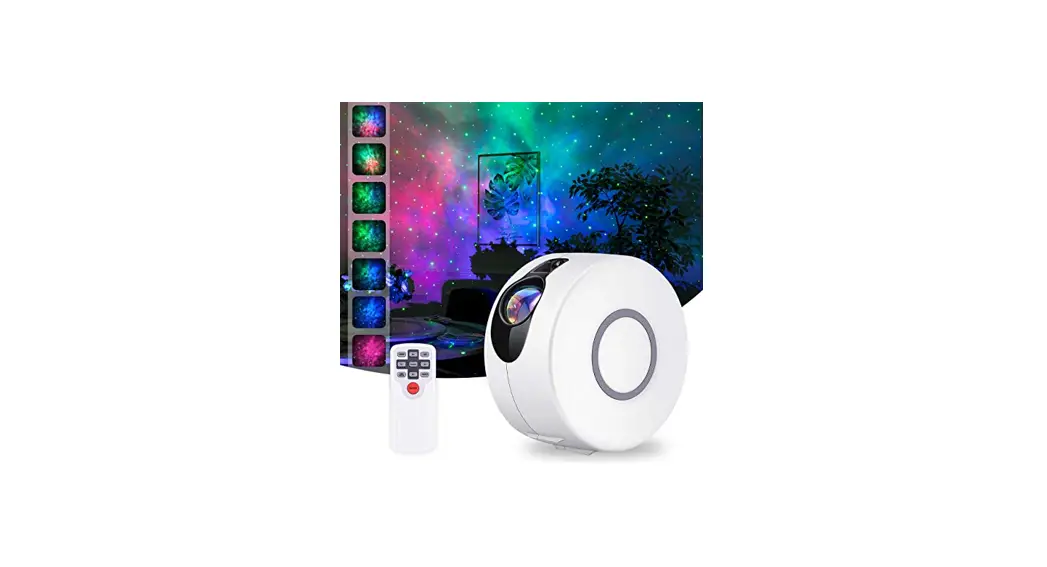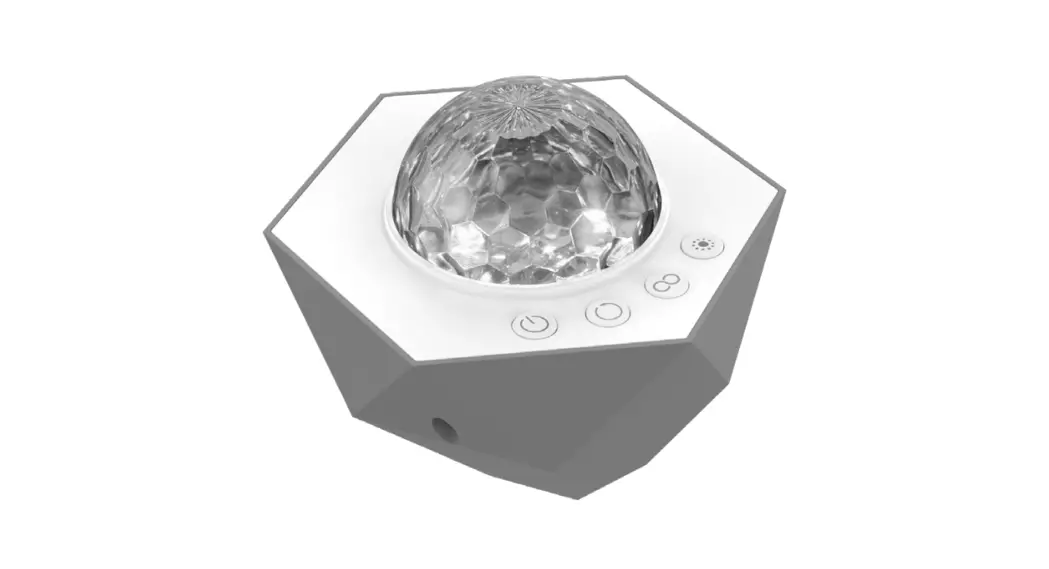
 70333 Galaxy Wave Mini Projector
Instruction Manual 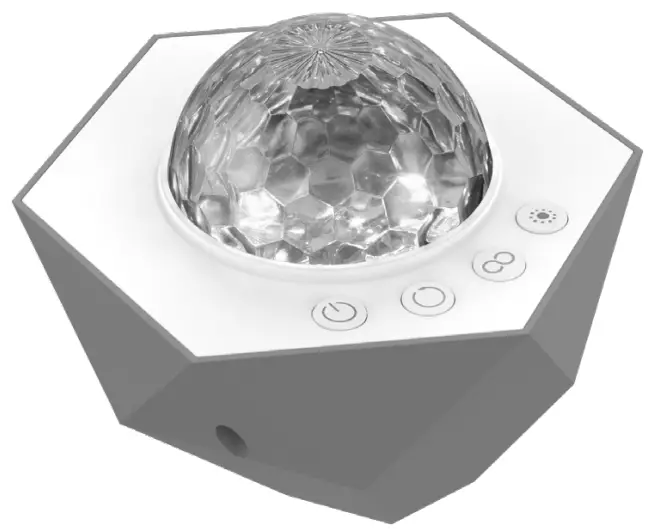 Galaxy Wave
mini projector
Operation
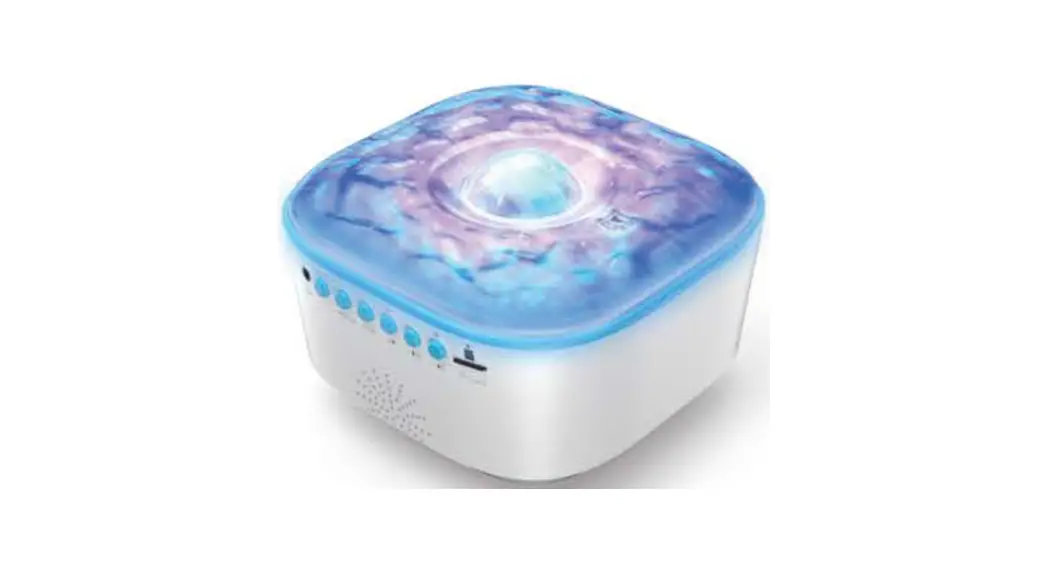
Plug the USB-C end of the included power cable into the projector and the USB-A end into a 5V, 1A minimum port or adapter (not included). 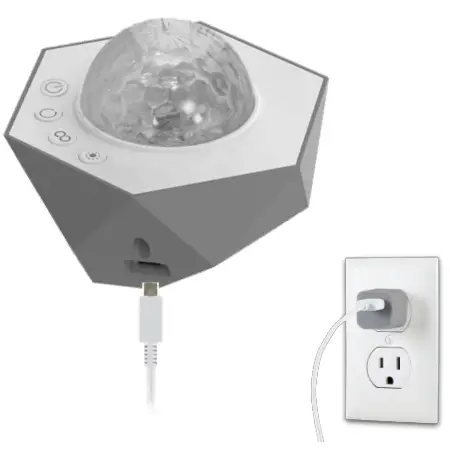
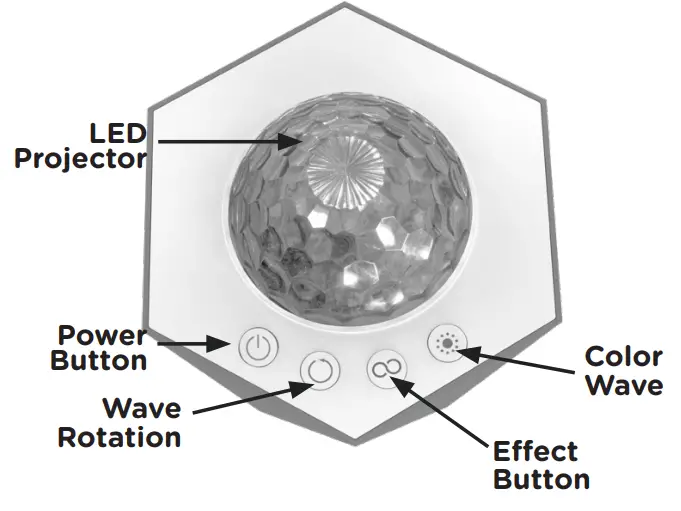
- Power Button

Press to turn ON/OFF — will return to last setting used when turned back on. - Wave Rotation Speed

Press to change between pause and five speed options: slow, medium-slow, medium, medium-fast, fast. - Effect Button

Press to change between nine different effects. (See Effect Guide) - Color Wave

Press to change the colors used in the effects. Press and hold to adjust brightness — the dome will flash when the highest/lowest level has been reached. (See Color Wave Guide)


IMPORTANT: Do not stare or look into the LED dome, as this can be hazardous and damage your eyes.
Projector Placement
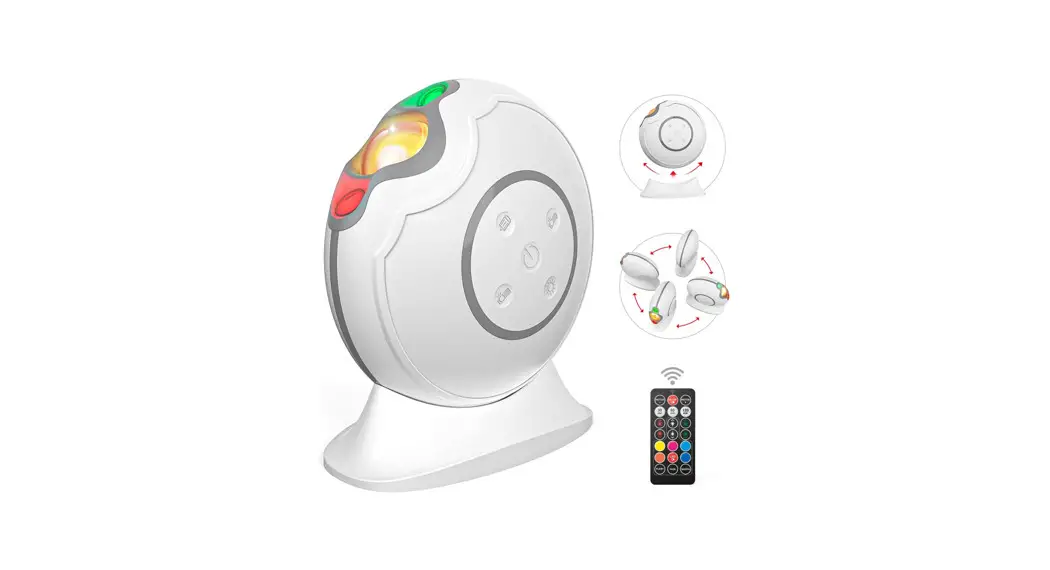
- You can use the geometric design of the smart projector to point the light where you want.
- The lower the projector is in the room, the larger the color wave will be.
Effect Guide
| Order | Description |
| 1 | Solid |
| 2 | Aurora* |
| 3 | Fade |
| 4 | Wave |
| 5 | Blink |
| 6 | Firework |
| 7 | Sparkle |
| 8 | Pulse |
| 9 | Atmostphere |
| 10 | OFF |
*Effect automatically uses multiple colors and is not changed by the color wave button. Color Wave Guide
| Order | Color |
| 1 | Red |
| 2 | Green |
| 3 | Blue |
| 4 | White |
| 5 | Red/Green |
| 6 | Red/Blue |
| 7 | Red/White |
| 8 | Green/Blue |
| 9 | Green/White |
| 10 | Blue/White |
| 11 | Red/Green/Blue |
| 12 | Red/Green/White |
| 13 | Red/Blue/White |
| 14 | Green/Blue/White |
| 15 | Red/Green/Blue/White |
FCC STATEMENT
Suppliers Declaration of Conformity | Model #: 70333 | Jasco
Products Company LLC, 10 E. Memorial Rd.,
Oklahoma City, OK 73114 | www.byjasco.com
This device complies with Part 15 of the FCC rules. Operation is subject to the following two conditions: (1) this device may not cause harmful interference, and (2) this device must accept any interference received, including interference that may cause undesired operation.
FCC NOTE: The manufacturer is not responsible for any radio or TV interference caused by unauthorized modifications to this equipment. Such modifications could void the user’s authority to operate the equipment.
NOTE: This equipment has been tested and found to comply with the limits for a Class B digital device, pursuant to Part 15 of the FCC rules. These limits are designed to provide reasonable protection against harmful interference in a residential installation. This equipment generates, uses and can radiate radio frequency energy, and if not installed and used in accordance with the instructions, may cause harmful interference to radio communications. However, there is no guarantee interference will not occur in a particular installation. If this equipment does cause harmful interference to radio or television reception, which can be determined by turning the equipment off and on, the user is encouraged to try to correct the interference by one or more of the following measures:
- Reorient or relocate the receiving antenna.
- Increase the separation between the equipment and receiver.
- Connect the equipment to an outlet on a circuit different from that to which the receiver is connected.
- Consult the dealer or an experienced radio/TV technician for help.
 WARNING
- THIS PRODUCT IS NOT A TOY AND NOT INTENDED FOR USE BY CHILDREN. ADULT SUPERVISION IS REQUIRED AT ALL TIMES WHEN CHILDREN ARE NEARBY.
- USE INDOORS ONLY. DO NOT EXPOSE THIS PRODUCT TO RAIN, MOISTURE OR WATER UNDER ANY CIRCUMSTANCES.
- UNDER NO CIRCUMSTANCES SHALL ATTEMPTS BE MADE TO OPEN THE PROTECTIVE HOUSING OR OPERATE THE DEVICE IF THE PRODUCT HAS BEEN DAMAGED. PLEASE SEND BACK TO SUPPLIER FOR MAINTENANCE.
- AS WITH ALL BRIGHT LIGHT-SOURCES, WHEN YOU OPERATE THIS DEVICE IN UNSUPERVISED GENERAL PUBLIC AREAS, IT IS RECOMMENDED THAT UP- CLOSE ACCESS TO THE LIGHT BE RESTRICTED OR PREVENTED AND THE BEAMS BE DIRECTED INTO LOCATIONS WHERE PERSONS ARE NOT EXPECTED.
- IT IS THE OWNER/OPERATOR’S RESPONSIBILITY TO USE THIS DEVICE IN COMPLIANCE WITH LOCAL LAWS.
Thank you for your purchase!
Instructions made easy
Read instructions or watch easy-to-follow video. Scan code or visit byjasco.com/70333i
Register your product
Receive exclusive deals and register your product. Scan code or visit byjasco.com/deals
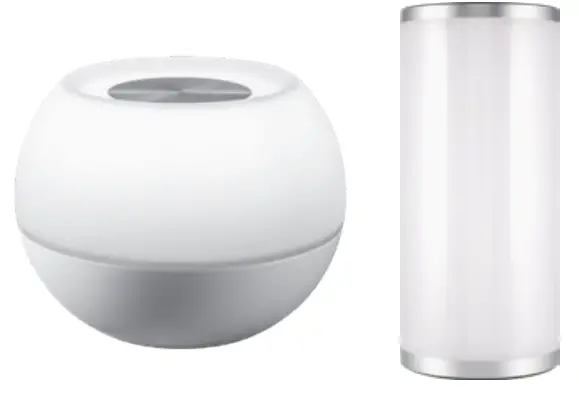 Discover more innovative lighting at byjasco.com/lighting
 Like our product?
Leave a review on your favorite retailer website or amazon.com Having problems?
Let us know how we can help.
Call 1-800-654-8483 between 7AM-8PM, M-F, Central Time.
MADE IN VIETNAM
Distributed by Jasco Products Company LLC,
10 E. Memorial Rd., Oklahoma City, OK 73114.
This Jasco product comes with a 1-year limited warranty. Visit
www.byjasco.com for warranty details.
Questions? Contact our U.S.-based Consumer Care at
1-800-654-8483 between 7AM–8PM, M–F, Central Time.
For product patent information, visit www.byjasco.com/patents.
70333 man v1 100% recyclable Paper made from 50% post consumer waste
byjasco.com/recycle
 YouTube
 Jasco
Jasco