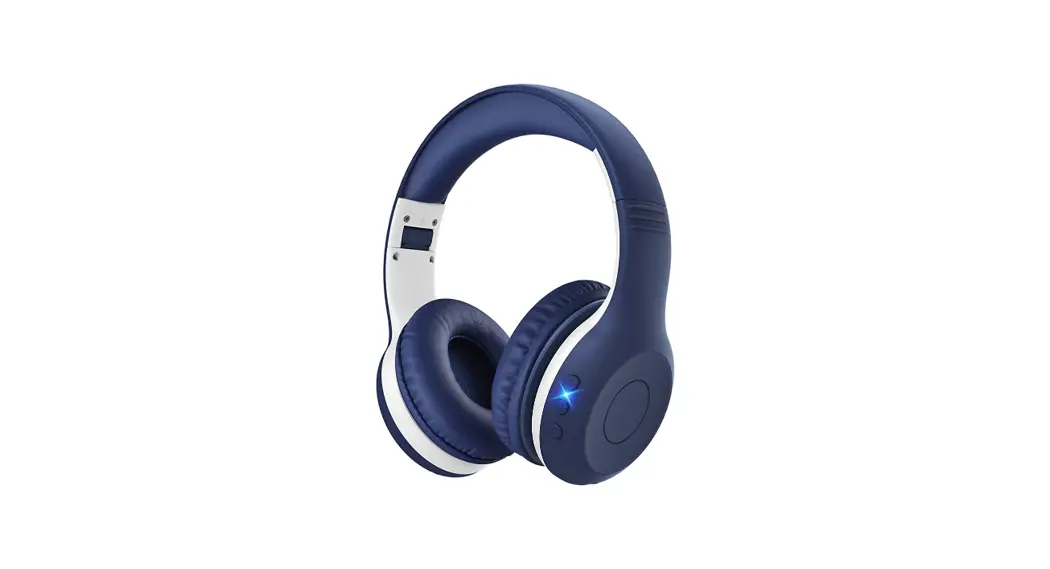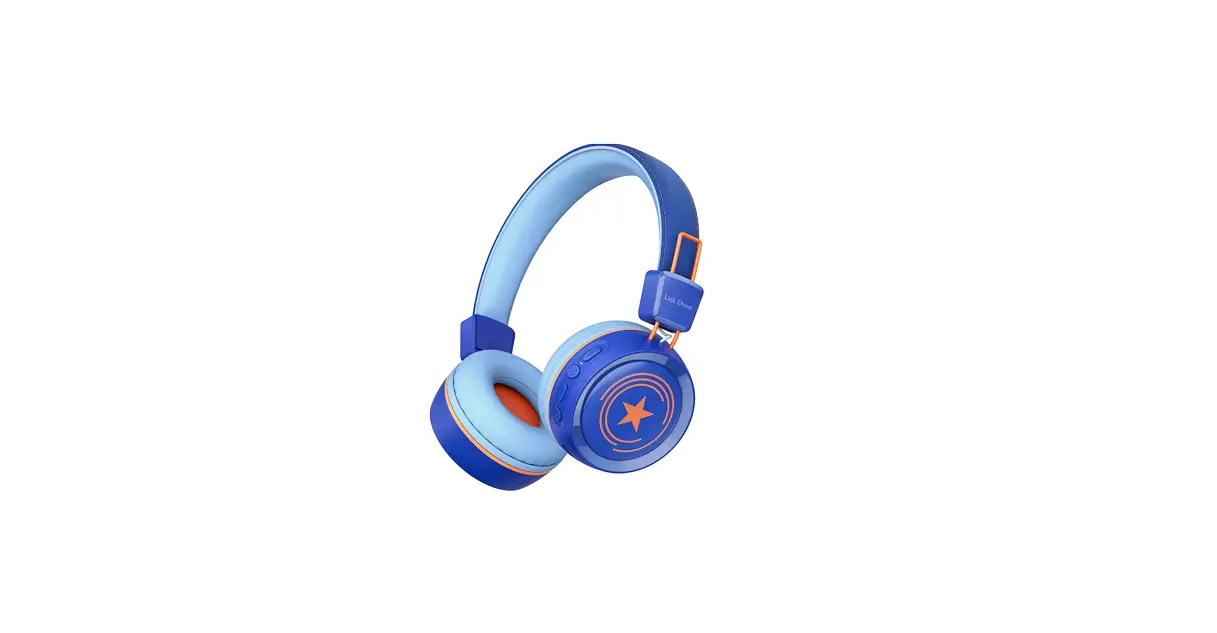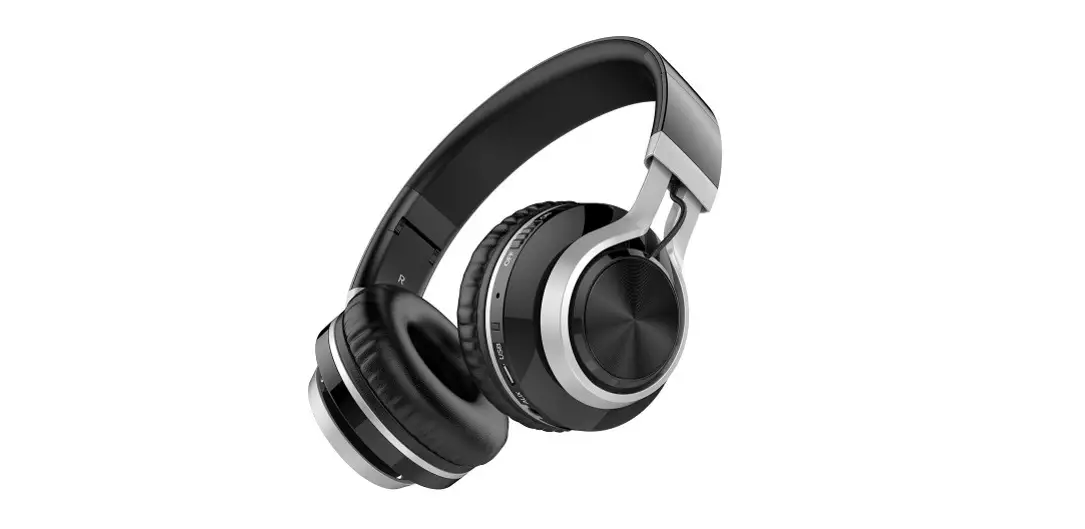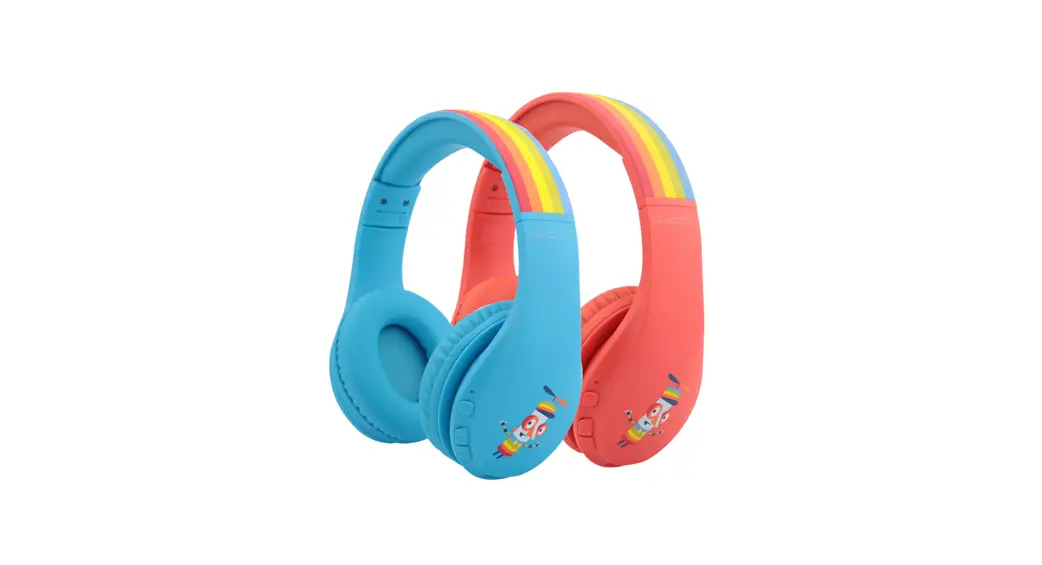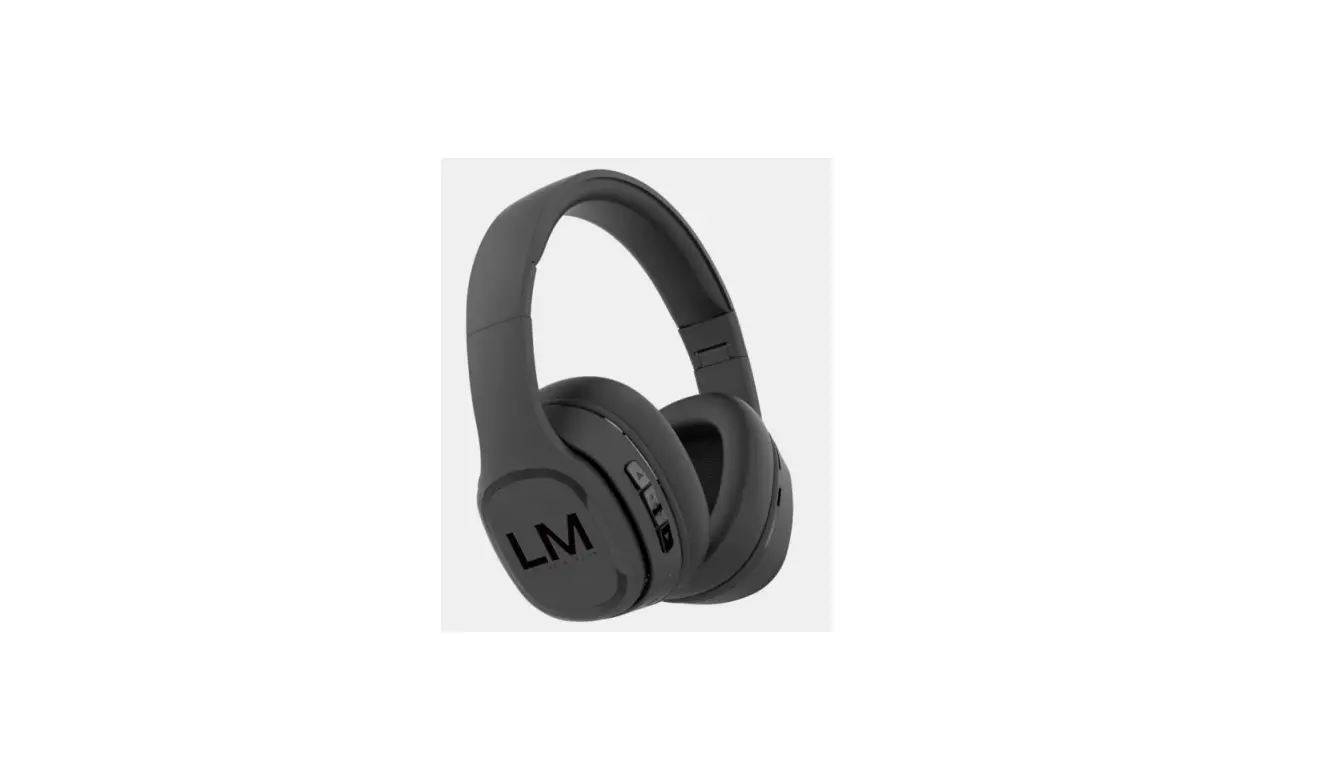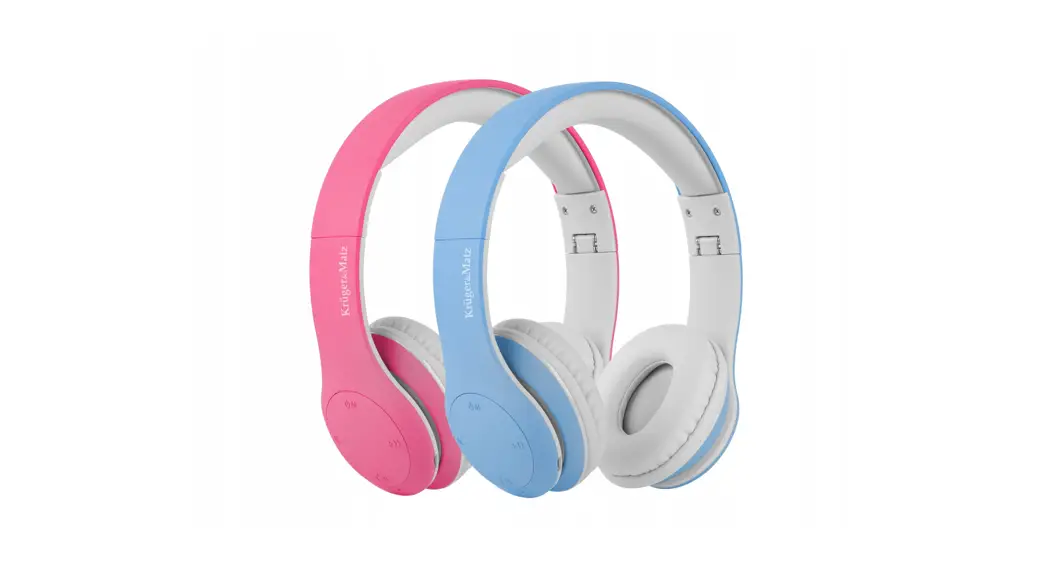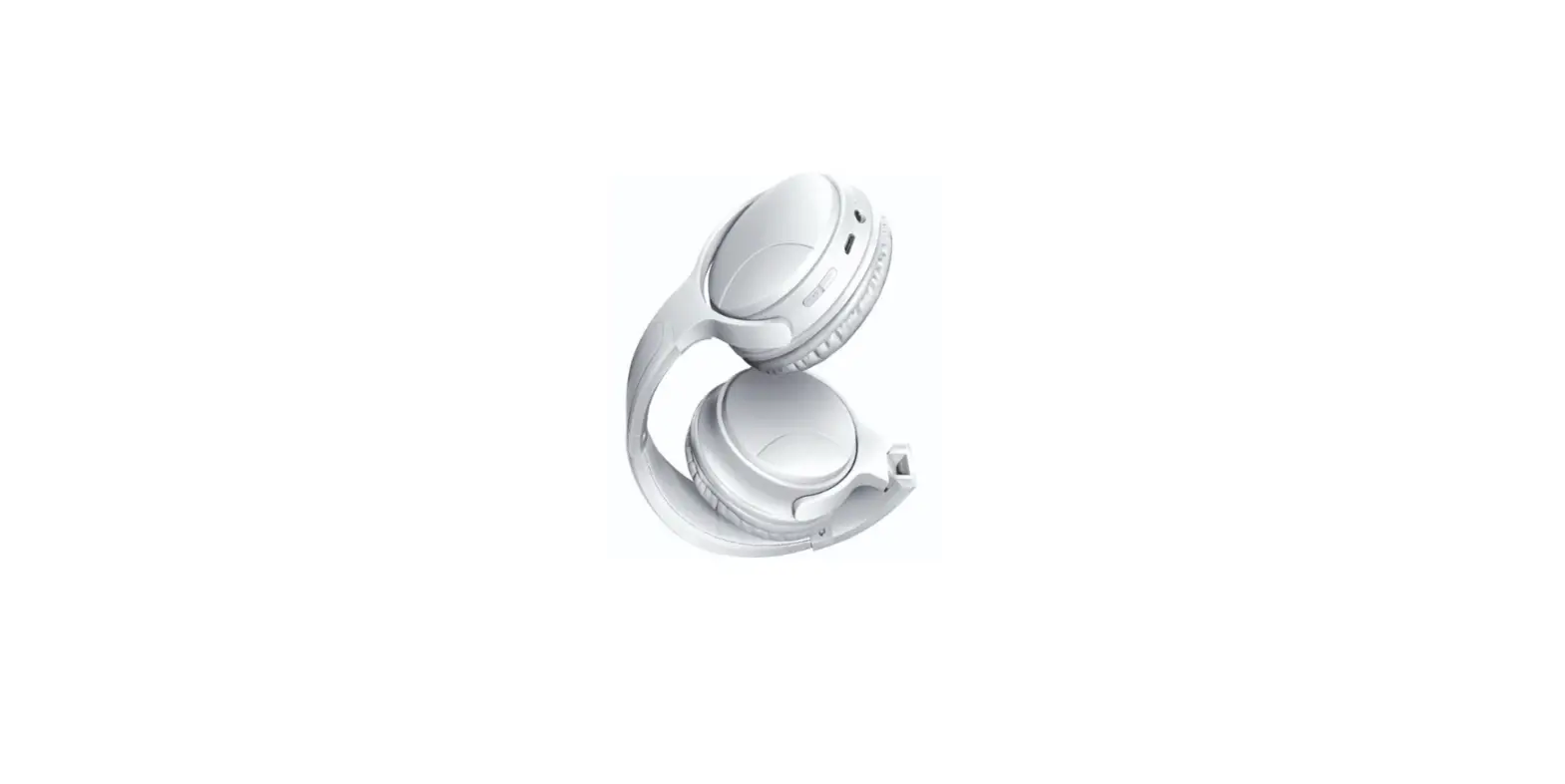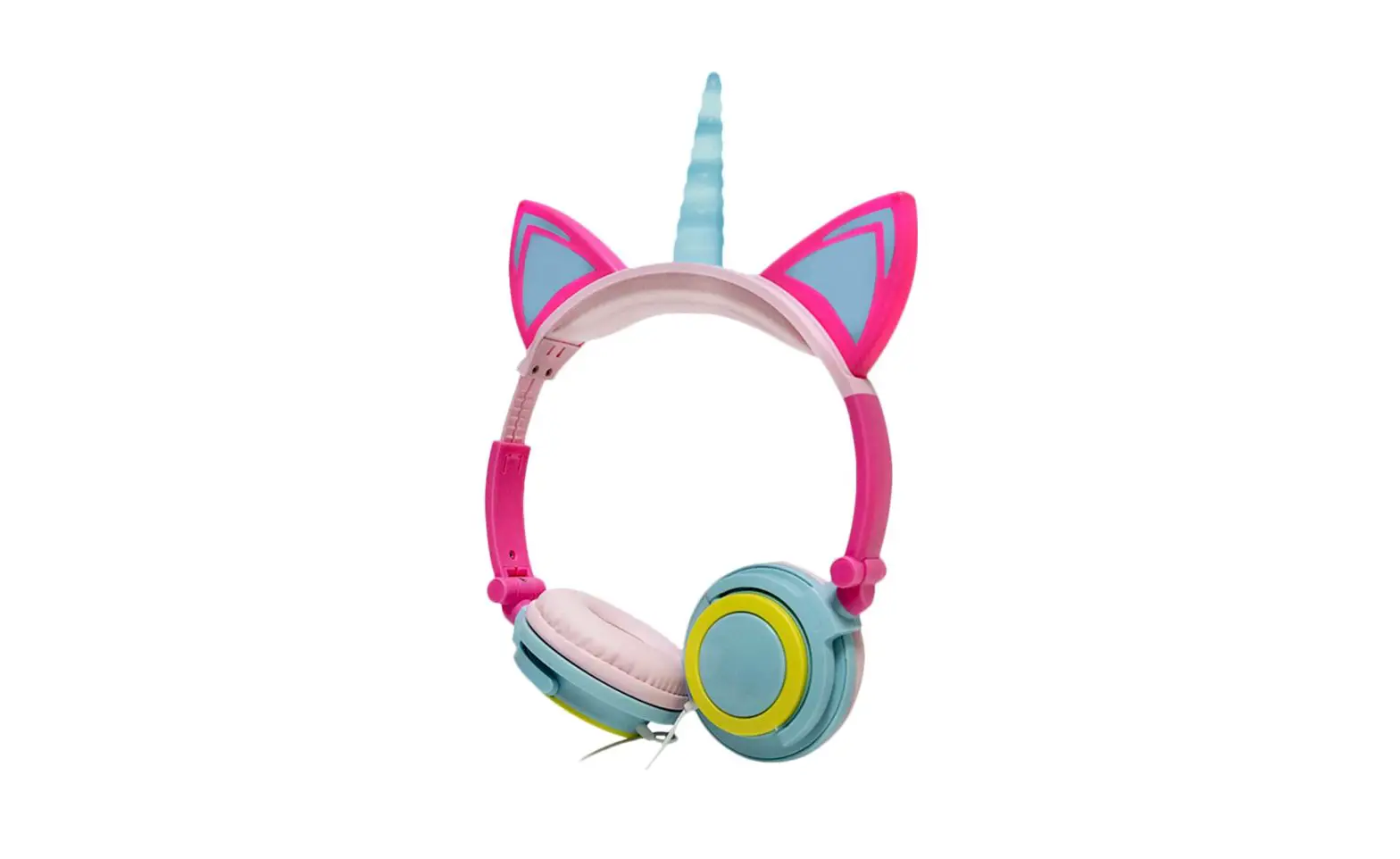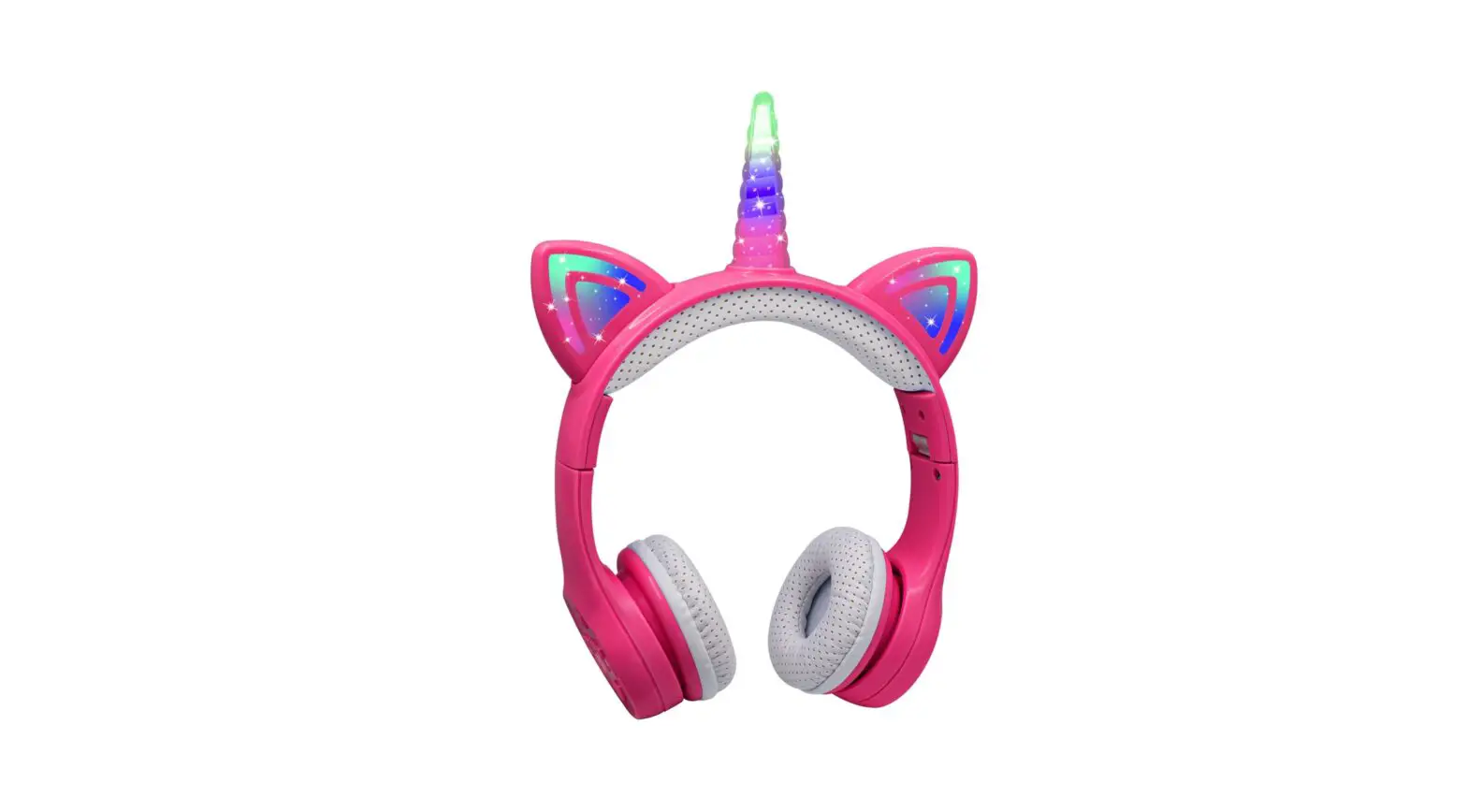
Hisonic BS696 Stereo Children Wireless Headphones User Manual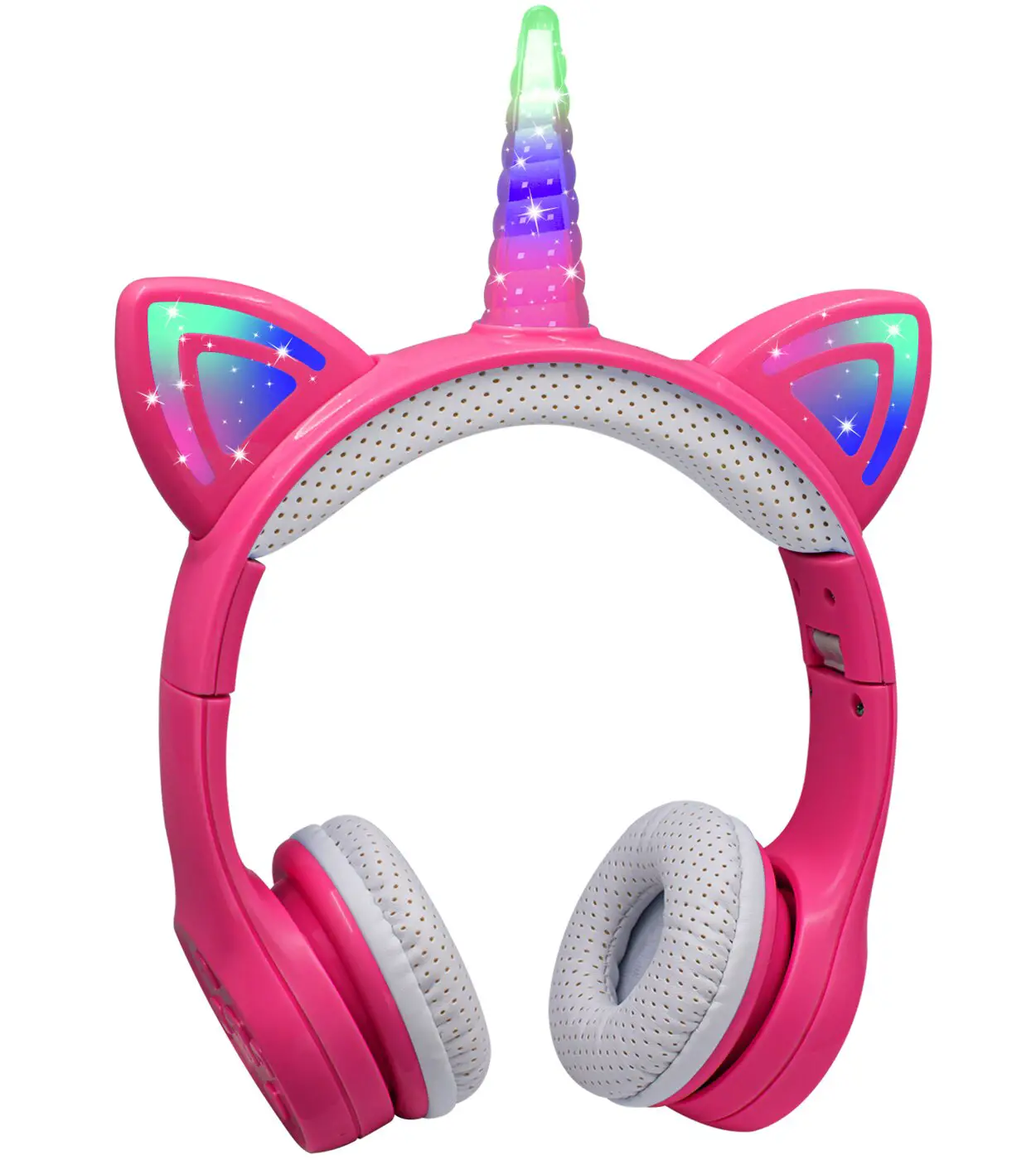
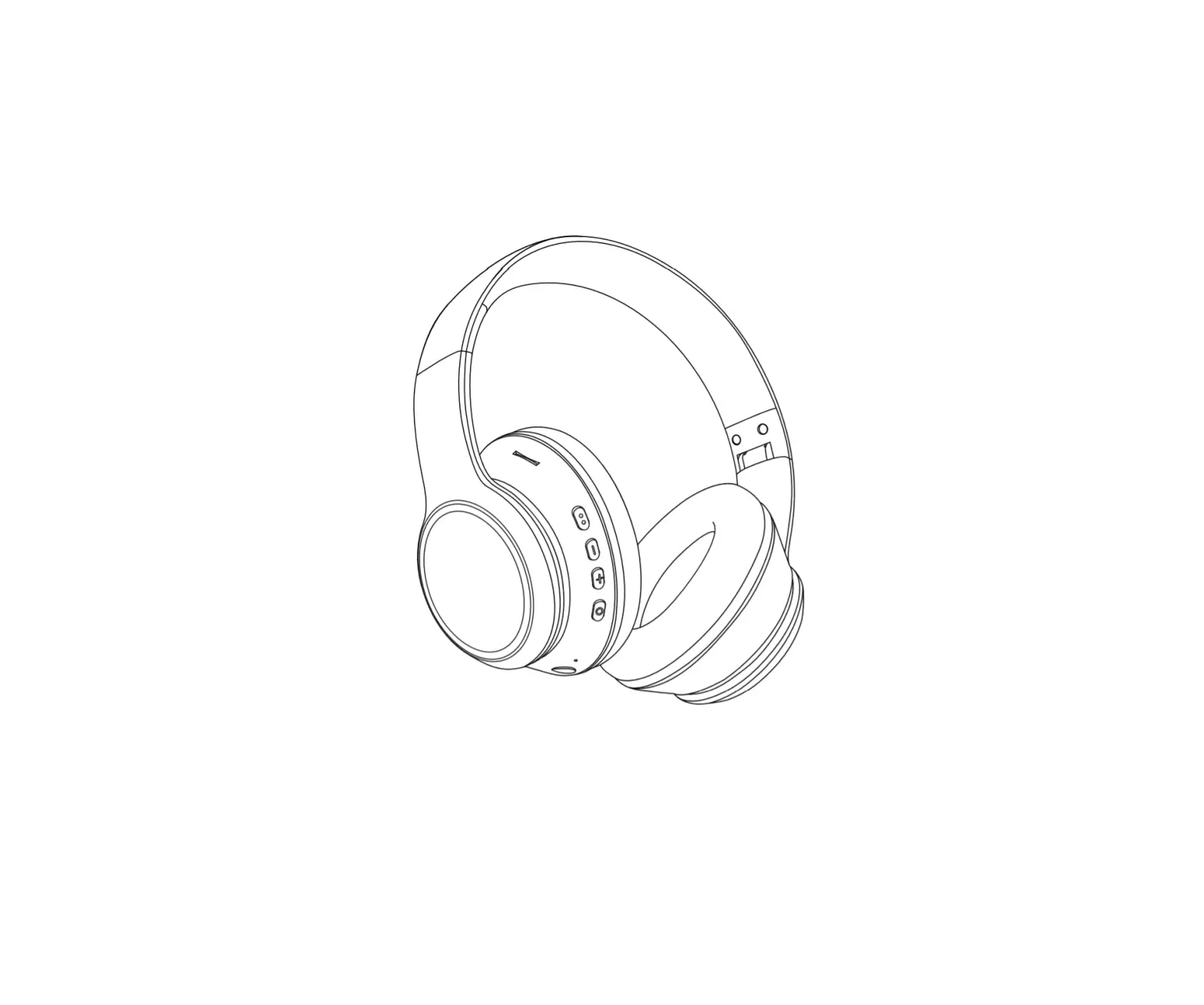
Product Function Diagram
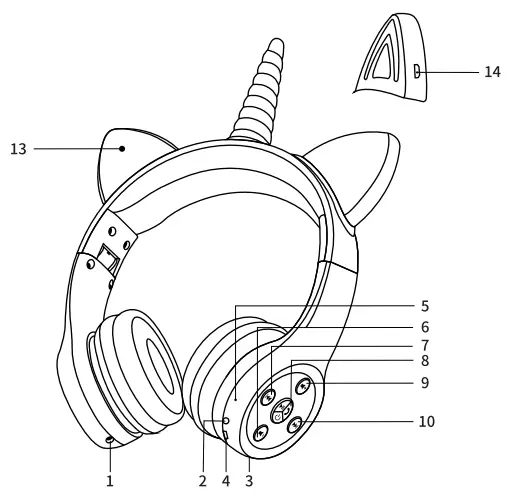
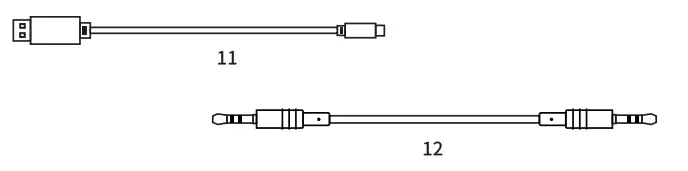
| 1 | Sharing socket |  |
|
| 2 | Audio input socket | | When earphone is not powered, or you don’t want to use wireless, you can connect the socket with music line to enjoy music.. |
| 3 | Microphone |  hole hole | The microphone hole.. |
| 4 | Charge Jack: |  | Micro 5 pin charging interface: USB DC 5V in. |
| 5 | LED Indicator light | hole | (red/blue) work status display. |
| 6 | Volume- |  | Short according to decrease volume. |
| 7 | PREV |  | Short according to choose last program. |
| 8 | Power ON/OFF Telephone Play /pause |  |
|
| 9 | Volume+ |  | Short according to increase the volume. |
| 10 | NEXT |  | Short according to choose the next program. |
| 11 | USB charging line | / | USB to micro5pin L=30cm. |
| 12 | Audio line | / | 3.5mm plug stereo sound frequency line L=120cm. |
| 13 | On/off itch for LED flicker light | | Push switch 13 on, the unicorn and two cat ears will flashing in different three colors. Push again, the flashing speed will be changed. If long press, the LED light will be off |
| 14 | Charge Jack: | | Micro Spin charging interface: USB DC 5V in. |
Power on/Power off:
Power on: Press the ” ” for 3 seconds , the blue LED lights up, and with “Power ON” prompt.
Power off: Press the “” for 3 seconds, the red LED lights shining 2 s,and with “Power OFF” prompt.
With mobile phone or other Bluetooth device matching :
Step 1: Power on wait for 2 to 3 seconds, when the blue light and red light flashing, Bluetooth headset in pairing Pattern, headphones hint “the Bluetooth is ready to pair”.
Step 2: Open the mobile phone or other mobile Bluetooth device of Bluetooth switch, search the Bluetooth device;
Step 3: In the mobile phone or mobile device Bluetooth list option “BS-SUN” click on the link,When the equipment need to enter the password input “0000” to (few devices To enter a password);
- If the connection is successful, the blue lights long, headset voice prompt ” the Bluetooth is Connected successfully”.
- If there is no successful connection and equipment:
A, Please make sure the headset is in pairing mode;
B, Please restart your Bluetooth device, switch search Bluetooth headset to state;
C, If there is still no match, please turn off the Bluetooth headset, Bluetooth headset charging 1-1.5 hours, in pairs according to the step.
Recharge Bluetooth earphones
- What time need to recharge Bluetooth earphones:
A, Open the packing for the first time, you need to recharge headphones about 1-1.5 hours;
B, When the headset battery is lower than the working power, headphones prompt :”Please Charging “, red LED light is bright, Please recharge headph-ones for about 1-1.5 hours. - Recharge methods: take a random distribution of USB charging line , Micro 5 pin plug connection headphones, USB interface connected DC 5 v charging power supply, the headset LED light is normally on a red light, headphones in normal charging.
- When the battery is full of the headphones LED light blue light normally on, remove the charging line at this time.
Bluetooth phone mode
Work with the mobile phone is connected, headphones is working:
A, When there is Aphone call, short press “ “, answering the telephone;Call or pass Words over, click the ” ” to hang up the phone, if the other party to hang up first Words you don’t need any operation headphones automatic switch to music playback mode.
B, Refused to answer the phone: when the phone call is fashionable long press ” ” for 3 seconds.
C, number at the end of the replay: double-click the ” ” key in working. Note: music playback in Bluetooth working, when there is a telephone call in or out, the concert is automatically suspended Switch to the communication mode, when hang up the phone or refuse to answer the phone Bluetooth earpieces automatically back to the music Playback modes.
Flashing Mode
Push switch ” ” on, the unicorn and two cat ears will flashing in different three colors. Push again, the flashing speed will be changed. If long press, the LED light will be off.
Specification
| Products Series Model: | BS690–BS698 STN26, STN27 | Ver. | V5.0 |
| Bluetooth Profiles | A2DP/AVCTP/SPP/HFP | Effective Range | 10 Meters |
| Chip Brand: | JieLi | / | / |
| / | |||
| Music Time: | .15 Hours | Talk Time: | 15 Hours |
| Standby Time: | 100 Hours | In put | DC:5V/250mAh |
| Charge Time: | About 1-1.5 Hours | Charge Port: | USB |
| Battery Type: | Lithium | Battery Capacity: | 250 mAh |
| / | |||
| Microphone: | Support | Sensitivity: | -42±3dB |
| Speaker Material: | Ferrite | Diameter | 40mm |
| Sensitivity: | 93±3dB | Distortion: | 1°/ci at 1KHz |
| Power To Bear | 50 mw | Resistance: | 32±5 0 |
| / | |||
| Dimensions | 155x65x165cm | N.W: | about 175g |
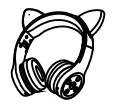
| Model Number | Product Name | Product Picture | Function |
| bsbYb
| kids Bluetooth headphones |  | wired, wireless |
| stn26 | kids Bluetooth headphones with cat ear light |
| wired, wireless cat ear light |
| bs698 ,stn27 | kids Bluetooth headphones with unicorn light |  | wired, wireless unicorn light |
FCC Warning
Any Changes or modifications not expressly approved by the party responsible for compliance could void the user’s authority to operate the equipment.
This device complies with part 15 of the FCC Rules. Operation is subject to the following two conditions:
- This device may not cause harmful interference, and
- this device must accept any interference received, including interference that may cause undesired operation.
This equipment has been tested and found to comply with the limits for a Class B digital device pursuant to part 15 of the FCC Rules.
These limits are designed to provide reasonable protection against harmful interference in a residential installation. This equipment generates, uses and can radiate radio frequency energy and, if not installed and used in accordance with the instructions, may cause harmful interference to radio communications. However, there is no guarantee that interference will not occur in a particular installation.
If this equipment does cause harmful interference to radio or television reception, which can be determined by turning the equipment off and on, the user is encouraged to try to correct the interference by one or more of the following measures:
- Reorient or relocate the receiving antenna.
- Increase the separation between the equipment and receiver.
- Connect the equipment into an outlet on a circuit different from that to which the receiver is connected.
- Consult the dealer or an experienced radio/TV technician for help.
FCC Radiation Exposure Statement:
This equipment complies with FCC radiation exposure limits set forth for an uncontrolled environment.