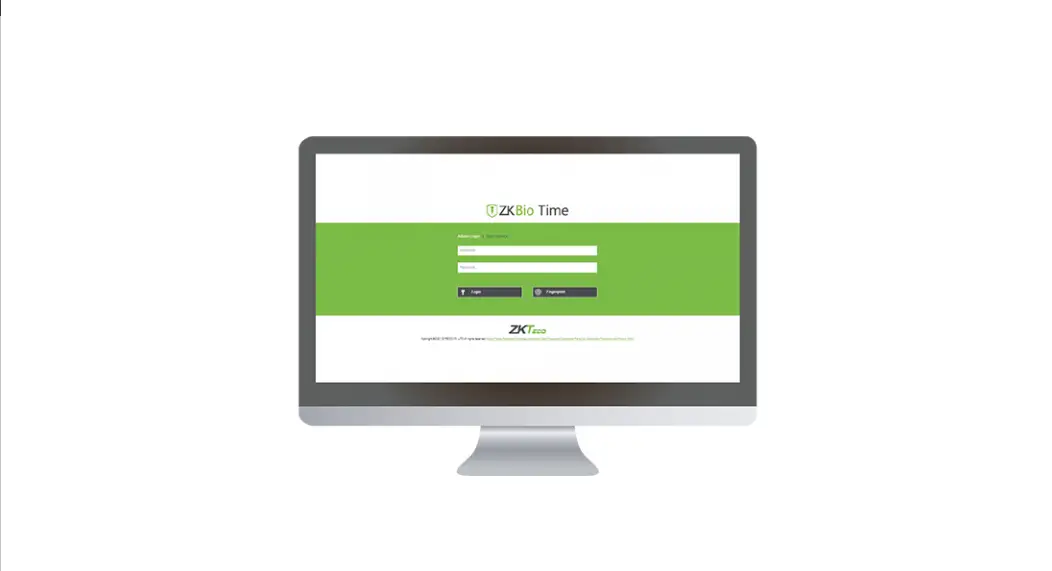
ZKBio Time Powerful Web-Based Time and Attendance Management Software
BioTime 8.0
Product Information:
Version Change Info: V2.0
Current Version: 8.0.8
Date: March 2023
Language: English
Product Usage Instructions:
Thank you for choosing our product. Please read the instructions
carefully before operation. Follow these instructions to ensure
that the product is functioning properly. The images shown in this
manual are for illustrative purposes only.
For further details, please visit our Company’s website www.zkteco.com.
| Table of Contents |
|---|
| 3.1 LEAVE WORKFLOW |
| 4 ATTENDANCE MODULE |
Leave Workflow (3.1)
The leave workflow allows users to set different approvers for
different leave applications and days. To enable the “Is Leave”
function, follow these steps:
- Select the desired leave type.
- Set the number of days for different approvers.
- The corresponding approver will approve when the number of days
is met.
Attendance Workbench (4.1)
The attendance workbench allows you to quickly schedule shifts,
calculate attendance, and generate attendance reports for
employees. This will improve your operation efficiency. Follow
these steps:
- Click the icon to enter the interface for setting rest time,
schedule, shift, and shift arrangement. - Click the function icon to quickly create a schedule and
arrange shifts for employees. - Set the effective date of the schedule. After setting, the
schedule will be cycled weekly between the start date and end
date. - Set the working time and break time (break time may not be
set). Select the person using this shift arrangement in the
following interface. - Click the icon to enter the attendance calculation
interface. - Click the icon to view the total time card.
Download Attendance Workflow Form (4.2)
The user can view the workflow and status of the application and
download the approval form by clicking the icon.
BioTime 8.0
ZKBio Time
Change Log
Version Change Info: V2.0 Current Version: 8.0.8 Date: March 2023 English
Change Log
Thank you for choosing our product. Please read the instructions carefully before operation. Follow these instructions to ensure that the product is functioning properly. The images shown in this manual are for illustrative purposes only.
For further details, please visit our Company’s website www.zkteco.com.
ZKBio Time
Table of Contents
Change Log
1 KEY UPDATES…………………………………………………………………………………………………………………………………………. 2 2 DASHBOARD ………………………………………………………………………………………………………………………………………….. 2 3 PERSONNEL MODULE …………………………………………………………………………………………………………………………….. 3
3.1 LEAVE WORKFLOW…………………………………………………………………………………………………………………………………………………………3 4 ATTENDANCE MODULE ………………………………………………………………………………………………………………………….. 4
4.1 ATTENDANCE WORKBENCH…………………………………………………………………………………………………………………………………………… 4 4.2 DOWNLOAD ATTENDANCE WORKFLOW FORM……………………………………………………………………………………………………………….7 5 SYSTEM MODULE …………………………………………………………………………………………………………………………………… 9 5.1 VERIFICATION CODE………………………………………………………………………………………………………………………………………………………. 9 6 LICENSE DEACTIVATION ………………………………………………………………………………………………………………………..10 6.1 ONLINE DEACTIVATE…………………………………………………………………………………………………………………………………………………… 10 6.2 OFFLINE DEACTIVATE………………………………………………………………………………………………………………………………………………….. 12
Pa g e |1
Copyright©2023 ZKTECO CO., LTD. All rights reserved.
ZKBio Time
1 Key Updates
Implemented Change Dashboard
Personnel Module
Description View employees on leave Leave workflow
Attendance Module System Module License
Attendance workbench Download attendance workflow form
Verification Code
License online deactivation License offline deactivation
Change Log
2 Dashboard
The user can view the employees who will request for leave and are on leave by clicking the button on the real-time monitoring panel.
Pa g e |2
Copyright©2023 ZKTECO CO., LTD. All rights reserved.
ZKBio Time
Change Log
The system will display the employees who are on leave on the current day and have applied for leave.
3 Personnel Module
3.1 Leave Workflow
The leave workflow allows users to set different approvers for different leave applications and days. Take Add for Employee as an example. Enable Is Leave function. As shown in the figure below.
Pa g e |3
Copyright©2023 ZKTECO CO., LTD. All rights reserved.
ZKBio Time
Change Log
Leave Type: User can select the default leave in the system and the leave created by the user. From Day & To Day: User can set the number of days for different approvers, and the corresponding approver will approve when the number of days is met.
4 Attendance Module
4.1 Attendance Workbench
On the workbench, you can quickly schedule shifts, calculate attendance, and generate attendance reports for employees. This will improve your operation efficiency.
Pa g e |4
Copyright©2023 ZKTECO CO., LTD. All rights reserved.
ZKBio Time
Change Log
1. Schedule Setting Steps: Click the icon to enter the interface for setting rest time, schedule, shift and shift arrangement.
2. Quick Setup: Click the function icon to quickly create a schedule and arrange shifts for employees.
Pa g e |5
Copyright©2023 ZKTECO CO., LTD. All rights reserved.
ZKBio Time
Change Log
Effective Period: The user can set the effective date of the schedule. After setting, the schedule will be cycled weekly between the start date and end date.
Work Time: Set the working time and break time (break time may not be set). User can select the person using this shift arrangement in the following interface.
3. Attendance Calculation: User can click the icon to enter to the attendance calculation interface.
Pa g e |6
Copyright©2023 ZKTECO CO., LTD. All rights reserved.
ZKBio Time
Change Log
4. Attendance Report: User can click the icon to view the total time card.
4.2 Download Attendance Workflow Form
The user can view the workflow and status of the application and download the approval form.
Pa g e |7
Copyright©2023 ZKTECO CO., LTD. All rights reserved.
ZKBio Time
Change Log
Click the icon information.
in the application record to view the current application workflow and related
Click the icon
to download the workflow form. Forms only support PDF format.
Pa g e |8
Copyright©2023 ZKTECO CO., LTD. All rights reserved.
ZKBio Time
Change Log
5 System Module
5.1 Verification Code
In the system module, the user can configure the verification code. User must input the verification code when login into the system after entering the wrong password a predetermined number of times. This will help to prevent the unauthorized logins and password cracking.
Pa g e |9
Copyright©2023 ZKTECO CO., LTD. All rights reserved.
ZKBio Time
Change Log
6 License Deactivation
6.1 Online Deactivate
Click[ About] ->[Online Deactivate], as shown in the following figure.
Enter the user name and password of the super administrator.
P a g e | 10
Copyright©2023 ZKTECO CO., LTD. All rights reserved.
ZKBio Time
Change Log
After confirming the operation, the user enters the following interface.
P a g e | 11
Copyright©2023 ZKTECO CO., LTD. All rights reserved.
ZKBio Time
Change Log
Click to download the reset license, which can be used to reactivate the software.
6.2 Offline Deactivate
Click[ About] ->[Offline Deactivate], as shown in the following figure.
P a g e | 12
Copyright©2023 ZKTECO CO., LTD. All rights reserved.
ZKBio Time
Change Log
Enter the user name and password of the super administrator.
P a g e | 13
Copyright©2023 ZKTECO CO., LTD. All rights reserved.
ZKBio Time
Change Log
The system will automatically download the file. The user needs to transfer this file to technical support personnel for resetting.
P a g e | 14
Copyright©2023 ZKTECO CO., LTD. All rights reserved.
ZKBio Time
Change Log
ZKTeco Industrial Park, No. 32, Industrial Road, Tangxia Town, Dongguan, China. Phone : +86 769 – 82109991 Fax : +86 755 – 89602394 www.zkteco.com Copyright © 2022 ZKTECO CO., LTD. All Rights Reserved.
P a g e | 15
Copyright©2023 ZKTECO CO., LTD. All rights reserved.
 ZKTeco | Home Page