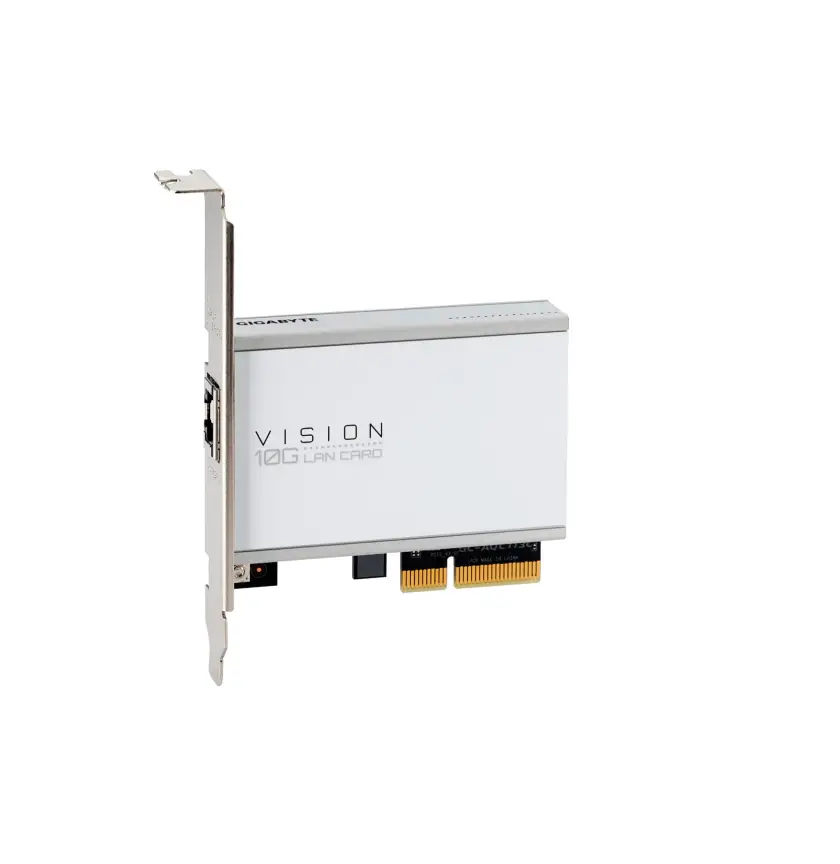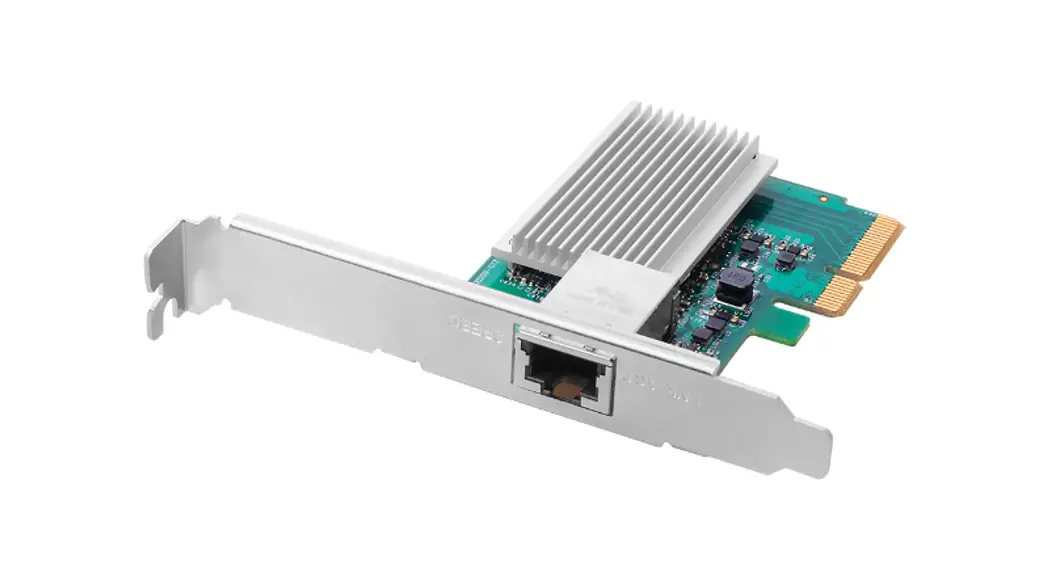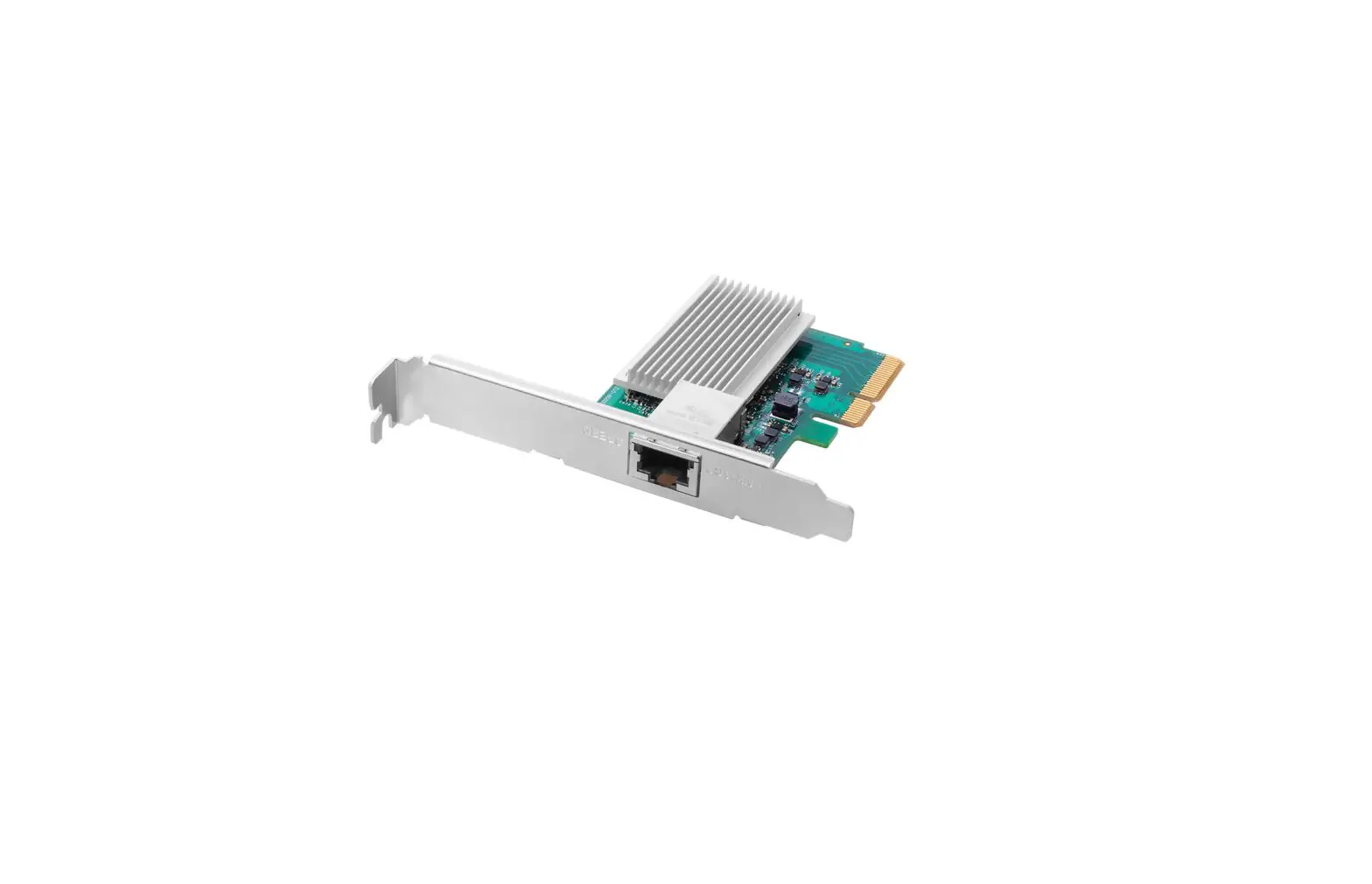
eiRa AQC107 10GbE Ethernet Card Chipset Installation Guide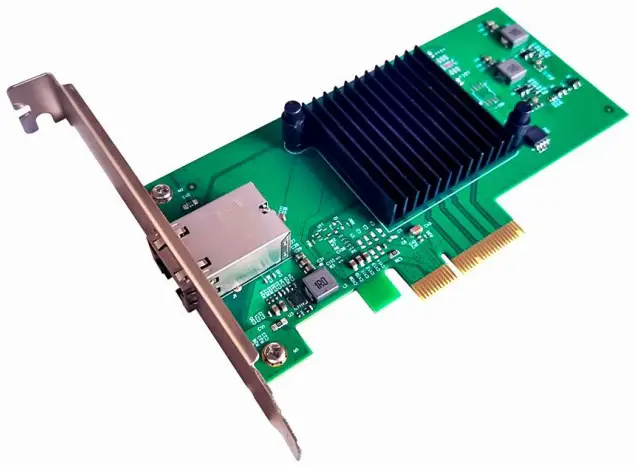
Introduction
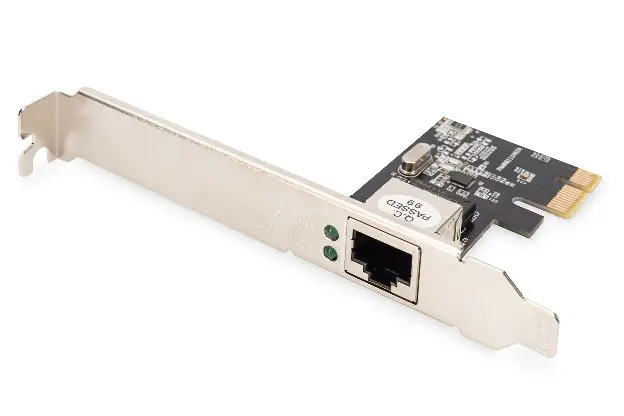
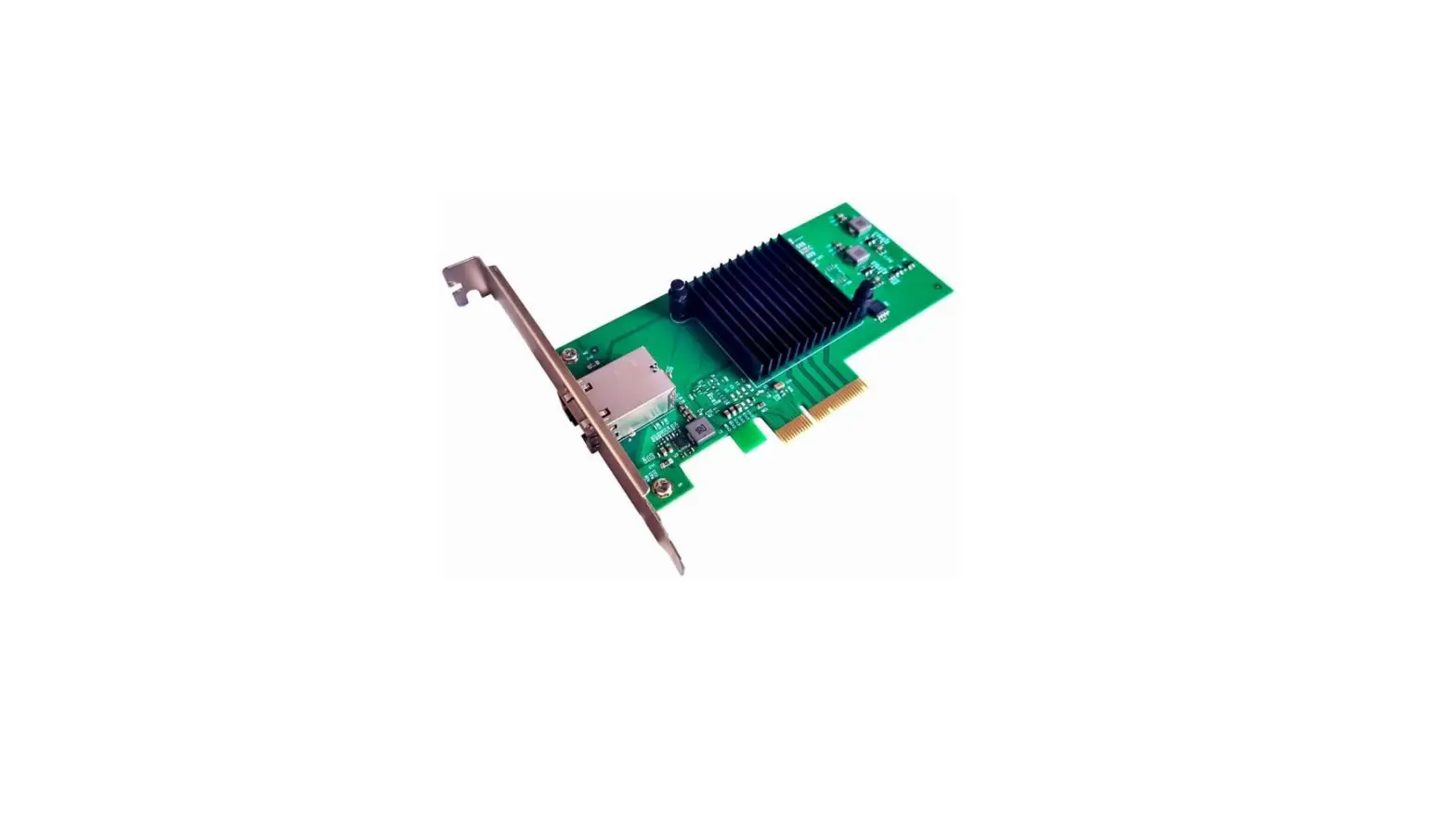
This PCI Express AQC107 10GbE Ethernet card is a high-performance, multi- gigabit
Ethernet card that supports 10GBASE-T/5GBASE-T/2.5GBASE-T/1000BASE-T/ 100BASE-T, with a PCI Express Gen3x4 or Gen2x4, the AQtion Ethernet controller easily handles the 10GbE Line-rate performance. The AQC107 incorporates Aquantia’s AQrate® PHY technology which delivers 10GbE network connectivity speed through Cat 6a and delivers 5 GbE and 2.5 GbE network connectivity speed through 100 meters of Cat 5e or better cabling enabling higher data rates with zero change to legacy cabling.
Product Highlights:
- Compliant with PCIE Express Revision 3.0 and downstream with PCI Express Reivison2.0
- Supports line rate of 8.0GT/s and 5.0GT/s per lane
- Supports Gen 3×4 or Gen 2×4
- Supports communication and management function
- Integrated Aquantia AQrate PHY featuring NBASE-T technology
- Supports PHY specifications with 10GBASE-T/5GBASE T/2.5GBASET/1000BASE-T /100BASE-T.
- On-chip high resolution cable analyzer for advanced cable diagnostics
- Energy Efficient Ethernet (EEE) Support
- Supports IEEE1588v2 Precision Time Protocol
- Support large send offload, Receive Side Scaling (RSS), Direct Cache Access (DCA) and Header checksum for increased network performance and lower host CPU utilization
- Wake-On-LAN (WoL) power management
- Supports IPv4, IPv6 and IPv6/UDP checksum offload
- Supports Jumbo frame (up to 16kbytes)
- Quality of Service (QoS)
- Supports up to eight traffic classes and Data Center Bridging (DCB)
Technical Specifications
| Brand | EiRA |
| SKU Code | ER3023 |
| Product model | PCIe x4 to 10GbE RJ45 LAN Card (AQC107 Chipset) |
| Chipset | AQtion AQC107 |
| Form Factor | Plug-in Card with Small Form Factor Support |
| Small/Low Profile Bracket | Provided |
| PCIe Specification Revision | PCIe 3.0 |
| PCI-Express Transfer Rat | 8.0GT/s |
| Input Bus Interface | PCI Express x4 – Compatible with x4/x8/x16 slo |
| Output Interface | 1 x RJ45 (Copper |
| Data Transfer Rate | 10GBASE-T/5GBASE-T/2.5GBASE-T/1000BASE-T /100BASE-T |
| Dimensions | 132 x 68 mm |
| Weight | 90 gms |
| System supporte | Win7/ Win8/Win8.1/Win10/Win11/Server2012/ Server2016 32 or 64bits, Linux Kernels3.10 and above |
| Accessories | 1 x CD-driver, 1 x Low profile bracket, 1 x PCIe Card |
| Warrant | 1 year |
System Requirements
- Win7/ Win8/Win8.1/Win10/Win11/ Server2012/ Server2016 32 or 64bits, Linux Kernels3.10 and above
- Available PCI Express x4/x8/x16 slot
Package Contents
- 1 x PCI Express AQ107 10GbE Ethernet card
- 1 x User’s Manual
- 1 x CD driver
- 1 x Low-profile bracket
Cabling Requirements:
| Transmission bandwidth | Twisted pair type | Transmission distance |
| 10Gbps | Cat 6a or bette | 100 meter |
| 5Gbps | Cat5e or better | 100 meters |
| 2.5Gbps | Cat5e or better | 100 meters |
| 1000Mbps | Cat5e or better | 100 meters |
| 100Mbps | Cat5e or better | 100 meters |
LED Indicators:
| Link speeds | LED Green | LED Orange |
| 10Gbps | ACT blinking | 10G link |
| 5Gbps/2.5Gbps/1000Mbps/100Mbps | ACT blinking | No bright |
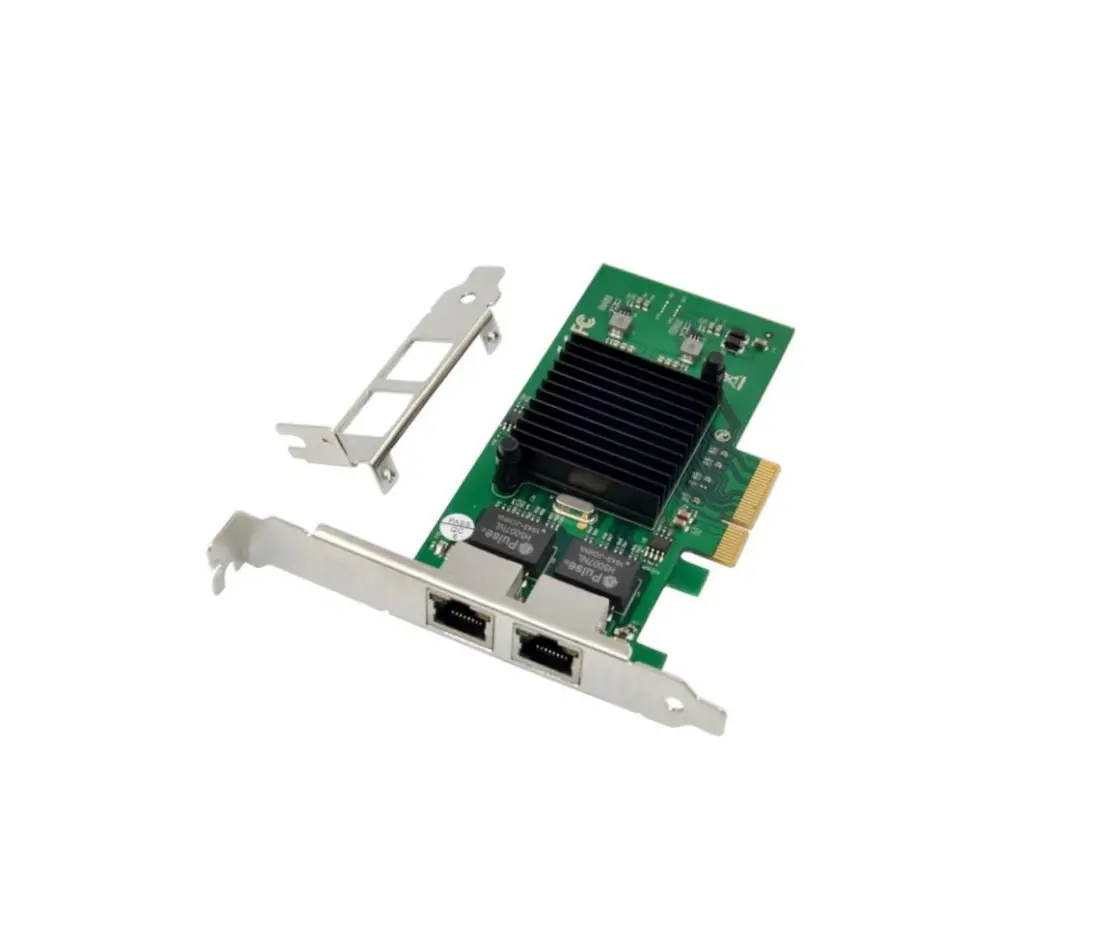
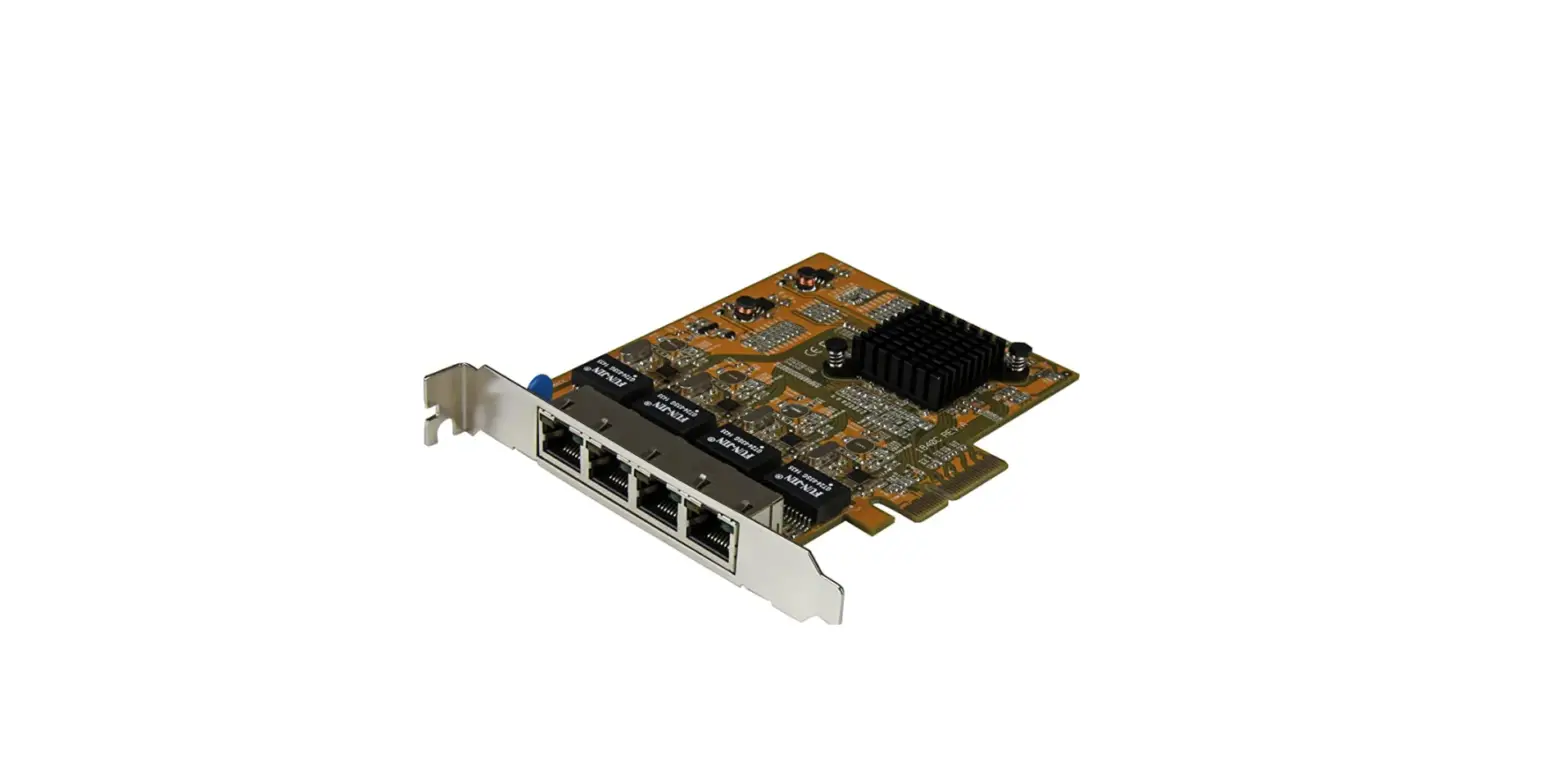
Hardware description
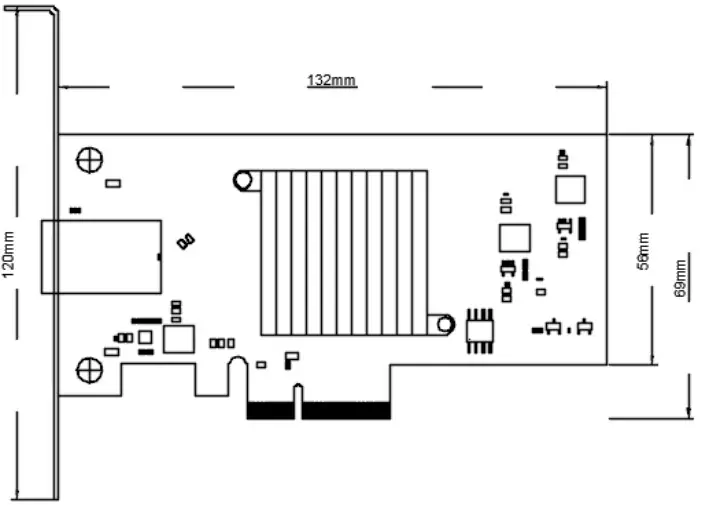
Hardware Installation
- Turn off the computer and unplug the power cord
- Remove the computer cover and the adapter slot cover from the slot that matches your adapter
- Insert the adapter edge connector into the slot and secure the bracket to the chassis
- Replace the computer cover, then plug in the power cord
- Power on the computer
Install Drivers and software
Windows Operating Systems
You must have administrative rights to the operating system to install the drivers.
- Insert the CD driver bound with PCI Express AQ107 10GbE Ethernet card driver into your CD-ROM drive:
- If the Found New Hardware Wizard screen is displayed, click Cancel
- Open the location of the driver file and select the driver file according to the system type. For Windows 32bit: Type “Driver\AQC107\Windows\WindowsInstaller\Aquantia_AQtion_x32_Win_ ver2.1.17.0.msi” For Windows 64bit: Type “Driver\AQC107\Windows\WindowsInstaller\Aquantia_AQtion_x64_Win_ ver2.1.17.0.msi”
- Double click it
- Follow the instructions in the install wizard to finish it
Installing Linux Drivers from Source Code
- Download and expand the base driver tar file.
- Compile the driver module
- Install the module using the modprobe command
- Assign an IP address using the ifconfig command

 eiratek.com