
Contents hide
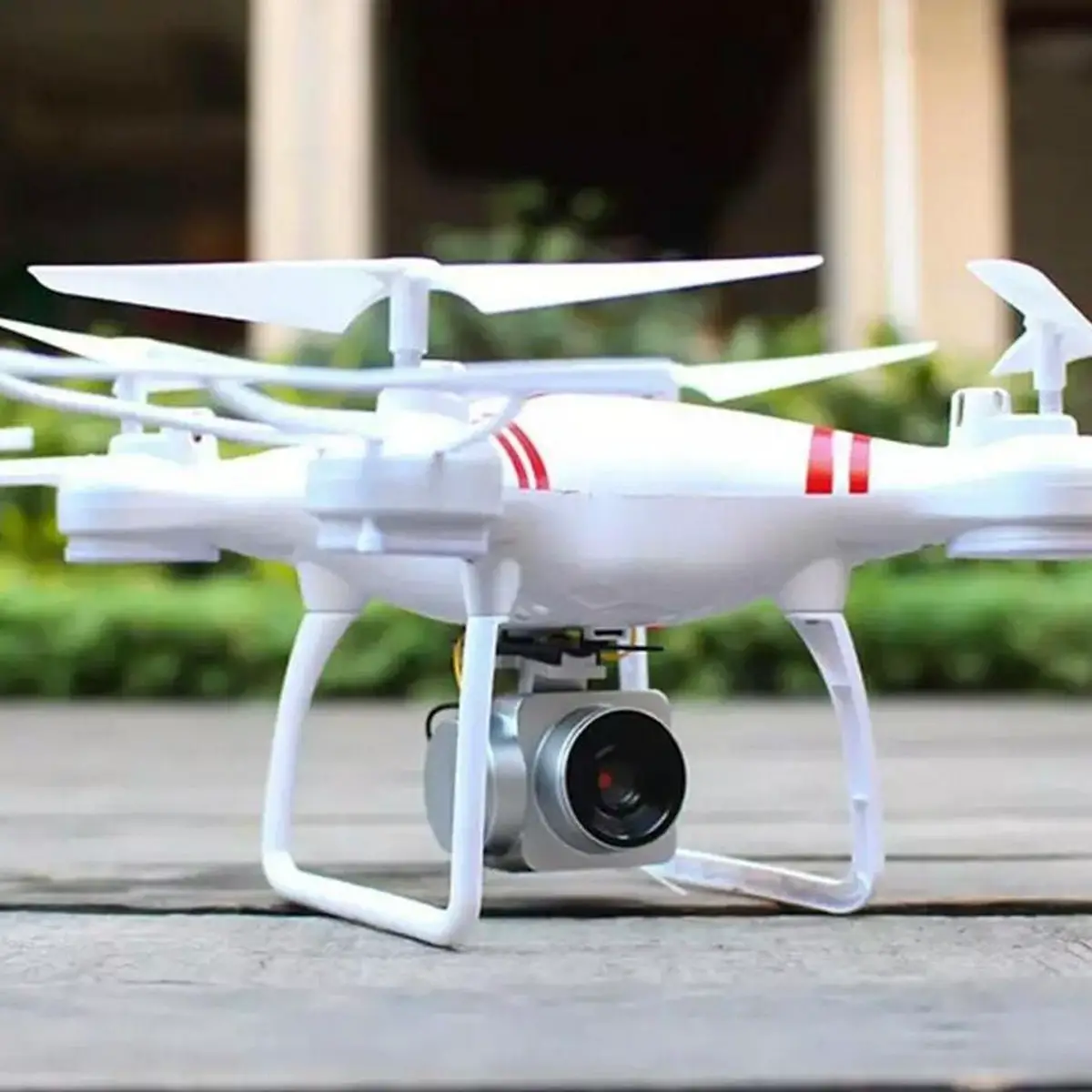
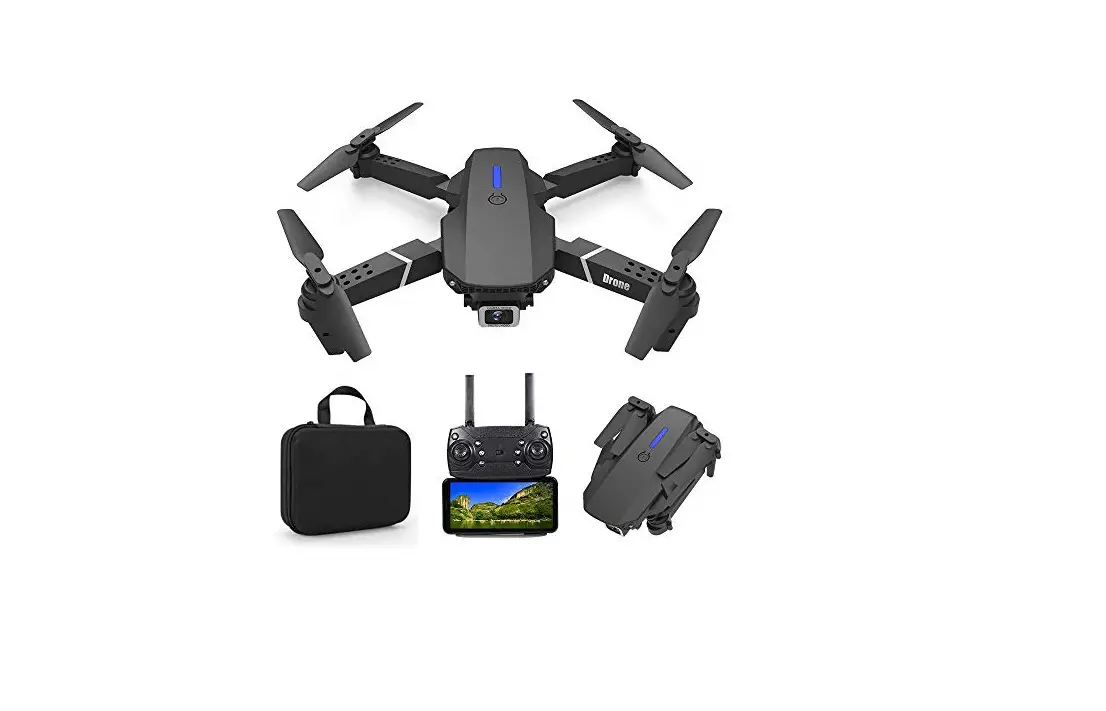
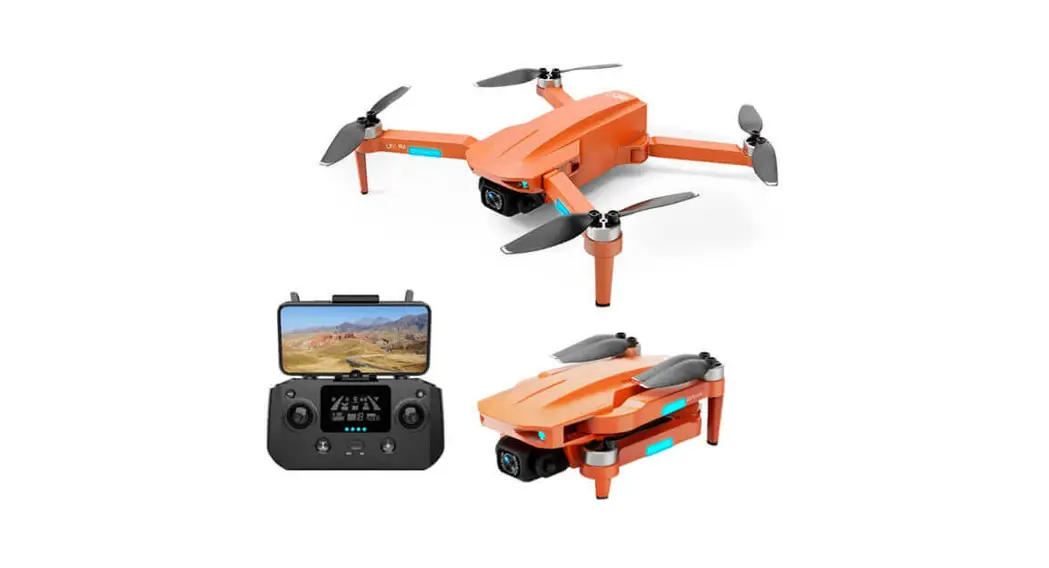
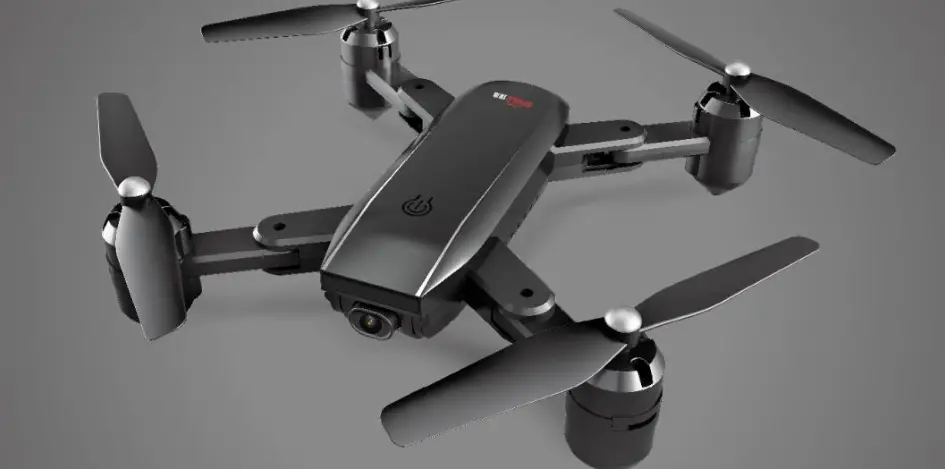
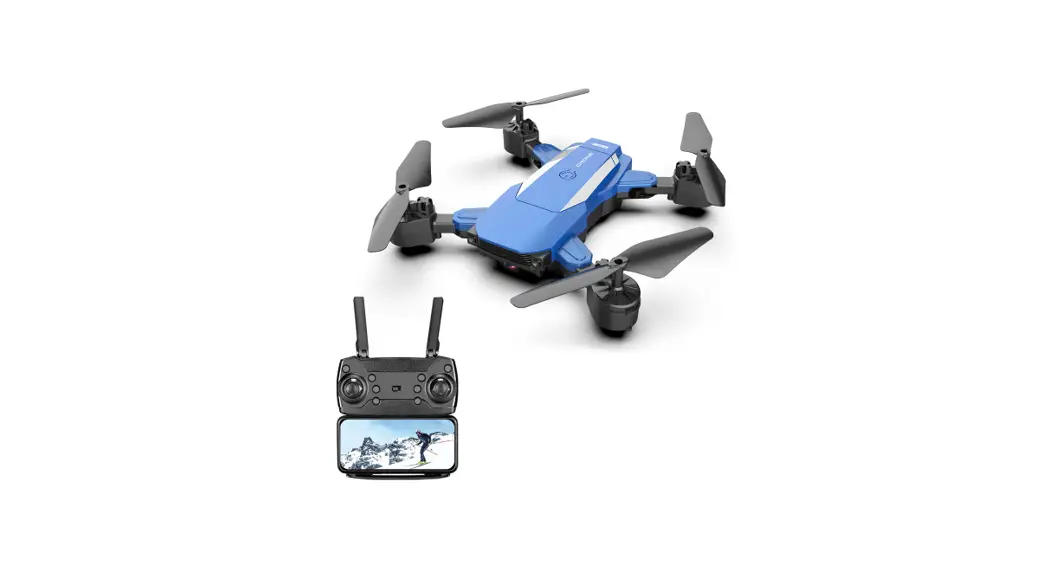
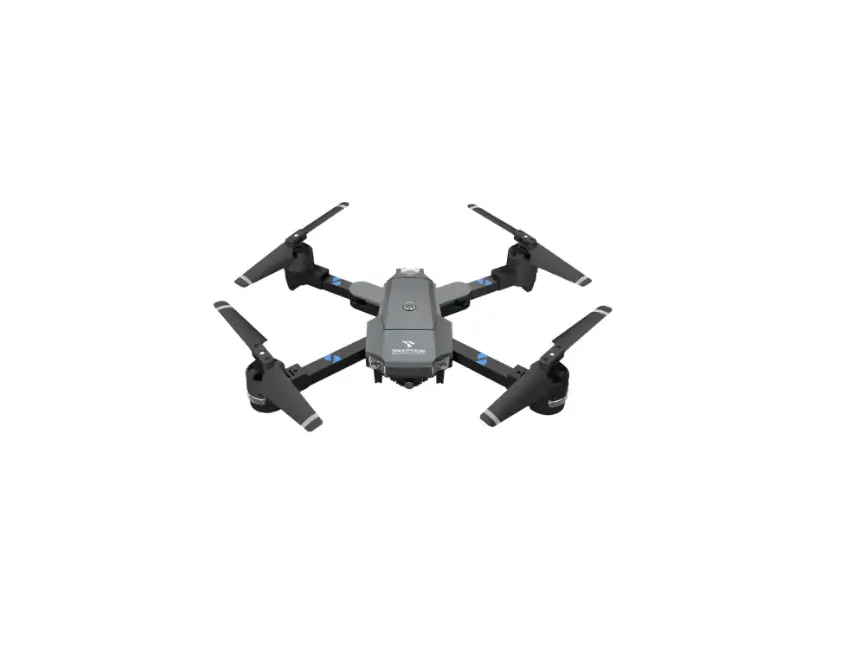
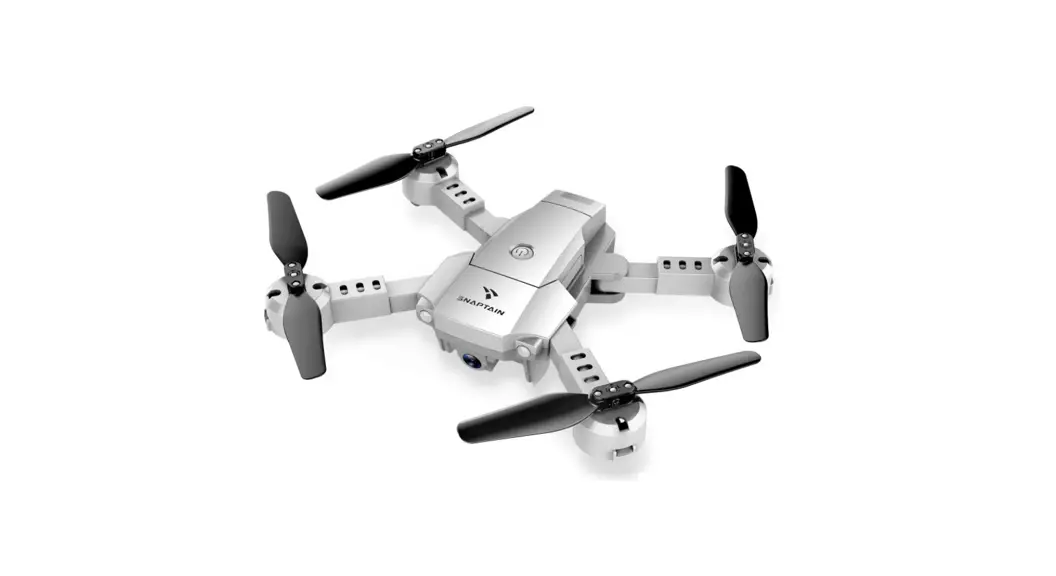
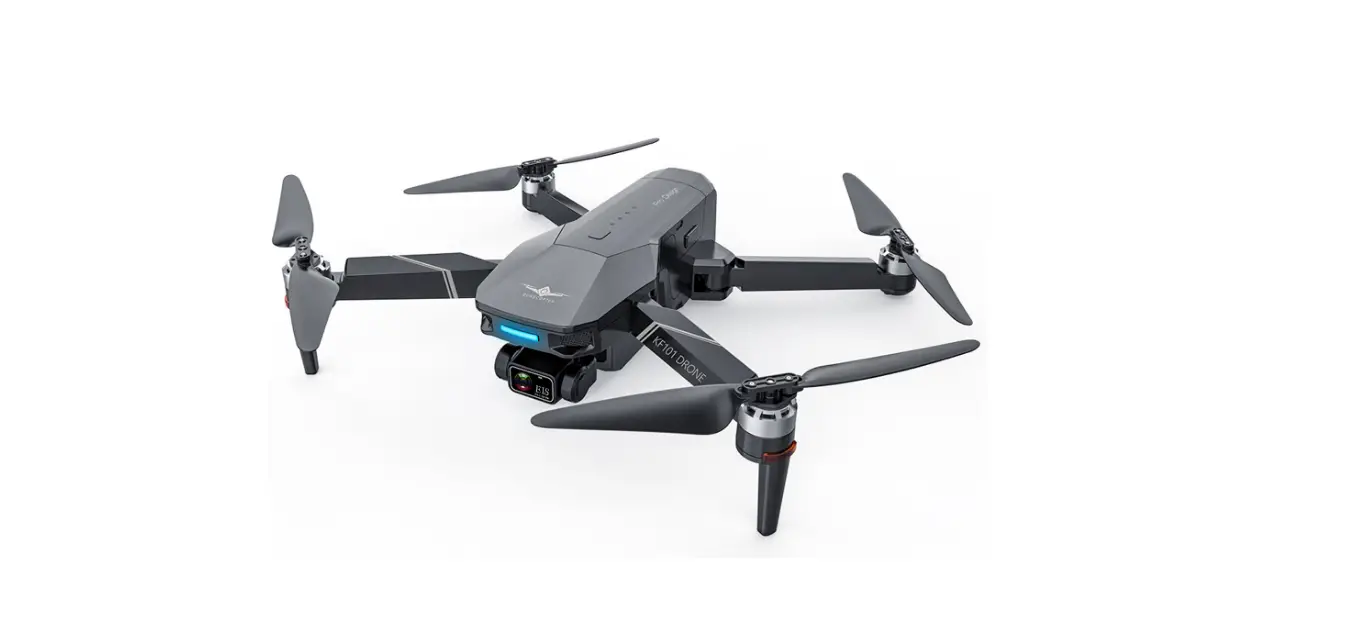
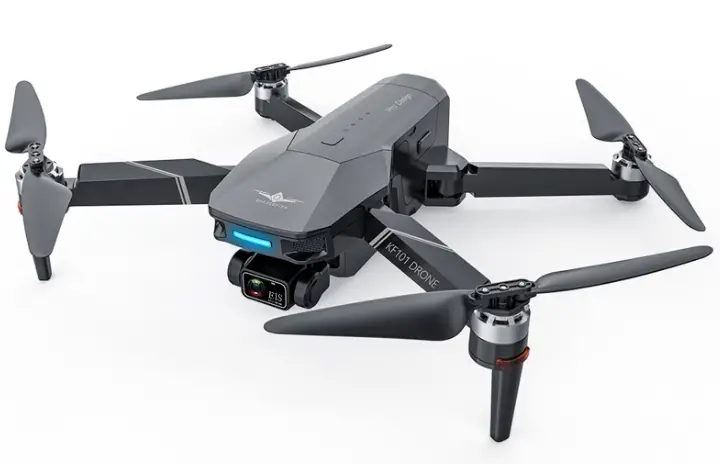
Dowellin DRW320B 4-Axis Aerocraft Foldable Aerocraft Aerial Photography Drone WiFi Smart Phone Control Drone
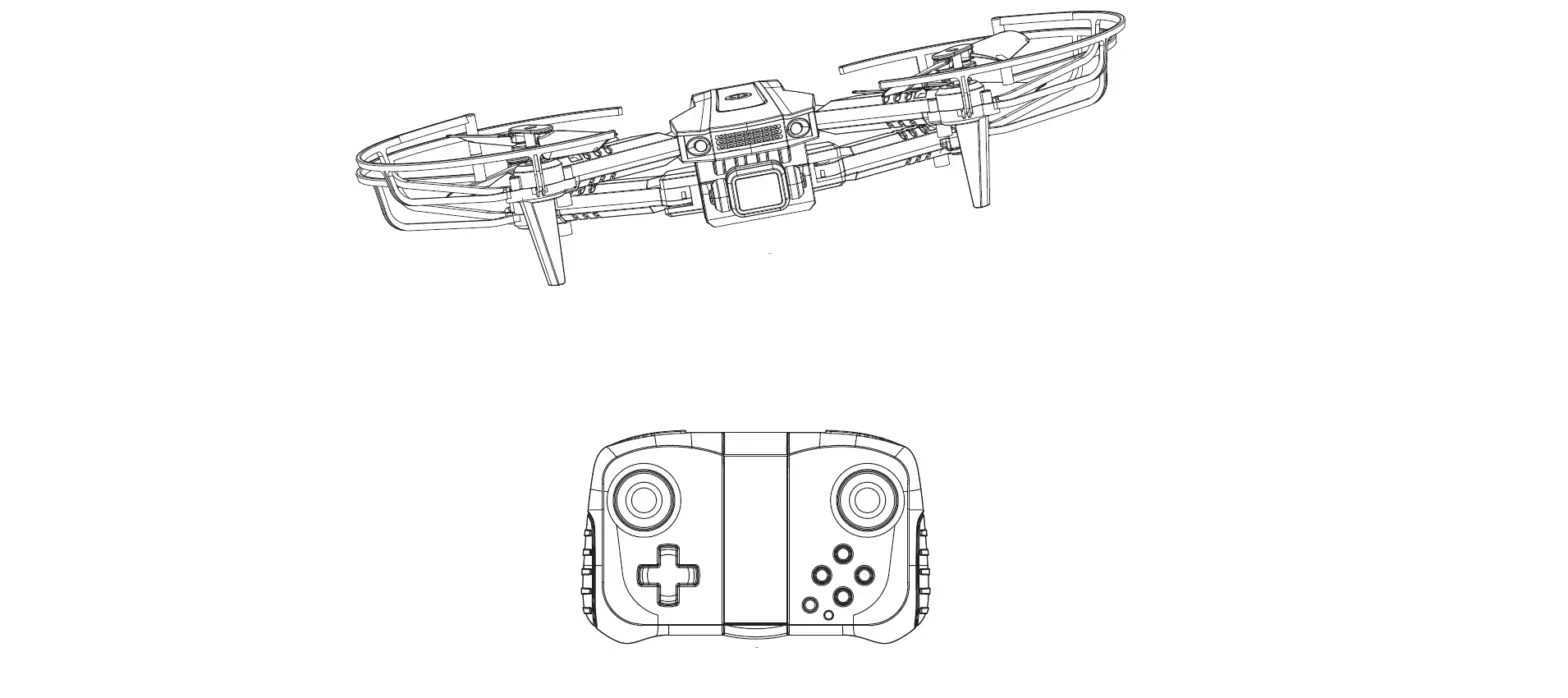
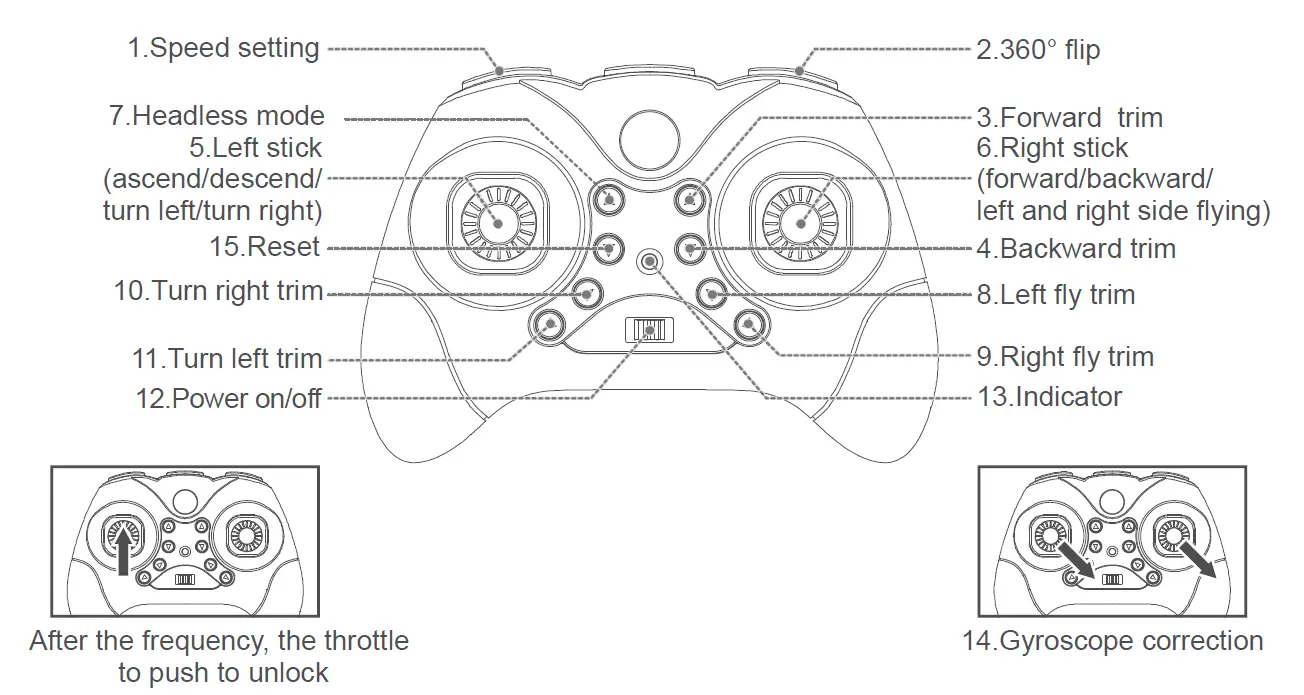
FIXED VERSION FUNCTION KEYS & NAME DESCRIPTION
| Serial Number | Function keys / Names | Function / Effect |
| 1 | Speed setting | Low/medium/hight speed setting adjust the aircraft left / right / forward / backward / left / right side fly speed. |
| 2 | 360° Flip | This button is for 360 degree flip function , control the aircraft achieve the 3D flip function. |
| 3-4 | Forward/backward trim | If the vehicle move to the forward (backward) without any operation , press the trim button backward (forward) correspondingly , it can make the vehicle more stable. |
| 5 | Left stick | Up/down, left/right turn 360° rotation. |
| 6 | Right stick | Forward/backward, left/right. |
| 7 | Headless mode | To activate Headless Mode,press the Headless button |
| 8-9 | Left/ right fly trim | If the vehicle move left (right) without operation,press right (left) trim button correspondingly. |
| 10-11 | Turn right/left trim | adjust yaw trim,craft spins right or left |
| 12 | Power ON/OFF | Remote controls power switch,short open the power,and then long press 3 seconds cut off power supply. |
| 13 | Indicator | 1) Indicating lamp intermittent flicker:said remote controller has not started, to the throttle stick to push to the top end, and then drag the low-end before they can start remote controller. 2) Indicating lamp kept fast flash: said remote controller in on code state, with the receiver for code. 3) Indicator light: remote controller in flight control state. |
| 14-15 | Gyroscope correction/Reset | When the fuselage is not smooth during flight, the aircraft can be placed on a horizontal position, gyroscope correction. |
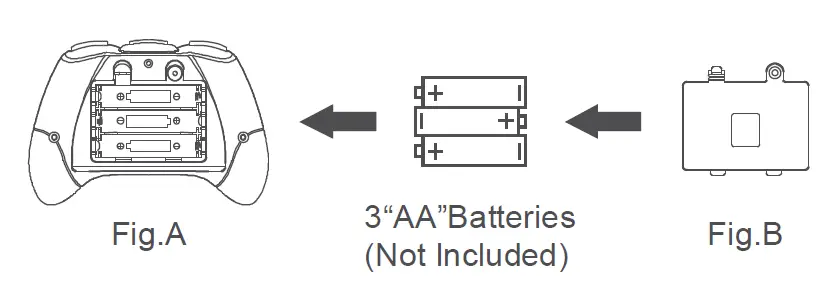
REMOTE CONTROL BATTERY INSTALLATION
- Remove the battery cover from the back of the controller (Fig. A)
- Install 3 “AA” batteries into the controller, make sure to install batteries to their correct polarity. (Fig. B)
Do not mix old and new batteries or battery types. - Replace the battery cover

THE INSTRUCTION OF LITHIUM BATTERY CHARGING
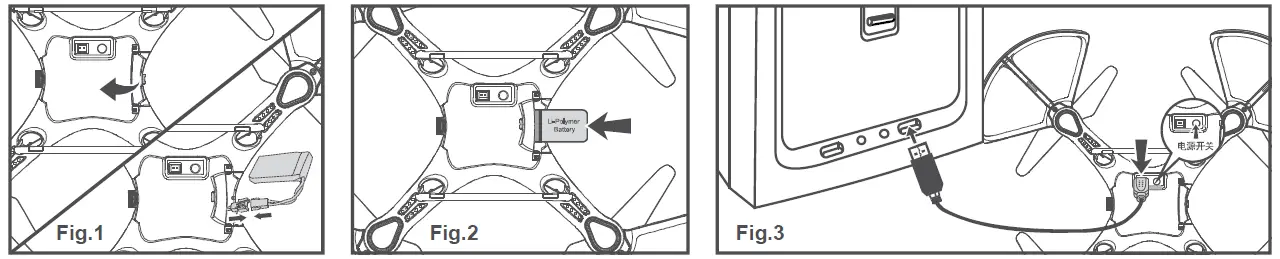
- Open the aircraft battery cover and connect the plug on the lithium battery wire end to the wire outlet in the aircraft battery bay.(Fig.1)
- Install the lithium battery into the battery compartment and cover the aircraft battery cover.(Fig.2)
- Insert the USB charging cable plug into the USB power socket, and then connect the other end to the charging socket of the aircraft. When charging, the LED lights on.
- When the charging is completed, the LED lights off. The charging time is about 60 minutes.(Fig.3)
- After the charging is completed, the aircraft’s power switch is turned on, and the light of the aircraft body is slowly flashing. At this time, the aircraft is looking for a frequency indication.

Attention
- Make sure the voltage of the USB charger fits the local electricity supply.
- The Charging plug will overheat if overcharged. Please stop charging immediately as it may cause damage to the battery.
- Do not leave the battery aside when charging.
- Do not use other chargers other than the one supplied in consideration of safety.
- Recharge the battery 30 minutes later after flying, because the battery temperature could be too high when flying, and charging immediately could damage the battery.
- Do not leave the battery in the fire in consideration of safety.
- Do not short circuit the battery. Do not leave the battery together with tiny metal parts in consideration of safety.
PREPATATION FOR FLIGHT
- Please operate in spacious indoors or outdoor without rain or snow, and wind power should be below 4 grade, be away from people, animals and obstacles.
- Make sure the battery of the quadcopter is well installed and connected. Turn on the switch of the quadcopter, the indication light of the quadcopter is flashing, then put it on the flat place and wait for the frequency adjustment.
- Turn on the switch of the transmitter, pull the throttle stick to the highest position, and then pull the throttle stick down to the lowest position. There indication light of the quadcopter is on, which means the frequency adjustment is connected completely and it is ready for flight.
MANIPULATION METHOD
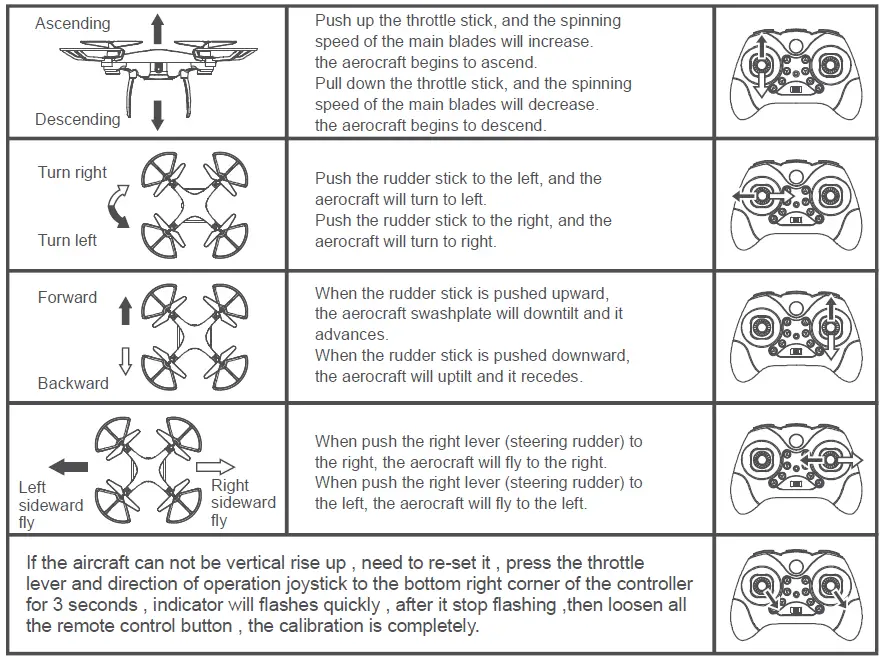
NOTICE: If the drone is rotating in the air uncontrollably, adjust the rudder trimming buttons until the drone is stable.
COMMON PROBLEM AND SOLUTION INSTRUCTION
| THE PROBLEM | REASON | COUNTERMEASURES |
| The indication light of the quadcopter is flashing and without reaction when operated. | 1. Frequency modulation between the quadcopter and remote control is not operated correctly. 2. Insufficient battery power. | 1. Refer to the Preparation for taking off, and re-modulate the frequency. 2. Recharge the battery. |
| The quadcopter blades turn around but the quadcopter canot take off. | 1.Insufficient battery power. 2.The blades distorted. | 1.Recharge the battery. 2.Replace the blades. |
| The quadcopter shakes hardly. | The blades distorted. | Replace the blades |
| The fine tuning button are all on but the quadcopter still couldn’t keep balance. | 1. The blades distorted. 2. The motor doesn’t work properly. | 1.Replace the blades. 2.Replace the motor. |
| The quadcopter loss of control after crashing. | Three-axis acceleration sensor lose it’s balance after crashing. | Put the quadcopter on the ground for 5-10 seconds. |
PRECAUTIONS
- The remote-controlled distance will be shortened when the power (aircraft or transmitter) is insufficient.
- It is difficult to take off or fly not high when the aircraft’s power is insufficient.
- When the aircraft is damaged, please repair it in time and stop operating, or it may lead to injury.
- If you do not use the transmitter for a long time, please remove the batteries to avoid the batteries’ leakage.
- Do not drop the transmitter from the high altitude or crash it badly, otherwise, it will shorten the transmitter’s using life.