User Manual
Skullcandy Soundmine Wireless
- Power on/off
Press the power (play, pause, stop) button for 3 seconds or untill you hear a beep sound. A blue LED is indicate for power on, and a red LED is indicated for power off.
- Pairing
When power is off. Press the power and hold until you hear two separate beeps. The LED indicator will blink blue and red.
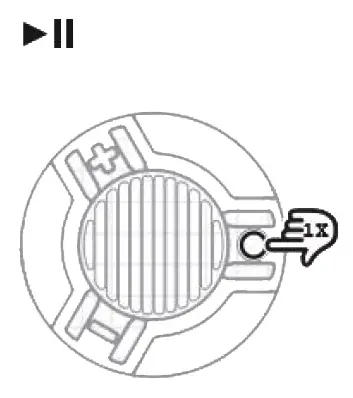
- Pause
Press the power button once to pause and once to play again.
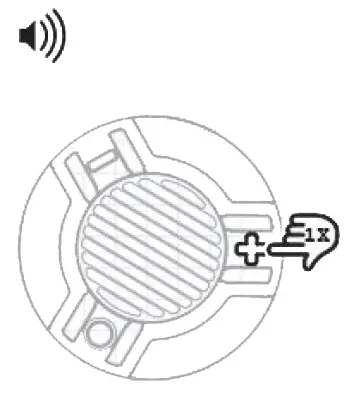
- Volume up
Press the volume up/next track button once and let go.
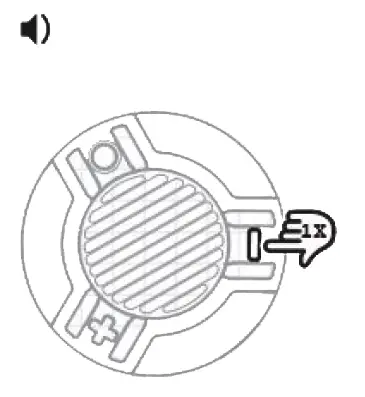
- Volume down
Press the volume down/previous track button once and let go.
- Next track
Press and hold the volume up/next track button for 3 seconds. 
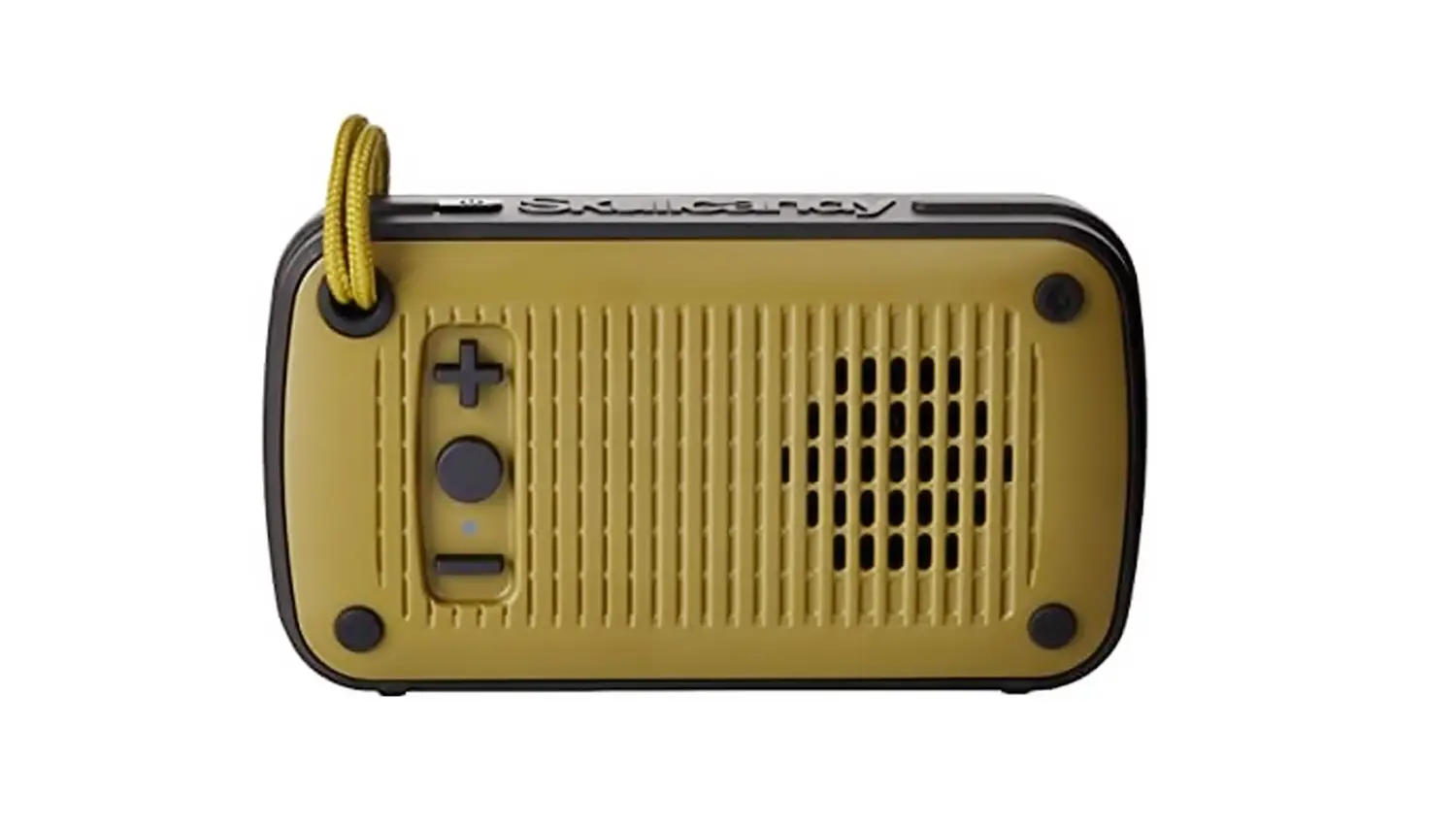
 Note: Button function is on bottom of Speaker. When placed on hard surface buttons can be used on top of speaker.
- Previous track
Press and hold the volume down/previous track button for 3 seconds.
- Charging
Simply plug in the micro USB into the charging port. The indicator turns red when charging, it’s turn blue if fully charged. (Note: Music cannot be played while charging.)
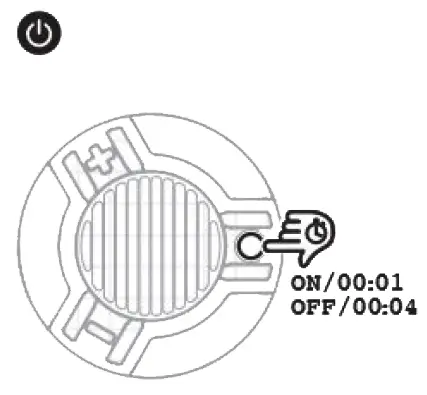
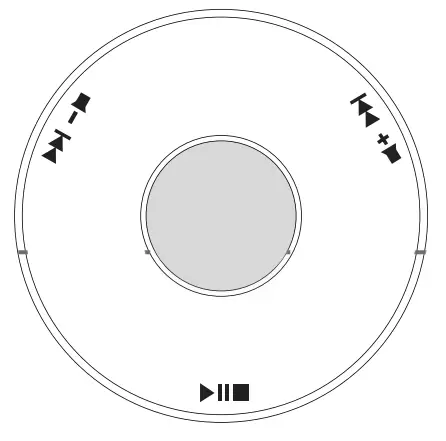
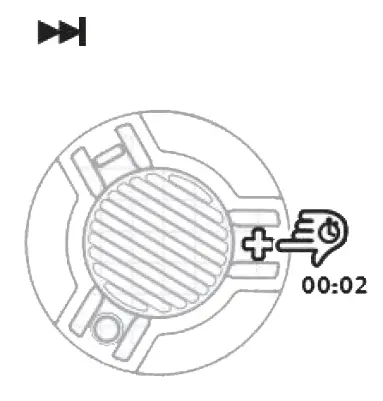
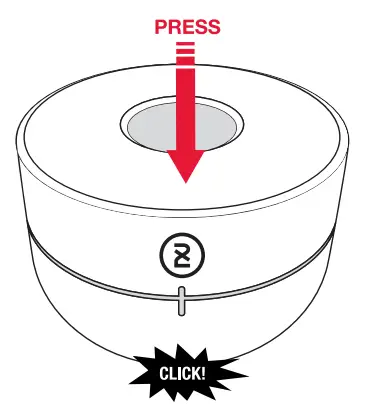 Note: Button function is on bottom of Speaker. When placed on hard surface buttons can be used on top of speaker.
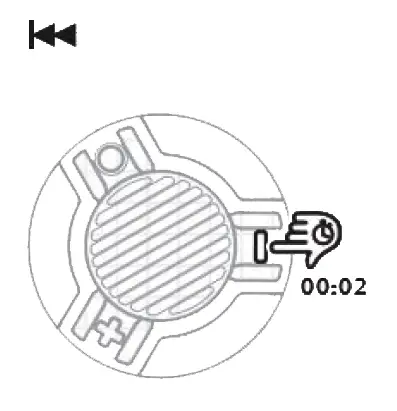
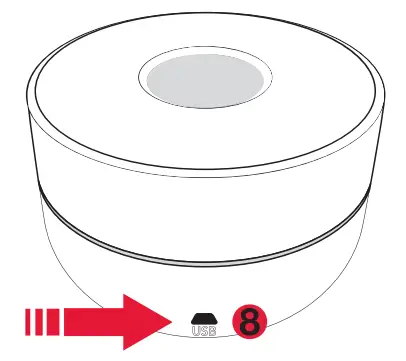
Skullcandy Soundmine Wireless Manual – Optimized PDF
Skullcandy Soundmine Wireless Manual – Original PDF
Questions about your Manual? Post in the comments!