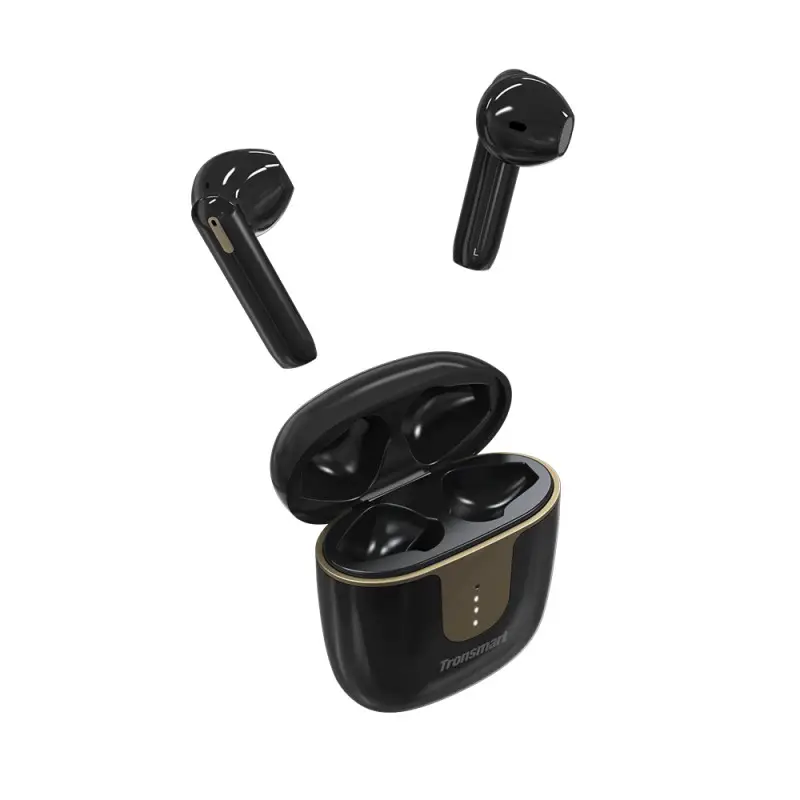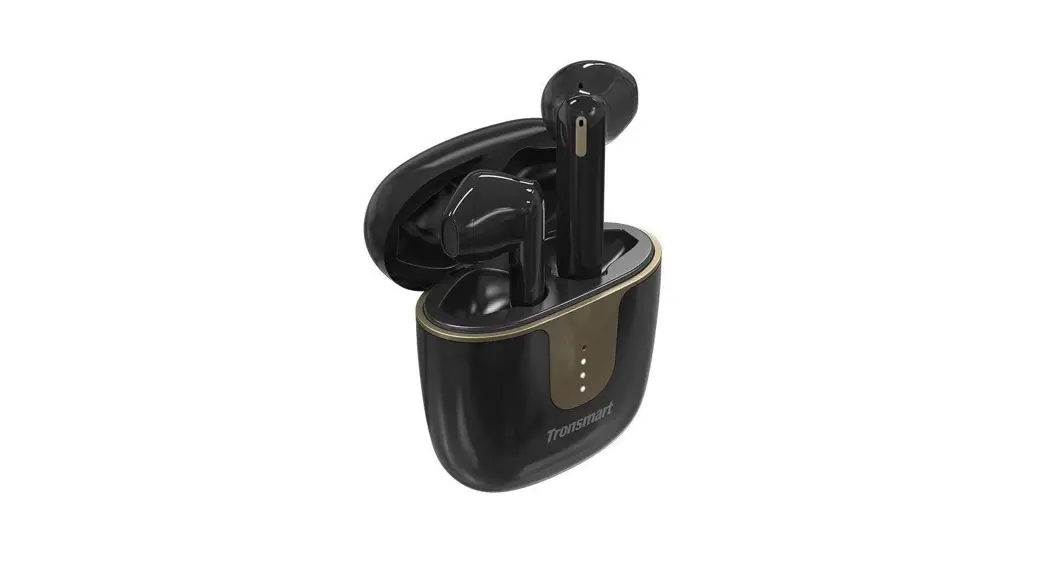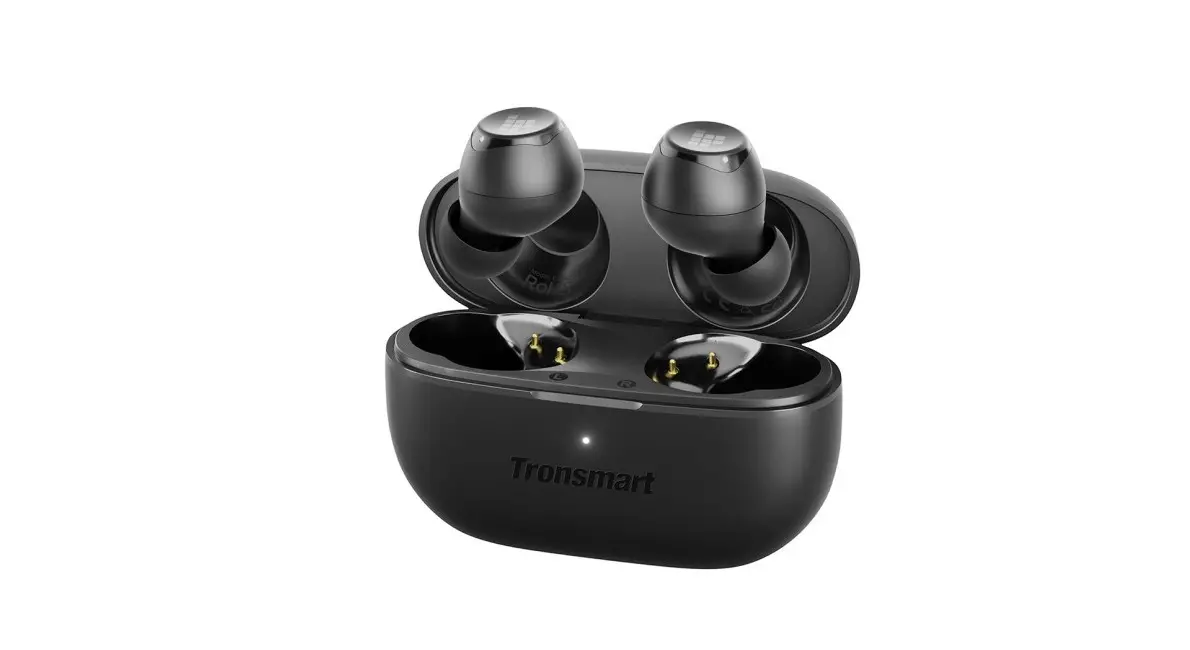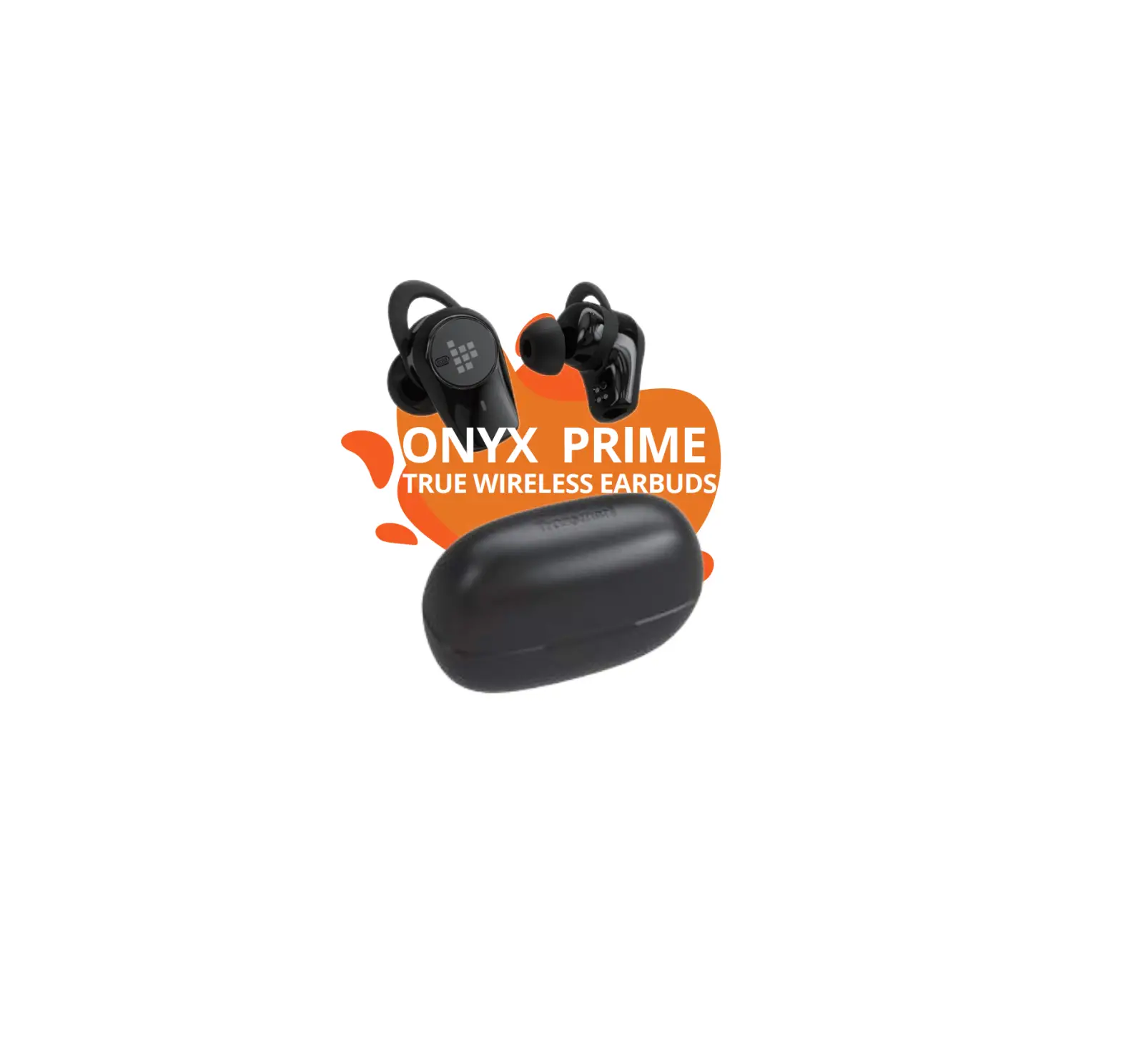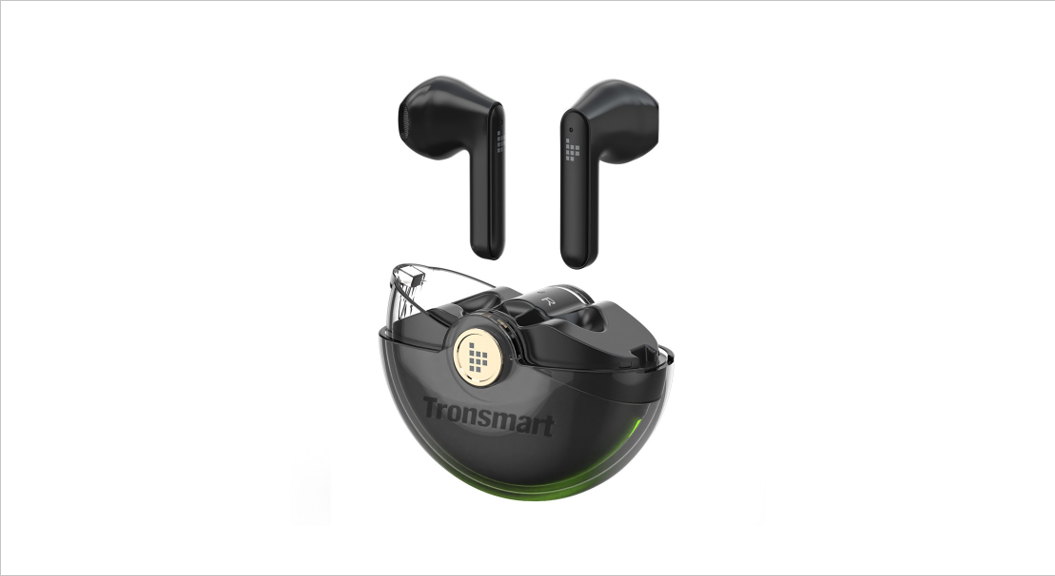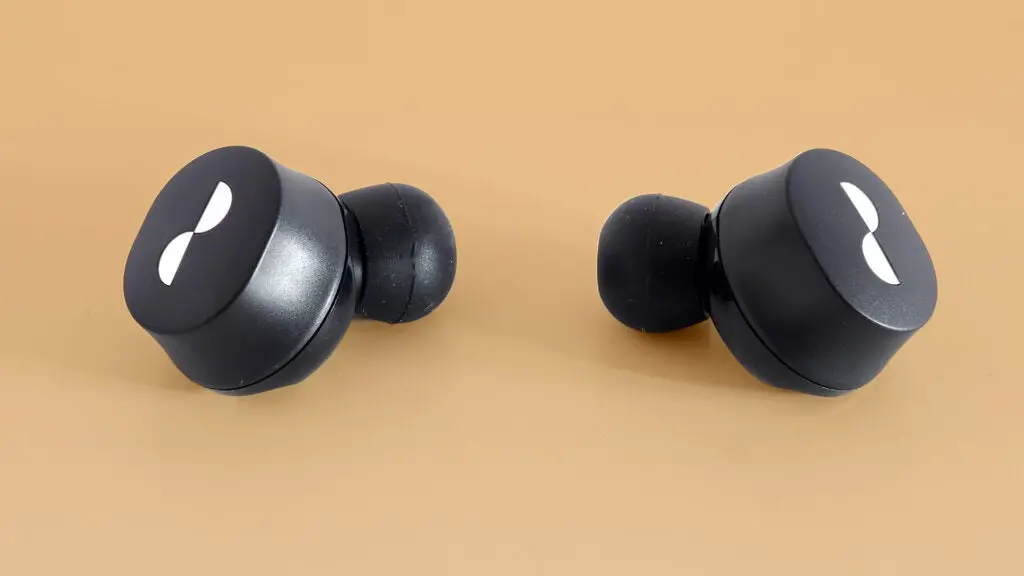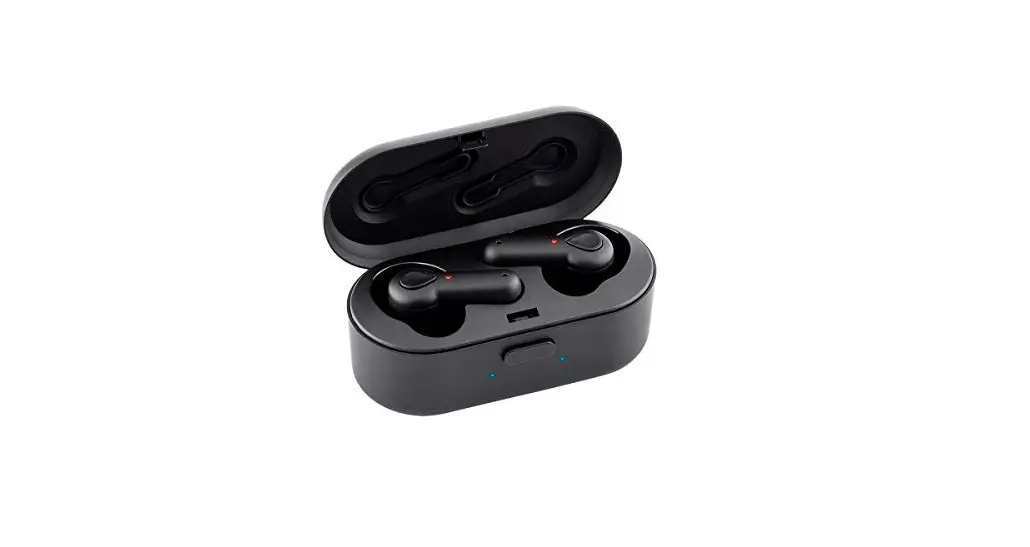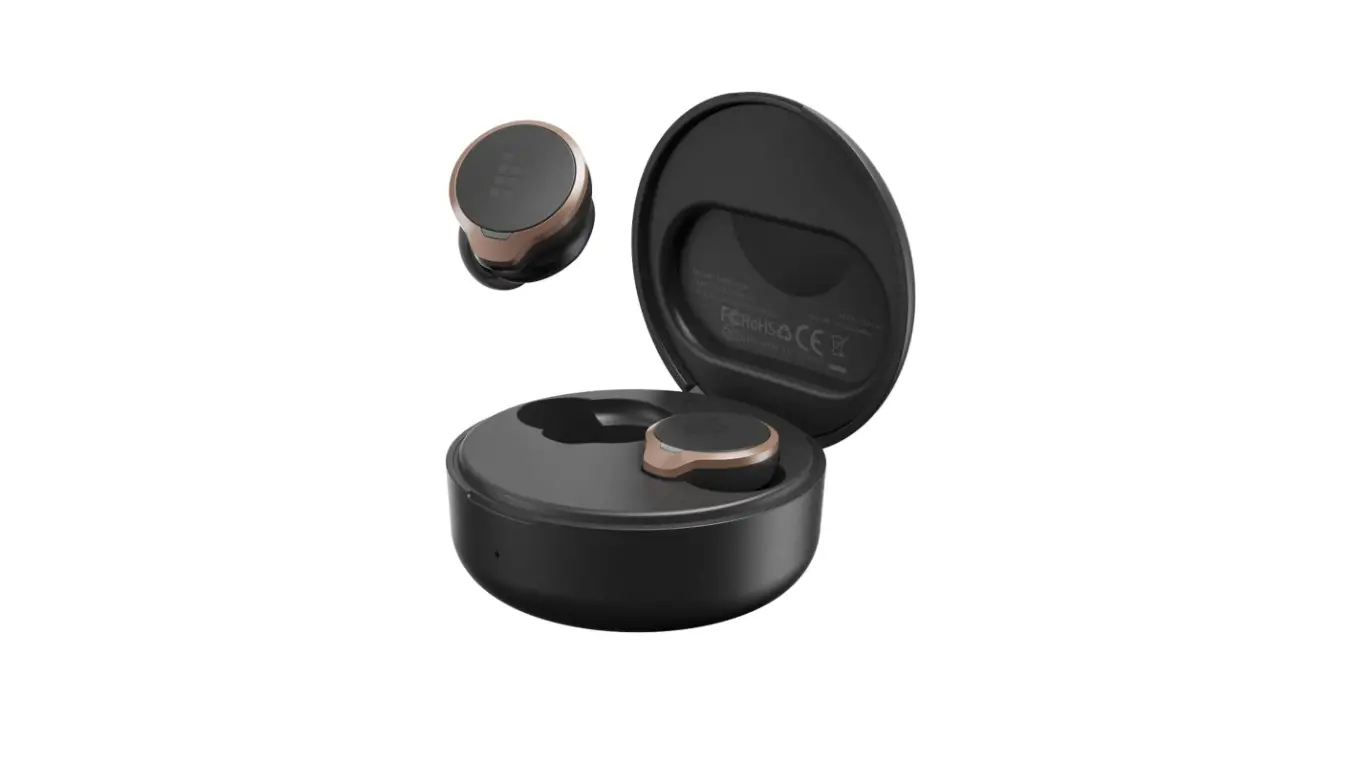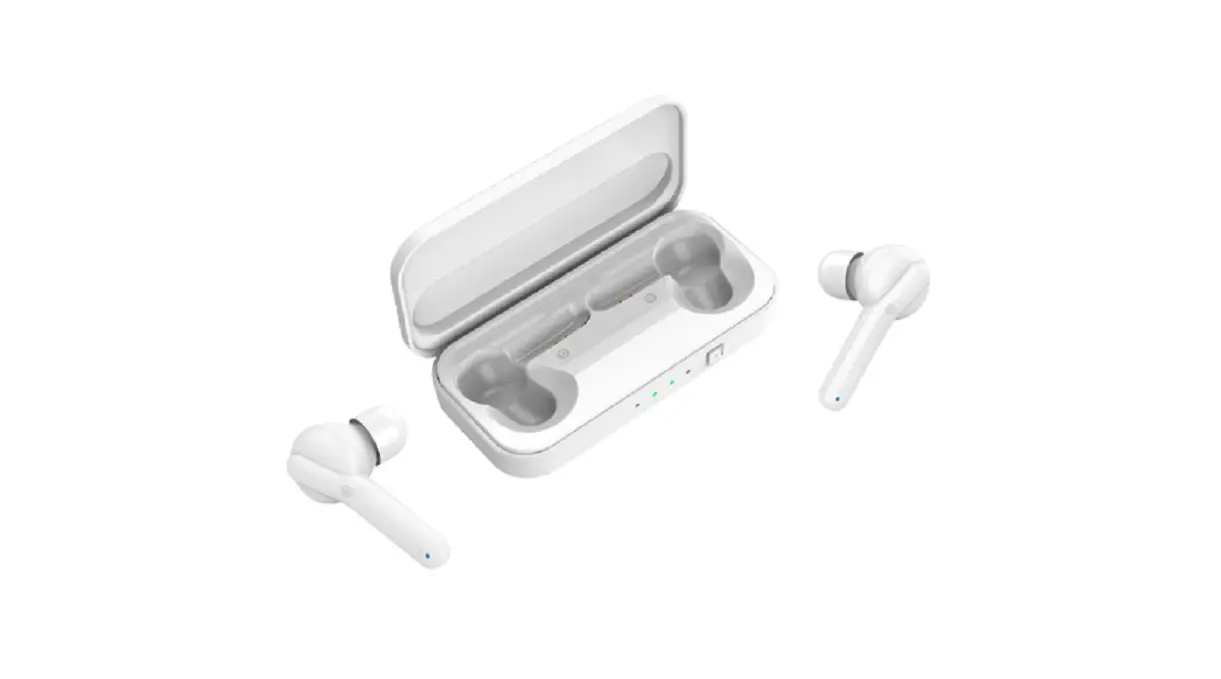
Tronsmart Onyx Ace True Wireless Earphones
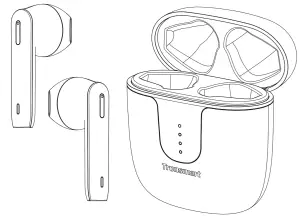

English Thank you for purchasing the Tronsmart Onyx Ace True Wireless Earphones. Please read the user manual before use and keep it handy for future reference. If you have trouble understanding or following the instructors in this manual, please contact our customer support team directly at [email protected].
Package Content
- 1 x Onyx Ace True Wireless Earphones with Charging Case
- 1 x Charging Cable
- 1 x Warranty Card
- 1 x User Manual
Product Overview
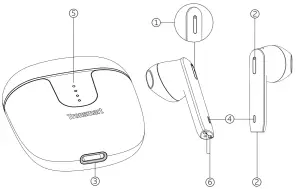
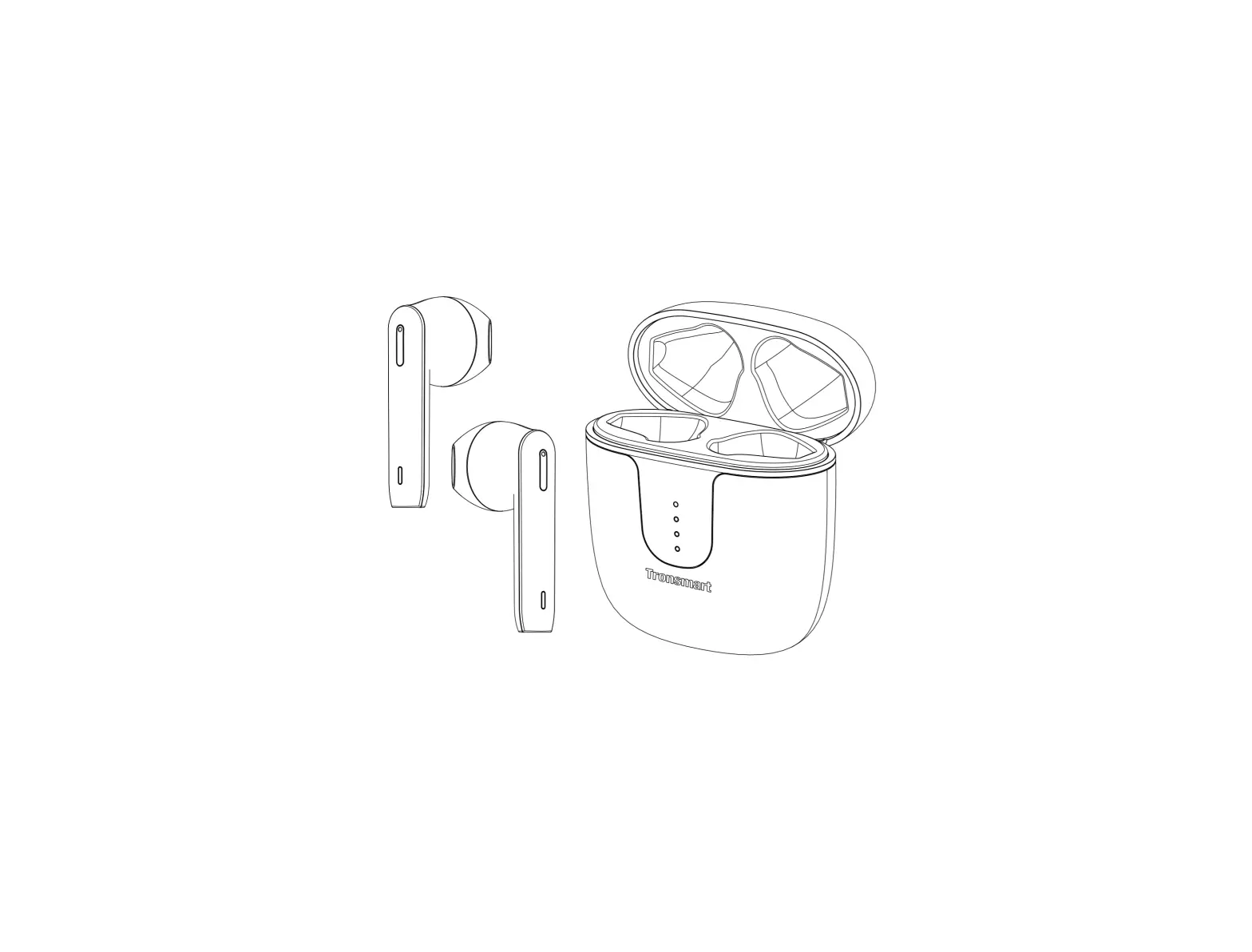
① Multifunction touch area
② Microphone
③ USB-C charging port
④ Earphones indicator light
⑤ Charging case indicator light
⑥ Charging contact
First Use of Earphones
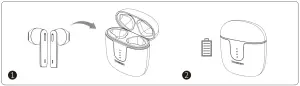
Place the two earphones back in the charging case and then fully charge the case and earphones before first use. The recommended charging me is 1 – 2 hours.
Turn On / Off
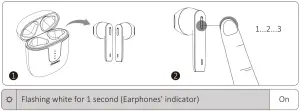
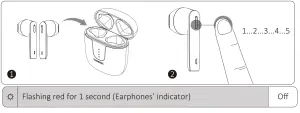
- The earphones will turn on atomically when taken out of the charging case. To manually turn on, tap and hold the multifunction touch area on both earphones for 3 seconds.

- The earphones will turn off automatically when placed back in the charging case.
To manually turn off, tap and hold the multifunction touch area on both earphones for 5 seconds.
Bluetooth Pairing
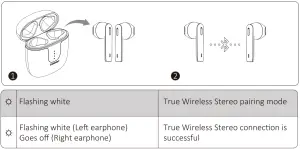
- True Wireless Stereo connection

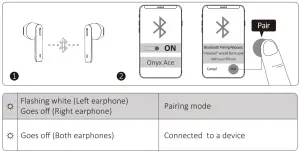
- Bluetooth connection
The earphones will enter pairing mode when they are turned on.
Reset
If you are experiencing issues with your earphones, such as failure of TWS pairing or functionality issues, you can try to reset your earphones.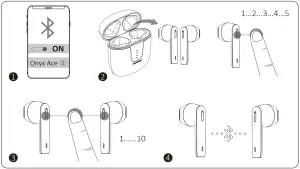
- Forget the ‘Tronsmart Onyx Ace’ in your device’s Bluetooth list.
- Take two earphones out of the charging case. Tap and hold the multifunction touch area for 5 seconds to turn them off.
- Tap and hold the multifunction touch area on the earphones for 10 seconds, until the white indicator flashes rapidly.
Note: You can reset the Left and Right earphones independently or at the same time. - The earphones have been reset to the default settings. Then connect to your device refers to the ‘Bluetooth paring’ above.
Charging
Use the comes along with USB-C cable to charge.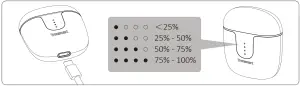
Controls
 | ||
| L/R | Turn on manually | Tap and hold for 3 seconds |
| L/R | Turn off manually | Tap and hold for 5 seconds |
 | ||
| L/R | Play/Pause | Tap twice |
| R | Next track | Tap and hold for 2 seconds |
| L | Previous track | Tap and hold for 2 seconds |
| R | Volume + | Tap once |
| L | Volume – | Tap once |
 | ||
| L/R | Answer/End a phone call | Tap twice |
| L/R | Reject a phone call | Tap and hold for 2 seconds |
 | ||
| L/R | Activate voice assistant | Tap three times quickly |
Note: Turn off automatically
The earphones will turn off automatically after 5 minutes if they have not paired with any device via Bluetooth. When in low battery, they will turn off automatically as well.
Specifications
| Chip | Qualcomm® QCC3020 |
| Bluetooth version | 5.0 |
| Bluetooth profile | HFP/HSP/AVRCP/A2DP |
| Audio codec | aptX, AAC, SBC |
| Connection distance | Up to 15 meters / 50 feet |
| Driver | 13 mm |
| Microphone sensitivity | -42dB ± 1dB |
| Audio frequency range | 20 – 20K Hz |
| Playtime (varies by volume level and content) | Earphone: up to 5 hours (50% volume) |
| Charging case: up to 24 hours (50% volume) | |
| Battery | Earphone: 40 mAh |
| Charging case: 400 mAh | |
| Input | Charging case: 300mA max. |
| Charging time | Earphone: about 1 hour 20 minutes |
| Charging case: about 1 hour 30 minutes | |
| Standby | Earphone: about 60 hours |
| Charging case: 90 days | |
| Dimension | Earphone: 39 x 16.5 x 16.8 mm / 1.54 x 0.65 x 0.66 inches |
| Charging case: 48 x 23 x 57.5 mm / 1.89 x 0.9 x 2.26 inches | |
| Weight | Earphone: about 4 g / 0.14 oz |
| Charging case: about 37 g / 1.31 oz |
Care and Maintenance
- If this product is not used for a long period of time, it’s recommended to recharge it at least once a month to extend its life and maintain the normal use performance.
- Keep the product in a dry location.
- Do not dispose this product in fire as batteries may explode or leak.
- To clean the product, use a lightly dampened cloth in water to clean the exterior in-case it gets dirty.
- Do not disassemble this product. It contains no user serviceable parts.
Warranty Information
Your ‘Tronsmart Onyx Ace True Wireless Earphones’, is warranted to the original owner for 1 year from the date of purchase against defects in material and workmanship under normal use and service. Tronsmart is not responsible for the accidental use of this product and its liability will not exceed the purchase price of the product. If you have any problems while using the product, please do not hesitate to contact our customer support team at [email protected].
FCC Statement
This device complies with Part 15 of the FCC Rules. Operation is subject to the
following two conditions:
(1) this device may not cause harmful interference, and (2) this device must accept any interference received, including interference that may cause undesired operation.
NOTE: This equipment has been tested and found to comply with the limits for a Class B digital device, pursuant to part 15 of the FCC Rules. These limits are designed to provide reasonable protection against harmful interference in a residential installation. This equipment generates uses and can radiate radio frequency energy and, if not installed and used in accordance with the instructions, may cause harmful interference to radio communications.
However, there is no guarantee that interference will not occur in a particular installation. If this equipment does cause harmful interference to radio or television reception, which can be determined by turning the equipment off and on, the user is encouraged to try to correct the interference by one or more of the following measures:
– Reorient or relocate the receiving antenna.
– Increase the separate on between the equipment and receiver.
– Connect the equipment into an outlet on a circuit different from that to which the receiver is connected.
– Consult the dealer or an experienced radio/TV technician for help.
Changes or modifications not expressly approved by the party responsible for
compliance could void the user’s authority to operate the equipment.
Qualcomm aptX and Qualcomm cVc are products of Qualcomm Technologies, Inc. and/or its subsidiaries.
Qualcomm is a trademark of Qualcomm Incorporated, registered in the United
States and other countries. aptX and cVc are trademarks of Qualcomm Technologies
International, Ltd., registered in the United States and other countries.
RF warning statement:
The device has been evaluated to meet general RF exposure requirement.
The device can be used importable exposure condition without restriction.