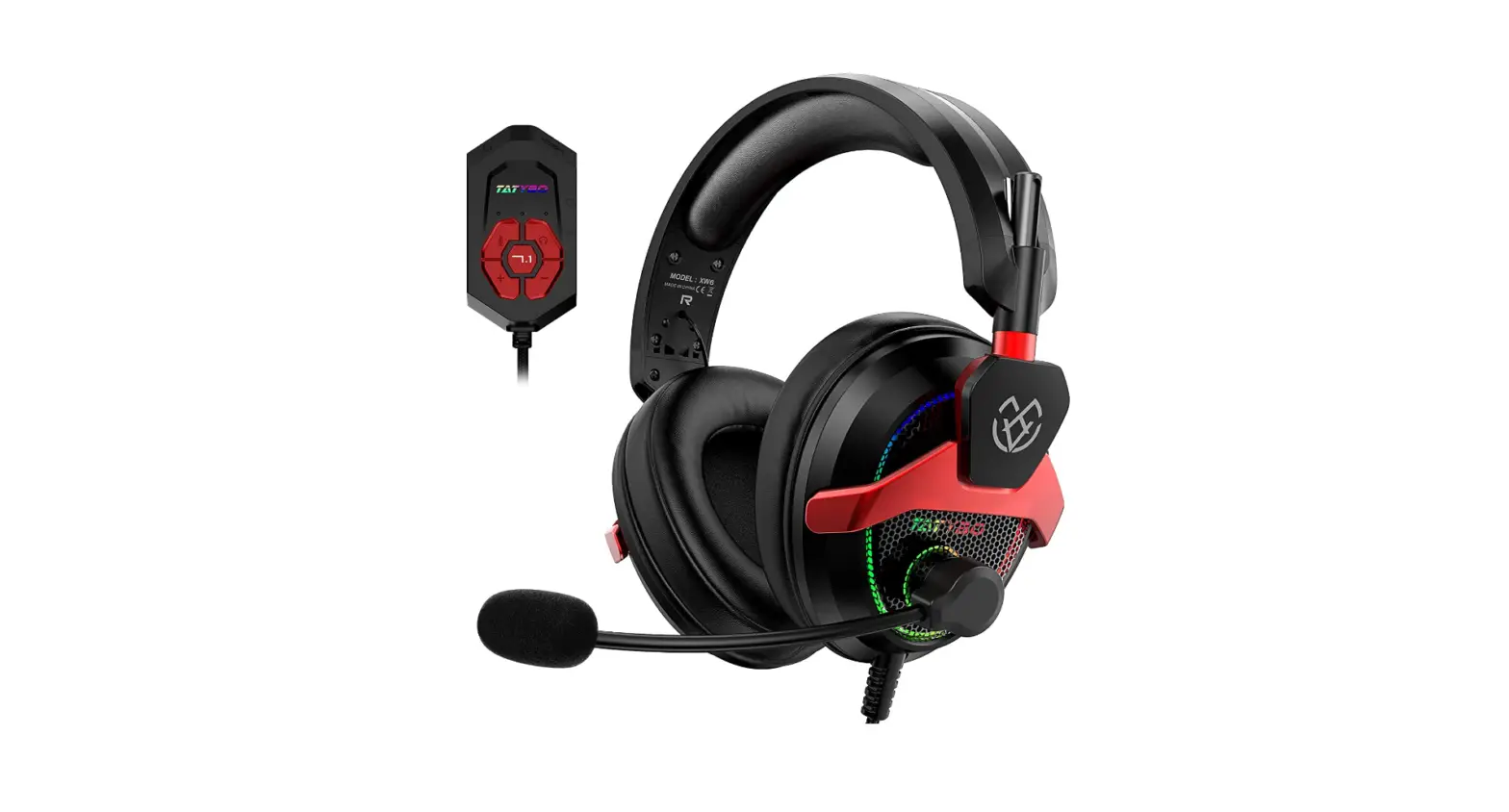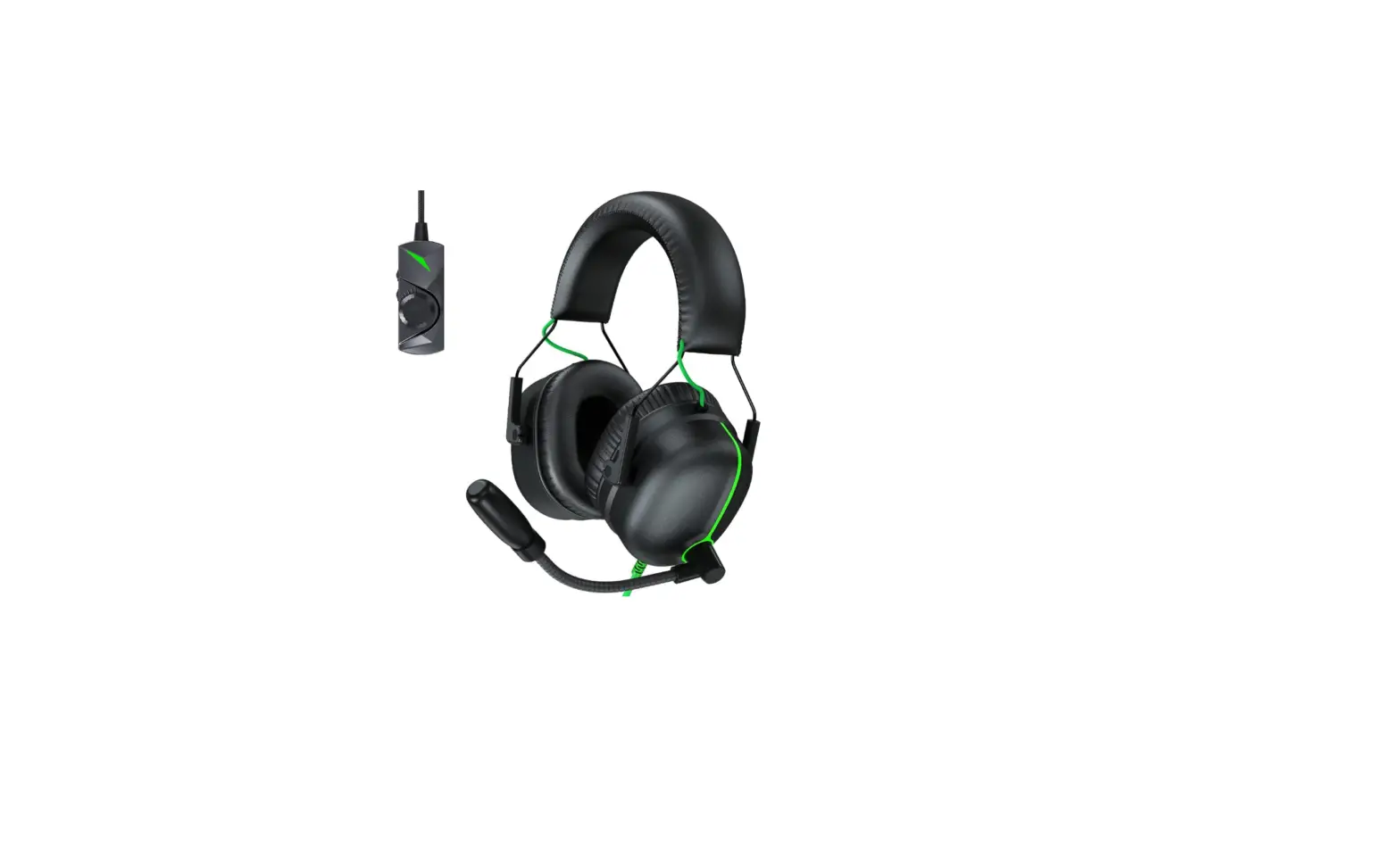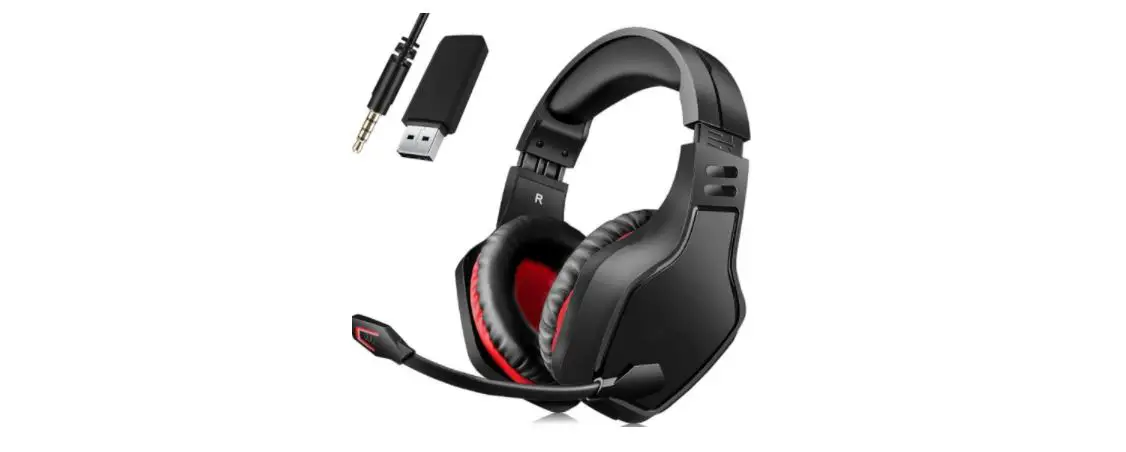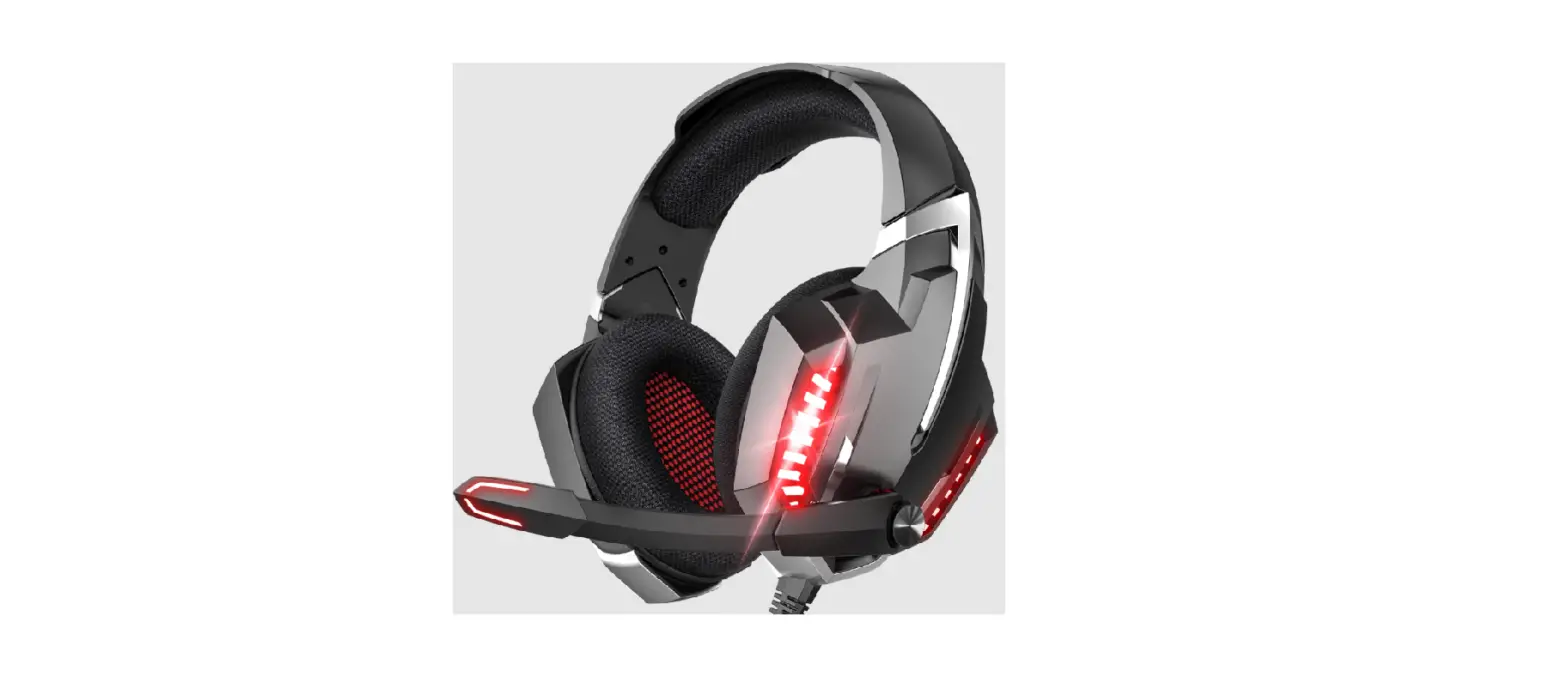
VANKYO Gaming Headset User Guide

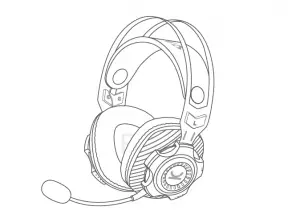
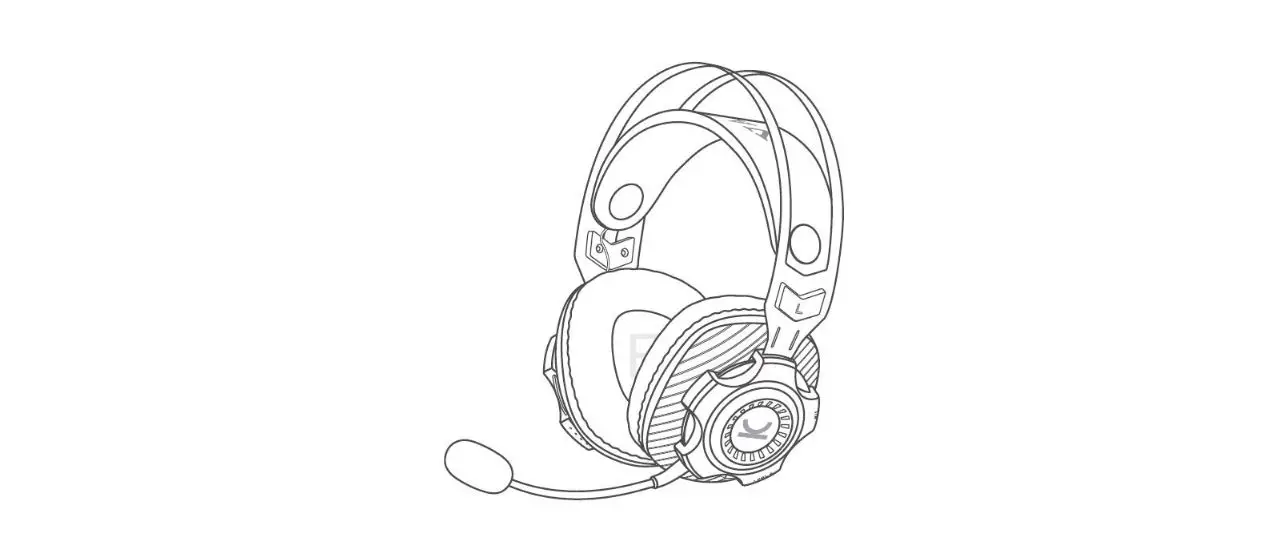
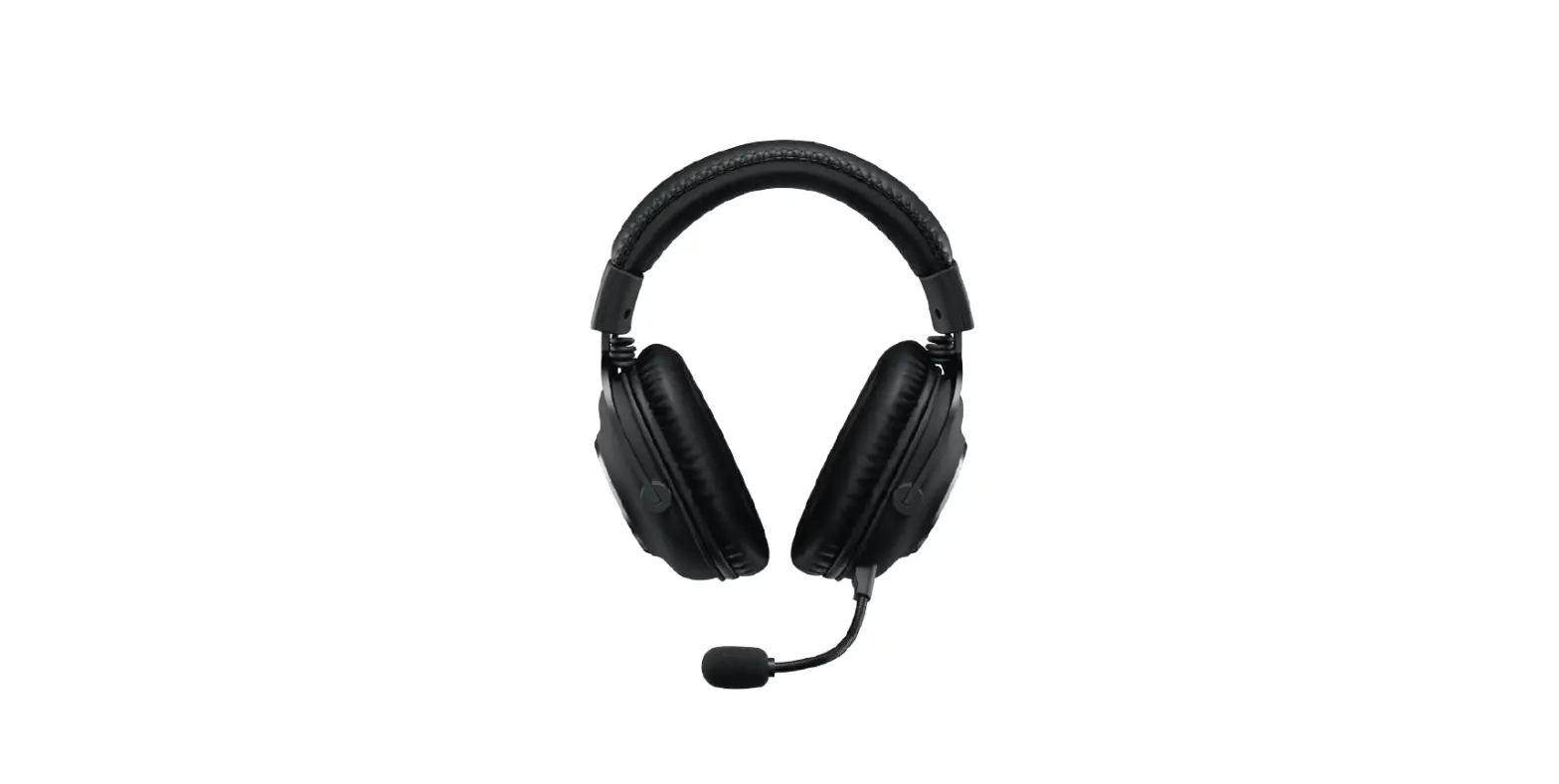
GAMING HEADSET CAPTAIN 100
How to connect with Xbox?
Option 1:
Xbox(Old Version)
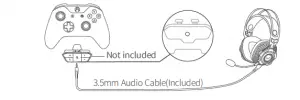
Note:
The old version does not have a built-in 3.5mm audio jack. To connect with the Captain 100, please prepare a headset adapter (not included) by yourself.
Option 2:
Xbox One S/X
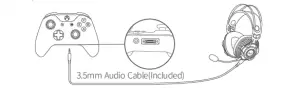
Note:
The new version has a built-in 3.5mm audio jack, you can connect the Captain 100 with your Xbox One S/X directly.
How to connect with Playstation™?
Option 1: Wireless Connection
Step 1:
Plug the USB Transmitter into the USB Port on your Playstation™.
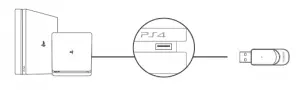
Step 2:
Press and hold the Power On/Off button for 3 seconds to turn on the headset. The headset and USB transmitter will be paired automatically.
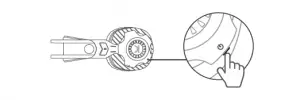
Option 2: Wired Connection
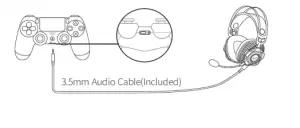
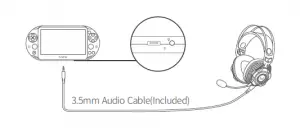
How to connect with PC?
Option 1: Wireless Connection
Step 1:
Plug the USB Transmitter into the USB Port on your PC.
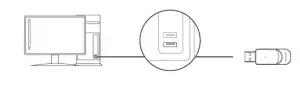
Step 2:
Press and hold the Power On/Off button for 3 seconds to turn on the headset. The headset and USB transmitter will be paired automatically.
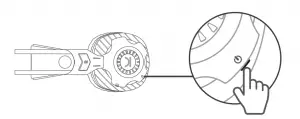
Option 2: Wired Connection
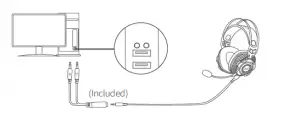
* Please read our User Manual for connection options of Nintendo Switch™ and mobile devices.
VANKYO SUPPORT
North America
United Kingdom
[email protected]
[email protected]

Read More About This Manual & Download PDF:
 Vankyo® Official Shop | Best Mini Projectors for Home– VANKYO