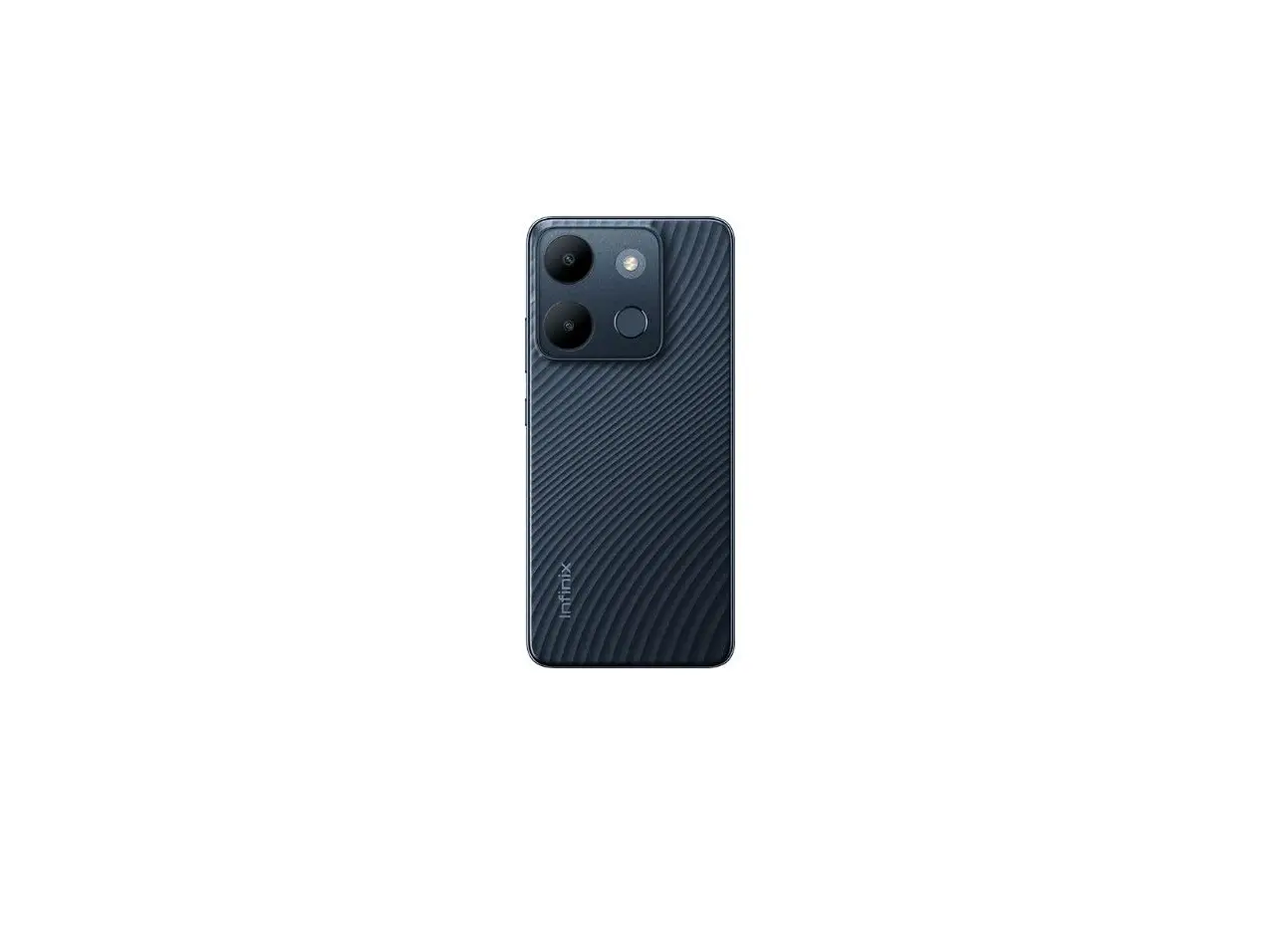
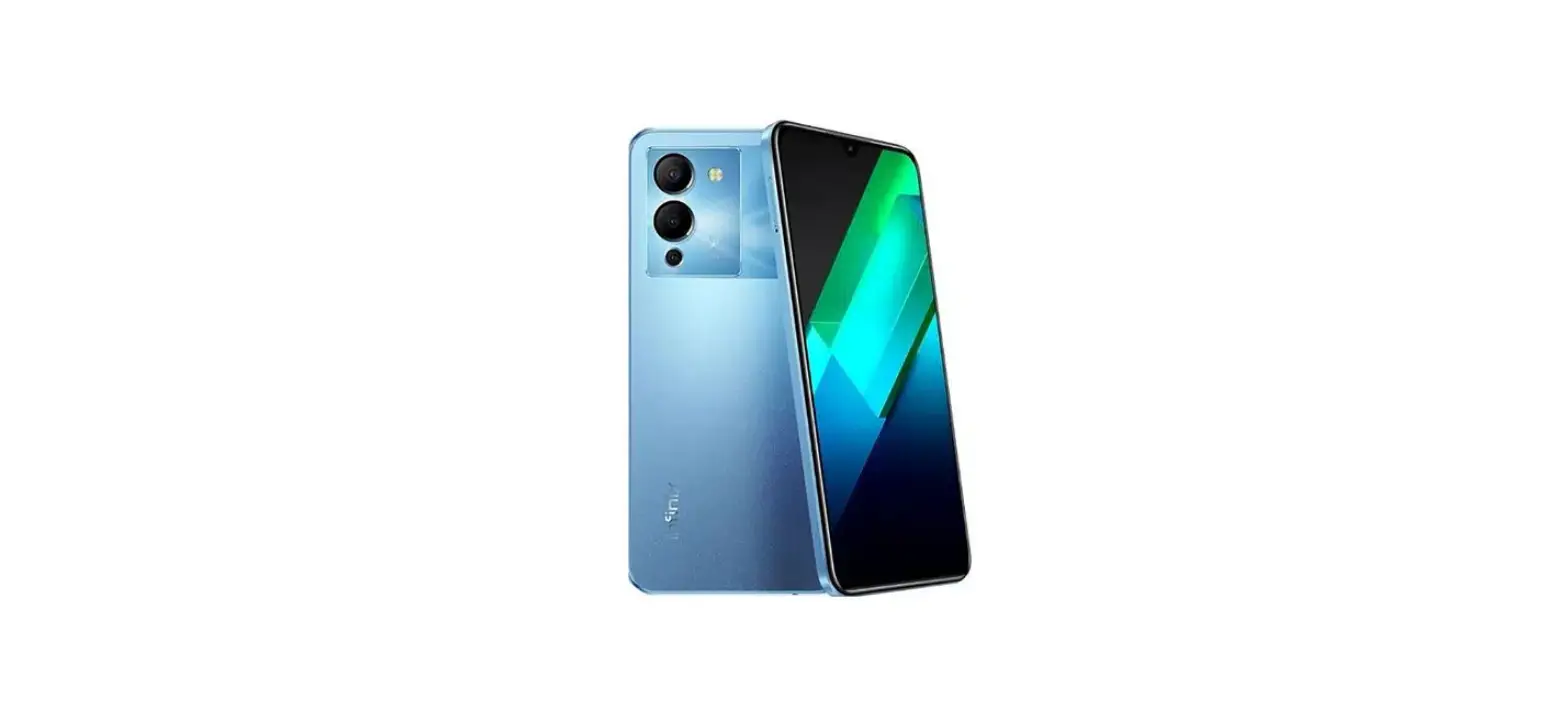
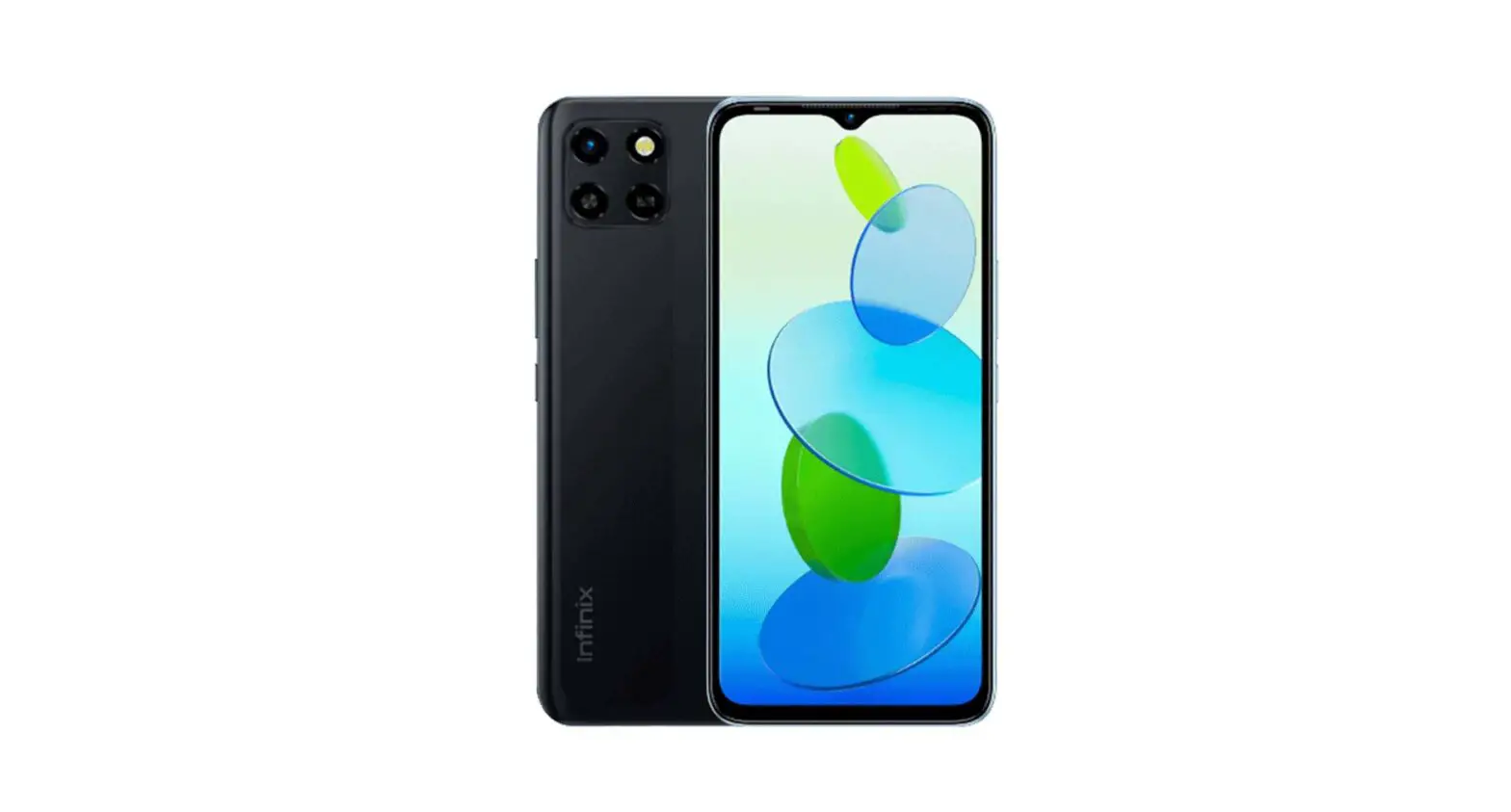
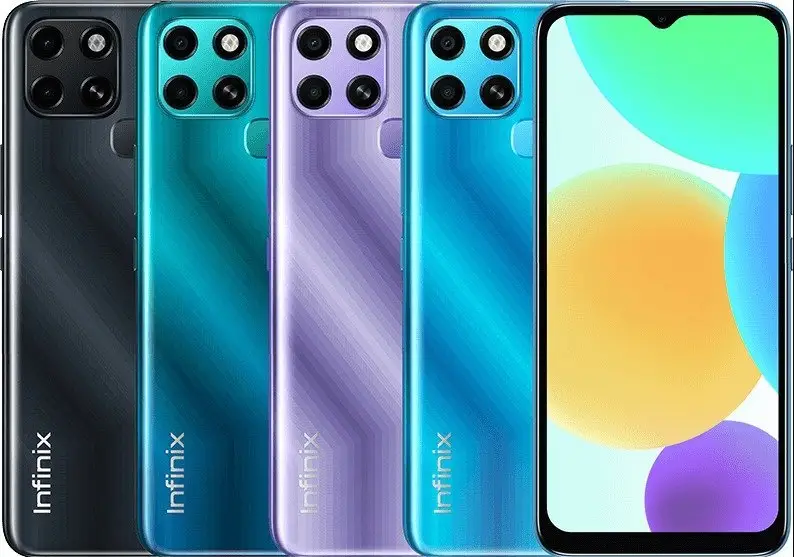
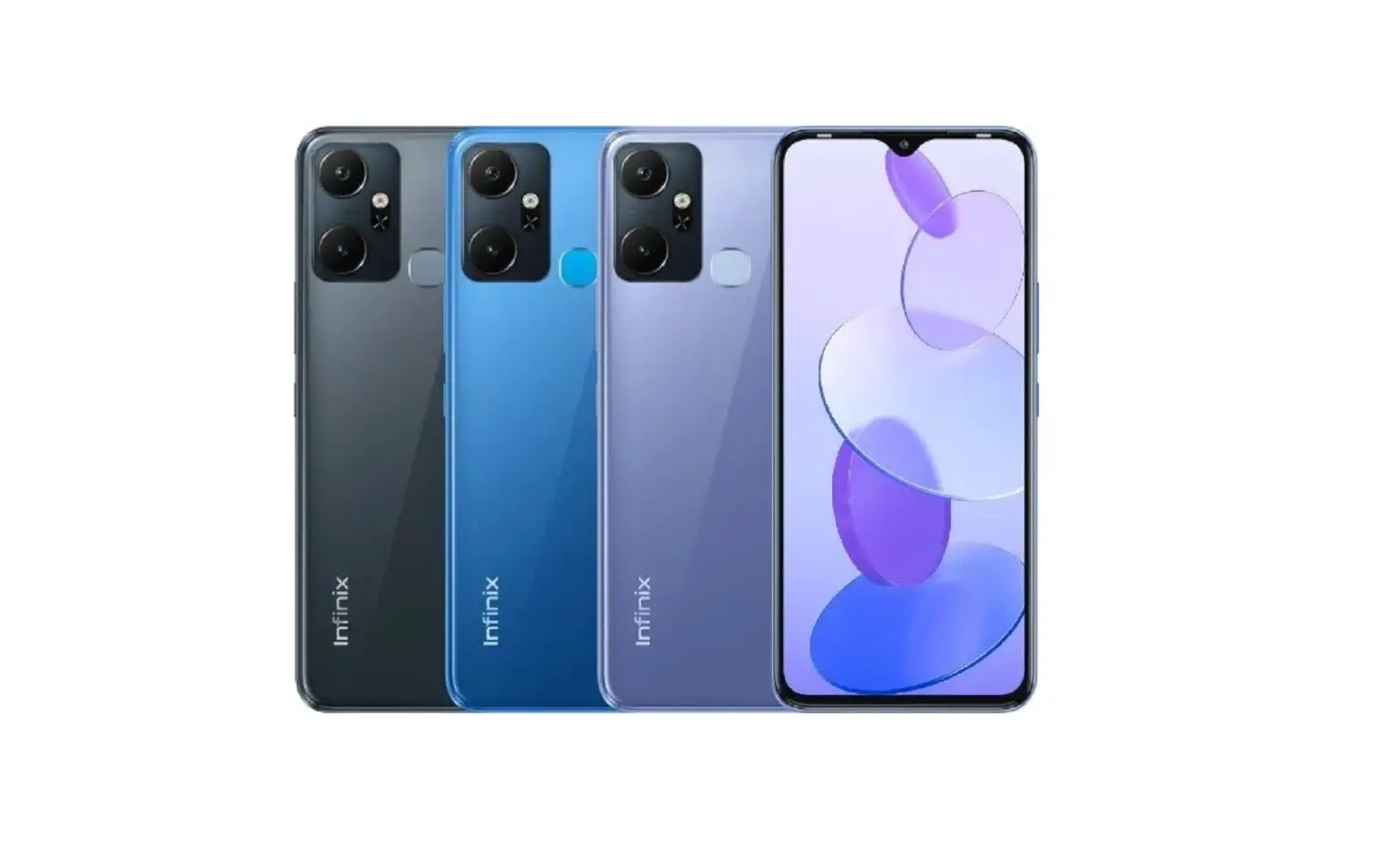
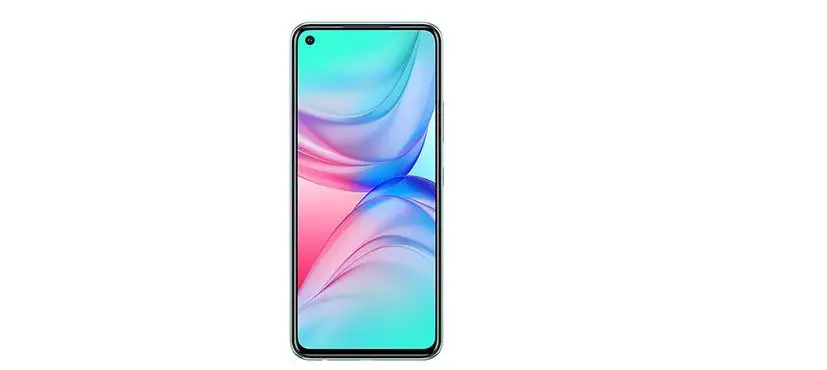
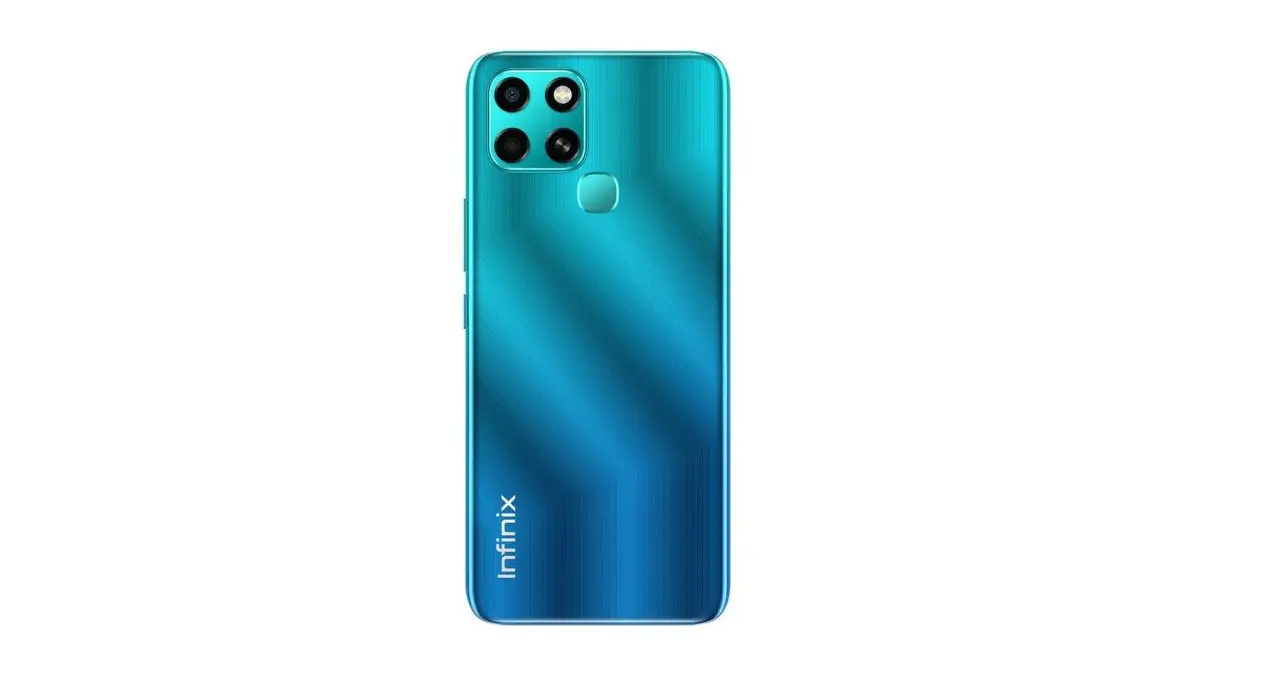
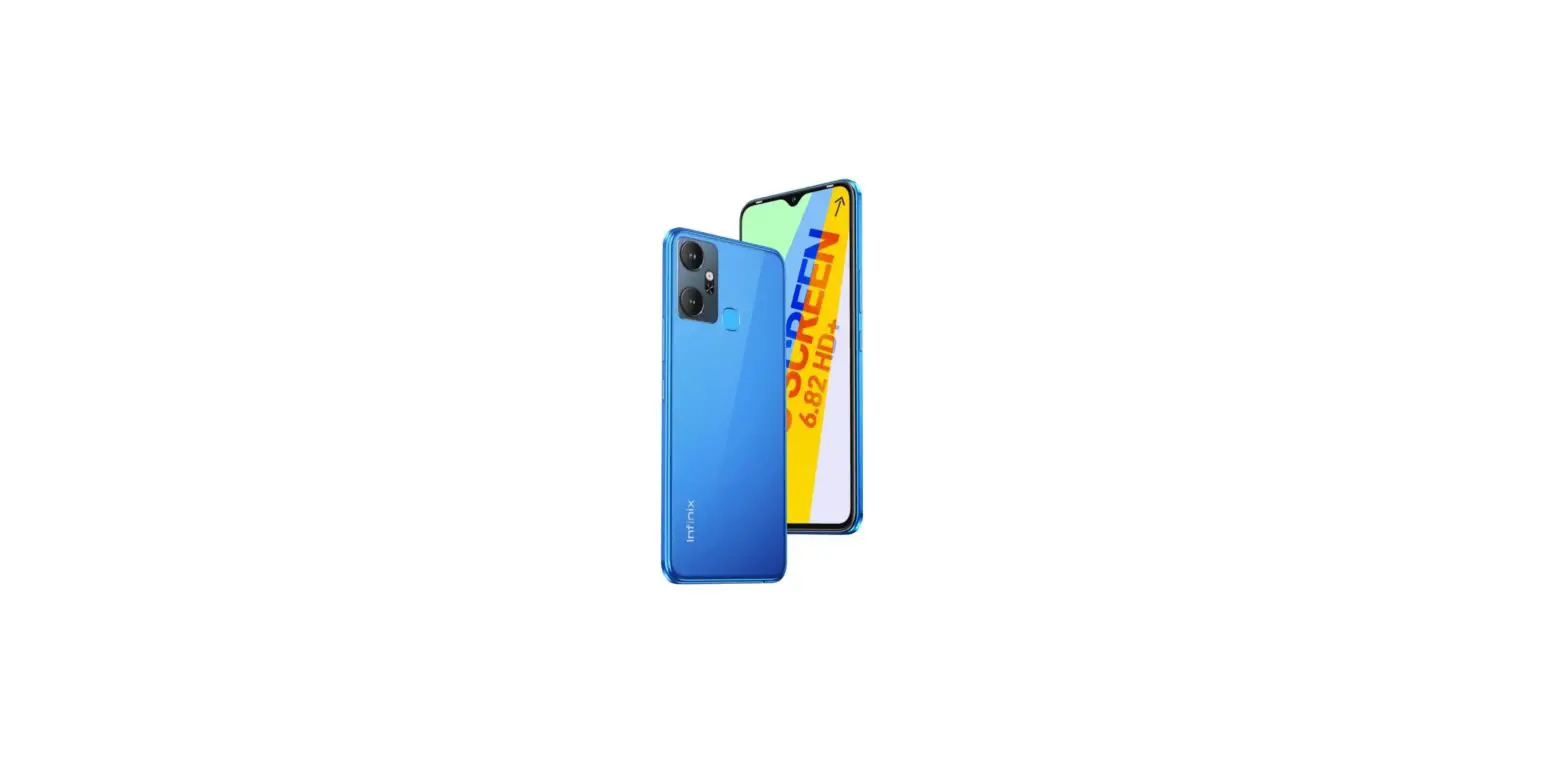
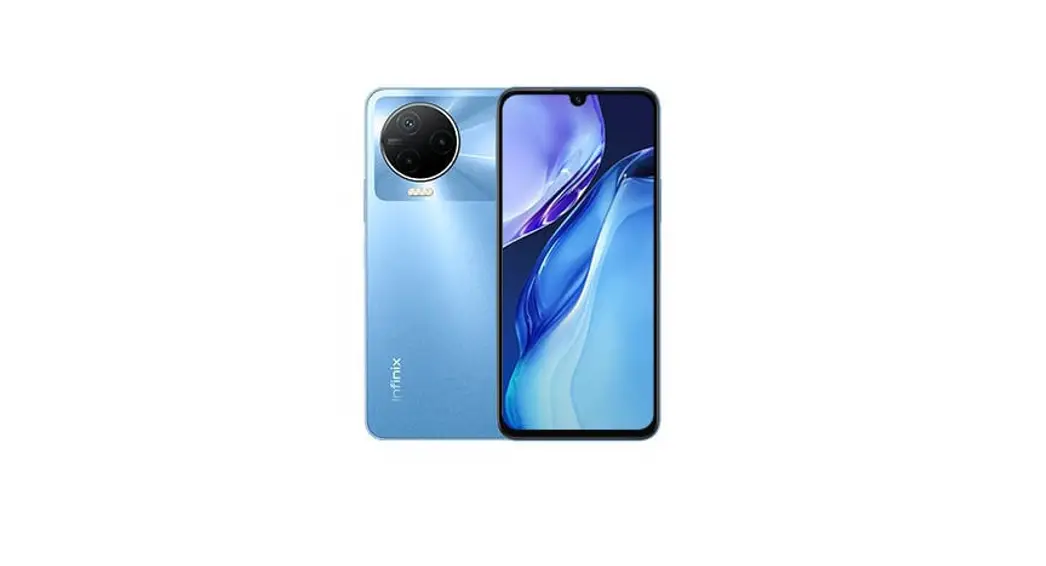
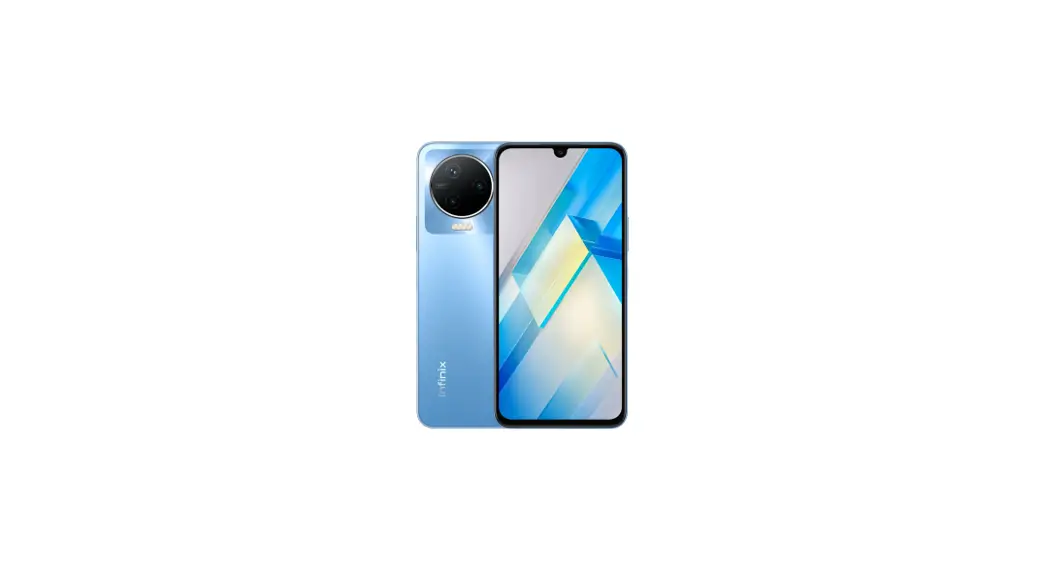
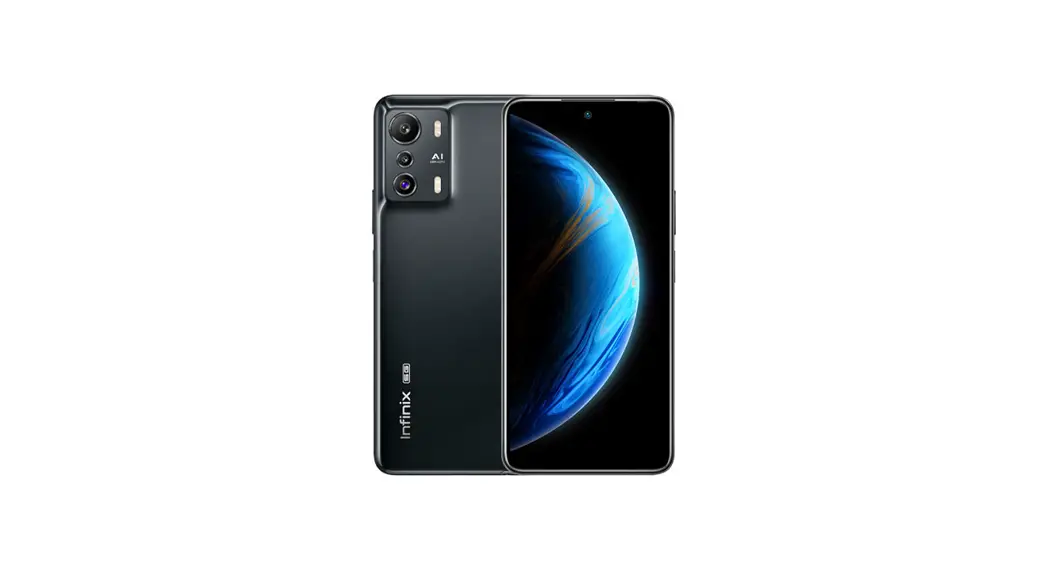
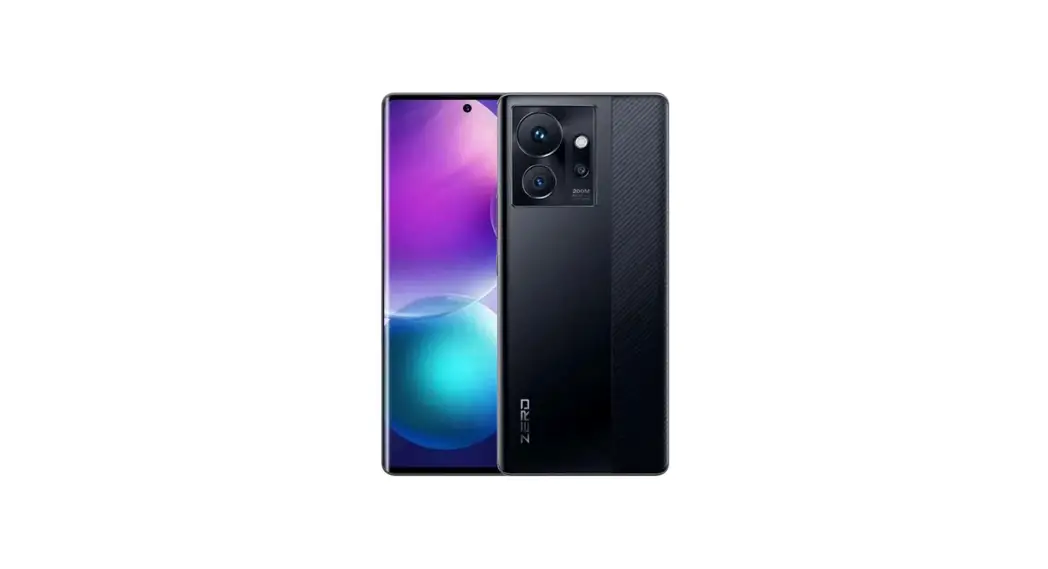
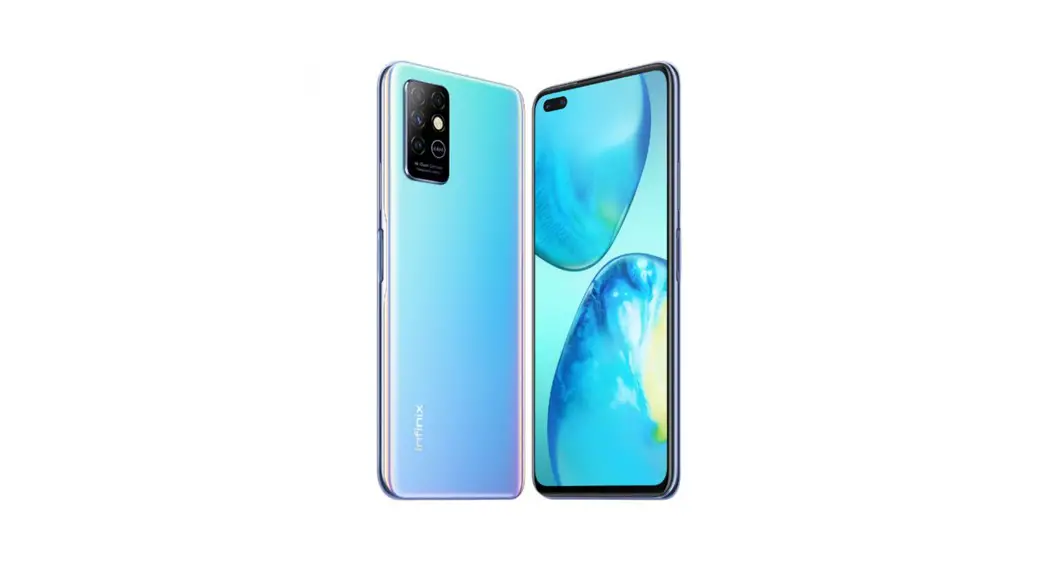
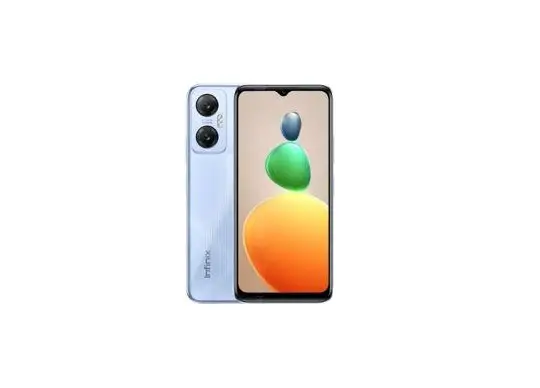
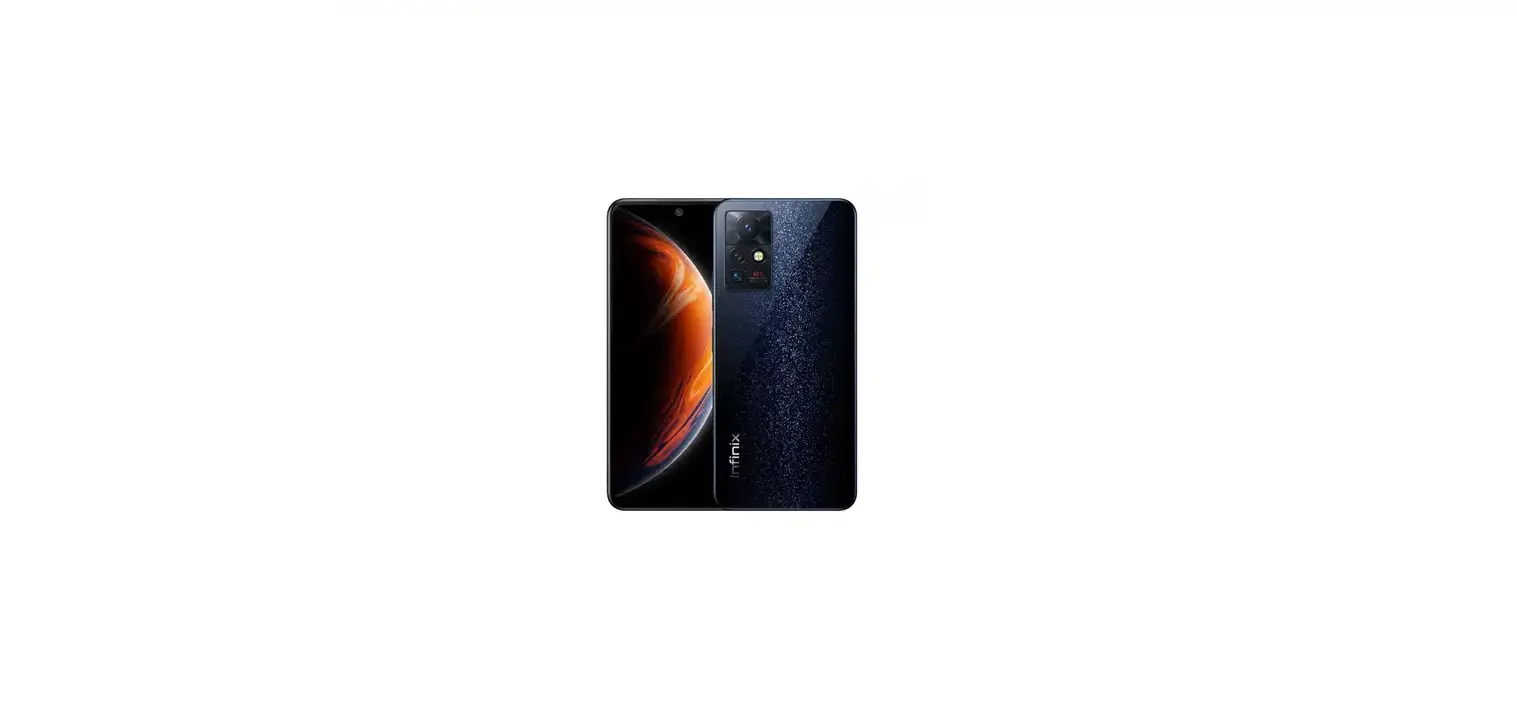
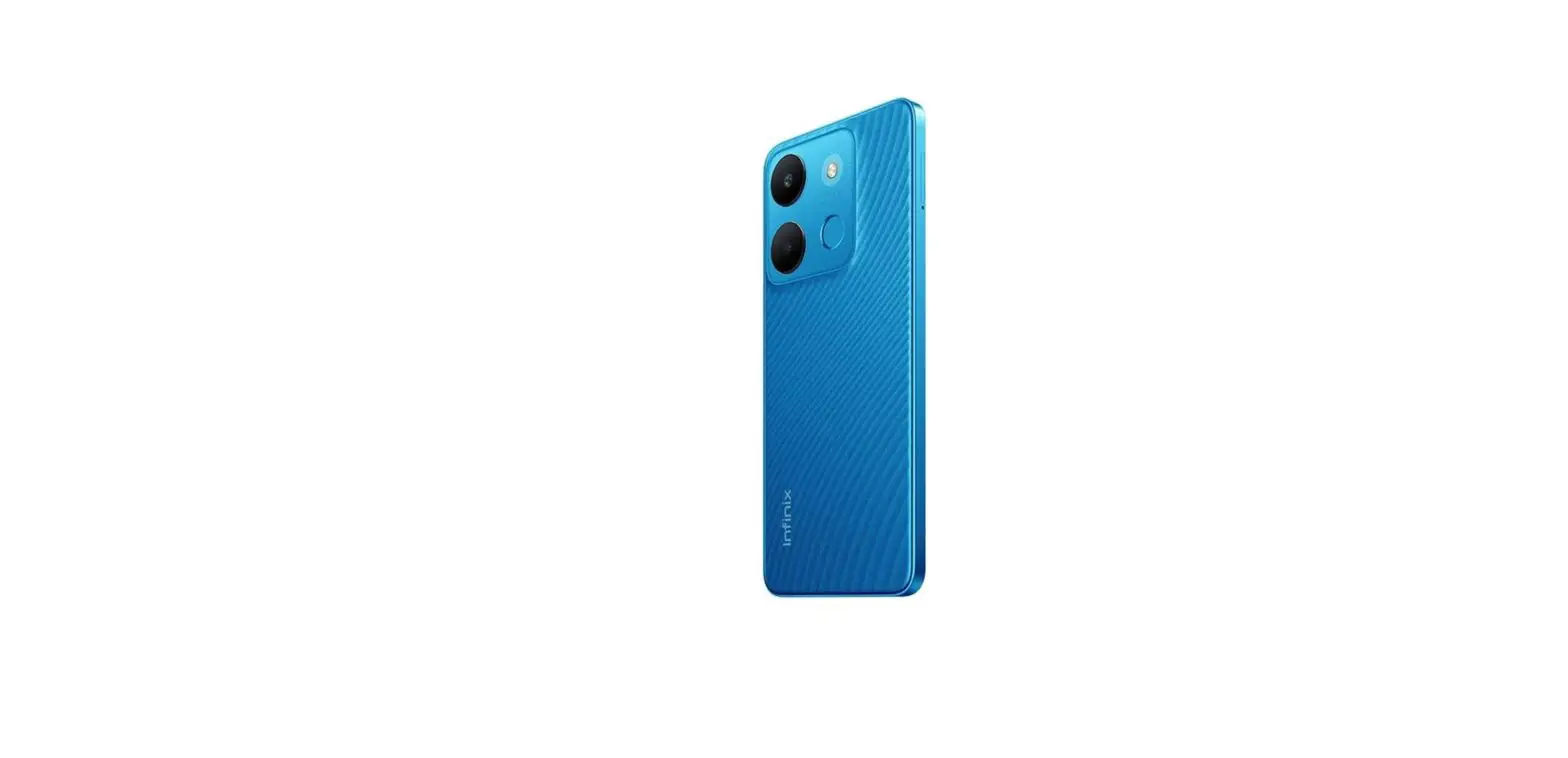
X6516 Smart 7 Plus Smartphone
Infinix X6516 User Manual (D)
Product Information:
| Component | Description |
|---|---|
| LCM+CTP | Display module (Screen) |
| UPPER_HOUSING | Upper housing of the phone |
| PS_RUBBER | Rubber padding for the power button |
| LOWERT_SUB_CAM | Lower sub camera module |
| FRONT_CAM | Front camera module |
| FINGERPRINT_ESD | Fingerprint electrostatic discharge module |
| SPEAKER | Speaker module |
| SPK_FPC | Speaker flexible printed circuit board (FPC) |
| USB_RUBBER | Rubber padding for the USB port |
| RF_CABLE | Radio frequency cable |
| LOWER_B_HOUSING | Lower B housing of the phone |
| BATTERY_HOUSING | Battery housing |
| Catto | Unknown component |
| SIDEKEY_FPC | Side key flexible printed circuit board (FPC) |
| MAIN_PCB | Main printed circuit board (PCB) |
| UPPER_CAM_DECO | Upper camera decoration |
| BACK_CAM | Back camera module |
| FINGERPRINT_MODULE | Fingerprint module |
| RECEIVER | Receiver module |
| MOTOR | Vibration motor module |
| SUB_PCB | Sub printed circuit board (PCB) |
| EARPHONE_RUBBER | Rubber padding for the earphone jack |
| LOWER_A_HOUSING | Lower A housing of the phone |
| BATTERY | Phone battery |
| SMALL_LENS | Small lens component |
Product Usage Instructions:
1. Know your phone
- Front camera: Used for taking selfies and video calls.
- Volume + key: Increases the volume of the phone.
- Volume – key: Decreases the volume of the phone.
- Power key: Used to turn on/off the phone.
2. SIM/SD card installation
To install SIM/SD card:
- Power off the mobile.
- Refer to the user manual for the picture depicting SIM/SD card
installation.
3. Charging the phone
You can charge your device using a charger or by connecting it
to the computer using a USB cable (comes with the phone).
- Before charging, ensure that the front and back of the plug are
correctly aligned. - Use only the provided INFINIX charger and cables. Using other
chargers or cables may damage the device and void your phone
warranty.
4. FCC Caution
This device complies with Part 15 of the FCC Rules. Please take
note of the following:
- This device should not cause harmful interference.
- This device must accept any interference received, including
interference that may cause undesired operation.
5. Labelling Requirements
Any changes or modifications not expressly approved by the party
responsible for compliance could void the user’s authority to
operate the equipment.
6. Specific Absorption Rate (SAR) Information
This mobile phone meets the government’s requirements for
Specific Absorption Rate (SAR).
Infinix X6516 User Manual (D)
Explosion diagram specification
1 LCM+CTP 3 UPPER_HOUSING 5 PS_RUBBER 7 LOWERT_SUB_CAM 9 FRONT_CAM 11 FINGERPRINT_ESD 13 SPEAKER 15 SPK_FPC 17 USB_RUBBER 19 RF_CABLE 21 LOWER_B_HOUSING 23 BATTERY_HOUSING 25 Catto
2 SIDEKEY_FPC 4 MAIN_PCB 6 UPPER_CAM_DECO 8 BACK_CAM 10 FINGERPRINT_MODULE 12 RECEIVER 14 MOTOR 16 SUB_PCB 18 EARPHONE_RUBBER 20 LOWER_A_HOUSING 22 BATTERY 24 SMALL_LENS
1
Know your phone
1. Front camera 2. Volume + key
3. Volume – key 4. Power key
2
SIM/SD card installation
1. Power off mobile. 2. Refer to the following picture for SIM / SD card installation.
2
Charging the phone
You can charge your device using a charger or by connecting it to the computer using a USB cable (comes with the phone). 1. Please remind the front and back of the plug. 2. Use only INFINIX charger and cables. Other chargers or cables may damage the device. This will invalidate your phone warranty.
3
FCC Caution
Labelling requirements.
This device complies with Part 15 of the FCC Rules. Operation is subject to the following two conditions:
(1) This device may not cause harmful interference.
(2) This device must accept any interference received, including interference that may cause undesired operation.
Information to user. Any changes or modifications not expressly approved by the party responsible for compliance could void the user’s authority to operate the equipment.
Information to the user. Note: This equipment has been tested and found to comply with the limits for a Class B digital device, pursuant to part 15 of the FCC Rules. These limits are designed to provide reasonable protection against harmful interference in a residential installation. This equipment generates uses and can radiate radio frequency energy and, if not installed and used in accordance with the instructions, may cause harmful interference to radio communications. However, there is no guarantee that interference will not occur in a particular installation. If this equipment does cause harmful interference to radio or television reception, which can be determined by turning the equipment off and on, the user is encouraged to try to correct the interference by one or more of the following measures: -Reorient or relocate the receiving antenna. -Increase the separation between the equipment and receiver. -Connect the equipment into an outlet on a circuit different from that to which the receiver is connected. -Consult the dealer or an experienced radio/TV technician for help.
Specific Absorption Rate (SAR) information: This mobile phone meets the government’s requirements for
4
exposure to radio waves. The guidelines are based on standards that were developed by independent scientific organizations through periodic and thorough evaluation of scientific studies. The standards include a substantial safety margin designed to assure the safety of all persons regardless of age or health. FCC RF Exposure Information and Statement The SAR limit of USA (FCC) is 1.6 W/kg averaged over one gram of tissue. Device types: X6516 (FCC ID:2AIZN-X6516) has also been tested against this SAR limit. The highest SAR value reported under this standard during product certification for use at the ear is 1.10 W/kg and when properly worn on the body is 0.76 W/kg.. Body-worn Operation This device was tested for typical body-worn operations. To comply with RF exposure requirements, a minimum separation distance of 1.0 cm must be maintained between the user’s body and the handset, including the antenna. Third-party belt-clips, holsters, and similar accessories used by this device should not contain any metallic components. Body-worn accessories that do not meet these requirements may not comply with RF exposure requirements and should be avoided. Use only the supplied or an approved antenna.
5
For DTS patents, see http://patents.dts.com. Manufactured under license from DTS Licensing Limited. DTS, the Symbol, & DTS and the Symbol together are registered trademarks or trademarks of DTS, Inc. in the United States and/or other countries. © DTS, Inc. All Rights Reserved. Operating SystemAndroidTM Android is a trademark of Google LLC.
6
 Patents - DTS