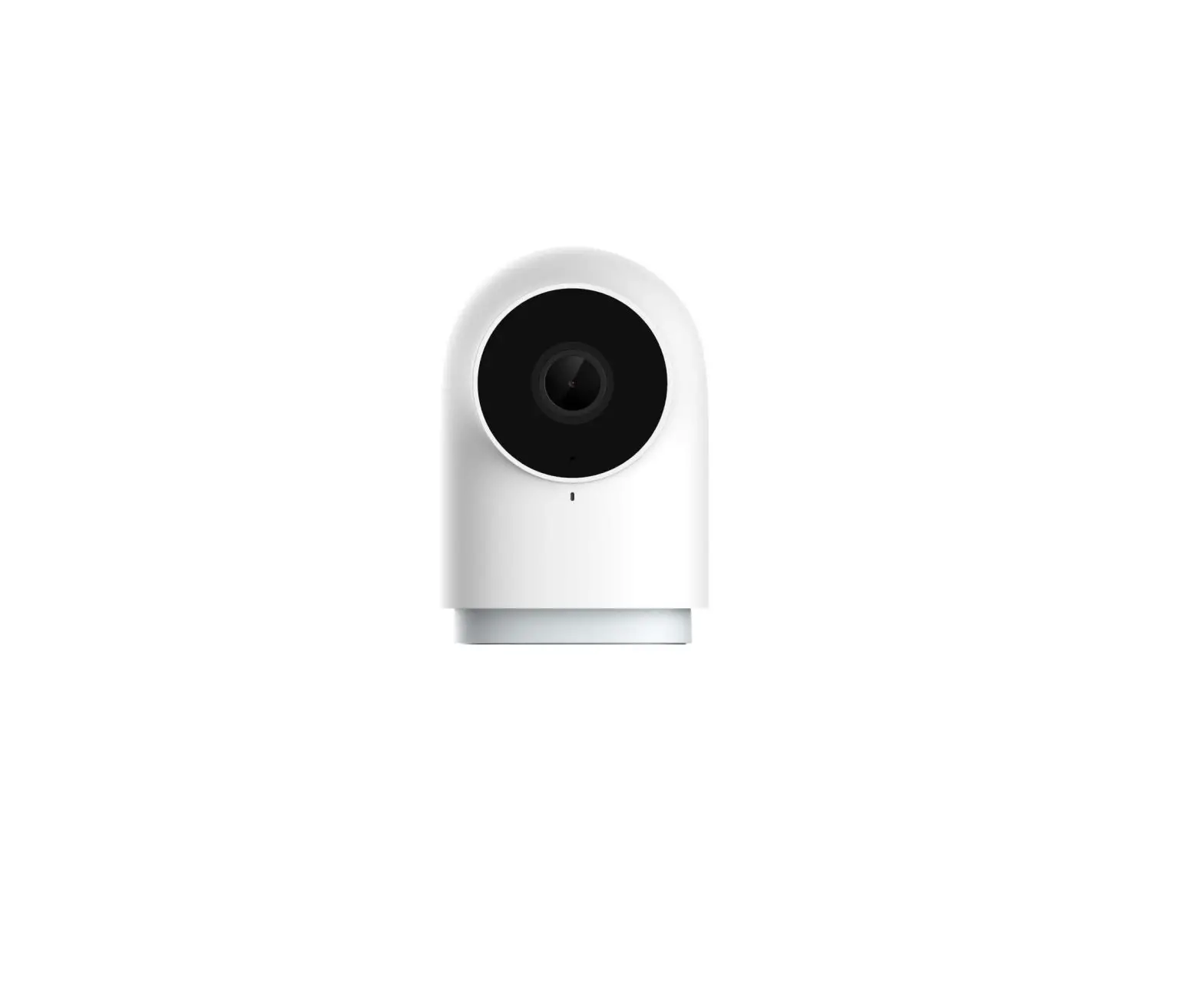
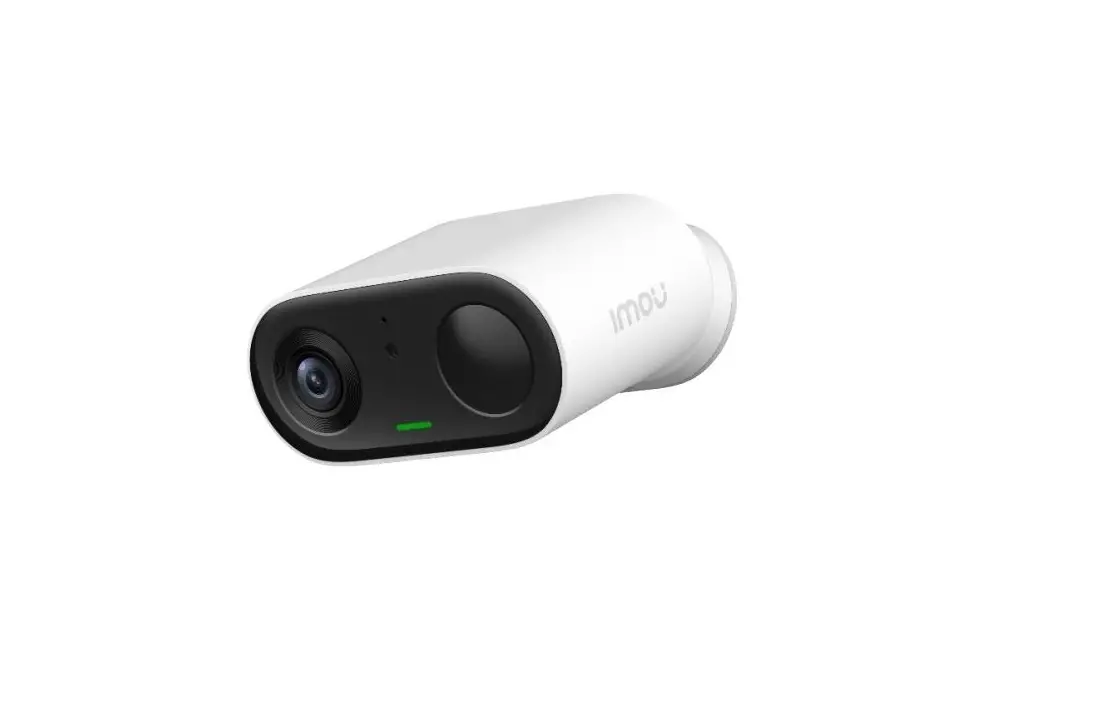
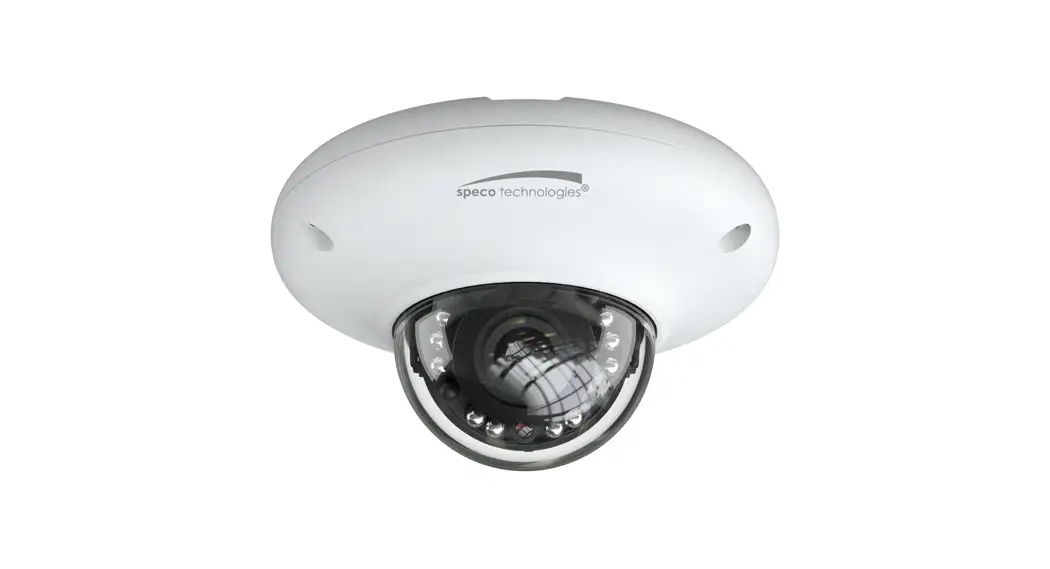
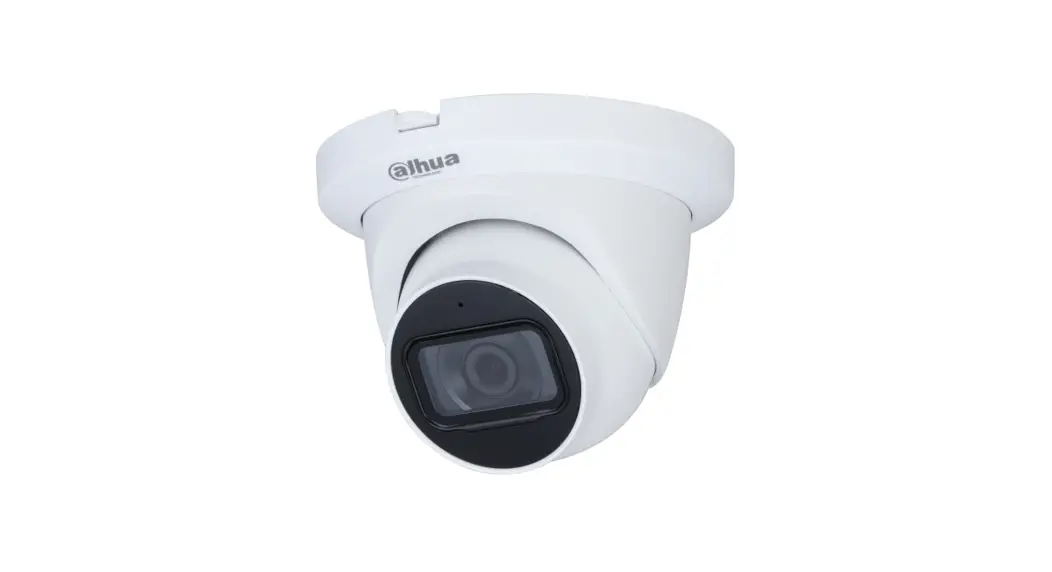
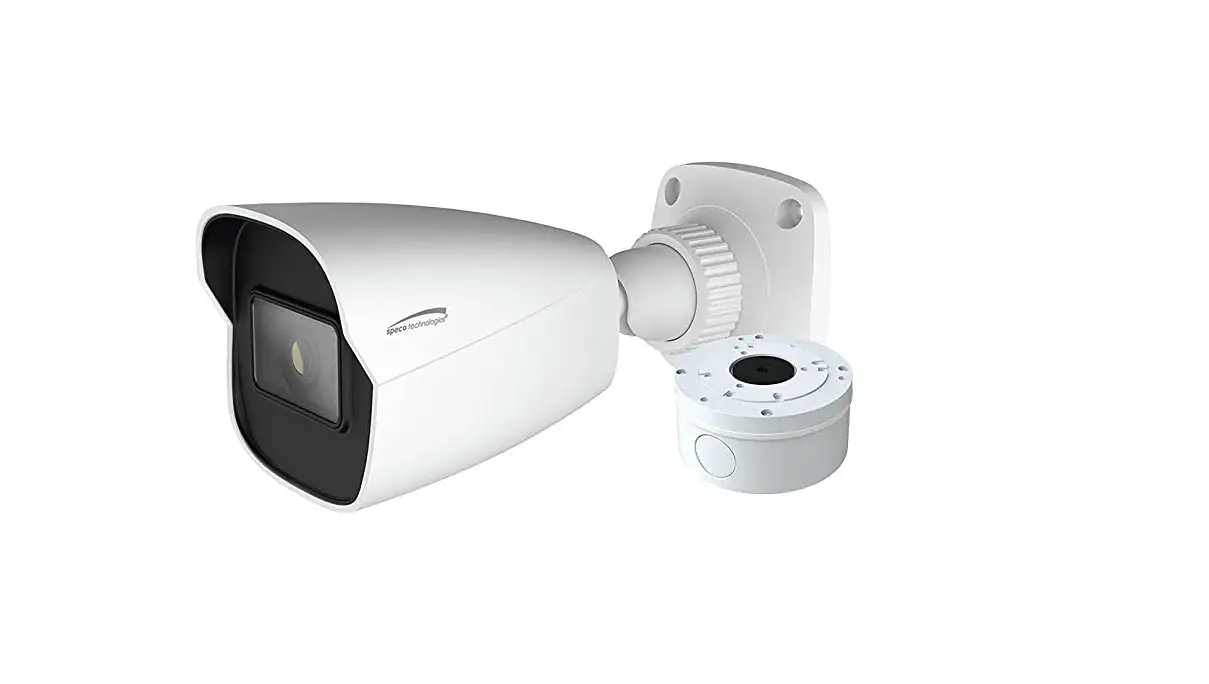
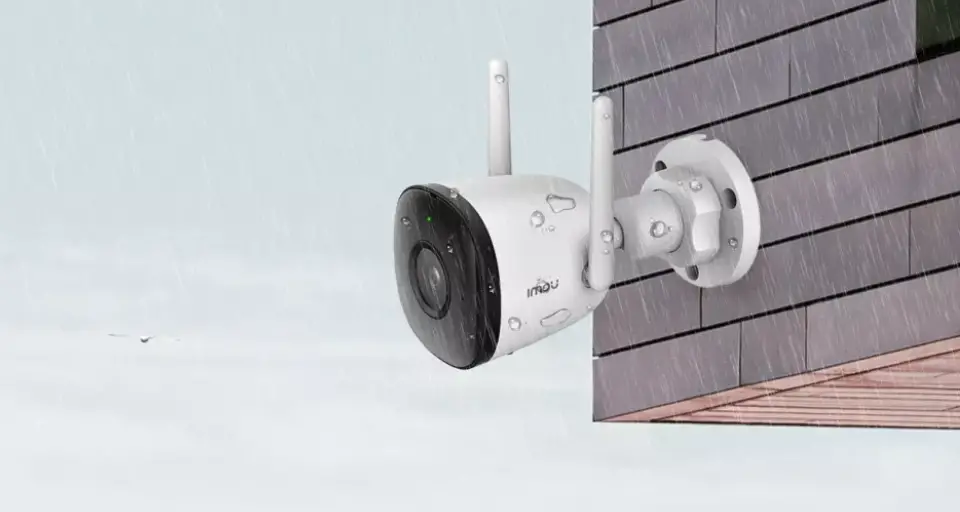
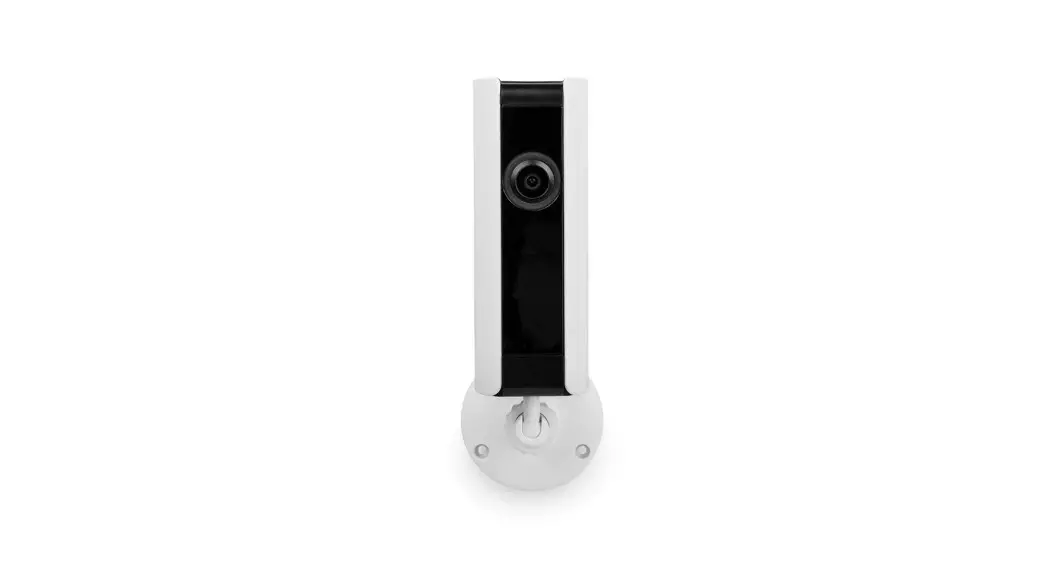
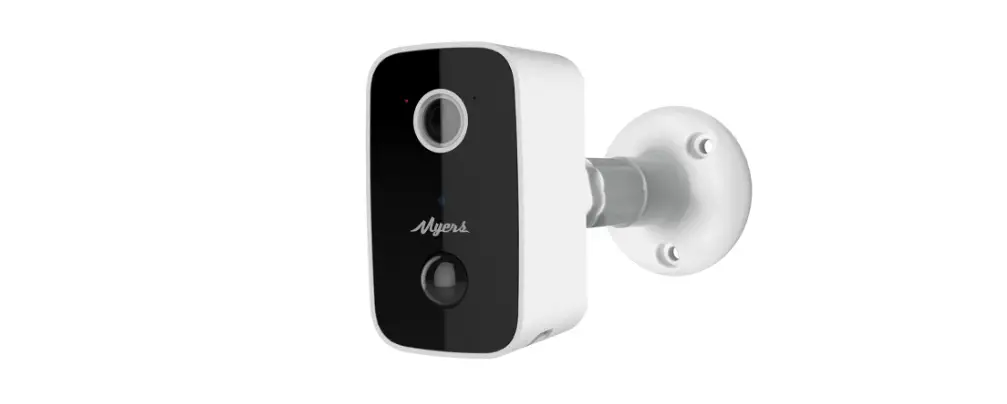
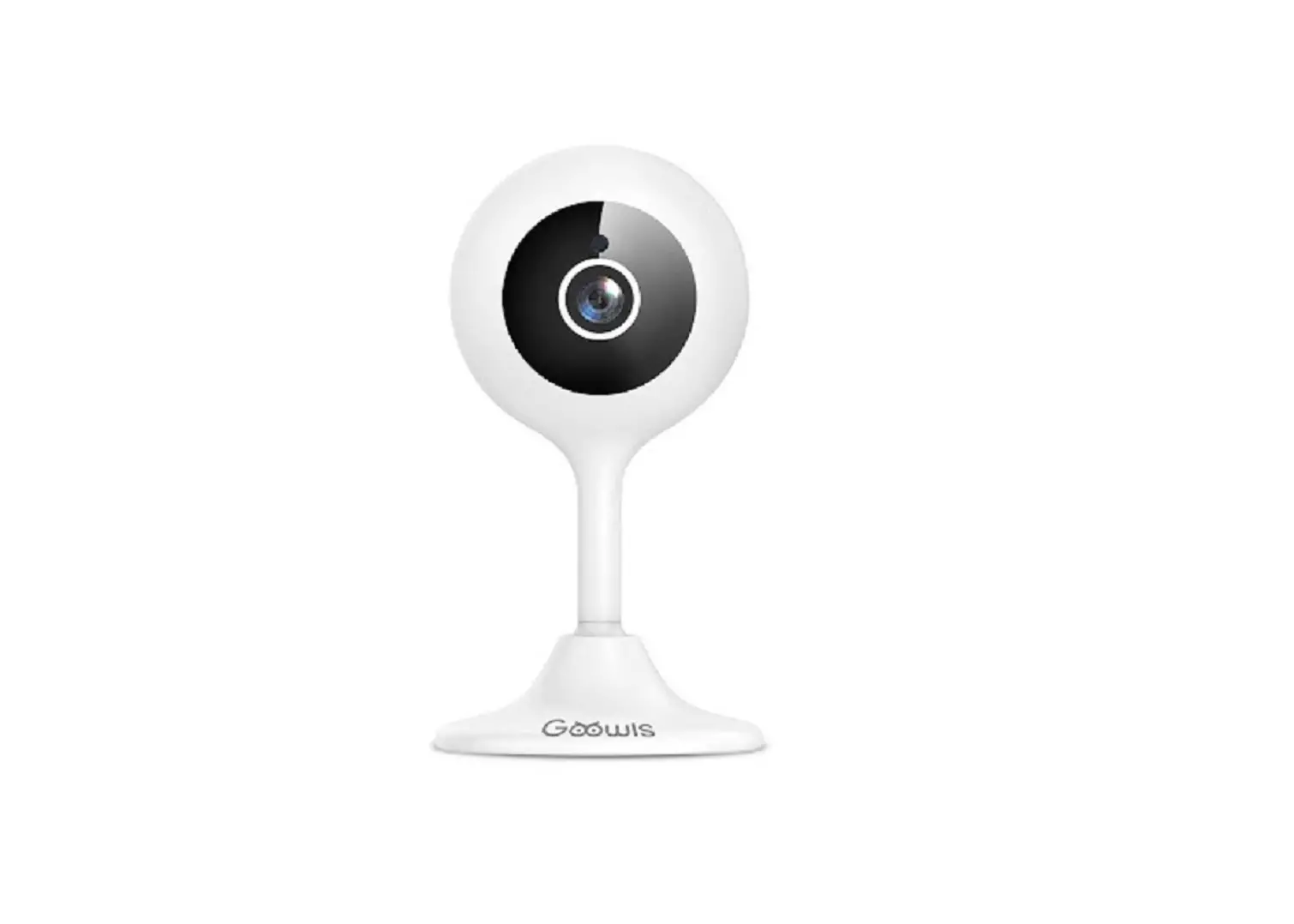
2M FHD IP INS Cube Camera
Product Information
The 2M FHD IP INS Cube Camera is a high-definition IP camera
designed for indoor surveillance. It provides clear and detailed
video footage for monitoring purposes. The camera is equipped with
advanced features and specifications to ensure optimal performance
and user convenience.
Specifications:
- Model: 2M FHD IP INS Cube Camera
- User’s Manual Version: 1.0 / 2022.11
- Resolution: Full HD (1920 x 1080 pixels)
- Installation Type: Indoor
- Power Source: Standardized adapter
- Storage: SD Memory Card (support for inserting/removing)
Product & Accessories:
The package includes:
- 2M FHD IP INS Cube Camera
- Standardized adapter
- SD Memory Card
Important Safety Information:
Before installing and using the camera, it is crucial to read
the user manual carefully and follow the safety instructions
provided. Failure to do so may result in serious injury or damage
to the equipment.
Product Usage Instructions
Power:
- Always use the standardized adapter mentioned in the manual to
power the camera. Using an incorrect power source can lead to fire,
electric shock, or failure. - If you notice smoke or a strange smell from the power source,
immediately disconnect the power and contact the service center or
purchasing office. Continuing to use it can cause fire and electric
shock. - Before connecting the power plug to the outlet, ensure it is
disconnected from the power terminal block.
Installation:
- Install the camera in a temperature and humidity environment
suitable for the product specifications to avoid fire and electric
shock. - Take precautions during installation to minimize damage caused
by thunder and lightning, such as grounding. - Avoid placing conductive materials (such as drivers, coins,
metal sticks) and water-filled containers on the camera to prevent
injuries caused by fire, electric shock, or falling. - If you need to move or reinstall the camera, ensure that the
power is turned off before doing so to avoid fire and electric
shock. - Avoid installing the camera in areas with excessive moisture,
dust, or soot, as it can lead to fire and electric shock. - Avoid direct sunlight and heat sources (e.g., heating
appliances) during installation to prevent fire and electric
shock.
Cleaning:
- When cleaning the camera, do not spray water directly on any
part of the product as it can cause fire and electric shock.
Additional Usage Instructions:
- Ensure that the power line is securely fixed to the power
connection terminal. Incomplete connection can result in a
fire. - Avoid touching the lens during installation, as it comes with a
factory-set focus adjustment. Touching it may affect the image
quality. - Avoid installing cameras facing bright lights like sunlight, as
it can damage the image sensor. - When installing the camera on a wall or ceiling, ensure it is
safe and securely mounted to avoid injury from falls. - Do not connect multiple cameras to a single adapter, as it can
cause abnormal heat and fire due to excess capacity. - Wear protective gloves when installing or uninstalling the
camera to prevent burns from the high temperature surface of the
product.
2M FHD IP INS Cube Camera
User’s Manual_Install Part Ver. 1.0 / 2022.11
Before installing and using the camera, please read this manual carefully. Be sure to keep it handy for future reference.
Contents
INTRODUCTION 03 Important Safety Informaon 06 Specificaon 07 Product & Accessories 08 Part Name
INSTALLATION 09 Installaon 11 Cabling 12 Inserng / Removing an SD Memory Card
SPECIFICATION 13 Dimension 14 FCC Instrucons
Safety Instruction
These instrucons are intended to ensure that the user can use the product correctly to avoid danger or property loss. If the product is not funconing properly or damaged, contact the service center or purchasing office.
Warnings Serious injury or death may be caused if any of these warnings are neglected.
Cautions
Injury or equipment damage may be caused if any of these cautions are eglected.
POWER
1. Use only standardized adapters wrien in the manual. Incorrect connecon of the power source can cause fire, electric shock, or failure.
2. If there is smoke or a strange smell from the power source, disconnect the power immediately and contact the service center or purchasing office. If you connue to use it as it is, it can cause fire and electric shock.
3. Disconnect the power plug from the outlet before connecng to the power terminal block.
INSTALLATION
1. Install it according to the temperature and humidity environment suitable for the product specificaons. Otherwise, it can cause fire and electric shock.
2. Thunder and lightning can cause problems with the camera. When installing, be careful to minimize damage caused by lightning such as grounding.
3. Do not place conducve materials (drivers, coins, metal scks, etc.) and water-filled containers on the camera. It causes injuries caused by fire, electric shock, and falling.
4. If you want to move the installed product, turn off the power and move it or reinstall it. Otherwise, it can cause fire and electric shock.
5. Do not install it in places where there is a lot of moisture, dust, soot, etc. It causes fire and electric shock.
6. Avoid places where direct sunlight comes in or where heat comes out, such as heang appliances. It causes fire and electric shock.
CLEANING
1. Do not spray water directly on each part of the product when cleaning. It causes fire and electric shock.
POWER
1. Use the power line aer fixing it firmly to the power connecon terminal. Incomplete connecon can cause a fire.
2. Do not extend the adapter output cable. If you need to install the power cable extension, please contact the service center.
3. Use insulated power for PoE connected external power.
INSTALLATION
1. It is recommended not to touch the lens when installing the product as the factory ships with a focus adjustment completed during the manufacturing compleon inspecon phase.
2. Avoid installing cameras facing bright lights like sunlight. Causes damage to the image sensor.
3. Make sure it safe and securely when installing camera on the wall or ceilling. This can cause injury by the fall.
4. Do not connect mulple cameras to one adapter. Excess capacity causes abnormal heat and fire.
5. Wear protecve gloves when installing/uninstalling the camera. This causes burns caused by high temperature on the surface of the product.
6. Don’t drop or shock the product. Please stay away from places where vibraon is severe or magnet types are present.
7. Install it in a well-venlated place. This can cause fire and failure.
CLEANING
1. Wipe the contaminated surface with a clean, so, dry cloth or wet the so, dry cloth to prevent water from flowing, then wipe the contaminated area.
Installaon and Use Precauons
1. The baery (baery pack or equipped baery) must not be exposed to excessive heat such as sunlight, fire, etc.
2. Do not disassemble the camera at your discreon.
3. If you forcefully install the product with excessive force, malfuncon can damage the camera.
4. Do not punch or shake the camera and be careful not to damage the camera with careless storage or malfuncon.
5. Be careful not to install the camera in a rainy or humid place, and do not leave it in a wet place.
6. Installing or using the product in water can cause serious product failure.
7. Do not install the product if there is chemical or vapor in the place where the product is installed, or if it can be generated.
8. Be careful not to get chemicals on the surface of the product when installing the product. Chemical solvents such as cleaning agents and adhesive components can cause fatal damage to the surface of the product.
9. Do not install it near the kitchen or cooking table as edible oil such as soybean oil can also cause product damage and deformaon. It can cause product damage.
10. Be careful not to get foreign substances on the Micro SD card terminal. If there is any foreign substance, wipe it with a so cloth.
11. Data will not be saved at the end of the life of the Micro SD card. In this case, purchase a new Micro SD card.
12. Moisture may occur in the glass of the camera when the new product box is opened (or when the product is inially running). The generated moisture is removed by a Gore vent aached to the camera within hours of the power connecon.
13. For products enclosed with a desiccant or card-type absorbent, please install it according to the manual.
14. Use only with cart, stand, tripod, bracket, or table specified by the manufacturer, or sold with the apparatus.
15. Unplug this apparatus when a cart is used. Use cauon when moving the cart/apparatus combinaon to avoid injury from p-over.
Disposal of Old Appliances 1. The symbol marked in the product, will follow and covered by the Europe Direcve 2002/95/EC. 2. All electornic disposal of waste is differenct by the government or locally, so so it need to check. 3. The correct disposal of your old appliance will help prevent potenal negave consequences for
the environment and human health. 4. For more detailed informaon about disposal of your old appliance, please contact your city office,
waste disposal service or the shop where you purchased the product.
This equipment has been tested and found to comply with the limits for a Class A digital device, pursuant to part 15 of the FCC Rules. These limits are designed to provide reasonable protecon against harmful interference when the equipment is operated in a commercial environment. This equipment generates, uses, and can radiate radio frequency energy and, if not installed and used in accordance with the instrucon manual, may cause harmful interference to radio communicaons. Operaon of this equipment in a residenal area is likely to cause harmful interference in which case the user will be required to correct the interferenece at his own expense.
Specificaon
FEATURES
Opmized Mulple Profile Streaming ROI(Region of Interest) Various web plug-in
Advanced built in ISP Fluid integraon way Double Scan sensor with advanced built in ISP
A true all-in-one soluon
SPECIFICATION
CAMERA Image Sensor Lens Min. Illuminaon IR Range Angle of View PIR Range Day/Night Shuer Speed
1/2.8″ Progressive Scan CMOS 2.8mm, F1.6 0.035Lux, AGC On : 0Lux with IR (F1.6) Up to 10m 110° Up to 10m, 120° Angle of View IR cut filter with auto switch 1/15s – 1/32,000s
COMPRESSION STANDARD
Video Compression
H.264, H.265, MJPEG
Video Bit Rate
100Kbps – 10Mbps
Audio Compression
G.711
FUNCTIONS Alarm Triggers Local Storage Security
Protocols
Moon Detecon, Network Disconnect, IP address conflict, Storage excepon, Temperature Crical, PIR Detecon
Built-in Micro SD, SDHC, SDXC card slot, Up to 128GB
One-key reset, Flash-prevenon, Dual Stream, Password protecon, Privacy mask, IP address filtering, Anonymous access
TCP/IP, ICMP, HTTP, HTTPS, FTP, DHCP, DNS, DDNS, RTP, RTSP, RTCP, NTP, UPnP , SMTP, SNMP, IGMP, 802.1X, QoS, IPv6, Bonjour
IMAGE
Max. Image Resoluon 1920 x 1080
Frame Rate
60Hz : 30fps
Digital Noise Reducon
3D DNR
Wide Dynamic Range Ture WDR
Image Seng
Rotate mode, Saturaon, Brightness, Contrast, Sharpness, AGC, ROI
PHYSICAL Working Temperature Dimensions (VxH) Weight
-20°C – 50°C (-4°F – 122°F) Humidity 90% max
87.6mm x 114mm x 72.1mm
297g
ELECTRICAL Power Supply
Power Consumpon
12V DC ±10%, PoE 48 V (802.3af) 12V DC 5.0W, PoE 48 V (802.3af) 11.5W
INTERFACE Communicaons Audio Input Audio Output Alarm out (NO/NC) Tamper Alarm (Switch)
1 RJ45 10M/100M Ethernet Port Built-in Microphone Built-in Speaker 1 1
WI-FI Wireless Standard Frequency Range Channel Bandwidth Protocols
Security Wireless Range
IEEE802.11b, 802.11g, 802.11n 2.4 GHz ~ 2.4835 GHz
20MHz, 40MHz Support 802.11b : CCK, QPSK, BPSK, DSSS ; 802.11g/n : OFDM 64/128bit WEP, WPA/WPA2, WPA-PSK/ WPA2-PSk, WPS
20m (Dependent Upon Environment)
CERTIFICATIONS FCC, CE
Introducon –
Product & Accessories
Camera
Mounng Bracktet
Cable Hole.
Mounng Template
Mounng Screw (ø4x35mm) & Plasc Anchor-4pcs
Dc Plug Jack
Screw 1pc
Introducon –
Part Name
Mic Lens
LED PIR Sensor Speaker
SD Card Slot DC 12V Port
Illuminaon Sensor
Lan Port Alarm Terminal Port
Reset / WPS
Installaon –
Installaon
Before installing your camera, you have to read the following cauons. 1. You have to check whether the locaon can bear five mes of the weight of your camera. 2. Don’t let the cable to be caught in improper place or the electric line cover to be damaged. Otherwise
it may cause a breakdown or fire. 3. When installing your camera, don’t allow any person to approach the installaon site. If you have any
valuable things under the place, move them away.
Note : Before installaon, press both buons on the camera and remove the camera and bracket.
1
1
2
3
When you Install it on the wall
1 Use a mounng template to punch holes in the wall.
2 Install the mounng bracket on the perforated wall using two mounng screws.
If not using Mounng bracket, use the mounng screw to fix the 4 checked parts.
When you Install it on the corner
3 Install the mounng bracket on the perforated wall using four mounng screws.
Installaon –
Installaon
Installaon A
Installaon B
Camera
Mounng Bracket
4 5
6
Camera
Mounng Bracket
4
6
5
Refer to installaon A ,B images and assemble according to the direcon. 4 Adjust in the desired direcon. (UP arrow up)
7
5 Fasten the camera to the mounng bracket fixed to the wall.
6 Tighten the screws to prevent the camera movement.
7 Connect the Cable. Use the DC plug jack included in the accessory when connecng the DC12V.
8 Press both side buons to combine, then ghten the boom of product with the provided accessory screw.
5
8
Reset to the Factory Default Press the reset buon for 5 seconds to return the setup to the factory default. Warning: If you press the `Reset’ buon, you will lose all seng data. If needed, please, make a note for further installaon.
Installaon –
Cabling
2 1
T1 T2 +12V GND N.O COM N.C
3
1 Power Connecon Please, check the voltage and current capacity of rated power carefully.
Rate Power
Power Consumption
PoE
DC 12V
DC : 6.4W PoE : 6.8W
IEEE 802.3af Class3
2 Network Connecon Connect the crossover cable into the RJ-45.
1
T1 (TAMPER SWITCH)
2
T2 (TAMPER SWITCH)
3
+12V (DC12V)
4
GND (Ground)
5
N.O (NOMAL OPEN)
6
COM (Common)
7
N.C (NOMALCLOSE)
3 Relay Status
Camera Power Off
N.O
Camera Power On
N.C
Installaon –
Inserng/Removing a SD Memory Card
The memory card is an external data storage device that has been developed to offer an enrely new way to record and share video, audio, and text data using digital devices.
Micro
Recommended SD Card Specificaon (Not Included) – Type: Micro SD (SD/SDHC/SDXC) – Manufacturer: SanDisk, Samsung, Transcend, Micron – Capacity: 4GB~128GB – Class: UHS-I U3 Class 10
New Micro SD card over 64GB must be formaed on the first use.
1 Inserng an SD Memory Card Insert the SD card in the arrow direcon. Don’t insert the SD memory card while it’s upside down by force. Otherwise, it may damage the SD memory card.
2 Removing an SD Memory Card Gently press down on the exposed end of the memory card as shown in the diagram to eject the memory card from the slot. Pressing too hard on the SD memory card can cause the card to shoot out uncontrollably from the slot when released. If you have saved data in the SD memory card, removing the SD memory card prior to seng record to OFF will cause damage to the data stored in the card.
Specificaons –
Dimension
Unit: mm
87.6
72.1
114
60
96.8
FCC Instrucons FCC ID: 2AX2S-INS-CUBE
FCC Instrucons
FCC ID: 2AX2S-INS-CUBE
FCC Compliance Statement(Part 15.19 (3)) This device complies with part 15 of the FCC rules. Operaon is subject to the following two condions: (1) This device may not cause harmful interference, and (2) this device must accept any interference received, ncluding interference that may cause undesired operaon.
FCC Interference Statement(Part 15.105) This equipment has been tested and found to comply with the limits for a Class B digital device, pursuant to part 15 of the FCC Rules. These limits are designed to provide reasonable protecon against harmful interference in a residenal installaon. This equipment generates, uses and can radiate radio frequency energy and, if not installed and used in accordance with the instrucons, may cause harmful interference to radio communicaons. However, there is no guarantee that interference will not occur in a parcular installaon. If this equipment does cause harmful interference to radio or television recepon, which can be determined by turning the equipment off and on, the user is encouraged to correct the interference by one of the following measures: · Reorient or relocate the receiving antenna. · Increase the separaon between the equipment and receiver. · Connect the equipment into an outlet on a circuit different from which the receiver is connected. · Consult the dealer or an experienced radio/TV technician for help.
FCC Cauon Any changes or modificaons not expressly approved by the party responsible for compliance could void the user’s authority to operate this equipment. This transmier must not be co-located or operang in conjuncon with any other antenna or transmier.
FCC Radiaon Exposure Statement (Part 2.1091) This equipment complies with FCC radiaon exposure limits set forth for an uncontrolled environment. This equipment should be installed and operated with minimum distance 20 cm between the radiator and your body. This transmier must not be co-located or operang in conjuncon with any other antenna or transmier.