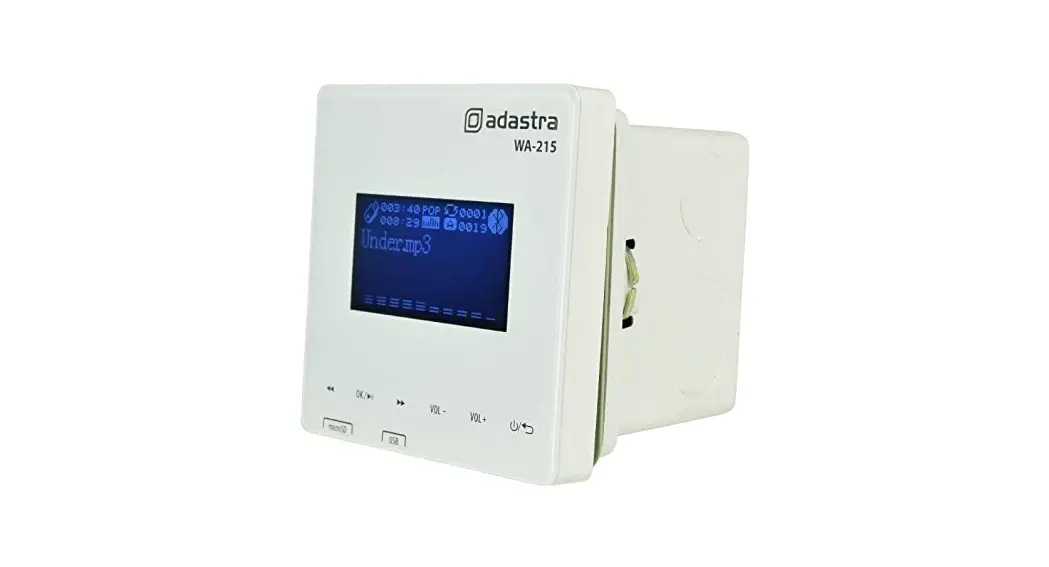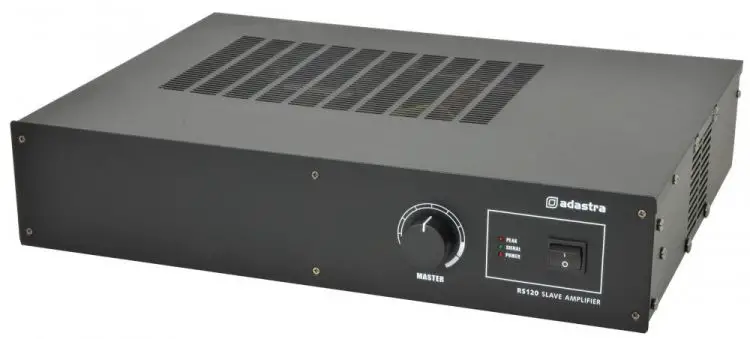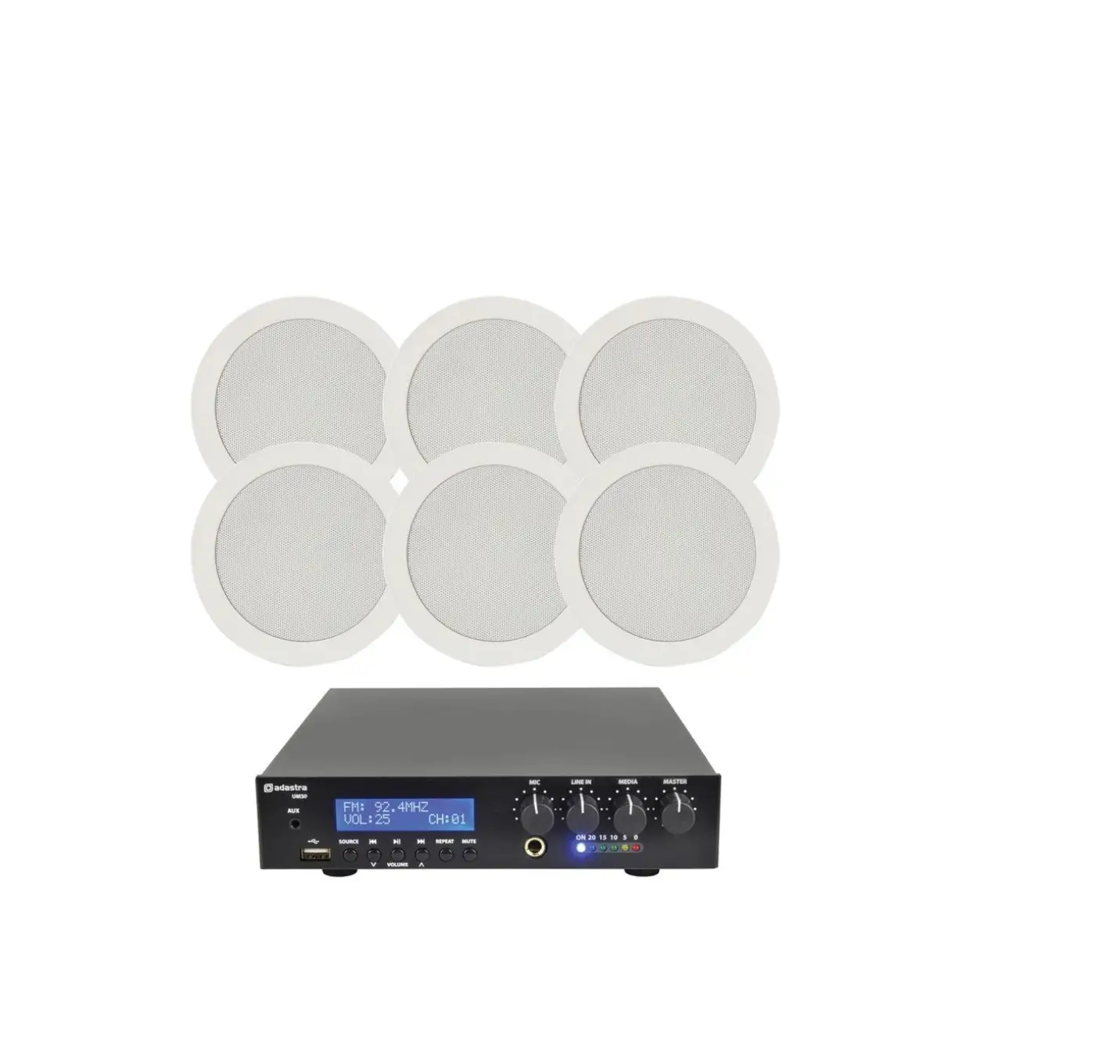
adastra UM-Series Amplifier and 100V Ceiling Speakers
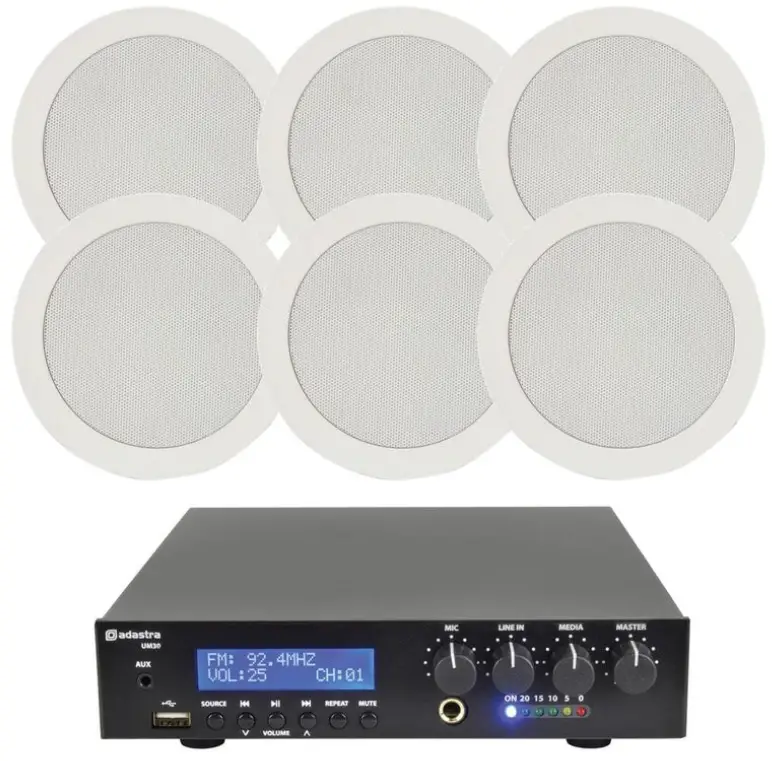
Installation Guide
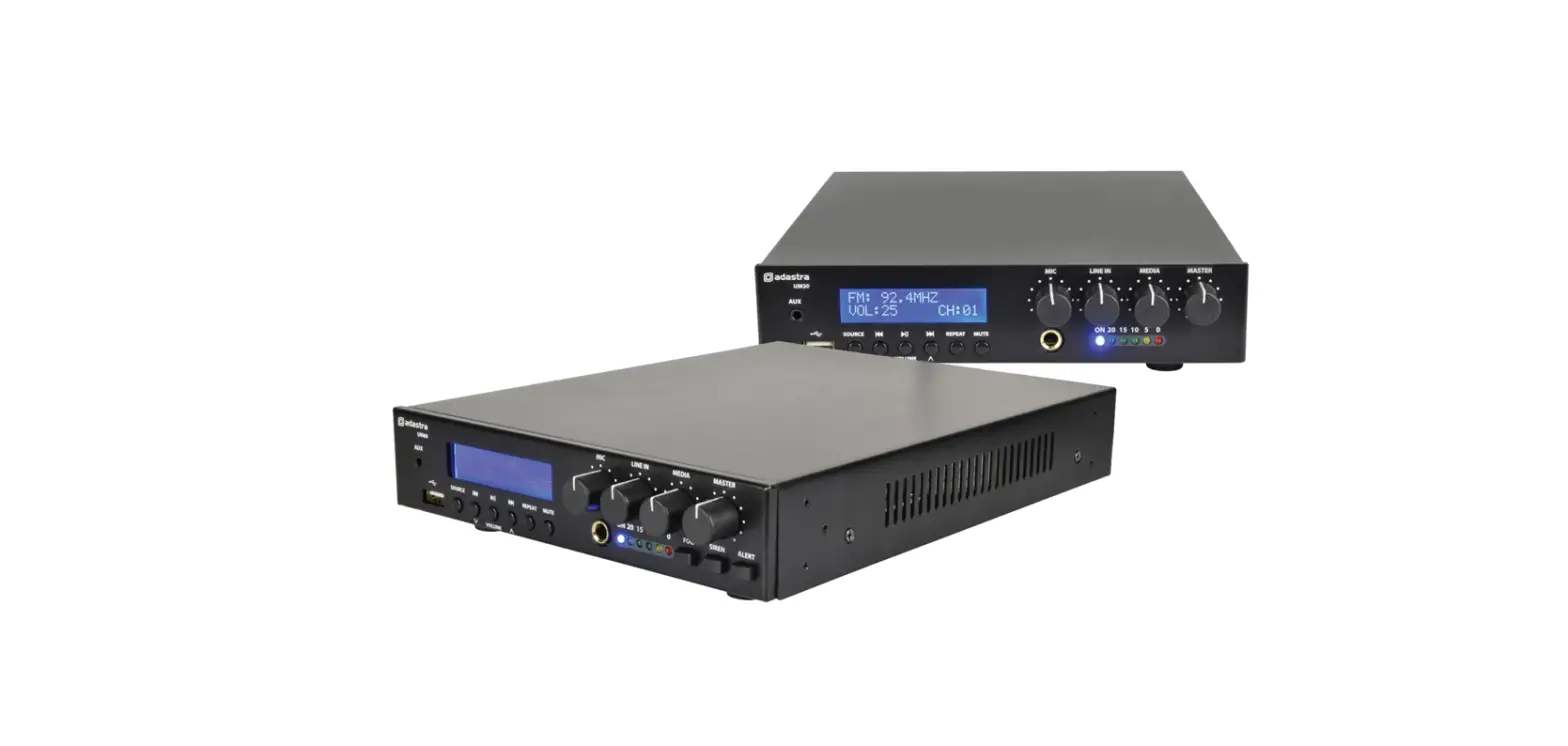
UM-series Amplifier and 100V Ceiling Speakers
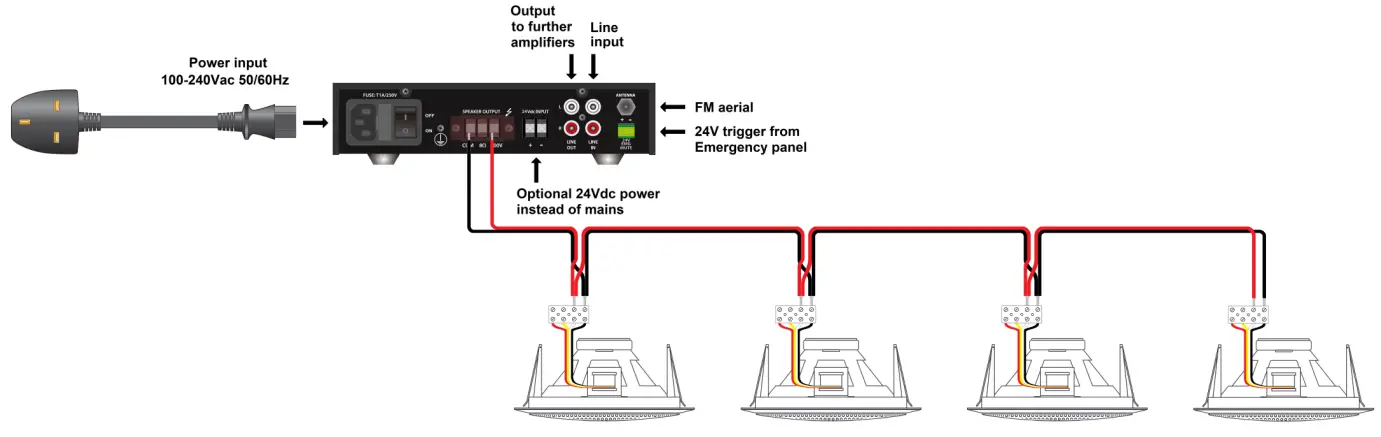
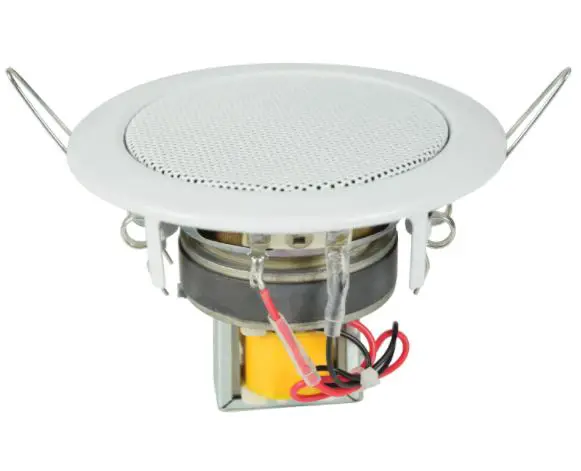
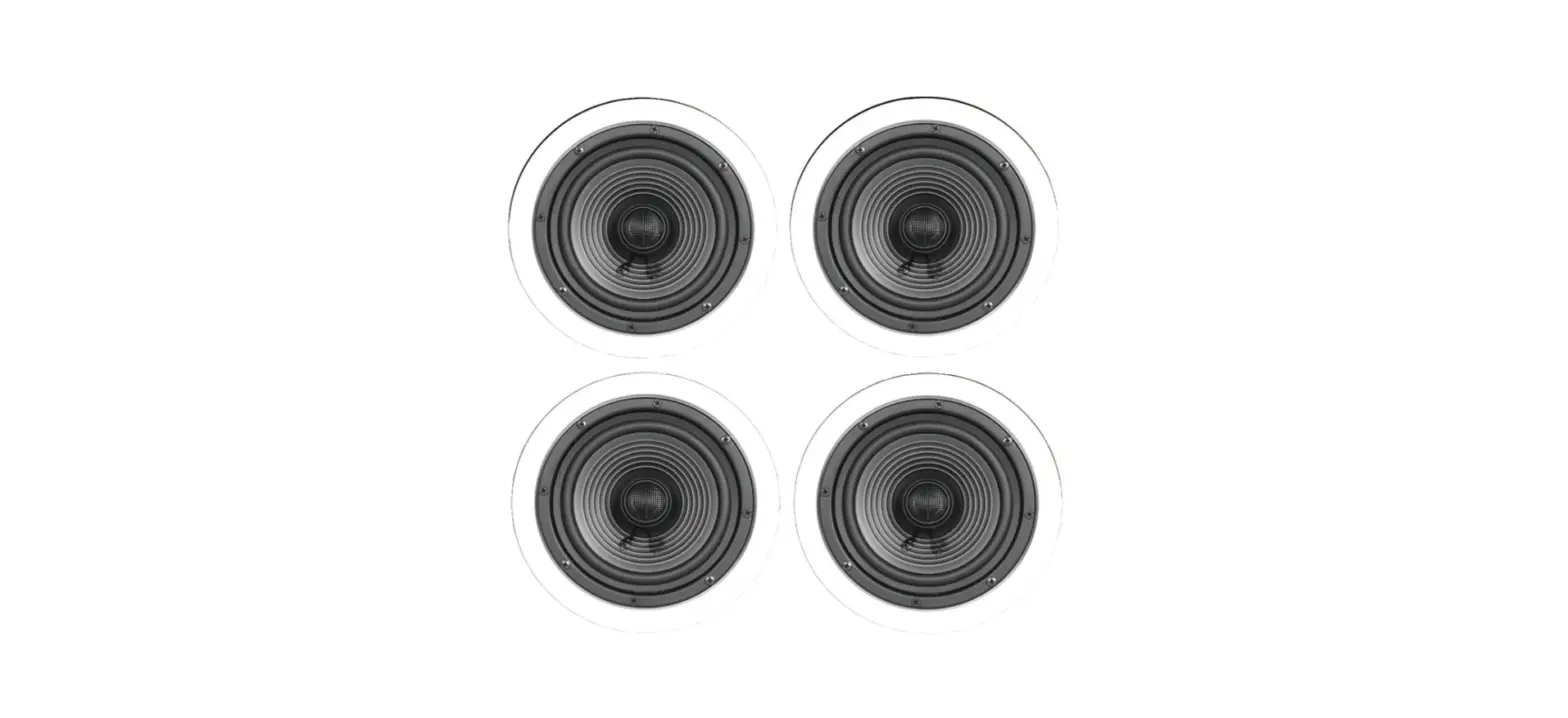
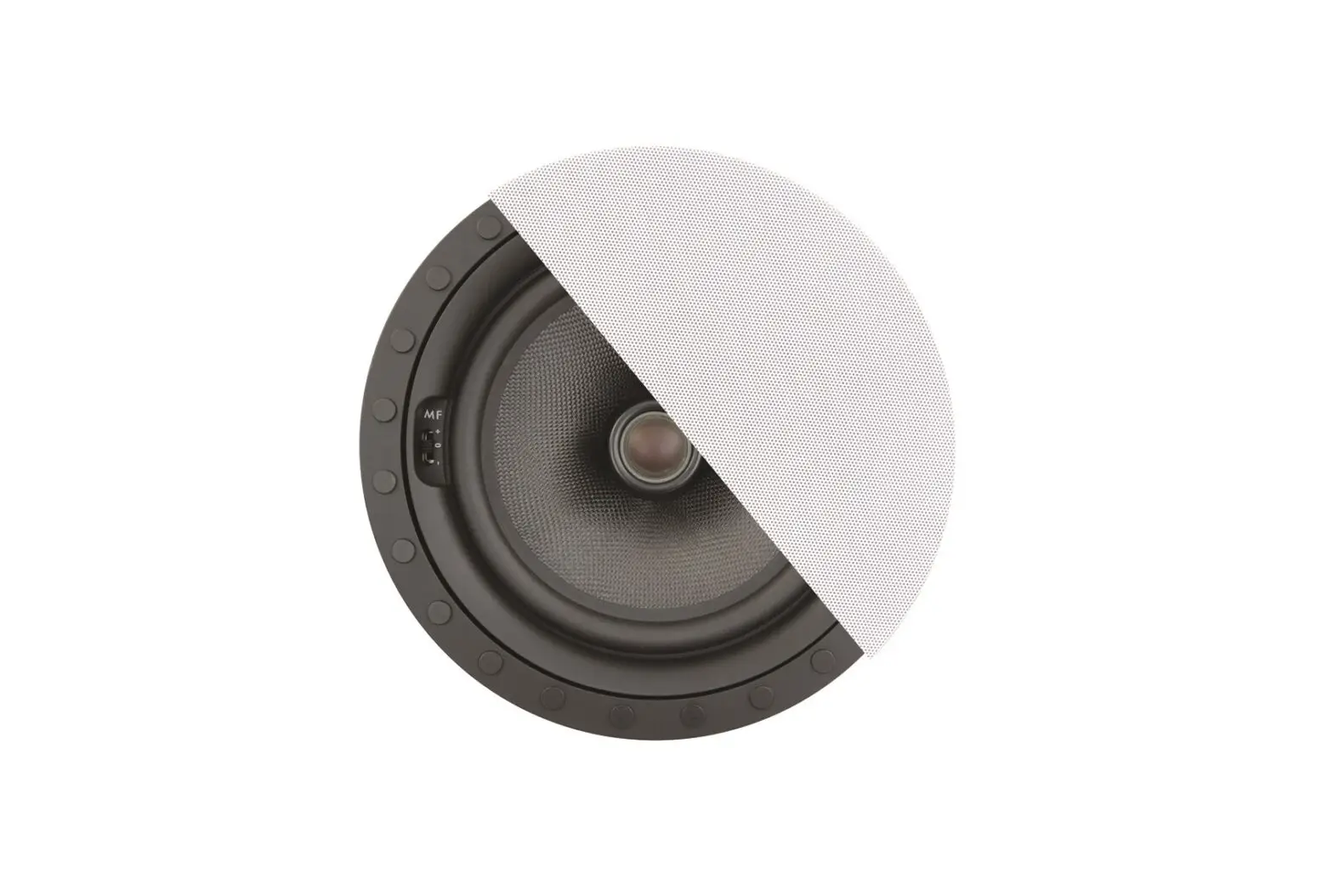
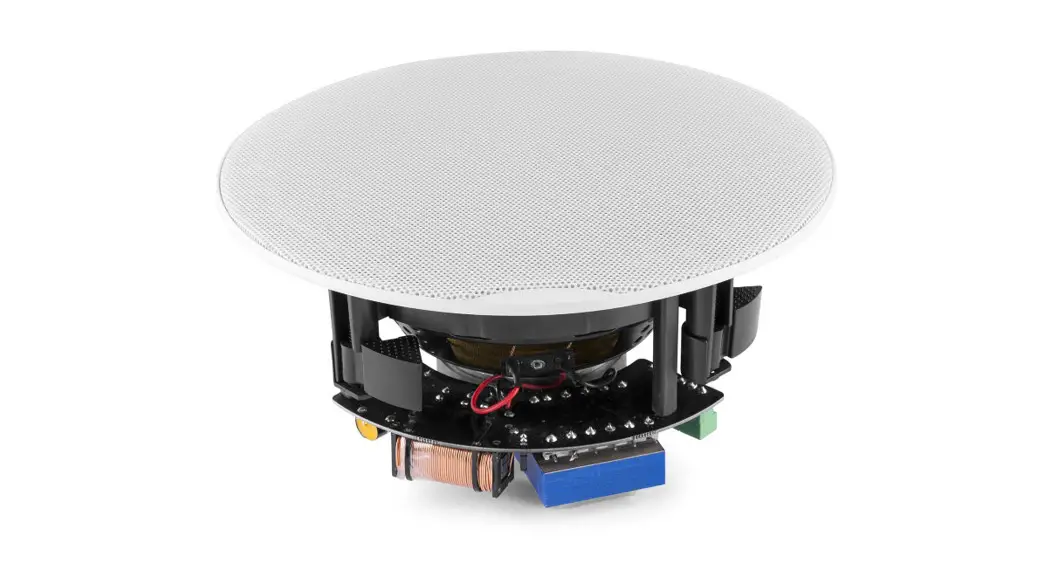
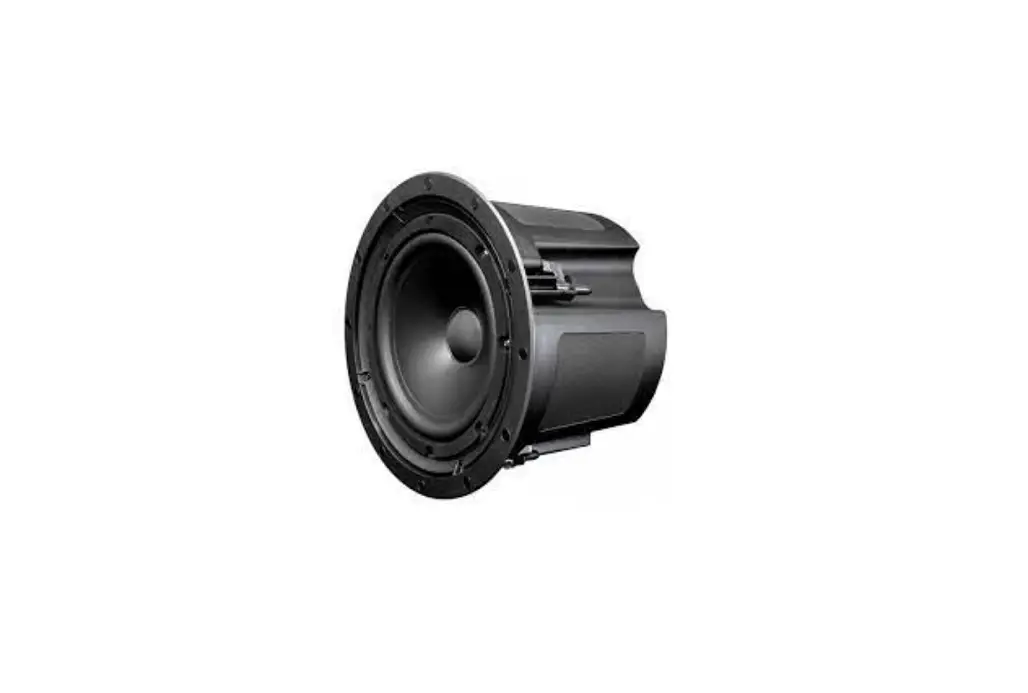
- The EC56V ceiling speakers shown above are all 100V type, connected from the COM and 100V output terminals of the amplifier as shown.
- These 4 ceiling speakers are connected in parallel and the same applies for packages with different numbers of speakers.
- Each speaker is connected to the Black (COM) and White (6V) terminals for full 6W output.
- If the FM tuner is to be used, it is recommended to connect an external FM aerial to the F-connector labelled “ANTENNA”.
- A line inputs (CD player, laptop, mp3 player or TV tuner etc.) can be connected to the RCA sockets labelled “LINE IN”.
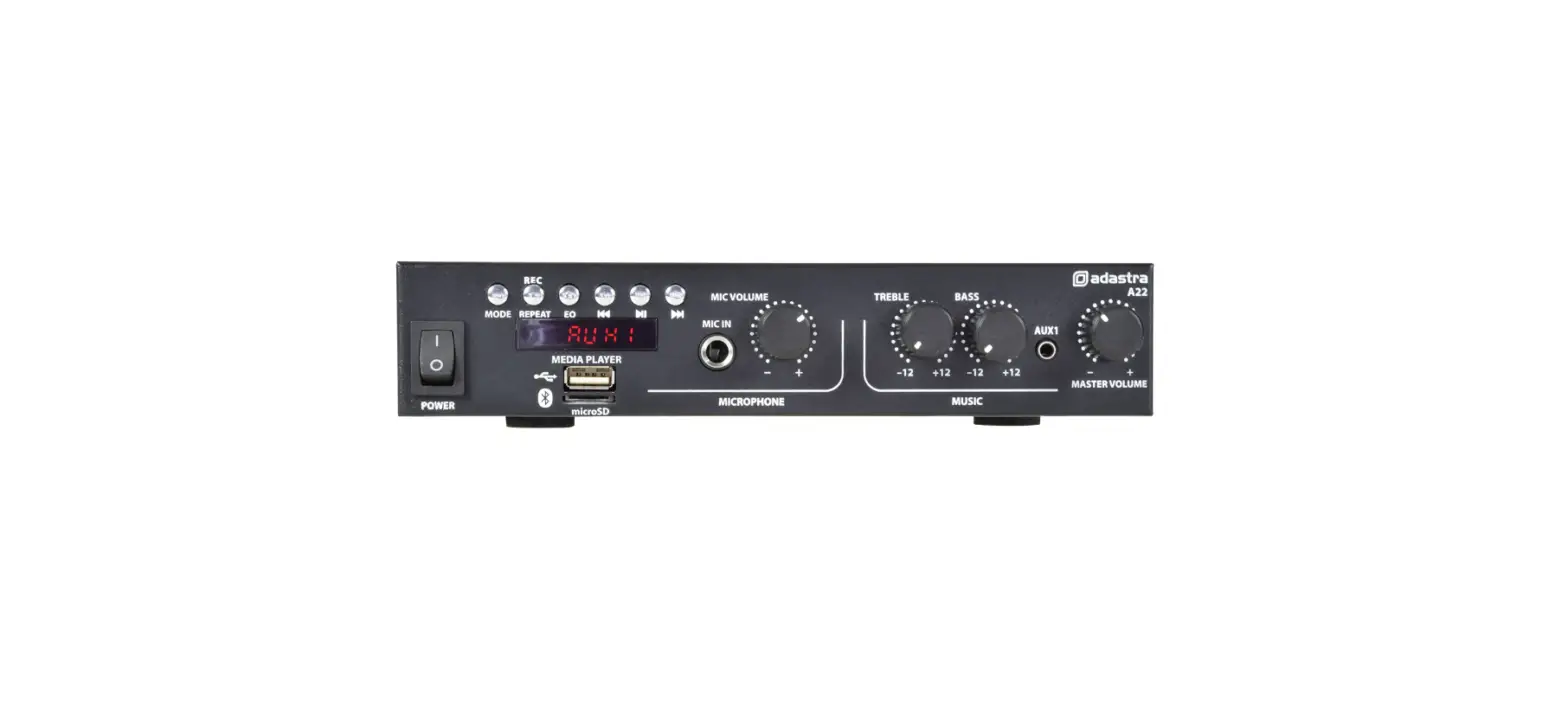
- An additional line input, labelled “AUX”, is on a 3.5mm stereo jack on the front panel.
- A 6.3mm mono jack on the front panel can accept a microphone input for announcements.
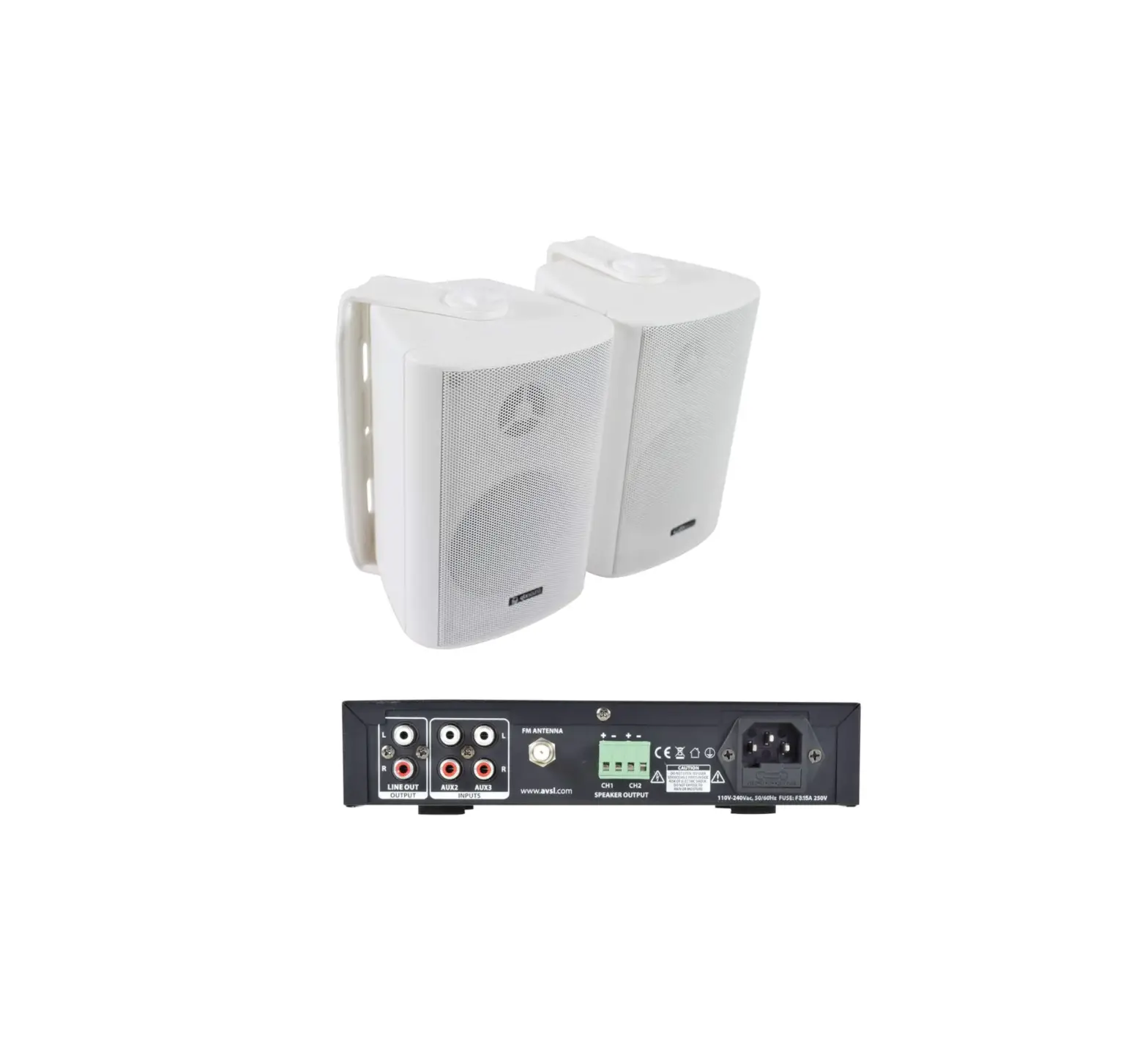
- A pair of RCA connectors on the rear panel labelled “LINE OUT” can be used to link the signal mix onto a further amplifier.
- Where mains power is not available, a 24Vdc supply may be connected to screw terminals at the rear as an alternative power source.