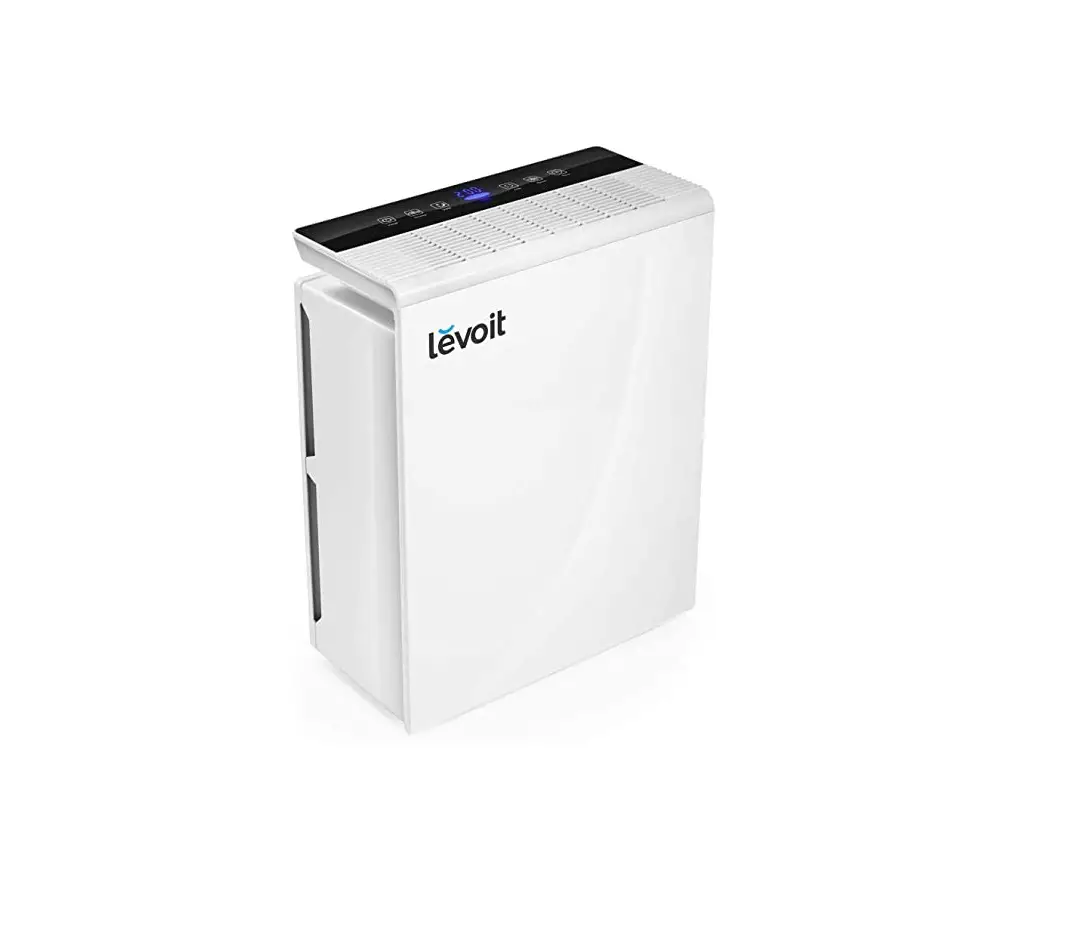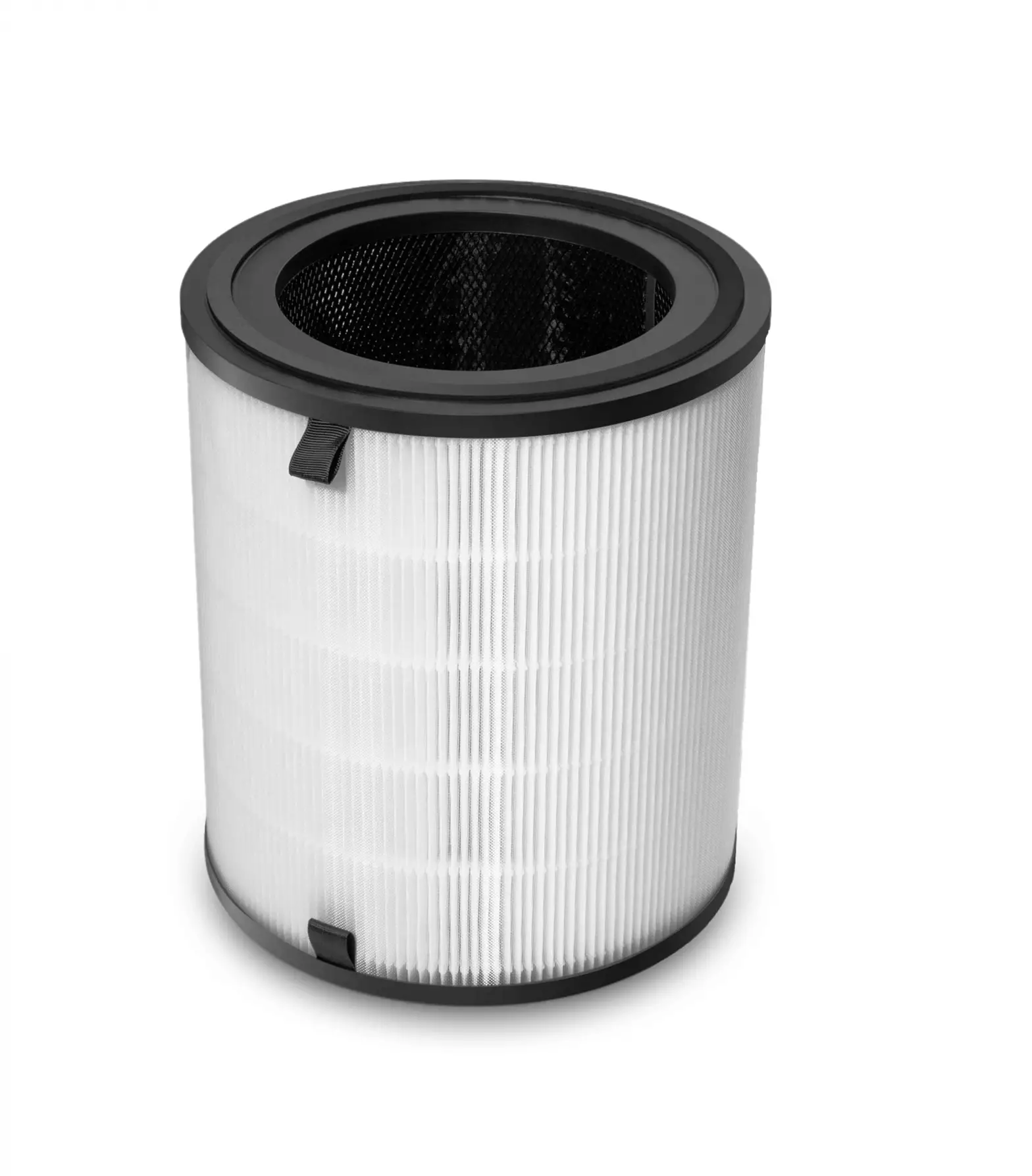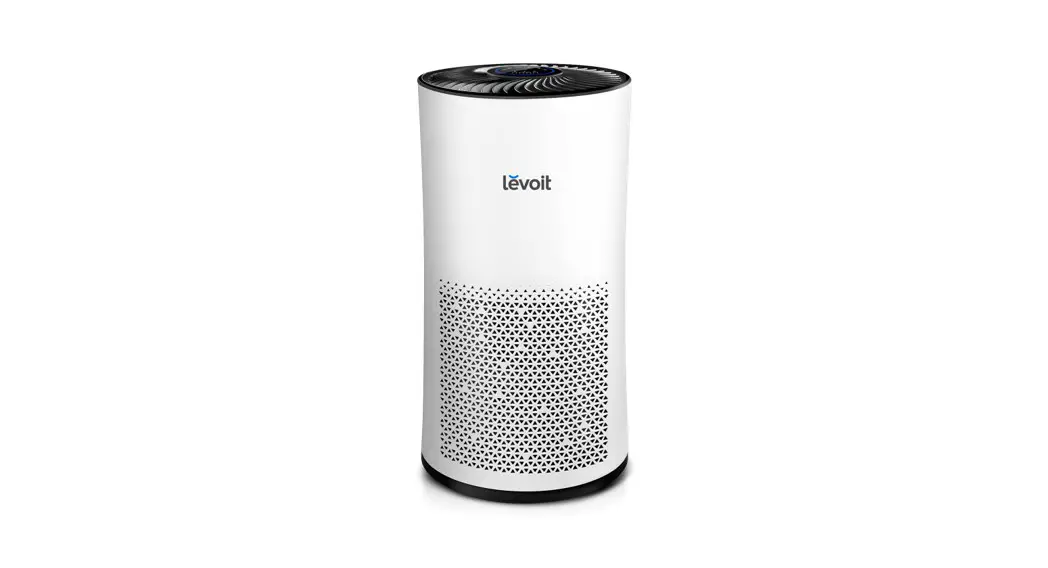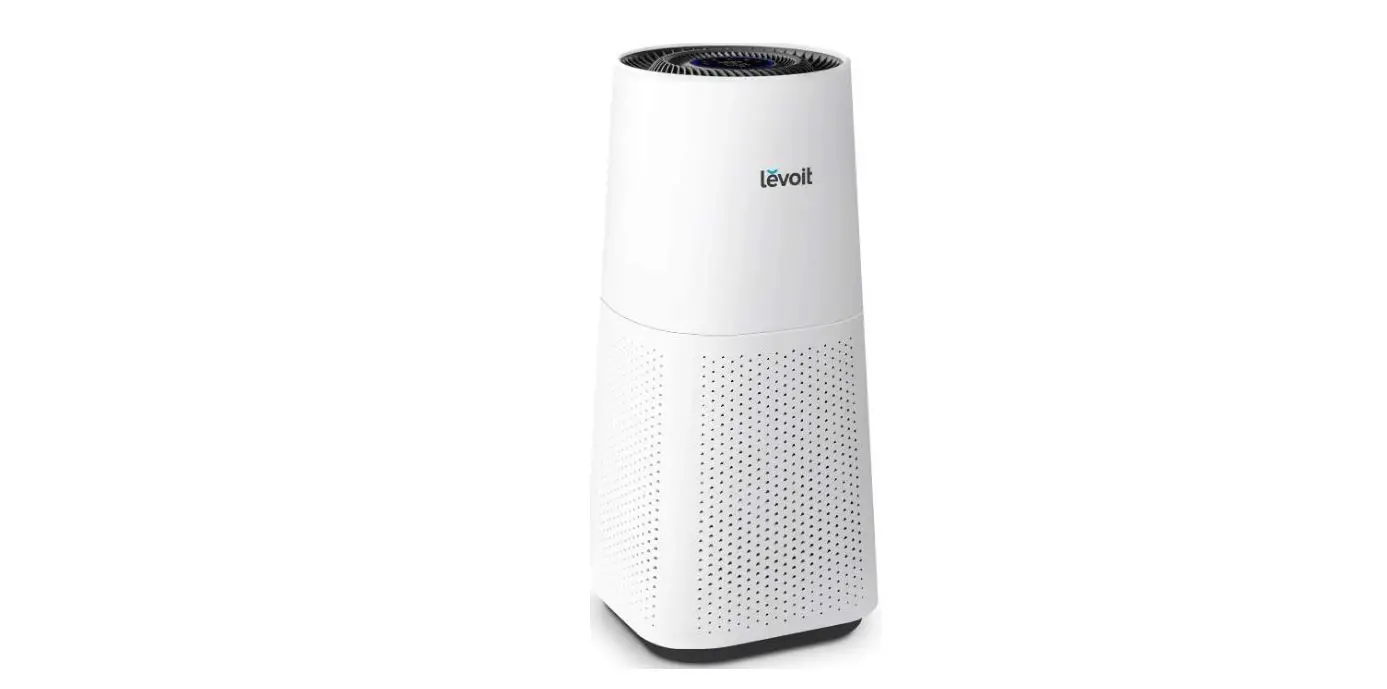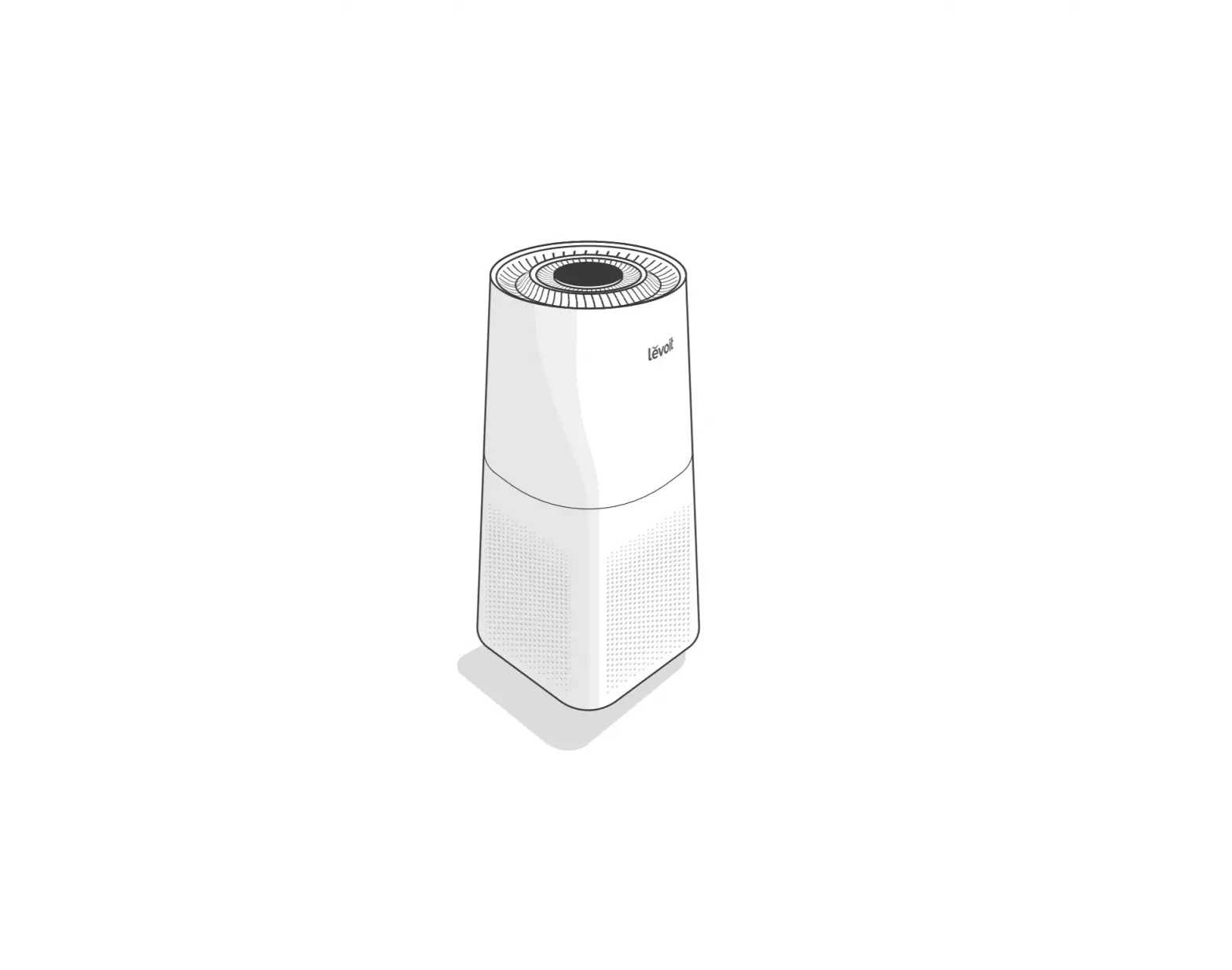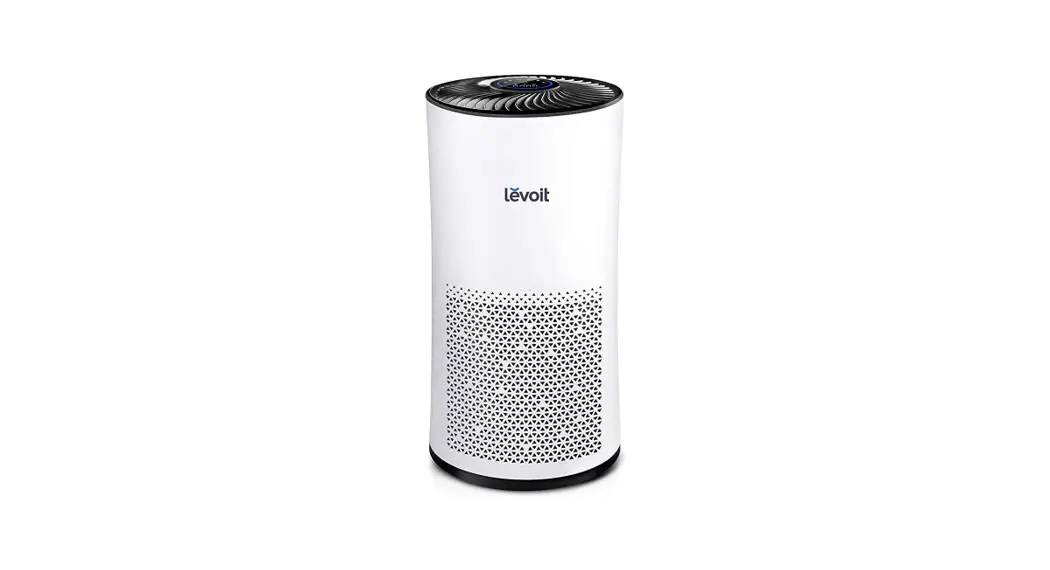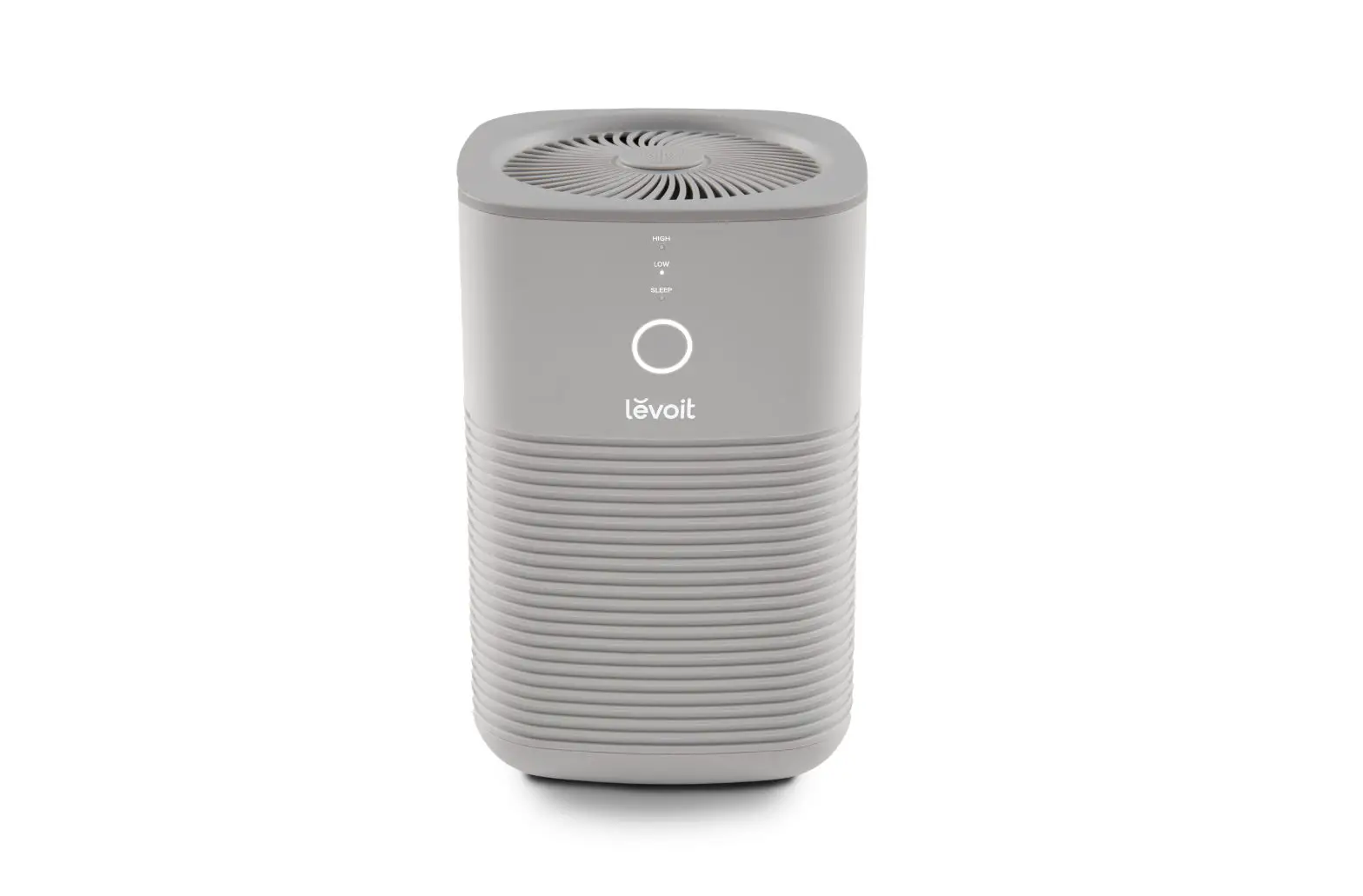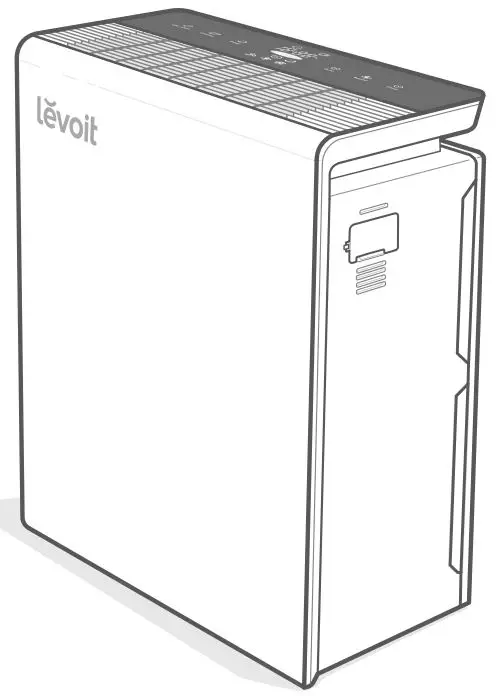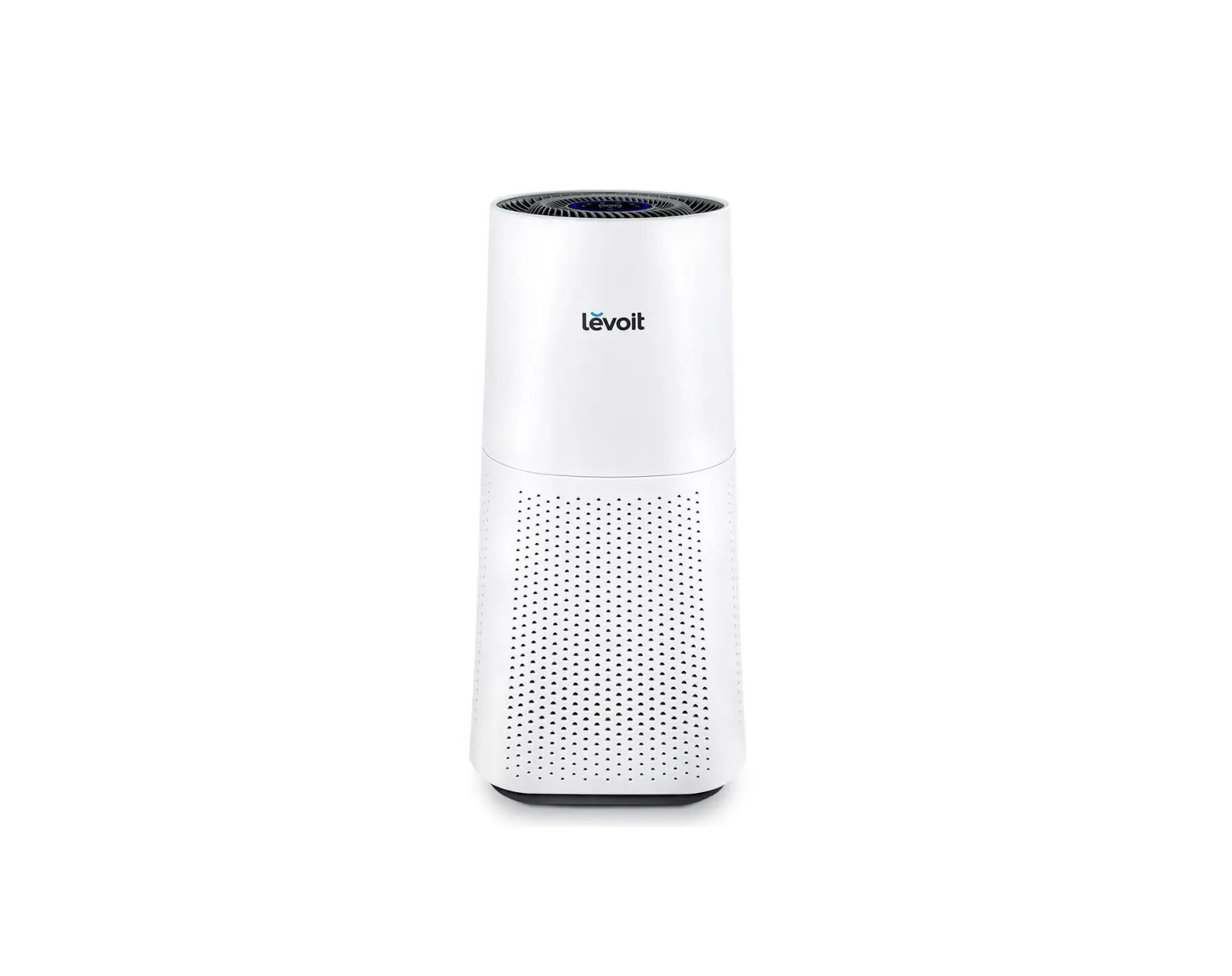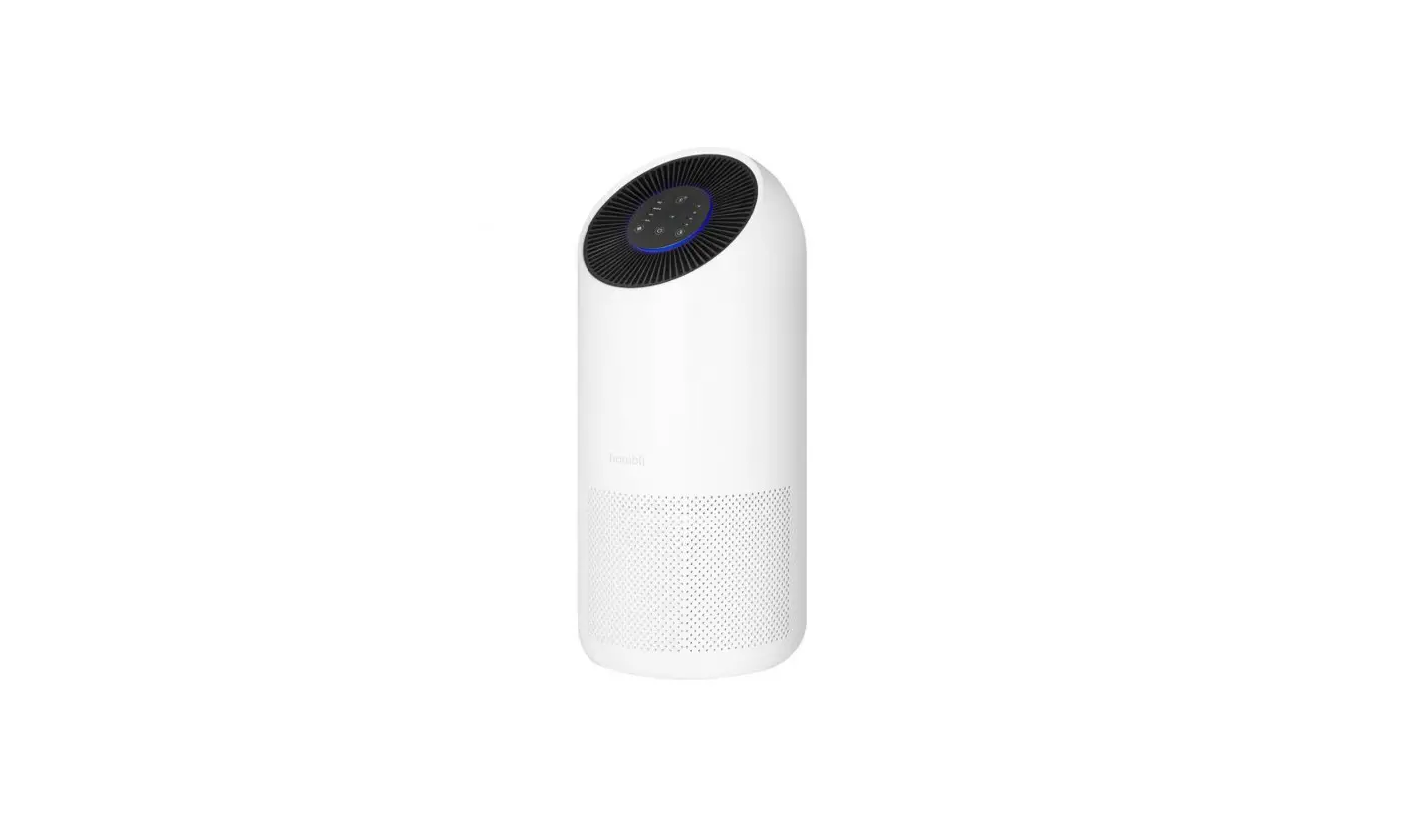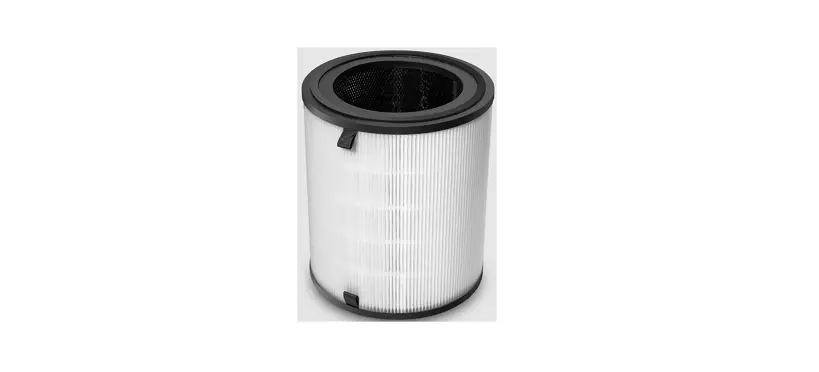

levoit LV-H133 Tower True HEPA Replacement Filter

True HEPA Replacement Filter
Model No.: LV-H133-RF
Thank you for purchasing LV-H133-RF True HEPA Replacement Filter by Levoit. We are dedicated to providing you with quality products. Should you have any questions or concerns about using your new product, feel free to reach out to our helpful Customer Support Team at [email protected].We hope you enjoy your new product!
Safety Information
IMPORTANT: To avoid personal injury or damage to the air purifier or filter, always follow the instructions and safety guidelines listed on this sheet.
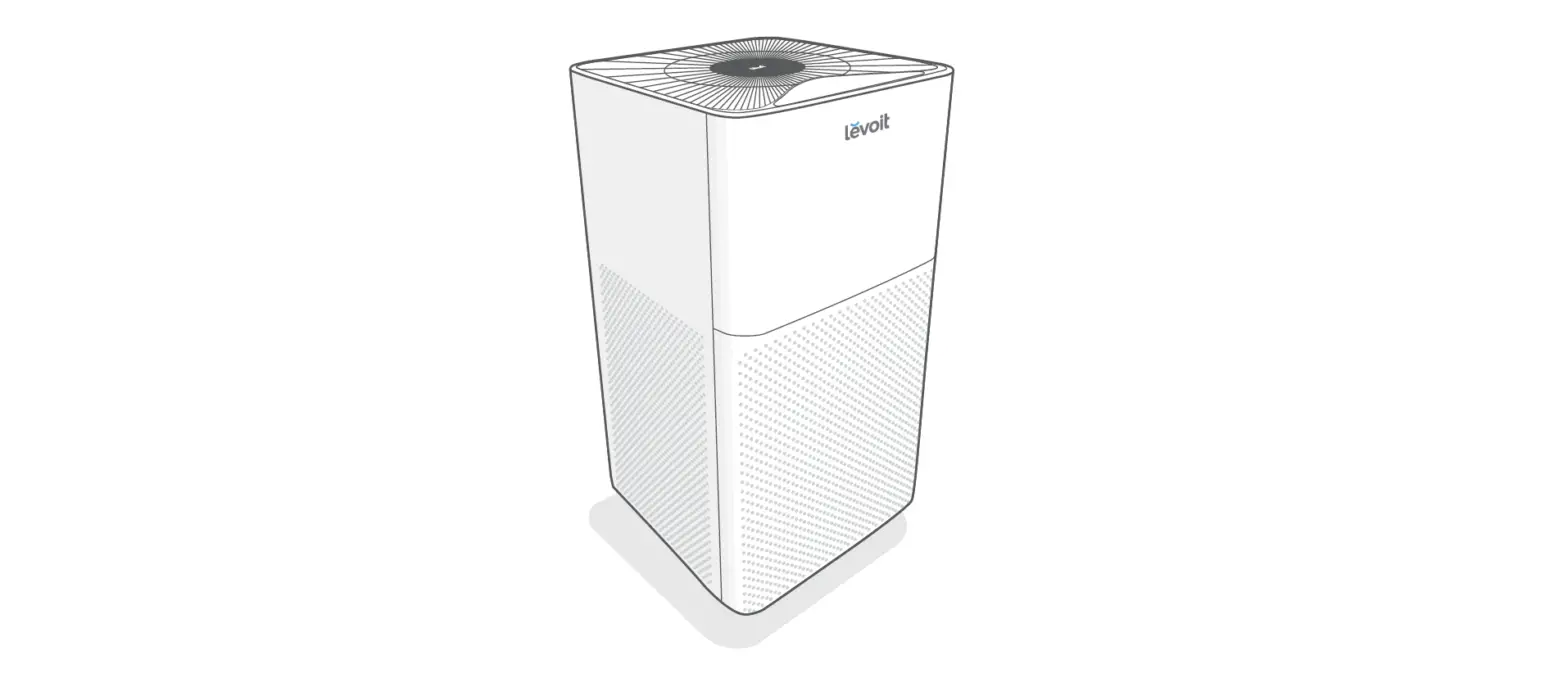
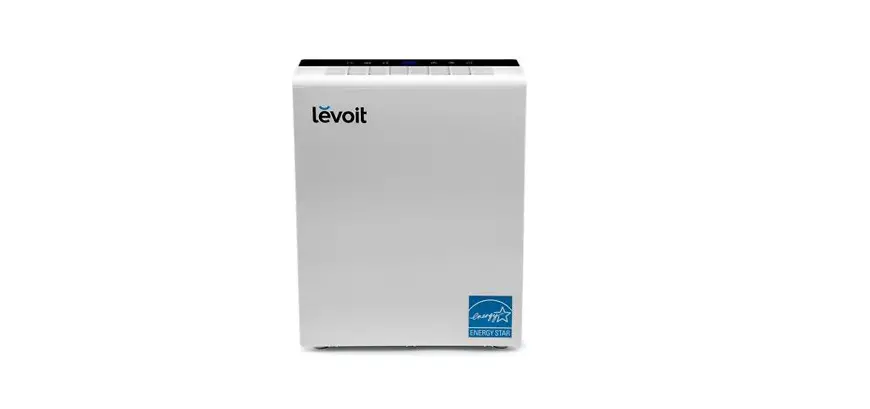
- This air filter is only meant to be used with the Levoit LV-H133 Tower HEPA Air Purifier. Do not attempt to use this filter with a different device.
- Do not allow children to play with the plastic wrapping. Immediately discard the wrapping after opening the filter.
- Do not allow children to play with the air filter. Doing so may damage the filter.
- Do not install a damaged filter into the air purifier. Doing so may result in the air purifier improperly filtering air. Contact Customer Support immediately if you have received a damaged air filter.
NOTE:
- It is recommended to change the air filter every 6- 8 months.
- Do not clean the filter with water or other liquid.
- The back cover must be placed back on the unit in order for it to power on.
Package Contents
- 1 x Filter
Replacing the Air Filter
- Unplug the air purifier and remove the filter cover.
 Remove the old air filter and properly dispose of it.
- Unwrap the new air filter and place it into the housing.

- Properly replace the filter cover onto the housing.

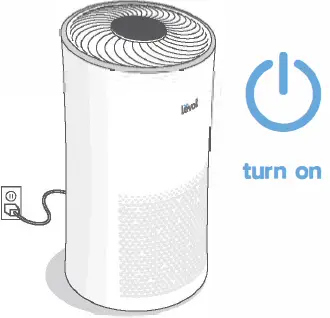
- Plug in the air purifier and turn it on.

- Reset the air purifier by pressing and holding
 for 3 seconds.
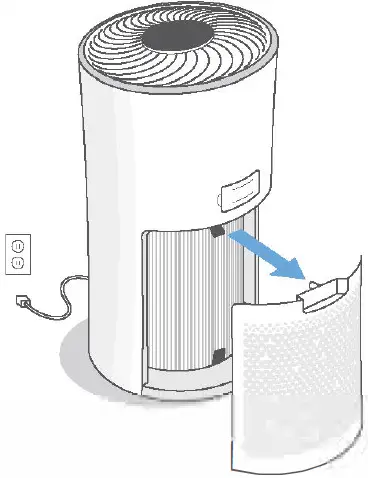 Remove the old air filter and properly dispose of it.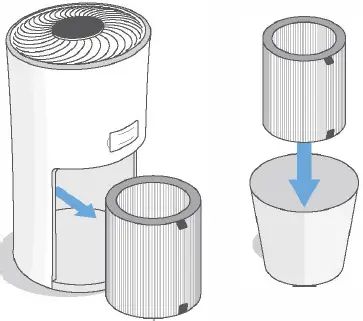
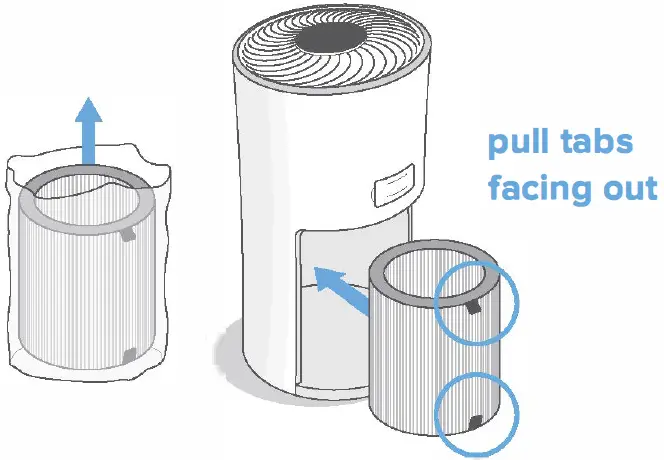
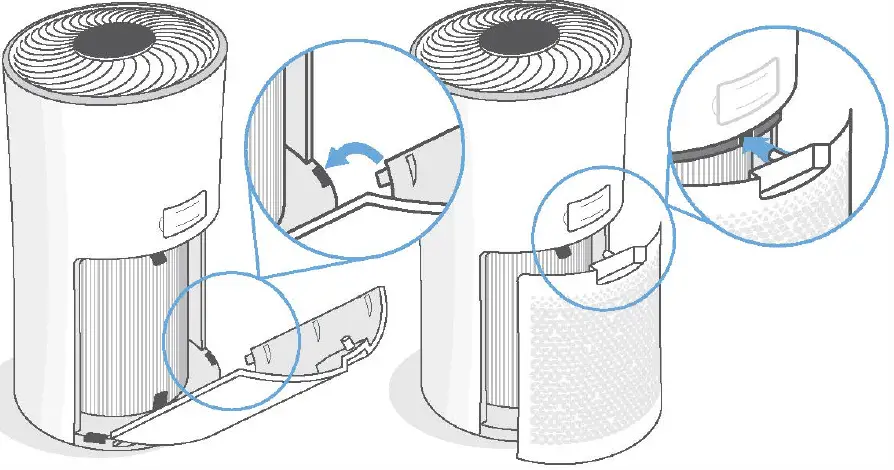
 for 3 seconds.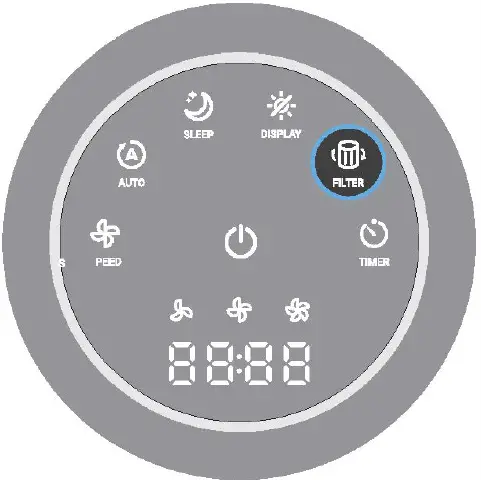
Purchasing Additional Air Filters
If you need to purchase additional air filters for your air purifier, scan the QR Code to the right or go to Amazon.co.uk and search B07FXB5P8R.
 Scan here
Customer Support
Email: [email protected]
- Please have your order confirmation number ready before contacting customer support.