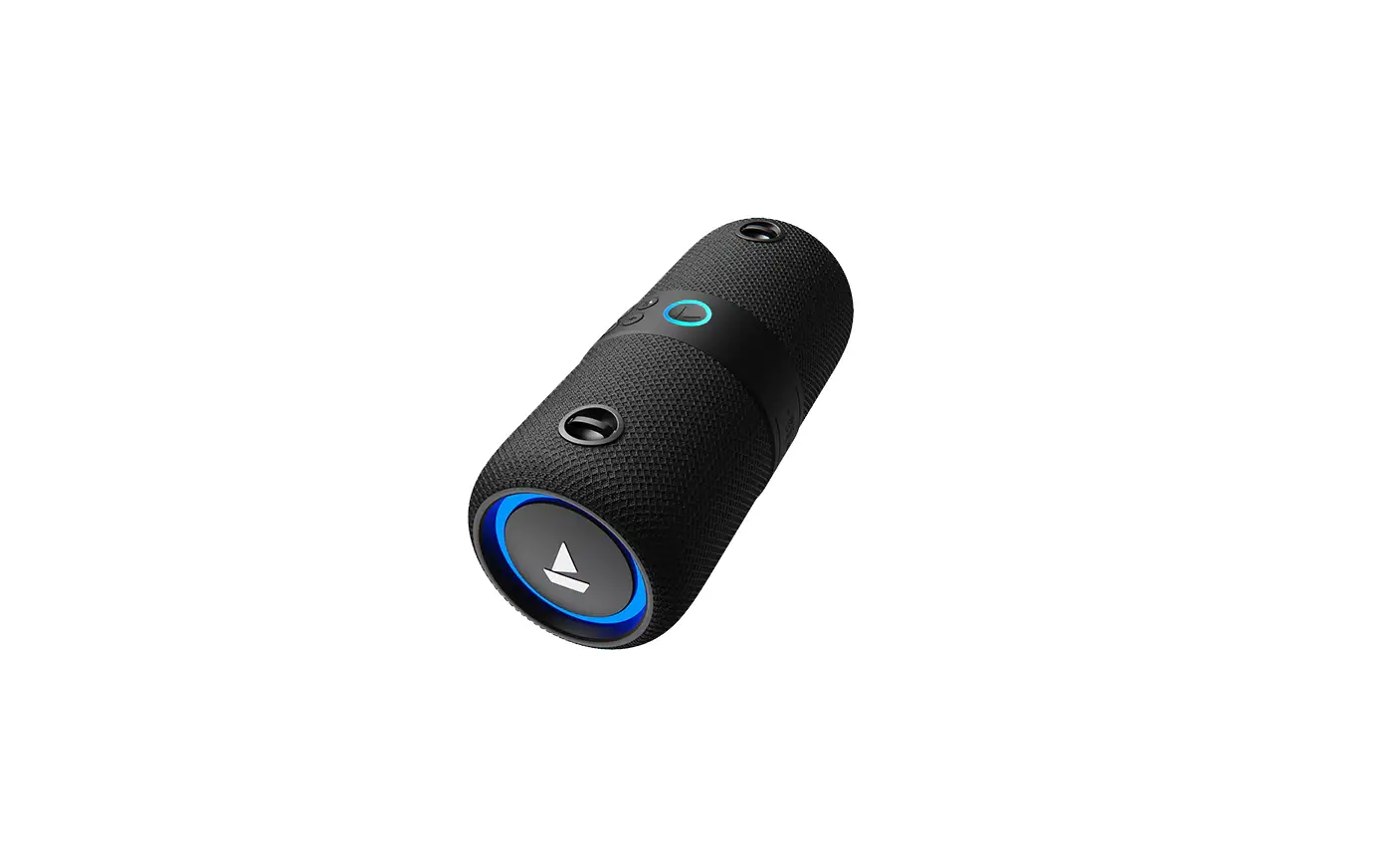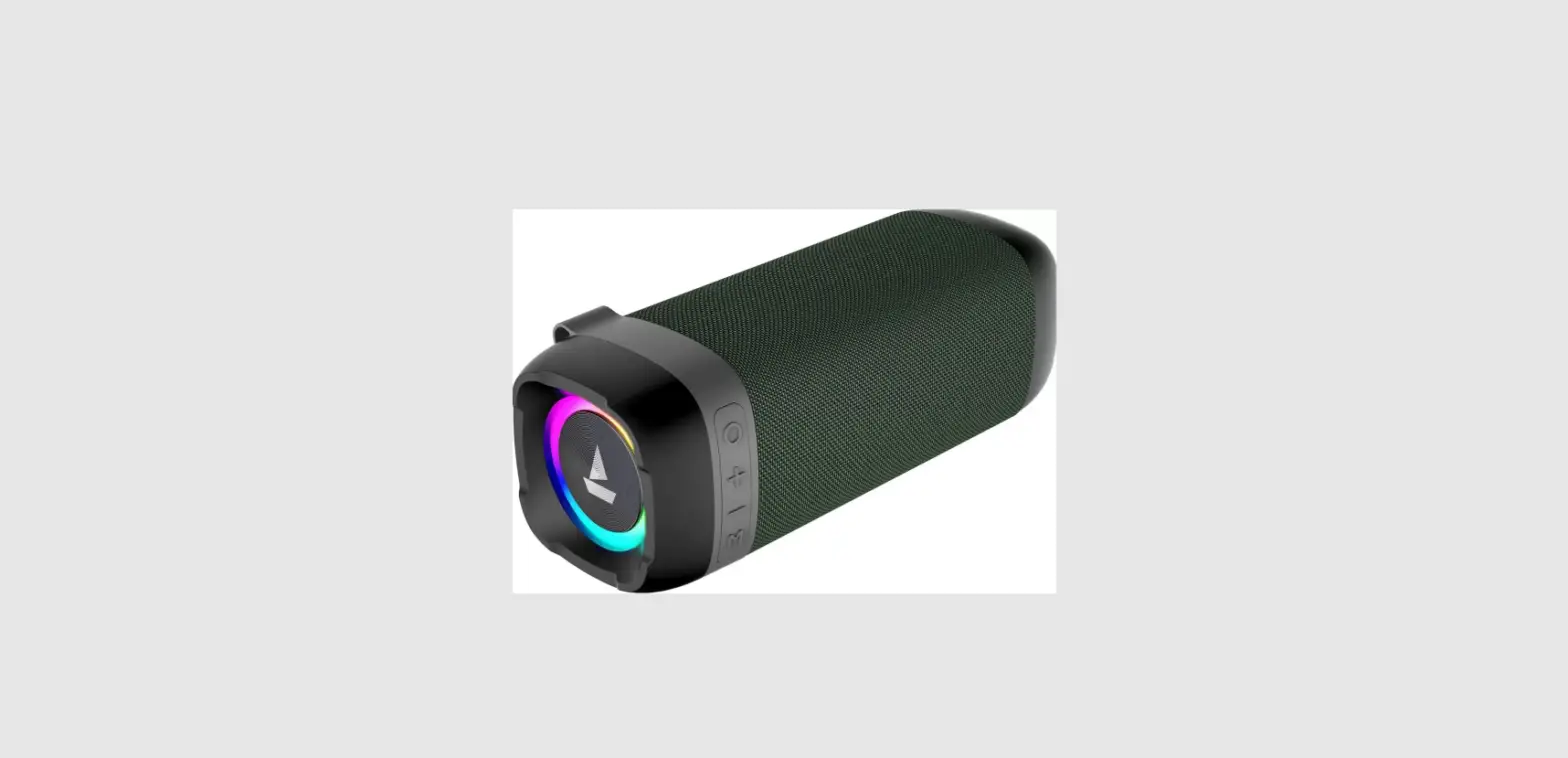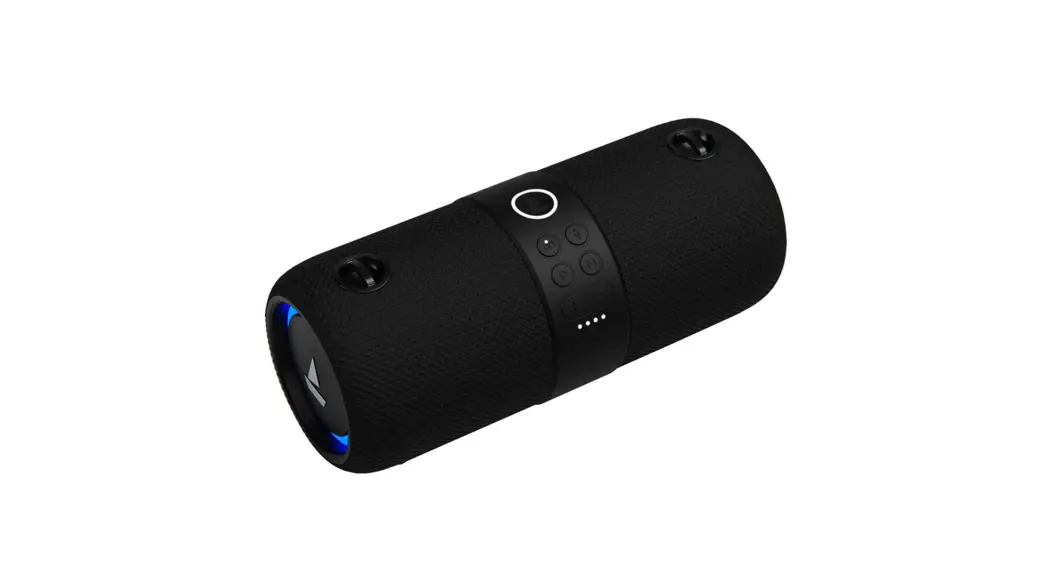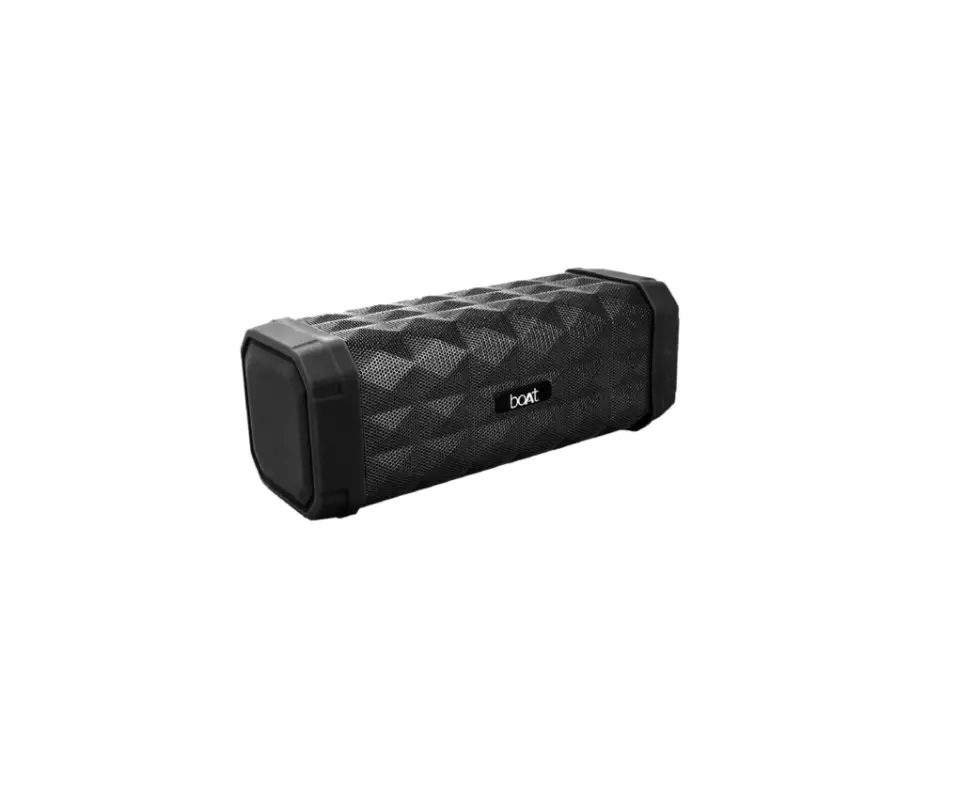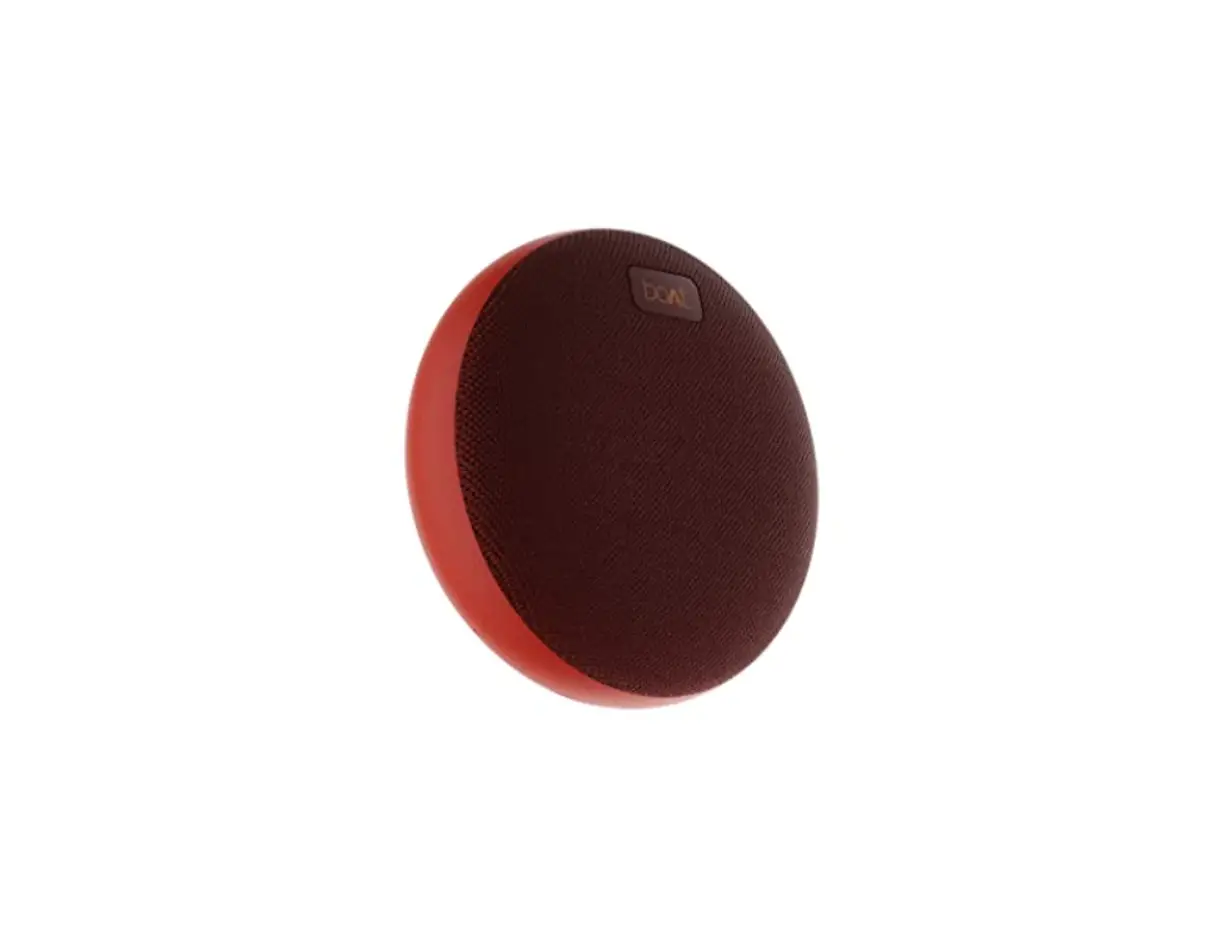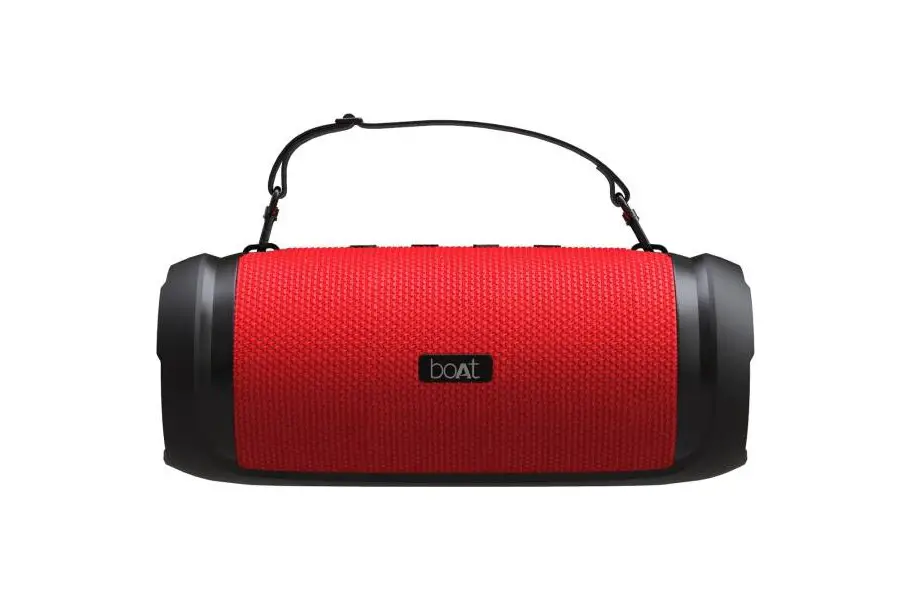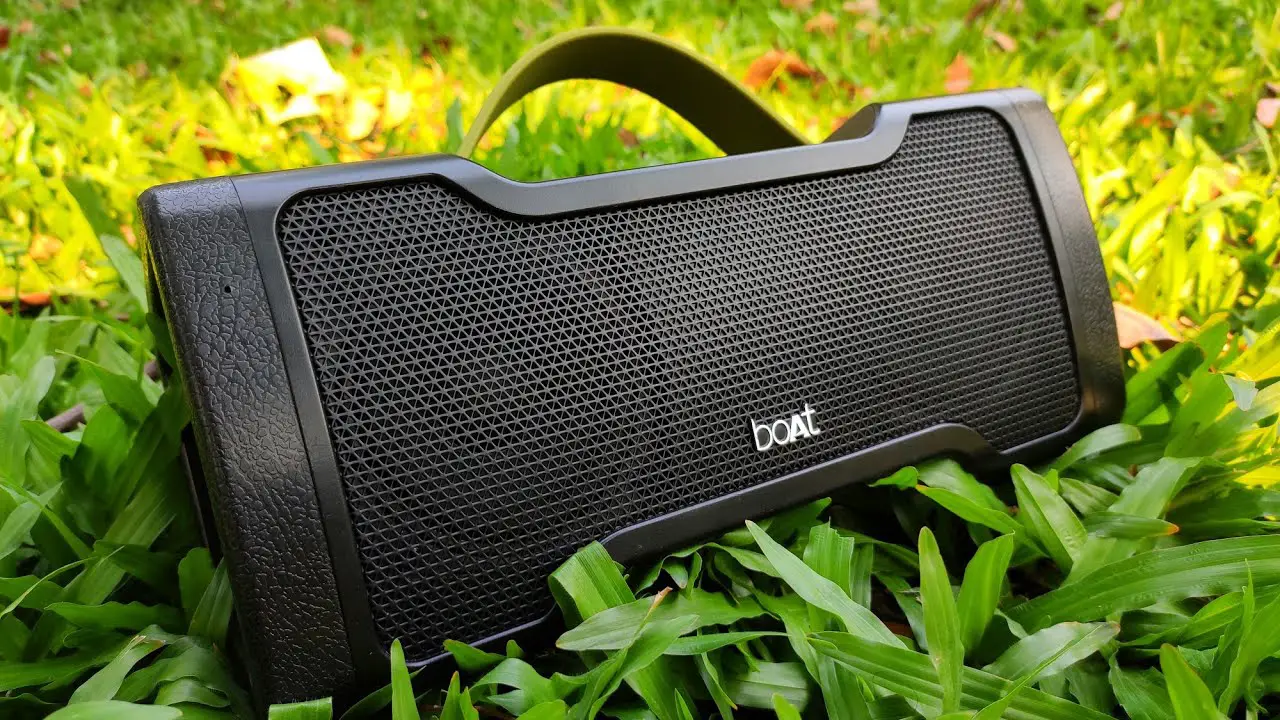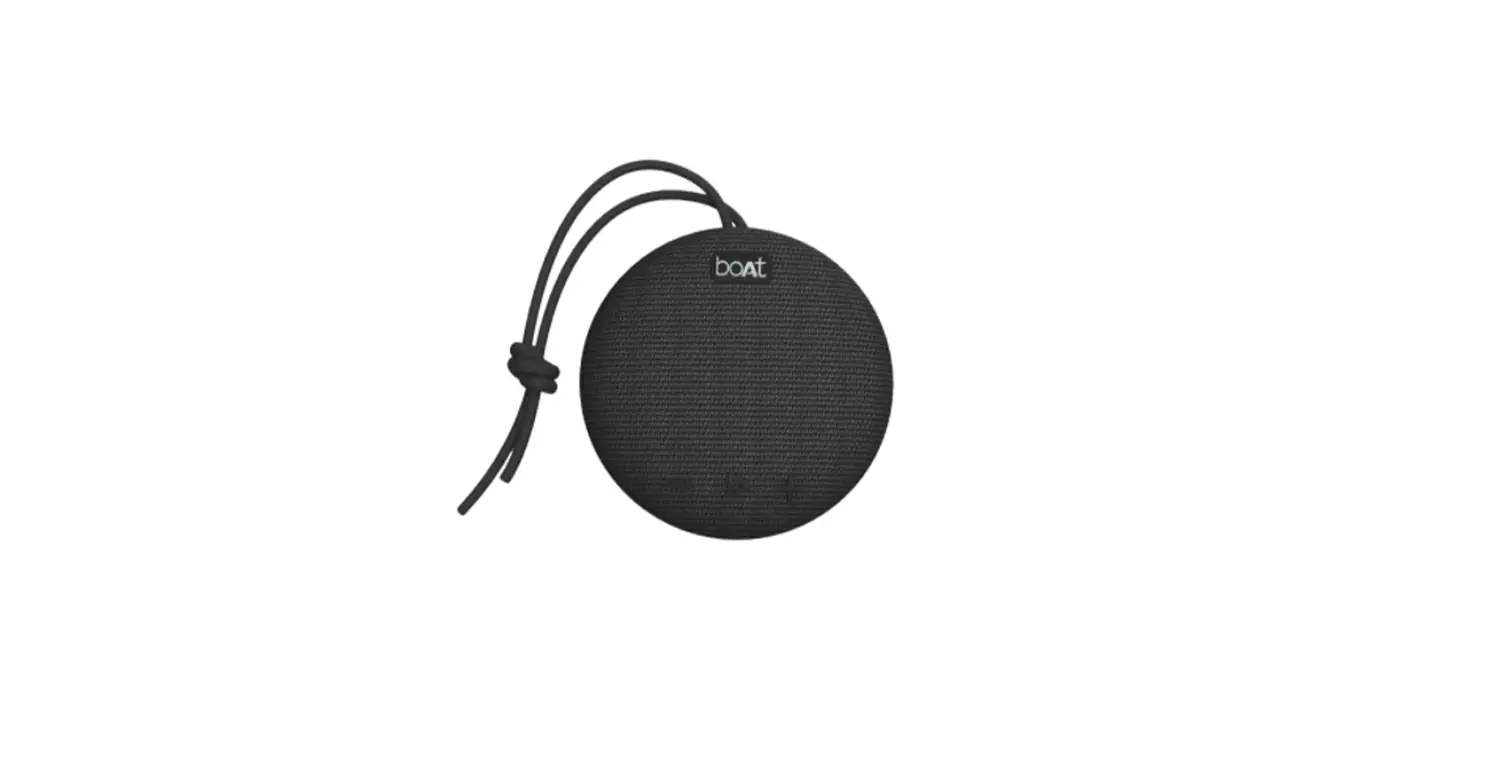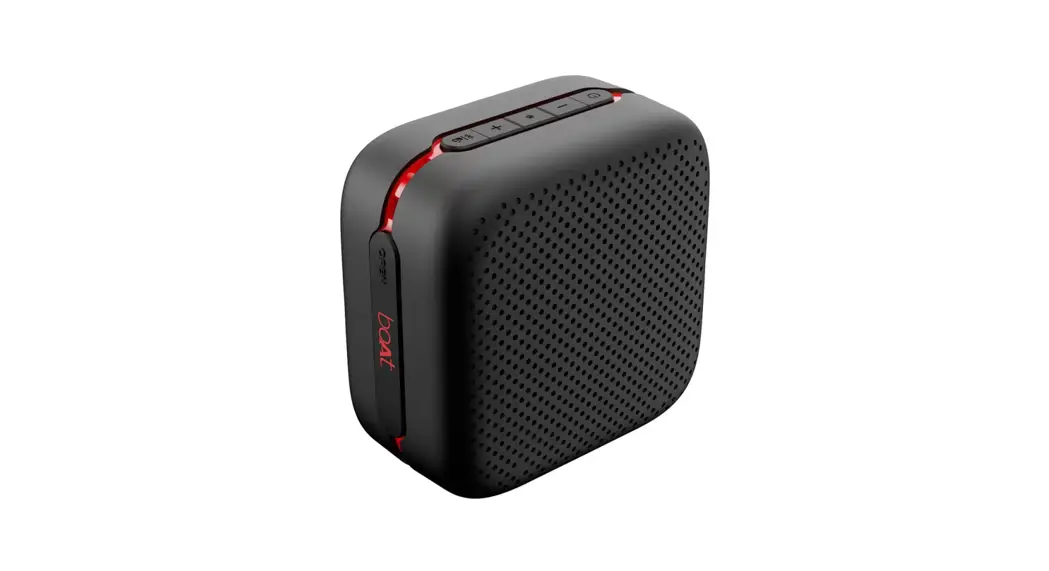


Cuboid Wireless Bluetooth Speakers
Let’s get
STONED again
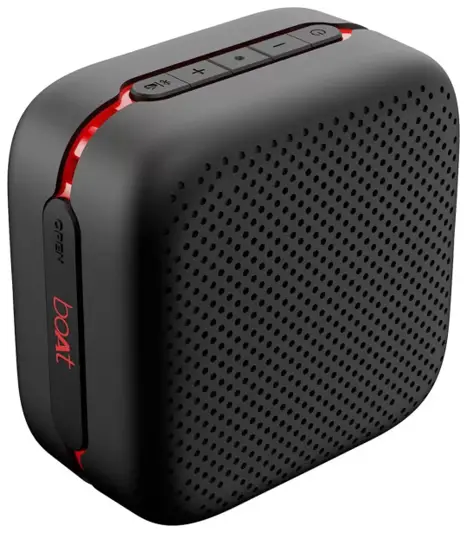
User Manual
SETUP GUIDE
Stone Cuboid Wireless Bluetooth Speakers
Thank you for purchasing Stone Cuboid. You are now just a step away from the realm of Nirvana. Please follow this user manual carefully in case of any doubts and difficulties that arise. Please note that playtime varies depending on the selected volume level. You can stay plugged into the sound with Bluetooth wireless technology, TF Card, FM & aux wire compatibility. This portable speaker has been designed for a smooth interface that requires minimal effort.
Package Contents
- 1N Bluetooth Speaker
- 1N Micro USB Charging Cable
- 1N Audio Cable
- 1N User Manual
- 1N Warranty Card
- 1N Catalogue
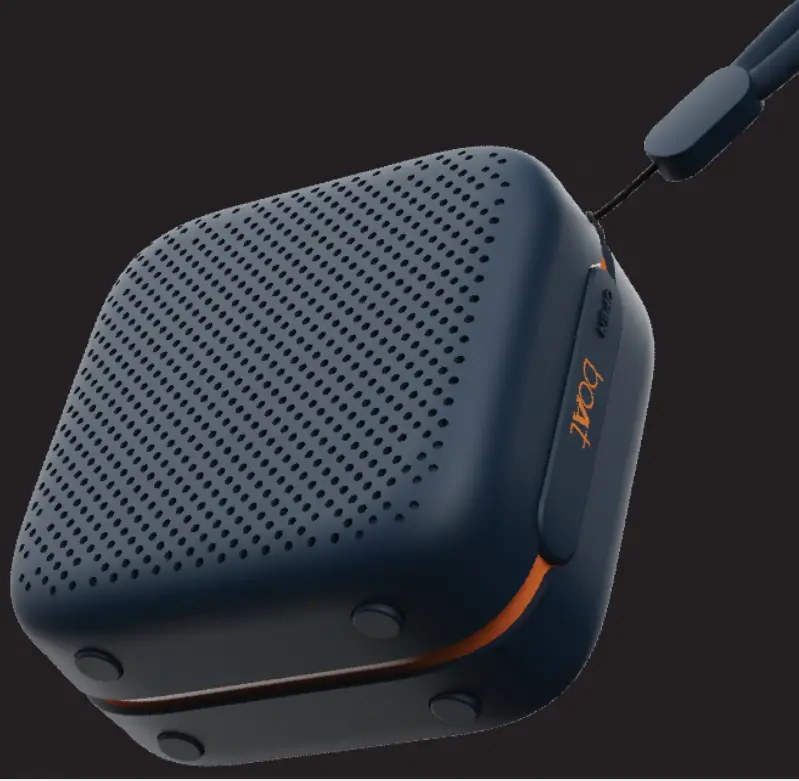
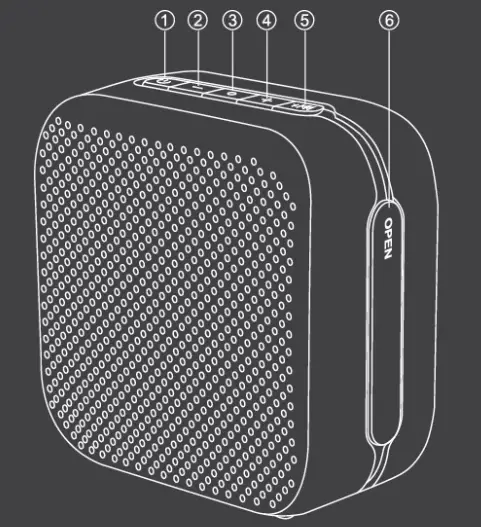
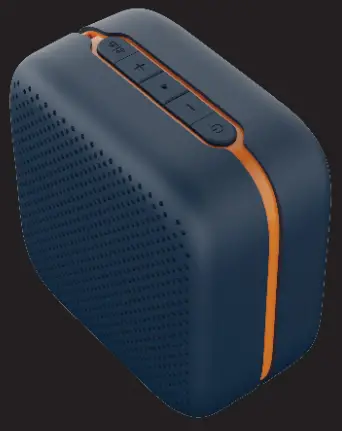
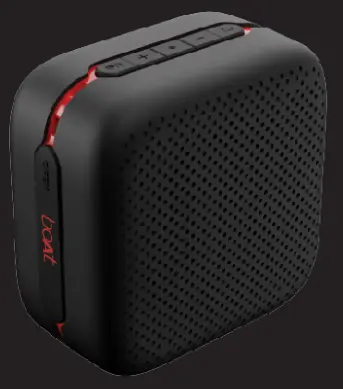
Product Overview
- MFB (Multifunction Button)
- Volume – Button
- LED Indicator
- Volume + Button
- Mode Button
- Silicone Opening
Power ON/OFF
You may long press the MFB to switch the speaker ON/OFF.
Functions:
- Answer Incoming Calls: Short press the MFB once
- End Calls: Short press the MFB once to end calls
- Reject Incoming Calls: Double tap the MFB
- Switch Modes (Bluetooth / FM): Single tap the Mode button to select modes: Bluetooth or FM
- Volume Increase: Short press the “+” button in steps for increasing the volume
- Volume Decrease: Short press the “-” button in steps for decreasing the volume
- Play/Pause: Short press the MFB to play or pause the tracks
- Previous Track: Long press the “-” button for returning to the previous track
- Next Track: Long press the “+” button for skipping to the next track
- Next Station (FM): Long press the “-” button for switching to the next station
- Previous Station (FM): Long press the “+” button for switching to the previous station
- Voice Assistant: Double press the mode button to wake up your smart voice assistant (in Bluetooth Mode)
- Disconnect Bluetooth: Single press the ‘-‘ and ‘+’ buttons together to disconnect the Bluetooth device
Bluetooth Connectivity
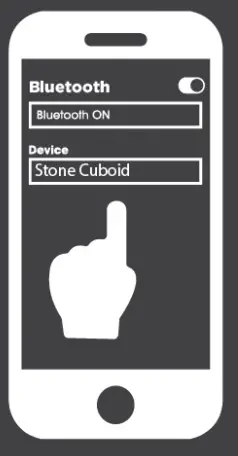
- Turn the speaker on. Its LED indicator flashes rapidly in white until the pairing is done
- Activate the phone’s Bluetooth function and search for “Stone Cuboid”. As soon as the speaker gets selected and paired by you, the connection gets indicated by a sound prompt
Note:
- The speaker can automatically reconnect to the last paired device
- If you are having connection troubles, then remove Stone Cuboid from the list of paired devices on your phone, keep the phone closer to the speaker and try pairing again
AUX Mode
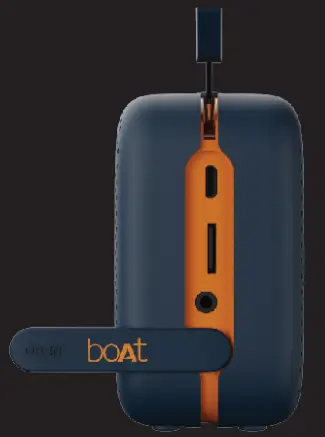
- You can switch to AUX mode by using the AUX cable to connect the phone and the speaker
- In the AUX mode, you can control the audio playback via the media device/ phone
TF Card Mode
- You can switch to TF Card mode by inserting the TF card into the provided slot
FM Mode
- Please insert the micro USB cable into the speaker to utilize it as an antenna, turn on the speaker, and by tapping the Mode button you enter into FM mode
- Single tap the MFB to activate/stop auto search for channels
- Long press the “+”/”-” to select the channel
Charging
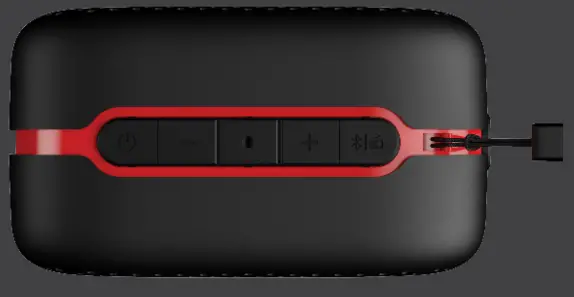
- Stone Cuboid beeps once every 5 minutes when the battery is low. After three such indications, the speaker automatically turns off
- Utilize the provided charging cable to charge the speaker
- The LED indicator turns into steady red while charging; the same goes off as soon as the speaker gets fully charged
 Note: Please avoid using the speaker while it is in charge as it may decrease the battery’s performance
Specifications
| Speaker Type | Portable Wireless Mono Speaker |
| Bluetooth Version | V5.0 |
| Working Range | 10m |
| Speaker Size | 1.75″ |
| Water Resistance | IPXS |
| Compatibility | Bluetooth V5.0 / AUX / TF Card / FM |
| SNR | 80dB |
| Frequency | 70Hz-20kHz |
| Input Voltage | 5V/2A |
| Output Power | SW |
| Play Time | Up to 5.5H |
| Talk Time | Up to 4H |
| Charging Time | 1-1.5 hours |
| Battery | 1200mAh |
| TF Compatibility | Yes |
| AUX Compatibility | Yes |
| FM | Yes |
| Weight | 240g |
Warning
- Please charge the speaker according to the charging norms mentioned on the packaging to protect the battery
- Do not disassemble the product
- Do not submerge the product in water
- Please keep this product safe from coming in contact with any liquid
- Don’t use/store this product in extreme temperatures
- Please keep the product away from anything that generates heat, such as radiators, stoves, etc.
- In order to have hearing protection and an extended speaker life, avoid listening to songs on maximum volume
- Don’t try to dismantle/repair the product on your own.
 Let’s get
STONED again