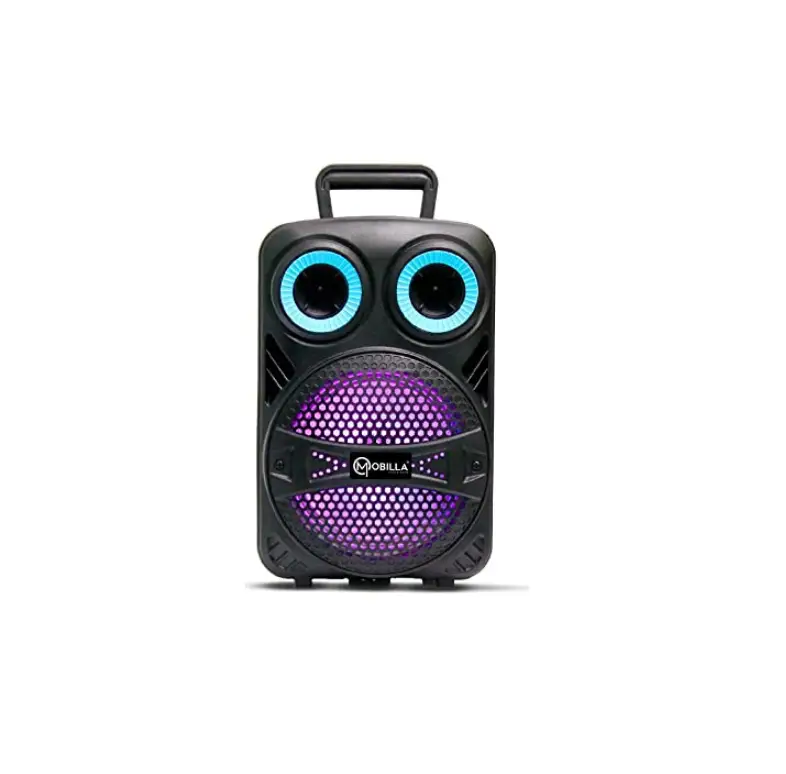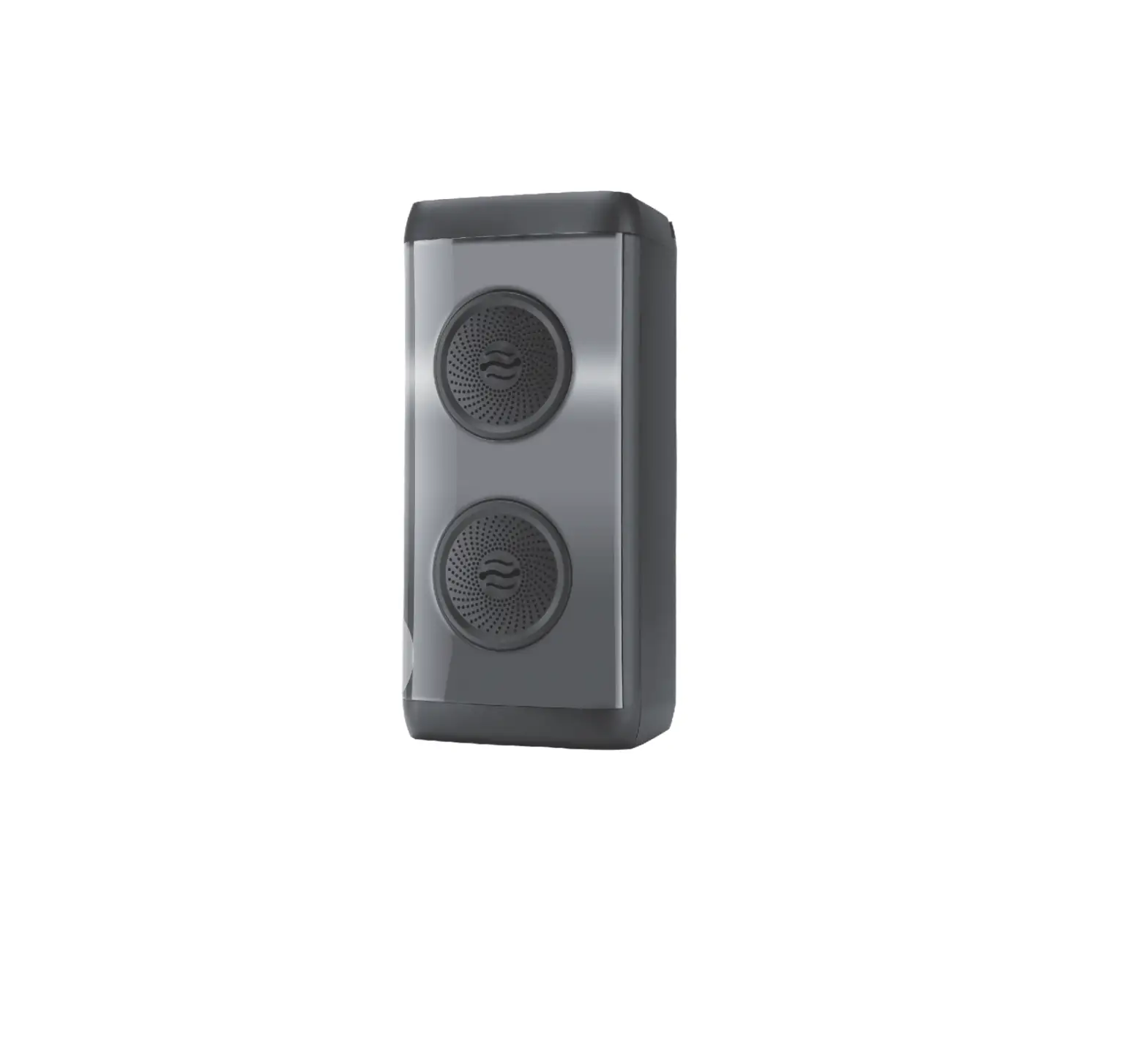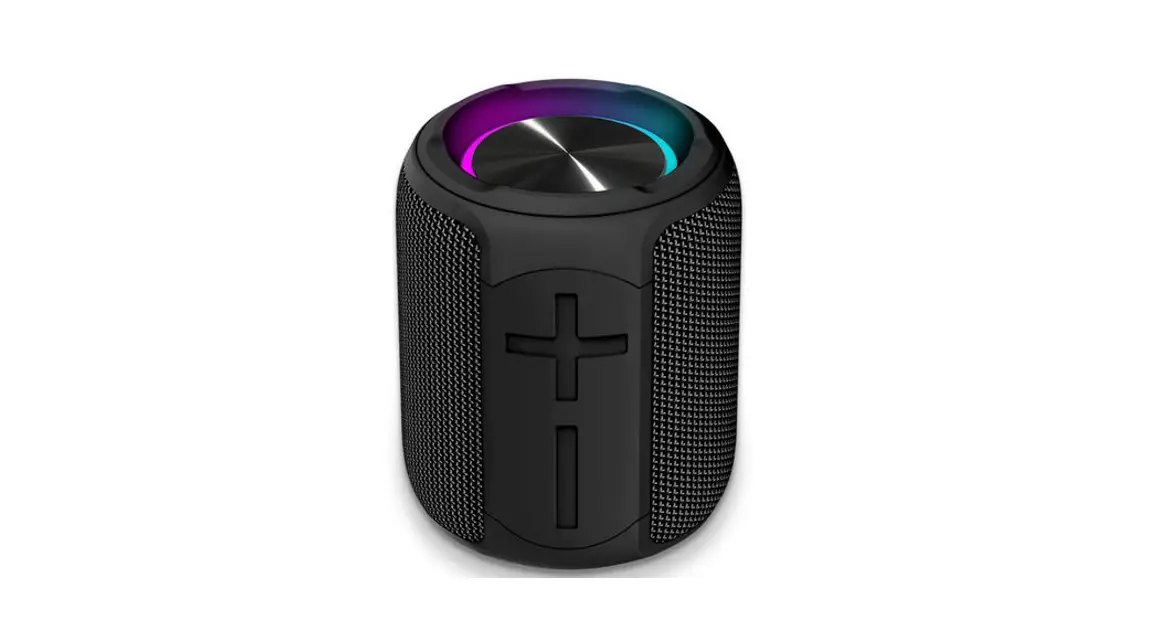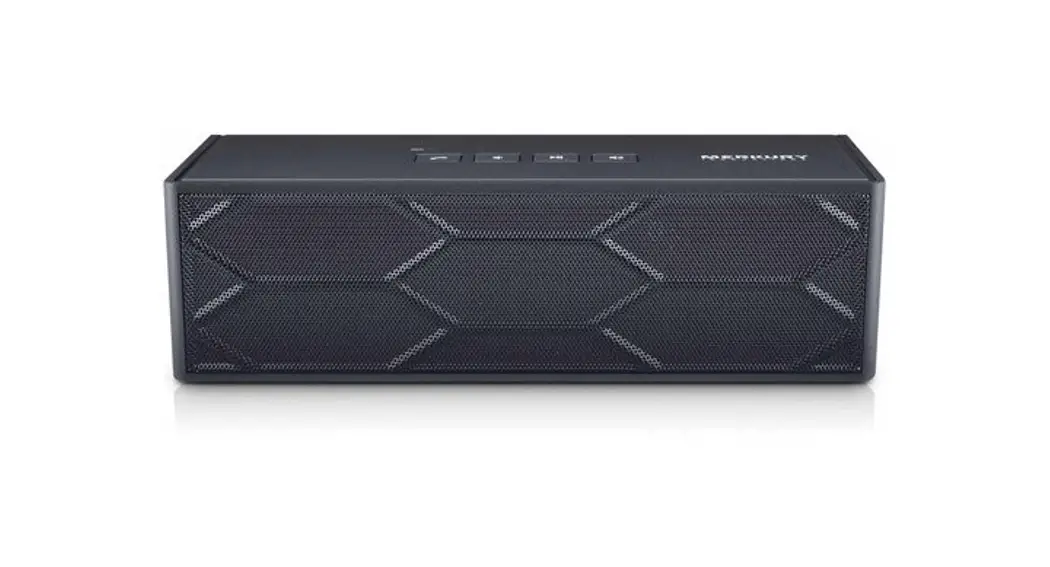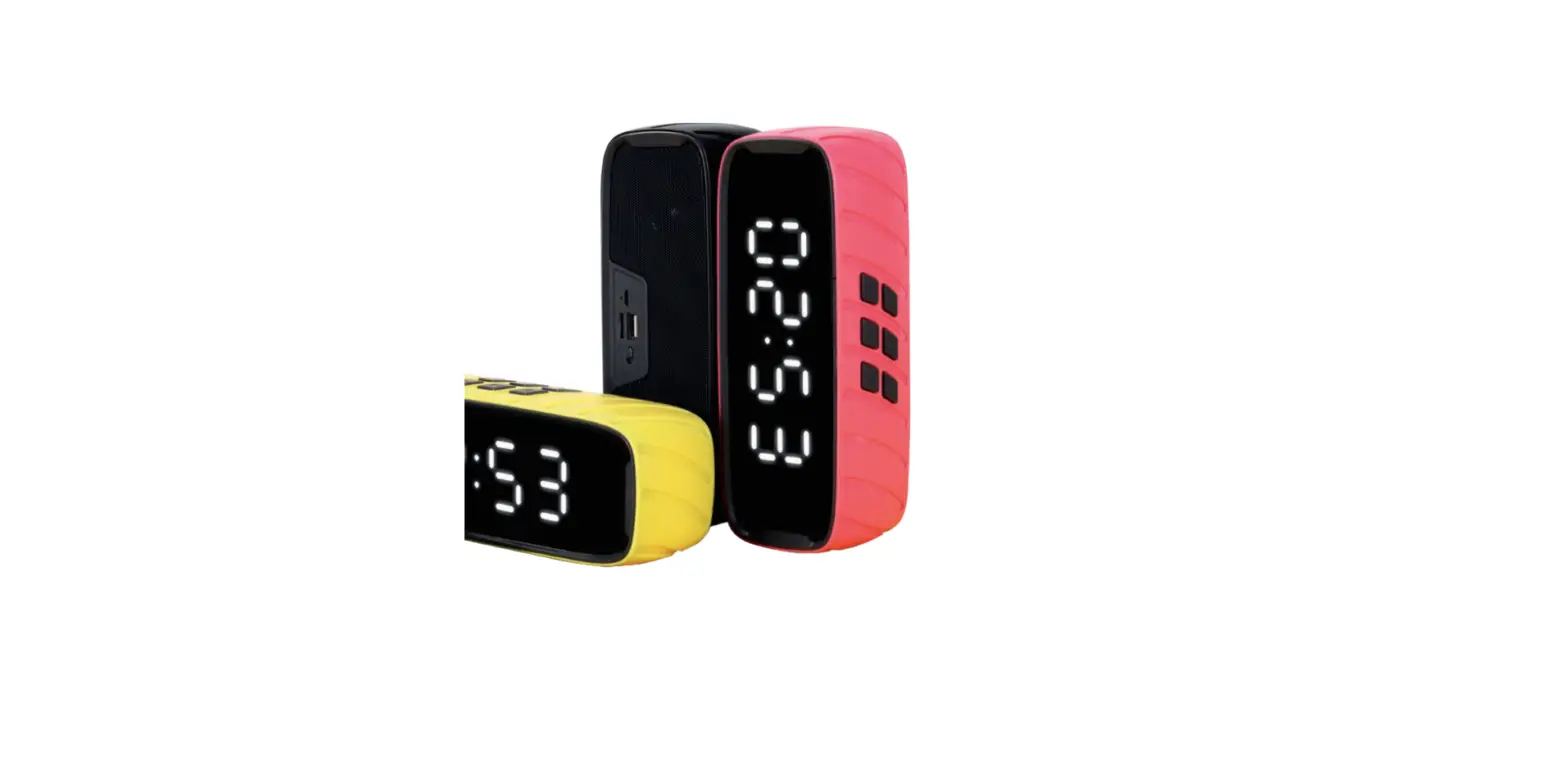

MOBILLA MROCK 101 Wireless SpeakerMROCK 101 Wireless Speaker
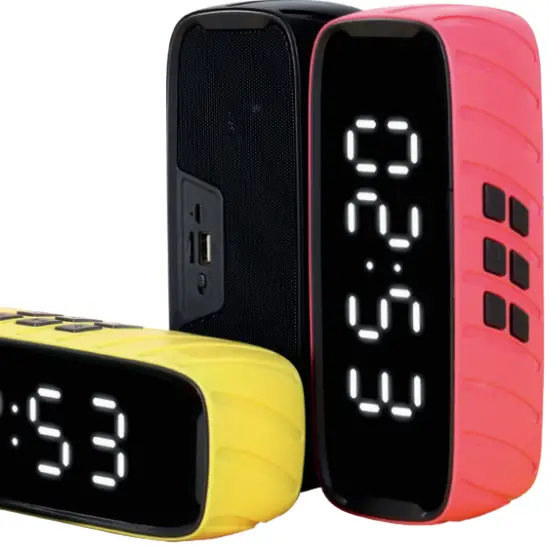
Thank you for purchasing the Mobilla MRock Series. This product is designed to provide high-quality wireless sound for your ipod, Mobile Phone, Computer, PDA, or other audio devices. This instruction booklet explains the basic operation and care of the unit. Please read them carefully and keep them for future reference.
Function
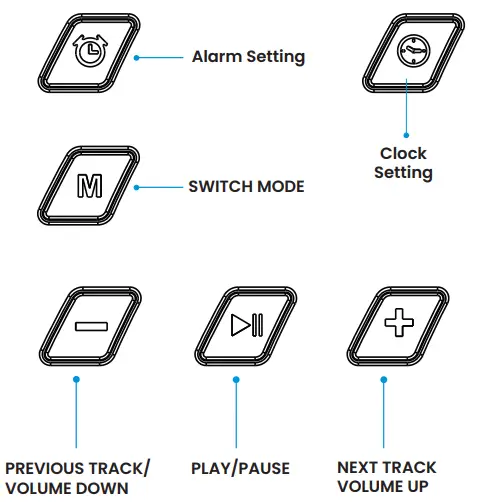
How to Pair MROCK 101
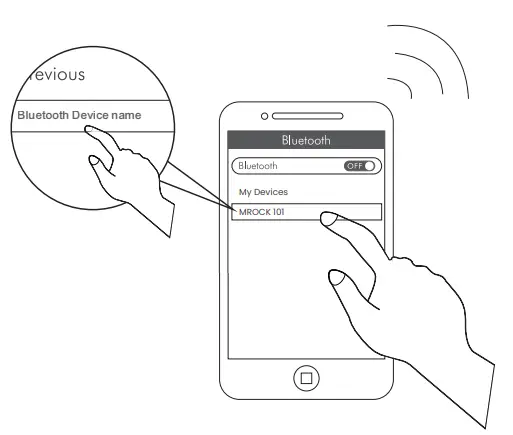
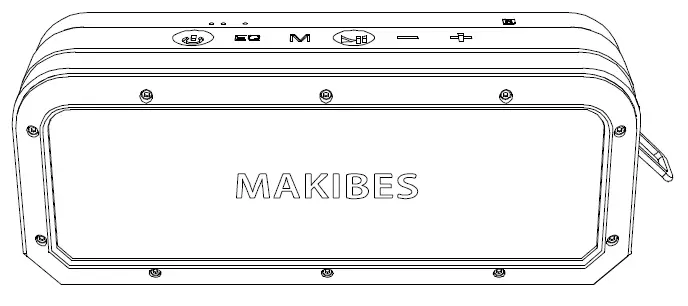
- Click on the ‘M button’ on MRock 101 to switch on the Bluetooth mode.
- Turn on the Bluetooth of your phone or tablet or PC or another device to connect.
- Go to ‘available devices to pair’ on your phone or tablet or PC and select MRock 101.
- Your device is paired with the beep.
Specifications
- Receiving range: 10 meters(No blocking)
- Power Supply: DC 5V
- Rated Power: 10W (5W*2)
- Drive Unit: Ø52mm*2
- Frequency Response: 60HZ~18KHZ
- Battery Capacity: 1200mAh
- THD: ≤ 0.5%
- SNR: ≥ 80dB
- Item Size: L200*W60*H76mm
First Use
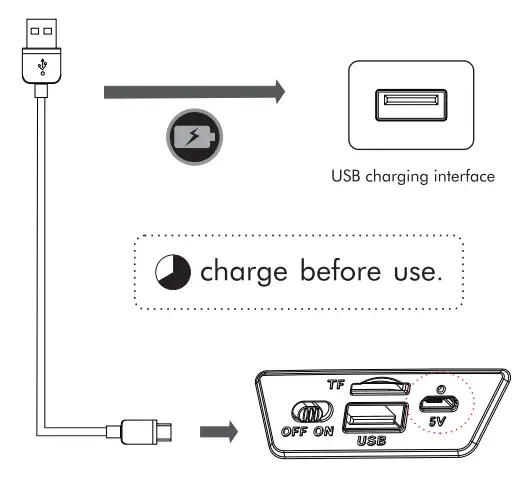
Setting The Alarm
- Turn on the speaker, and press and hold the
 button until the alarm clock flashes in the display.
 - Press the button to switch from “hours setting” to “minutes setting”& to turn the alarm clock ON & OFF.
- Press “—/+” to set the desired alarm time.

 button until the alarm clock flashes in the display.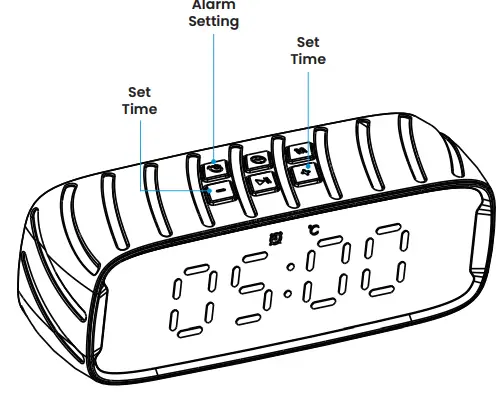
Setting The Clock:
- Turn on the speaker, and press and hold the
 button until the clock flashes in the display.
 - Press“—/+” to set the time.
- Press thebutton to switch from “hours setting” to “minutes setting”
- Press the button again to store the new clock setting.

 button until the clock flashes in the display.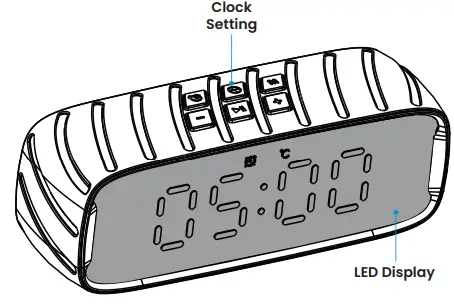
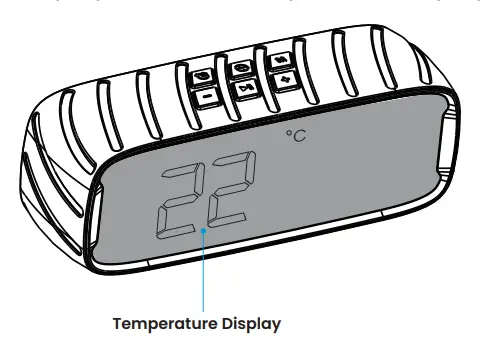
Setting for Temperature Display
- Turn on the speaker, press and hold the
 button until “Temperature Digit” flashes in the display.
 - Press and hold the
 button until “Temperature Digit” disappear in the display to turn off the temperature display
 button until “Temperature Digit” flashes in the display.
 button until “Temperature Digit” disappear in the display to turn off the temperature display