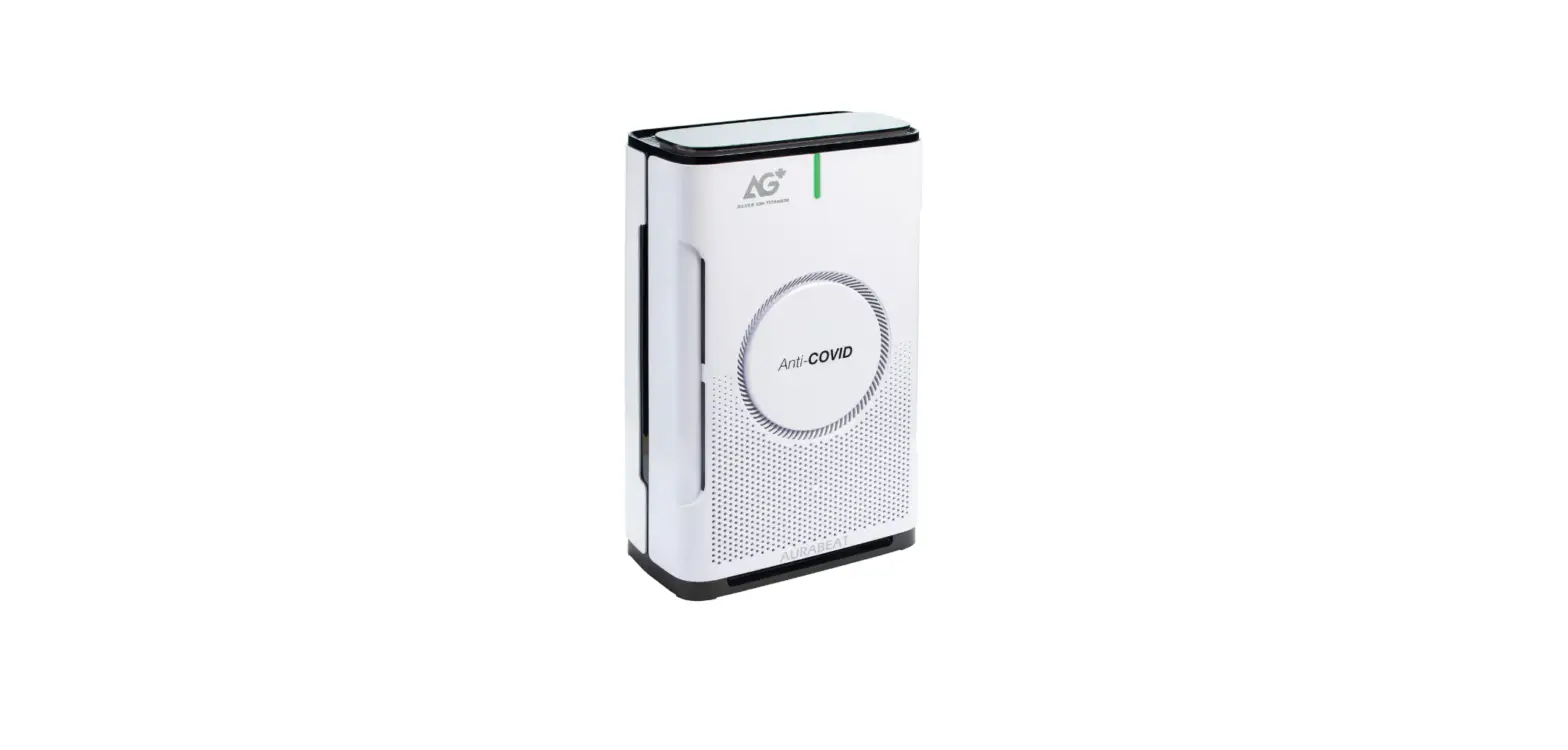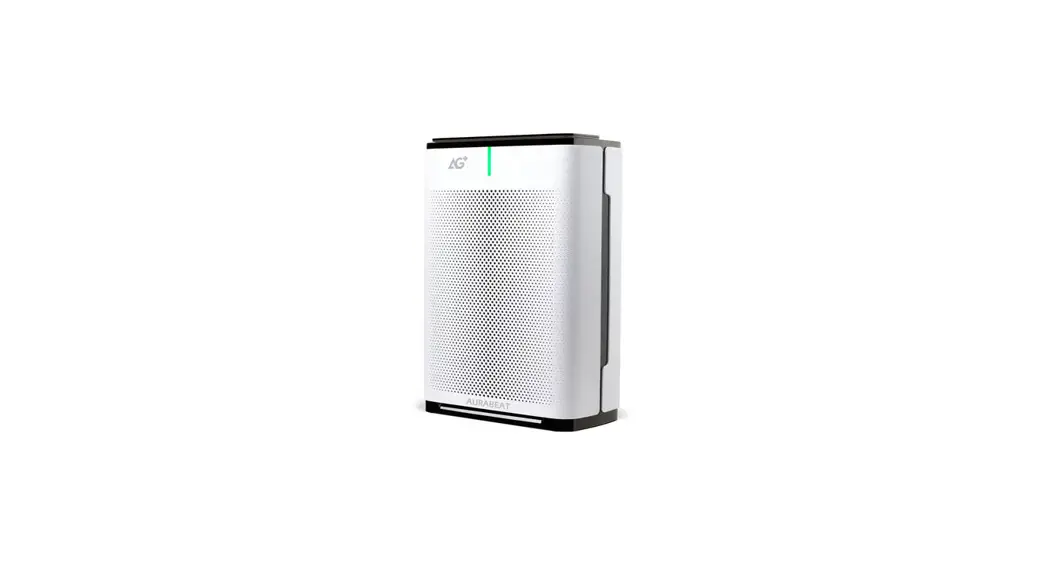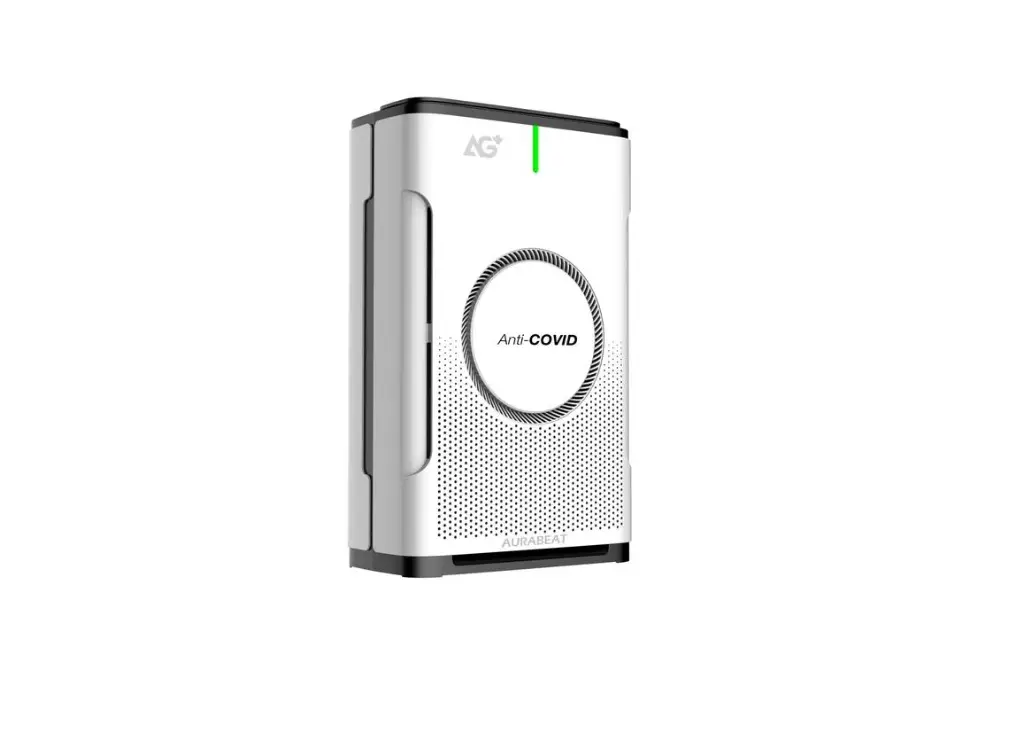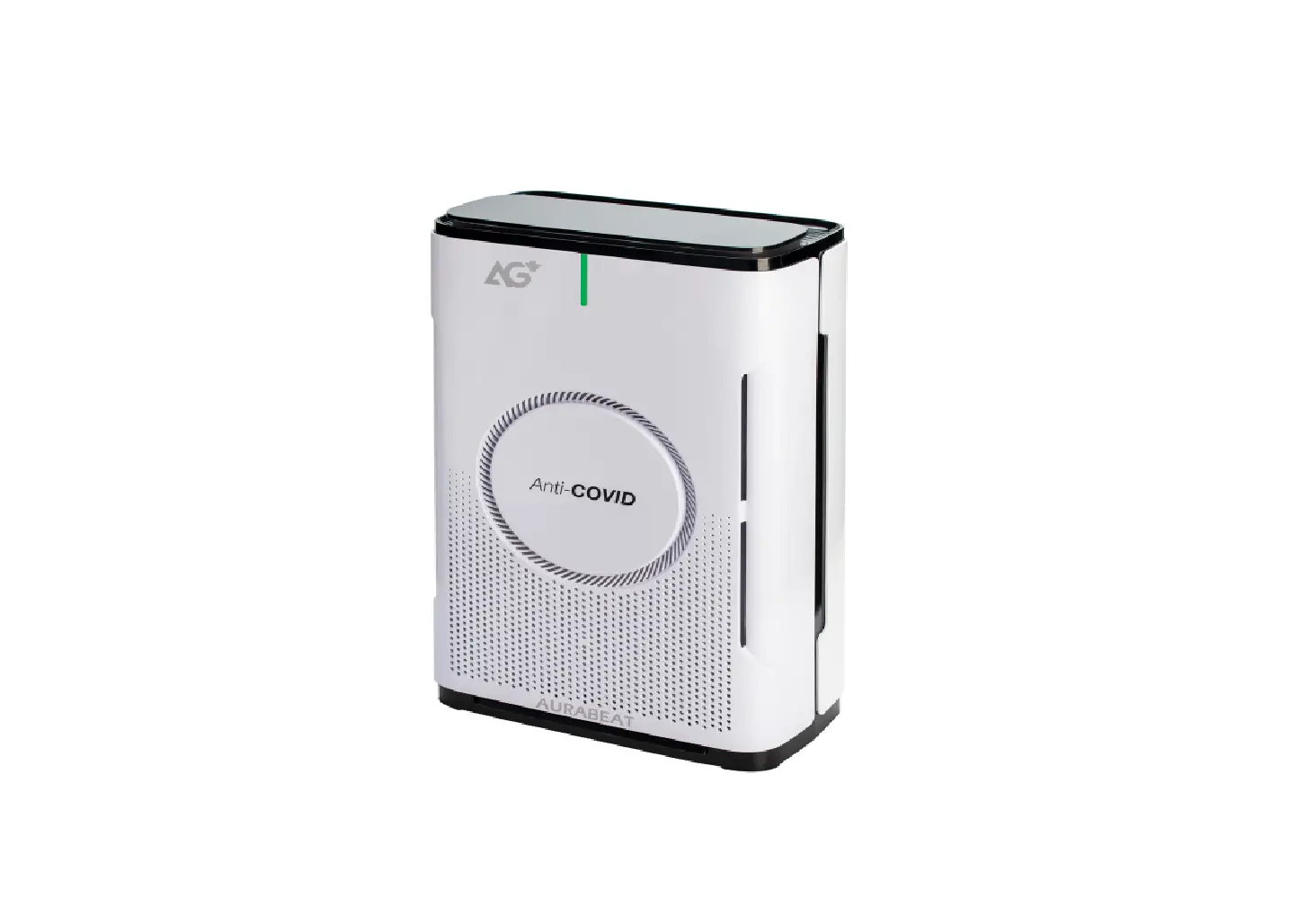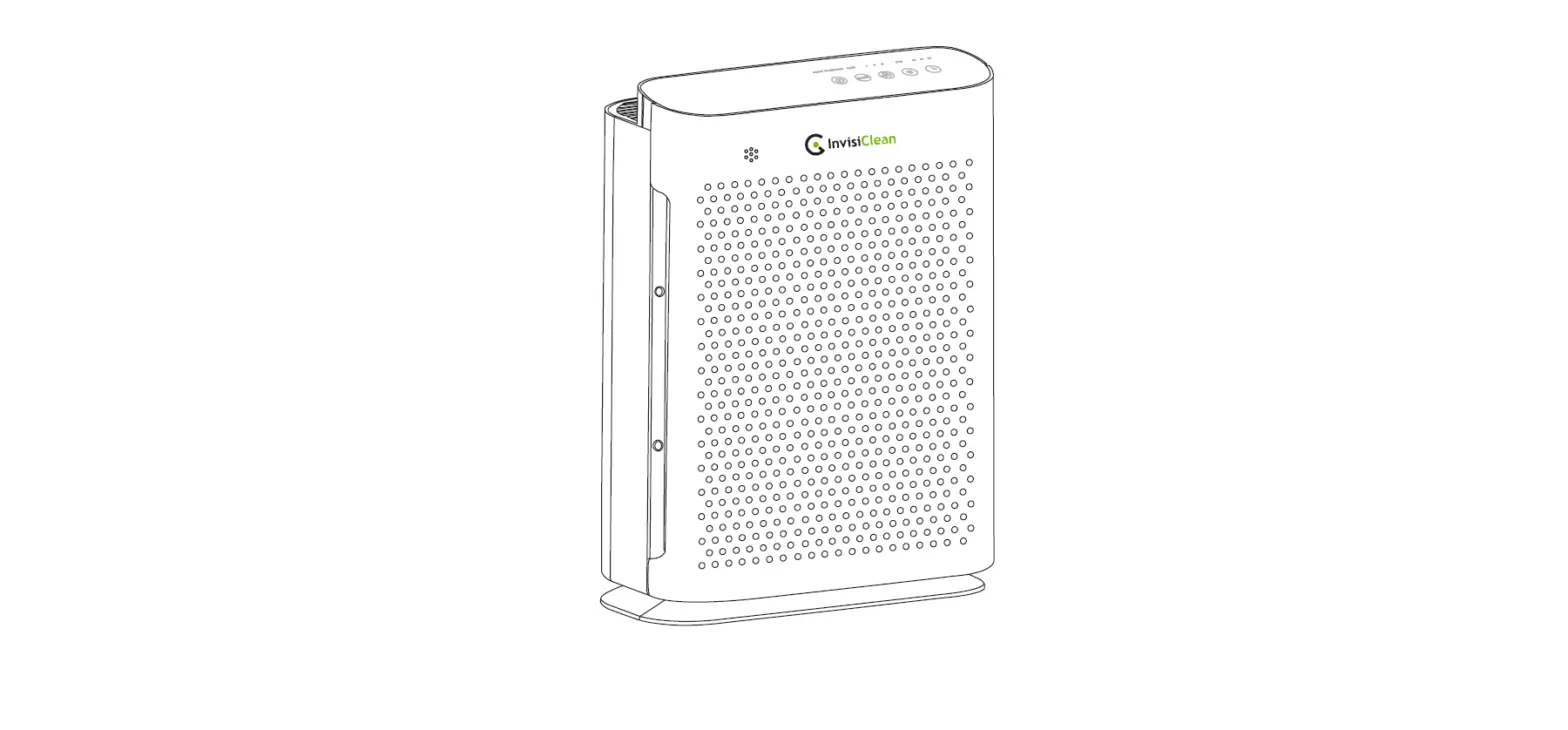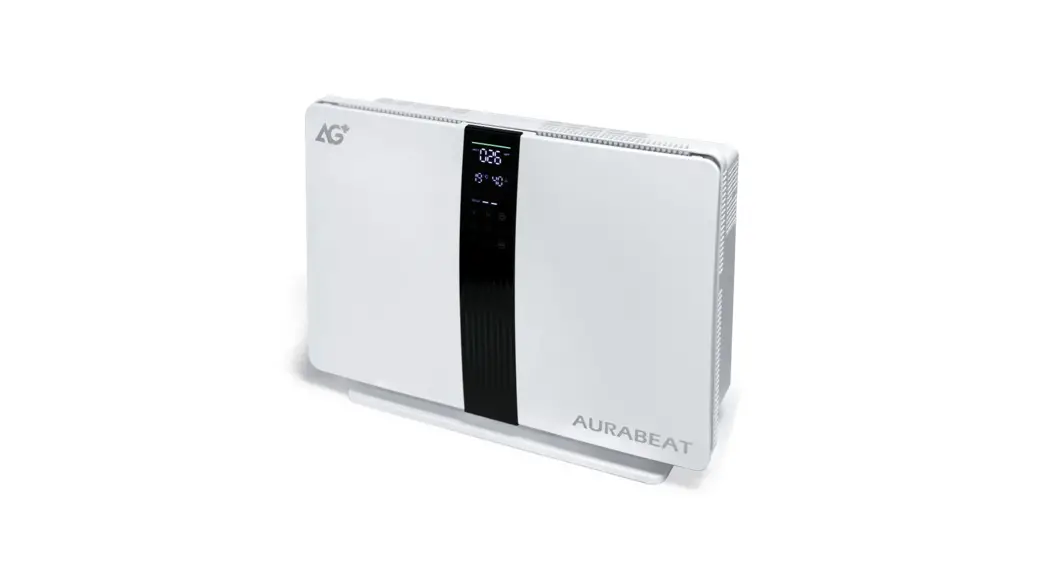

AG+Amp Silver lon Antiviral
Air Purifer
ASPX
User manual
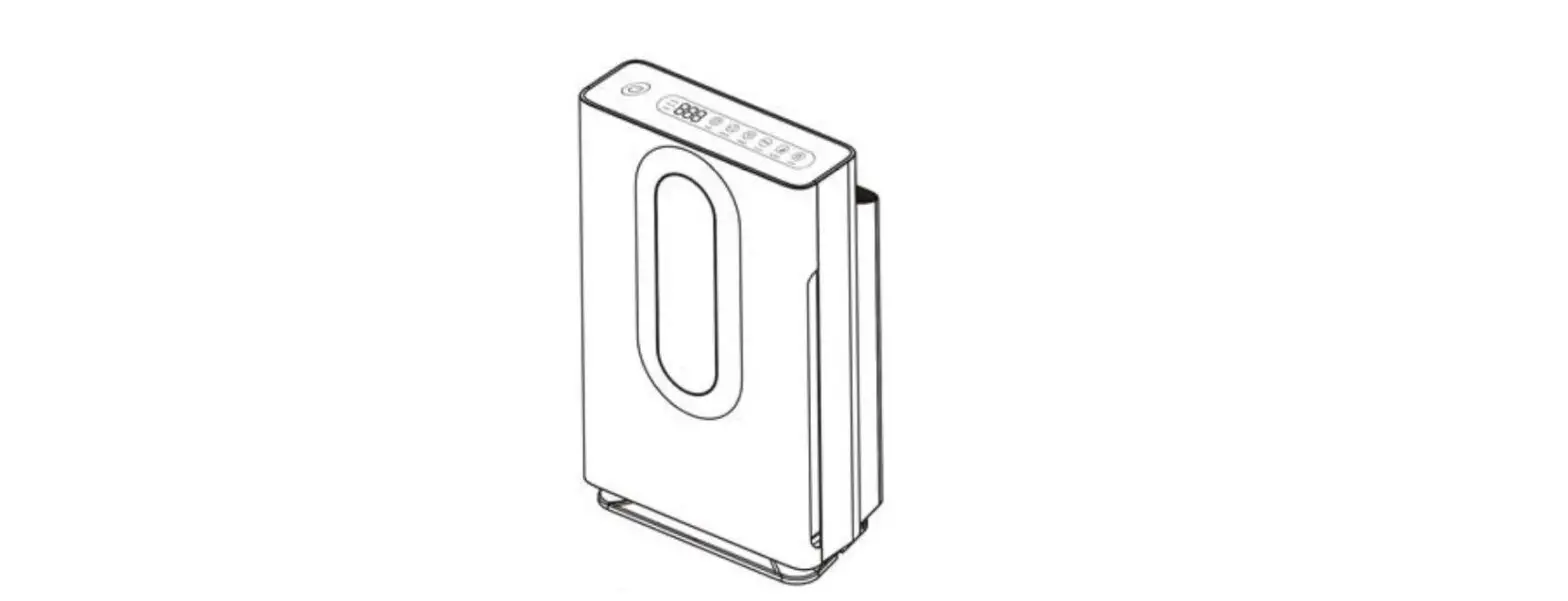
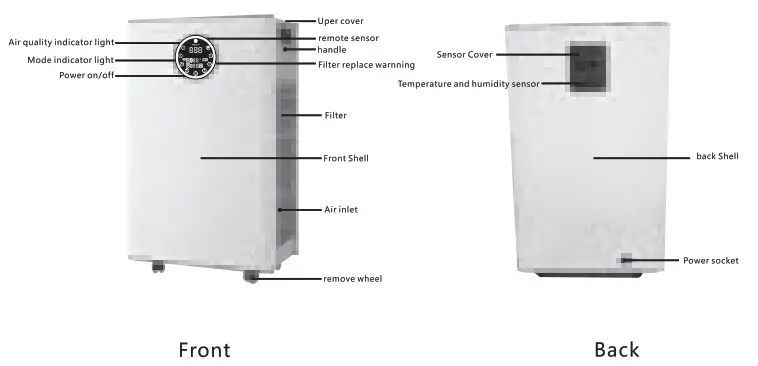
Part Name
Filter replace
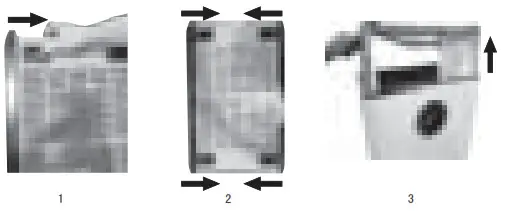
- Open Filter locking cover
a. Pull to the inside as shown in figures 1 and 2
b. Pull the upper cover as picture 3 Before Using
Pull out the Filter
c. Pull out the filter, as picture 4
d. Pull out the filter packing bag as picture 5
 Before Using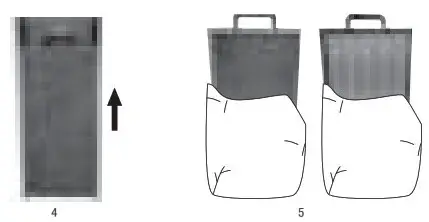
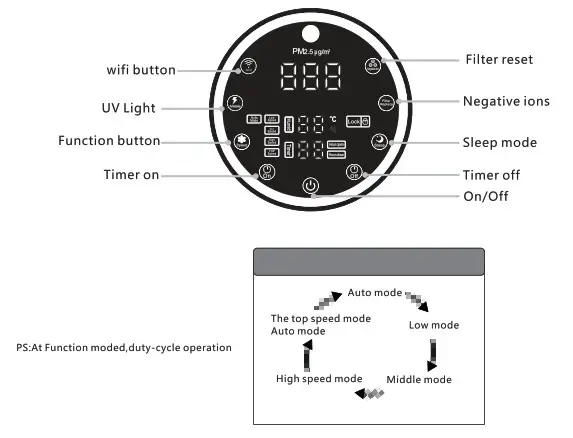
Host Operation Method
About Setting
About Setting
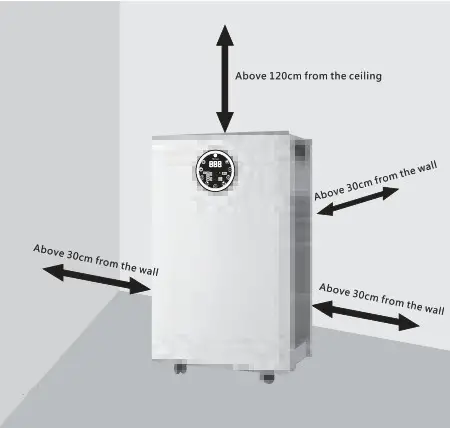
In order to give full play to the original performance of the product, please keep a proper distance from the wall and other things when using it. (As shown in the figure on the right)
Please ventilate and exchange the air when used with the combustion device.
About Sensor
Sensor cleanning way (clean each three month)
While the lens part which is for detecting the air is soiled by moisture or cigarette smoke, the sensitivity is lowered. Please follow below steps to clean the sensor.
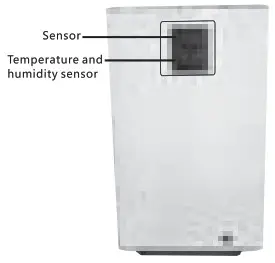
a. Open the dust sensor cover
b. In case there is dust around the sensor, a vacuum cleaner can be used to remove the dust.
c. Wipe the lens with a dry cotton swab
 b. In case there is dust around the sensor, a vacuum cleaner can be used to remove the dust.
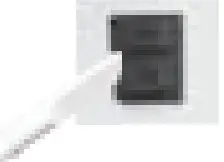 c. Wipe the lens with a dry cotton swab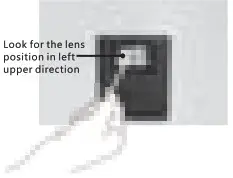
Filter Cleaning
Filter Cleaning
- Take out all filters

- Mop the visible dust around the filters
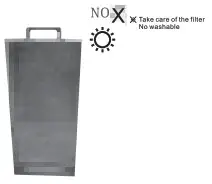
 Do not damage the surface of the filter
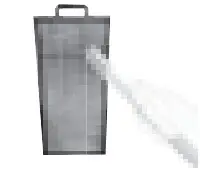
Filter Reset & Replacement
Filter replacement indication light & reset method The filter replacement light will turn red when the filter life reach the limits.
When the light is red, change new filter is suggested.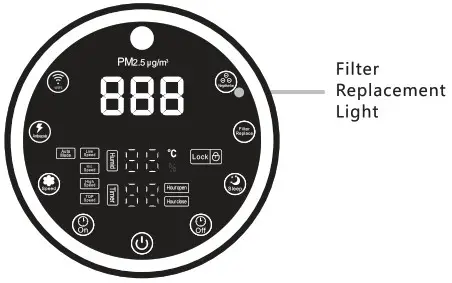 Filter replacement light reset method
Press the button for 5 seconds till the indication light is off then finish resetting.
This process is finished under working condition.
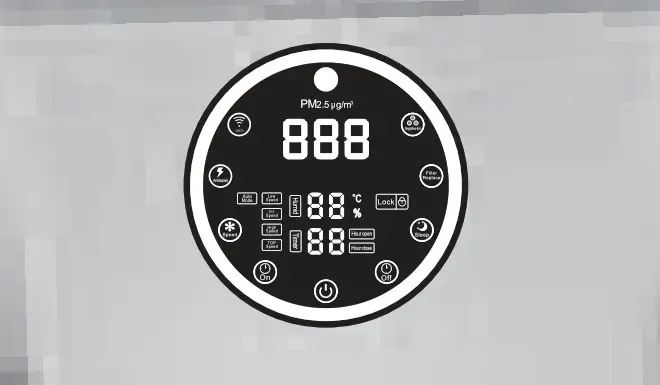
Filter replacement
Usually replace filter once one year
About filter replacement period
Filter change time will be different based on different using places,standard using period is 1 year.
If it is used in the more serious polluted air, the replacement time will be less.
 Put the filter under the sun sometimes which can expand the filter life. The active carbon filter may have slight acid smell after absorb some bad smell.
Tutorial von Tuya Smart APP Software
- Scan QR code to download “Tuya” app
 Scan download APP
 - Touch the on/off button of the machine to start the machine. Then touch the WiFi button for 3-5 seconds. When you hear a buzzer sound, you can release your hand. At this time, the indicator light of the Wifi button flashes (a stable signal near the device should router)
- Find the installed APP icon, click Open, and register.
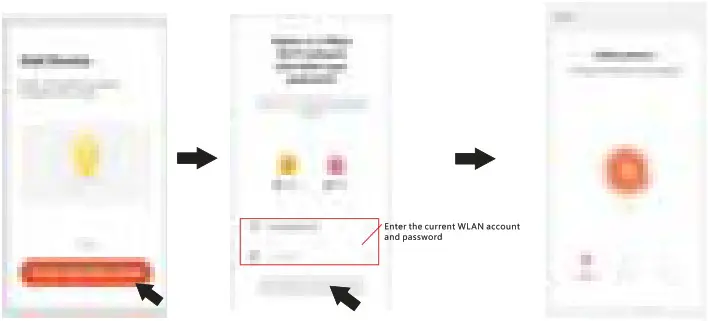
- After completing the password setting, you will enter the following page, click “Add Device’, select small appliances, select air purifier, and enter the machine distribution network page.

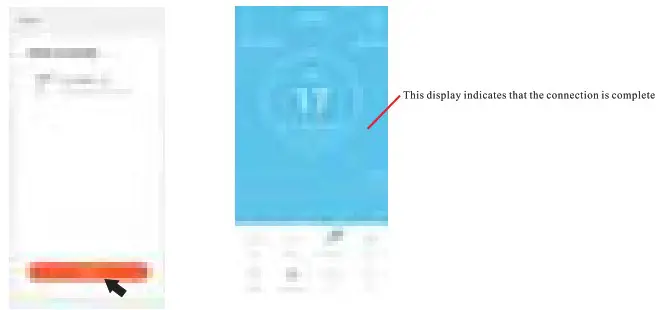
- The phone displays the following interface, please click “Confirmation light is blinking’ to enter your WLAN account and enter the password, and then click “Finish” to enter the network configuration page.

- After successful network configuration, click “Finish” to enter the main page of device operation

 Scan download APP
Safety Precautions
| Moving | • Make sure machine stops working when moving, and plug out the power cord. • Be care too much shaking during moving. |
| Installation | • Do not start machine to avoid danger. • Keep more than 20cm distance between wall and air inlet. |
| Power | • Do not distort the power cord, otherwise the cord may be broken. • Do not use the inproper AC socket. • Do not use the supplied AC power cord to other equipment. |
| AC Power Cord | • Use AC power lines and sockets in accordance with the following instructions to avoid fire, electric shock or damage • It must be connected with the attached power cord whose plug is suitable for AC power outlet • Please use only the power cord provided, not another brand of power cord • Please disconnect the AC power cord from the AC power plug before performing maintenance operations or moving the air purifier |
| Working | • If the product has anomaly of strange sound and smell, high temperature, fan irregular rotating, please stop using immediately. • Do not put fingers or foreign bodies in protective parts, movable parts, air inlets and air outlets. • Please do not put hair, fabric, etc. close to the main machine, so as not to get involved in or block the air inlet and outlet. • Please do not sit, lean on or tilt the main machine. • Please ventilate and exchange the air when used with the combustion device |
| Limitation | • Do not use under the following circumstances, otherwise there will be electric shock, fire and other damage • Unstable places such as easy dumping, etc. • High temperature, humid, fire-prone place, such as bathroom I |
Frequently Asked Questions (FAQ)
| Failures | Possible Causes | Corrective Actions |
| Air outlet fails to exhaust air Air volume does not change Air volume is getting lower by comparing with new device | Please check whether the plastic bag is removed before using | As a new device, the filter is packed by plastic bag. Please remove the bag before using |
| Is the filter correctly installed? | Please make sure the filter is correctly installed. | |
| Is there any dirt on the filter? The dirt affects the air volume in certain degree | Please clean the filter, If no improvement, please replace with new filter | |
| “Please check operation mode,whether purifier is under” automatic mode” or “energy-saving mode” | Please press” mode switch” button to ensure operation mode can be switched. | |
| Although under automatic mode, but purifier does not response to “dust” smell | Is the sensor blocked by the wall or other subjects? | If blocked. please remove the subject not blocked. please clean the sensor immediately |
| Peculiar smell in the air outlet. | Is filter’ catalyst deodorizer’ a new one? | Because of high-efficiency activated carbon as rew material in the filter, there will be little sweet smell at the beginning, After one week operation, the smell will be weakened. |
| Please check whether the purifier is used in the room full of smoke or the kitched peculiar smell | The filter plays the function of absorbing smell, so it accumulates the smell for a while, After short time of operation, the smell will be weaker. | |
| “Catalyst deodorizer” filter has activated carbon, sometimes sweet smell may occur | Operator could disassemble the” catalyst deodorizer” but the purifier will not be able to absorb peculiar smell anymore. Please save the “catalyst deodorizer” in a plastic bag for future use | |
| Is the purifier moved from another room? | The smell could be left over from another roorn. but it will be weaker gradually after a short time of operation | |
| The filter replacement indicator does not turn off | Is the indicator reset? | Please reset the filter replacement indicator |
| There is black power leaked from the filter | is It s activated carbon power from the ‘catalyst deodorizer” | Even though the power is not harmful to human bodies please place a newspaper on the floor while replacing new filter. |
| Peculiar smell does not dissipate | The smell removal capability of the ‘catalyst deodorizer” may automatically recover to certain degree • Based on different operation environment , sometimes it fails to recover | Please place the disassembled” catalyst deodorizer” in a well-ventilated place and let it dry for about half a day |
| The odor component that produces continuously at ordinary times(pet smell, building material smell)cannot be complete purified | In case the smell that continuously produced cannot be purifide completely. please offer ventilation for the room. |
Product Specification
| Type | Specifications |
| Product Name | AG+Amp Silver Ion Antiviral Air Purifer |
| Voltage | 120 V |
| Frequency | 60 Hz |
| Power | 175 W |
| Max. Area | 120m2 |
| CADR | 800m3/h |
| Wind Speed | 4 Speeds |
| UV-C Power | 6W |
| Product Size | 530 x 330 x 900 mm |
| Gross Weight | 26.5 kg |
| Max. Noise | ≤60dB |
FCC Warning
This device complies with part 15 of the FCC Rules. Operation is subject to the following two conditions:
- This device may not cause harmful interference, and
- this device must accept any interference received, including interference that may cause undesired operation.
Any Changes or modifications not expressly approved by the party responsible for compliance could void the user’s authority to operate the equipment.
Note: This equipment has been tested and found to comply with the limits for a Class B digital device, pursuant to part 15 of the FCC Rules. These limits are designed to provide reasonable protection against harmful interference in a residential installation. This equipment generates uses and can radiate radio frequency energy and, if not installed and used in accordance with the instructions, may cause harmful interference to radio communications. However, there is no guarantee that interference will not occur in a particular installation. If this equipment does cause harmful interference to radio or television reception, which can be determined by turning the equipment off and on, the user is encouraged to try to correct the interference by one or more of the following measures:
- Reorient or relocate the receiving antenna.
- Increase the separation between the equipment and receiver.
- Connect the equipment into an outlet on a circuit different from that to which the receiver is connected.
- Consult the dealer or an experienced radio/TV technician for help.
This equipment complies with FCC radiation exposure limits set forth for an uncontrolled environment. This equipment should be installed and operated with minimum distance 20cm between the radiator & your body.