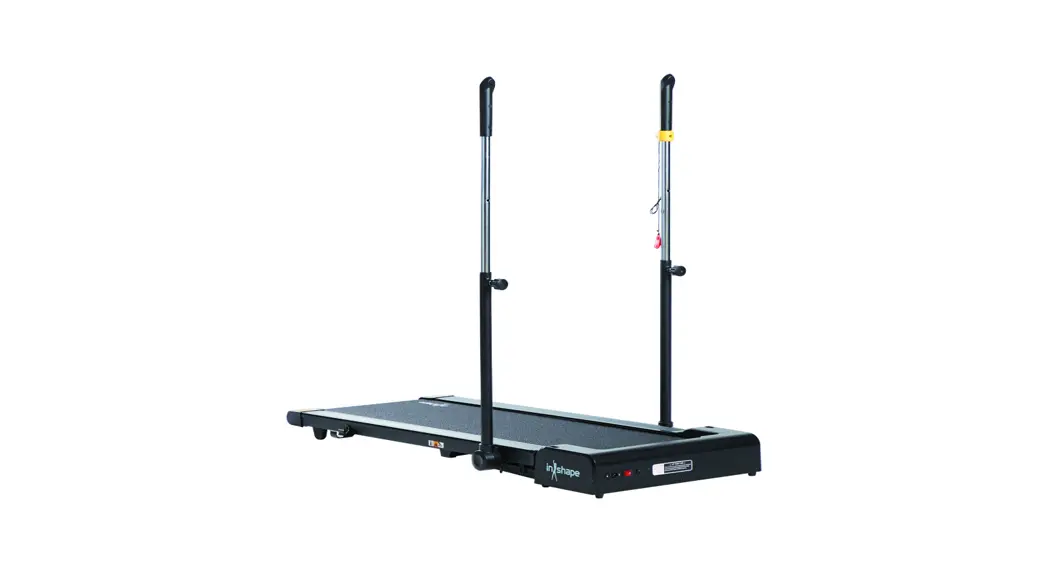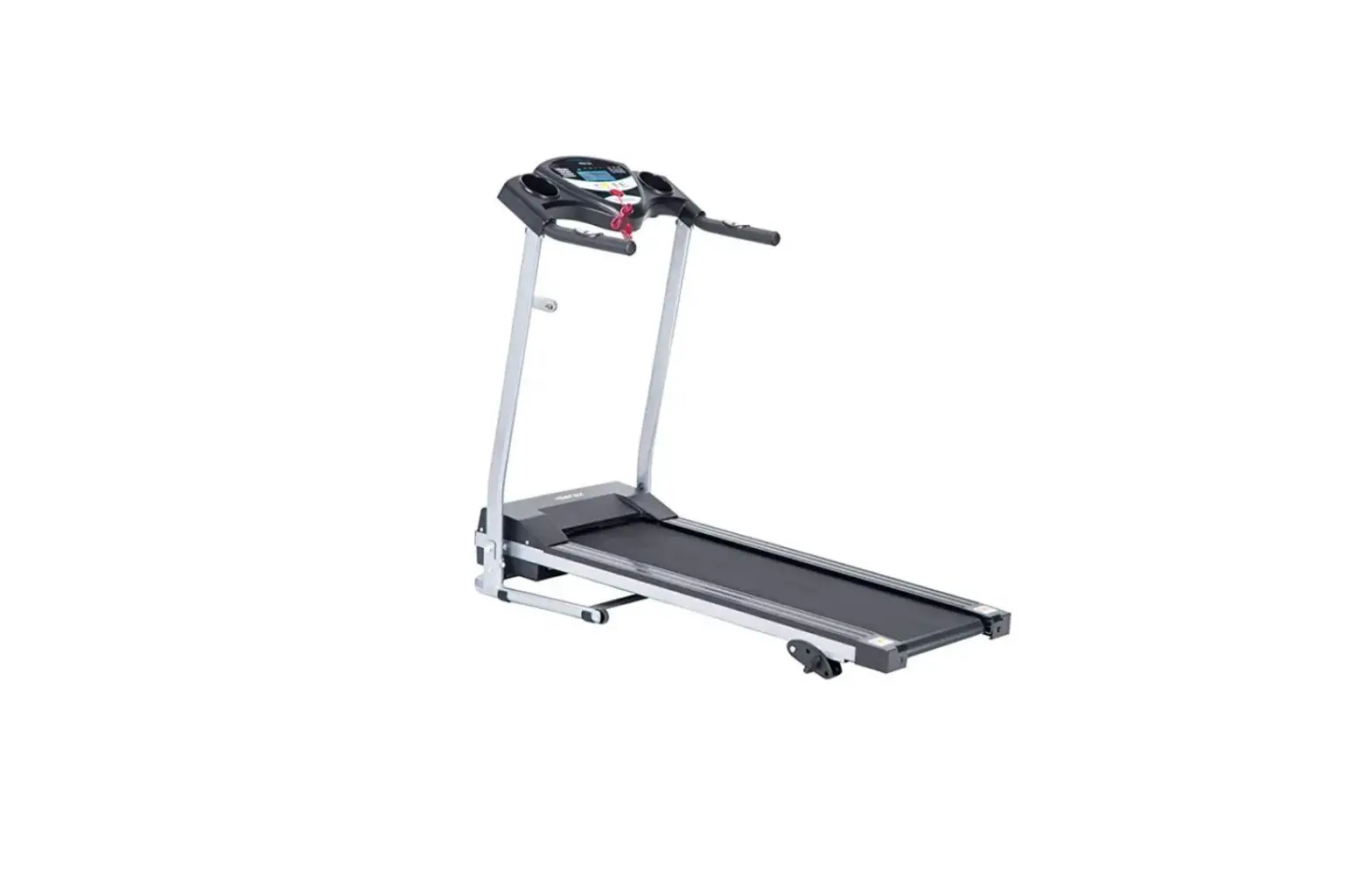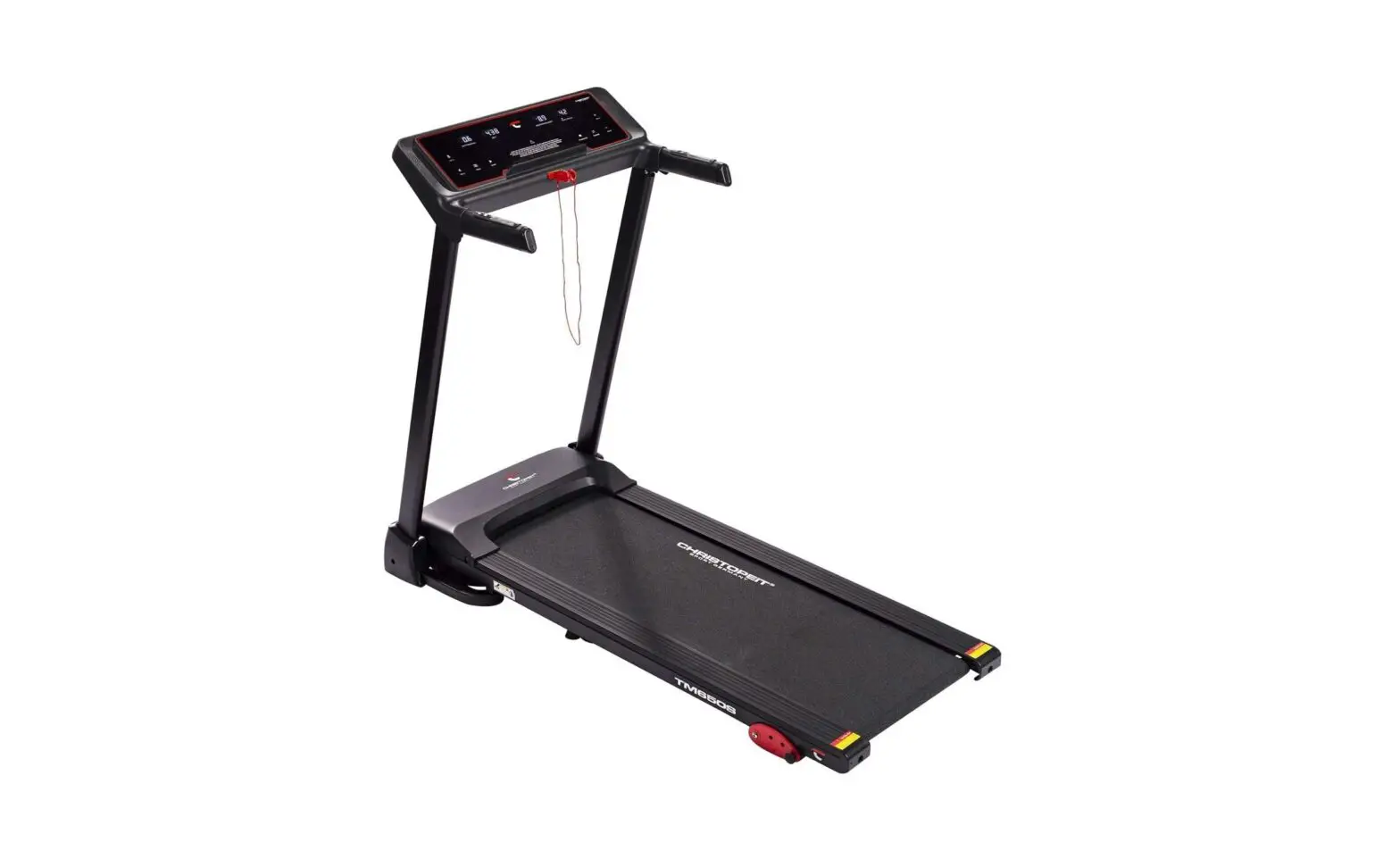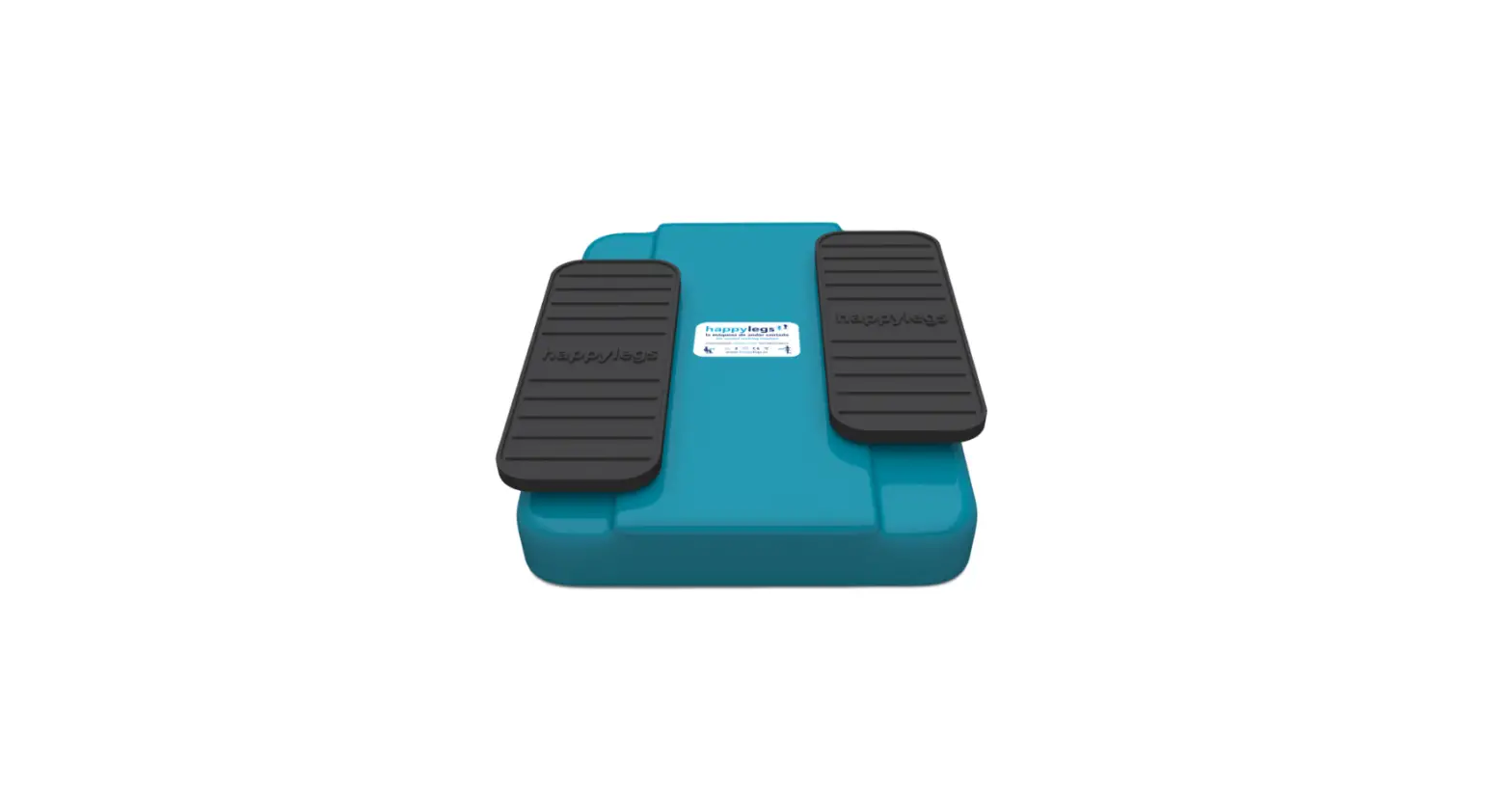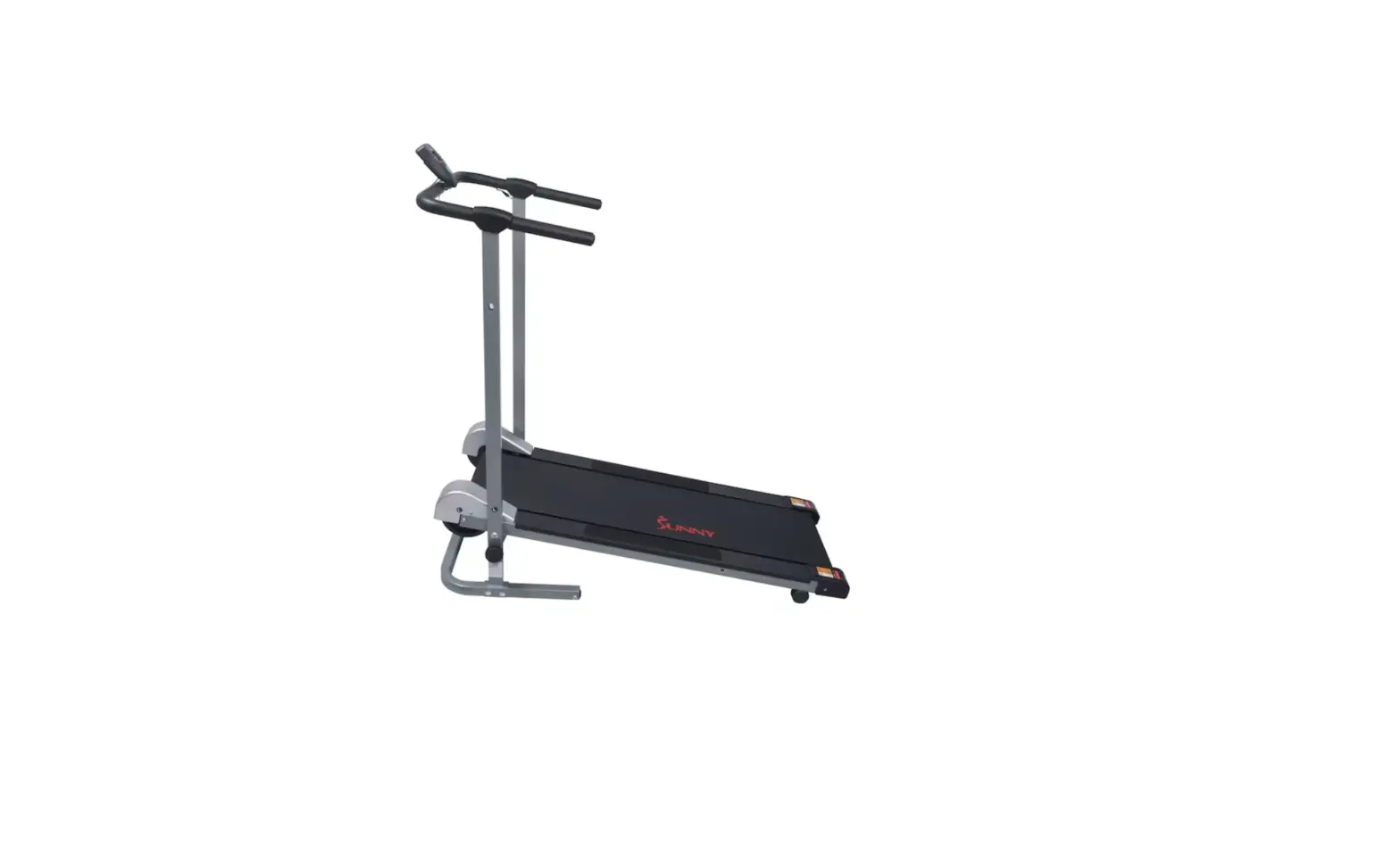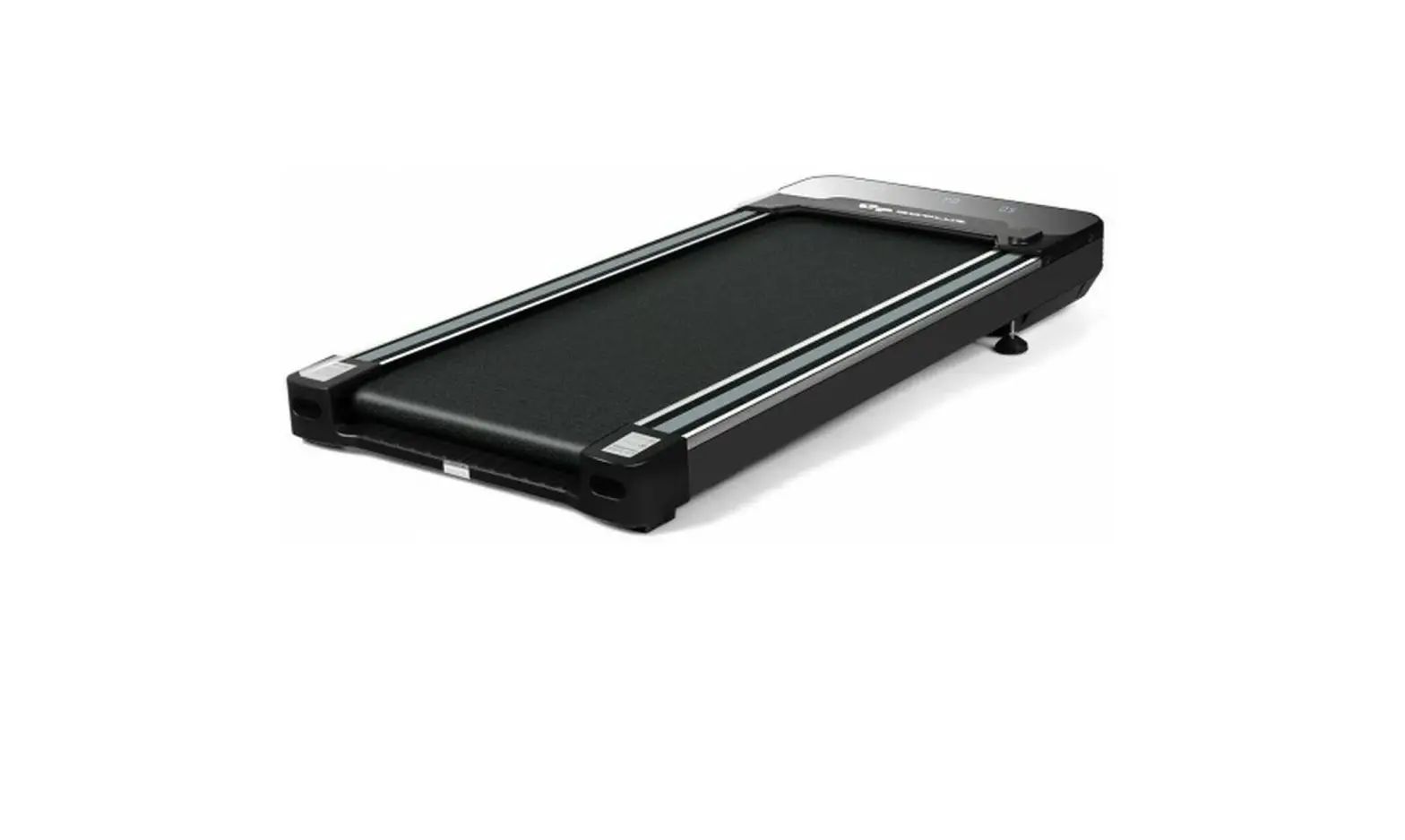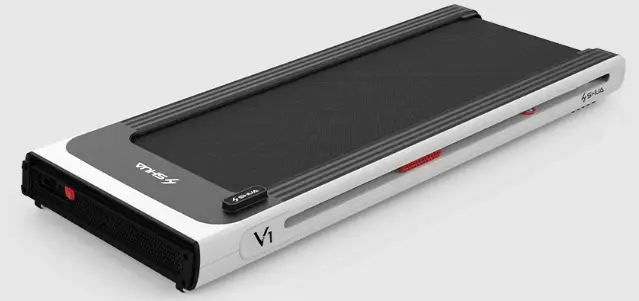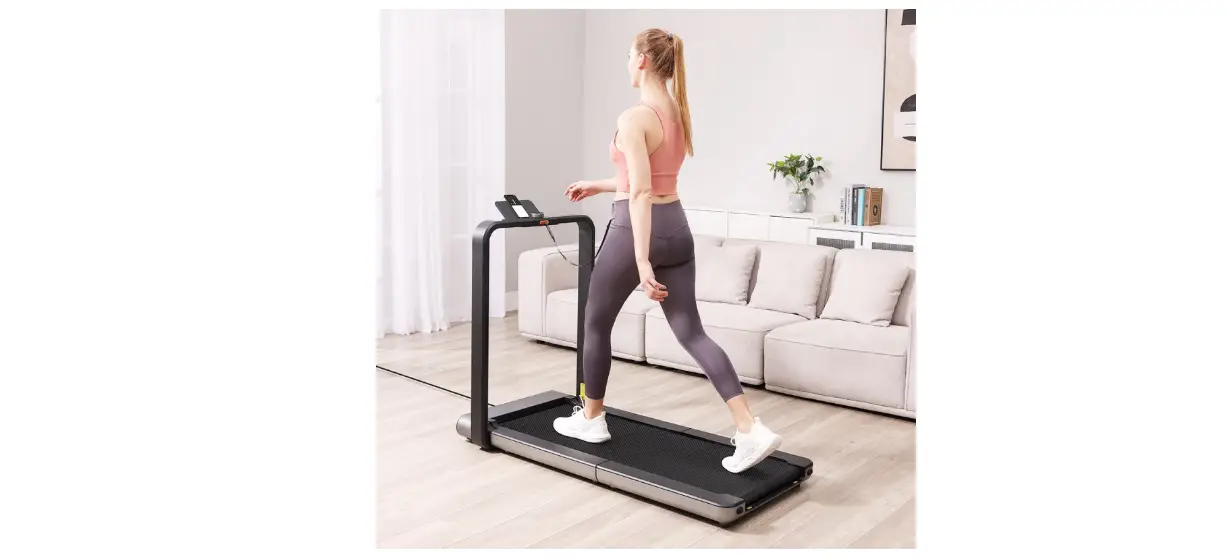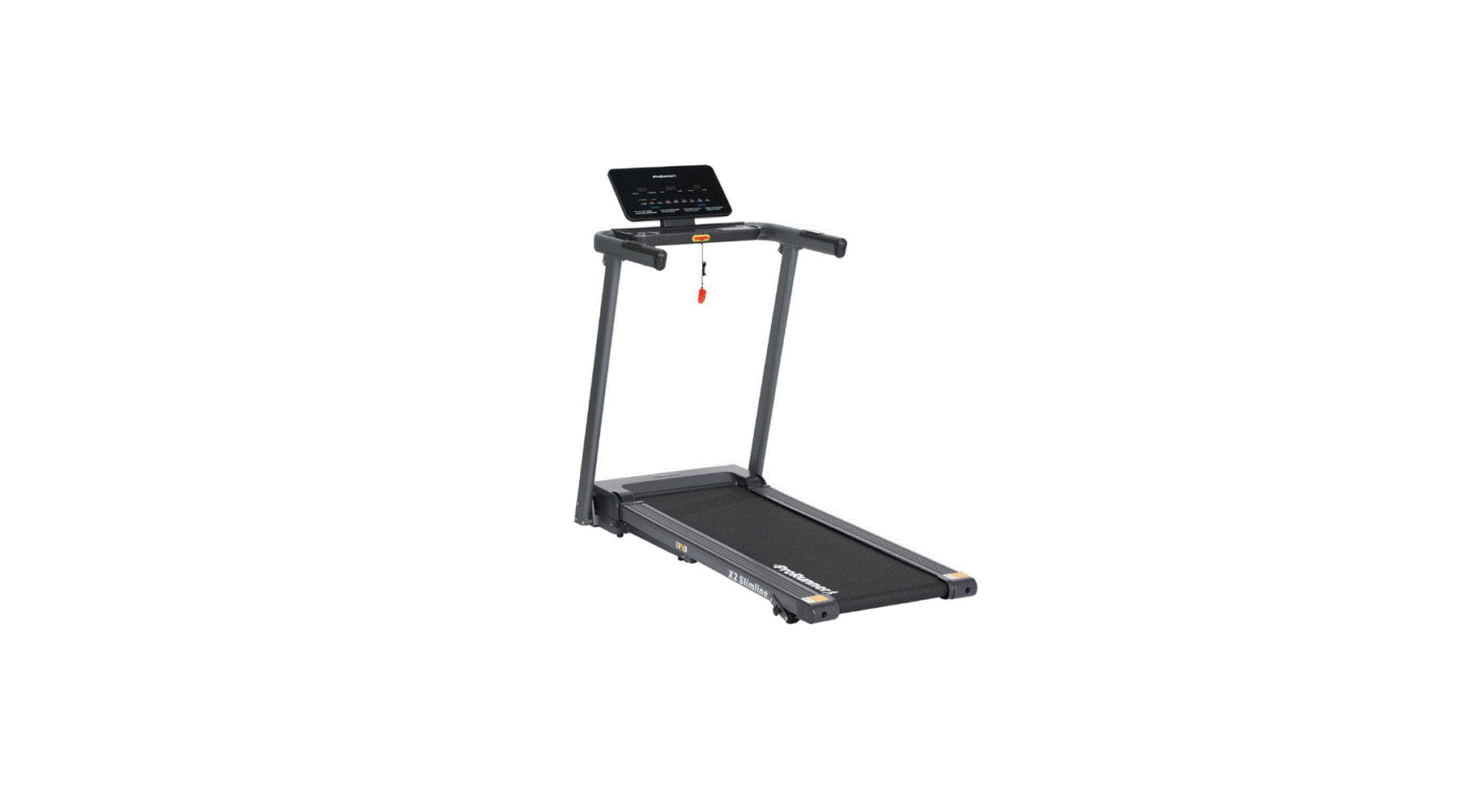

ProRunner TW136B X1 Walk Treadmill
Special tips
- A. Before installation and operation, please read this operation manual carefully.
- B. Please save this manual for future reference.
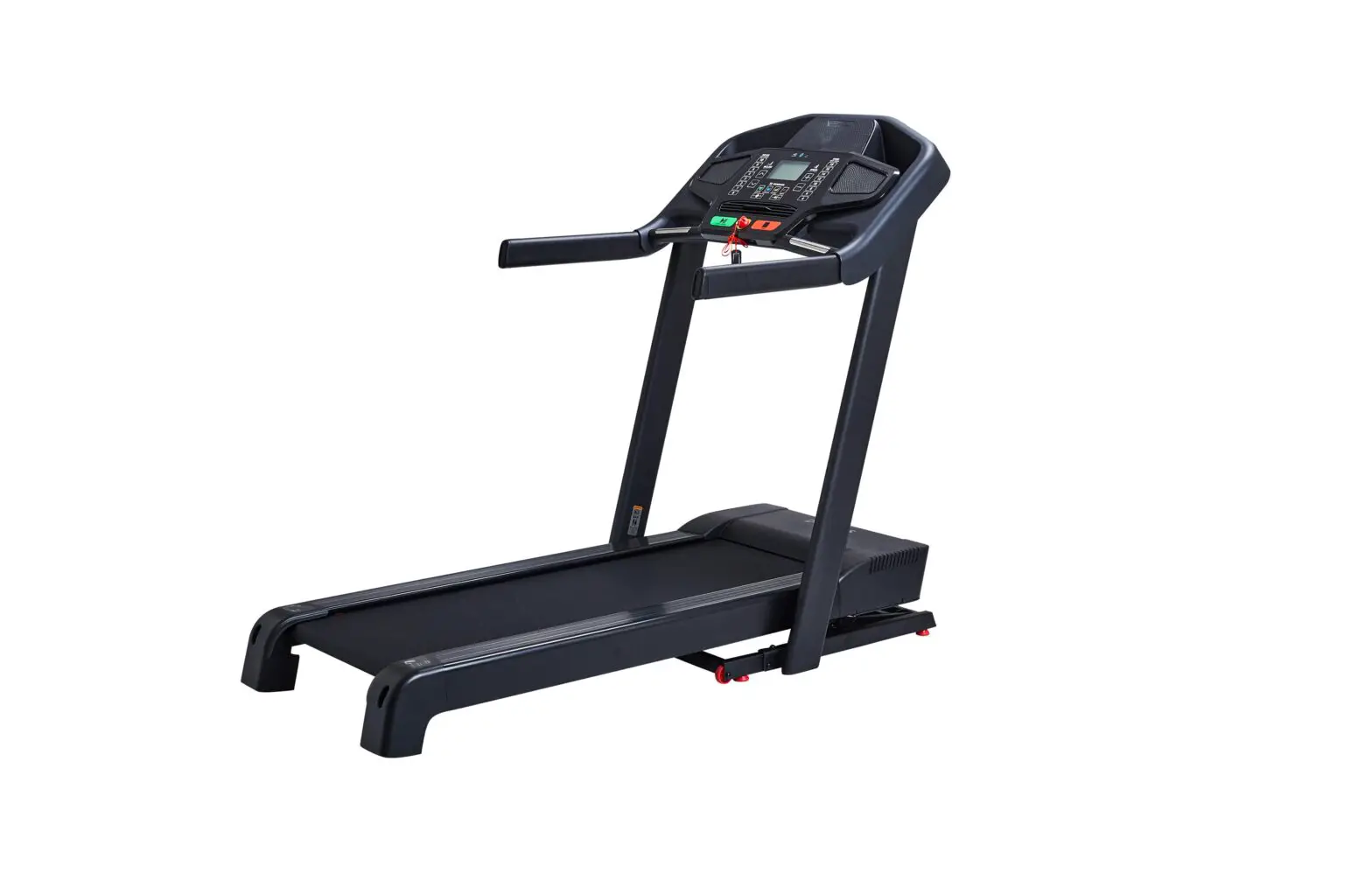
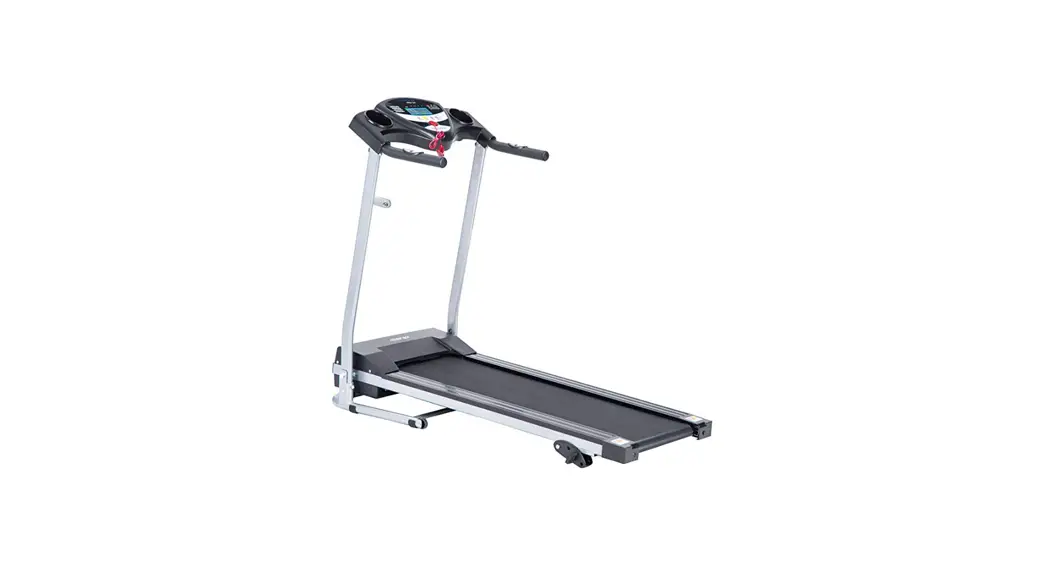
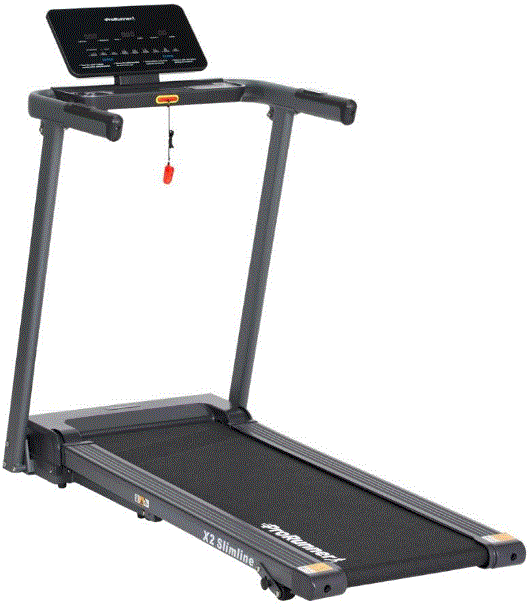
- C. Product may vary slightly from the item pictured due to model upgrade.
IMPORTANT SAFETY INSTRUCTIONS
WARNING – Read all instructions before using this treadmill. It is essential your treadmill receives regular maintenance to prolong its useful life. Failing to maintain your treadmill regularly may void your warranty.
Danger– To reduce the risk of electric shock disconnect your treadmill from the electrical outlet prior to cleaning and service work.
- DO NOT USE AN EXTENSION CORD:
- DO NOT ATTEMPT TO DISABLE THE GROUNDED PLUG BY USING IMPROPER ADAPTERS OR IN ANY WAY MODIFY THE CORD SET.
- Install the treadmill on a flat level surface with access to the correct voltage and frequency, grounded outlet.
- Do not operate the treadmill on a deeply padded, plush or shag carpet. Damage to both carpet and treadmill may result.
- Do not block the rear of the treadmill. Provide a minimum of 1-meter clearance between the rear of the treadmill and any fixed object.
- Place your unit on a solid, level surface when in use.
- Never allow children on or near the treadmill.
- When running, make sure the plastic clip is fastened on your clothing. It is for your safety, should you fall or move too far back on the treadmill.
- Keep hands away from all moving parts.
- Never operate the treadmill if it has a damaged cord or plugs.
- Keep the cord away from heated surfaces.
- Do not operate where aerosol spray products are being used or where oxygen is being administered. Sparks from the motor may ignite a highly flammable environment.
- Never drop or insert any object into any openings.
- The treadmill is intended for in-home use only and is not suitable for long-time running.
- To disconnect, turn all controls to the off position, remove the safety key, and then remove the plug from the outlet.
- pulse sensors are not medical devices. Various factors, including the user’s movement, may affect the accuracy of heart rate readings. The pulse sensors are intended only as exercise aids in determining heart rate trends in general.
- Use the handrails provided; they are for your safety.
- Wear proper shoes. High heels, dress shoes, sandals or bare feet are not suitable for use on your treadmill. Quality athletic shoes are recommended to avoid leg fatigue.
- Allowed temperature: 5 to 40 degrees.
Remove the safety key after use to prevent unauthorized treadmill operation.
IMPORTANT ELECTRICAL INFORMATION
WARNING!
- NEVER use a ground fault circuit interrupt (GFCI) wall outlet with this treadmill. Route the power cord away from any moving part of the treadmill including the elevation mechanism and transport wheels.
- NEVER operate the treadmill on Generator or UPS power supply.
- NEVER remove any cover without first disconnecting the AC power.
- NEVER expose this treadmill to rain or moisture. This treadmill is not designed for use outdoors, near a pool, or in any other high-humidity environment.
IMPORTANT OPERATION INSTRUCTIONS
- Insert the power plug into the socket directly.
- The constant running time is less than 2 hours. Be sure to read the entire manual before operating your machine.
- Understand that changes in speed and incline do not occur immediately. Set your desired speed on the computer console and release the adjustment key. The computer will obey the command gradually.
- Use caution while participating in other activities while walking on your treadmill; such as watching television, reading, etc. These distractions may cause you to lose balance or stray from walking in the Centre of the belt; which may result in serious injury.
- In order to prevent losing balance and suffering an unexpected injury, NEVER mount or dismount the treadmill while the belt is moving. This unit starts at a very low speed. Simply standing on the belt during slow acceleration is proper after you have learned to operate this machine.
- Always hold on to the handrail while making control changes.
- A safety key is provided with this machine. Removing the safety key will stop the walking belt immediately; the treadmill will shut off automatically. Inserting the safety key will reset the display.
- Do not use excessive pressure on the console control keys. They are precision set to function properly with little finger pressure.
- This appliance is not intended for use by persons (including children) with reduced physical, sensory or mental capabilities, or lack of experience and knowledge, unless they have been given supervision or instruction concerning use of the appliance by a person responsible for their safety, Children should be supervised to ensure that they do not play with the appliance.
- Please consult your doctor at first before running, if you have one of the following diseases:
- Cardiopathy, hypertension, sugar diabetes, respiratory disease, smoking, and other chronic diseases, complication disease.
- If you are over 35 years old and heavier than the common weight.
- Women in pregnant or in the breasting period.
- Please stop exercising immediately and consult your doctor when you feel giddy, surfeit, thorax ache or other symptoms.
- Please drink adequate water after taking exercises on our treadmill for more than 20 minutes.
Warning: Now here we suggest that you should consult with your physician or health professional before starting your workout, especially for the aged up to 35 old or once-health problem people. We take no responsibility for any troubles or hurts if you don’t follow our specifications. The treadmill will be carefully assembled and covered the motor shield, then connect to the power.
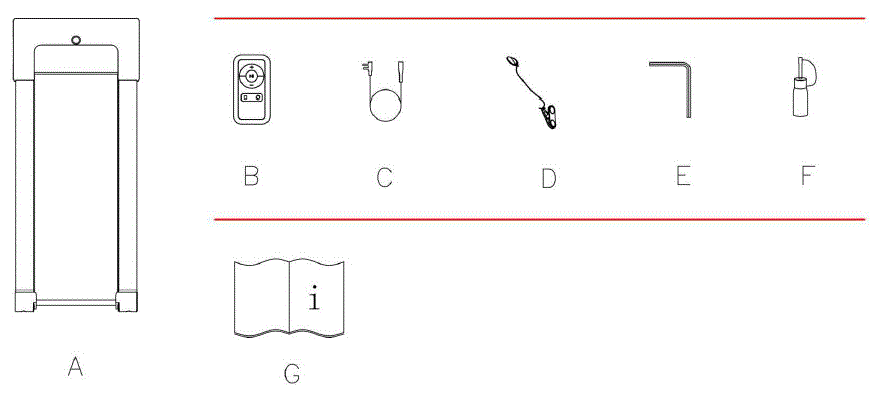
CARTON CONTENTS
| No. | Description | Specification | Qty |
| A | Walking treadmill | 1 | |
| B | Remote control | 1 | |
| C | Power wire | 1 | |
| D | Safety key | 1 | |
| E | Wrench | 1 | |
| F | Lubricant Oil | 20ml/bottle | 1 |
| G | Manual | 1 |
FUNCTION INSTRUCTIONS
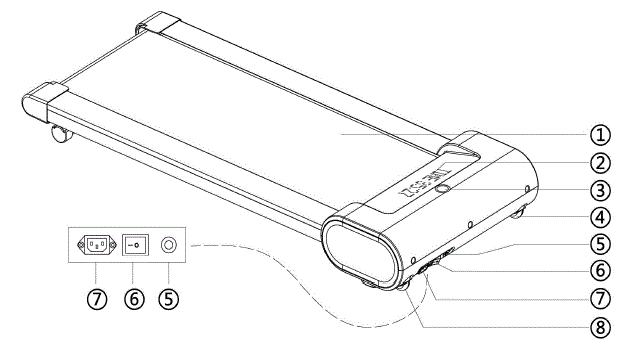
WALKING TREADMILL
- WALKING BELT
- DISPLAY PANEL
- SAFETY KEYHOLE
- WHEEL
- OVERLOAD PROTECTOR BUTTON
- SQUARE SWITCH
- POWER SOCKET
- WHEEL
LED WINDOW DISPLAY

Displays time Display speed Display distance Display calories Display steps
| PROGRAMS | Initial | Default Value | Set Range | Display Range |
| TIME(MIN:SECOND) | 0 | – | – | 0:00–59:59(MIN) /1:00-18:00 (HOUR) |
| SPEED(KM/H) | 0.0 | 0.8 | 0.8-6.0 | 0.8-6.0 |
| DISTANCE(KM) | 0 | – | – | 0.0–99.9 |
| STEP | 0 | – | – | 0-99999 |
| CALORIE(KCAL) | 0 | – | – | 0–9999 |
REMOTE CONTROL FUNCTIONS
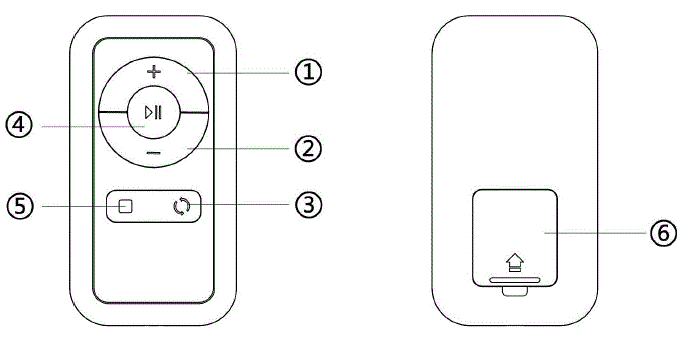
Note: If the treadmill does not respond to the remote control, you will need to resync the treadmill and remote control. To sync the remote control with the treadmill, press the switch button to switch off the treadmill first, then press the switch button to switch on the treadmill, meanwhile, hold on (Keep pressing around 5 seconds) START/PAUSE button before power on till you hear one “BI” sound from the treadmill that means the remote control was connected to treadmill successfully. then the user could start working out.
- SPEED + BUTTONS: Press this button to increase the speed.
- SPEED – BUTTONS: Press this button to decrease the speed.
- DISPLAY SWITCH BUTTON: When in use, you can press this button to switch
the display between time, distance, calories, steps, and speed value. - START/PAUSE BUTTON: Press this button to start or pause the machine.
- STOP BUTTON: Press this button to stop the machine.
- BATTERY COVER
NOTE: When attempting to get off of the treadmill but you do not press the Start/Pause button, the treadmill will stop automatically within 10 seconds. If you want to continue exercising, restart the treadmill.
LUBRICATION REMINDER
Your treadmill needs lubrication maintenance every 300 KM. The system will release a beeping sound every 10 seconds and display an “OIL” icon on your display to remind you when it’s time. Please read the LUBRICATING THE TREADMILL on Page 12 to learn the proper steps to lubricating your machine. Apply the lubricating oil to the middle of the running deck on both sides. After application, press and hold the STOP button for 3 seconds to clear the reminder.
POWER SAVE FUNCTION
When the treadmill has been idle for 10 minutes, it will enter Power Saving Mode. While the treadmill is in this mode, the window display of the computer will be turned off. To turn it back on, press any button.
 POWER ON
- Flick the power switch to this symbol to turn on the treadmill.
 POWER OFF
- Flick the power switch to this symbol to turn the treadmill off at any time. This includes exercise.
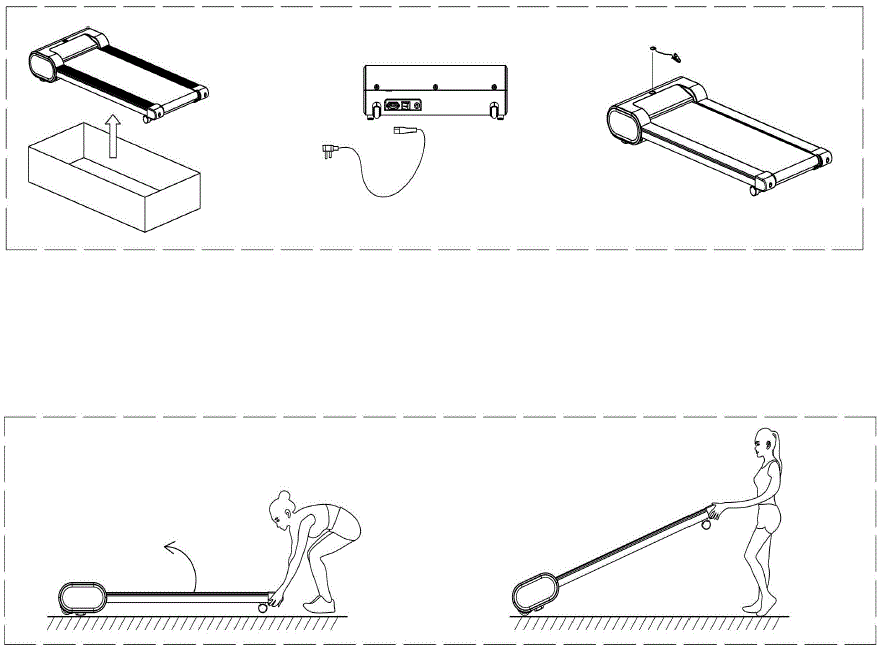
OPERATING INSTRUCTIONS
TROUBLE SHOOTING
| PROBLEM | POSSIBLE CAUSE | SUGGESTED ACTION |
|
The treadmill will not start | Not plugged in | Plug the cord into an outlet |
| Safety Key not inserted | Insert Safety Key | |
| The running belt is not centered | Running belt tension is not correct on the left or right sides of the running board | Tighten the adjustment bolts on the left and right sides of the rear roller |
|
Computer not working | Wires from the computer | Check wire connections |
| and bottom control board not properly connected. | from the computer to the control board. | |
| Transformer is damaged | If the transformer is damaged, contact customer service. | |
|
0001 ERROR: Message failure |
Wires from the computer and bottom control board are not properly connected. | Check wire connections from the computer to the control board. If the wire has been punctured or damaged, you will need to replace it. If the problem is not rectified, you may need to replace the control board. |
| 0002 ERROR: Burst clash protection | The incoming voltage is lower than 50% of the required voltage. | Check that the incoming power supply is the correct voltage. |
| 0005 ERROR: Current overload protection (Self Protecting System) | The incoming voltage is too low or too high. The control board is damaged. | Restart the treadmill. Check the incoming voltage to ensure it’s correct. Check the control board, and replace if damaged. |
| A moving part of the treadmill is stuck and therefore the motor is unable to rotate properly. | Inspect moving parts of the treadmill to ensure that they are operating correctly. Check the motor, listen for strange noises,s and check for a burning smell. Replace the motor if necessary. | |
|
0006 ERROR: Motor Abnormality |
The motor wire is not connected or the motor is damaged. | Check motor wires to see if the motor is connected. If the wire has been punctured or damaged, you will need to replace it. If the problem is not rectified, you may need to replace the motor |
|
0008 ERROR: Control Board Abnormality |
The control board is not connected. | Check the upper and middle wires to see if the control board is connected. If the wire has been punctured or damaged, you will need to replace it. If the problem is not rectified, you may need to replace the control board. |
|
0009 ERROR: Inversion error |
The treadmill sets upright or not placed horizontally | Adjust the treadmill and place it horizontally. |
| The wires of the control board can not connect well, replace a new control board. | ||
|
0010 ERROR: Motor Abnormality | The motor is damaged or a moving part of the treadmill is stuck and therefore the motor is unable to rotate properly. | Inspect moving parts of the treadmill to ensure that they are operating correctly. |
| Replace the motor if necessary. |
MAINTENANCE & CARE
Clean the machine
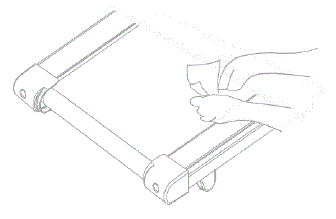
General cleaning will help prolong the life and performance of your treadmill. Keep the unit clean and maintained by dusting the components on a regular basis. Clean both sides of the running belt to prevent dust from accumulating underneath the belt. Keep your running shoes clean so that dirt from your shoes does not wear out the running board and belt. Clean the surface of the running belt with a clean damp cloth.
Adjust the walking belt
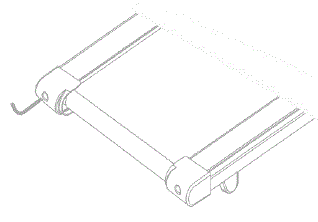
Place the treadmill on level ground and set it at 4kmph to check if the Walking Belt (No. C07) drifts.
- If the Walking Belt (No. C07) moves to the left, turn the adjusting bolt on the left side 1/2 turn clockwise,
- If the Walking Belt (No. C07) moves to the right, turn the adjusting bolt on the right side 1/2 turn clockwise,
- If the Walking Belt (No. C07) will loosen. To tighten the belt turn the Left & Right side adjustment bolts 1/2 turn clockwise.
Walking belt lubricant
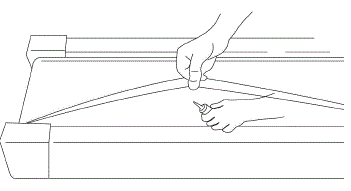
Lubricating the walking board and walking belt is essential as the friction between the two affects the life span and function of the treadmill, therefore it is suggested that the running board and belt be inspected regularly.
- Raise the belt up on one side and apply lubricant to the running deck. Use a rag to thoroughly wipe the lubricant over the running deck.
- Repeat this process for the other side.
EXPLODED DRAWING
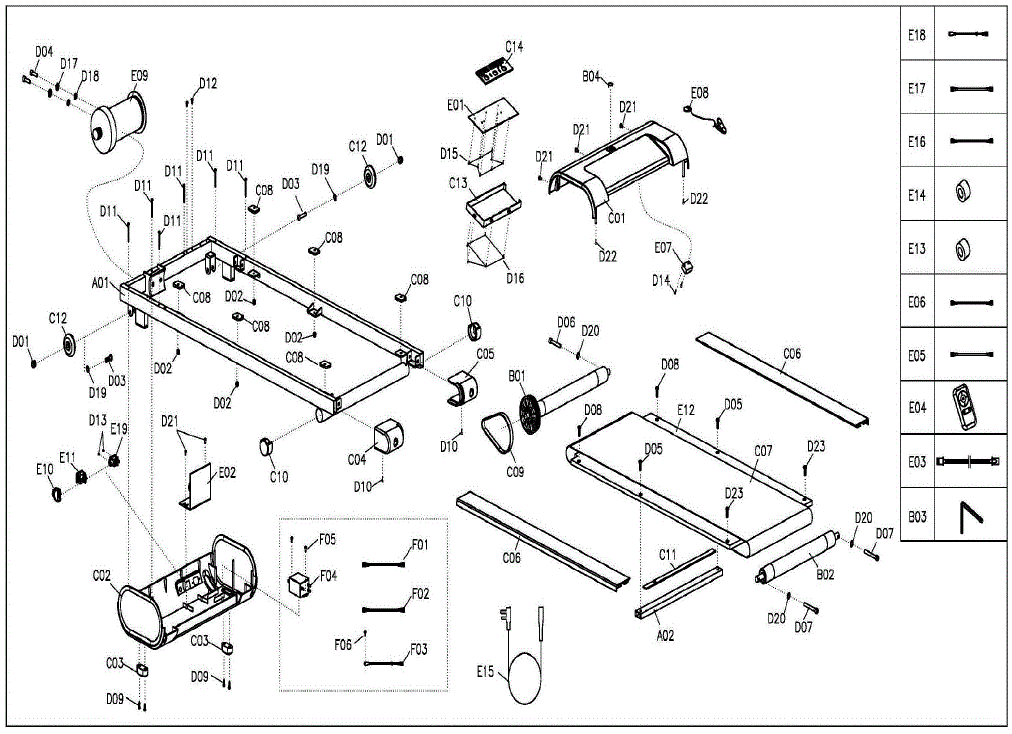
PARTS LIST
| No. | Description | Specification | Qty | No. | Description | Specification | Qty |
| A01 | Main frame | 1 | D15 | Screw | ST2.5*6.0 | 8 | |
| A02 | Running board strengthen tube | 1 | D16 | Screw | ST2.9*6 | 5 | |
| B01 | Front roller | 1 | D17 | Spring Washer | 8 | 2 | |
| B02 | Rear roller | 1 | D18 | Flat Washer | 8 | 2 | |
| B03 | Allen wrench | 5mm | 1 | D19 | Washer | 8 | 2 |
| B04 | Safety key plate | 1 | D20 | Washer | 6 | 3 | |
| C01 | Motor top cover | 1 | D21 | Screw | ST4.2*12(head with washer) | 5 | |
| C02 | Motor bottom cover | 1 | D22 | Screw | ST4.2*20 | 2 | |
| C03 | Footpad | 2 | D23 | Bolt | M6*25 | 2 | |
| C04 | Left End Cap | 1 | E01 | Console | 1 | ||
| C05 | Right End Cap | 1 | E02 | Control Board | 1 | ||
| C06 | Side Rail | 2 | E03 | Console communication wire | 1 | ||
| C07 | Running Belt | 1 | E04 | Remote control | 1 | ||
| C08 | Rubber cushion | 6 | E05 | AC Single Line | Blue | 1 | |
| C09 | Motor Belt | 1 | E06 | AC Single Line | Brown | 2 | |
| C10 | C shape foot pad 2 | 2 | E07 | Speed sensor | 1 | ||
| C11 | Big rubber washer | 1 | E08 | Safety key | 1 | ||
| C12 | Adjustable wheel | 2 | E09 | Motor | 1 | ||
| C13 | Console board cover | 1 | E10 | Overload Protector | 1 | ||
| C14 | Optical grating | 1 | E11 | Square Switch | 1 | ||
| D01 | Nut | M8 | 2 | E12 | Running board | 1 | |
| D02 | Nut | M6 | 4 | E13 | Magnetic Ring | 1 | |
| D03 | Bolt | M8*40 | 2 | E14 | Magnetic Core | 1 | |
| D04 | Bolt | M8*15 | 2 | E15 | Power Wire | 1 | |
| D05 | Bolt | M6*46 | 2 | E16 | AC Single Line | Blue | 1 |
| D06 | Bolt | M6*45 | 1 | E17 | AC Single Line | Brown | 1 |
| D07 | Bolt | M6*55 | 2 | E18 | Grounding Wire | 1 | |
| D08 | Bolt | M6*28 | 2 | E19 | Power socket | 1 | |
| D09 | Bolt | M5*16 | 4 | F01 | AC Single Line | Optional | 1 |
| D10 | Bolt | M5*12 | 2 | F02 | AC Single Line | Optional | 1 |
| D11 | Screw | ST4.2*50 | 6 | F03 | Grounding Wire | Optional | 1 |
| D12 | Screw | ST4.2*12 | 2 | F04 | Filter | Optional | 1 |
| D13 | Screw | ST2.9*8.0 | 2 | F05 | Screw | ST4.2*12,Optional | 2 |
| D14 | Screw | ST2.9*8.0 | 2 | F06 | Screw | ST4.2*12,Optional | 1 |